
iPhone 스크린샷
새로운 기능
버전 2.15 ·
- Support iPhone Duo. - Rewrite Anybox Keyboard to fit modern iOS design. - Fix some minor issues.
개발자가 이 내용을 한국어로 제공하지 않았습니다.
App Store 설명개발자가 작성한 내용입니다.
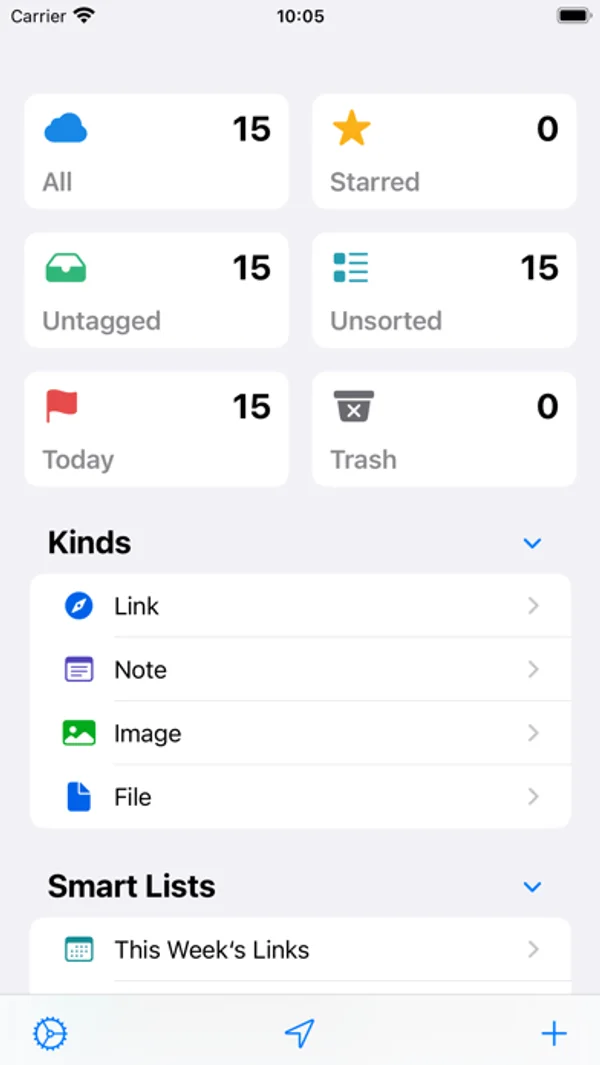
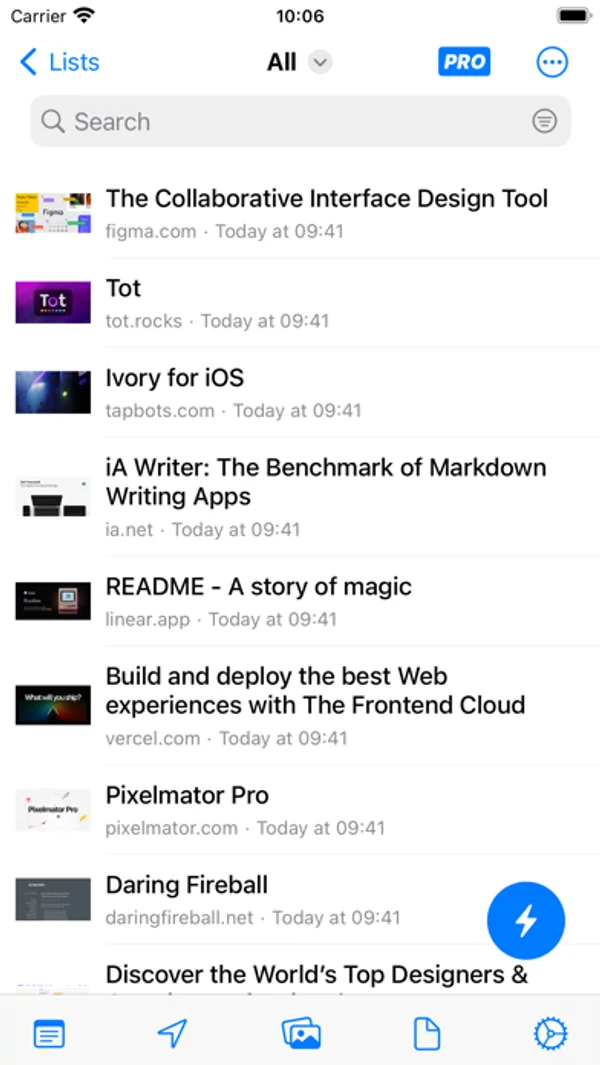
# Features 1. Get your bookmarks on iPhone, iPad, and Mac. 2. Search your bookmarks with Spotlight. 3. Use Anybox keyboard to quickly input your frequently used links and notes. 4. Categorize bookmarks with nested tags and folders. 5. Create Smart Lists to automatically organize bookmarks with attributes like URL and added date. 6. Support images, files, and notes. Easily retrieve frequently used images and notes. 7. Track your reading list with Widgets. Or save clipboard to specified collections. 8. Save links with system-wide share extensions. Just native experience. 9. Sync via iCloud. No personal data collected. 10. Import your bookmarks from browsers or other third-party apps. Anybox offers lifetime plan and subscription plans as a universal purchase, which means you only need to purchase once for all the platforms (iOS/macOS/iPadOS) Anybox support. You can choose one of these plans to save unlimited items in the app. Privacy Policy: https://anybox.app/privacy-policy Terms of Service: https://anybox.app/terms-of-service
iPhone Duo에서의 Anybox - Bookmark & Read Later: 자주 묻는 질문
Anybox - Bookmark & Read Later은(는) iPhone Duo에 최적화되어 있나요?
개발자 또는 스토어가 iPhone Duo 지원을 안내합니다.
Anybox - Bookmark & Read Later의 가격은 얼마인가요?
Anybox - Bookmark & Read Later은(는) App Store에서 무료로 다운로드할 수 있습니다.
다른 생산성 앱
모두 보기 ›
걸리는 시간별로 할 일을 분류하는 차분한 할 일 목록 겸 종이 스타일 플래너

월간 달력과 일정 목록, 분할 보기로 일정과 일기를 관리합니다.

타자기 키보드와 녹음된 키 소리, 캐리지 동작으로 글을 씁니다.

대화를 녹음하고 전사해 요약과 실행 항목, 후속 문안을 만듭니다.

iPhone Duo의 두 디스플레이에 맞춘 레이아웃을 갖춘 작업·프로젝트 관리 앱

펼치면 메시지와 받은 편지함을 나란히 보여 주는 Readdle의 통합 받은 편지함