
iPhone 스크린샷
iPad 스크린샷
iPhone Duo 활용 방식
1.11.26 버전 릴리스 노트에 따르면 이 앱은 iPhone Duo용으로 만들어졌습니다. 기기를 펼치면 촬영일이 두 페이지로 펼쳐져, 왼쪽에는 지금 진행 중인 내용이, 오른쪽에는 그날의 나머지 일정이 표시됩니다. 기기를 접어도 앱은 보던 위치를 유지합니다. 아직 실기기에서 테스트하지 않았습니다.
새로운 기능
버전 1.11.27 ·
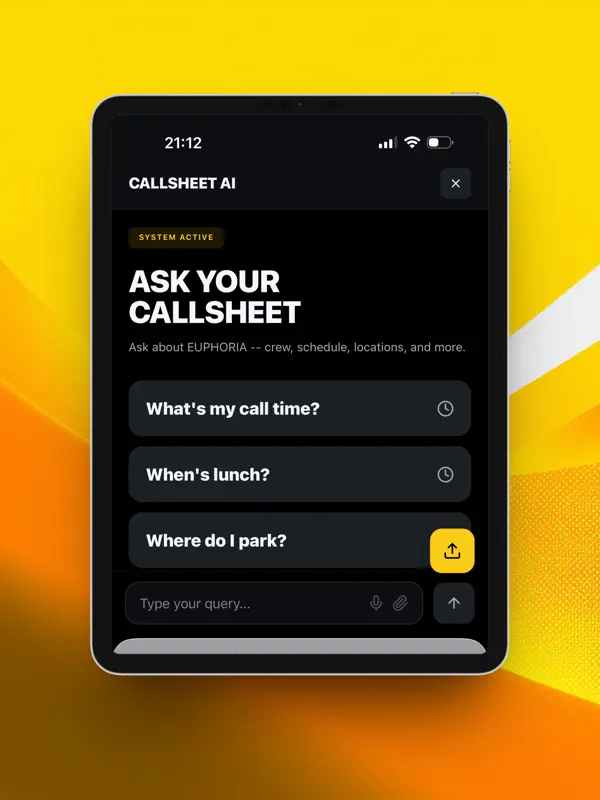
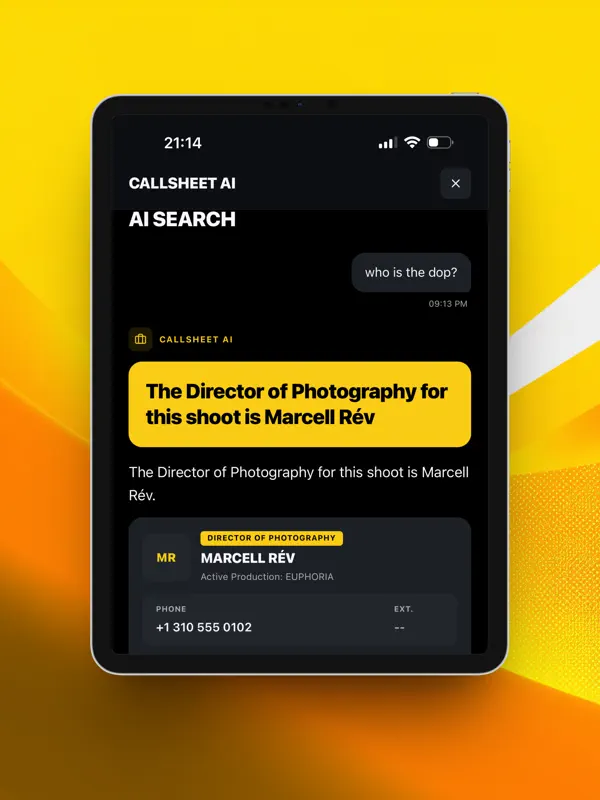
Search is back at the top of All Days. Matches appear as you type, even without signal, or ask a question and follow up on the answer. Forwarding call sheets by email is easier to set up: steps for your own mail service, the steps by email for your computer, a notification when the confirmation code arrives, and the address saved as a contact. A PDF holding several shoot days that comes back as one day is now refused and the credit refunded.
개발자가 이 내용을 한국어로 제공하지 않았습니다.
앱 소개
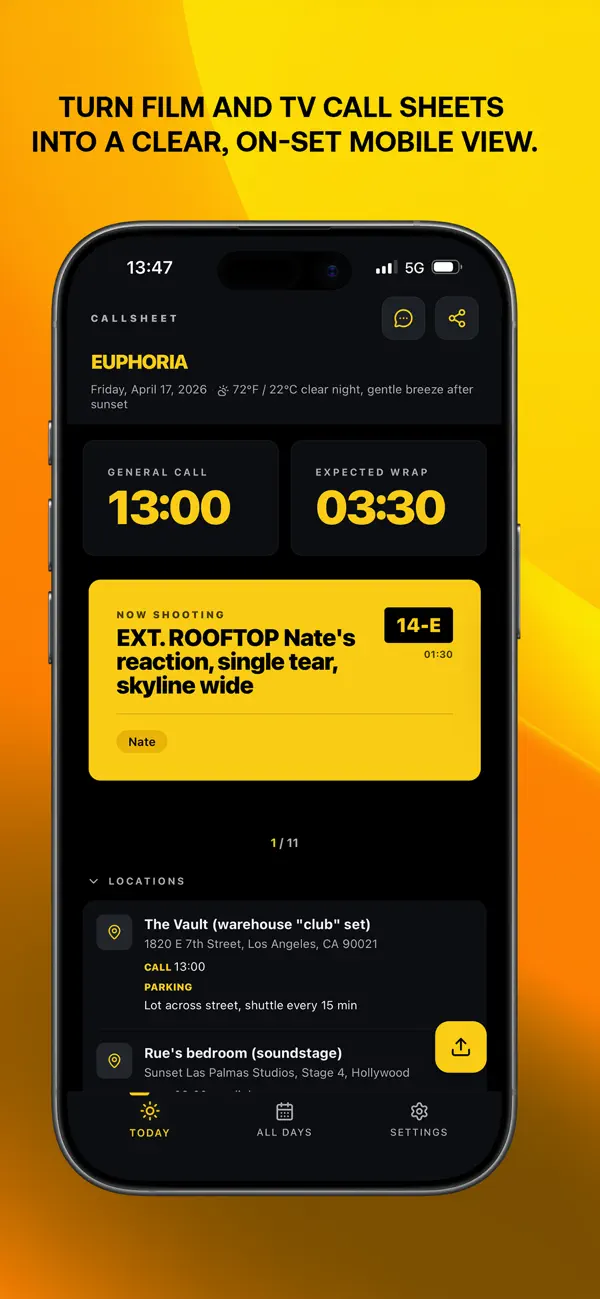
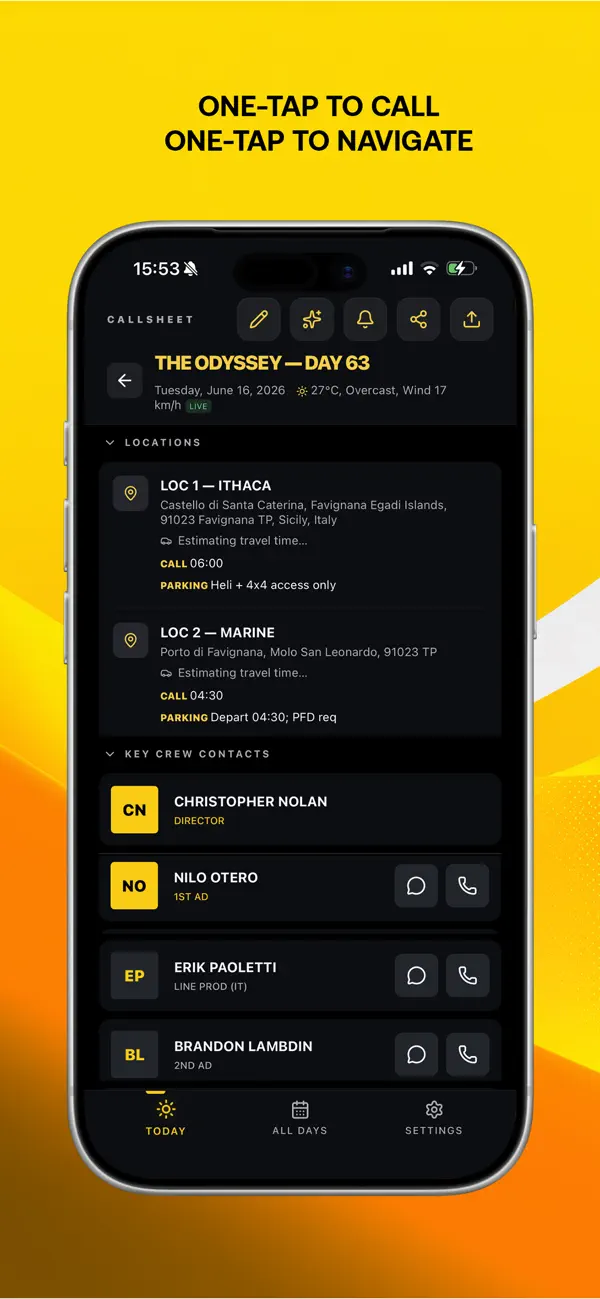
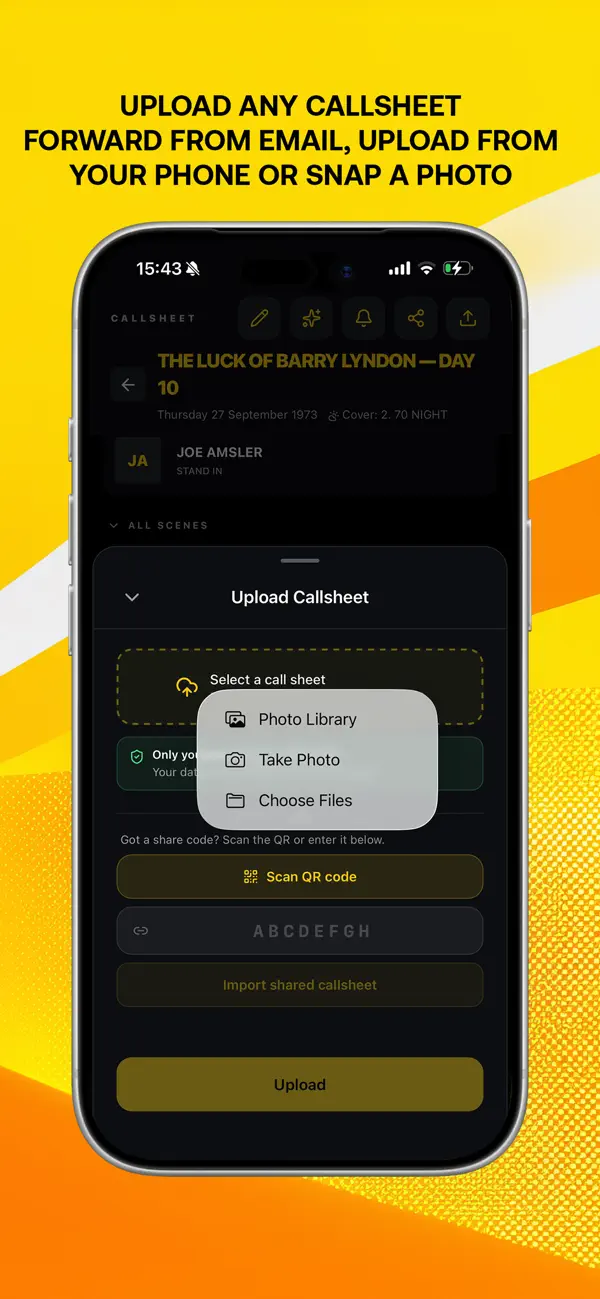
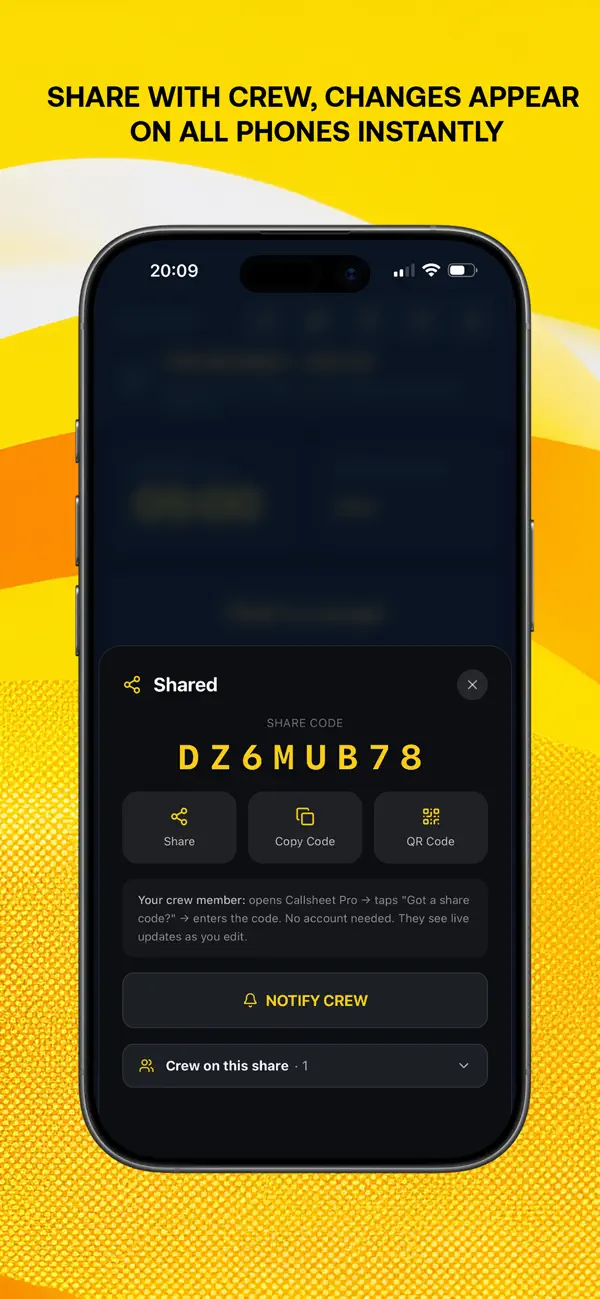
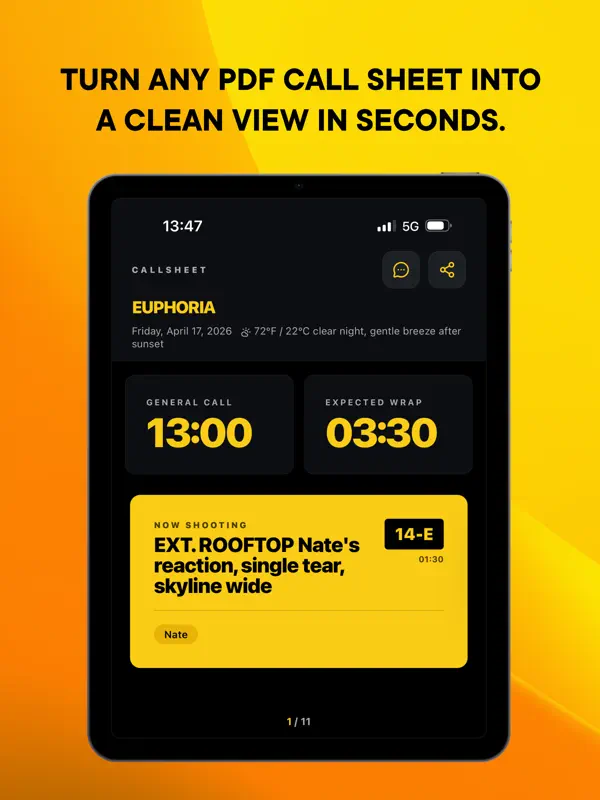
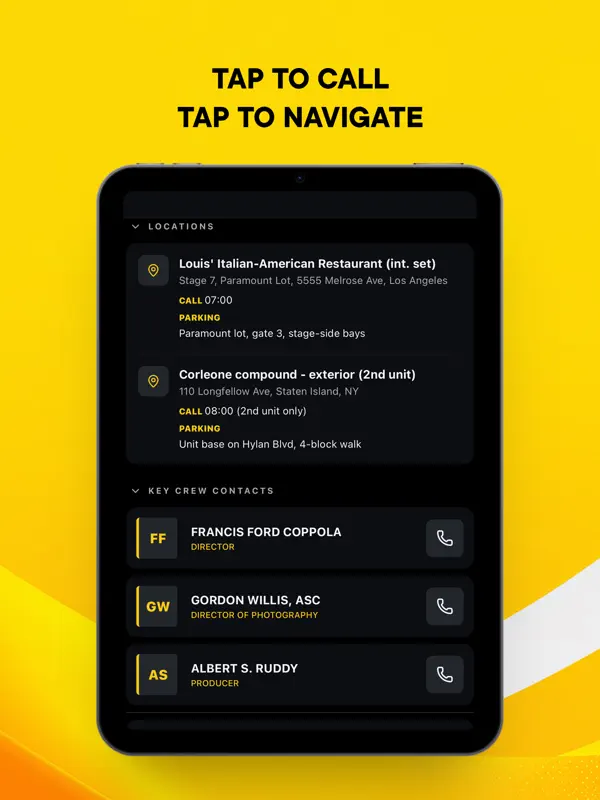
독립 개발자 Victor Vroegindeweij가 만든 Callsheet Pro는 제작 현장에서 이미 배포하는 콜시트를 읽어 주는 영화·TV 제작진용 생산성 앱입니다. 이름이 비슷한 크루 호출 앱이나 출연진·제작진 디렉터리 앱과는 별개의 앱입니다. 콜시트를 만들거나 스태프를 찾는 대신, PDF, Word, Excel 파일이나 인쇄된 종이를 찍은 사진에서 호출 시간, 스태프, 장소, 일정, 장면, 메모를 어떤 언어든 추출합니다. 그 결과 지금 촬영 중인 것, 다음 순서, 예상 종료 시각을 보여 주는 실시간 촬영일 화면이 만들어지고, 내 호출 시간은 맨 위에 고정되며 한 번의 탭으로 연락처에 전화하거나 장소로 길 안내를 받을 수 있습니다. 열어 본 모든 콜시트를 일상어로 검색하고, 사진이 포함된 비공개 메모를 남기며, 촬영지의 실시간 날씨를 확인할 수 있습니다. 유료 Pro 기능으로는 링크, 코드, QR로 스태프와 실시간 수정이 반영되는 콜시트 공유, 수신자별 승인과 워터마크를 적용하는 제한적 공유 모드, 근무 시간, 초과 근무, 주행 거리, 비용을 기록해 PDF로 내보내는 작업 로그가 있습니다. 음향 팀을 위한 공유 무선 주파수 목록도 포함됩니다. 앱은 첫 동기화 이후 오프라인에서도 작동하며 6개 언어로 제공됩니다. 2026년 10월 18일 출시된 1.11.26 버전에서 iPhone Duo용 두 페이지 레이아웃이 추가되었습니다.
영어 원문을 번역한 내용입니다.
App Store 설명개발자가 작성한 내용입니다.
Callsheet Pro turns any call sheet into an instant, interactive shoot day. Crew, locations, schedule, and scenes at your fingertips. One tap to call. One tap to navigate. UPLOAD ANY FORMAT PDF, Word, Excel, or a photo of a printed sheet. Callsheet Pro extracts call times, crew, locations, schedule, scenes, and notes. Any language. FIND ANYTHING Ask in plain language. "Which day is the hospital scene?" Search covers every sheet you've opened, past shoots too. LIVE SHOOT DAY See what's shooting now, what's next, and when you wrap. Your own call time stays pinned at the top, and you can check off the schedule as the day moves. SHARE WITH YOUR CREW Send a link, code, or QR. Your crew sign in once and the sheet opens in the app, then stays with them on every device. Edits sync live. Notify everyone the moment something changes. (Pro) STEALTH SHARING For sheets that cannot leak. NDA per recipient, per-person approval, forensic watermarks, screenshot detection, and instant revoke. Every open logged. (Pro) NOTES Private notes with photos on any day. Export as a branded PDF. WORK LOG Track hours, overtime, travel, mileage, and expenses per day. Export a branded PDF with the call sheet attached, ready for invoicing. (Pro) AUDIO FREQUENCIES A shared wireless frequency list for the sound department, synced across the production. BUILT FOR FILM AND TV CREWS Directors, DPs, ADs, producers, sound, grip, gaffer. Everyone on set. • Edit any field with one tap (Pro) • Multi-day production grouping • Email forwarding from your inbox (Pro) • Live weather for the shoot location • App in English, Spanish, French, Portuguese, Japanese, and Chinese • Works offline after first sync • Dark mode designed for on-set use Terms of Use: https://share.callsheetpro.app/terms Privacy Policy: https://share.callsheetpro.app/privacy
주요 기능
- PDF, Word, Excel, 사진에서 콜시트 가져오기
- 지금, 다음, 종료 시각을 보여 주는 실시간 촬영일 화면
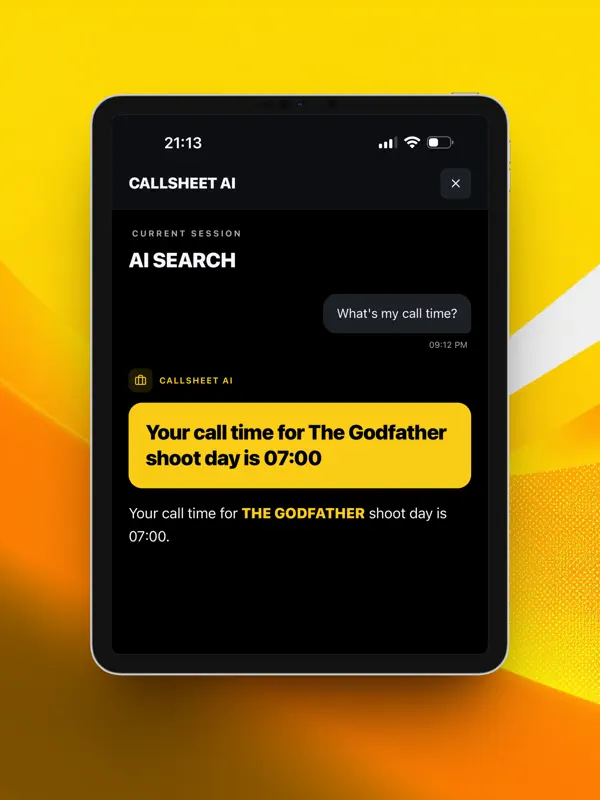
- 지난 콜시트 일상어 검색
- 실시간 수정이 되는 스태프 공유(Pro)
- PDF로 내보내는 작업 로그(Pro)
- iPhone Duo에서 펼치면 나타나는 두 페이지 레이아웃
iPhone Duo에서의 Callsheet Pro: 자주 묻는 질문
Callsheet Pro은(는) iPhone Duo에 최적화되어 있나요?
네. Callsheet Pro은(는) Duo 전용 설계 앱으로, 폴딩, Split View 또는 외부 디스플레이를 활용합니다. 2026년 10월 18일 확인(개발자 발표).
iPhone Duo에서 Callsheet Pro은(는) 어떻게 보이나요?
1.11.26 버전 릴리스 노트에 따르면 이 앱은 iPhone Duo용으로 만들어졌습니다. 기기를 펼치면 촬영일이 두 페이지로 펼쳐져, 왼쪽에는 지금 진행 중인 내용이, 오른쪽에는 그날의 나머지 일정이 표시됩니다. 기기를 접어도 앱은 보던 위치를 유지합니다. 아직 실기기에서 테스트하지 않았습니다.
Callsheet Pro의 가격은 얼마인가요?
Callsheet Pro은(는) App Store에서 무료 · 앱 내 구입입니다.
다른 생산성 앱
모두 보기 ›
걸리는 시간별로 할 일을 분류하는 차분한 할 일 목록 겸 종이 스타일 플래너

iPhone Duo의 두 디스플레이에 맞춘 레이아웃을 갖춘 작업·프로젝트 관리 앱

펼치면 메시지와 받은 편지함을 나란히 보여 주는 Readdle의 통합 받은 편지함

Cultured Code의 작업 관리 앱, iPhone Duo의 모든 자세에 맞게 재구성

iPhone Duo를 펼치면 열리는, 손글씨 느낌의 프라이빗 노트

북 자세와 탁상 자세에 맞춘 집중 타이머를 갖춘 시각적 타임라인 일일 플래너