
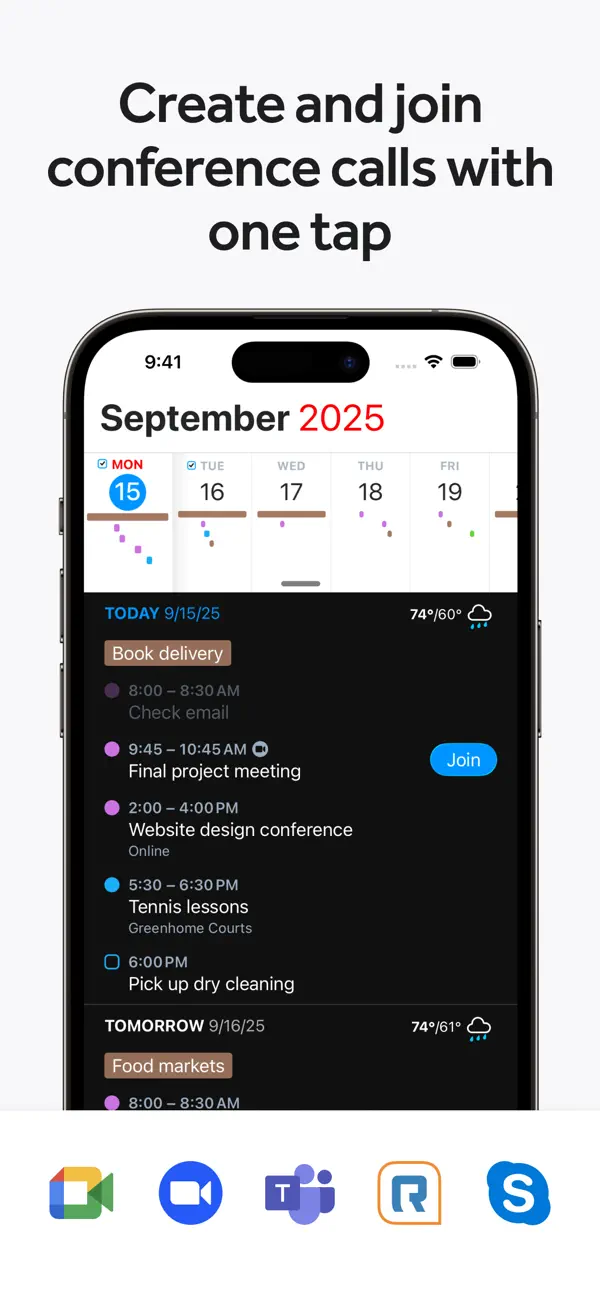
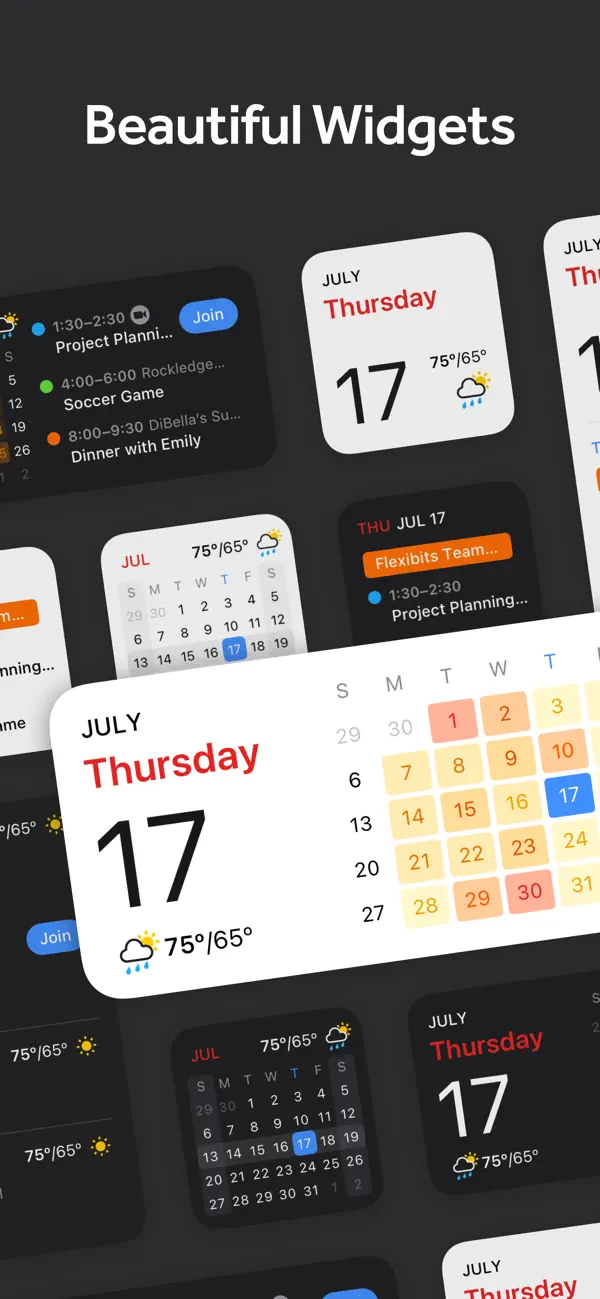
iPhone 스크린샷
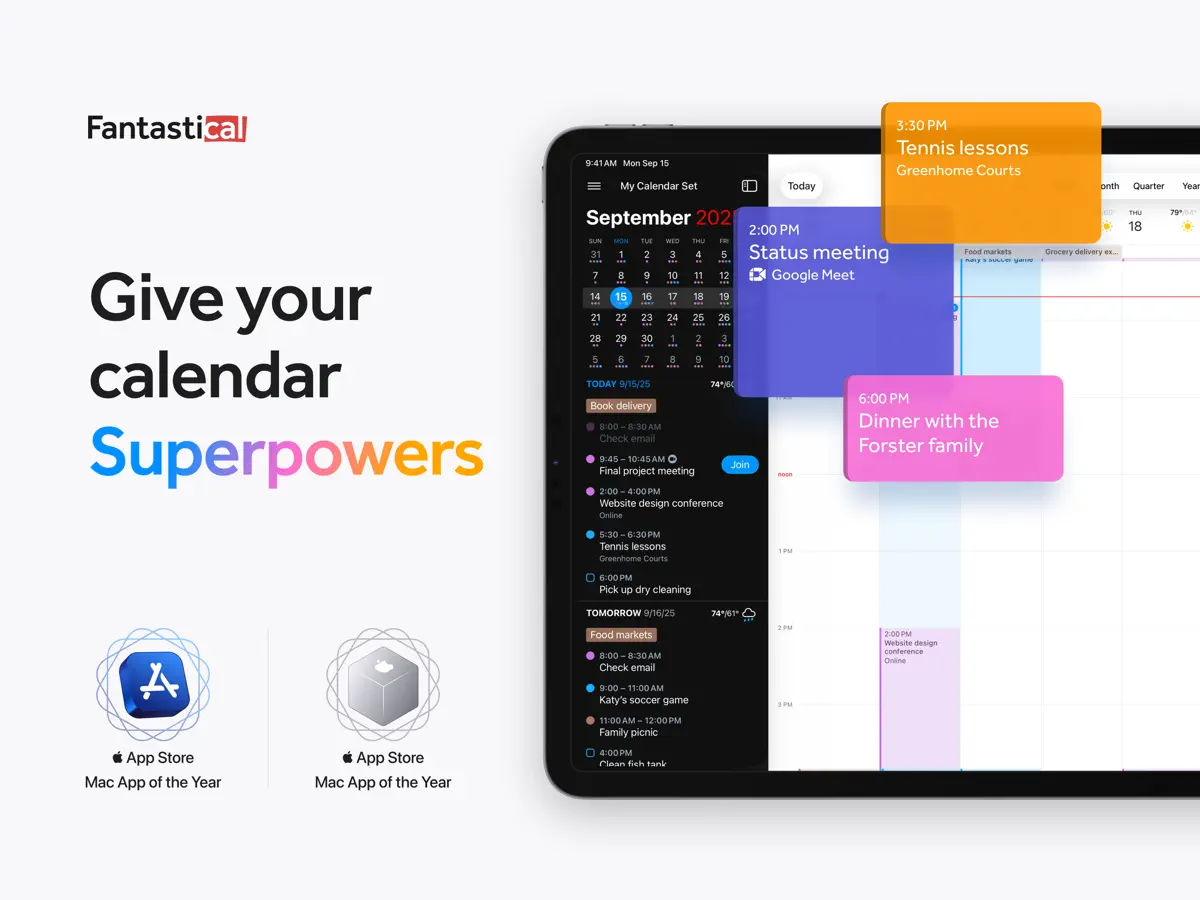
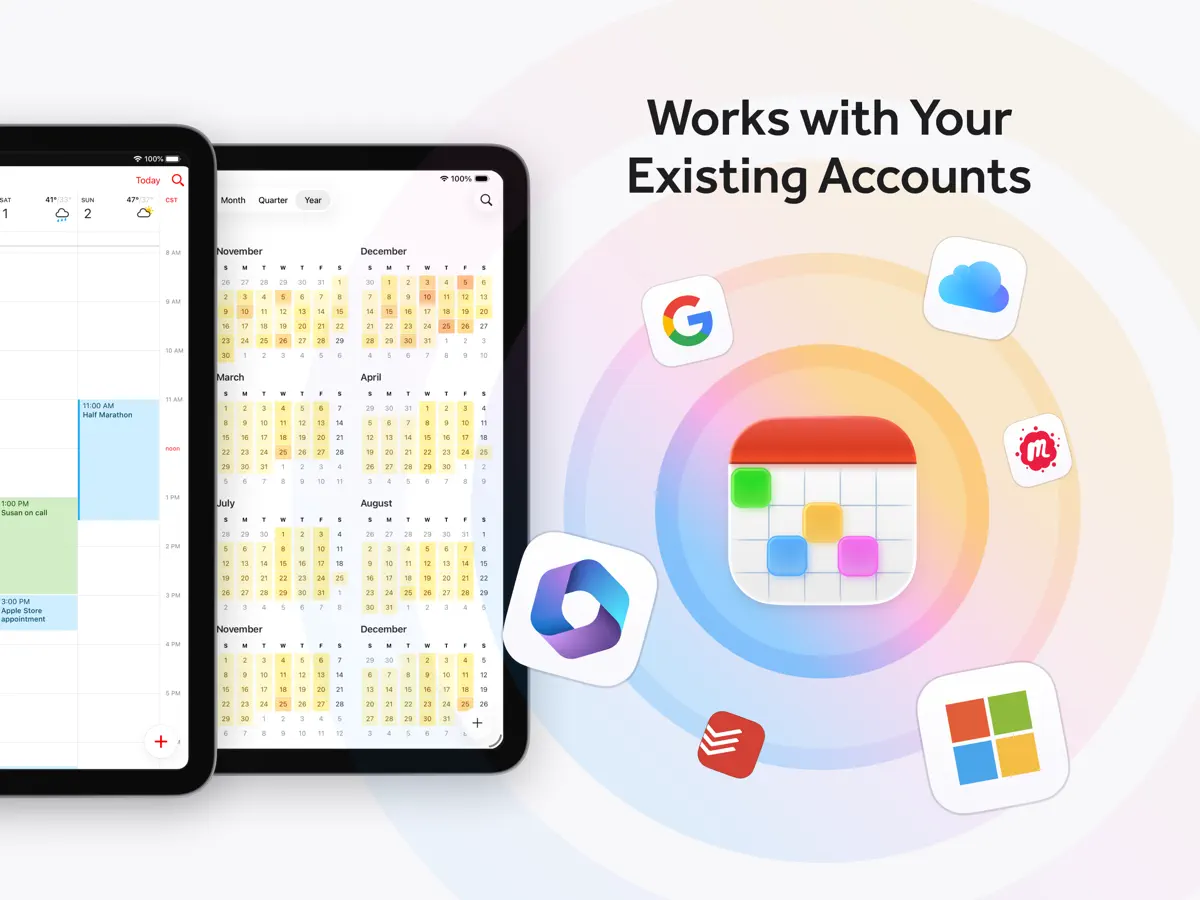
iPad 스크린샷
iPhone Duo 활용 방식
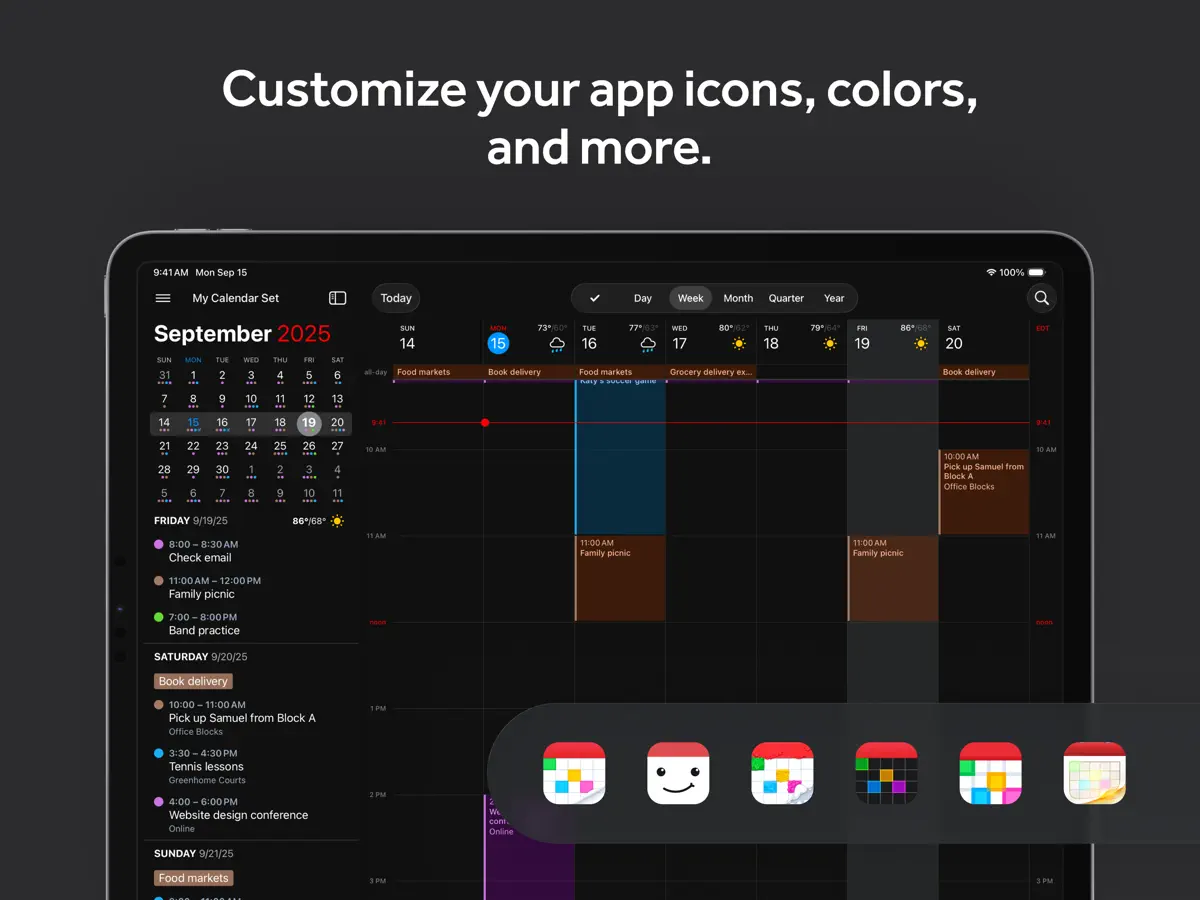
2026년 10월 13일 출시된 Fantastical 4.2.3의 App Store 릴리스 노트에는 'Added support for iPhone Duo'가 올라 있습니다. App Store 페이지에는 'Unfold a new, larger view'라는 문구가 담긴 짧은 'Fantastical for iPhone Duo' 홍보도 있는데, 기기를 열면 앱이 7.6인치 내부 디스플레이 전체를 활용한다는 의미로 보입니다. 그 외에는 Flexibits가 외부 디스플레이의 별도 레이아웃, Split View 기능, 반쯤 열린 모드 같은 접기 전용 동작을 설명하지 않았고, 2026년 10월 20일 기준 Flexibits 블로그에도 iPhone Duo 관련 글은 없었습니다. 아직 실기기에서 테스트하지 않았습니다.
새로운 기능
버전 4.2.4 ·
- Added support for iPhone Duo - Improved duration handling for Todoist tasks created with the natural language parser - The parser no longer erases manually set due dates when the new sentence doesn't include dates - Fixed an issue where creating a task in Todoist would add an extra alarm - Fixed an issue where calendar mirroring could trigger rate limiting from the calendar service - Various fixes and improvements By the way, App Store reviews are very helpful to us. If you think Fantastical is worthy, would you mind taking a moment to write a nice review? We'd greatly appreciate it. Thanks for using Fantastical! :)
개발자가 이 내용을 한국어로 제공하지 않았습니다.
앱 소개
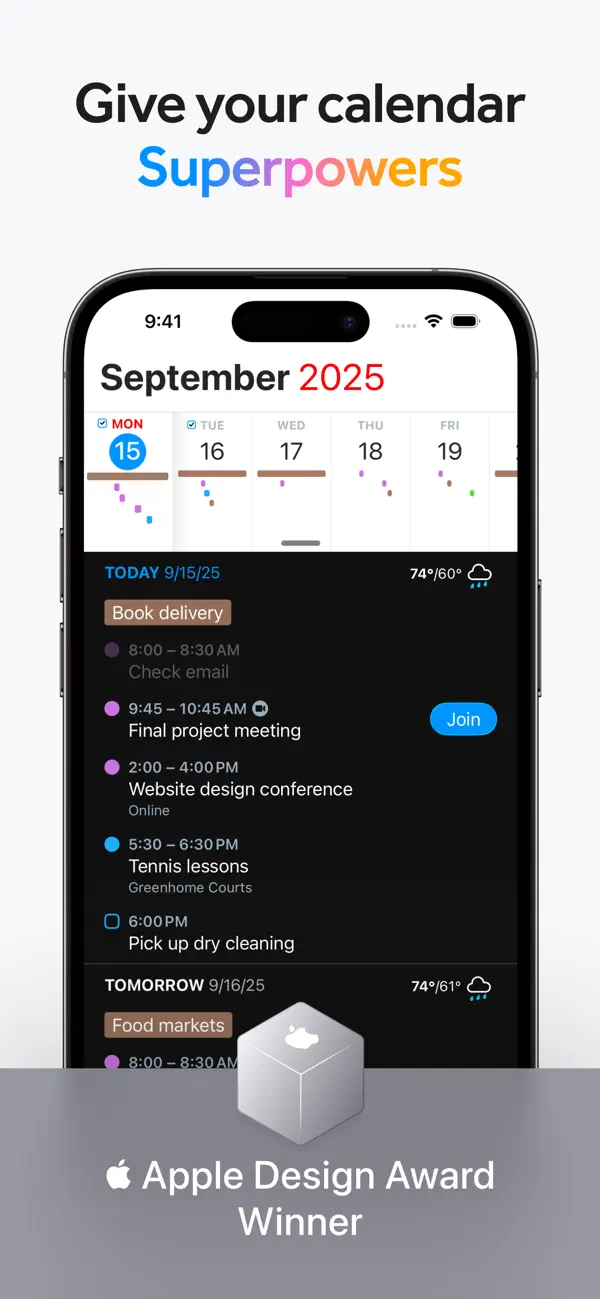
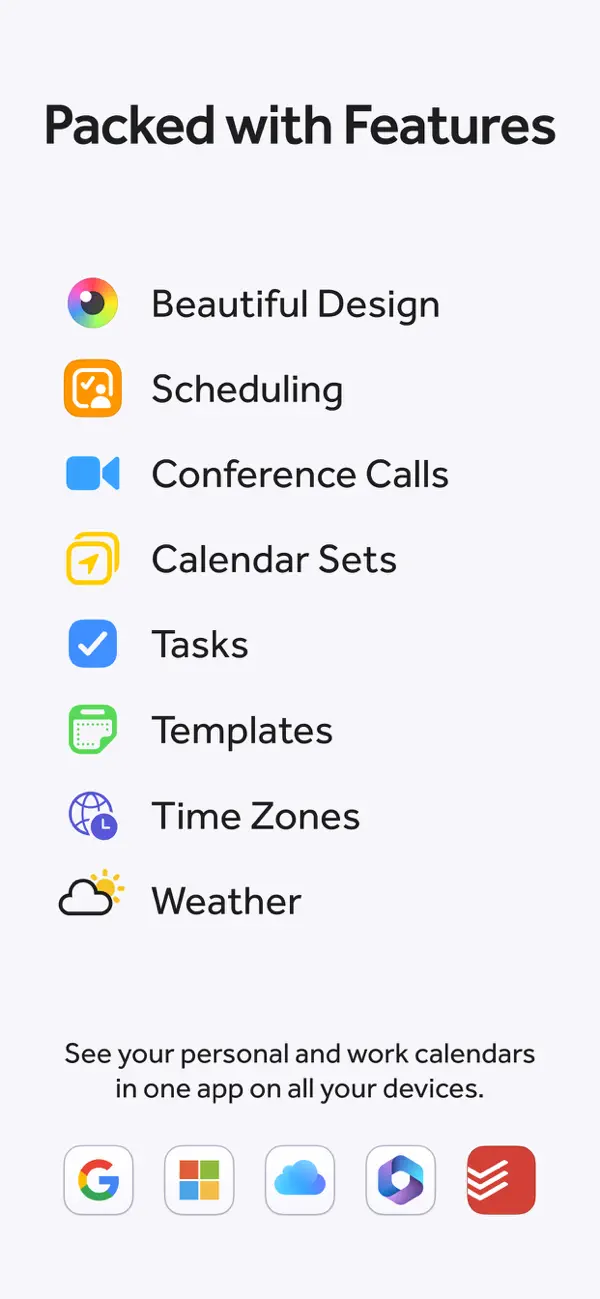
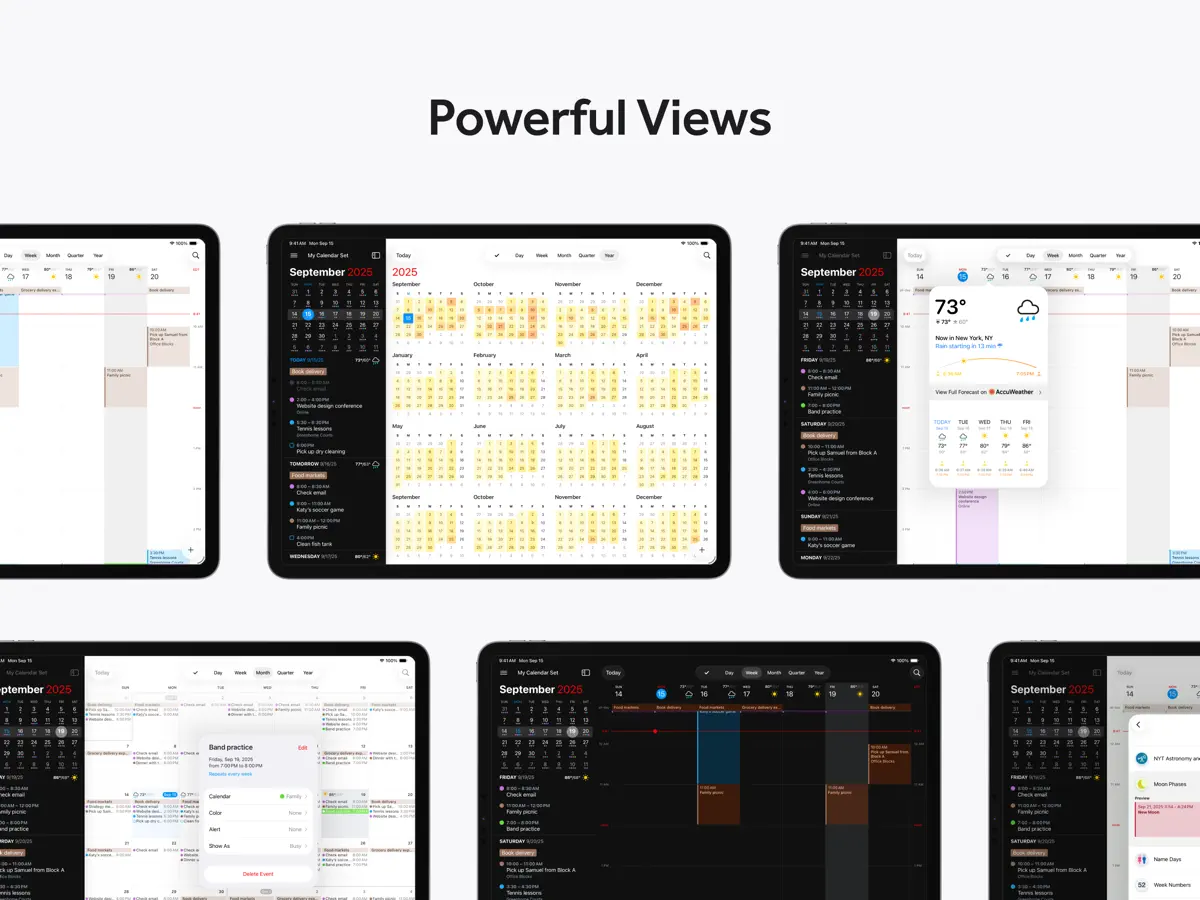
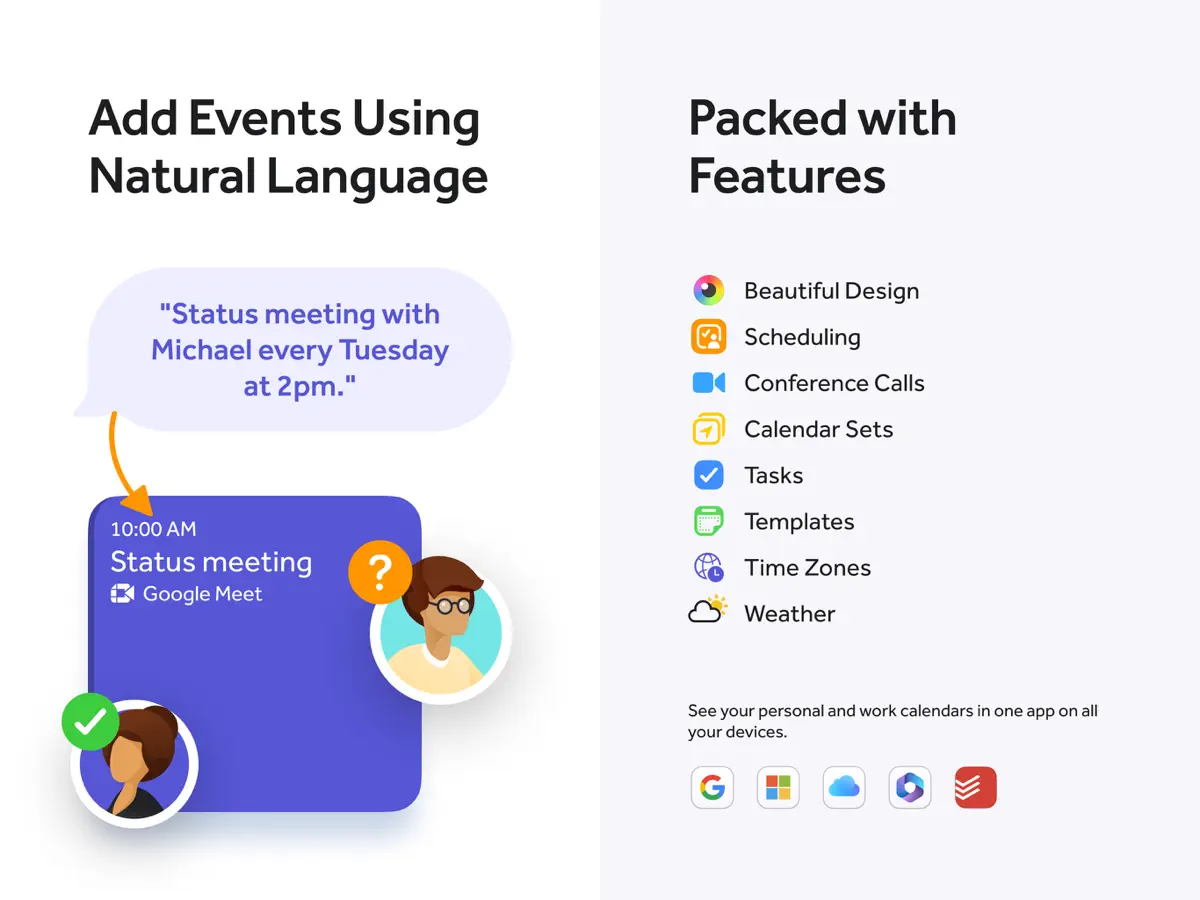
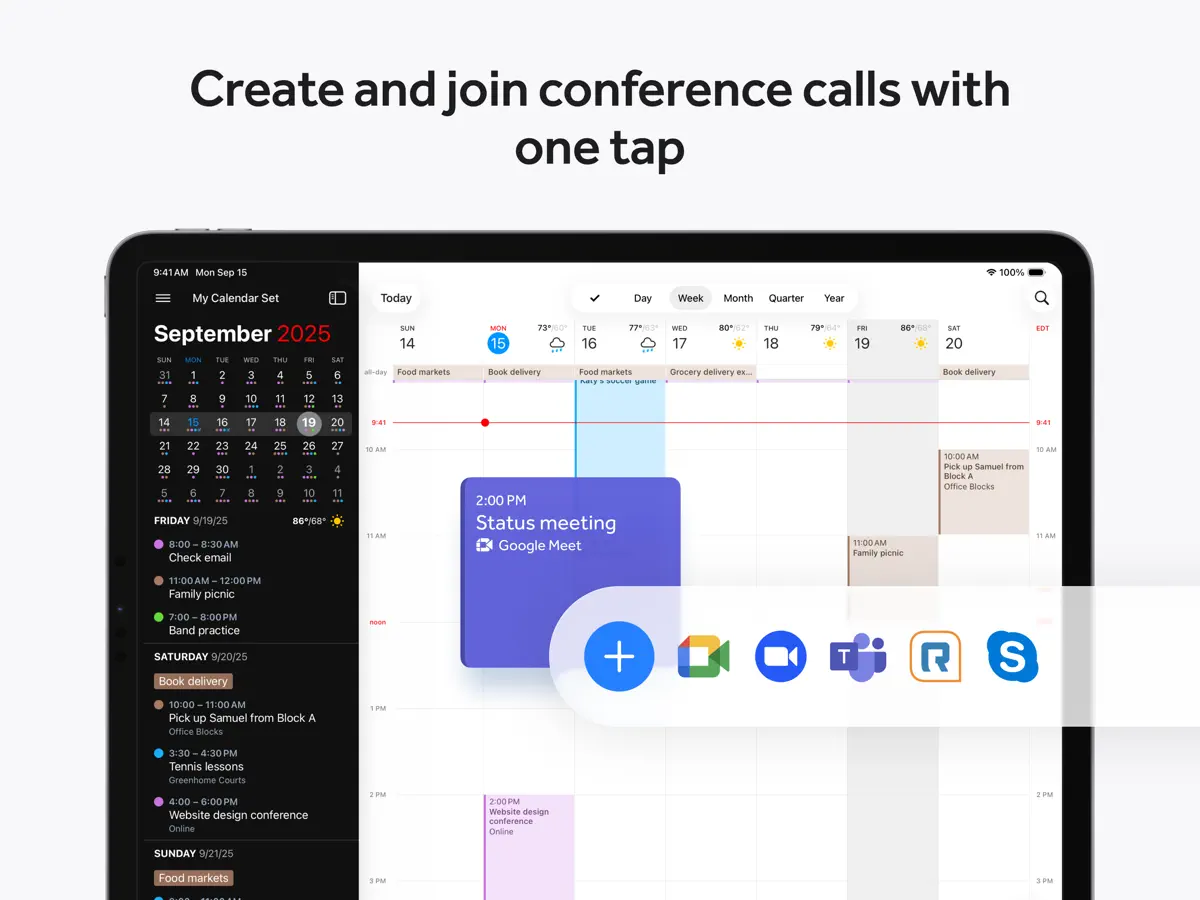
Fantastical은 Flexibits가 2013년 iPhone용으로 처음 선보인 캘린더·할 일 앱입니다. 대표 기능은 파서입니다. 시간과 장소가 있는 점심 약속 같은 문장을 입력하거나 말하면 앱이 이를 이벤트로 바꾸고, 문장이 'task'나 'remind me to' 같은 단어로 시작하면 할 일로 바꿉니다. 일정은 일, 주, 월, 분기, 연 단위로 볼 수 있고, 스크롤 가능한 DayTicker 목록은 다가오는 일정을 간결하게 보여 줍니다. iCloud, Google, Microsoft 365/Exchange 캘린더를 비롯한 기존 계정과 연동되며, Todoist와 Google Tasks 같은 서비스의 할 일을 이벤트와 함께 표시합니다. 기본 기능은 무료로 내려받아 쓸 수 있고, 인앱 구입으로 제공되는 Flexibits Premium 구독은 회의가 많은 사람을 위한 도구를 엽니다. 가능한 시간을 공유하는 Openings, 회의 제안, Zoom, Google Meet, Webex, Teams용 화상 통화 링크, 캘린더 그룹을 켜고 끄는 캘린더 세트, 확장된 날씨 예보 등이 그것입니다. 같은 구독으로 Mac, iPad, Apple Watch 버전도 이용할 수 있습니다. iPhone Duo의 경우, Flexibits는 2026년 10월 13일 게시된 4.2.3 버전 릴리스 노트에 'Added support for iPhone Duo'를 올렸고, App Store 페이지는 'Unfold a new, larger view.'라는 문구로 iPhone Duo용 앱을 홍보합니다. Flexibits는 폴더블 디스플레이에서 앱이 어떻게 동작하는지에 대한 자세한 설명을 아직 공개하지 않았습니다.
영어 원문을 번역한 내용입니다.
App Store 설명개발자가 작성한 내용입니다.
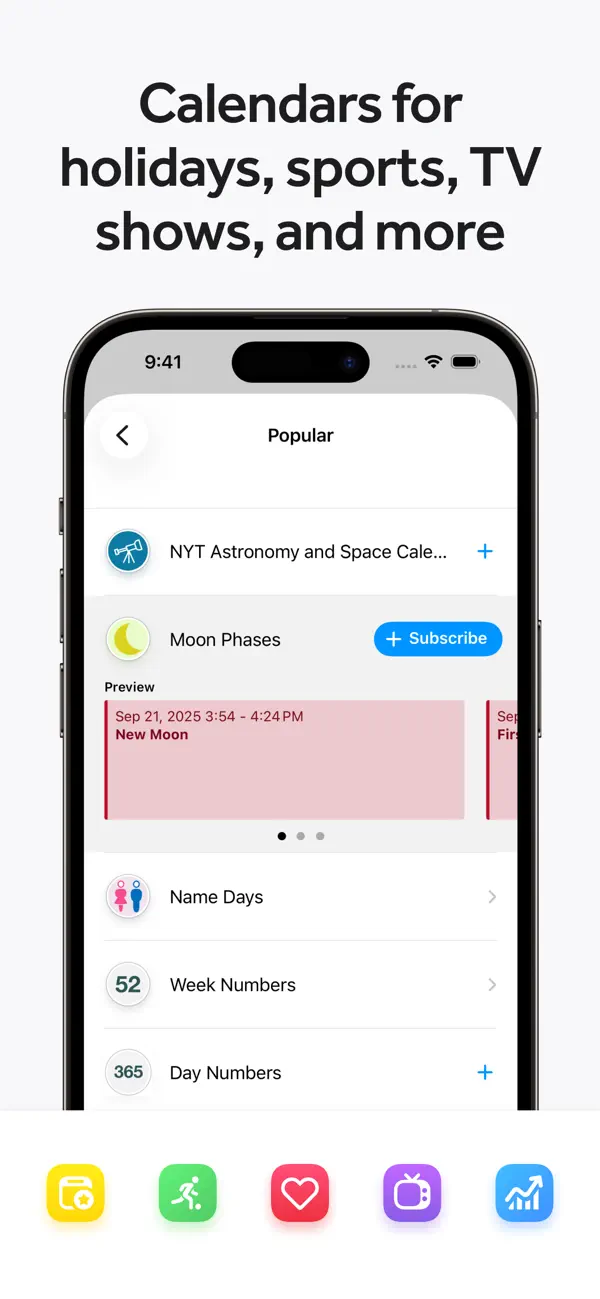
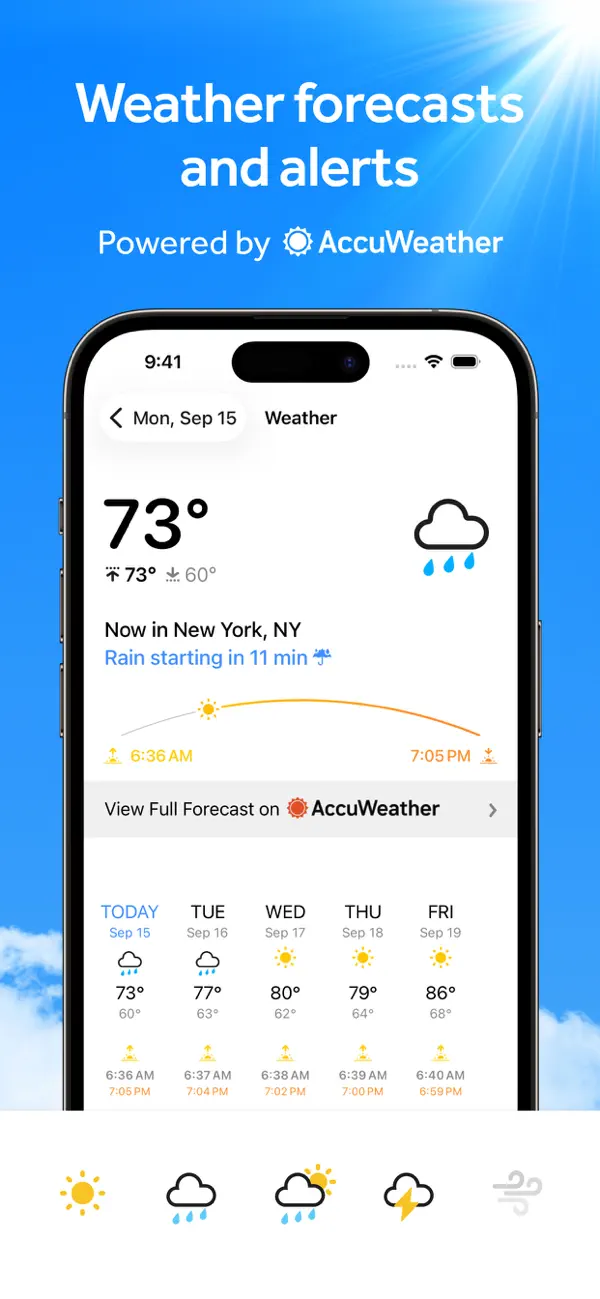
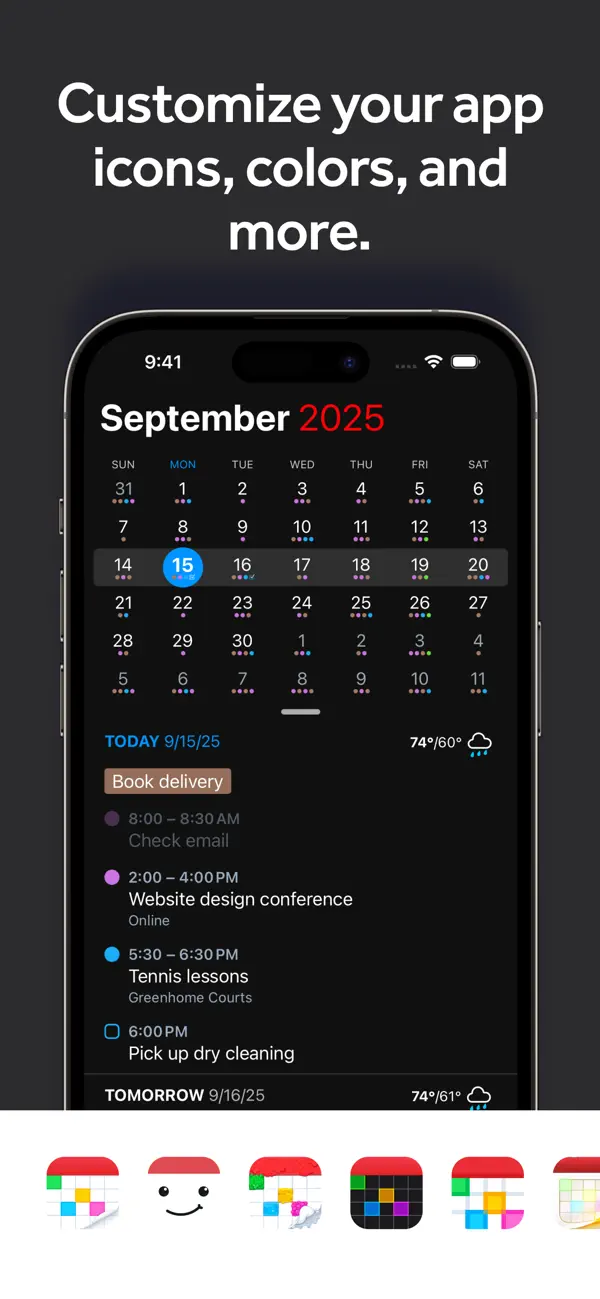
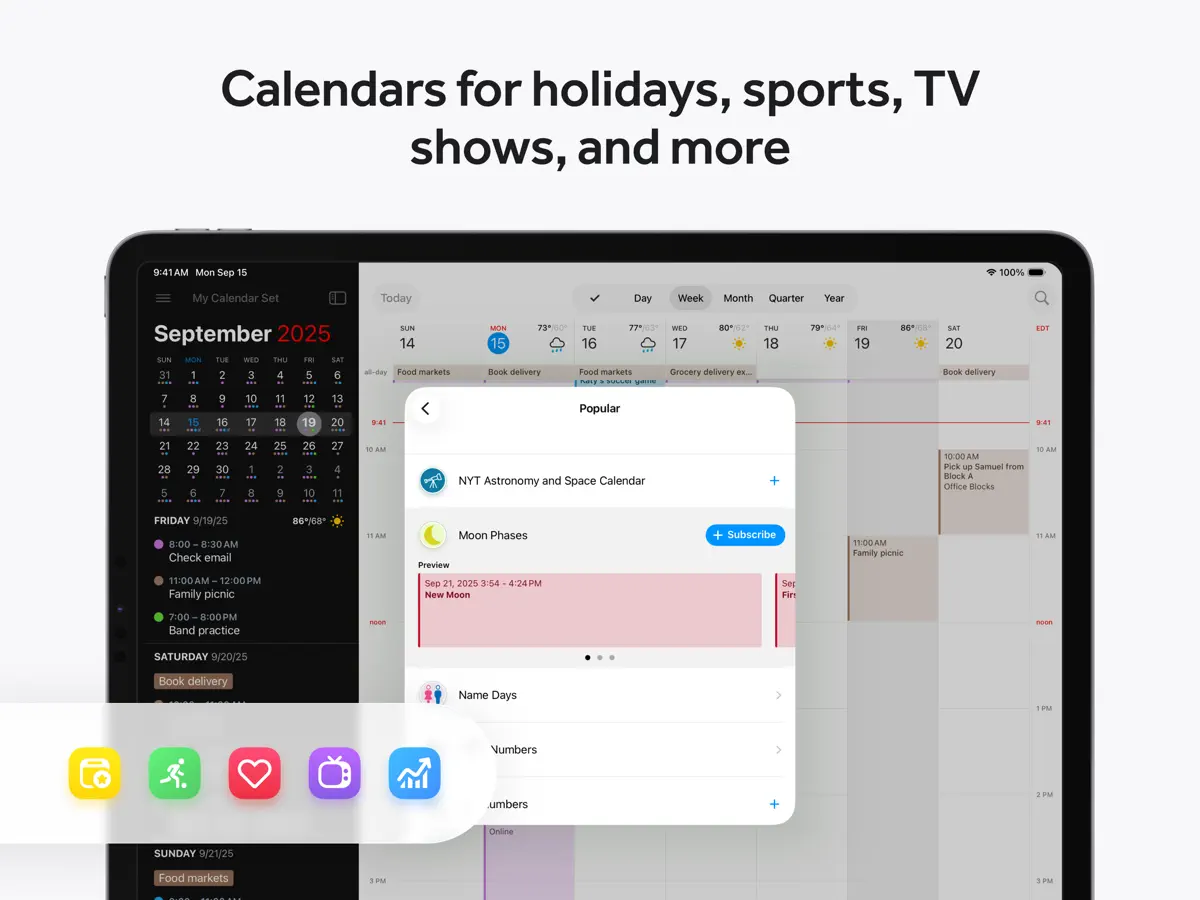
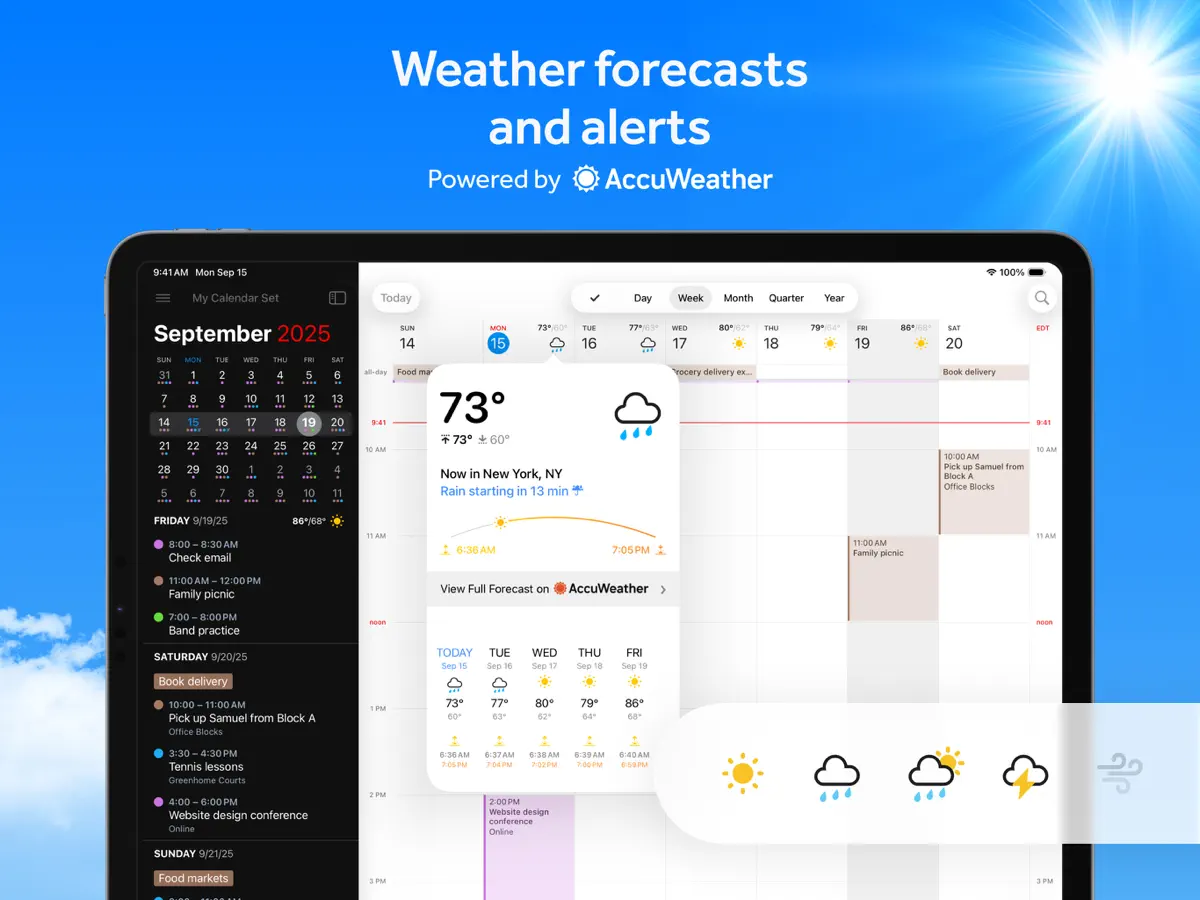
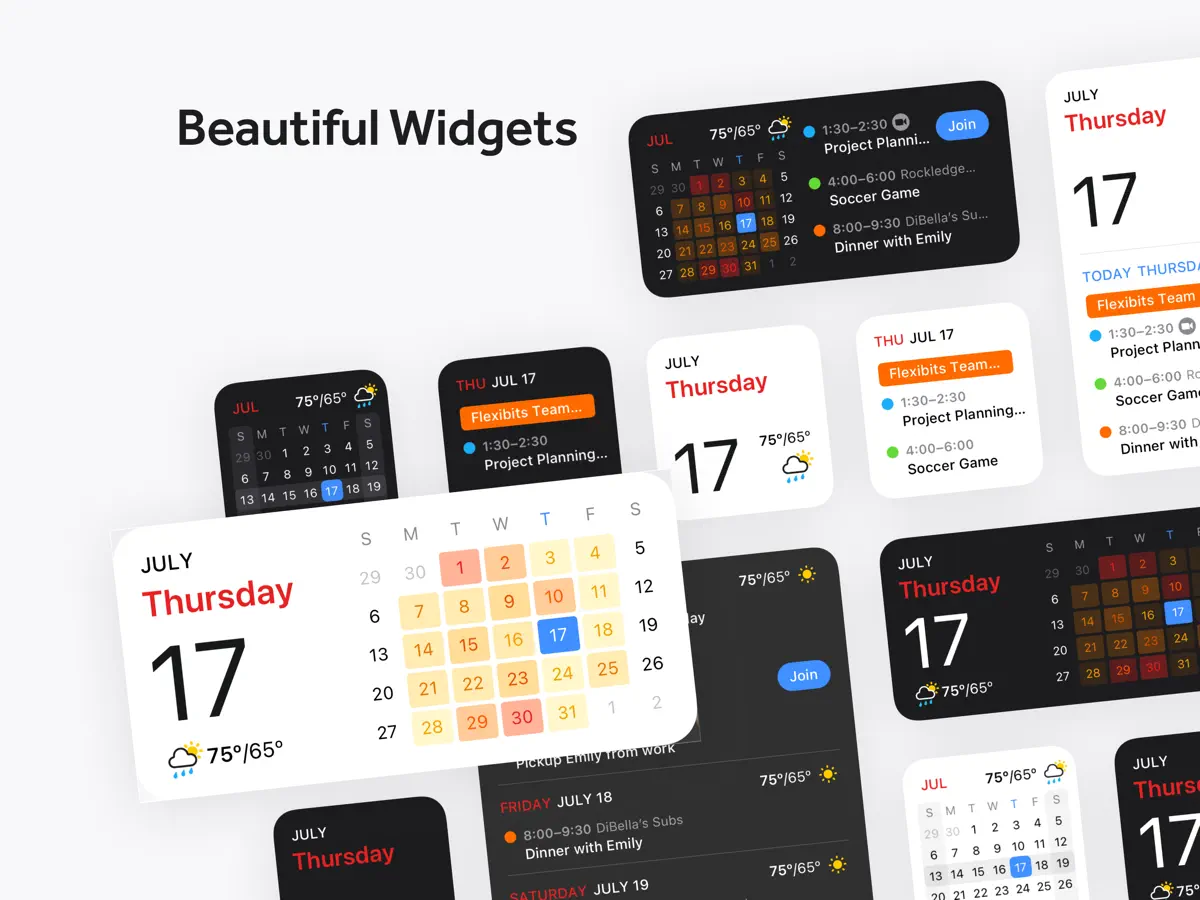
Fantastical is the award-winning calendar app with powerful features including intuitive natural language text parsing, beautiful full calendar day, week, month, quarter and year views, tasks, time zone support, and much, much more. TRY FANTASTICAL FOR FREE • Beautiful, clean, and easy to use calendar app allowing you to manage basic events • The DayTicker and calendar makes your schedule look the nicest it ever has • Full screen day, week, month, quarter, and year views • Full task support including Todoist and Google Tasks • 3 day weather forecast (powered by AccuWeather) • 14 day free trial for Flexibits Premium UPGRADE TO FLEXIBITS PREMIUM FOR EVEN MORE (requires subscription) • Includes Fantastical on all devices: Mac, iPhone, Apple Watch, and iPad • Openings: Schedule events based on your availability • Proposals: Create meeting polls • Add Zoom, Google Meet, Webex, and Microsoft Teams calls • Extended 10 day weather forecast with RealFeel and MinuteCast up-to-the-minute weather data (powered by AccuWeather) • Browse and instantly subscribe to interesting calendars, including sports, TV shows, holidays, and much more (powered by SchedJoules) • Calendar sets - quickly toggle multiple calendars on or off with a simple click or automatically when you leave or arrive, based on location • Event and task templates • Sync calendar sets and templates across devices • Apple Watch app with Up Next and Weather (and works over LTE) • Parser autocomplete recommendations for invitees, locations, and calendars/task lists • Propose multiple times to easily ask people when they can meet • Combine duplicate events across multiple calendars • Invitees and availability lookups • Respond to event invitations • Default alerts • Time zone override • Favorite time zones • Push updates for Google and Exchange • Set event travel time and receive time to leave notifications • Custom event colors • Custom home screen icons • Custom alert sounds • Hide events without deleting them • Add attachments to events on iCloud, Google, and Exchange • Priority email support ADDING NEW EVENTS OR TASKS IS FAST AND FUN • The easiest and fastest way to add new events or tasks • Type in your details or use dictation and watch your words magically turn into an actual event or task! • Powerful parser features, including: - Create tasks by starting your sentence with “task” ”reminder", "todo", or "remind me to" - Powerful and expressive repeating events such as third Thursday of every month, every weekend, last weekday of the month, and more - Create alerts with phrases like "remind me tomorrow at 3PM", "alert 1 hour before", or "alarm 3PM" THE BEST TASKS APP, TOO • See your events and dated tasks together in the main list • Add tasks directly from the Tasks list or new event screen - just flip the switch to toggle between events and tasks • Set dates, times, and geofences (when I arrive/when I leave) • Support for iCloud Reminders, Todoist, and Google Tasks WORKS THE WAY YOU DO • Connects to your favorite calendar services including iCloud, Google, Exchange, Office 365, Todoist, and more • Automatically add alarms to your new events • Fantastical is fully localized in English, French, German, Italian, Japanese, Spanish, and Portuguese • Start typing your event or task in any of these languages and Fantastical will automagically understand! EVEN MORE FANTASTICAL • Lots and lots of iOS and iPadOS widgets • Background app updating enables events, tasks, and alerts to be pushed to Fantastical even if you don't launch the app often • Birthdays and Anniversaries - see your contact’s details or send a quick birthday or anniverary greeting • Handoff support between Fantastical for Mac, iPhone, and iPad • Time zone support including floating time zone support • Dark and light themes • Stickers • Accessibility support • And much, much more!
주요 기능
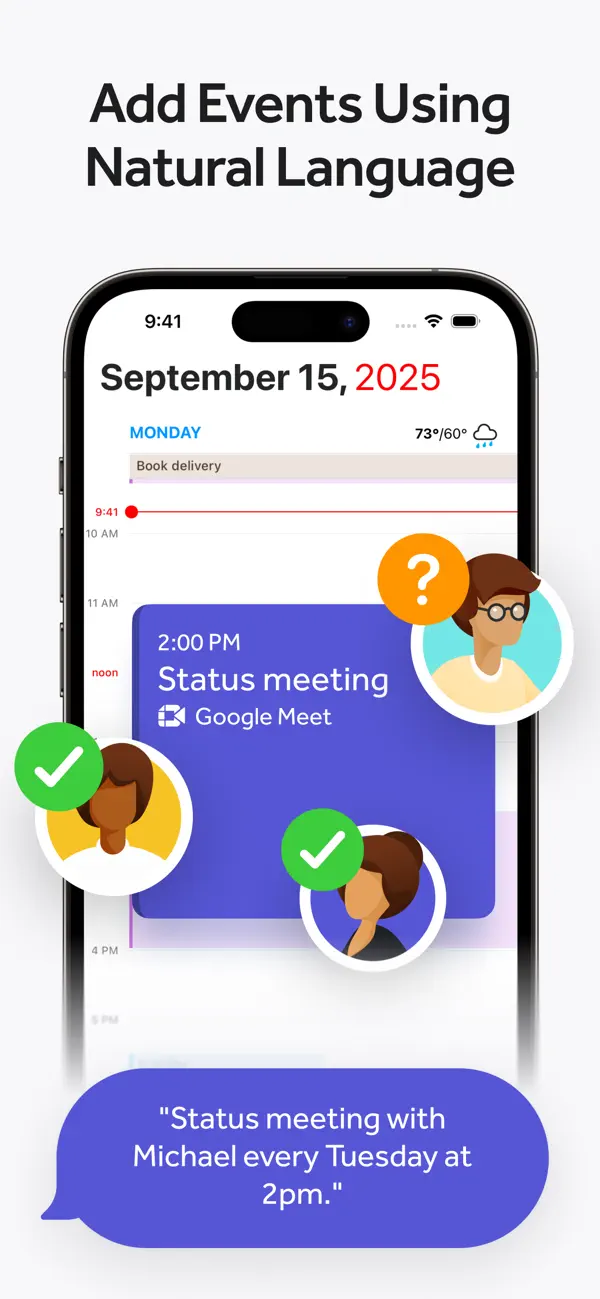
- 입력하거나 말한 문장을 이벤트와 할 일로 바꾸는 자연어 파서
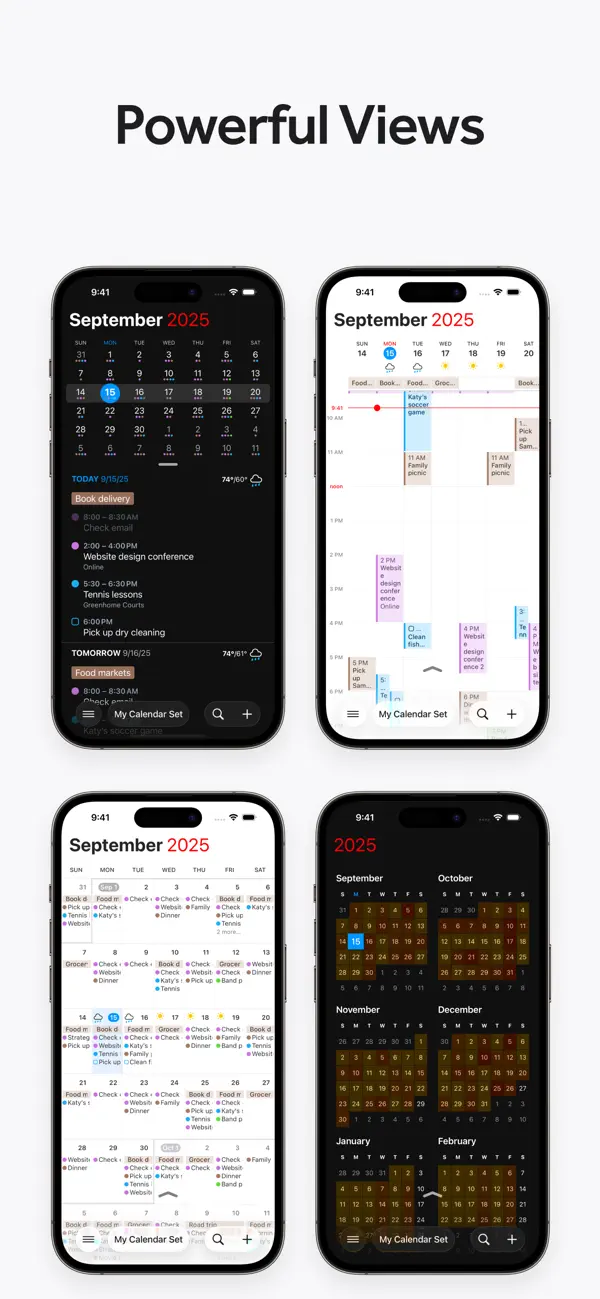
- 일, 주, 월, 분기, 연 보기와 DayTicker 목록
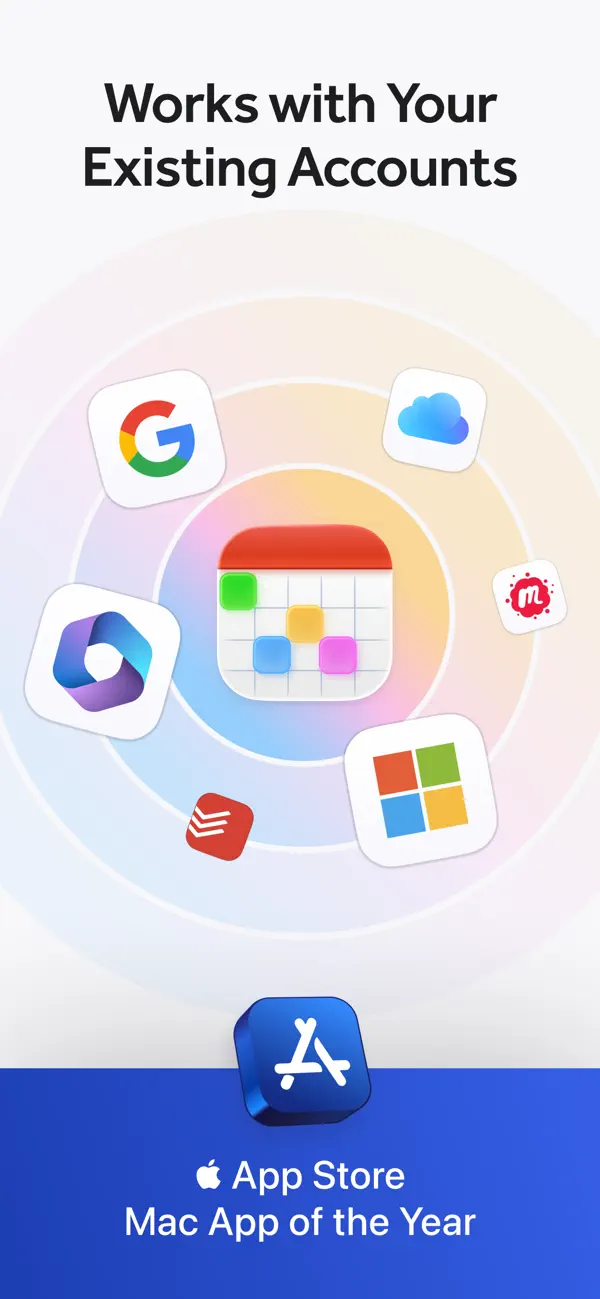
- iCloud, Google, Microsoft 365/Exchange 캘린더 연동
- Todoist와 Google Tasks를 포함한 할 일 지원
- 다른 사람과 일정을 잡는 Openings와 회의 제안(Premium)
- 위치별로도 설정 가능한 캘린더 그룹 전환용 캘린더 세트(Premium)
- 하나의 구독으로 쓰는 Mac, iPad, Apple Watch 앱
iPhone Duo에서의 Fantastical: 자주 묻는 질문
Fantastical은(는) iPhone Duo에 최적화되어 있나요?
부분적으로요. Fantastical은(는) 화면 대응 앱으로, 더 넓은 내부 디스플레이를 꽉 채웁니다. 다만 폴딩 전용 기능은 없습니다. 2026년 10월 13일 확인(개발자 발표).
iPhone Duo에서 Fantastical은(는) 어떻게 보이나요?
2026년 10월 13일 출시된 Fantastical 4.2.3의 App Store 릴리스 노트에는 'Added support for iPhone Duo'가 올라 있습니다. App Store 페이지에는 'Unfold a new, larger view'라는 문구가 담긴 짧은 'Fantastical for iPhone Duo' 홍보도 있는데, 기기를 열면 앱이 7.6인치 내부 디스플레이 전체를 활용한다는 의미로 보입니다. 그 외에는 Flexibits가 외부 디스플레이의 별도 레이아웃, Split View 기능, 반쯤 열린 모드 같은 접기 전용 동작을 설명하지 않았고, 2026년 10월 20일 기준 Flexibits 블로그에도 iPhone Duo 관련 글은 없었습니다. 아직 실기기에서 테스트하지 않았습니다.
Fantastical의 가격은 얼마인가요?
Fantastical은(는) App Store에서 무료 · 앱 내 구입입니다.
다른 생산성 앱
모두 보기 ›
걸리는 시간별로 할 일을 분류하는 차분한 할 일 목록 겸 종이 스타일 플래너

iPhone Duo의 두 디스플레이에 맞춘 레이아웃을 갖춘 작업·프로젝트 관리 앱

펼치면 메시지와 받은 편지함을 나란히 보여 주는 Readdle의 통합 받은 편지함

Cultured Code의 작업 관리 앱, iPhone Duo의 모든 자세에 맞게 재구성

iPhone Duo를 펼치면 열리는, 손글씨 느낌의 프라이빗 노트

북 자세와 탁상 자세에 맞춘 집중 타이머를 갖춘 시각적 타임라인 일일 플래너