Fantastical
Calendar and task app with natural-language event entry, from Flexibits
Flexibits Inc. · Productivity · Free · in-app purchases
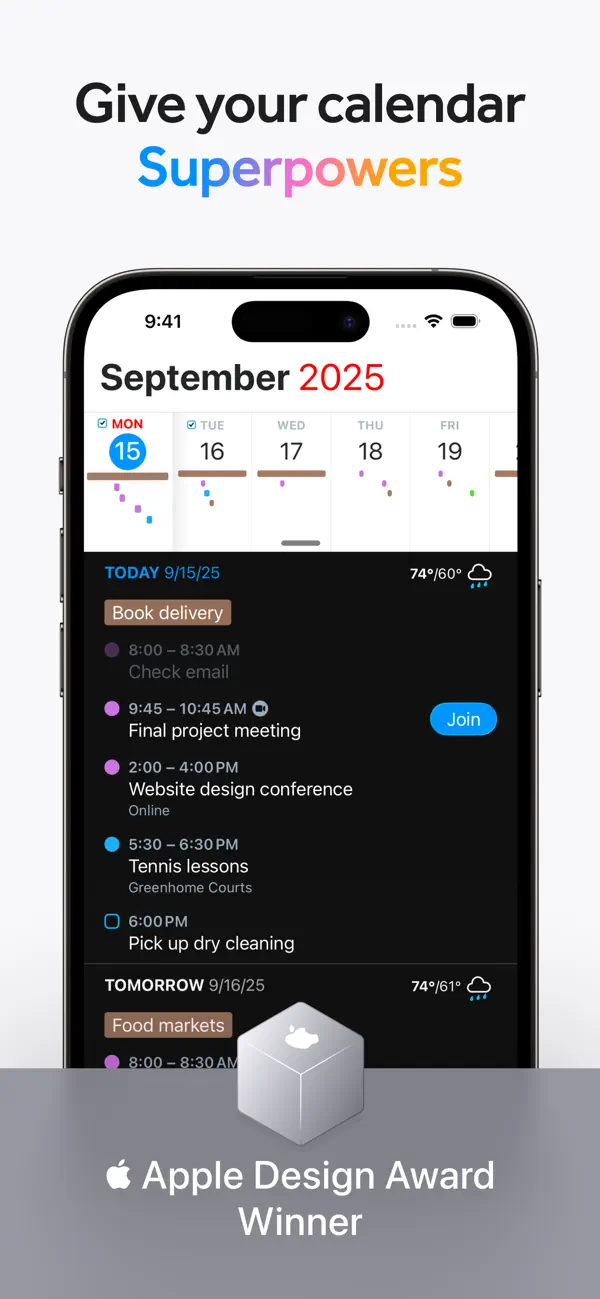
iPhone screenshots
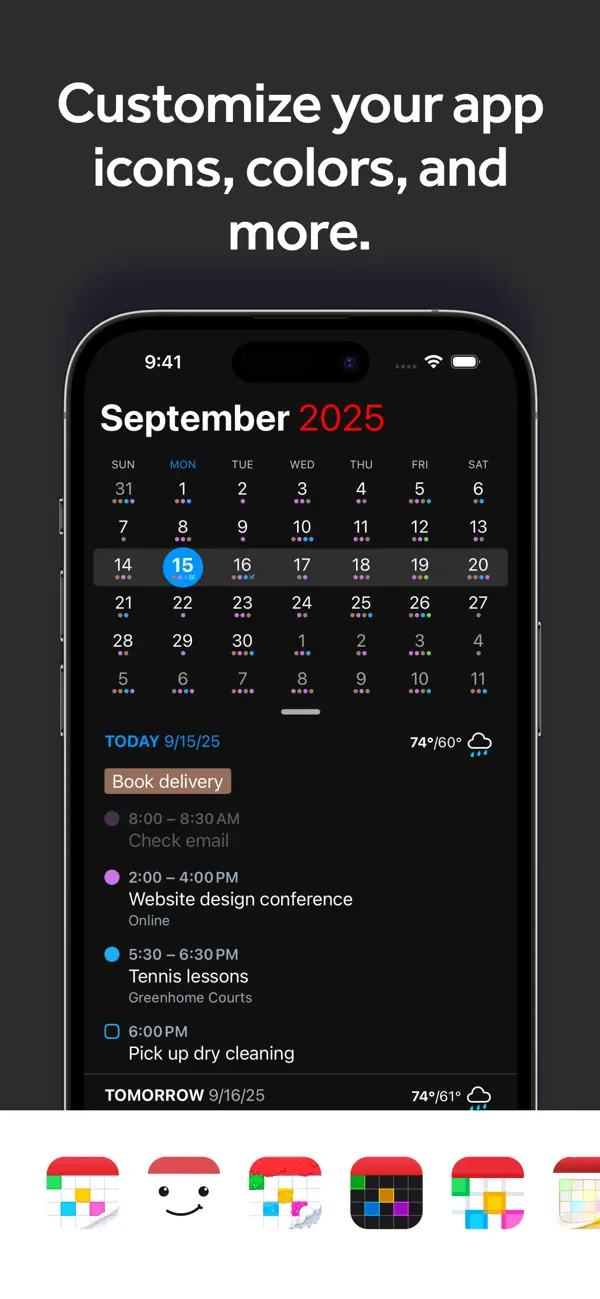
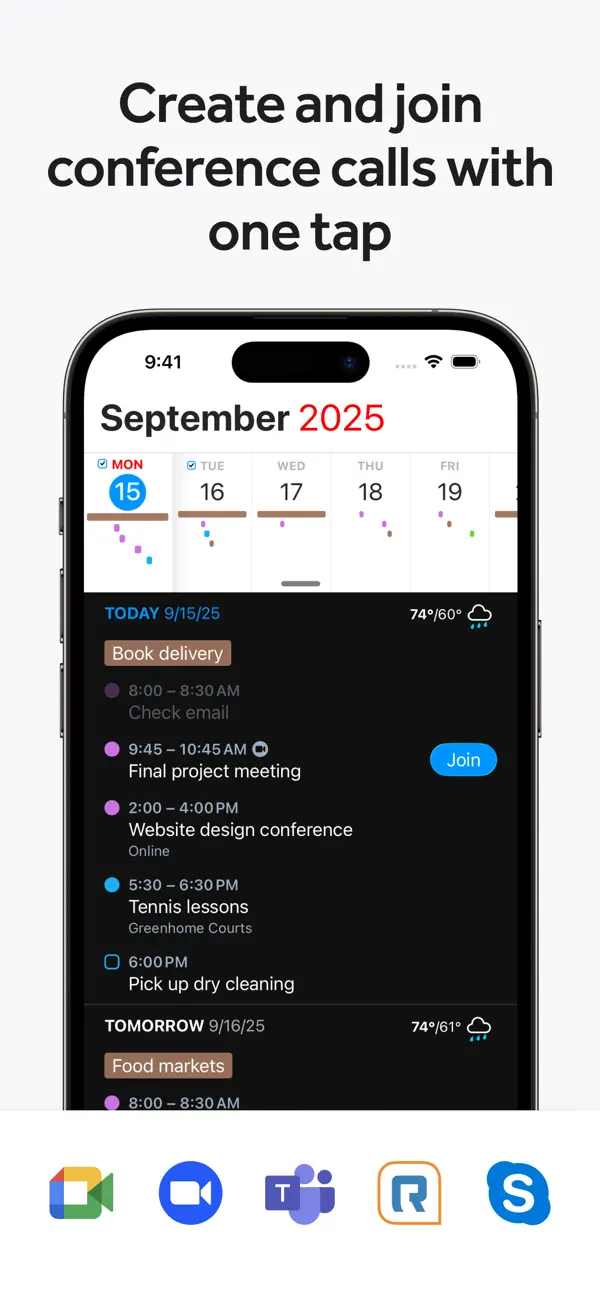
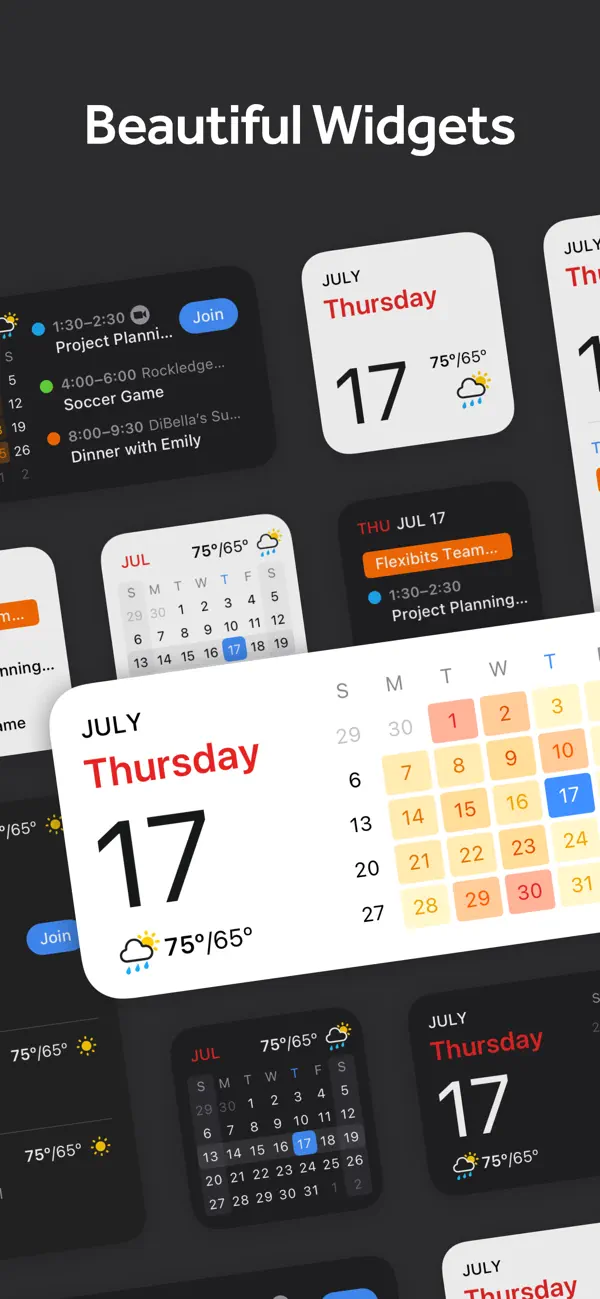
iPad screenshots
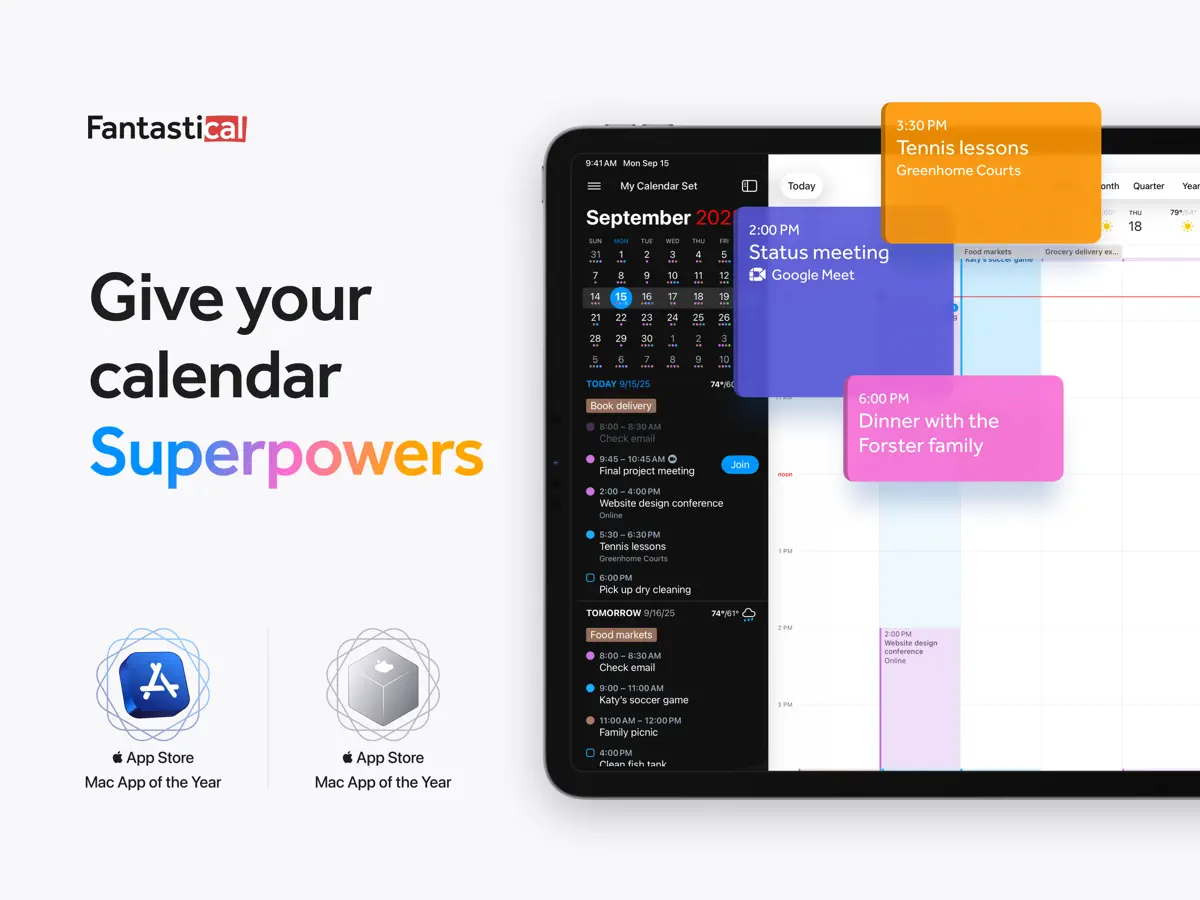
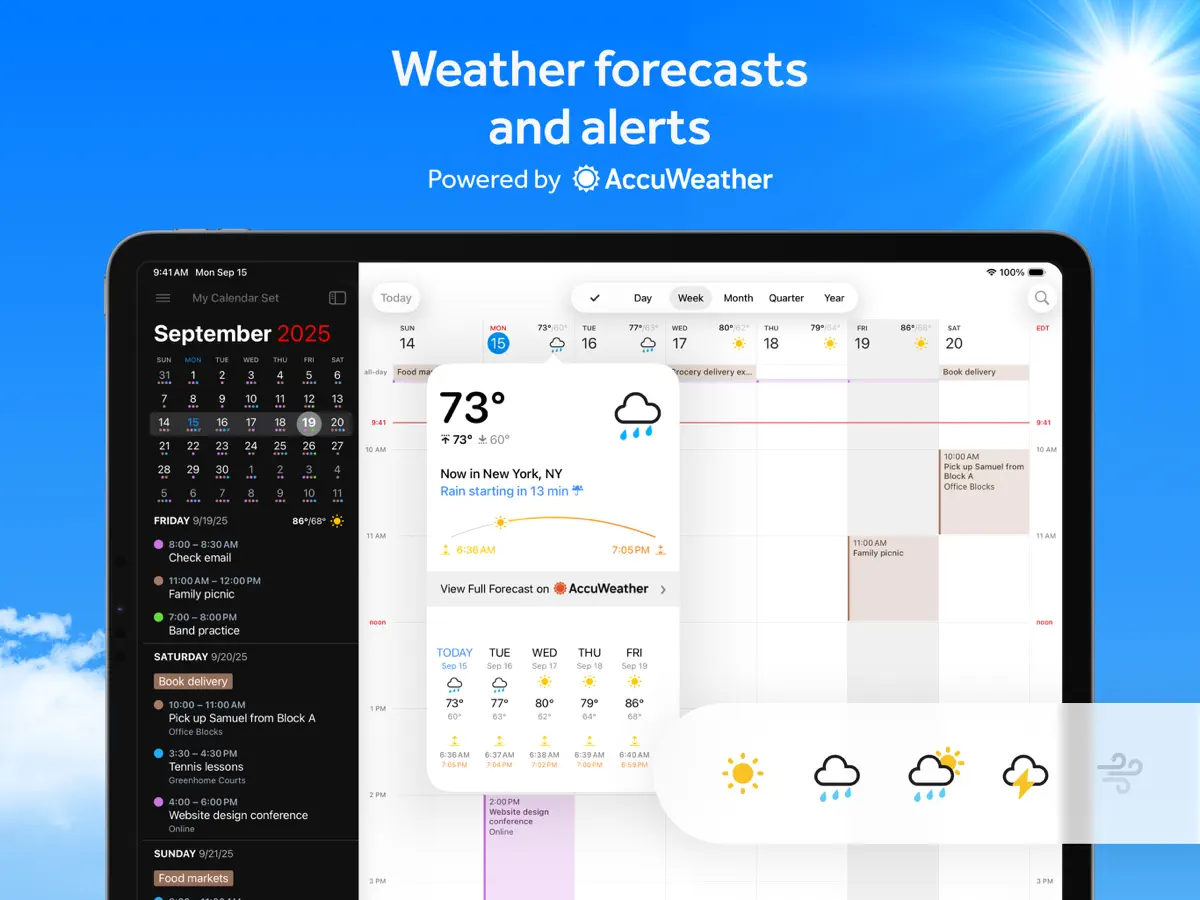
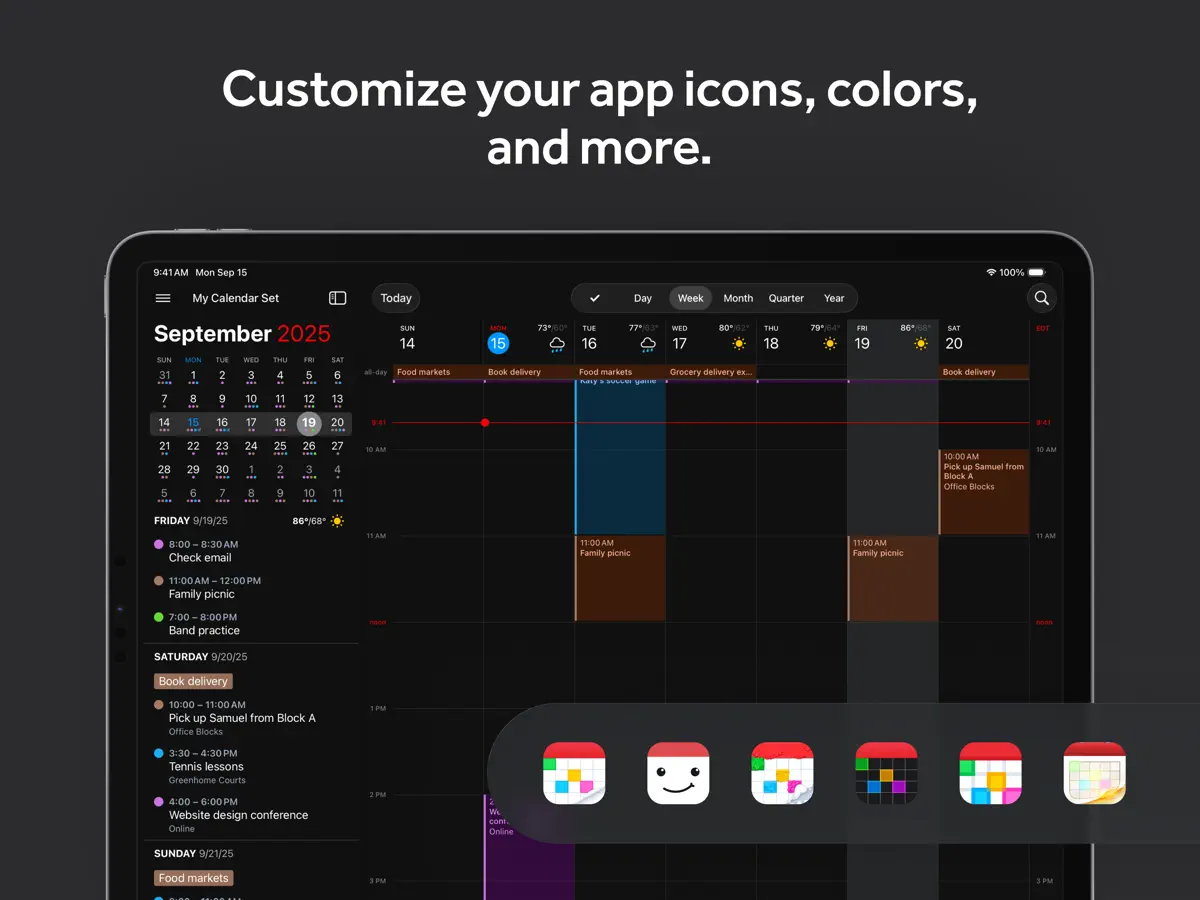
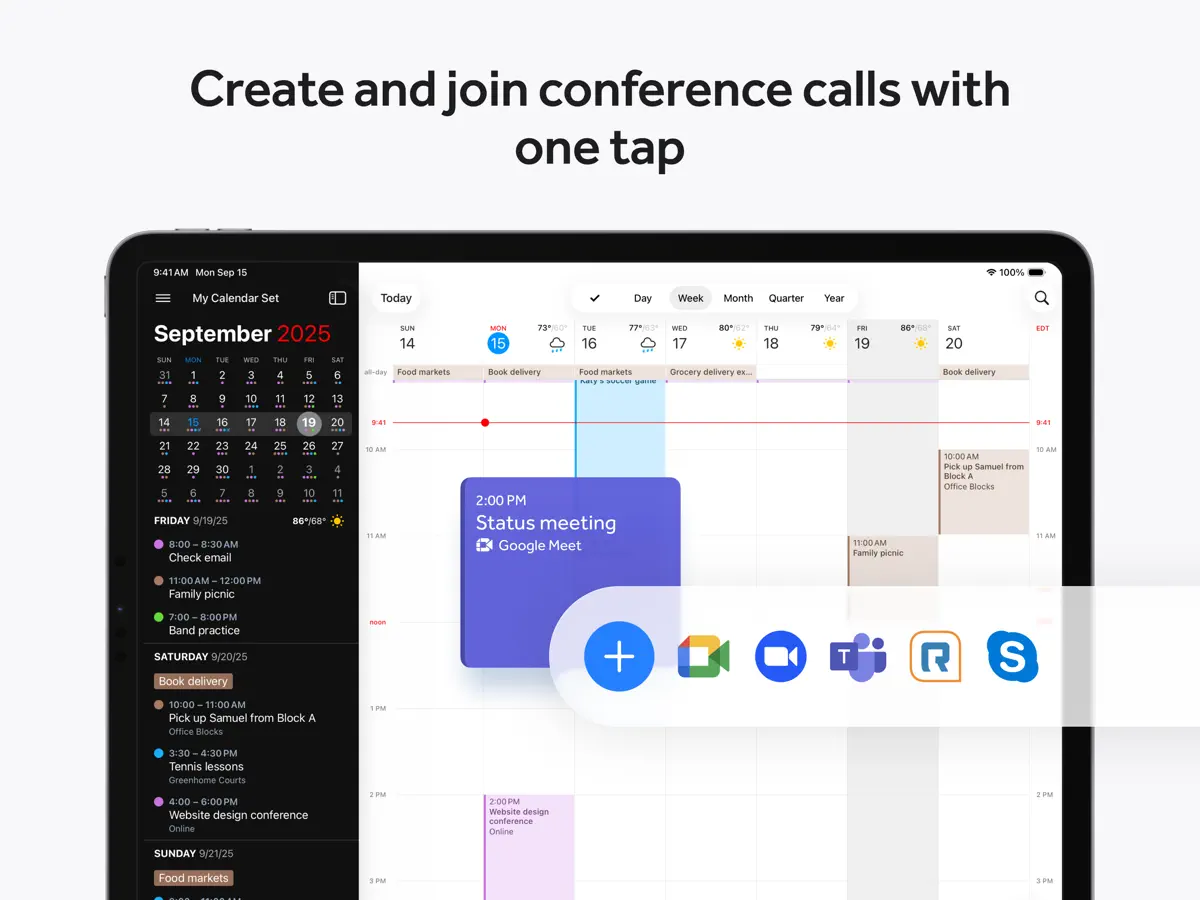
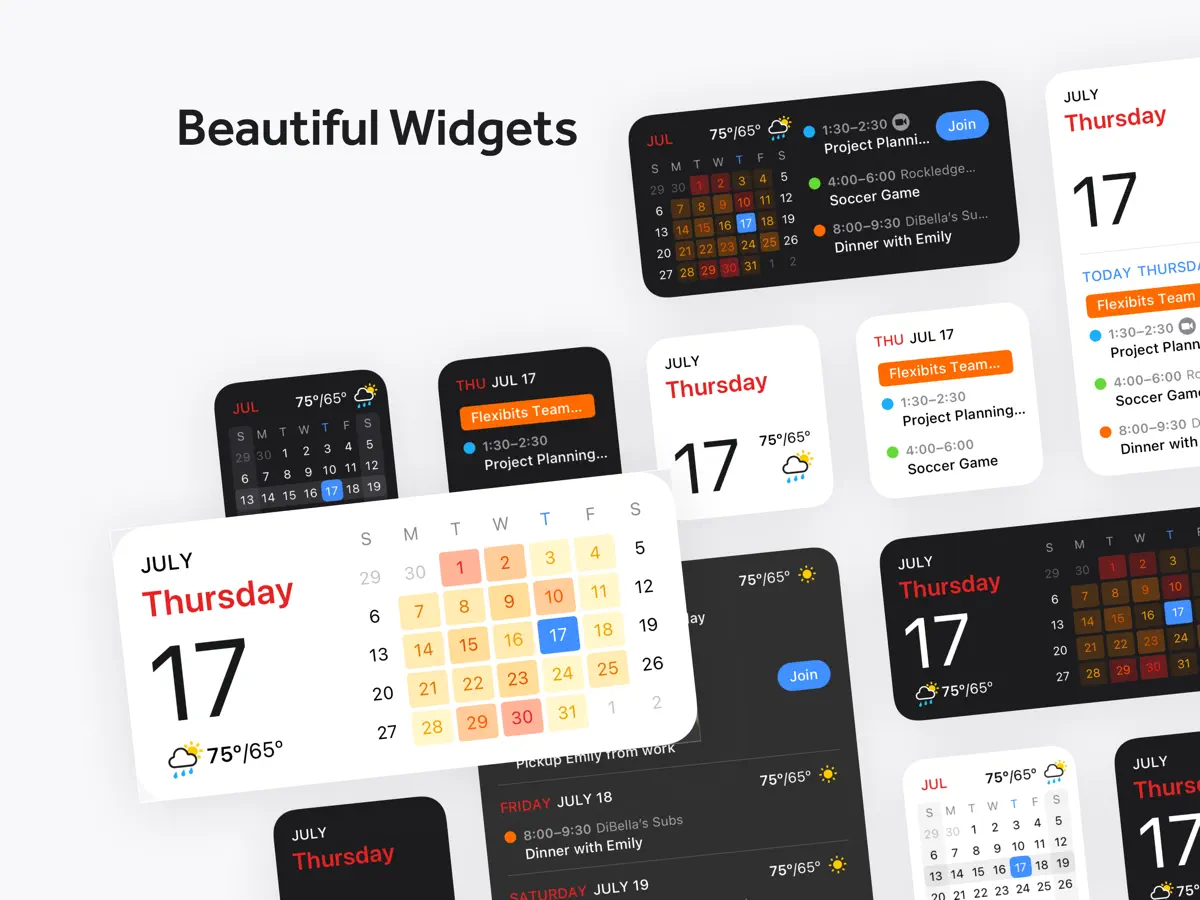
How it uses iPhone Duo
Fantastical 4.2.3, released on October 13, 2026, lists "Added support for iPhone Duo" in its App Store release notes. The App Store page also carries a short "Fantastical for iPhone Duo" promotion with the line "Unfold a new, larger view," which indicates the app uses the full 7.6-inch inner display when the phone is open. Beyond that, Flexibits has not described any fold-specific behaviour, such as a distinct outer-display layout, Split View features or a half-open mode, and the Flexibits blog had no iPhone Duo post as of October 20, 2026. We have not yet tested the app on a device.
What’s New
Version 4.2.4 ·
- Added support for iPhone Duo - Improved duration handling for Todoist tasks created with the natural language parser - The parser no longer erases manually set due dates when the new sentence doesn't include dates - Fixed an issue where creating a task in Todoist would add an extra alarm - Fixed an issue where calendar mirroring could trigger rate limiting from the calendar service - Various fixes and improvements By the way, App Store reviews are very helpful to us. If you think Fantastical is worthy, would you mind taking a moment to write a nice review? We'd greatly appreciate it. Thanks for using Fantastical! :)
About this app
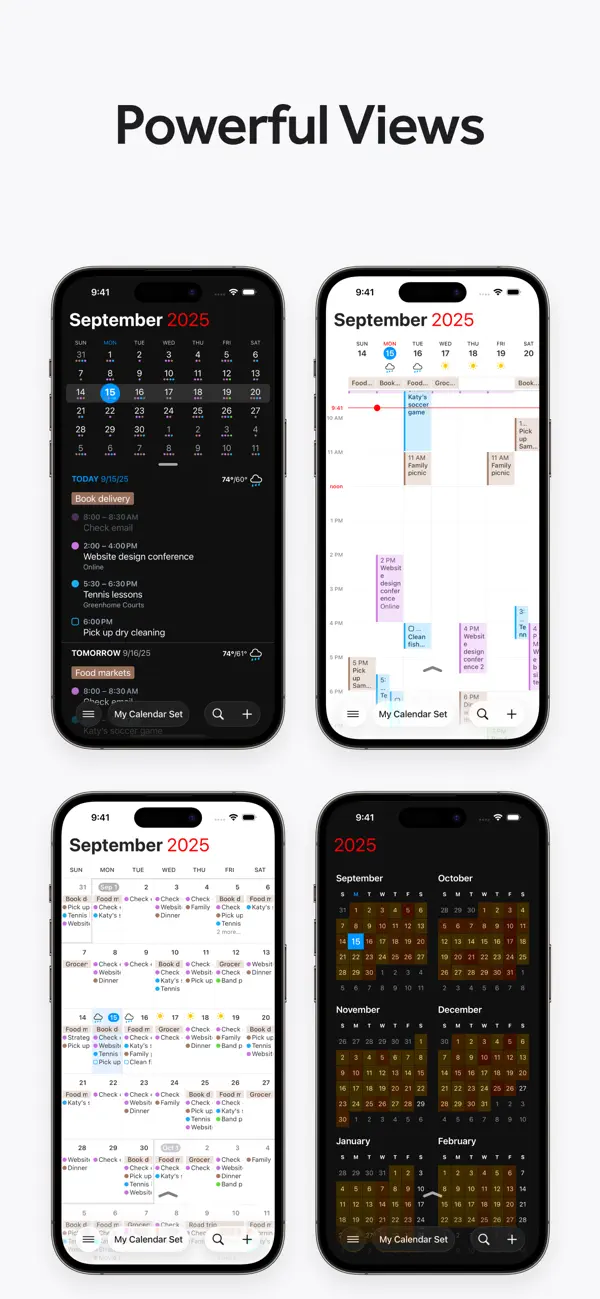
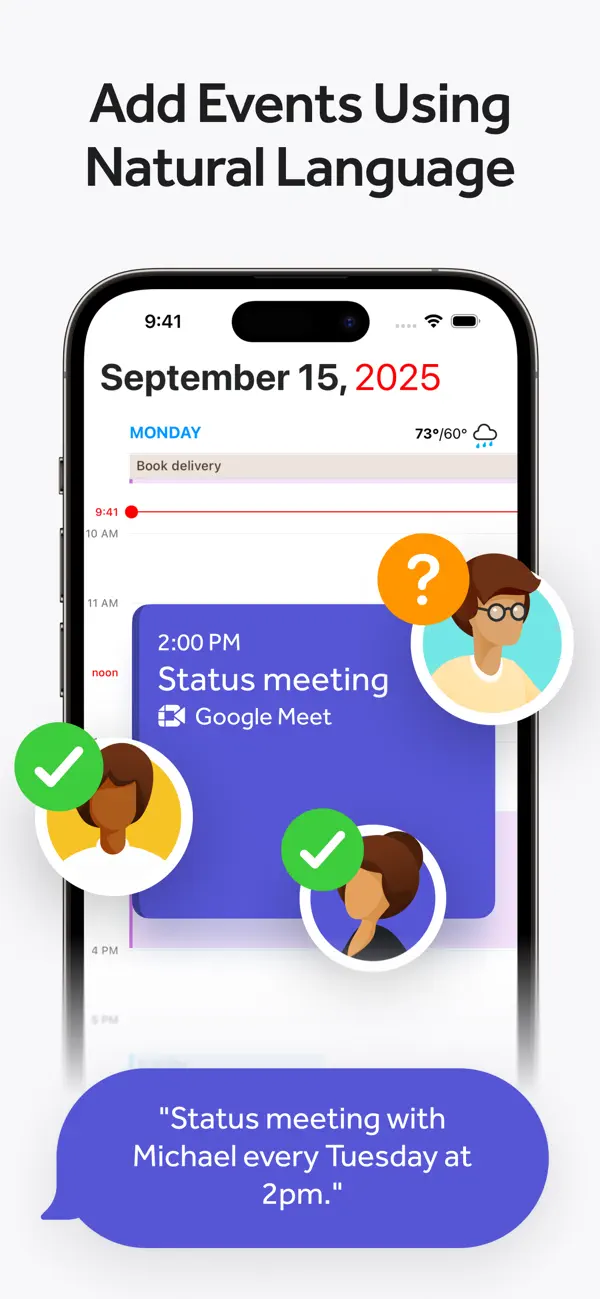
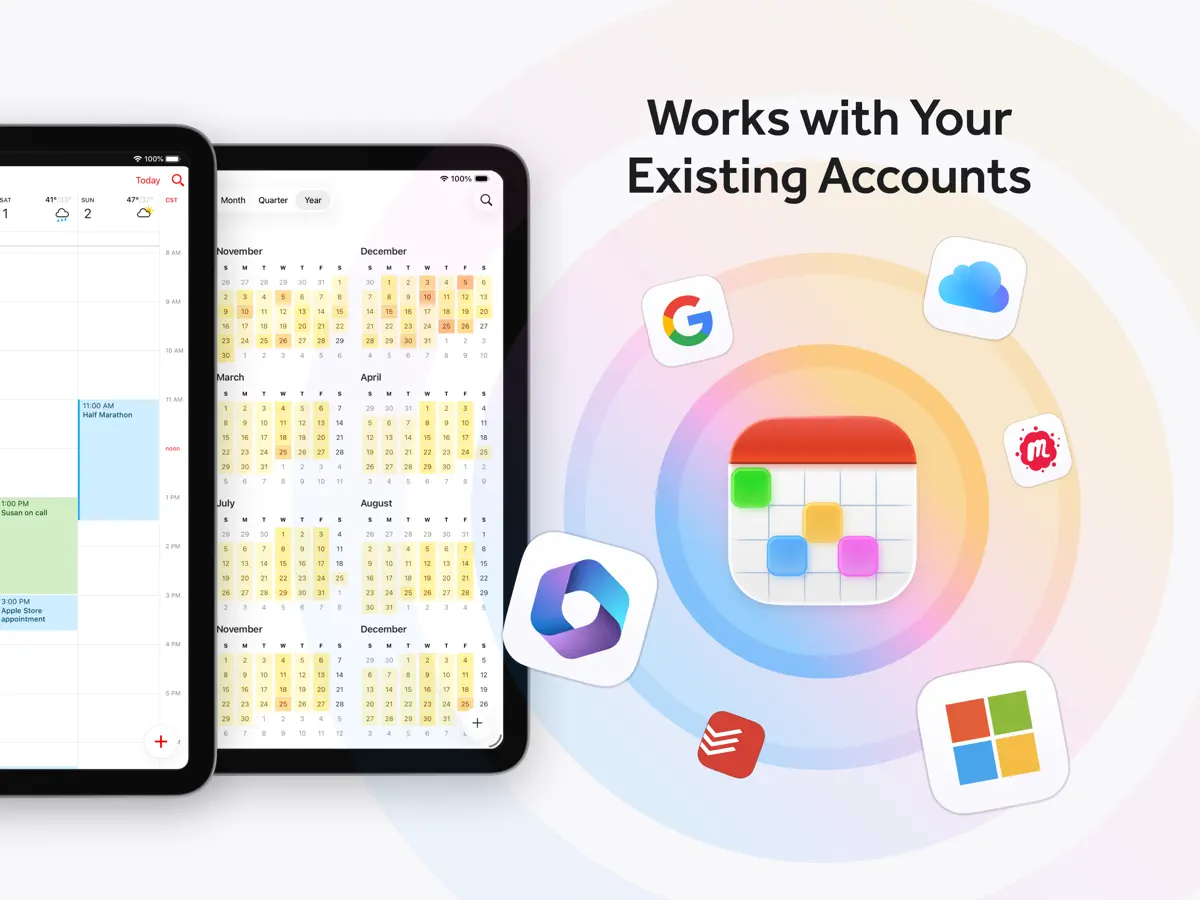
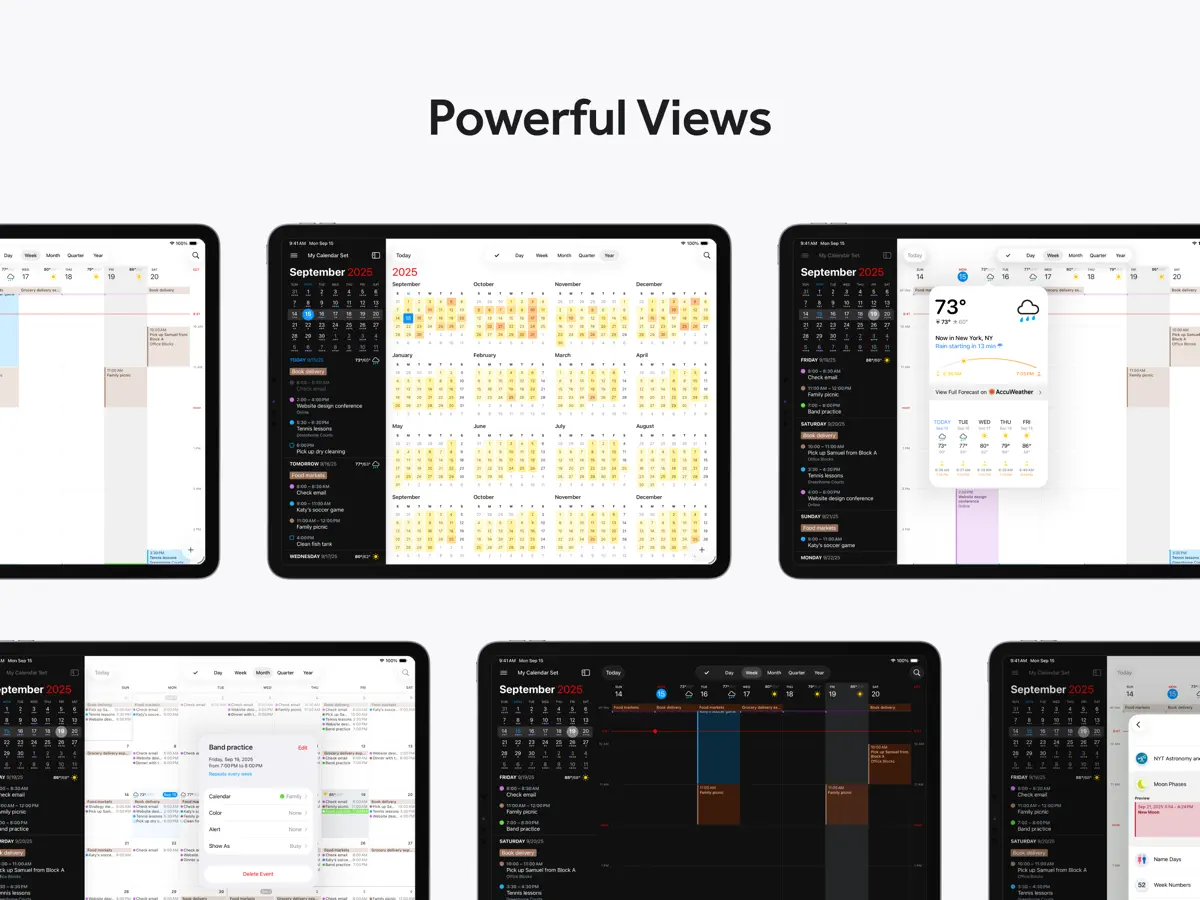
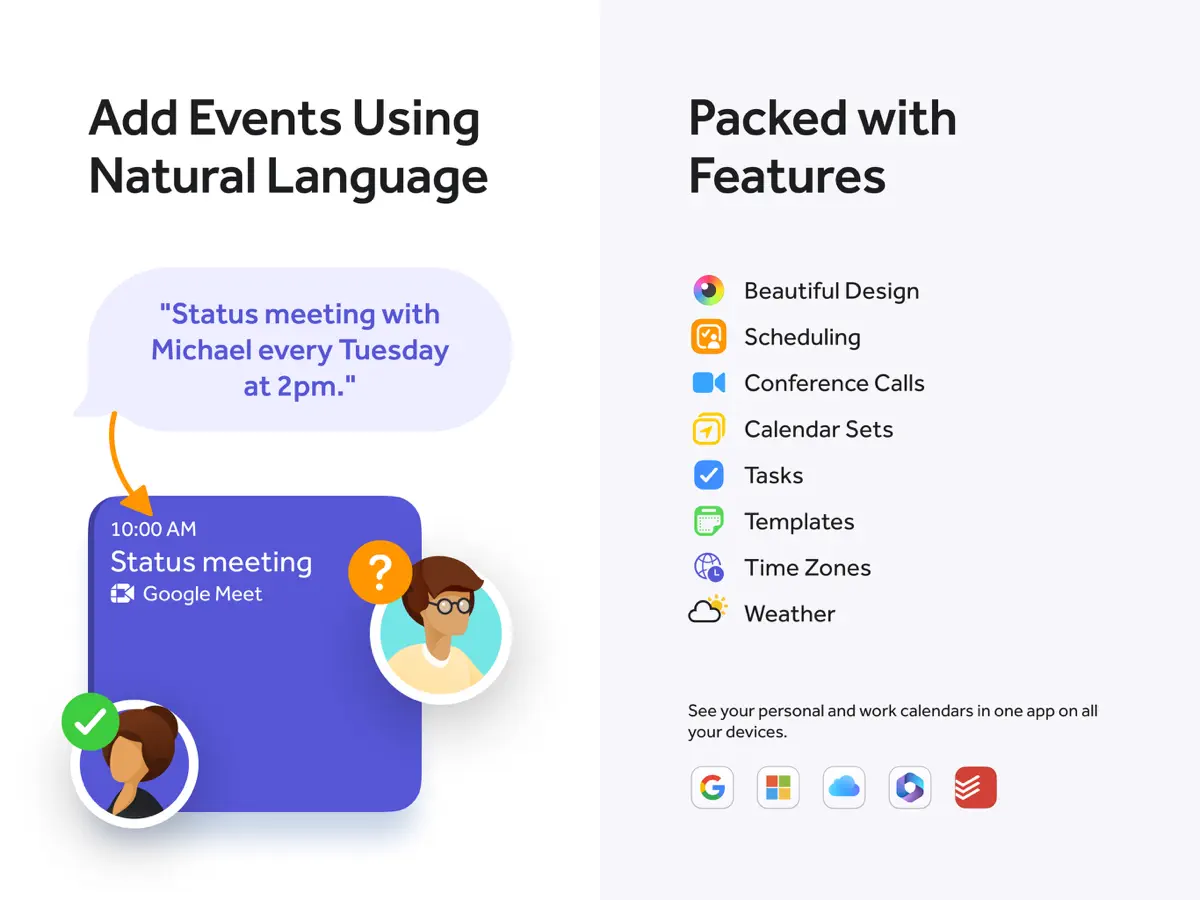
Fantastical is a calendar and task app from Flexibits, which first released it for iPhone in 2013. Its signature feature is the parser: you type or dictate a sentence such as a lunch with a time and place, and the app turns it into an event or, if the sentence starts with a word like "task" or "remind me to", into a task. Schedules can be viewed by day, week, month, quarter or year, and the scrolling DayTicker list gives a compact look at what is coming up. The app works with existing accounts, including iCloud, Google and Microsoft 365/Exchange calendars, and shows tasks from services such as Todoist and Google Tasks alongside events. It is free to download with a basic feature set; a Flexibits Premium subscription, offered as an in-app purchase, unlocks tools aimed at people who schedule a lot of meetings, such as Openings for sharing availability, meeting proposals, video-call links for Zoom, Google Meet, Webex and Teams, calendar sets that switch groups of calendars on and off, and an extended weather forecast. The same subscription covers the Mac, iPad and Apple Watch versions. For iPhone Duo, Flexibits listed "Added support for iPhone Duo" in the release notes for version 4.2.3, published on October 13, 2026, and the App Store page promotes the app on iPhone Duo with the line "Unfold a new, larger view." Flexibits has not published a detailed description of how the app behaves on the folding display.
App Store descriptionWritten by the developer.
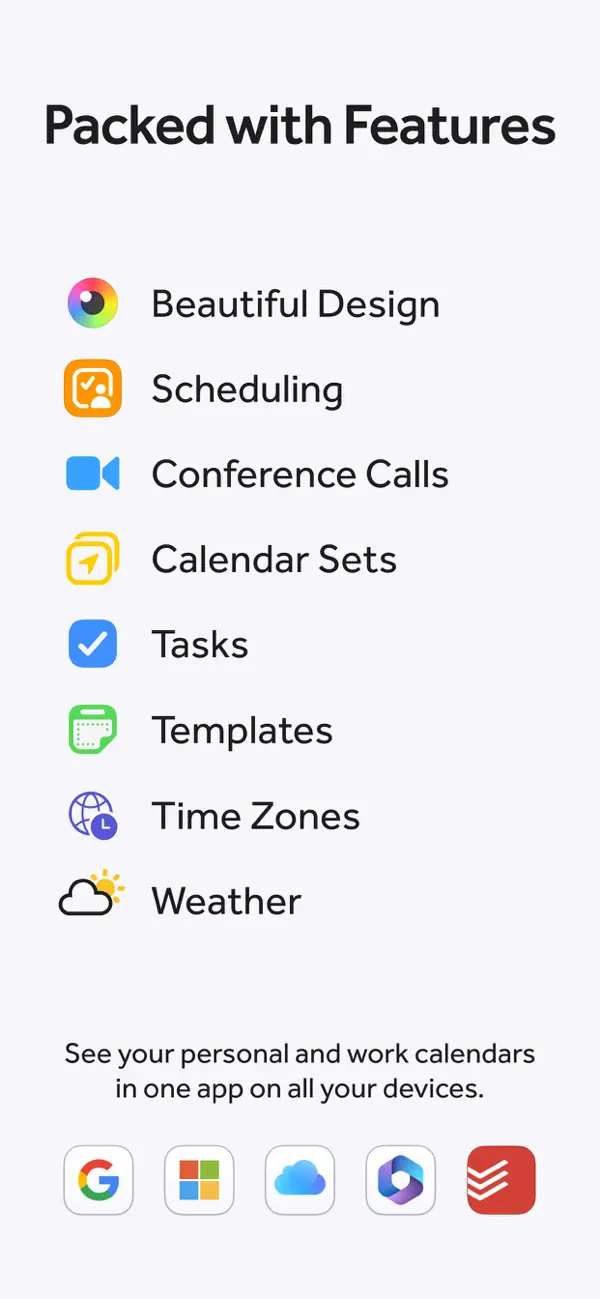
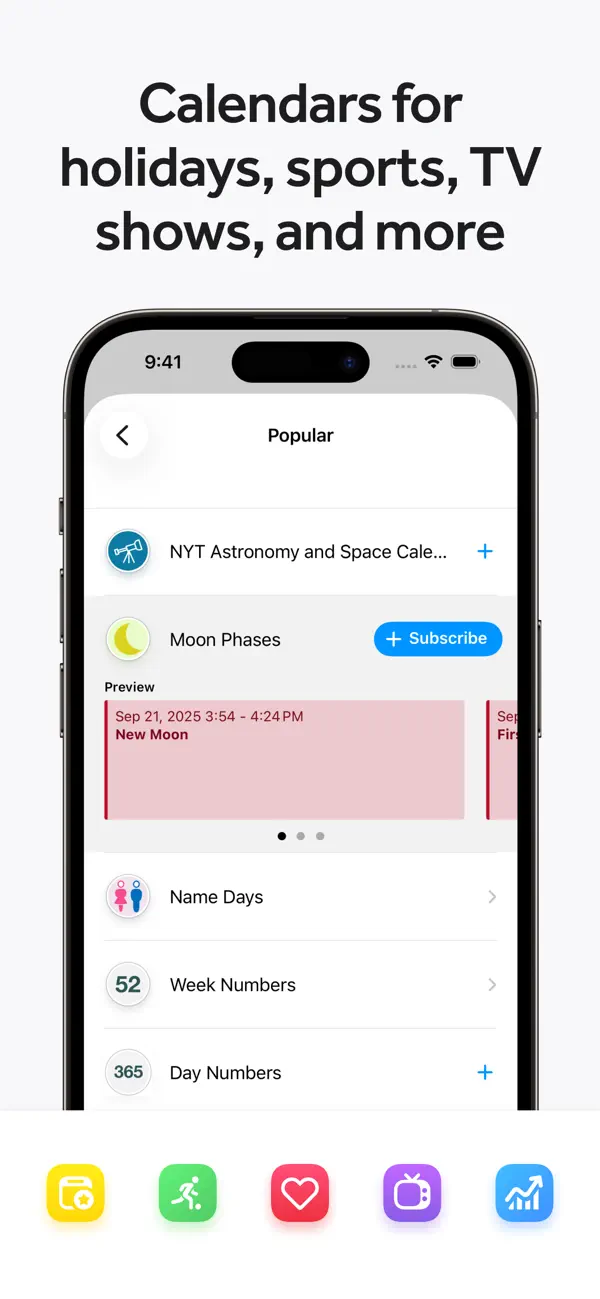
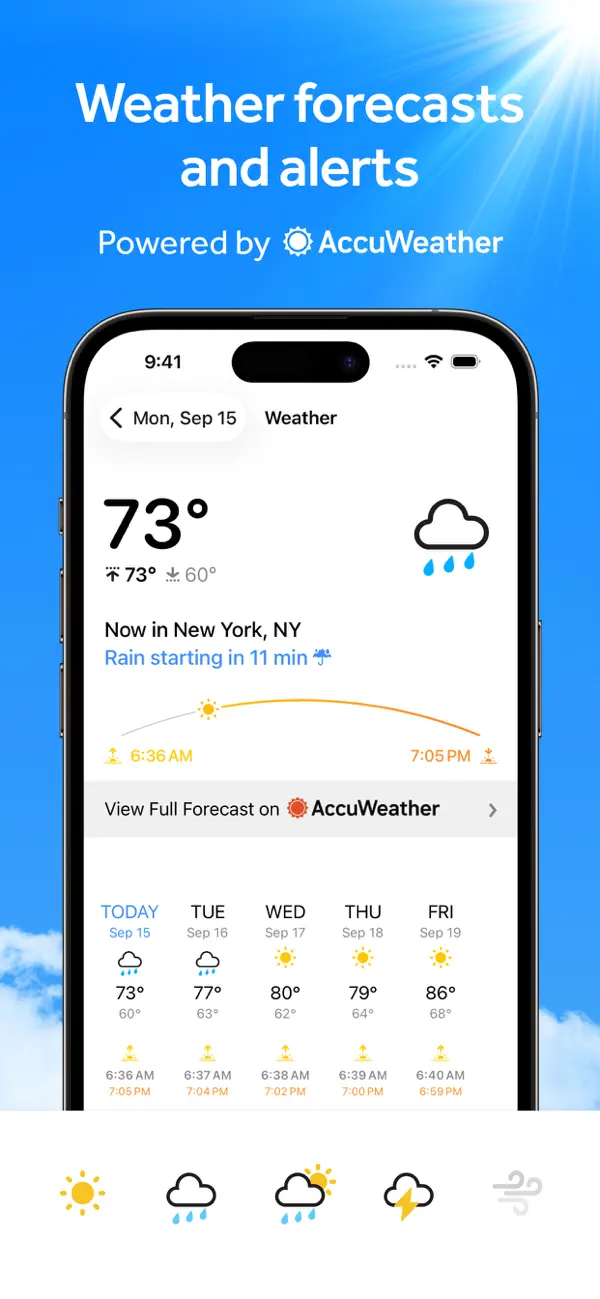
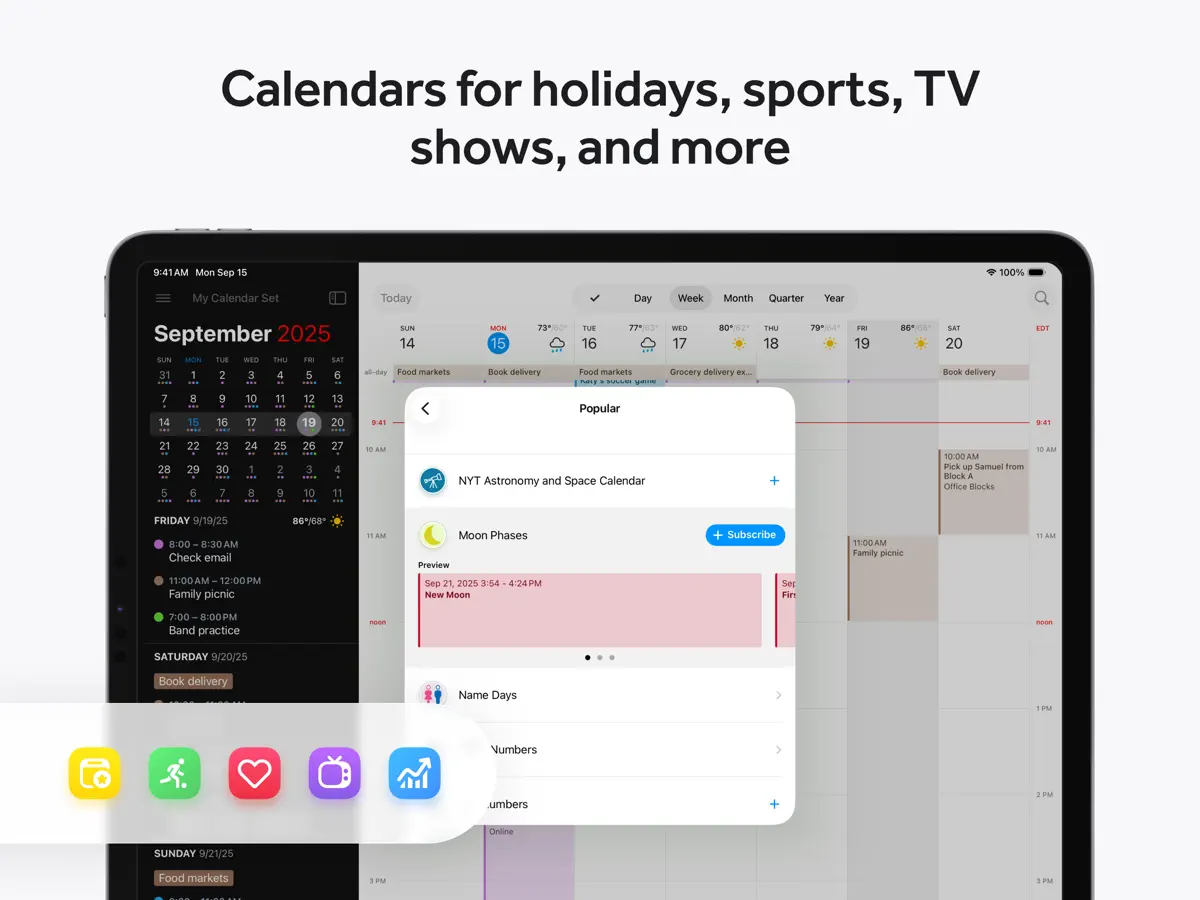
Fantastical is the award-winning calendar app with powerful features including intuitive natural language text parsing, beautiful full calendar day, week, month, quarter and year views, tasks, time zone support, and much, much more. TRY FANTASTICAL FOR FREE • Beautiful, clean, and easy to use calendar app allowing you to manage basic events • The DayTicker and calendar makes your schedule look the nicest it ever has • Full screen day, week, month, quarter, and year views • Full task support including Todoist and Google Tasks • 3 day weather forecast (powered by AccuWeather) • 14 day free trial for Flexibits Premium UPGRADE TO FLEXIBITS PREMIUM FOR EVEN MORE (requires subscription) • Includes Fantastical on all devices: Mac, iPhone, Apple Watch, and iPad • Openings: Schedule events based on your availability • Proposals: Create meeting polls • Add Zoom, Google Meet, Webex, and Microsoft Teams calls • Extended 10 day weather forecast with RealFeel and MinuteCast up-to-the-minute weather data (powered by AccuWeather) • Browse and instantly subscribe to interesting calendars, including sports, TV shows, holidays, and much more (powered by SchedJoules) • Calendar sets - quickly toggle multiple calendars on or off with a simple click or automatically when you leave or arrive, based on location • Event and task templates • Sync calendar sets and templates across devices • Apple Watch app with Up Next and Weather (and works over LTE) • Parser autocomplete recommendations for invitees, locations, and calendars/task lists • Propose multiple times to easily ask people when they can meet • Combine duplicate events across multiple calendars • Invitees and availability lookups • Respond to event invitations • Default alerts • Time zone override • Favorite time zones • Push updates for Google and Exchange • Set event travel time and receive time to leave notifications • Custom event colors • Custom home screen icons • Custom alert sounds • Hide events without deleting them • Add attachments to events on iCloud, Google, and Exchange • Priority email support ADDING NEW EVENTS OR TASKS IS FAST AND FUN • The easiest and fastest way to add new events or tasks • Type in your details or use dictation and watch your words magically turn into an actual event or task! • Powerful parser features, including: - Create tasks by starting your sentence with “task” ”reminder", "todo", or "remind me to" - Powerful and expressive repeating events such as third Thursday of every month, every weekend, last weekday of the month, and more - Create alerts with phrases like "remind me tomorrow at 3PM", "alert 1 hour before", or "alarm 3PM" THE BEST TASKS APP, TOO • See your events and dated tasks together in the main list • Add tasks directly from the Tasks list or new event screen - just flip the switch to toggle between events and tasks • Set dates, times, and geofences (when I arrive/when I leave) • Support for iCloud Reminders, Todoist, and Google Tasks WORKS THE WAY YOU DO • Connects to your favorite calendar services including iCloud, Google, Exchange, Office 365, Todoist, and more • Automatically add alarms to your new events • Fantastical is fully localized in English, French, German, Italian, Japanese, Spanish, and Portuguese • Start typing your event or task in any of these languages and Fantastical will automagically understand! EVEN MORE FANTASTICAL • Lots and lots of iOS and iPadOS widgets • Background app updating enables events, tasks, and alerts to be pushed to Fantastical even if you don't launch the app often • Birthdays and Anniversaries - see your contact’s details or send a quick birthday or anniverary greeting • Handoff support between Fantastical for Mac, iPhone, and iPad • Time zone support including floating time zone support • Dark and light themes • Stickers • Accessibility support • And much, much more!
Highlights
- Natural-language parser that turns typed or dictated sentences into events and tasks
- Day, week, month, quarter and year views plus the DayTicker list
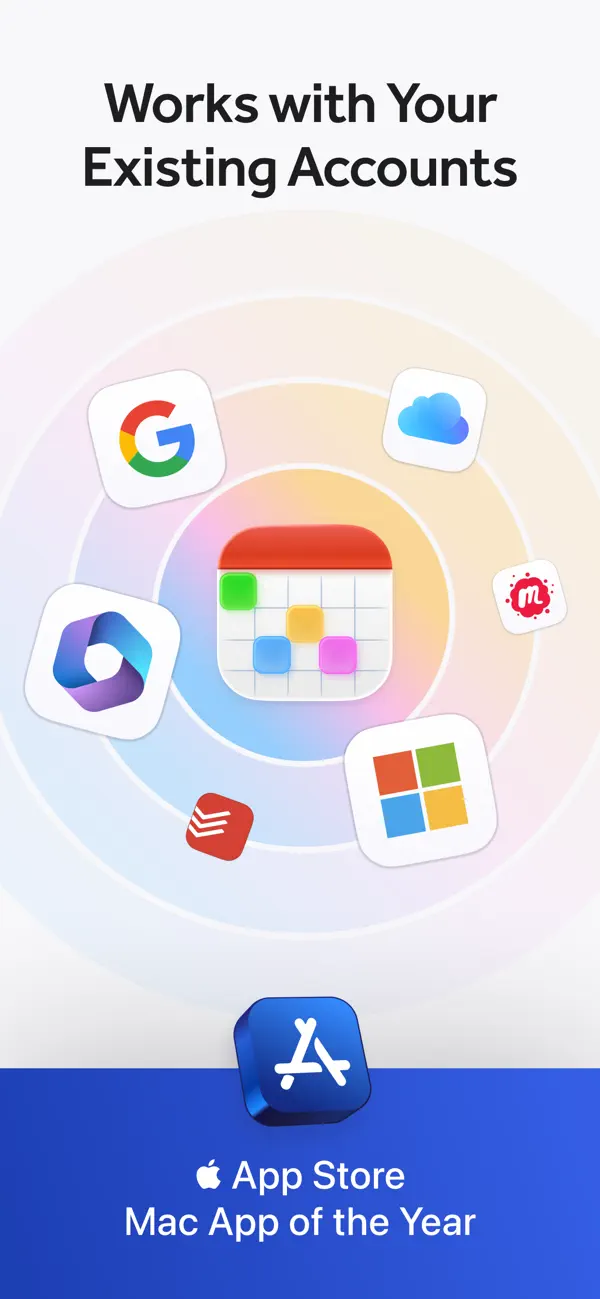
- Works with iCloud, Google and Microsoft 365/Exchange calendars
- Task support including Todoist and Google Tasks
- Openings and meeting proposals for scheduling with others (Premium)
- Calendar sets that toggle groups of calendars, optionally by location (Premium)
- Companion apps for Mac, iPad and Apple Watch under one subscription
Fantastical on iPhone Duo: FAQ
Is Fantastical optimized for iPhone Duo?
Partly. Fantastical is Adapted: it fills the larger inner display, but it does not do anything special with the fold. Verified on October 13, 2026 (Developer statement).
What does Fantastical look like on iPhone Duo?
Fantastical 4.2.3, released on October 13, 2026, lists "Added support for iPhone Duo" in its App Store release notes. The App Store page also carries a short "Fantastical for iPhone Duo" promotion with the line "Unfold a new, larger view," which indicates the app uses the full 7.6-inch inner display when the phone is open. Beyond that, Flexibits has not described any fold-specific behaviour, such as a distinct outer-display layout, Split View features or a half-open mode, and the Flexibits blog had no iPhone Duo post as of October 20, 2026. We have not yet tested the app on a device.
How much does Fantastical cost?
Fantastical costs Free · in-app purchases on the App Store.
More Productivity apps
See all ›
Calm to-do list and paper-style planner that sorts tasks by how long they take

Task and project management with layouts for both iPhone Duo displays

Unified inbox from Readdle with message and inbox side by side when unfolded

Task manager from Cultured Code, reshaped for every iPhone Duo pose
A private handwriting-style notebook that opens when you unfold iPhone Duo

Visual timeline day planner with a Focus Timer for book and tabletop poses