
iPhone 스크린샷
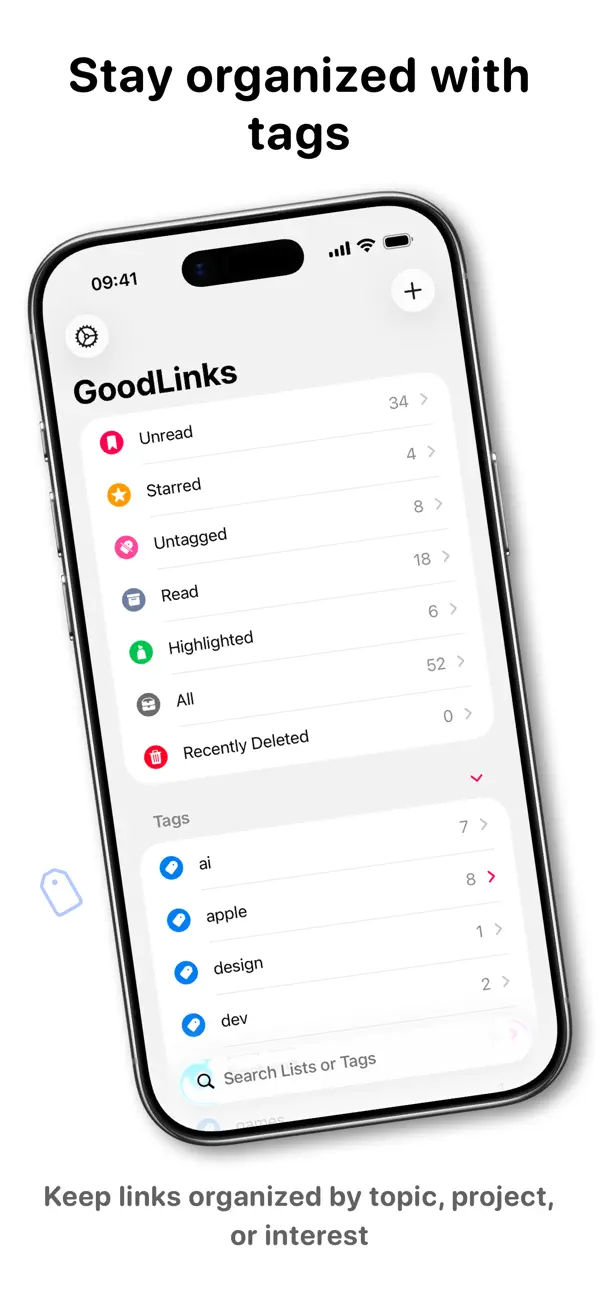
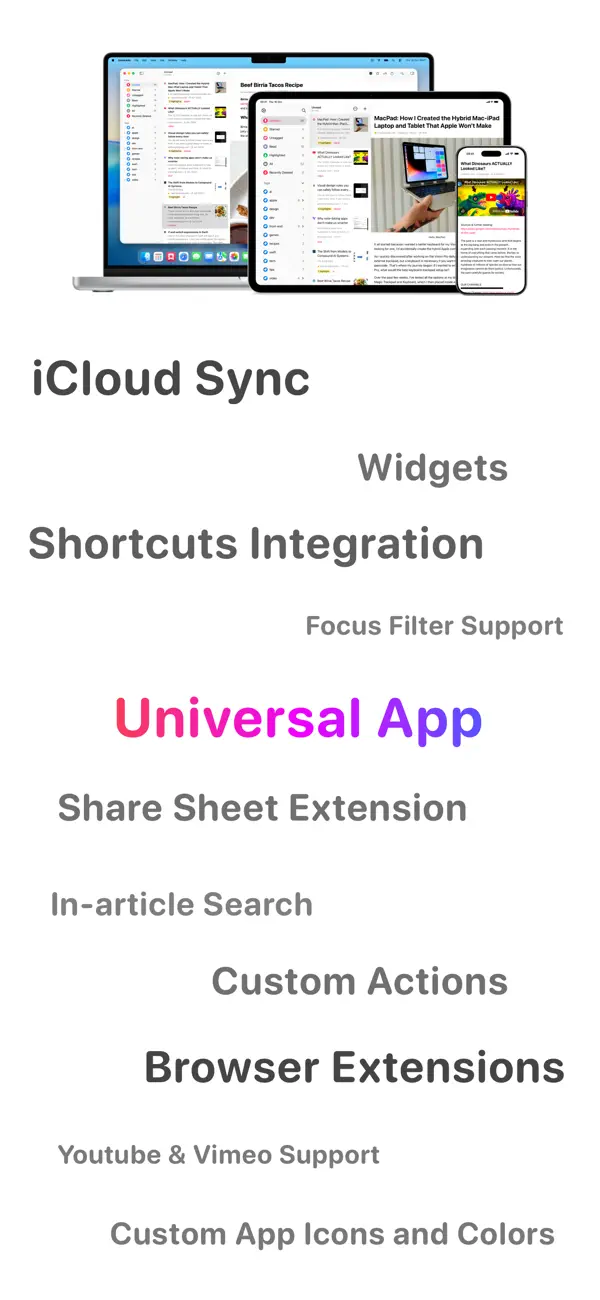
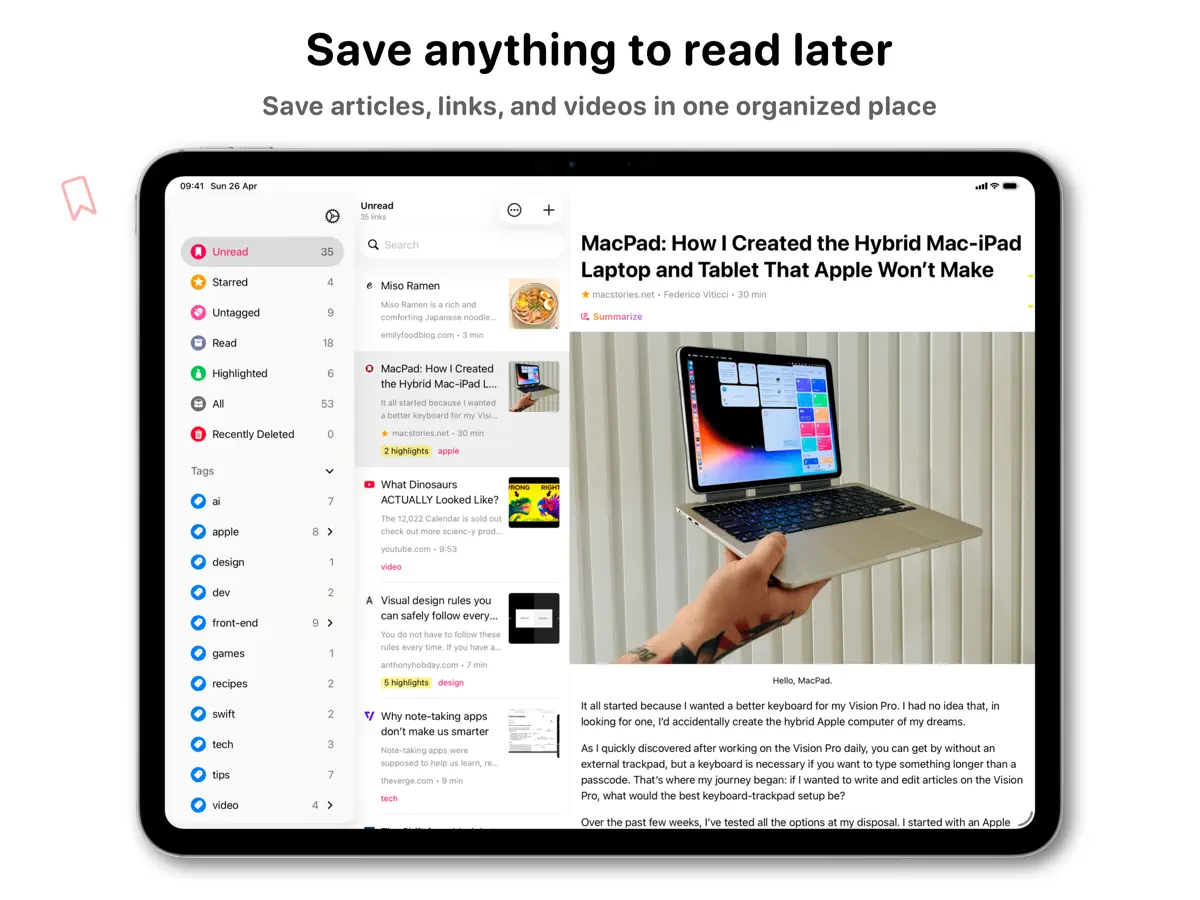
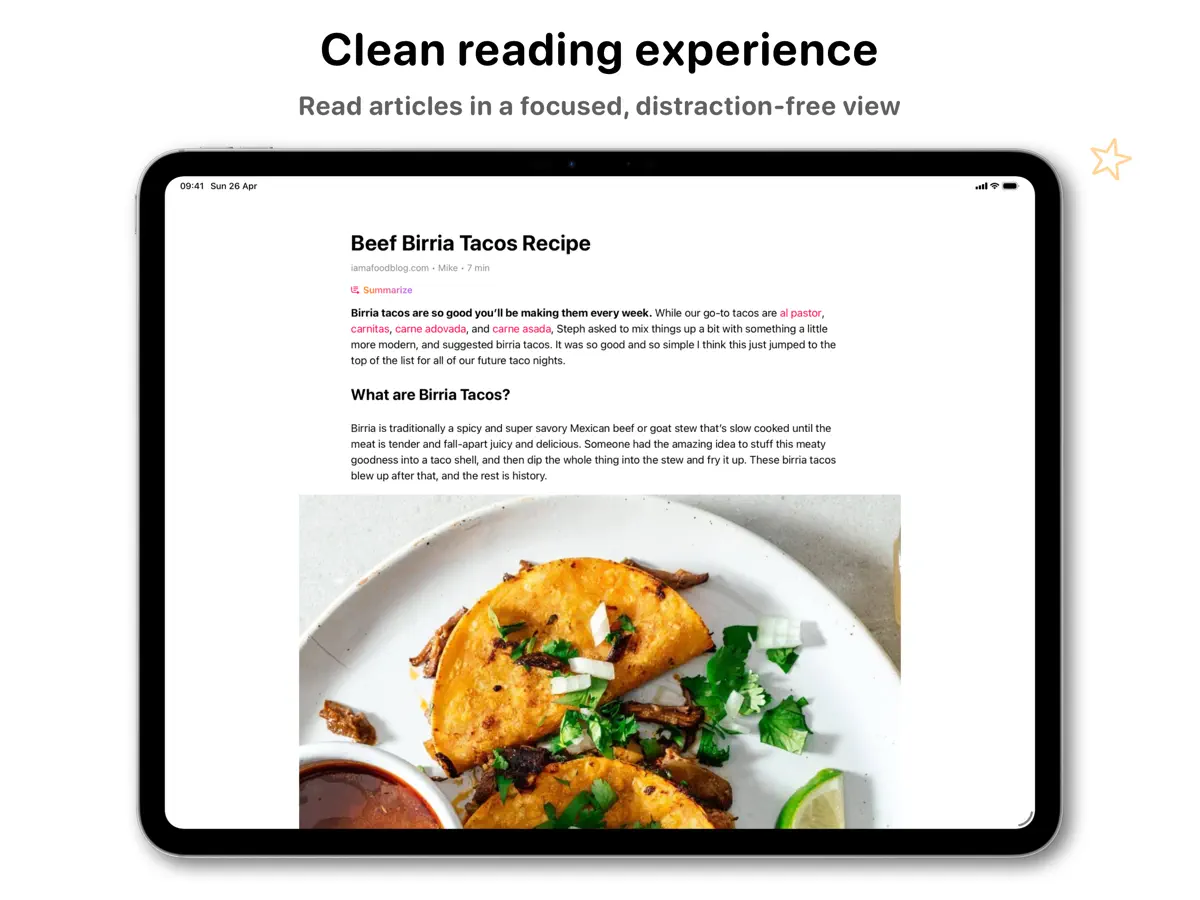
iPad 스크린샷
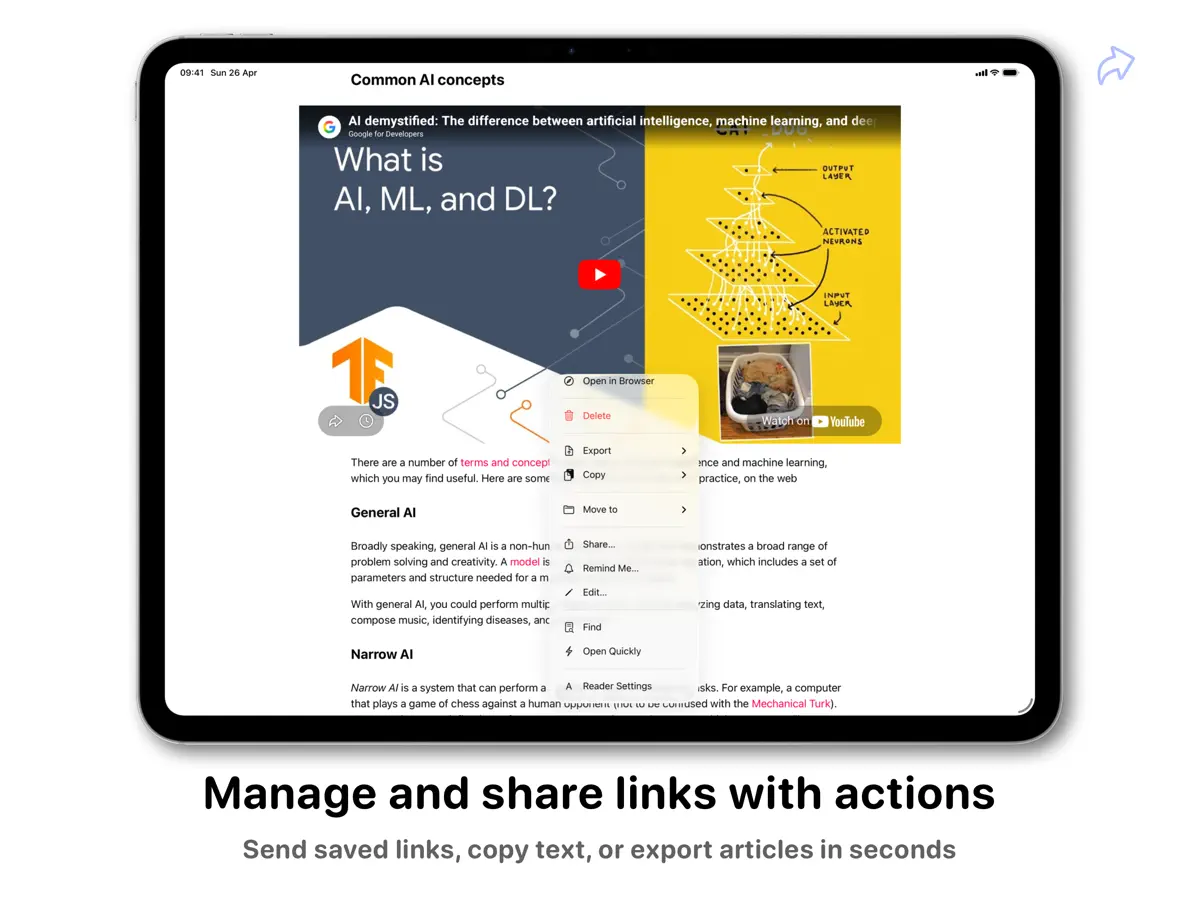
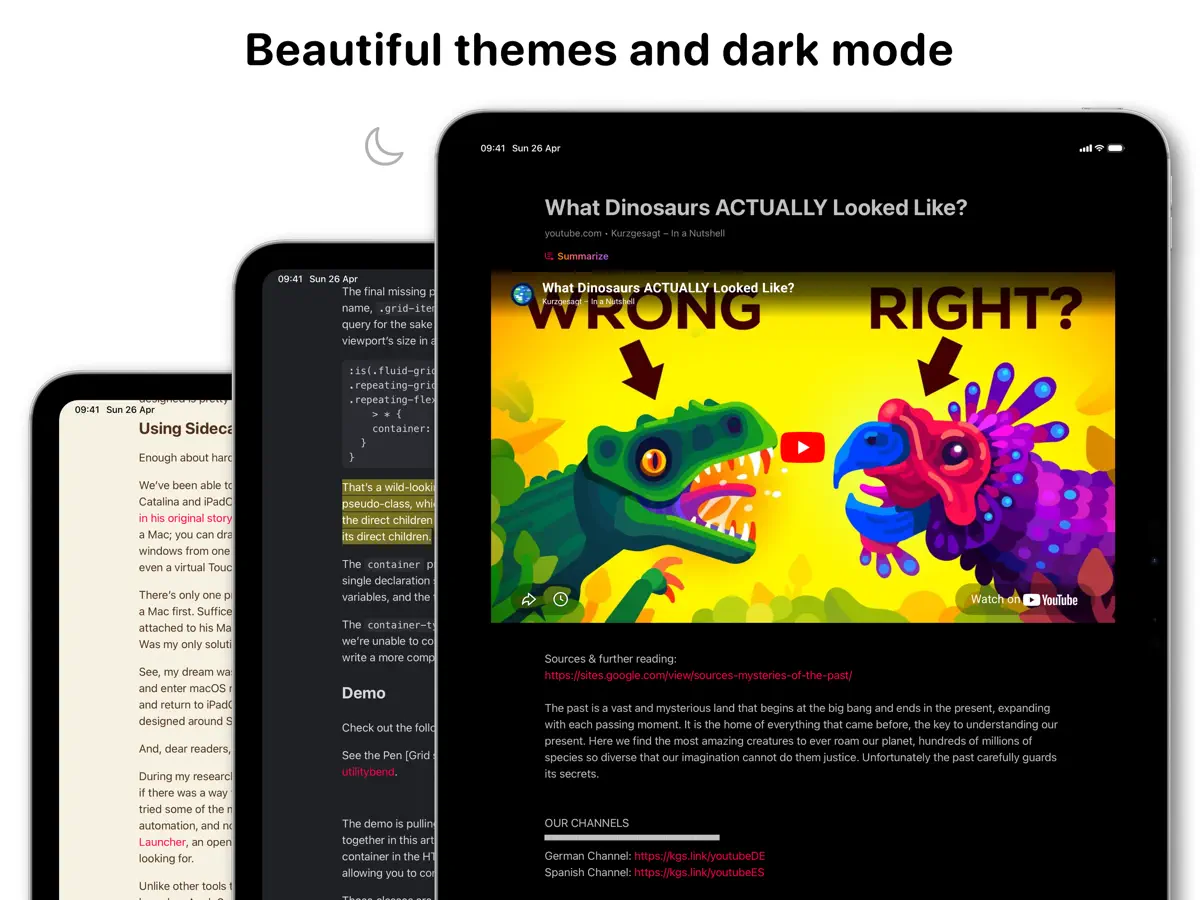
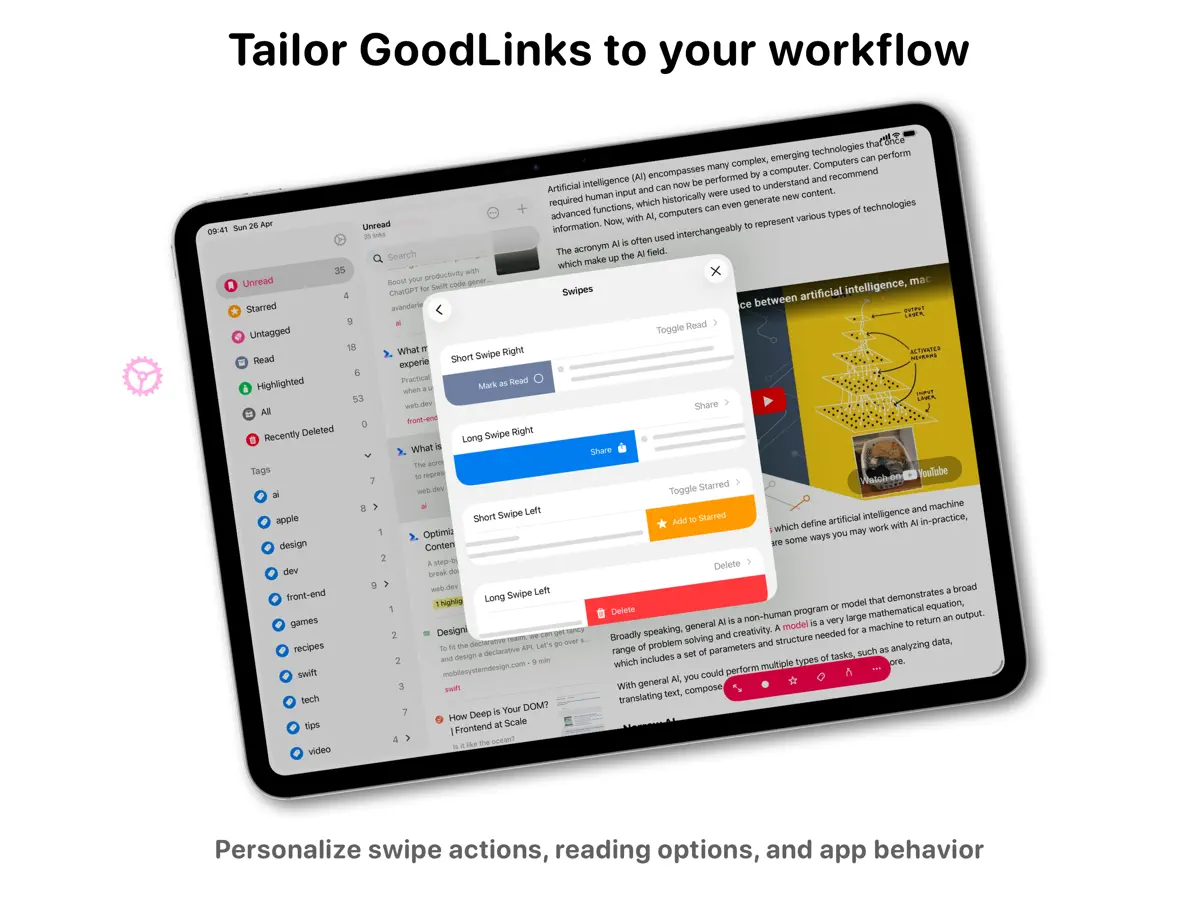
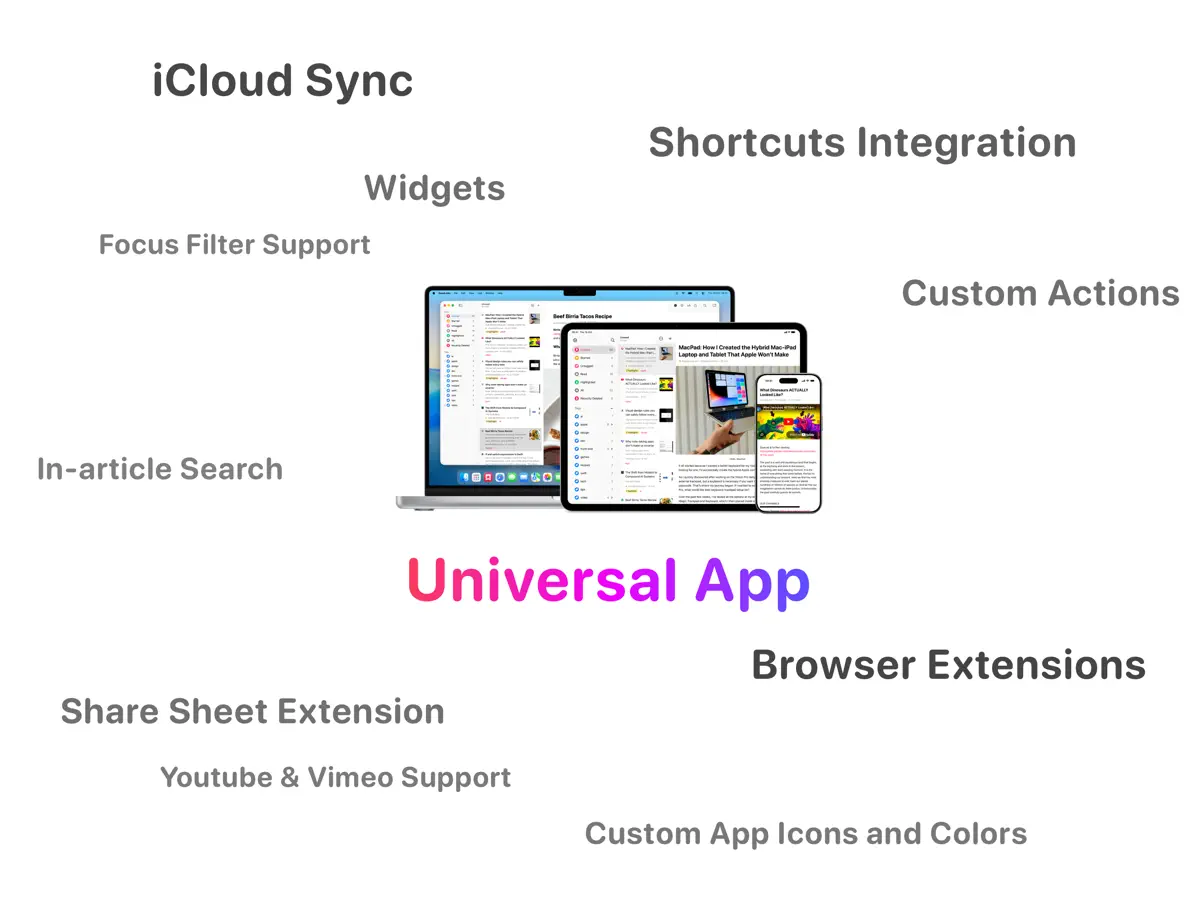
iPhone Duo 활용 방식
2026년 10월 14일 출시된 GoodLinks 4.1의 릴리스 노트에는 일반 개선 및 버그 수정과 함께 "Ready for iPhone Duo"가 적혀 있습니다. 개발자는 내부·외부 디스플레이 레이아웃이나 접는 동작에 특화된 기능을 설명하지 않아 「호환 실행」으로 분류했습니다. 아직 실기기에서 테스트하지 않았습니다.
새로운 기능
버전 4.1 ·
- Ready for iPhone Duo. - Various improvements and bug fixes.
개발자가 이 내용을 한국어로 제공하지 않았습니다.
앱 소개
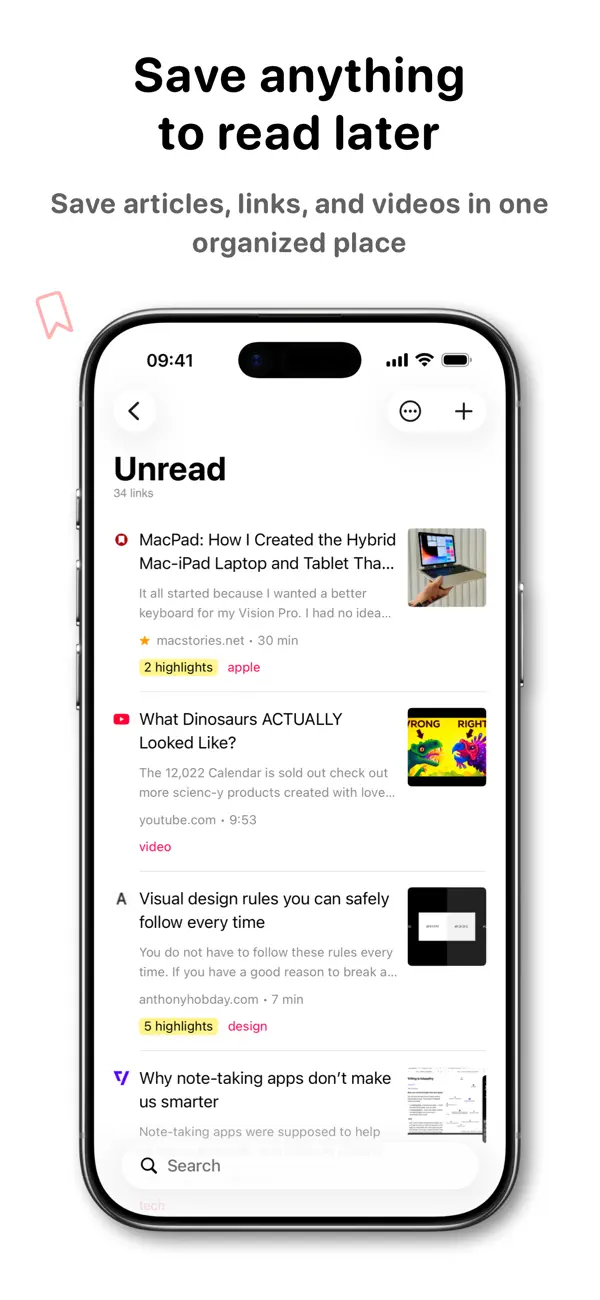
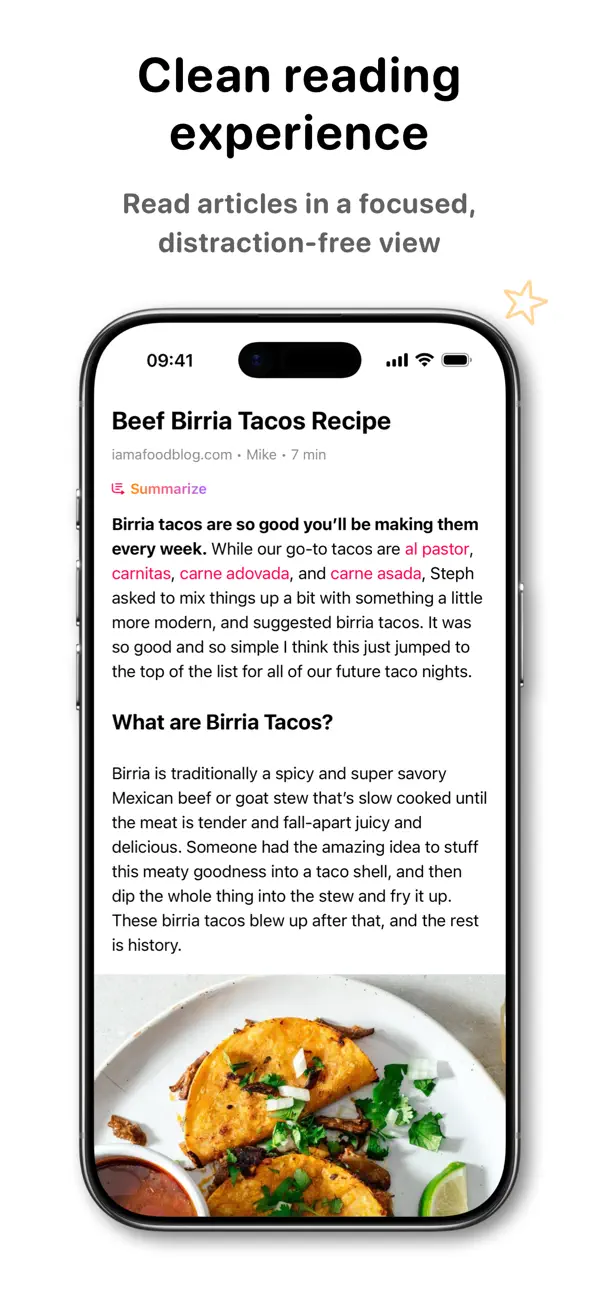
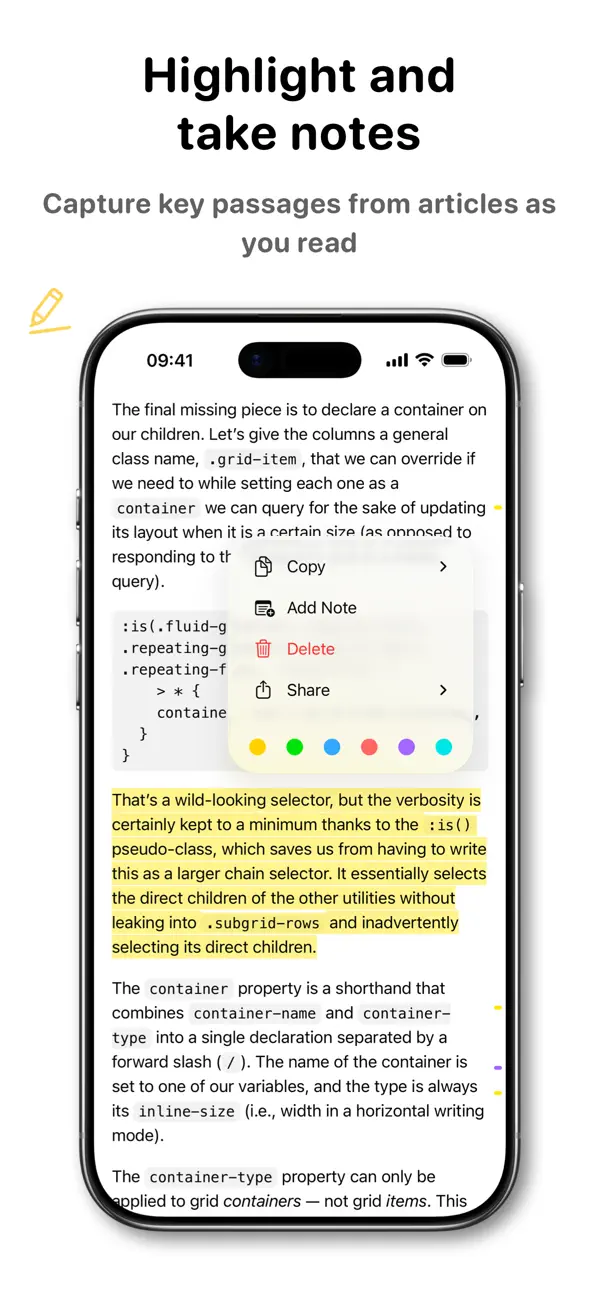
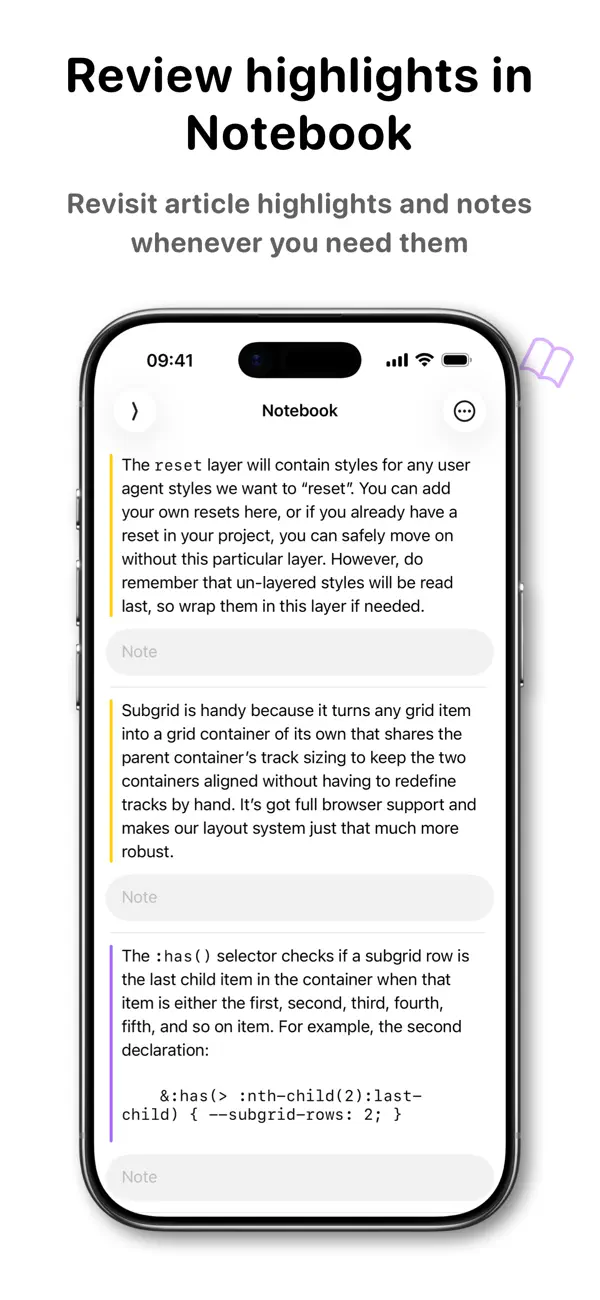
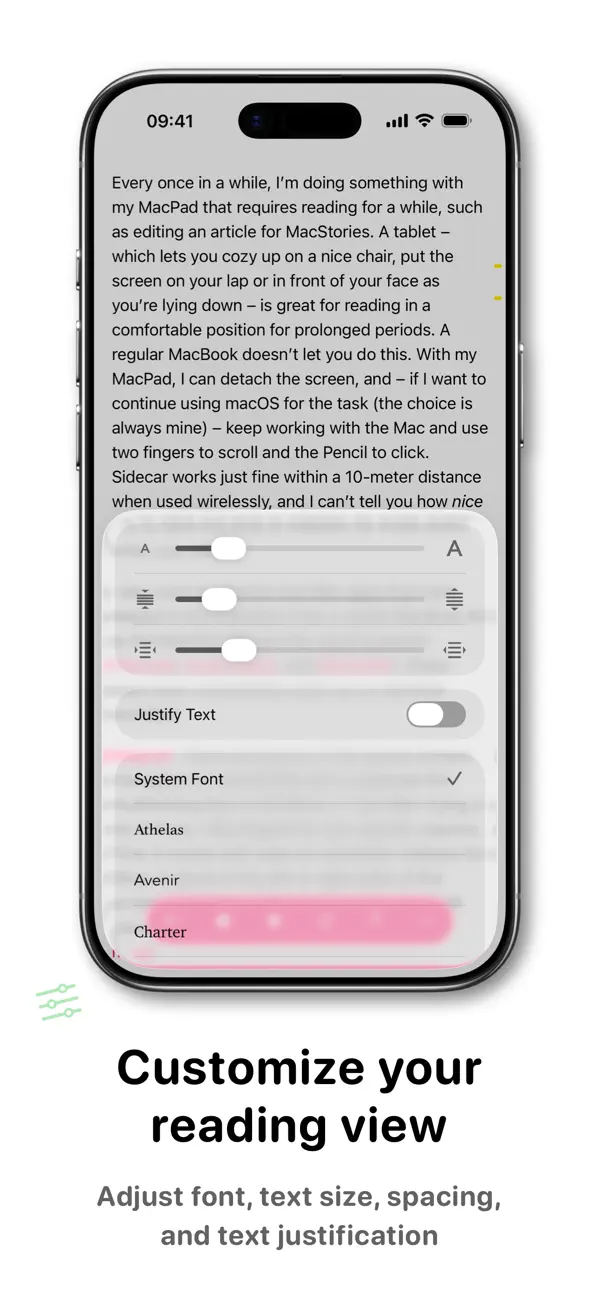
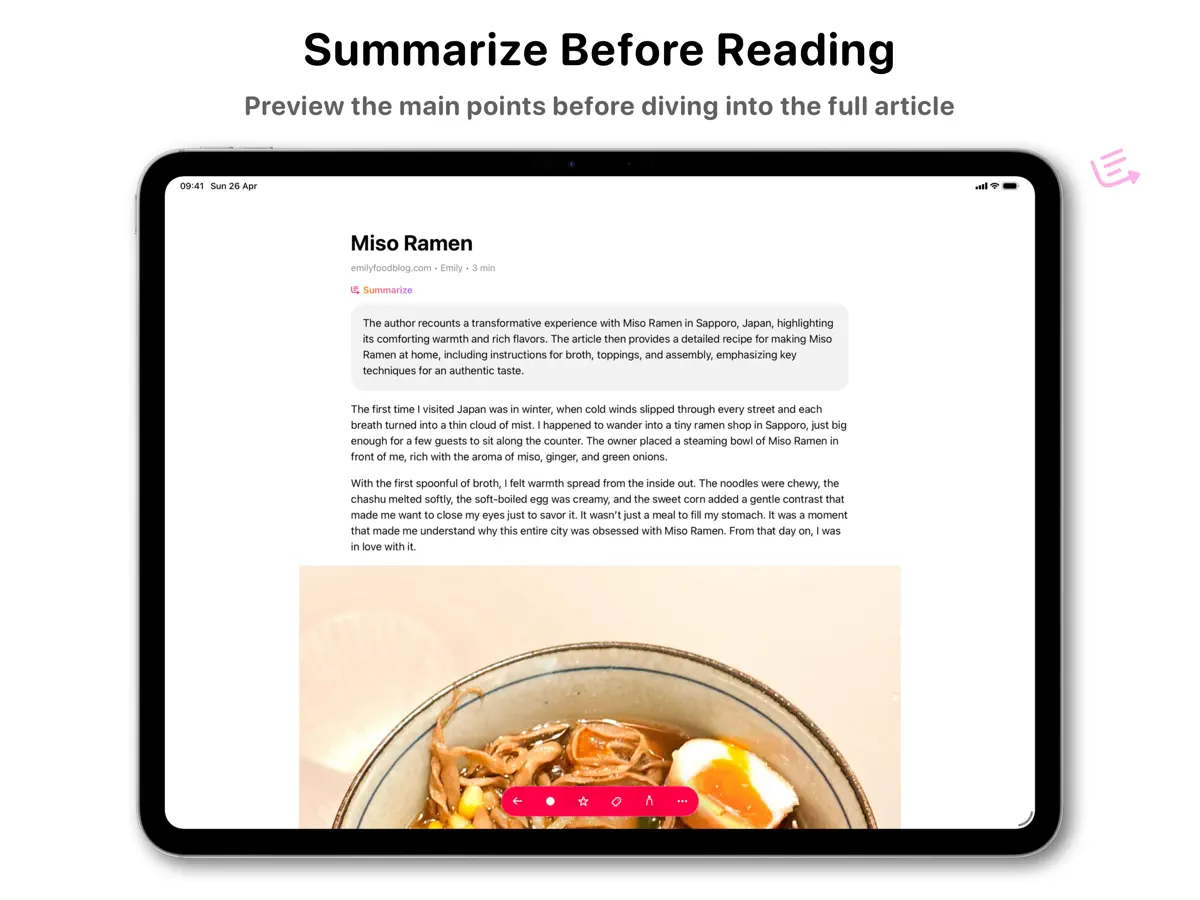
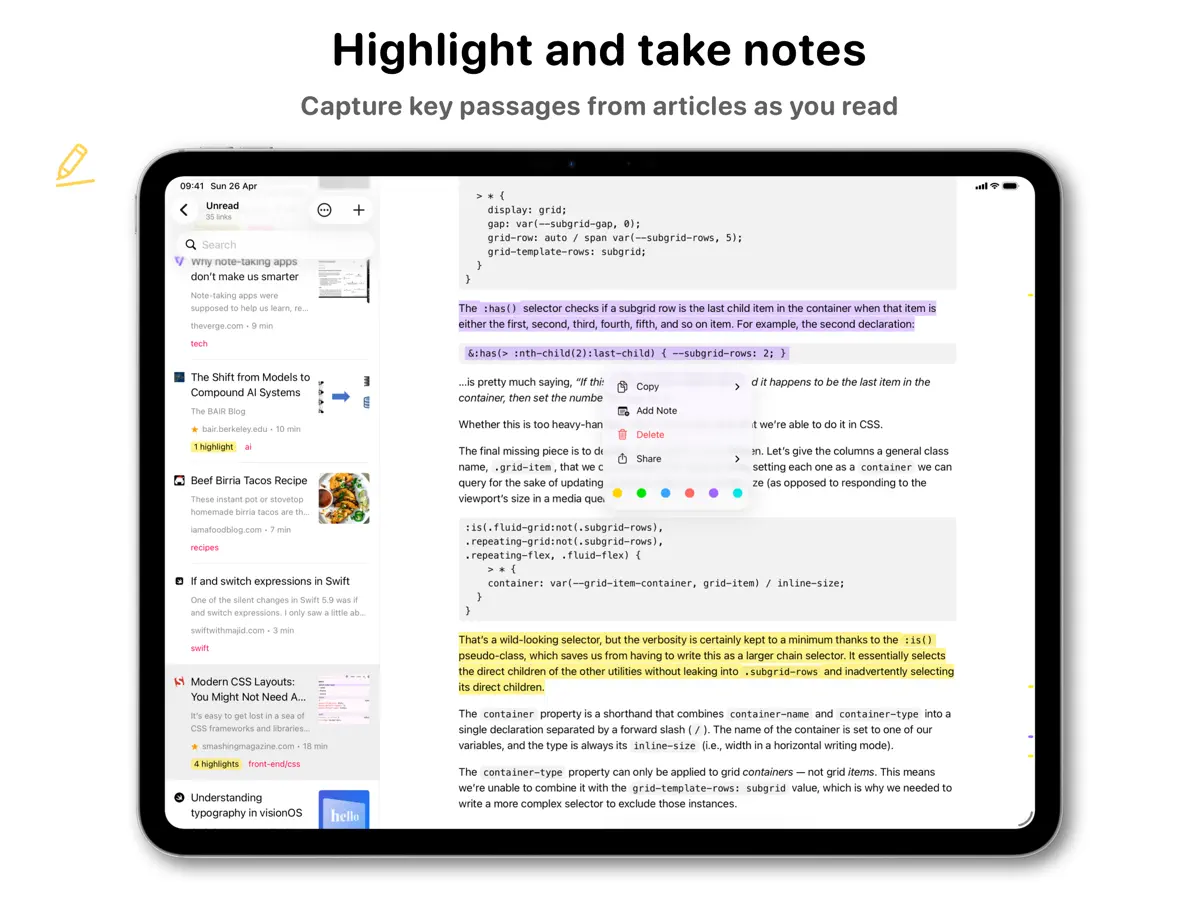
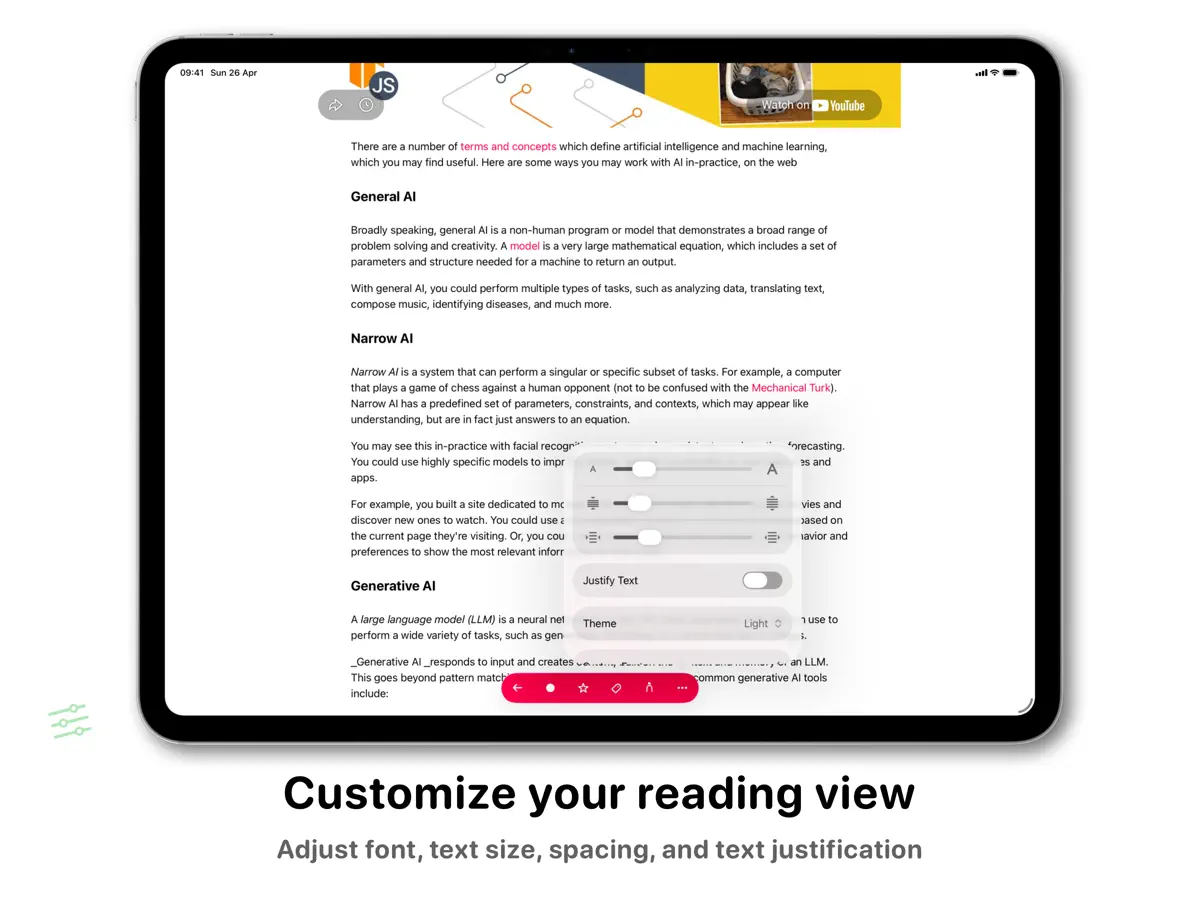
GoodLinks는 독립 개발자 Ngoc Luu가 만든 나중에 읽기·북마크 앱입니다. 공유 시트를 통해 어디서든 링크를 저장하면 앱이 기사 본문을 추출하고 광고와 페이지의 잡다한 요소를 걷어 내, 글꼴, 간격, 크기를 직접 고른 깔끔한 보기에서 읽을 수 있습니다. 링크, 태그, 읽던 위치는 iCloud를 통해 iPhone, iPad, Mac 사이에서 동기화되므로 별도 계정을 만들 필요가 없고 앱 안에 광고도 없습니다. 저장 외에도 구절을 하이라이트하고 메모를 붙이며, 태그와 별표로 늘어나는 목록을 정리하고 제목, 저자 등으로 검색할 수 있습니다. iOS와 macOS를 함께 지원하는 단일 유니버설 구입 방식입니다. 서비스 기반 나중에 읽기 도구 대신 비공개이고 독립적으로 쓰는 대안을 원하고, 구독보다 일회성 가격을 선호하는 사람에게 어울립니다. GoodLinks는 $9.99의 선결제 앱이며 App Store에는 인앱 구입도 표시되어 있습니다. 2026년 10월 14일 출시된 버전 4.1은 iPhone Duo 대응을 명시했습니다.
영어 원문을 번역한 내용입니다.
App Store 설명개발자가 작성한 내용입니다.
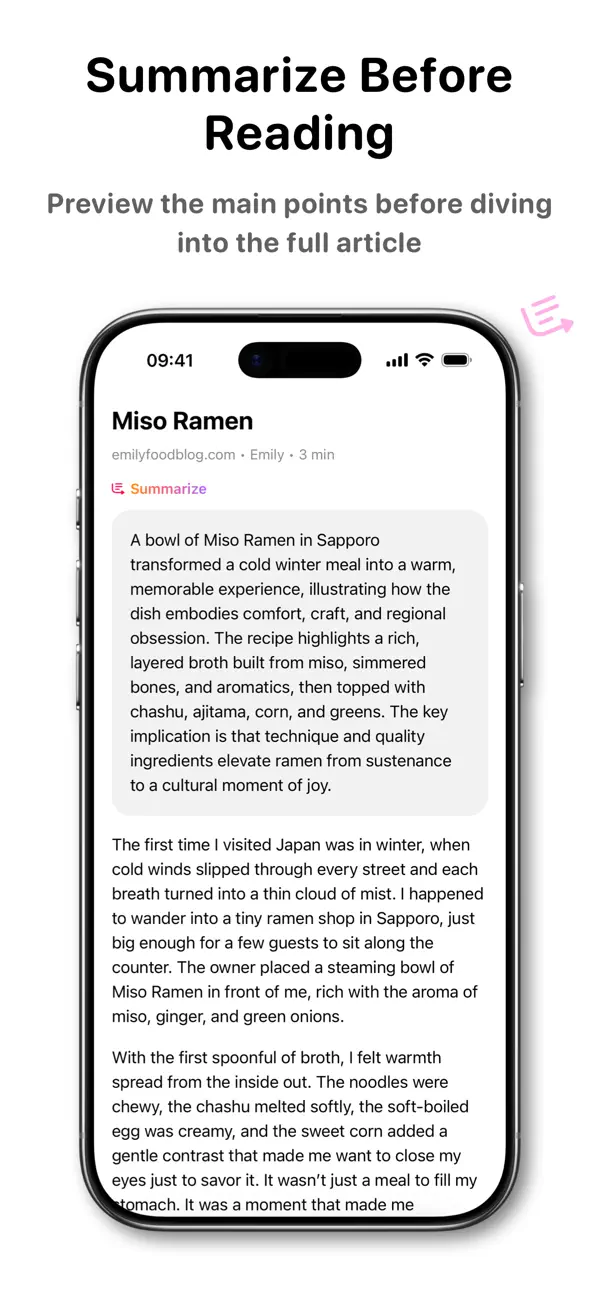
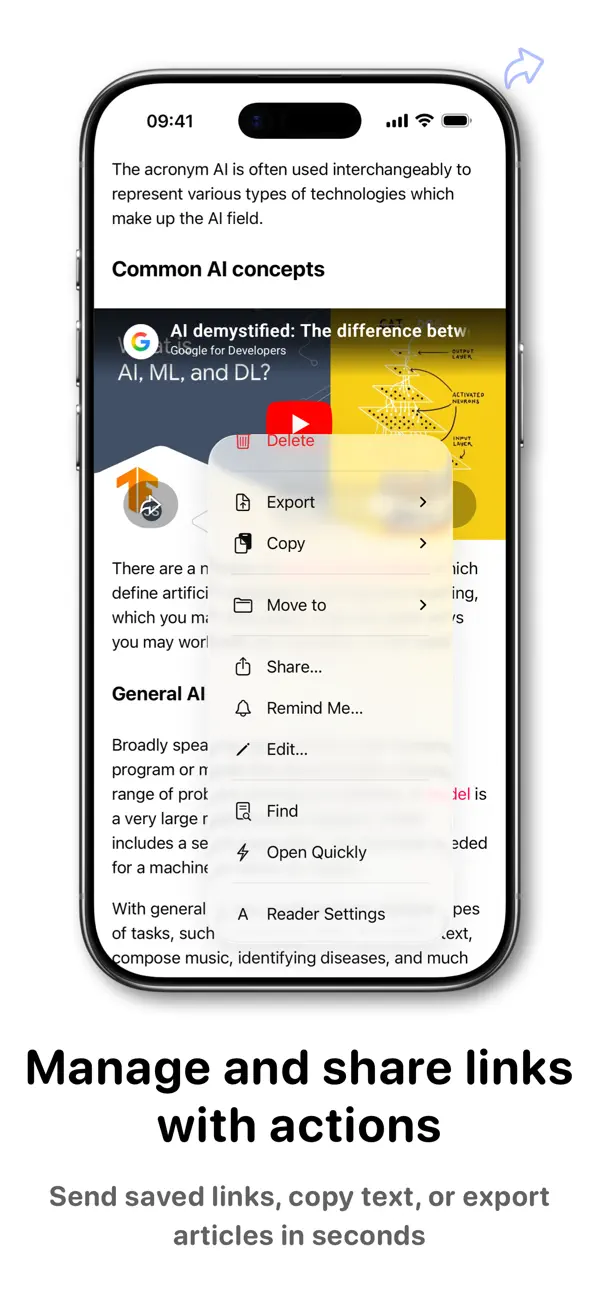
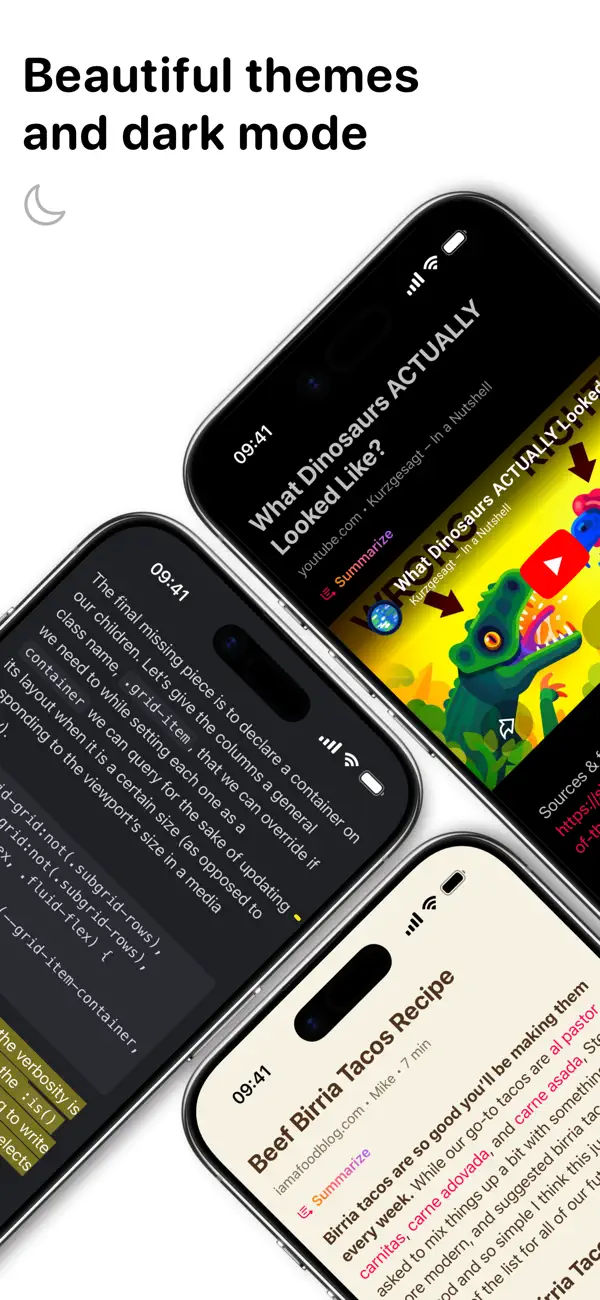
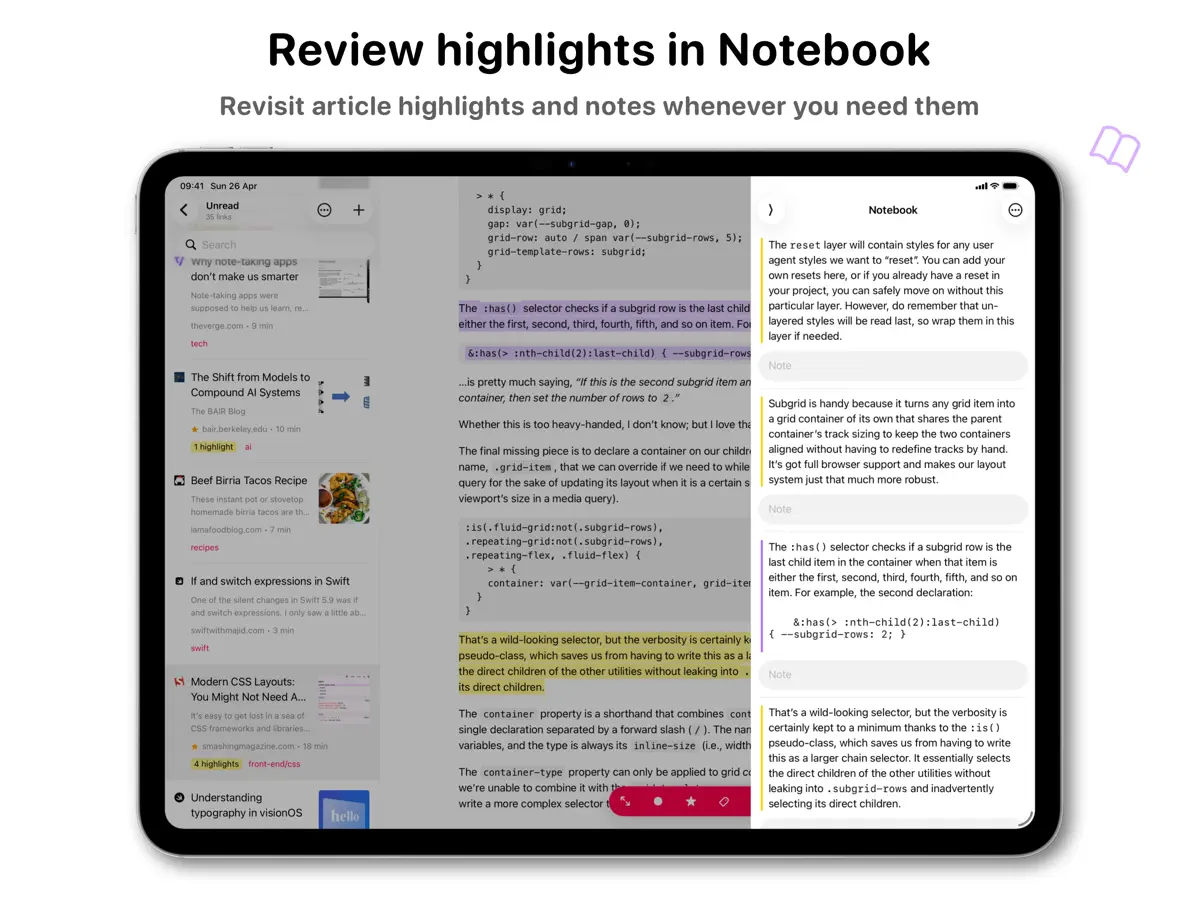
Save links effortlessly. View them later, from anywhere, on all your devices. Sync, organize, and share your links—privately, without ever creating an account. GoodLinks is a powerful bookmarking app with a sleek reading experience. Save the content of the link while eliminating the ads and other clutter. Adding and viewing links is super simple and lightning fast. If you want to dig deeper, GoodLinks can be fully customized. No account. No ads. No creepy spying. GoodLinks just works. KEY FEATURES • Universal App :: GoodLinks is a single app that works on all of your iOS and macOS devices, so you can access your articles anywhere. • No Account :: Sync links, tags, and reading position without needing another web service account. iCloud Sync means all you have to do is install the app. • Simple :: Save articles from anywhere with a powerful Share Sheet extension. GoodLinks is so easy it feels like part of the operating system. • Readability :: Put the emphasis where it belongs—on the article you want to read. GoodLinks extracts the article text and removes web advertisements and other distractions to provide a wonderful reading experience. Pick the perfect font, spacing, and size. • Highlight & Note :: Highlight important information within articles and add notes to them, making it easier for you to remember key passages. • Organize :: Tame a large list with tags and starred articles, so you can always find what you need. You can also search based on title, author, and description. • Actions :: Actions help you manage and share links. You can add article to Starred, share to other apps, export to PDF, plain text or Markdown... Build your own actions to export and share your saved links. • Customize :: Adjust how your links and lists look, change swipe behavior, and more. Tailor GoodLinks to fit your style. • Themes :: Switch between beautiful themes: Light and Sepia for light mode, Dark and Night for dark mode. • Siri Shortcuts :: Deep support of iOS Shortcuts. Save a new link, query links, open a specific view, and more. • Log in to Sites :: Log in to paywalled sites to get full access to their content. • Widgets :: Get quick access to a list, or open a random unread link from your home screen. • Summarization :: Get a summary of any article with Apple Intelligence or external LLM services using your own API keys. • Archive :: The full rich text of each article gets saved in GoodLinks, and your reading history provides a natural archive if you need it. Save as many links as you want. • Private :: Your reading history and favorite articles should only be private by default. GoodLinks doesn’t track you or your information, and nothing is shared online unless you choose to share it. • VoiceOver :: GoodLinks is fully accessible via VoiceOver. GOODLINKS PREMIUM When you purchase GoodLinks today, you will get *permanent* access to all the current features, including any new ones released one year from your date of purchase. After your one year of feature upgrades is up, any new features introduced will require the GoodLinks Premium subscription to unlock. Once unlocked, those features are yours to keep *forever*, even if you choose to unsubscribe right after subscribing. Terms: https://www.apple.com/legal/internet-services/itunes/dev/stdeula/ Privacy Policy: https://goodlinks.app/privacy/
주요 기능
- 공유 시트로 모든 앱에서 링크 저장
- 글자 모양을 조절하는 깔끔한 리더 보기
- 하이라이트와 메모
- 태그, 별표, 검색
- 계정 없는 iCloud 동기화
- iPhone, iPad, Mac 유니버설 앱
iPhone Duo에서의 GoodLinks: 자주 묻는 질문
GoodLinks은(는) iPhone Duo에 최적화되어 있나요?
아직은 아닙니다. GoodLinks은(는) 호환 실행 앱으로, 변경 없이 기존 iPhone 레이아웃으로 실행됩니다. 2026년 10월 14일 확인(개발자 발표).
iPhone Duo에서 GoodLinks은(는) 어떻게 보이나요?
2026년 10월 14일 출시된 GoodLinks 4.1의 릴리스 노트에는 일반 개선 및 버그 수정과 함께 "Ready for iPhone Duo"가 적혀 있습니다. 개발자는 내부·외부 디스플레이 레이아웃이나 접는 동작에 특화된 기능을 설명하지 않아 「호환 실행」으로 분류했습니다. 아직 실기기에서 테스트하지 않았습니다.
GoodLinks의 가격은 얼마인가요?
GoodLinks은(는) App Store에서 ₩17,000 · 앱 내 구입입니다.
다른 독서 및 뉴스 앱
모두 보기 ›
iPhone Duo를 접고 펼칠 때마다 화면이 바뀌는, 요약 기능을 갖춘 RSS 리더

접고 펼치는 데 맞춰 레이아웃이 바뀌는 RSS·뉴스 리더

구독 중인 매체의 뉴스와 이야기를 모은 나만의 맞춤형 매거진

책을 더미와 홈 화면 위젯으로 보여 주는 독서 기록 앱

세심한 타이포그래피, 제스처, 색상 테마를 갖춘 RSS 리더

피드, 동영상, 팟캐스트, 소셜 게시물을 모은 통합 타임라인