GoodLinks
Save articles and read them later without ads or an account
Ngoc Luu · Reading & News · $9.99 · in-app purchases
iPhone screenshots
iPad screenshots
How it uses iPhone Duo
GoodLinks 4.1, released October 14, 2026, lists "Ready for iPhone Duo" in its release notes, alongside general improvements and bug fixes. The developer has not described a specific layout for the inner or outer display or any fold-specific behaviour, so it is listed as Compatible. We have not yet tested it on a device.
What’s New
Version 4.1 ·
- Ready for iPhone Duo. - Various improvements and bug fixes.
About this app
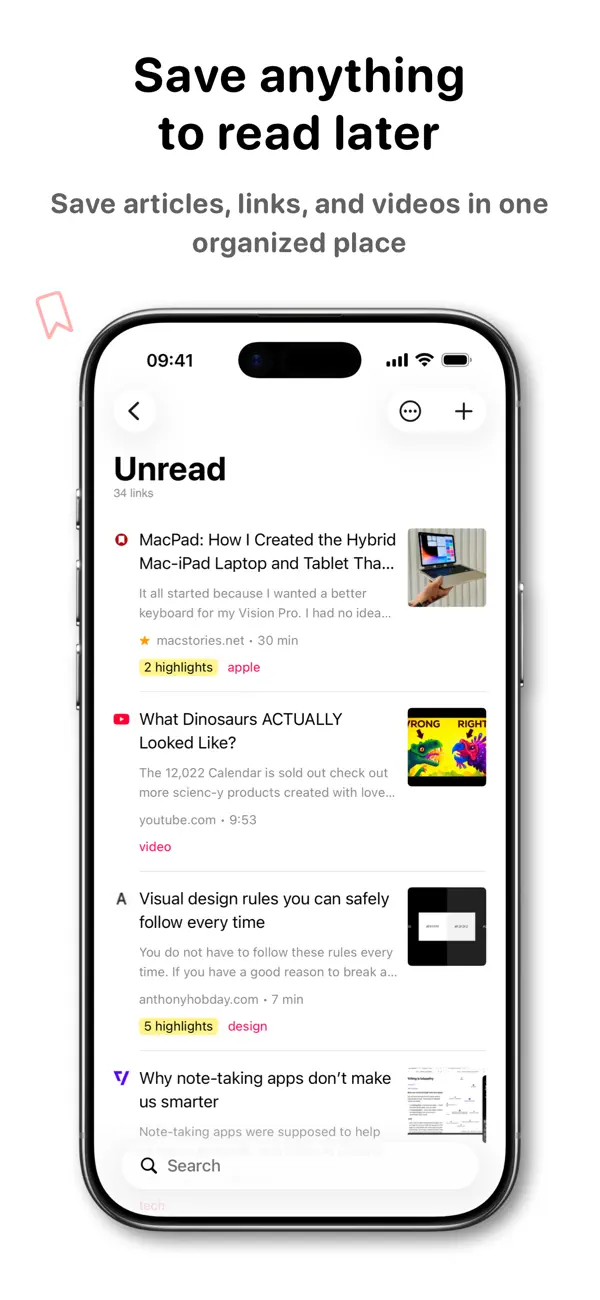
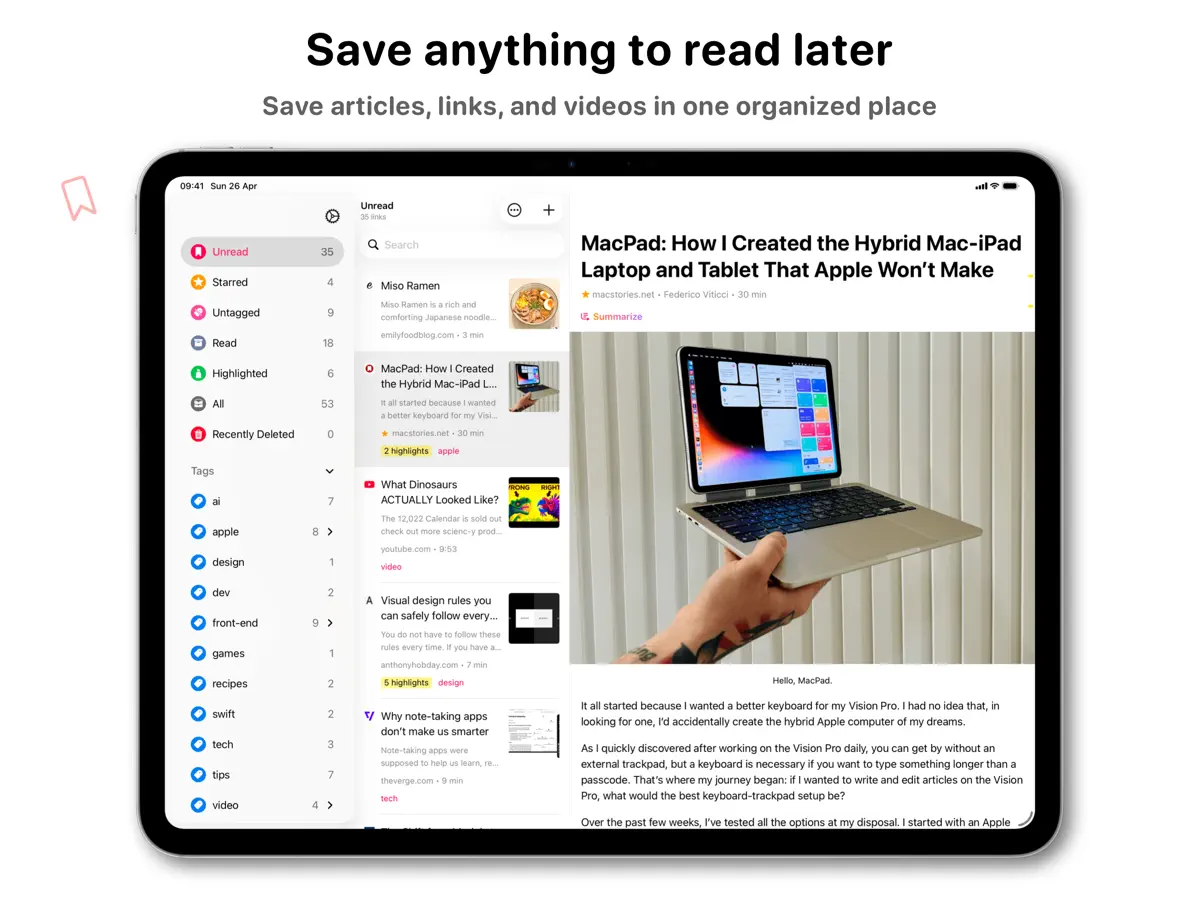
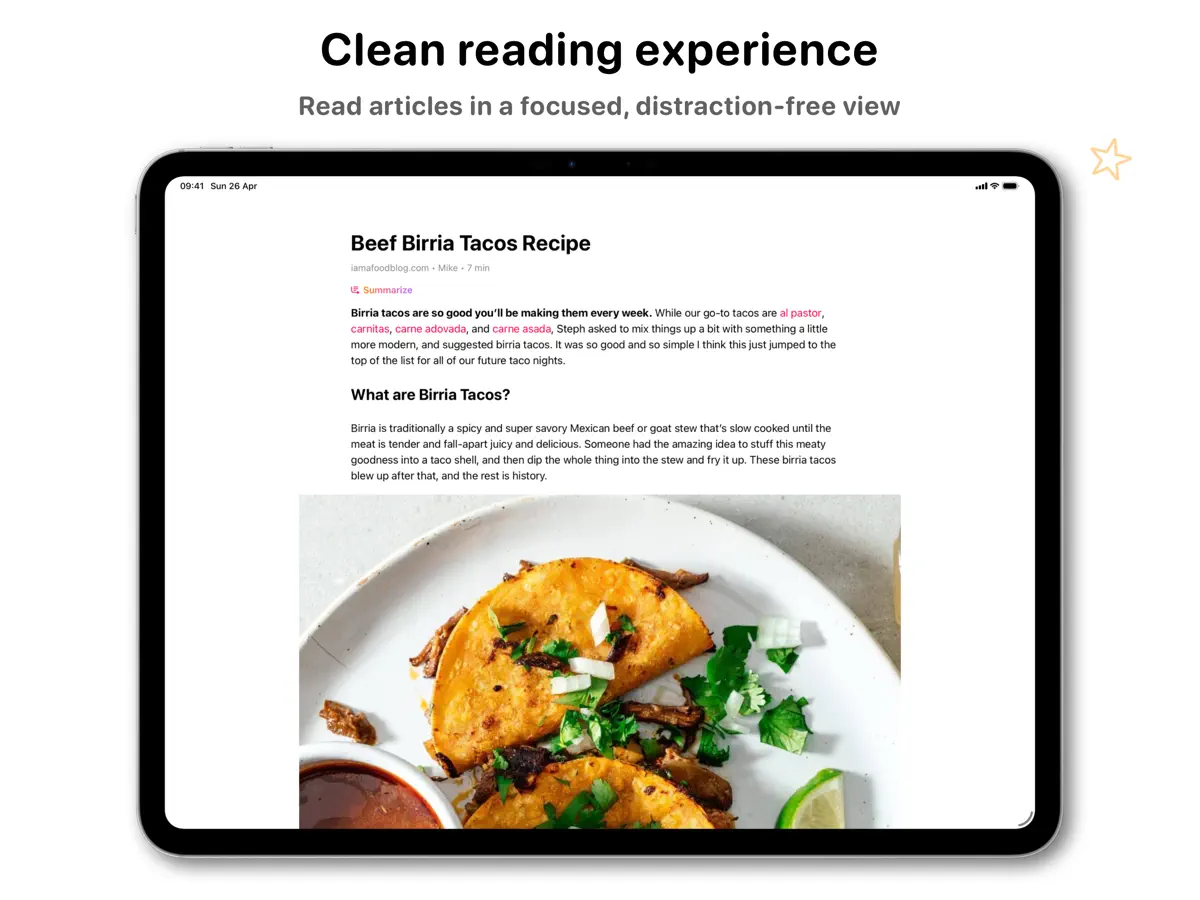
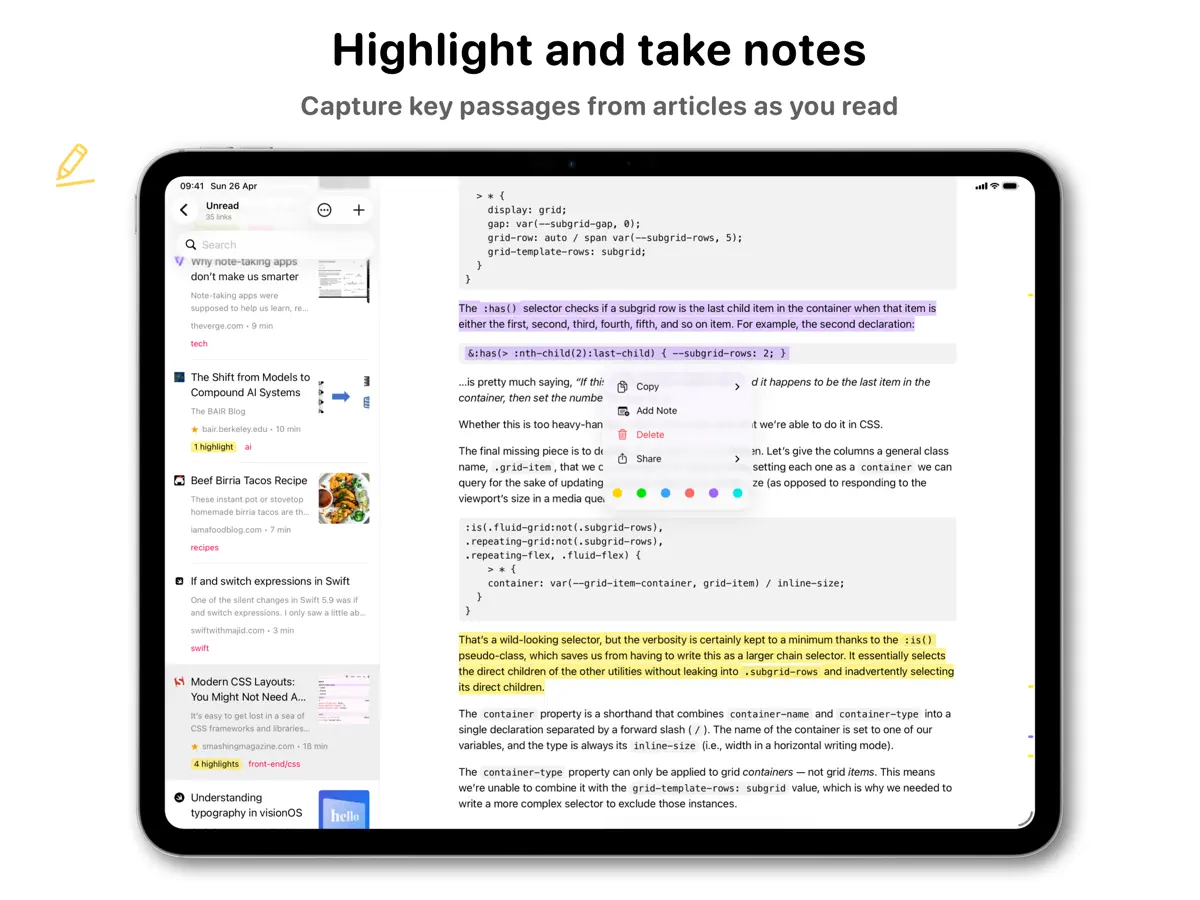
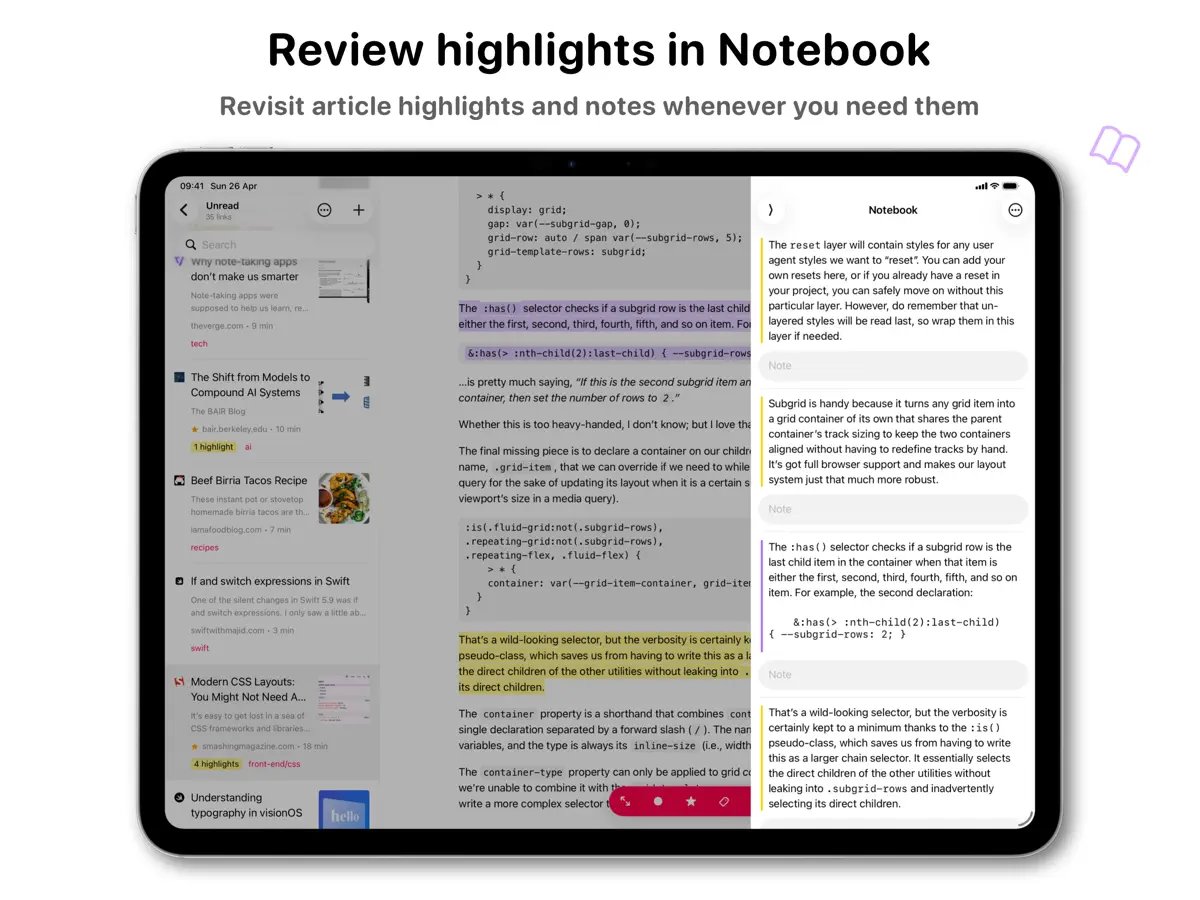
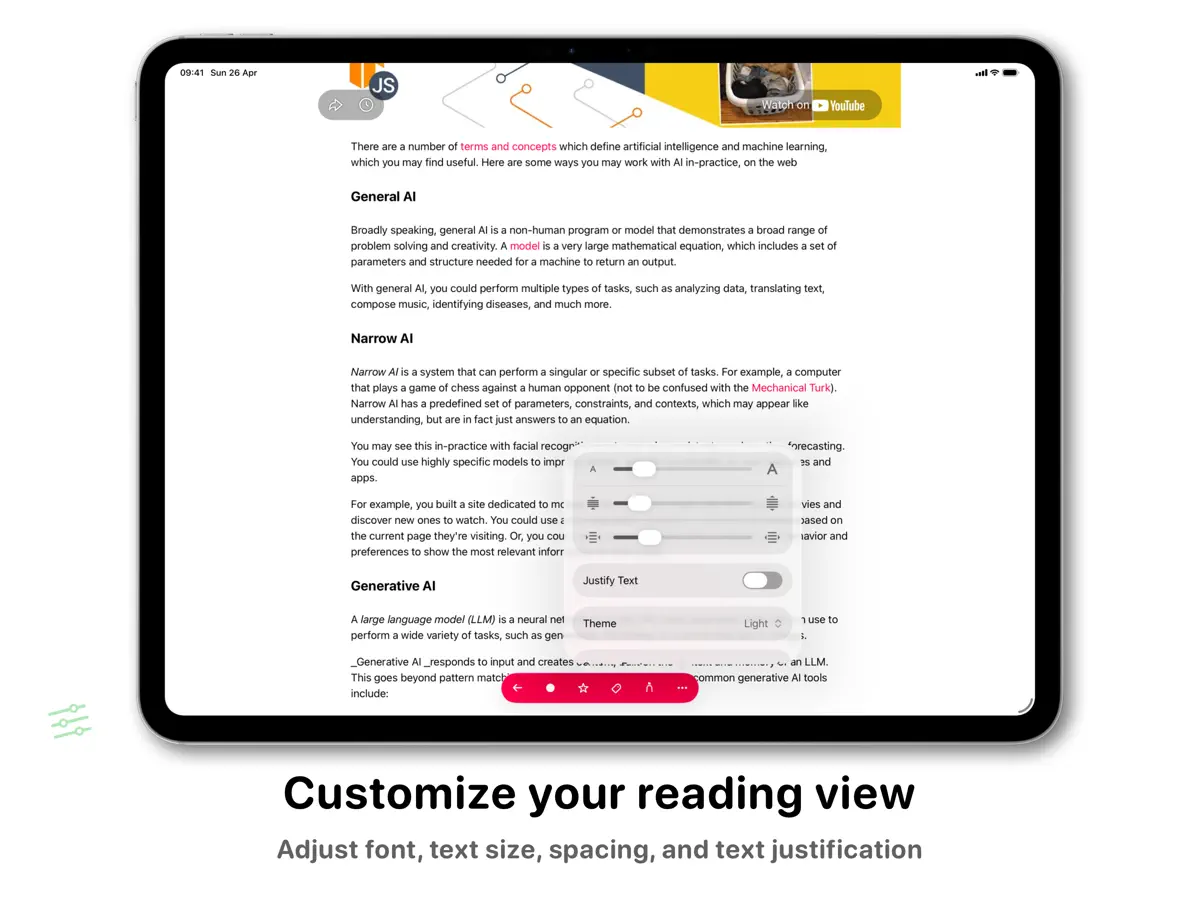
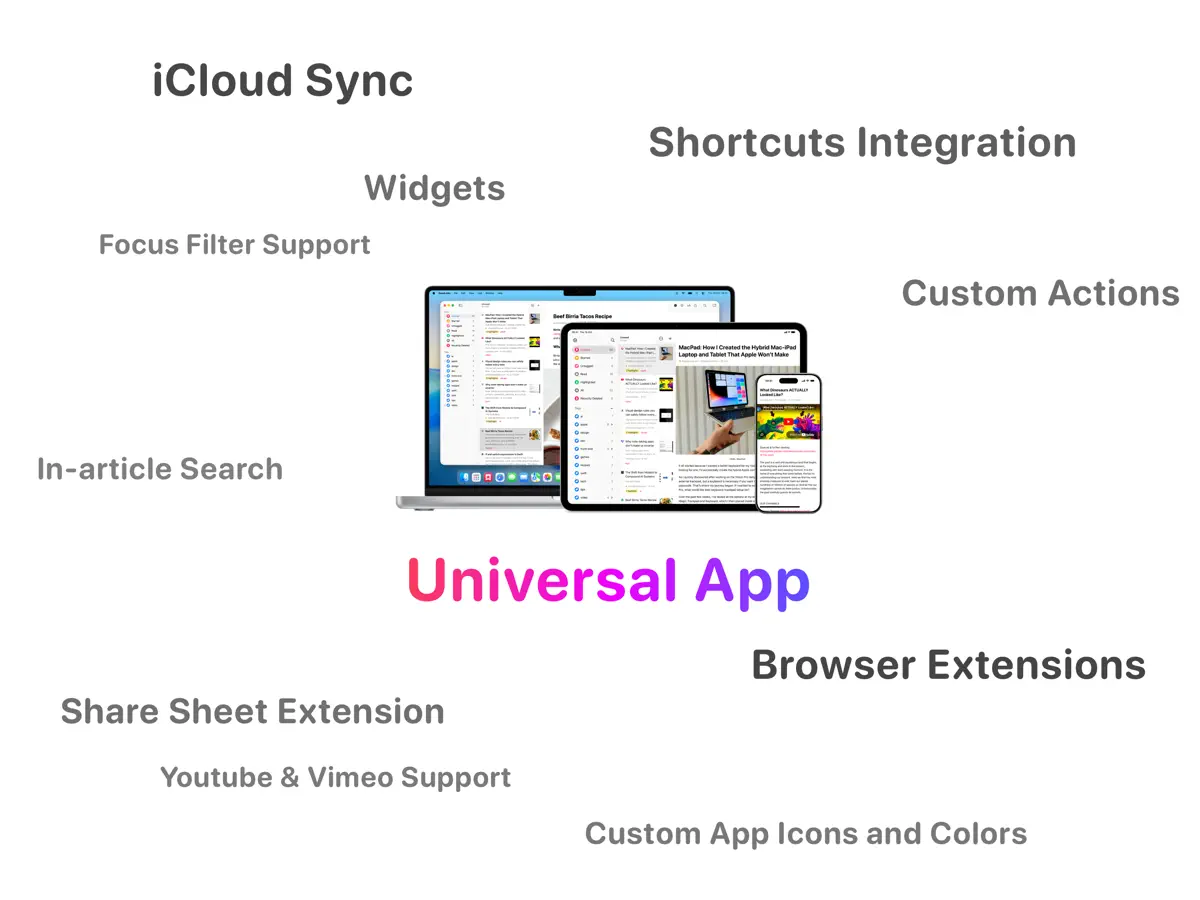
GoodLinks is a read-later and bookmarking app by independent developer Ngoc Luu. You save links from anywhere through the share sheet, and the app extracts the article text, stripping out advertisements and page clutter so you can read in a clean view with your choice of font, spacing and size. Links, tags and reading position sync between iPhone, iPad and Mac through iCloud, so there is no separate account to create and no ads in the app. Beyond saving, you can highlight passages and attach notes to them, organize a growing list with tags and stars, and search across titles, authors and other details. The app is a single universal purchase that covers iOS and macOS. It suits people who want a private, self-contained alternative to service-based read-later tools, and who prefer a one-time price over a subscription. GoodLinks costs $9.99 upfront; the App Store also lists in-app purchases. Version 4.1, released on October 14, 2026, notes that the app is ready for iPhone Duo.
App Store descriptionWritten by the developer.
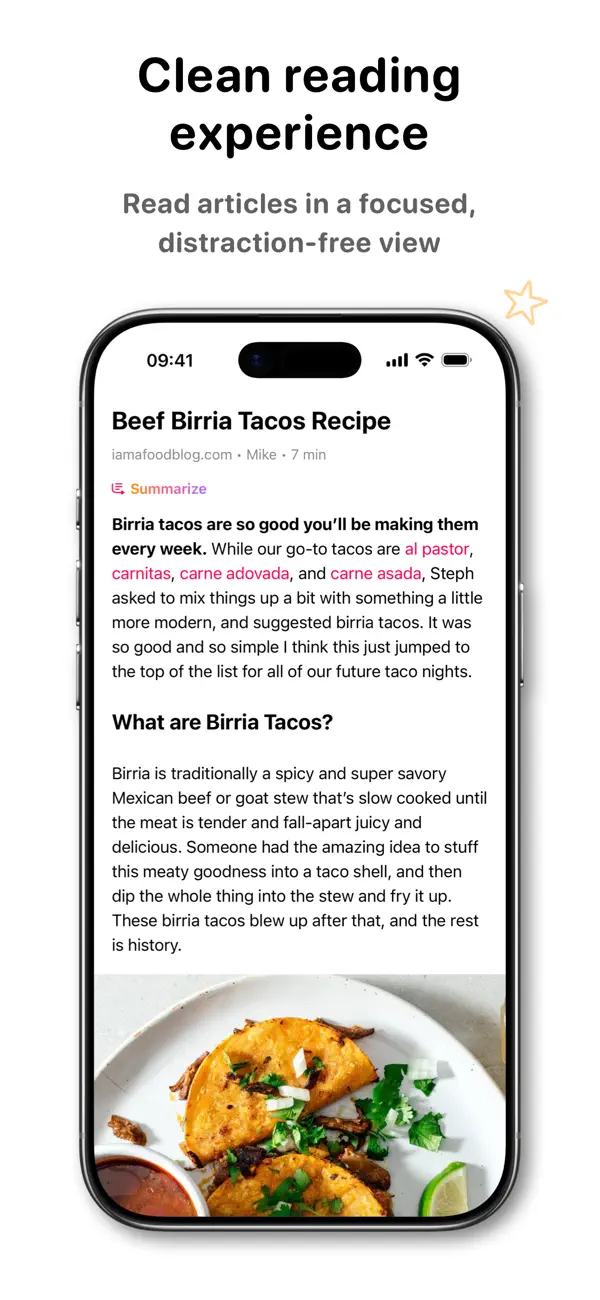
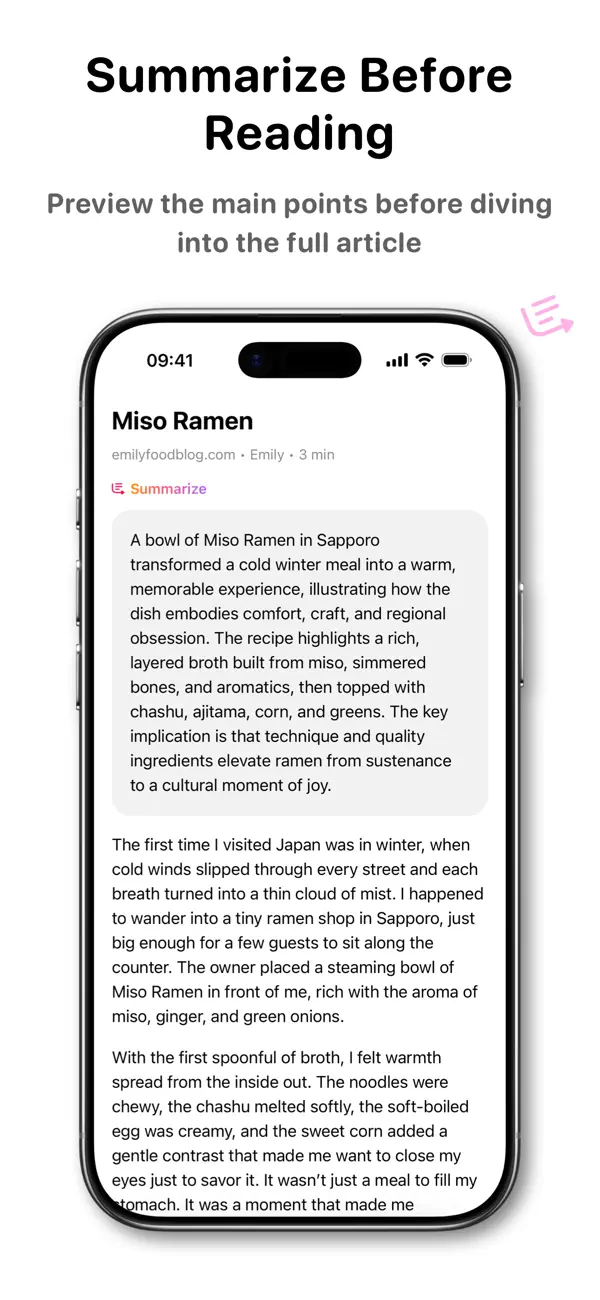
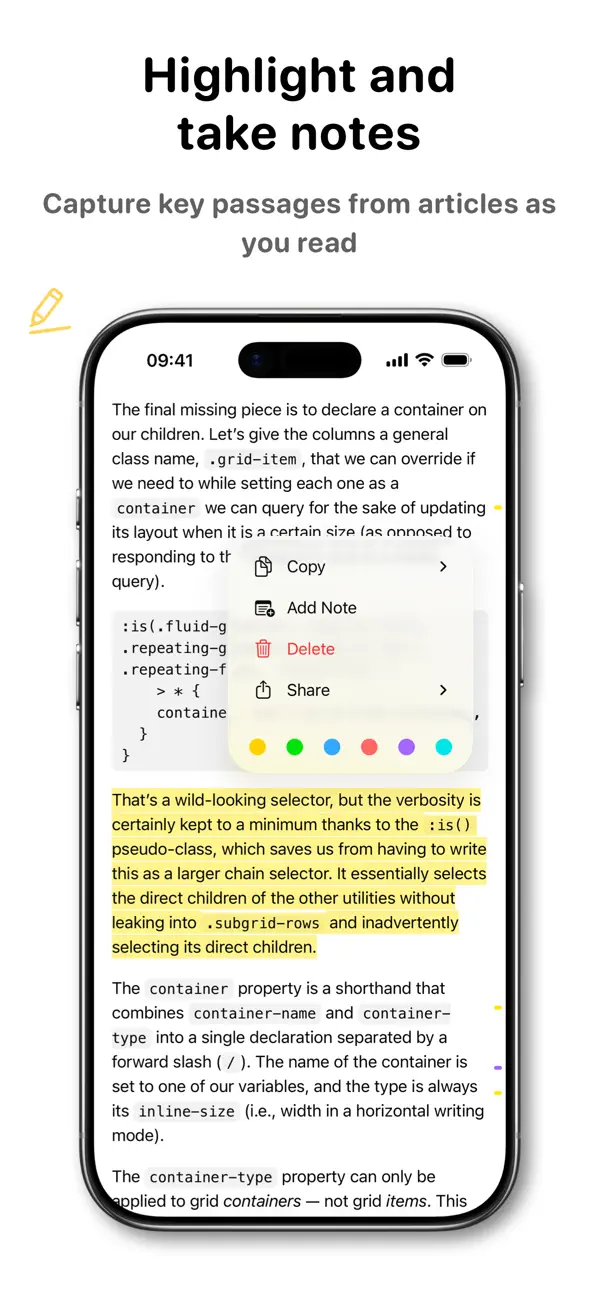
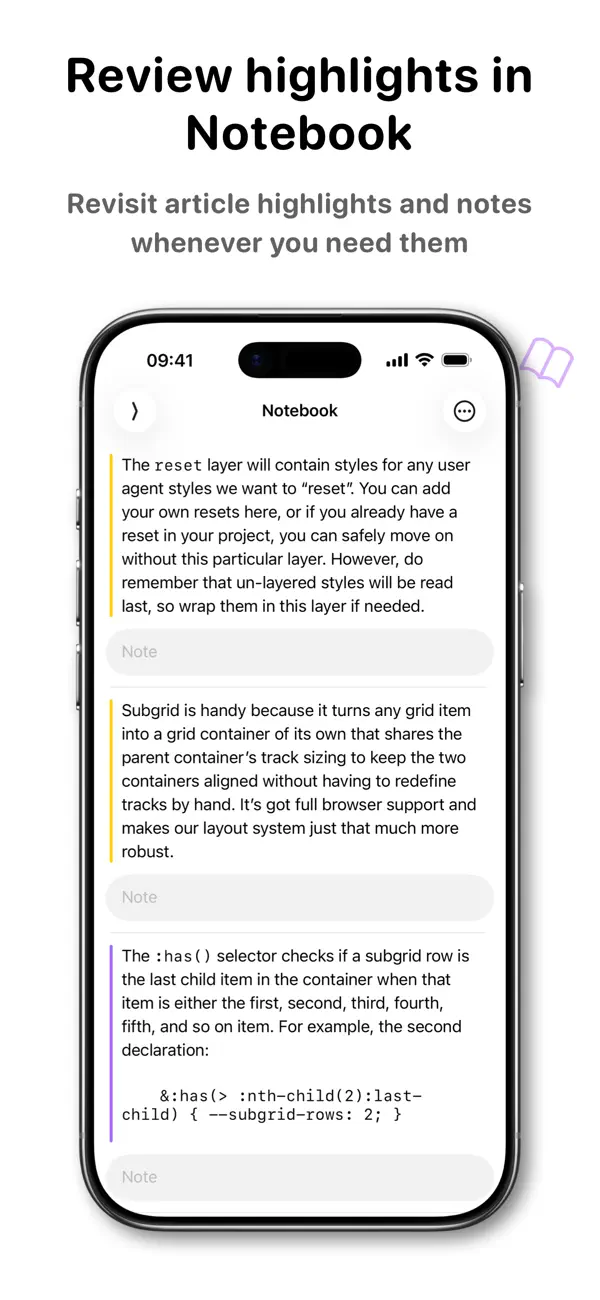
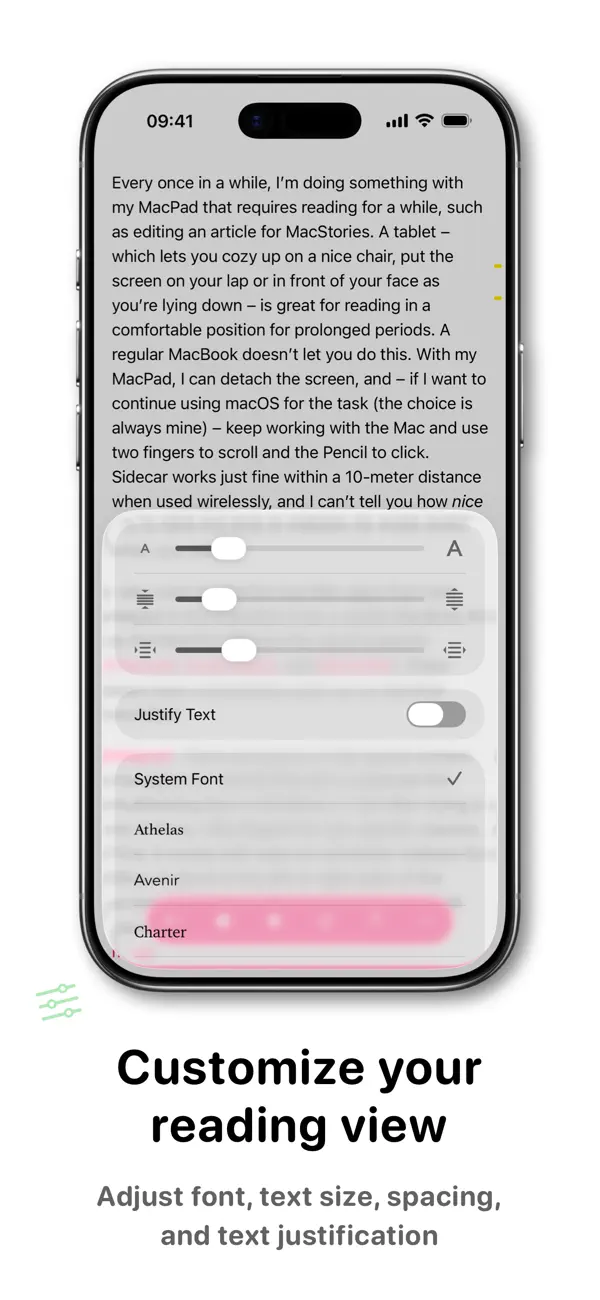
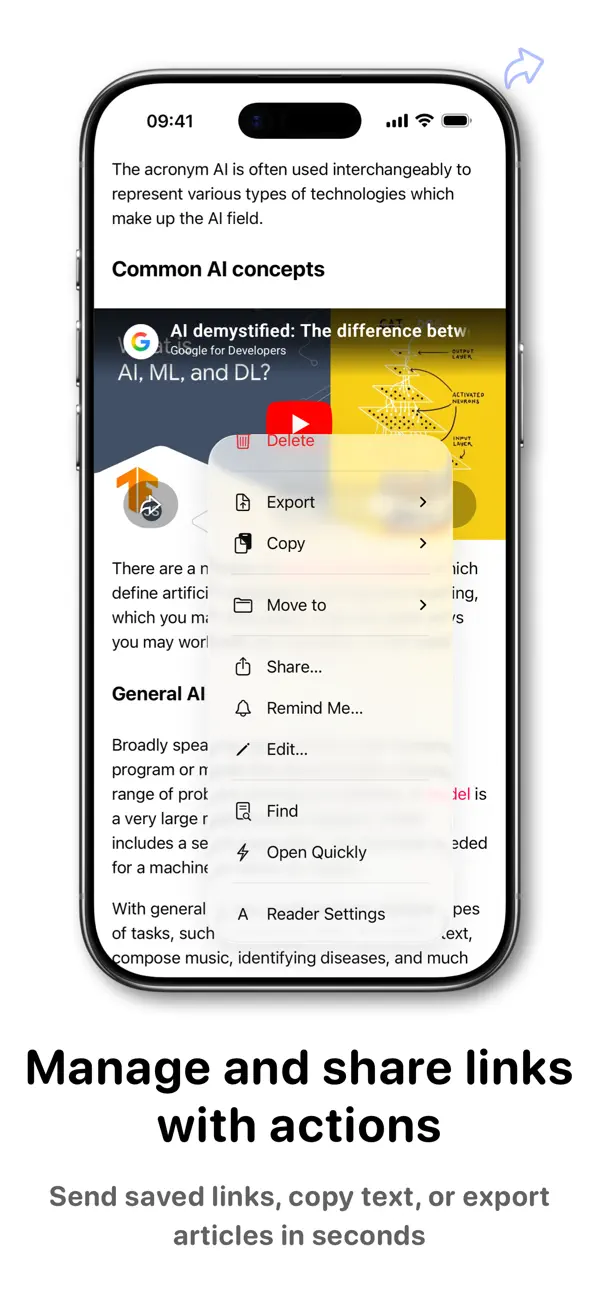
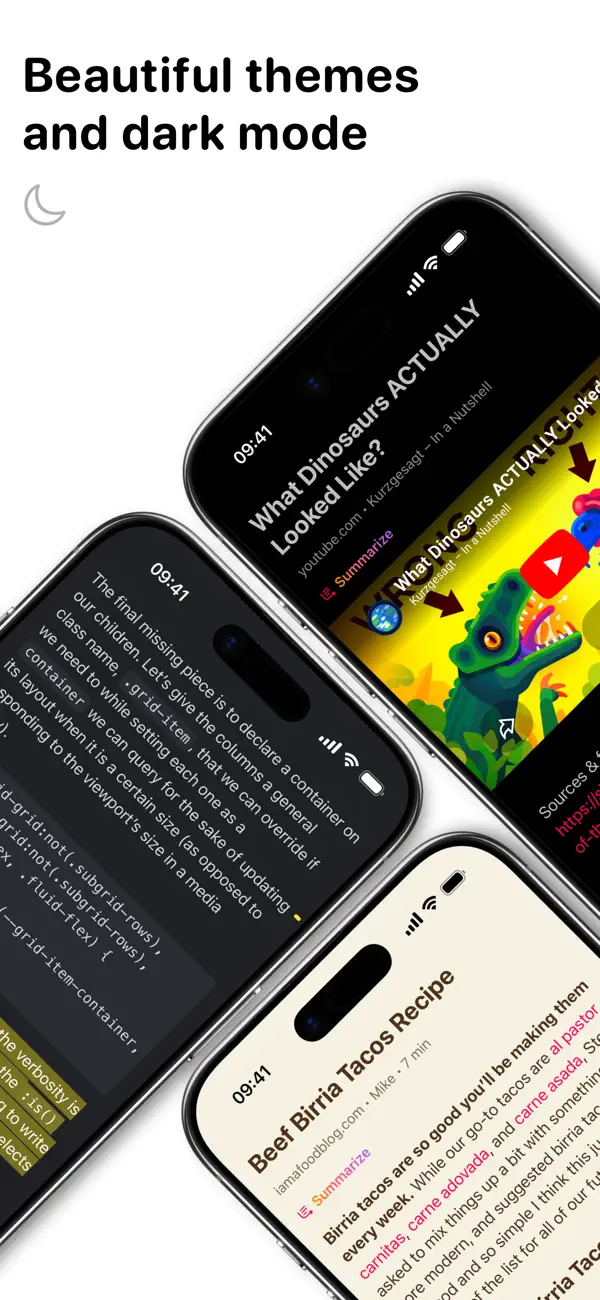
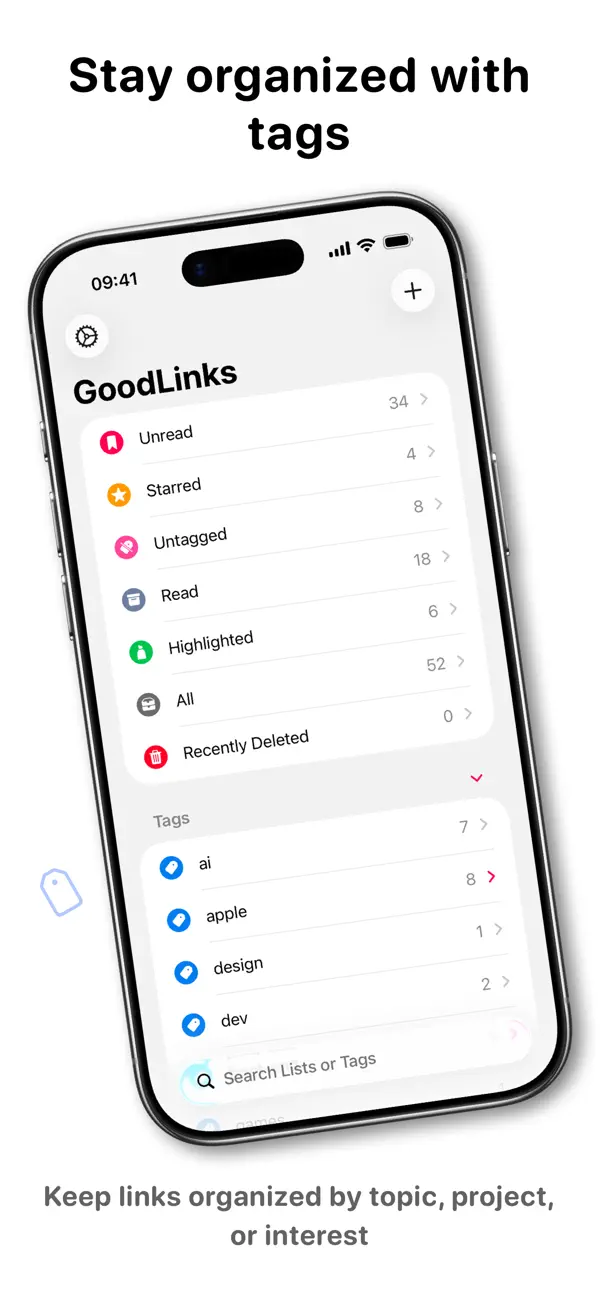
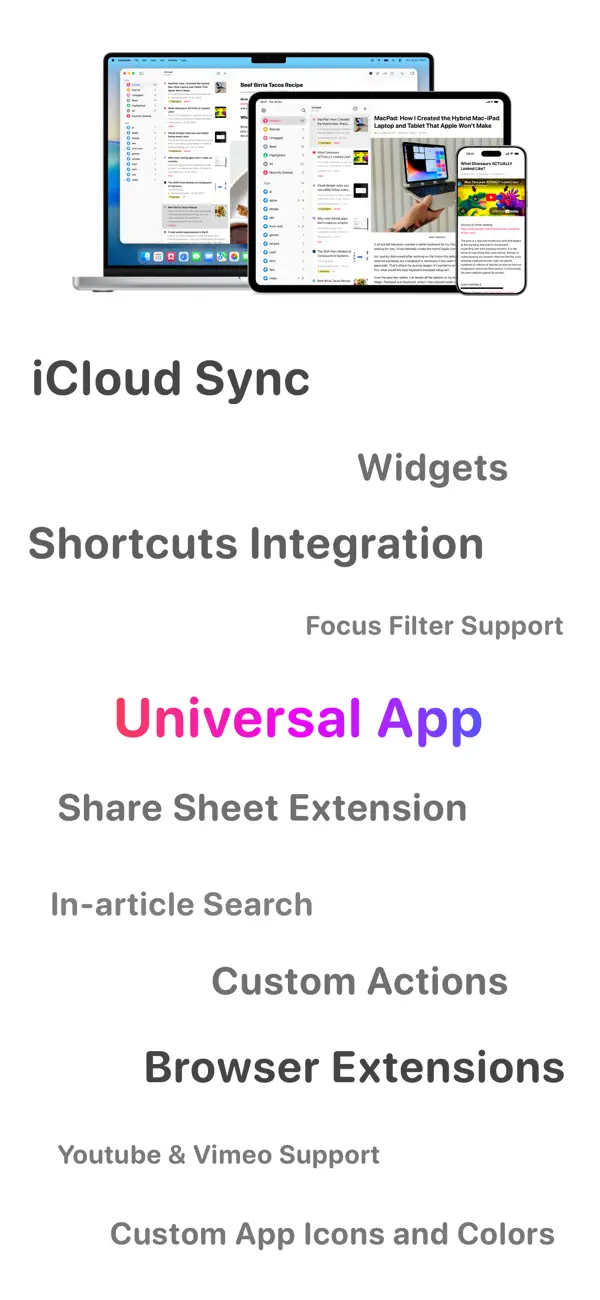
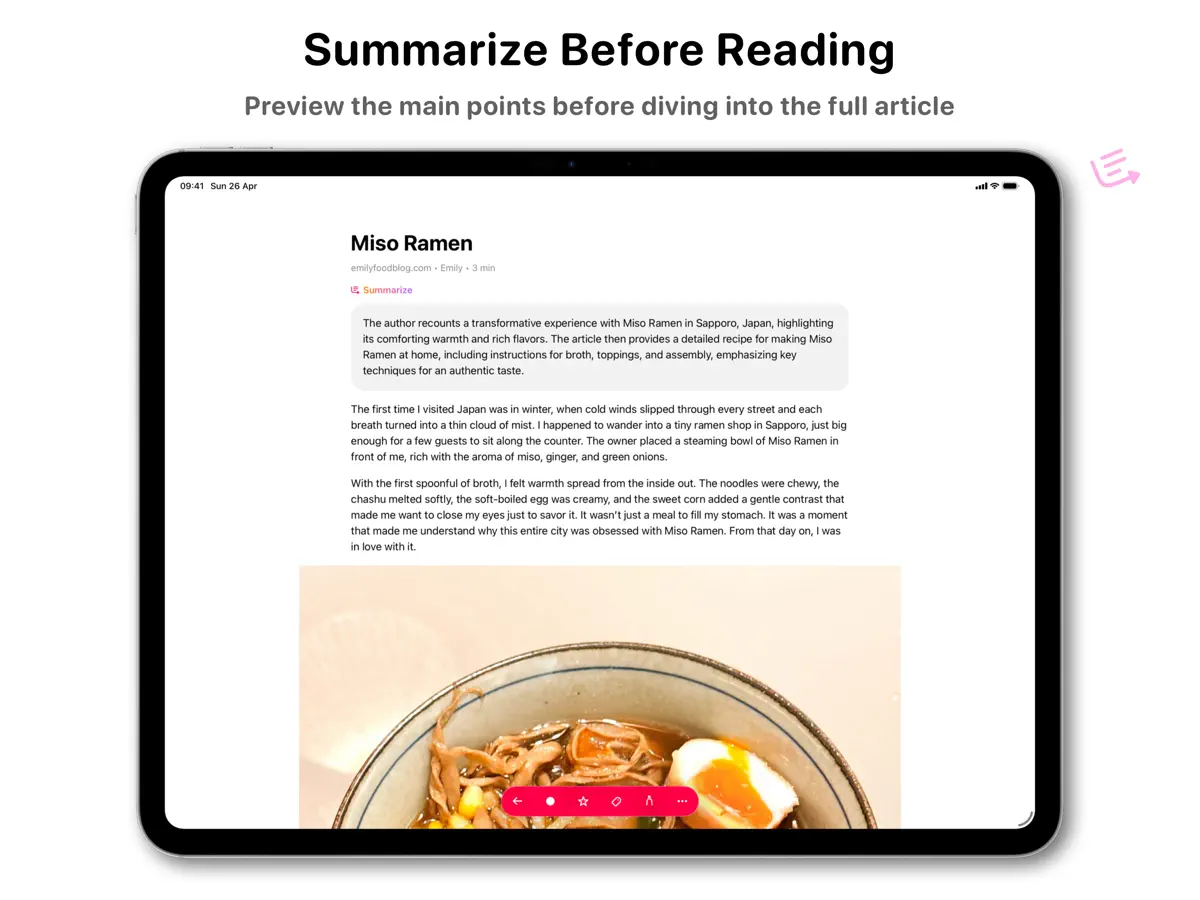
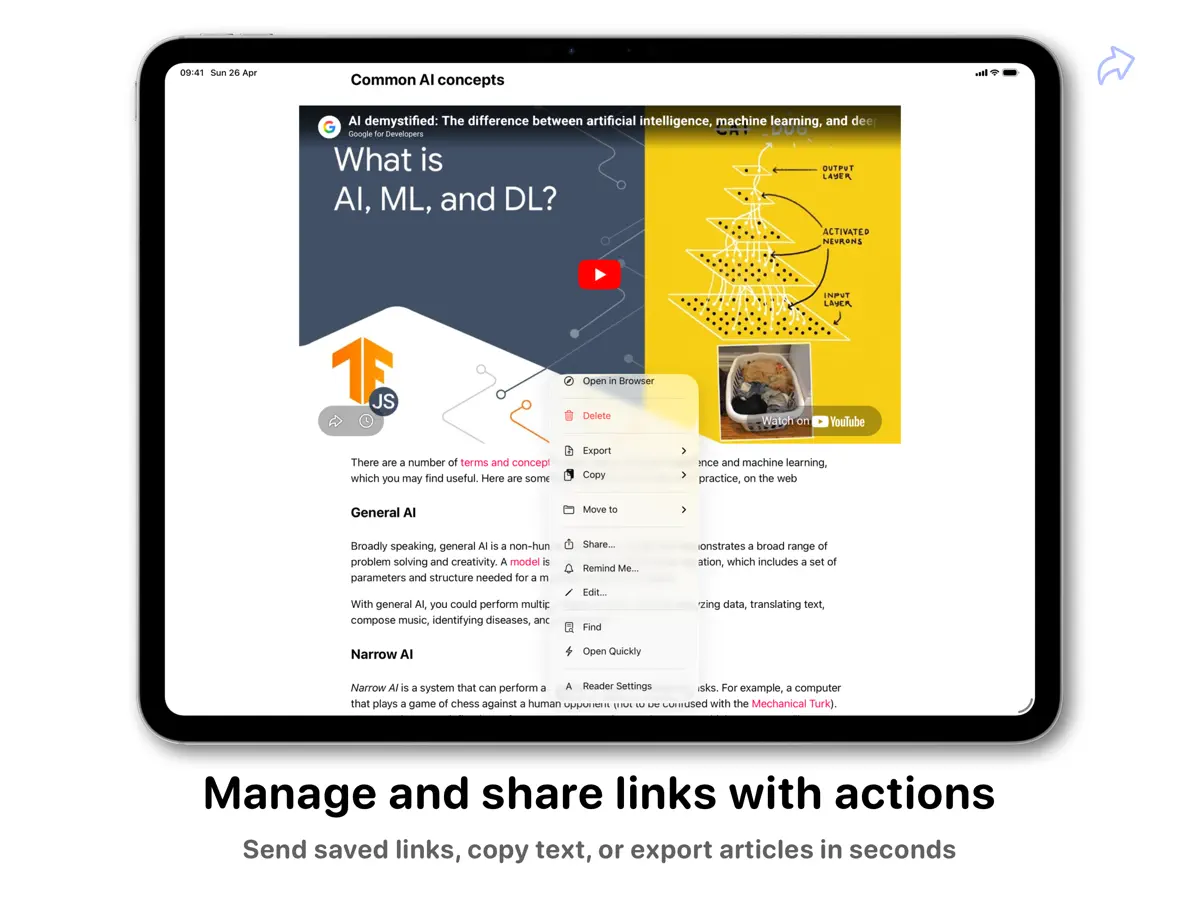
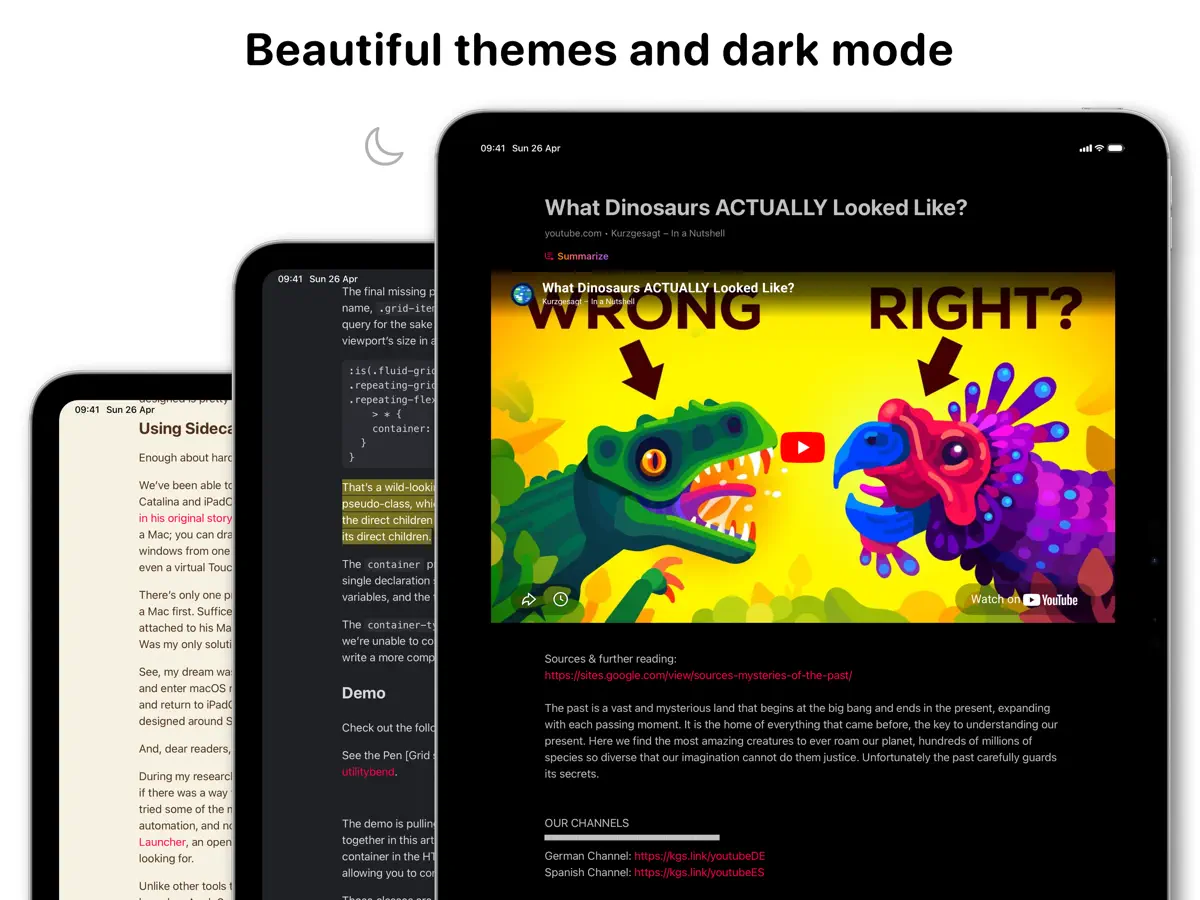
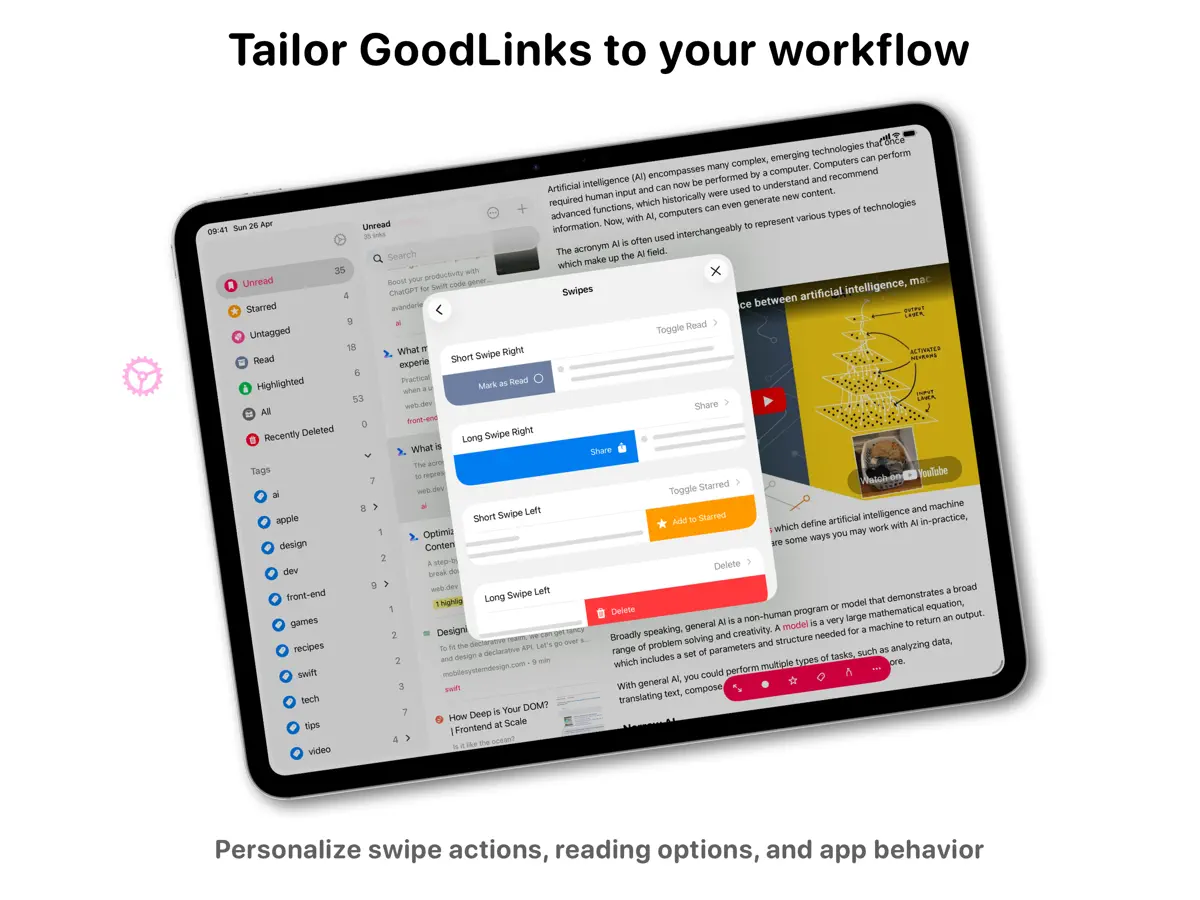
Save links effortlessly. View them later, from anywhere, on all your devices. Sync, organize, and share your links—privately, without ever creating an account. GoodLinks is a powerful bookmarking app with a sleek reading experience. Save the content of the link while eliminating the ads and other clutter. Adding and viewing links is super simple and lightning fast. If you want to dig deeper, GoodLinks can be fully customized. No account. No ads. No creepy spying. GoodLinks just works. KEY FEATURES • Universal App :: GoodLinks is a single app that works on all of your iOS and macOS devices, so you can access your articles anywhere. • No Account :: Sync links, tags, and reading position without needing another web service account. iCloud Sync means all you have to do is install the app. • Simple :: Save articles from anywhere with a powerful Share Sheet extension. GoodLinks is so easy it feels like part of the operating system. • Readability :: Put the emphasis where it belongs—on the article you want to read. GoodLinks extracts the article text and removes web advertisements and other distractions to provide a wonderful reading experience. Pick the perfect font, spacing, and size. • Highlight & Note :: Highlight important information within articles and add notes to them, making it easier for you to remember key passages. • Organize :: Tame a large list with tags and starred articles, so you can always find what you need. You can also search based on title, author, and description. • Actions :: Actions help you manage and share links. You can add article to Starred, share to other apps, export to PDF, plain text or Markdown... Build your own actions to export and share your saved links. • Customize :: Adjust how your links and lists look, change swipe behavior, and more. Tailor GoodLinks to fit your style. • Themes :: Switch between beautiful themes: Light and Sepia for light mode, Dark and Night for dark mode. • Siri Shortcuts :: Deep support of iOS Shortcuts. Save a new link, query links, open a specific view, and more. • Log in to Sites :: Log in to paywalled sites to get full access to their content. • Widgets :: Get quick access to a list, or open a random unread link from your home screen. • Summarization :: Get a summary of any article with Apple Intelligence or external LLM services using your own API keys. • Archive :: The full rich text of each article gets saved in GoodLinks, and your reading history provides a natural archive if you need it. Save as many links as you want. • Private :: Your reading history and favorite articles should only be private by default. GoodLinks doesn’t track you or your information, and nothing is shared online unless you choose to share it. • VoiceOver :: GoodLinks is fully accessible via VoiceOver. GOODLINKS PREMIUM When you purchase GoodLinks today, you will get *permanent* access to all the current features, including any new ones released one year from your date of purchase. After your one year of feature upgrades is up, any new features introduced will require the GoodLinks Premium subscription to unlock. Once unlocked, those features are yours to keep *forever*, even if you choose to unsubscribe right after subscribing. Terms: https://www.apple.com/legal/internet-services/itunes/dev/stdeula/ Privacy Policy: https://goodlinks.app/privacy/
Highlights
- Save links from any app via the share sheet
- Clean reader view with adjustable typography
- Highlights and notes
- Tags, stars and search
- iCloud sync with no account
- Universal app for iPhone, iPad and Mac
GoodLinks on iPhone Duo: FAQ
Is GoodLinks optimized for iPhone Duo?
Not yet. GoodLinks is Compatible: it runs unchanged with its phone layout. Verified on October 14, 2026 (Developer statement).
What does GoodLinks look like on iPhone Duo?
GoodLinks 4.1, released October 14, 2026, lists "Ready for iPhone Duo" in its release notes, alongside general improvements and bug fixes. The developer has not described a specific layout for the inner or outer display or any fold-specific behaviour, so it is listed as Compatible. We have not yet tested it on a device.
How much does GoodLinks cost?
GoodLinks costs $9.99 · in-app purchases on the App Store.
More Reading & News apps
See all ›
An RSS reader with built-in summaries that reshapes as the iPhone Duo folds

RSS and news reader that switches layouts as you fold and unfold

A personalized magazine of news and stories from publications you follow
Reading tracker that shows your books as a stack and as Home Screen widgets

RSS reader with careful typography, gestures and colour themes
A unified timeline for feeds, videos, podcasts and social posts