
iPhone 스크린샷
iPhone Duo 활용 방식
책과 탁상 자세에서 영상과 조작을 접힘선에 맞춰 재배치하며 외부 화면과 완전 펼침도 지원합니다.
새로운 기능
버전 1.5.0 ·
Practice on iPhone Duo • Adaptive layouts for the outer display, unfolded screen, and half-folded book and tabletop poses. • Video and controls rearrange around the fold as you practice. Make your exports your own • Choose from five designer frames, with artwork for portrait and landscape video. • Swipe to compare frames and play a muted preview before exporting. One wake phrase • Chinese and English voice commands now use “Mirror Mirror”. Export refinements • A refreshed export button matches your app style. • Every export includes your selected designer frame.
개발자가 이 내용을 한국어로 제공하지 않았습니다.
App Store 설명개발자가 작성한 내용입니다.
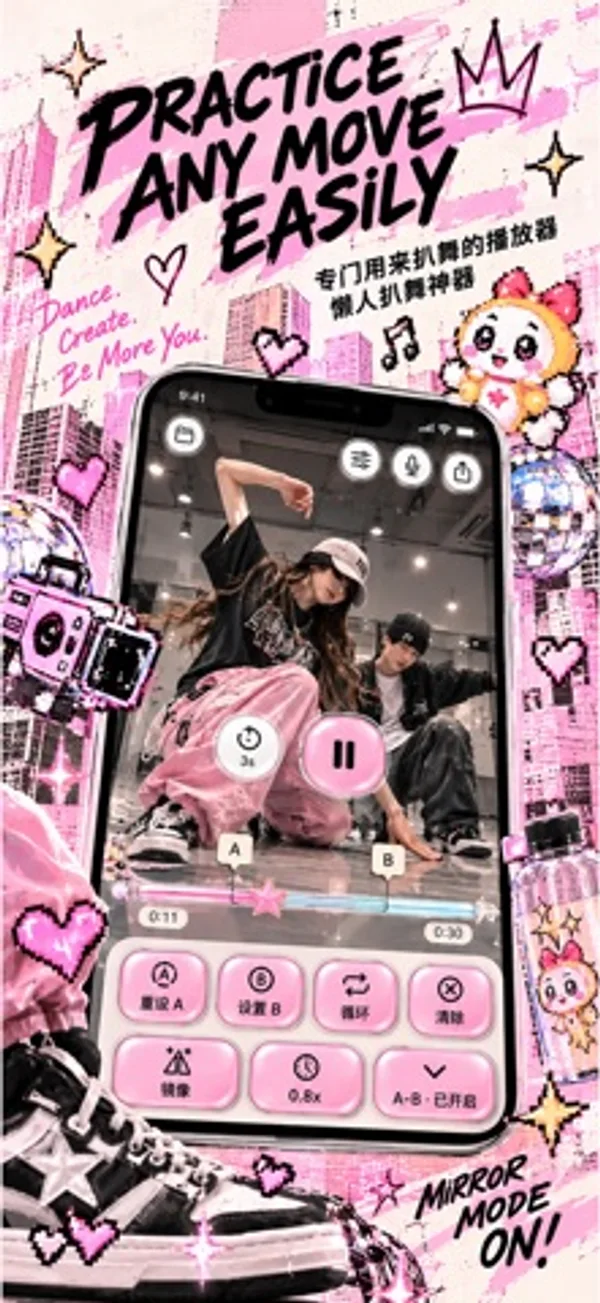
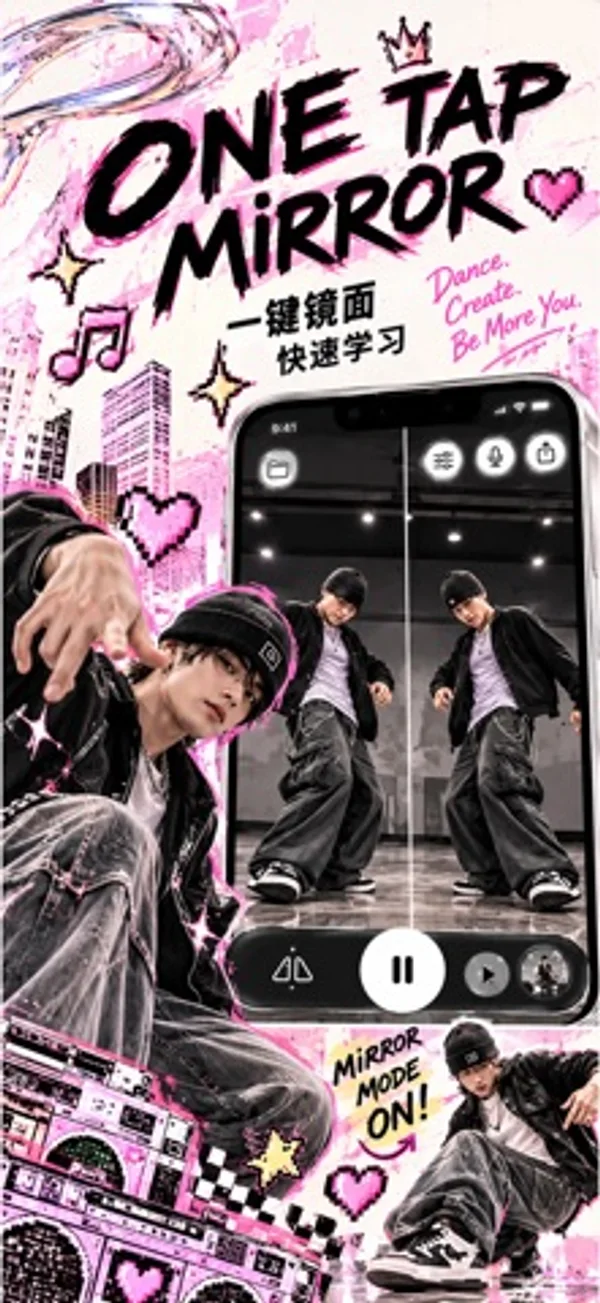
READY FOR iPhone Duo Practice across the outer display, unfolded inner screen, and half-folded book or tabletop layouts. Video and controls adapt as the available space changes. Your video. Your practice. Turn a dance video you choose into a focused choreography practice session. Mirror the movement, slow down a difficult move, and repeat the exact section you want to learn. PRACTICE ONE SECTION AT A TIME Set A and B points to loop a short sequence. Repeat it at your own pace, then move on when you are ready. FOLLOW THE MOVEMENT Flip your video horizontally to follow the same direction. Slow playback down to 0.5x, or choose a speed between half speed and normal playback. GET READY BEFORE YOU PLAY Choose a 3-, 6-, or 10-second countdown to get into position before playback starts. BRING YOUR OWN VIDEO Import with Apple's system video picker. Your selected video stays on your device for playback and processing. No MirrorMirror account is needed to start practicing. CHINA MAINLAND PROMOTION All current features are free during the China mainland App Store promotion. No subscription is needed. Pricing may resume after the promotion; we will provide advance notice and you can choose whether to purchase. This promotion does not start a subscription or charge you automatically. Existing subscriptions are not canceled automatically; review or cancel renewal in Manage Subscription. Purchased access is preserved. Eligibility follows your Apple Account App Store country or region. FREE PRACTICE AND SUBSCRIPTIONS IN OTHER REGIONS In other regions, start with 7 days of free practice without subscribing. After this period, a monthly or yearly MirrorMirror Pro subscription lets you continue practicing. Prices and billing periods are shown before you confirm a purchase. Eligible subscribers can also receive a 7-day Apple subscription free trial. Apple determines eligibility. The app's free practice period and the subscription trial are separate periods. Subscriptions renew automatically unless canceled at least 24 hours before the current period ends. Payment is charged to your Apple Account. Manage or cancel your subscription in Apple Account settings. Restore Purchases is available in the app. Privacy Policy: https://stillframe.ai4u.co.nz/privacy Terms of Use: https://www.apple.com/legal/internet-services/itunes/dev/stdeula/
iPhone Duo에서의 MirrorMirror: Dance Practice: 자주 묻는 질문
MirrorMirror: Dance Practice은(는) iPhone Duo에 최적화되어 있나요?
네. MirrorMirror: Dance Practice은(는) Duo 전용 설계 앱으로, 폴딩, Split View 또는 외부 디스플레이를 활용합니다. 2026년 10월 28일 확인(개발자 발표).
iPhone Duo에서 MirrorMirror: Dance Practice은(는) 어떻게 보이나요?
책과 탁상 자세에서 영상과 조작을 접힘선에 맞춰 재배치하며 외부 화면과 완전 펼침도 지원합니다.
MirrorMirror: Dance Practice의 가격은 얼마인가요?
MirrorMirror: Dance Practice은(는) App Store에서 무료로 다운로드할 수 있습니다.
다른 크리에이티브 앱
모두 보기 ›
방 사진과 원하는 스타일로 인테리어 아이디어를 생성합니다.

여러 iPhone 카메라를 함께 녹화해 브이로그와 인터뷰를 만듭니다.

시계·사진·글자 블록을 배치하고 접힘 애니메이션을 미리 보며 디자인을 공유하는 앱입니다.

안쪽·바깥쪽 화면에 어울리는 배경화면을 만들고 맞춤형 기기 목업으로 이미지를 내보냅니다.

iPhone이나 iPad를 영화 슬레이트로 바꿔 클랩, 동기화, 테이크 기록을 합니다.

Duo 화면 절반에 그린 뒤 접었다 펴면 대칭 그림이 나타나는 드로잉 앱.