
ArtiMesh: 3D Modeling
Build and sculpt 3D models with touch tools, then export them to other creative workflows.
White Bread Games · Creative · $12.99
iPhone screenshots
What’s New
Version 1.1.0 ·
• Optimized for iPhone Duo: the layout adapts when you fold and unfold • Asks for a rating only after you've used ArtiMesh for a few days • Stability improvements
App Store descriptionWritten by the developer.
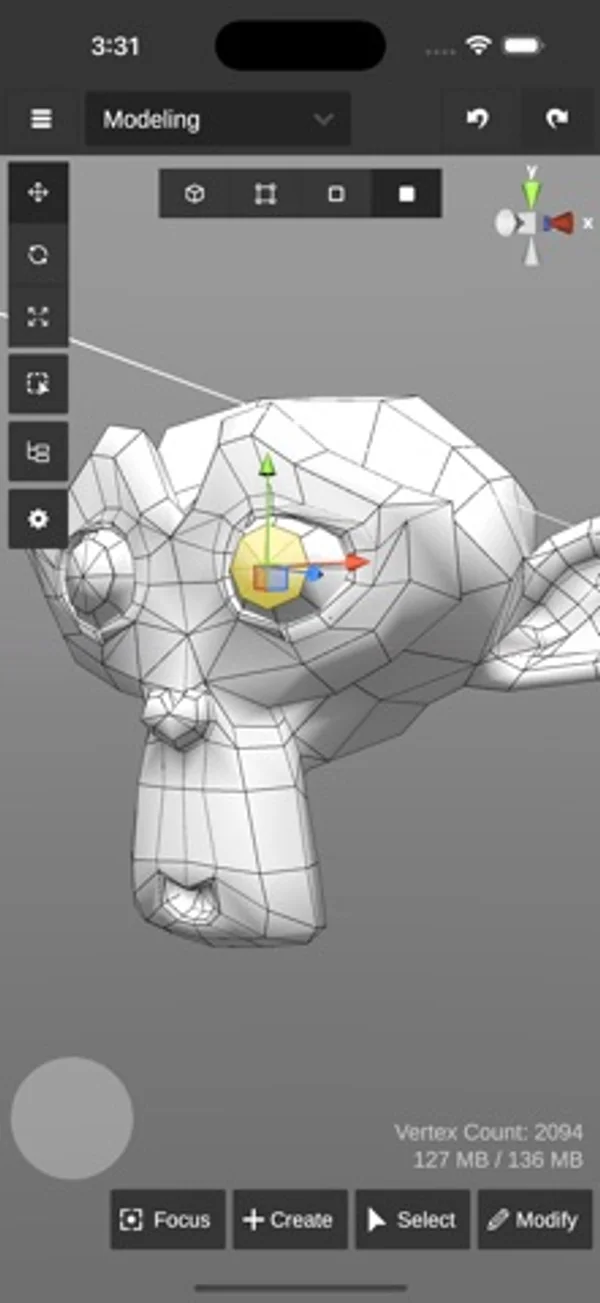
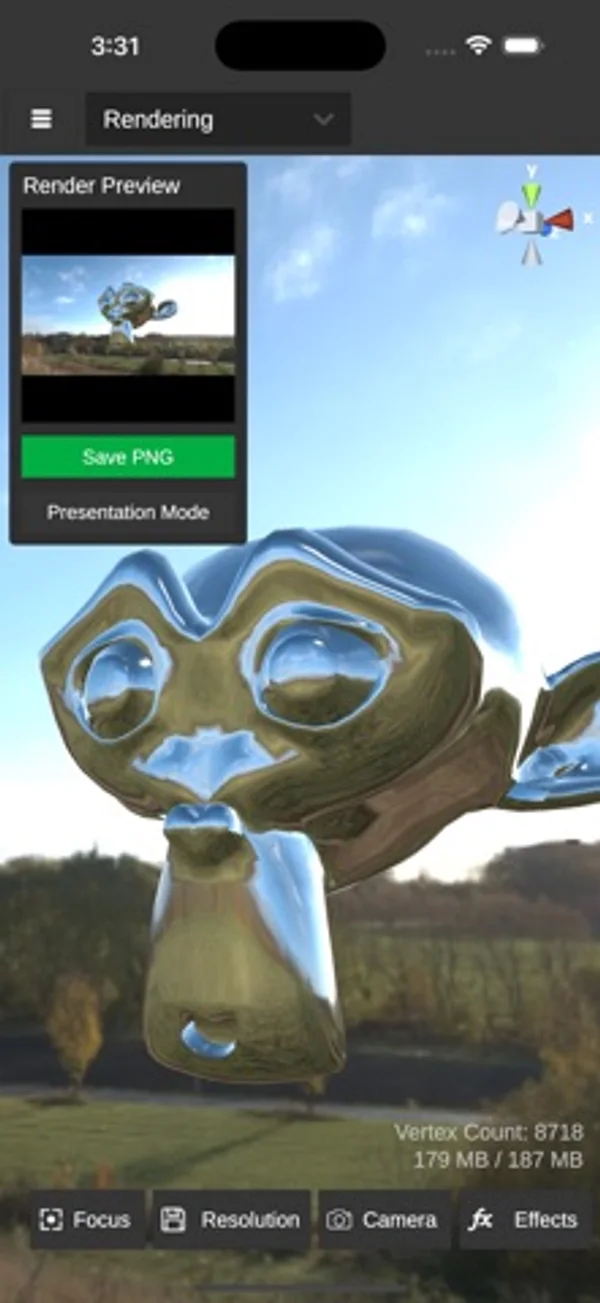
Build real 3D models on your iPhone or iPad, then take them straight into Blender, Unreal Engine, Unity or a 3D printer workflow. One-time purchase, no subscription. ArtiMesh is a box modeler built for touch. Use gestures to move, rotate and scale. Select vertices, edges and faces with a tap or a rectangle. Undo anything. No Apple Pencil required, but it's supported, along with keyboard shortcuts on iPad. MODELING • Extrude, bevel, subdivide, merge, detach and delete faces • Insert edge loops, extrude edges and bridge borders into new faces • Merge and connect vertices • Mirror, combine, separate and boolean objects • Smooth or flat shading SCULPTING • Raise, lower, grab, smooth and noise brushes • Adjustable radius and strength MATERIALS, PAINT & UVs • Metallic and smoothness materials with image textures • Paint textures directly on the model • Smart UV unwrap plus a full UV editor RENDERING • Real-time shadows, adjustable lighting and skyboxes • Bloom, ambient occlusion, depth of field, color grading and more • Save renders as PNG IMPORT & EXPORT • Import and export OBJ, with or without materials • Works with Blender, Unreal Engine, Unity, Maya and other 3D tools • Export low-poly game assets or high-poly models for 3D printing Made by an independent developer. Feature requests from reviews regularly make it into updates.
ArtiMesh: 3D Modeling on iPhone Duo: FAQ
Is ArtiMesh: 3D Modeling optimized for iPhone Duo?
The developer or App Store listing mentions iPhone Duo support.
How much does ArtiMesh: 3D Modeling cost?
ArtiMesh: 3D Modeling costs $12.99 on the App Store.
More Creative apps
See all ›
Shoot square vintage-style photos with a waist-level finder, film rolls and contact sheets.

Record front and rear cameras together, with movable picture-in-picture and a teleprompter.

Generate room-design ideas from a photo and a chosen interior style.

Record multiple iPhone cameras together for vlogs, reactions and interviews.

Practice choreography by mirroring, slowing and looping sections of a chosen video.

Compose and share interactive clock and photo designs with movable blocks and fold animations.