
Edits: Video Editor
Shoot and edit videos with a timeline, effects and captions on your phone.
Instagram, Inc. · Creative · Free
iPhone screenshots
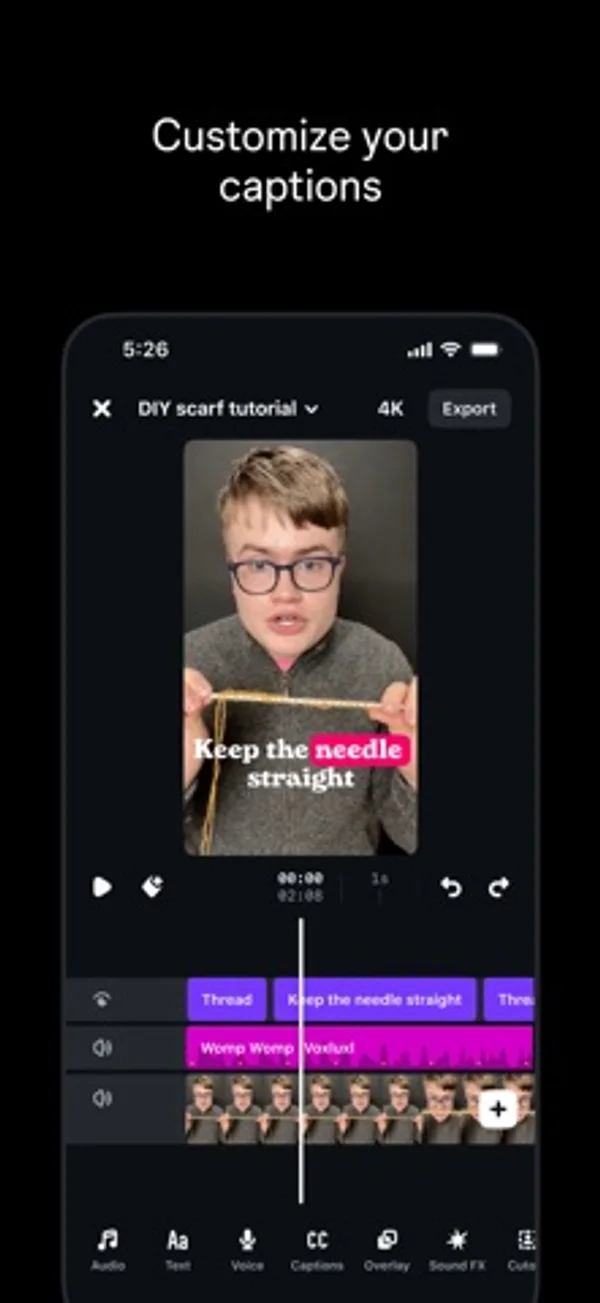
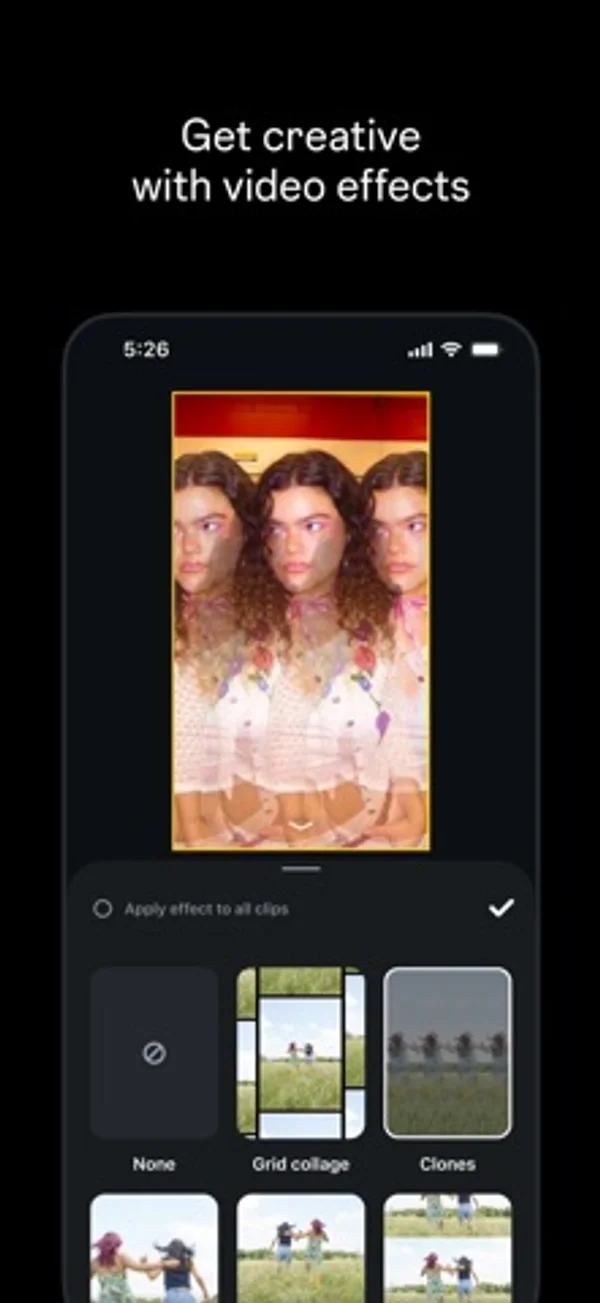
How it uses iPhone Duo
Apple shows the preview, timeline and editing tools together on the larger display.
What’s New
Version 454.0 ·
More motion for your text. More control over your sound. • Text animations. 13 new ways to move your text. • Beat-synced video effects. Colors and motion match to your sound. • Clip volume. Boost clips up to 150%. • Better stability and performance across the board. Fewer crashes and smoother exports.
App Store descriptionWritten by the developer.
Make videos you’re proud to share with Edits, the new video creation app from Instagram. Edits is a free video editor that makes it easy for creators to turn their ideas into videos, right on their phone. It has all the tools you need to support your creation process, all in one place. Simplify your creative process • Export your videos in 4K with no watermark and share to any platform. • Keep track of all your drafts and videos in one place. • Capture high-quality clips up to 10 minutes long and start editing right away. • Easily share to Instagram with high-quality playback. Create and edit with powerful tools • Edit videos with single-frame precision. • Get the look you want with camera settings for resolution, frame rate and dynamic range, plus upgraded flash and zoom controls. • Bring images to life with AI animation. • Change up your background with green screen, cutout or add a video overlay. • Choose from a variety of fonts, sound and voice effects, video filters and effects, stickers and more. • Enhance audio to make voices clearer and remove background noise. • Generate captions automatically and customize how they appear in your video. Inform your next creative decisions • Get inspired by browsing reels with trending audio. • Keep track of ideas and content you're excited by until you're ready to create. • Track how your reels are performing with a live insights dashboard. • Understand what affects your reels engagement. Meta Terms: https://www.facebook.com/terms.php Meta Privacy Policy: https://privacycenter.instagram.com/policy
Edits: Video Editor on iPhone Duo: FAQ
Is Edits: Video Editor optimized for iPhone Duo?
Partly. Edits: Video Editor is Adapted: it fills the larger inner display, but it does not do anything special with the fold. Verified on November 4, 2026 (Apple announcement).
What does Edits: Video Editor look like on iPhone Duo?
Apple shows the preview, timeline and editing tools together on the larger display.
How much does Edits: Video Editor cost?
Edits: Video Editor is free to download on the App Store.
More Creative apps
See all ›
Paint half a sheet and reveal a softly mirrored print by folding and reopening it.

Shoot square vintage-style photos with a waist-level finder, film rolls and contact sheets.

Record front and rear cameras together, with movable picture-in-picture and a teleprompter.

Generate room-design ideas from a photo and a chosen interior style.

Record multiple iPhone cameras together for vlogs, reactions and interviews.

Practice choreography by mirroring, slowing and looping sections of a chosen video.