
Fineliner
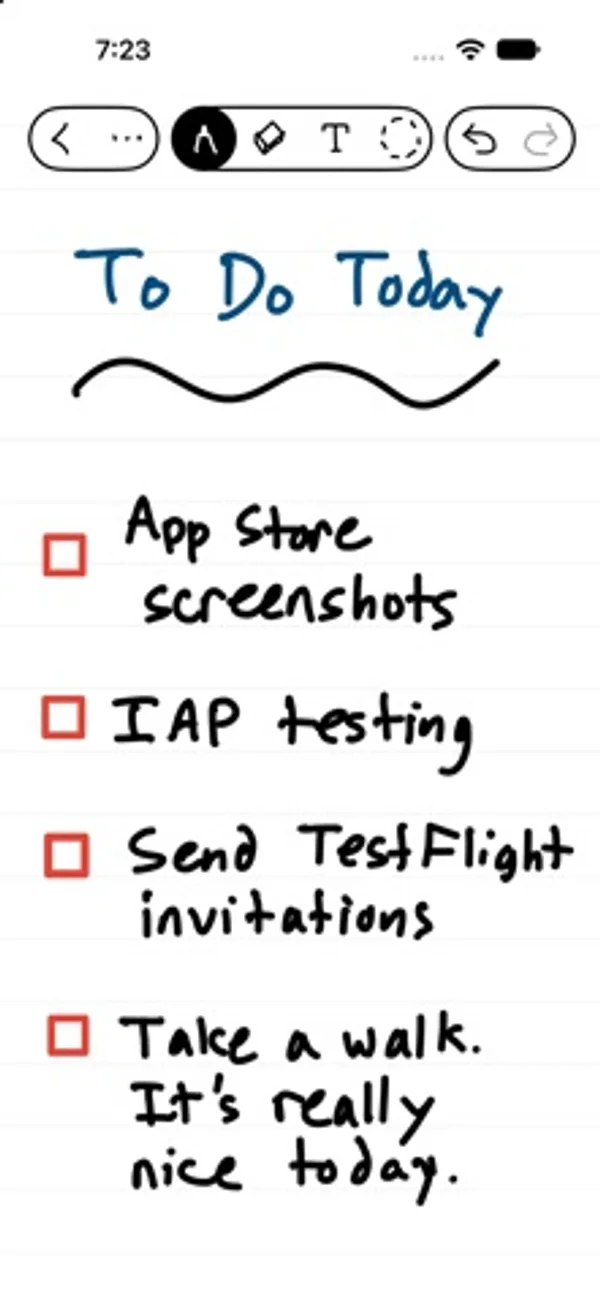
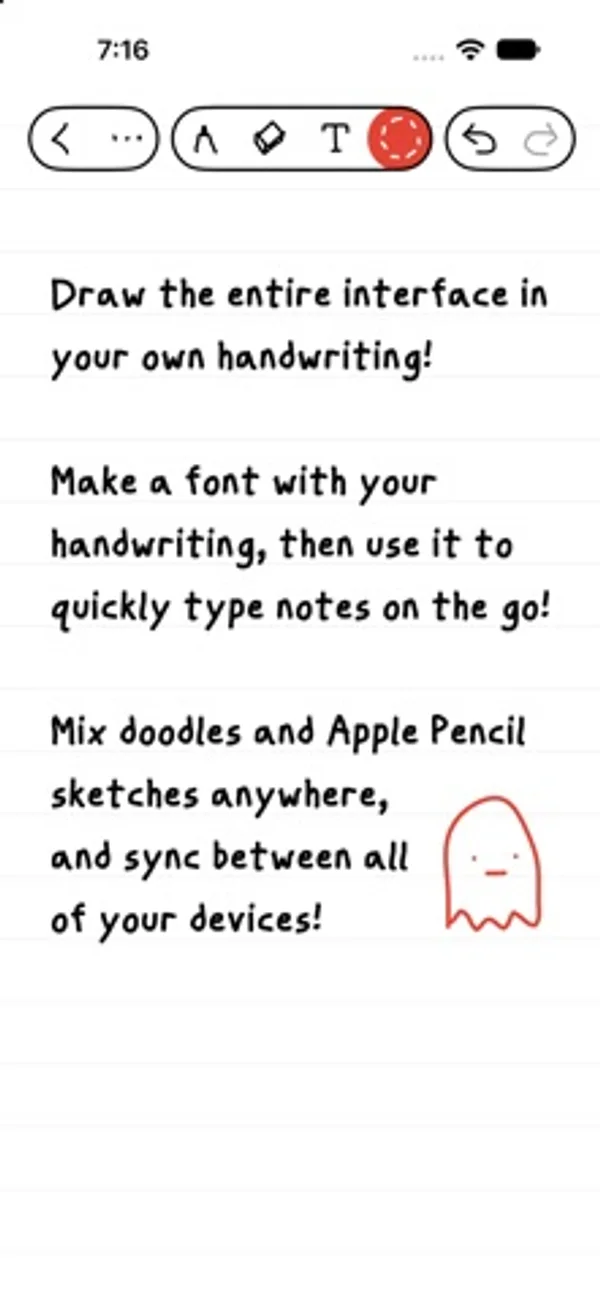
Write, draw and take vector notes in a notebook with a customizable hand-drawn interface.
Overcast Radio, LLC · Creative · Free
iPhone screenshots
What’s New
Version 1.0.1 ·
- Improved iPhone Duo layouts - Added widgets to the Stationery Shop! You can even invite people to a widget so they can leave you notes. - Redesigned navigation between notebooks and pages - Fixed a few rotation bugs - Fixed all known crashes
App Store descriptionWritten by the developer.
A simple, fun, yet powerful notebook for writing, note-taking, doodling, and drawing, optimized for Apple Pencil. No ads, subscriptions, accounts, or logins! Draw the app’s interface yourself, and optionally even make your own handwriting font, so most of what you see is your own writing. Discover powerful features behind the playful UI: - All-vector drawing so you can zoom in, scale, and rotate everything and it stays perfectly sharp - Dark mode (really!), including your notes - Draw with layers and automatic shape recognition - Create your own headers and links for navigation - Search your handwriting and image descriptions - Share notebooks to collaborate with others in real time - Lock notebooks so they require Face ID or Touch ID to open - Export as SVG, PDF, or images… and even export your custom font as a TTF The business model is simple: - Unlimited notebooks and pages - Fast, free, private sync and collaboration with iCloud - You can buy more colors, pen widths, and templates if you'd like, as one-time, family-shared purchases that you keep forever That's it!
Fineliner on iPhone Duo: FAQ
Is Fineliner optimized for iPhone Duo?
The developer or App Store listing mentions iPhone Duo support.
How much does Fineliner cost?
Fineliner is free to download on the App Store.
More Creative apps
See all ›
Paint half a sheet and reveal a softly mirrored print by folding and reopening it.

Shoot square vintage-style photos with a waist-level finder, film rolls and contact sheets.

Record front and rear cameras together, with movable picture-in-picture and a teleprompter.

Generate room-design ideas from a photo and a chosen interior style.

Record multiple iPhone cameras together for vlogs, reactions and interviews.

Practice choreography by mirroring, slowing and looping sections of a chosen video.