
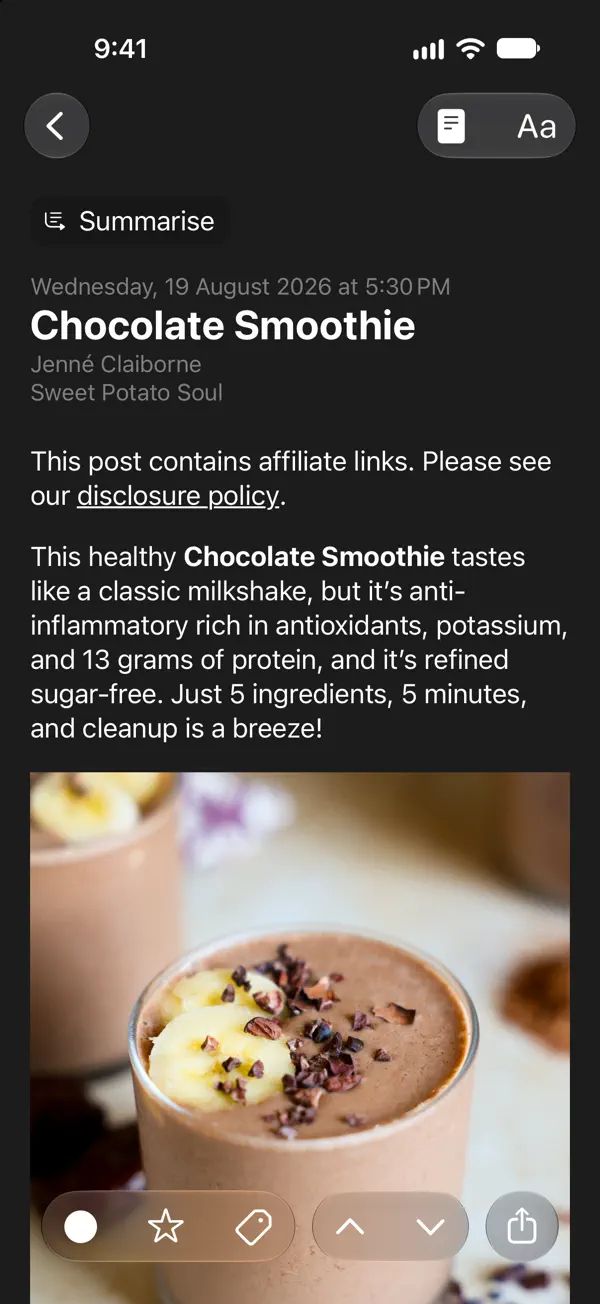
iPhone 截图
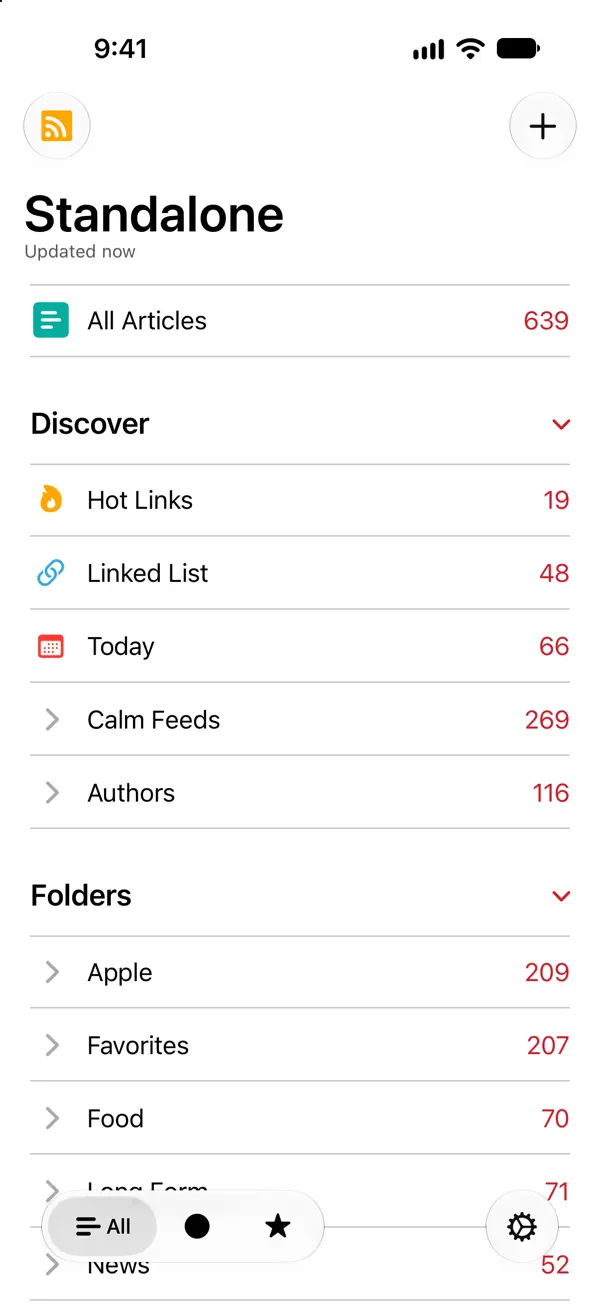
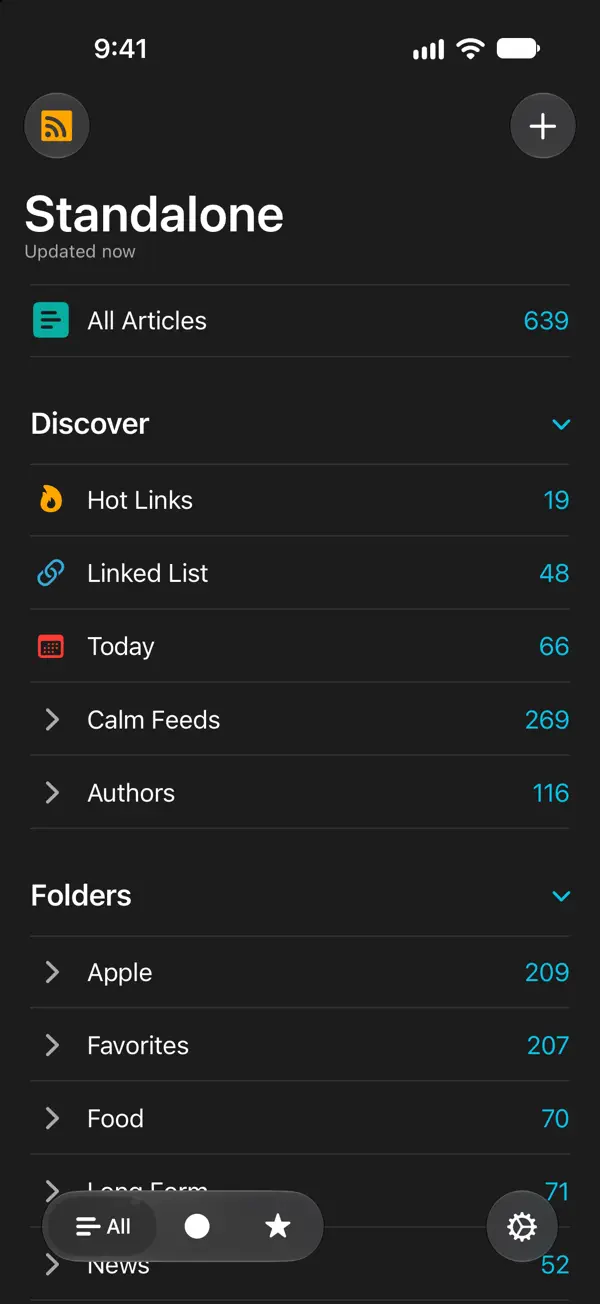
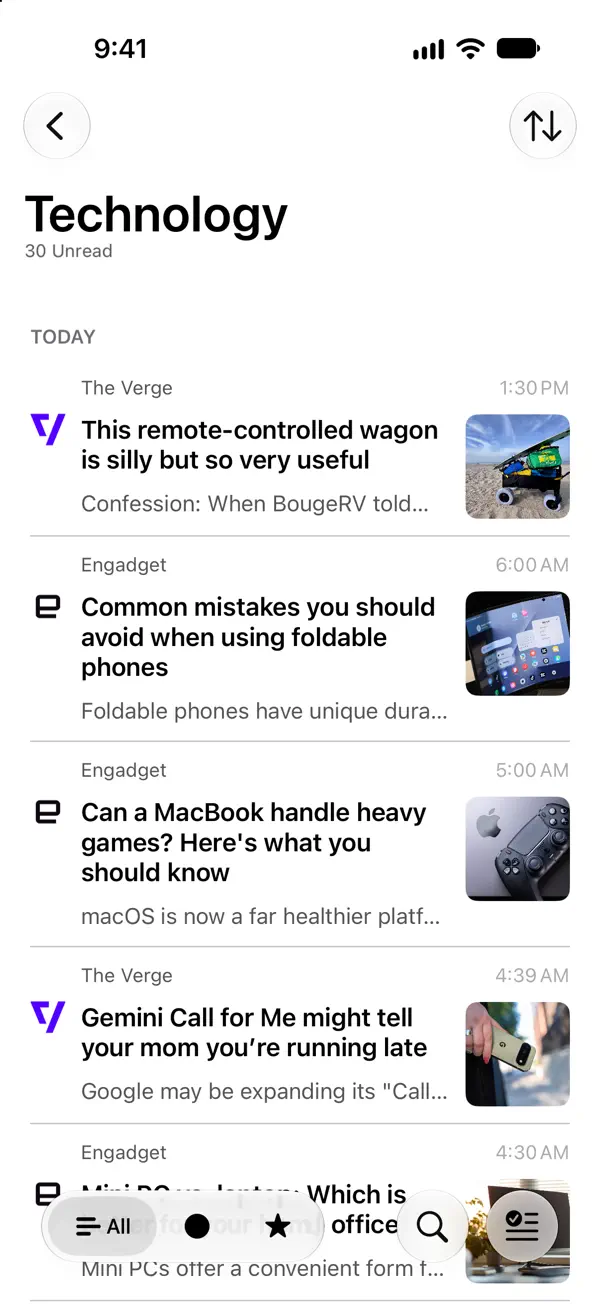
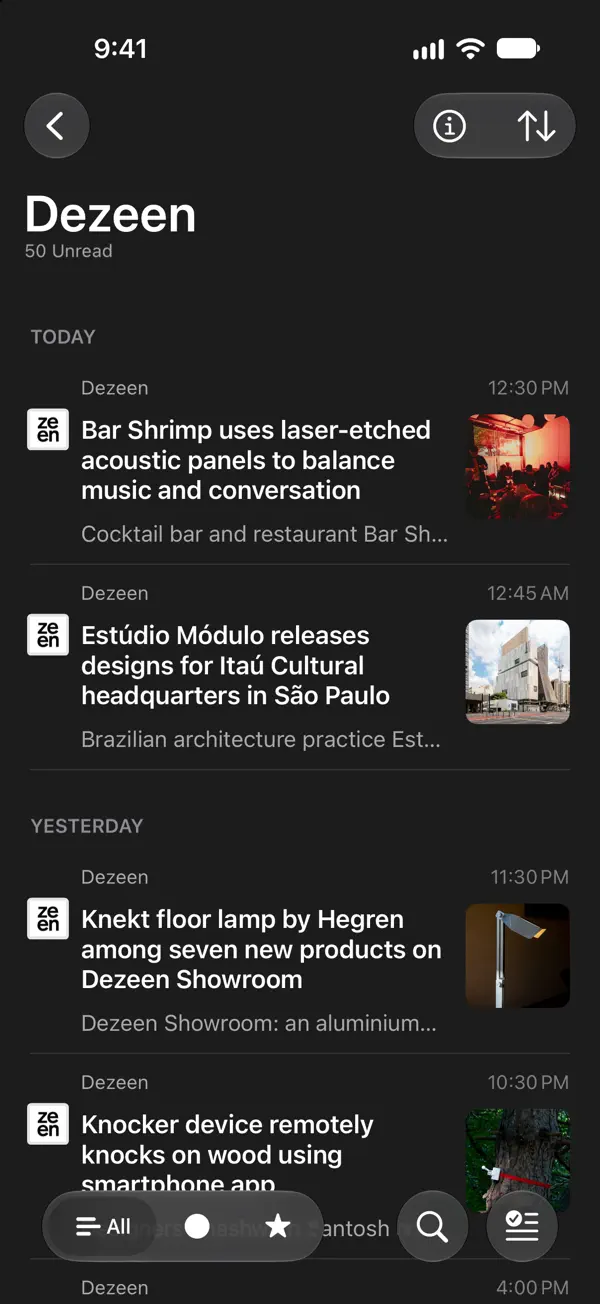

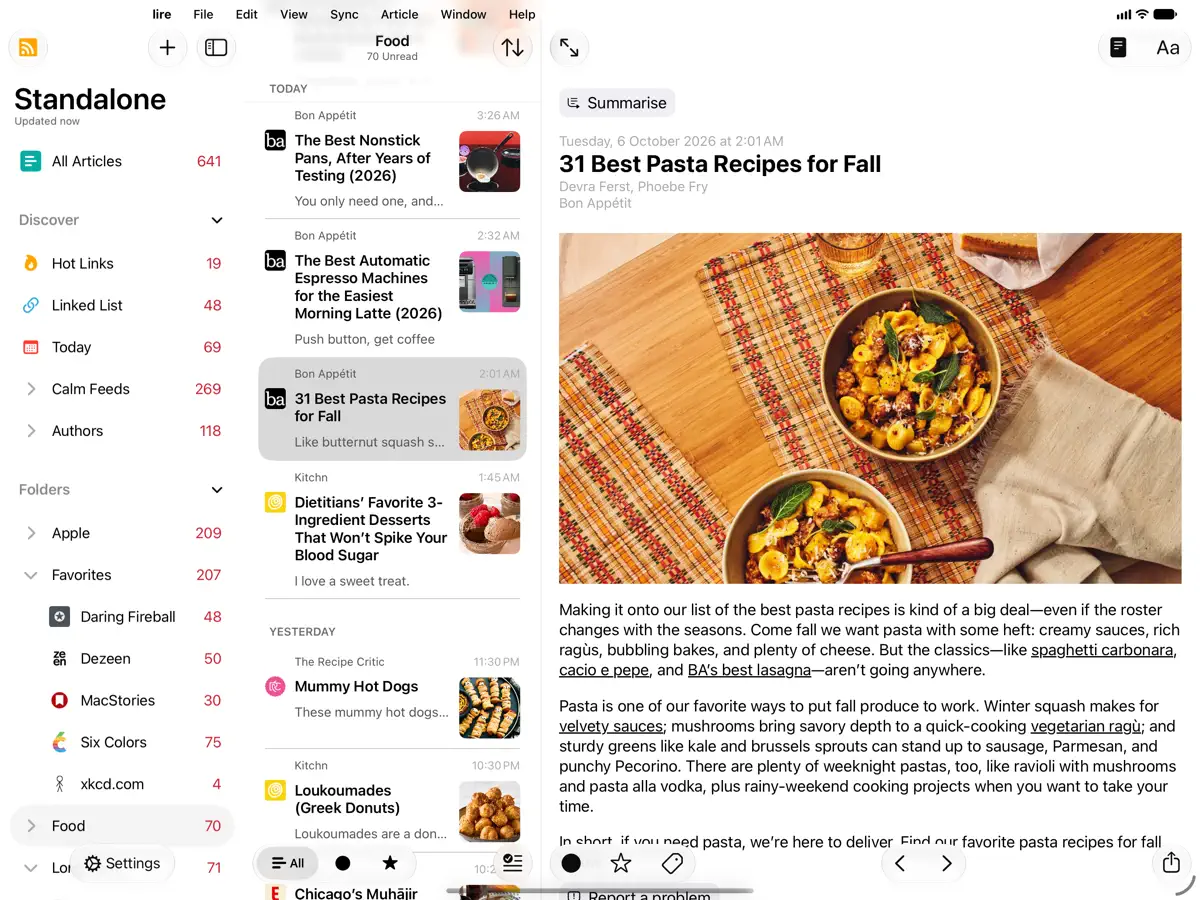
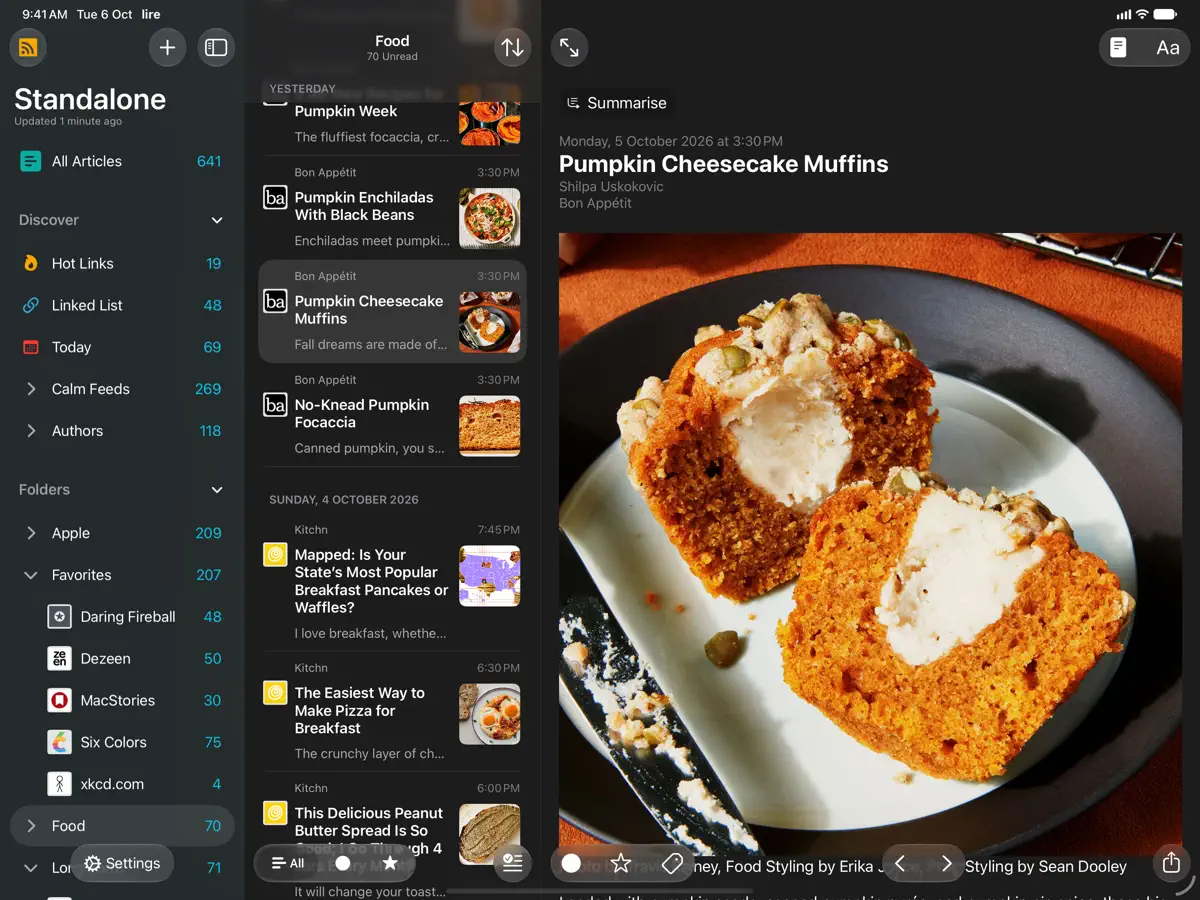
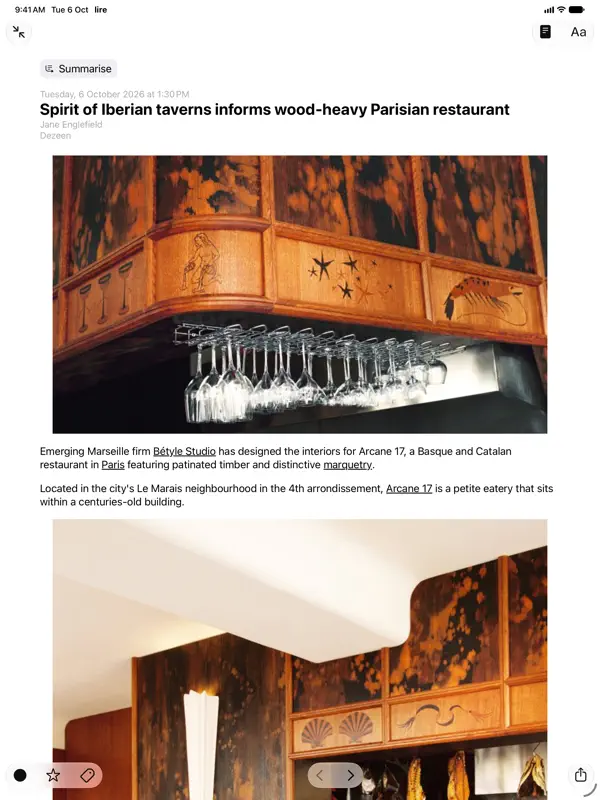
iPad 截图
在 iPhone Duo 上的表现
lire 7.1.0 的更新说明在新功能中列出了“支持 iPhone Duo”,但没有说明折叠或展开状态下有何专属布局或行为。我们尚未在真机上测试。
新功能
版本 7.1.0 ·
Version 7.1.0 NEW: - Support for iPhone Duo. - Extra Large Widgets (that occupy an entire page on the home screen) on iPhones running iOS 27 or later. - Resizing when running iPhone Mirroring on Mac, on devices running OS version 27 or later (available in supported countries and regions). - Modernised article filter control, that feels more at home with the newest version of iOS and iPadOS. - Tons of minor UI tweaks. FIXED: - A bug that could cause the app to crash during caching. - Other minor bug fixes. Previously in Version 7.0.0 NEW: - Updated for the iOS/iPadOS 27. - On iOS/iPadOS 27, Summarization of articles using Apple Intelligence now uses Private Cloud Compute if available. - On-device/Offline Translation of articles using Apple's translation models, available on iOS 18 and above. To translate an article you're reading, use the 'Aa' button on the top bar in the article reading view, and select 'Translate'. Tap & hold 'Translate' there to change the translation language. You can also change the translation language in Settings > Article > Translation Language. - Log in to walled sites to get full-text of walled articles. Log in/Manage in Settings > Caching > Manage/Log in. You can also login to walled a site from the article reading view, by using the View Mode button (i.e. the page icon in the top), and selecting 'Log in' (only available in Full Text View). - Overhauled text-extraction/caching engine. It should now work better on some sites where it previously failed. - New 'Modern' layout style for each item in article lists. Configure style in Settings > Article > Layout > Style. - Ability to disable swipe navigation in article reading view. You can set this up in Settings > Article > Navigation, there select 'Buttons only'. - 9 new modern app icons. Configure in Settings > Appearance > Icon. If you enjoy using lire, please leave a review, or tell a friend about it. That helps a lot!
开发者尚未提供此内容的中文版本。
关于这款应用
lire 是 Kunal Sood 开发的 RSS 阅读器,核心思路只有一个:很多订阅源只发布文章摘要,lire 会抓取并缓存完整正文,让你直接在应用内读完整篇文章,不必再跳转网页。文章缓存后即可离线阅读。它既可作为独立阅读器配合 iCloud 同步使用,也支持众多订阅服务,包括 Feedly、Feedbin、Inoreader、NewsBlur、The Old Reader、BazQux Reader、FreshRSS、Miniflux、Nextcloud News 和 Tiny Tiny RSS。7.0 版本针对 iOS 27 做了更新,新增基于 Apple Intelligence 的文章摘要、使用 Apple 翻译模型的设备端文章翻译、登录付费墙网站以获取全文的选项、重写的正文提取引擎,以及全新的列表布局样式。2026 年 10 月 12 日发布的 7.1.0 版本加入了对 iPhone Duo 的支持,同时新增 iOS 27 超大主屏幕小组件,并支持在 Mac 上通过 iPhone 镜像使用时调整窗口大小。lire 为付费下载,App Store 中另有应用内购买项目。适合经常关注摘要式订阅源、希望摆脱浏览器依赖的读者。
本条目译自英文原文。
App Store 简介由开发者撰写。
Love RSS feeds? So do we!! RSS feeds are a great way to follow updates on your favorite website. However, some sites set up their feeds to only show a portion of each entry, you know, to get you to click through to their actual website. We find that really annoying, and we're sure you do too. Which is why, unlike other RSS feed readers, that either push you into a browser (in-app or otherwise), or depend on third party text parsing services and require you to be online to fetch the full text of one article at a time (which makes it no different from having to click/tap through to a website), in lire, you get your favorite RSS feeds as they should've been. You don't need to click through to any website (though, you do still have the option to, if you really wanted). It takes your favorite partial feeds, does its magic, and converts them in to full feeds, so you don't have to click/tap on those annoying 'Read more' or 'Continue reading' links. Once they're cached, you don't even need to be connected to read your full-text feeds. Use as a standalone feed reader, sync with iCloud, or, sync with any of the several services: Feedly, Feedbin, FeedHQ, The Old Reader, Inoreader, BazQux Reader, Newsblur, Feed Wrangler, FreshRSS, Miniflux, Nextcloud News, Tiny Tiny RSS.
亮点
- 将摘要式订阅源转为全文文章
- 缓存文章可离线阅读
- 支持 iCloud 同步或十余种订阅服务
- 基于 Apple Intelligence 的文章摘要
- 设备端文章翻译
- iOS 27 超大小组件
lire 在 iPhone Duo 上:常见问题
lire 针对 iPhone Duo 优化了吗?
暂未优化。lire 属于「兼容运行」:它以原有手机布局运行,未做改动。核验于 2026年10月12日(开发者声明)。
lire 在 iPhone Duo 上是什么样子?
lire 7.1.0 的更新说明在新功能中列出了“支持 iPhone Duo”,但没有说明折叠或展开状态下有何专属布局或行为。我们尚未在真机上测试。
lire 多少钱?
lire 在 App Store 售价 $9.99。
更多阅读资讯应用
查看全部 ›
内置摘要的 RSS 阅读器,随 iPhone Duo 折叠而重排布局

随折叠与展开切换布局的 RSS 与新闻阅读器

根据你关注的媒体定制的个性化新闻与故事杂志

以书堆和主屏幕小组件呈现书籍的阅读追踪应用

排版考究、支持手势与多种配色主题的 RSS 阅读器

把订阅源、视频、播客和社交动态合在一条时间线上