
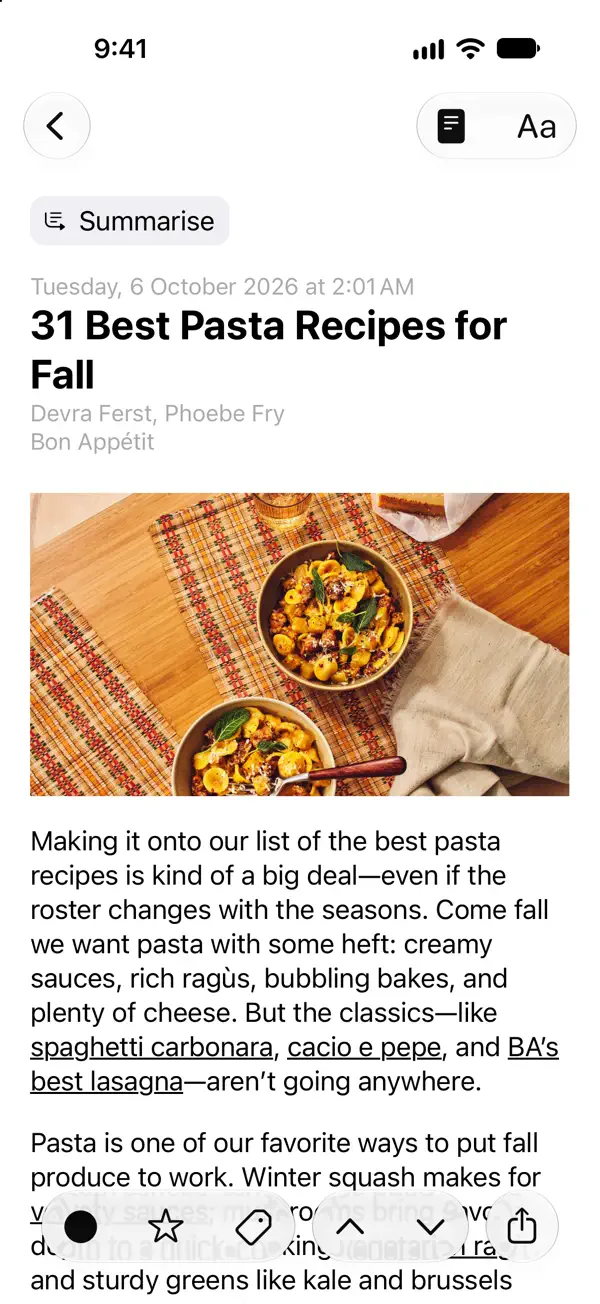
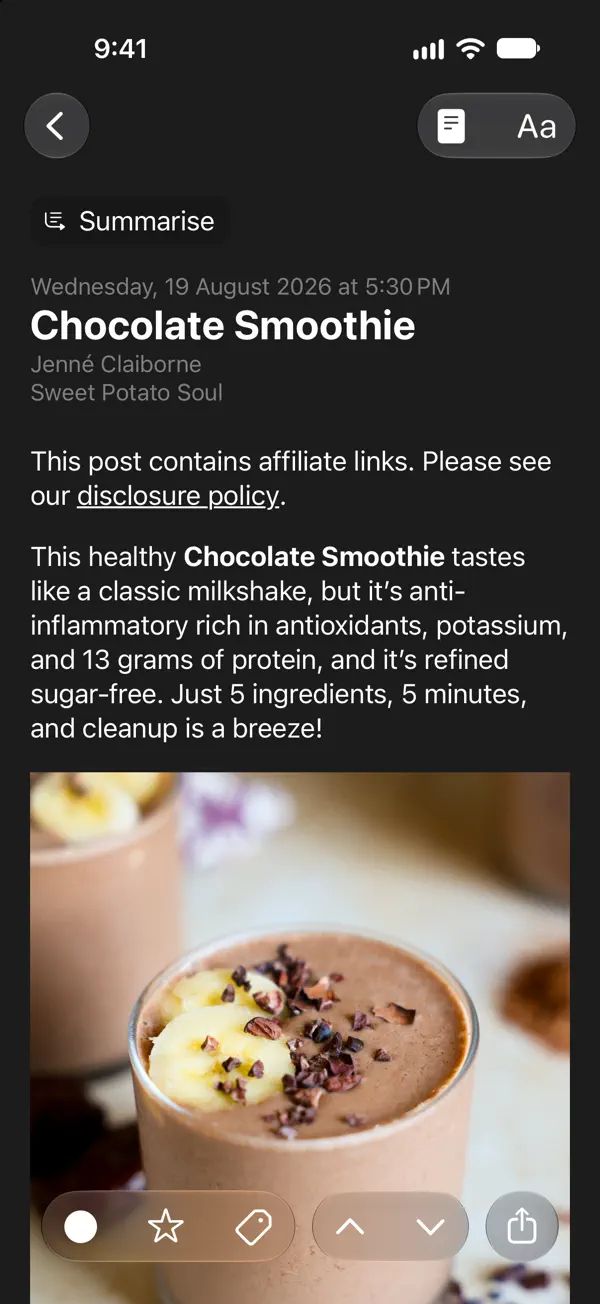
iPhone スクリーンショット
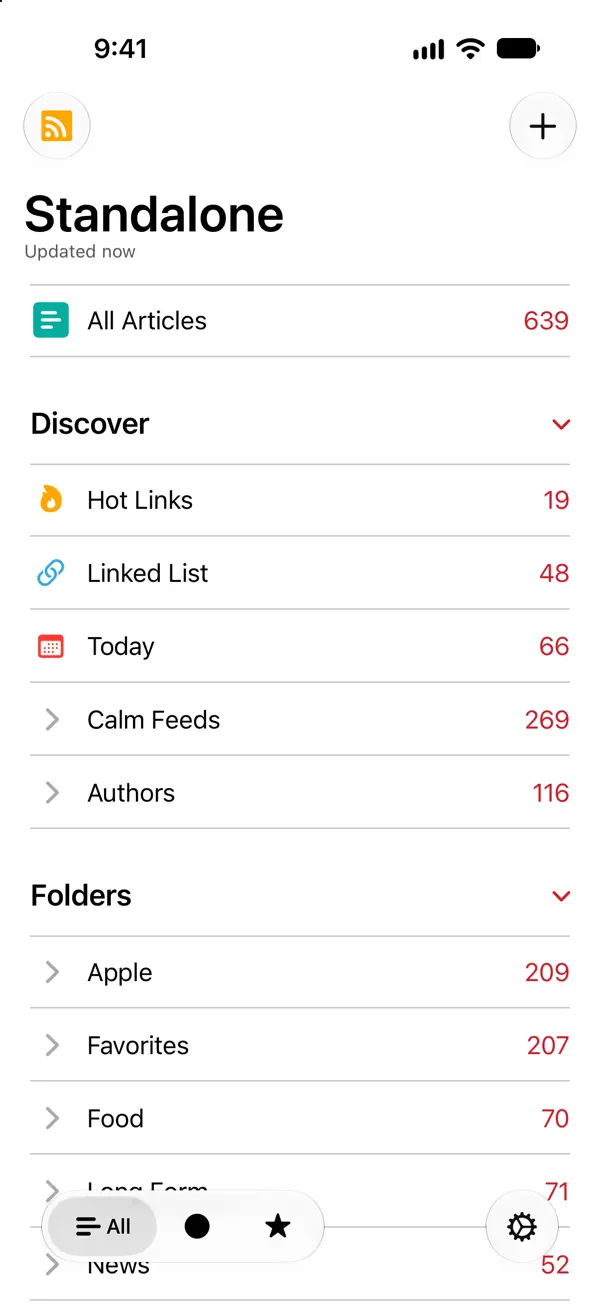
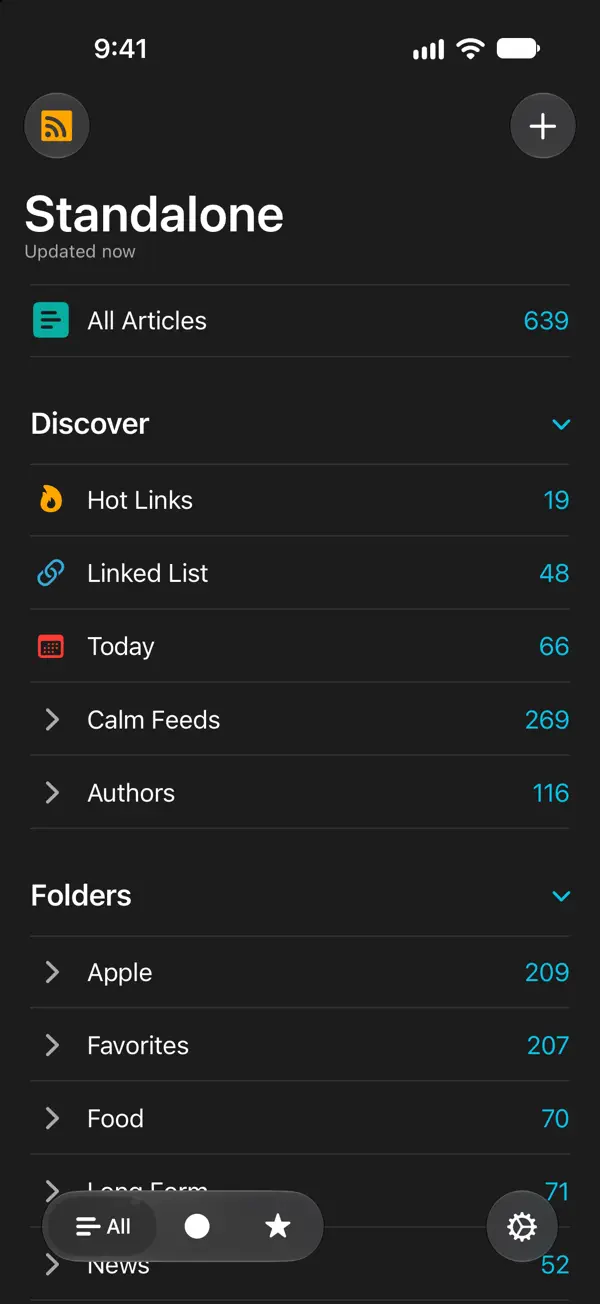
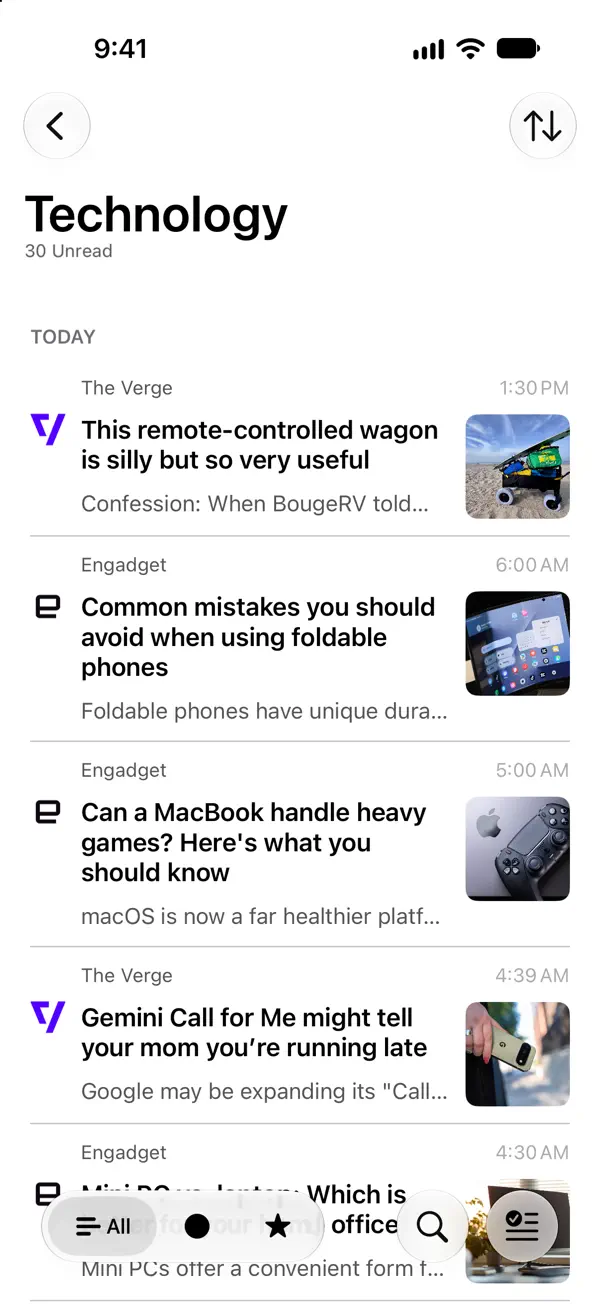
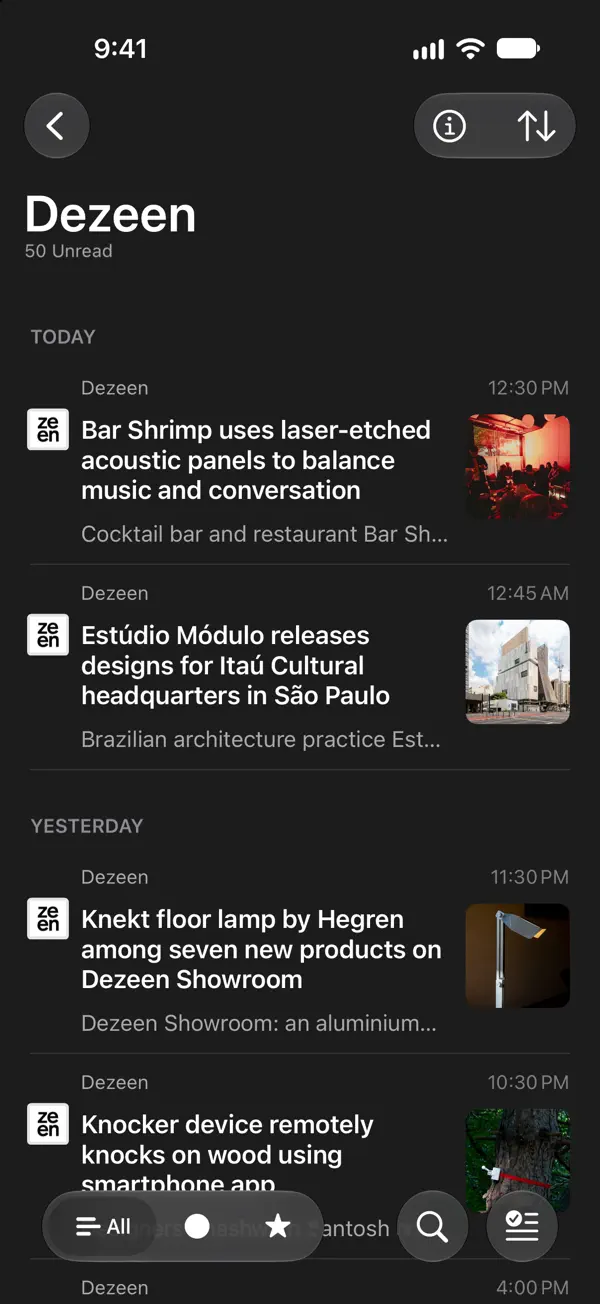
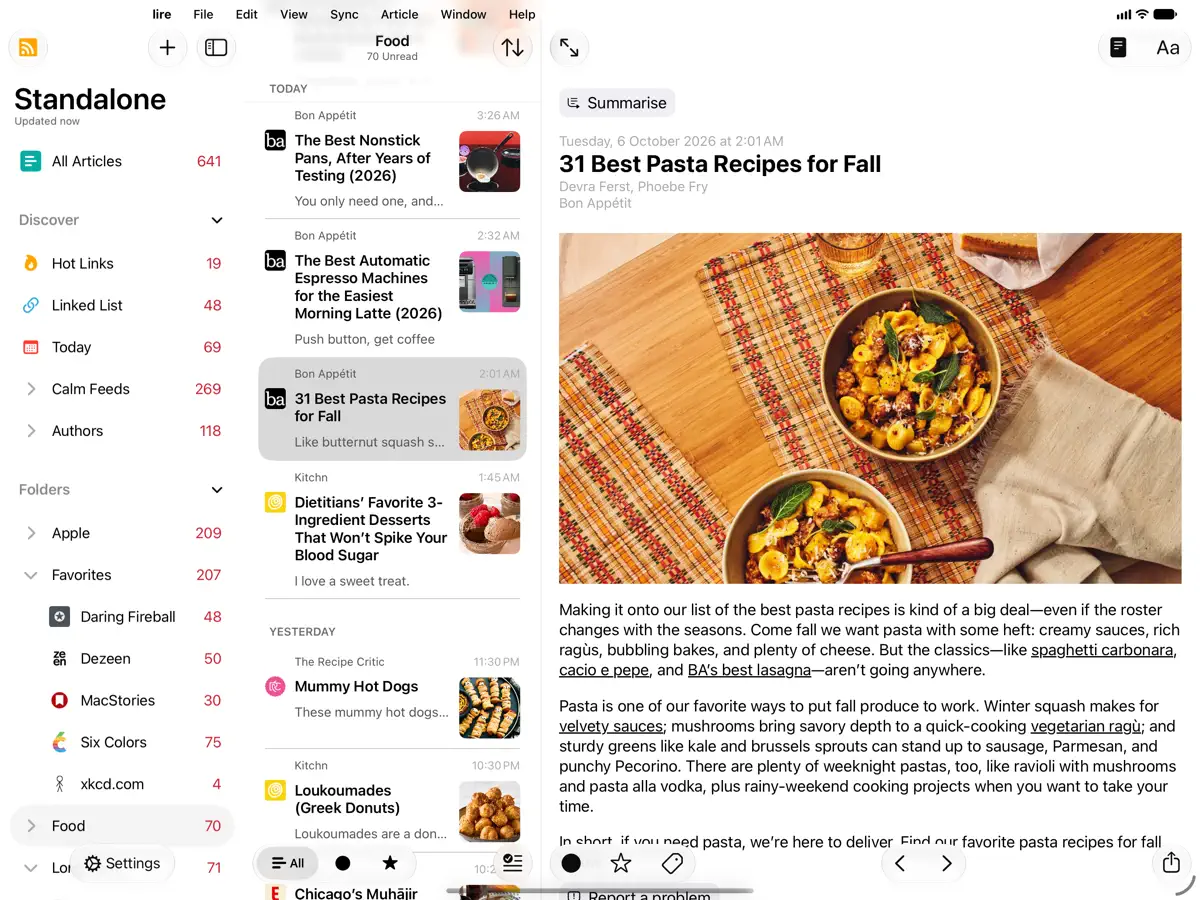
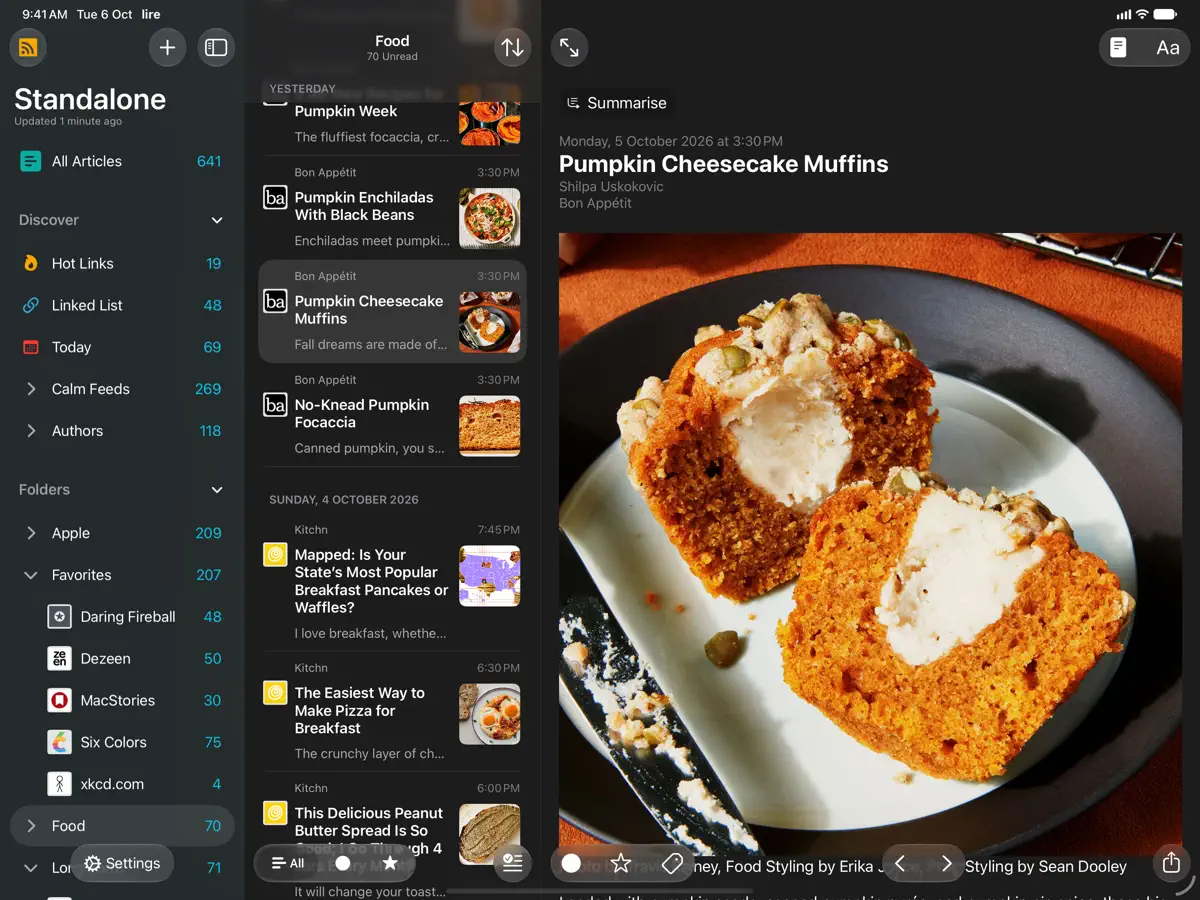
iPad スクリーンショット
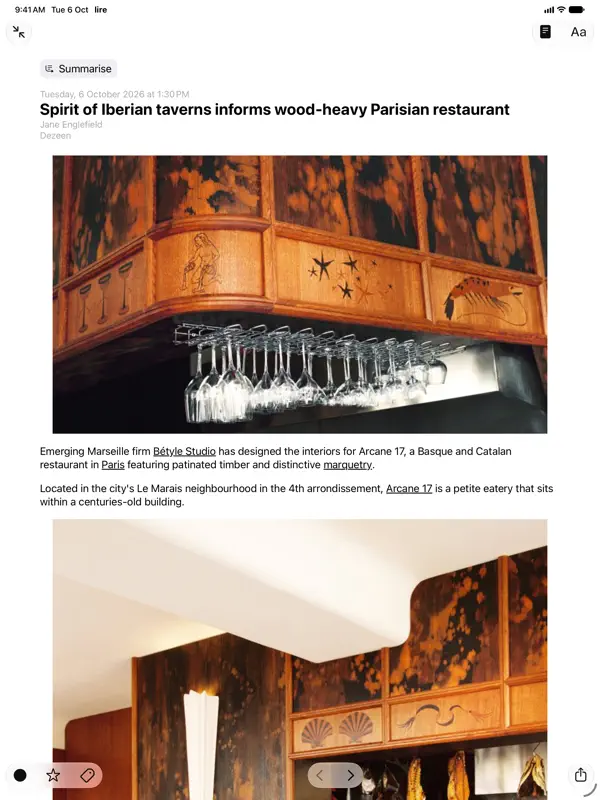
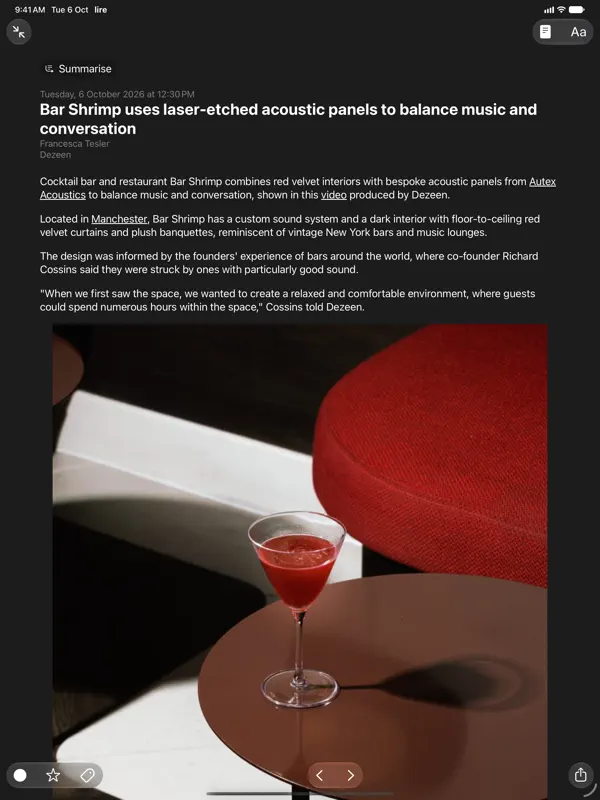
iPhone Duo での活用
lire 7.1.0のリリースノートには、新機能として「Support for iPhone Duo」と記載されています。ただし、折りたたんだ状態や開いた状態に特化したレイアウトや動作については触れられていません。当サイトではまだ実機でテストしていません。
新機能
バージョン 7.1.0 ·
Version 7.1.0 NEW: - Support for iPhone Duo. - Extra Large Widgets (that occupy an entire page on the home screen) on iPhones running iOS 27 or later. - Resizing when running iPhone Mirroring on Mac, on devices running OS version 27 or later (available in supported countries and regions). - Modernised article filter control, that feels more at home with the newest version of iOS and iPadOS. - Tons of minor UI tweaks. FIXED: - A bug that could cause the app to crash during caching. - Other minor bug fixes. Previously in Version 7.0.0 NEW: - Updated for the iOS/iPadOS 27. - On iOS/iPadOS 27, Summarization of articles using Apple Intelligence now uses Private Cloud Compute if available. - On-device/Offline Translation of articles using Apple's translation models, available on iOS 18 and above. To translate an article you're reading, use the 'Aa' button on the top bar in the article reading view, and select 'Translate'. Tap & hold 'Translate' there to change the translation language. You can also change the translation language in Settings > Article > Translation Language. - Log in to walled sites to get full-text of walled articles. Log in/Manage in Settings > Caching > Manage/Log in. You can also login to walled a site from the article reading view, by using the View Mode button (i.e. the page icon in the top), and selecting 'Log in' (only available in Full Text View). - Overhauled text-extraction/caching engine. It should now work better on some sites where it previously failed. - New 'Modern' layout style for each item in article lists. Configure style in Settings > Article > Layout > Style. - Ability to disable swipe navigation in article reading view. You can set this up in Settings > Article > Navigation, there select 'Buttons only'. - 9 new modern app icons. Configure in Settings > Appearance > Icon. If you enjoy using lire, please leave a review, or tell a friend about it. That helps a lot!
開発者はこの内容を日本語化していません。
このアプリについて
lireは、Kunal Sood氏が手がけるRSSリーダーです。多くのフィードが各記事の要約しか配信しないことに着目し、記事の全文を取得してキャッシュすることで、Webサイトに移動せずアプリ内で最後まで読めるようにします。キャッシュ済みの記事は、通信できない環境でも読めます。単体のリーダーとしてiCloud同期で使えるほか、Feedly、Feedbin、Inoreader、NewsBlur、The Old Reader、BazQux Reader、FreshRSS、Miniflux、Nextcloud News、Tiny Tiny RSSなど多数のフィードサービスにも対応しています。バージョン7.0ではiOS 27への対応、Apple Intelligenceによる記事の要約、Appleの翻訳モデルを使った端末内での記事翻訳、ペイウォール付きサイトにログインして全文を取得する機能、刷新されたテキスト抽出エンジン、新しいリストレイアウトが加わりました。2026年10月12日にリリースされたバージョン7.1.0では、iPhone Duoへの対応に加え、iOS 27の特大ホーム画面ウィジェットと、MacのiPhoneミラーリング使用時のリサイズに対応しています。lireは有料アプリで、App Storeに記載のとおり追加のアプリ内課金もあります。要約だけのフィードを配信するサイトを購読していて、ブラウザに頼らない読書環境がほしい方に向いています。
英語版の掲載内容を翻訳しています。
App Store の説明開発者による説明です。
Love RSS feeds? So do we!! RSS feeds are a great way to follow updates on your favorite website. However, some sites set up their feeds to only show a portion of each entry, you know, to get you to click through to their actual website. We find that really annoying, and we're sure you do too. Which is why, unlike other RSS feed readers, that either push you into a browser (in-app or otherwise), or depend on third party text parsing services and require you to be online to fetch the full text of one article at a time (which makes it no different from having to click/tap through to a website), in lire, you get your favorite RSS feeds as they should've been. You don't need to click through to any website (though, you do still have the option to, if you really wanted). It takes your favorite partial feeds, does its magic, and converts them in to full feeds, so you don't have to click/tap on those annoying 'Read more' or 'Continue reading' links. Once they're cached, you don't even need to be connected to read your full-text feeds. Use as a standalone feed reader, sync with iCloud, or, sync with any of the several services: Feedly, Feedbin, FeedHQ, The Old Reader, Inoreader, BazQux Reader, Newsblur, Feed Wrangler, FreshRSS, Miniflux, Nextcloud News, Tiny Tiny RSS.
主な機能
- 要約のみのフィードを全文記事に変換
- キャッシュした記事をオフラインで閲覧
- iCloud同期または十数種類のフィードサービスに対応
- Apple Intelligenceによる記事の要約
- 端末内での記事翻訳
- iOS 27の特大ウィジェット
iPhone Duo での lire:よくある質問
lire は iPhone Duo に最適化されていますか?
まだです。lire は「互換動作」で、変更なしで iPhone のレイアウトのまま動作します。2026年10月12日 に確認(開発者の発表)。
iPhone Duo での lire はどう見えますか?
lire 7.1.0のリリースノートには、新機能として「Support for iPhone Duo」と記載されています。ただし、折りたたんだ状態や開いた状態に特化したレイアウトや動作については触れられていません。当サイトではまだ実機でテストしていません。
lire の価格は?
lire は App Store で ¥1,500 です。
その他の読書/ニュースアプリ
すべて見る ›
折りたたみに合わせてレイアウトが変わる、要約機能内蔵の RSS リーダー

折りたたみ・展開に合わせてレイアウトが切り替わるRSS/ニュースリーダー

フォローした媒体のニュースや記事が並ぶ、自分だけのマガジン

本を積み重ねた山とホーム画面ウィジェットで読書を記録するトラッカー

丁寧なタイポグラフィ、ジェスチャー操作、カラーテーマを備えたRSSリーダー

フィード、動画、ポッドキャスト、SNS 投稿をまとめた統合タイムライン