
iPhone 스크린샷
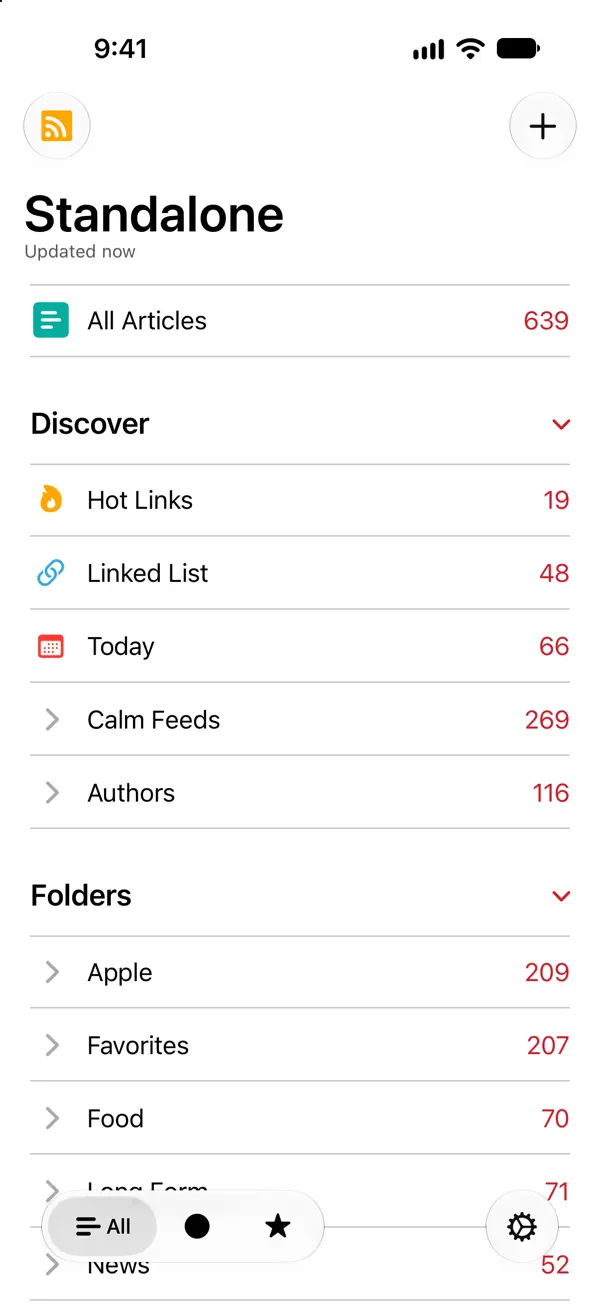
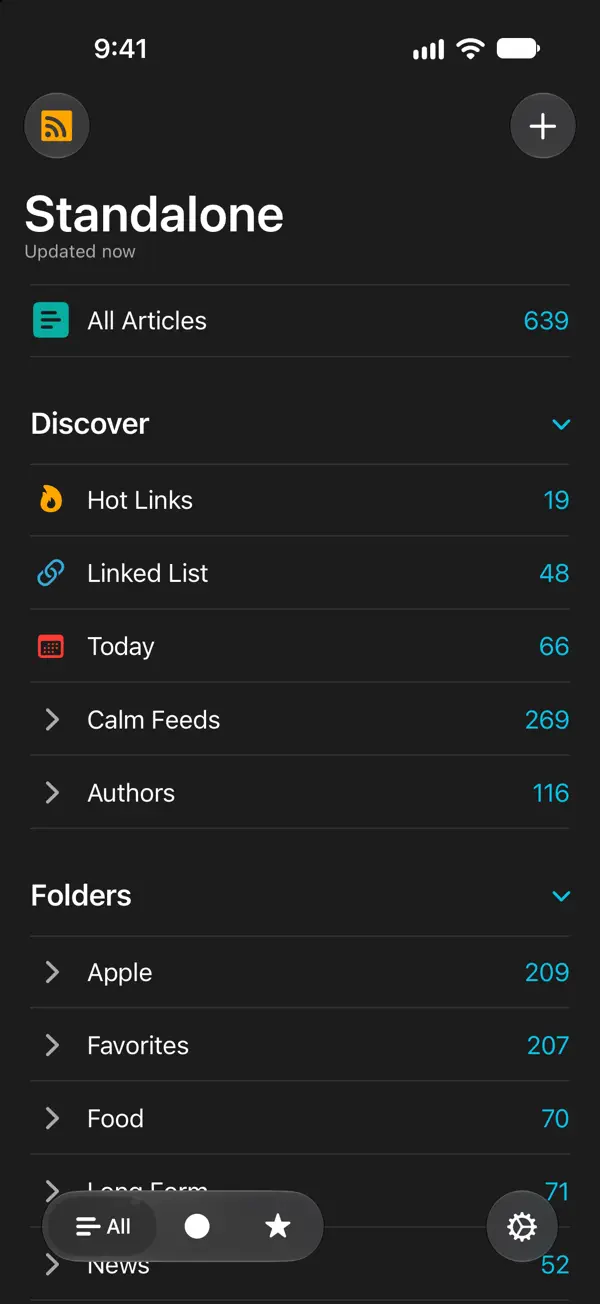
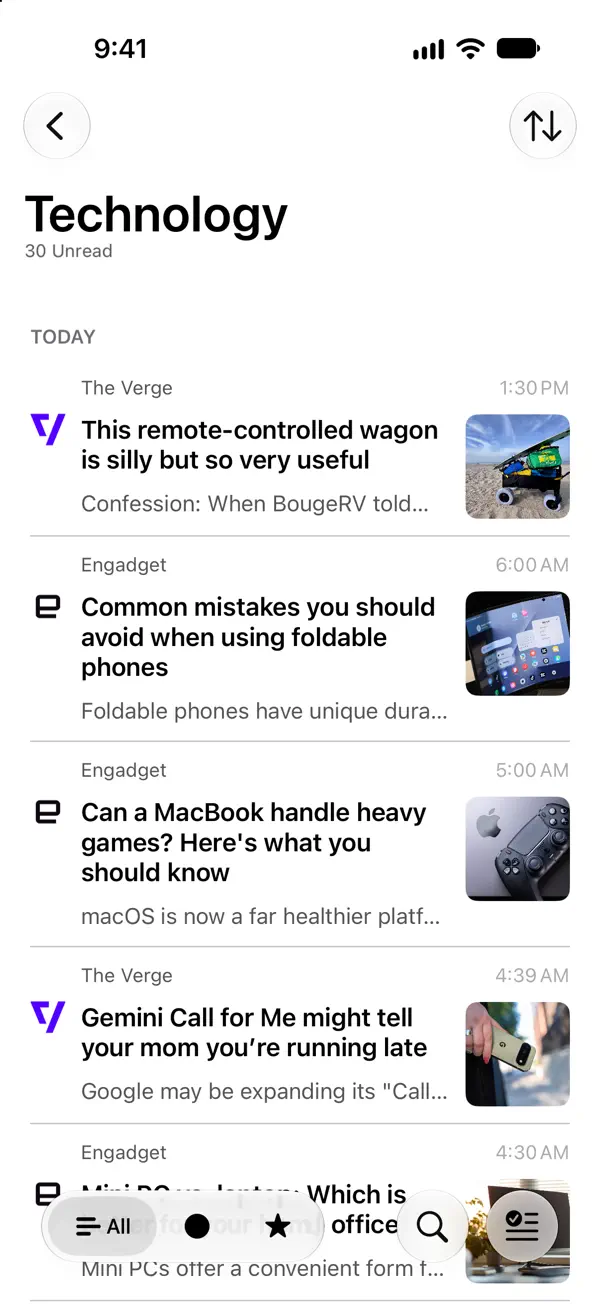
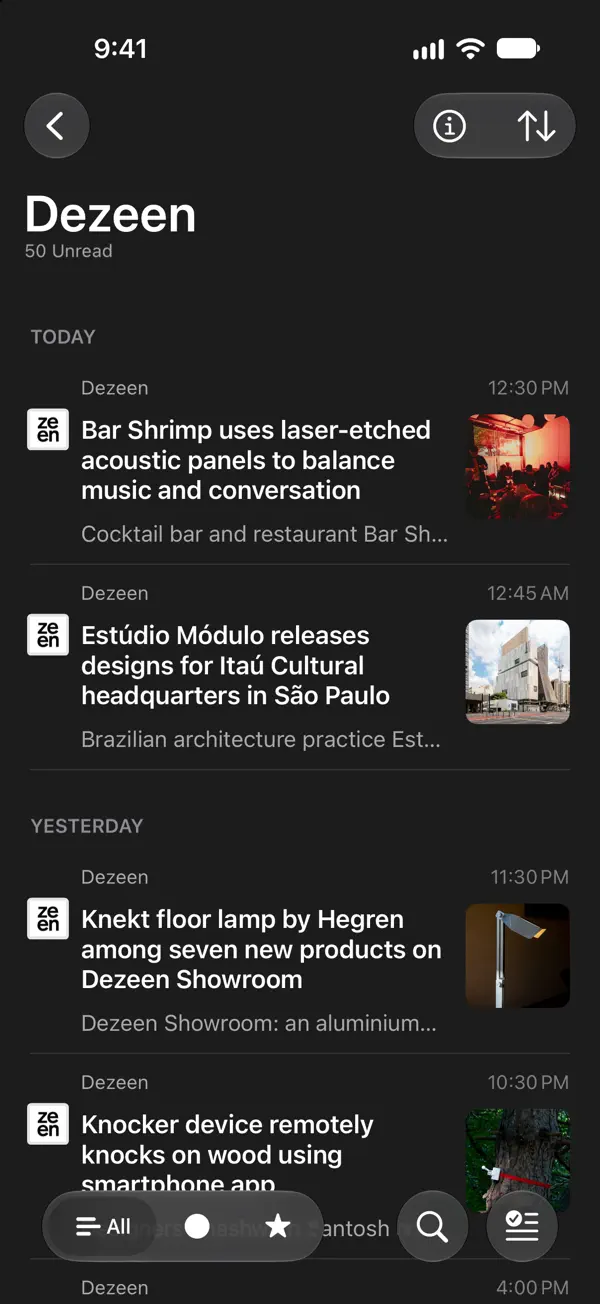
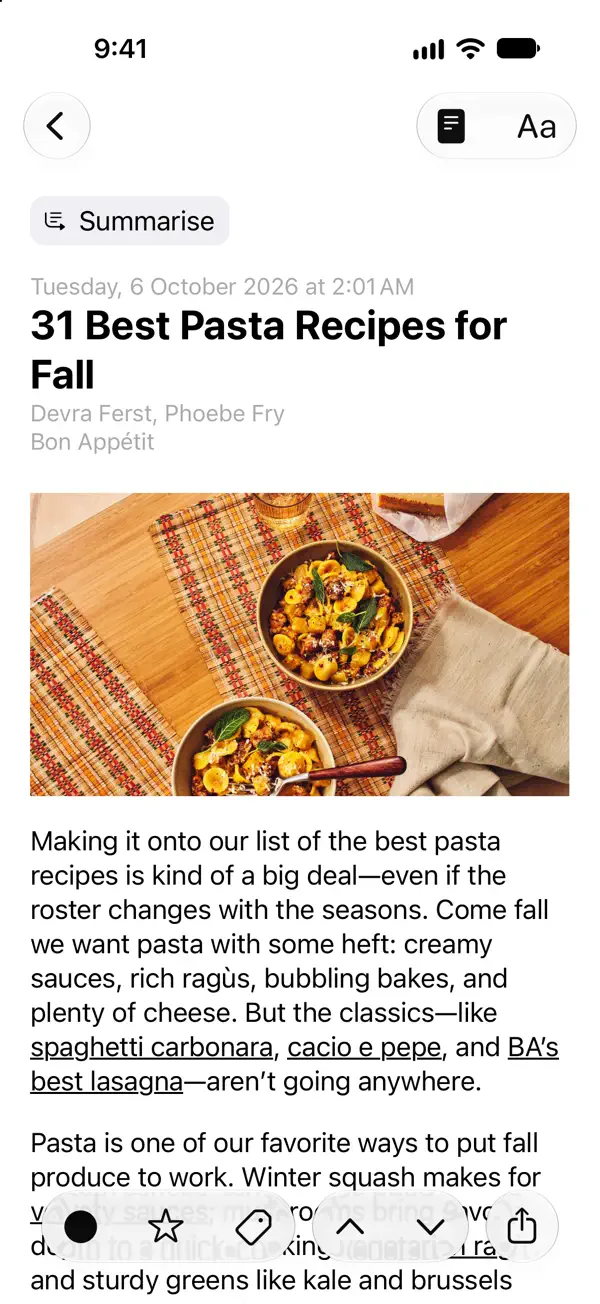
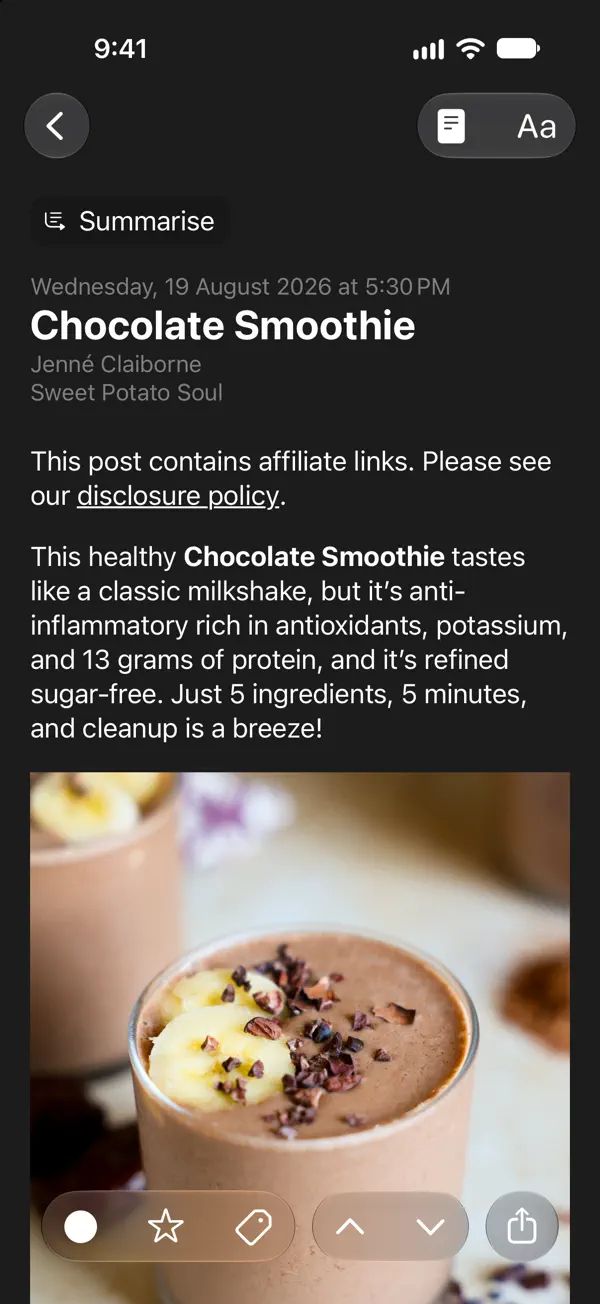
iPad 스크린샷
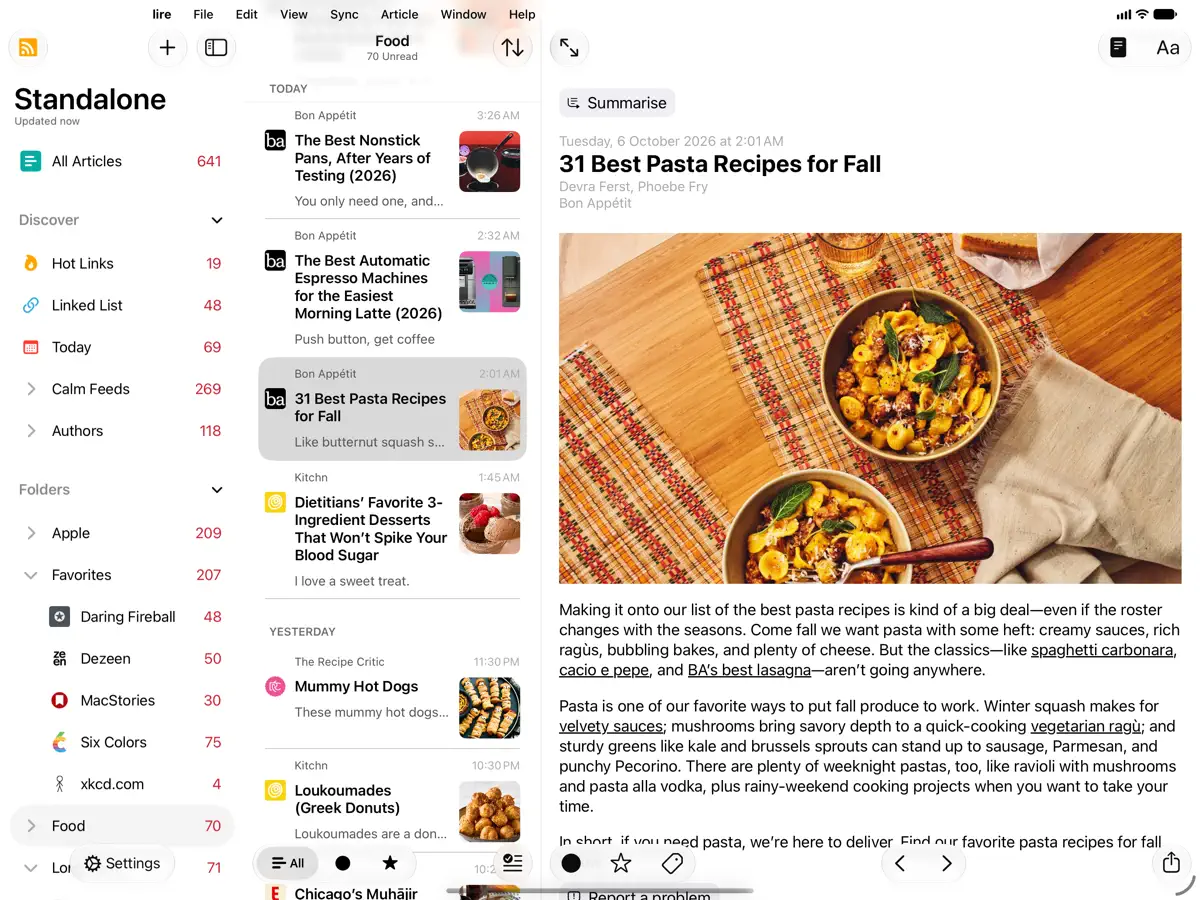
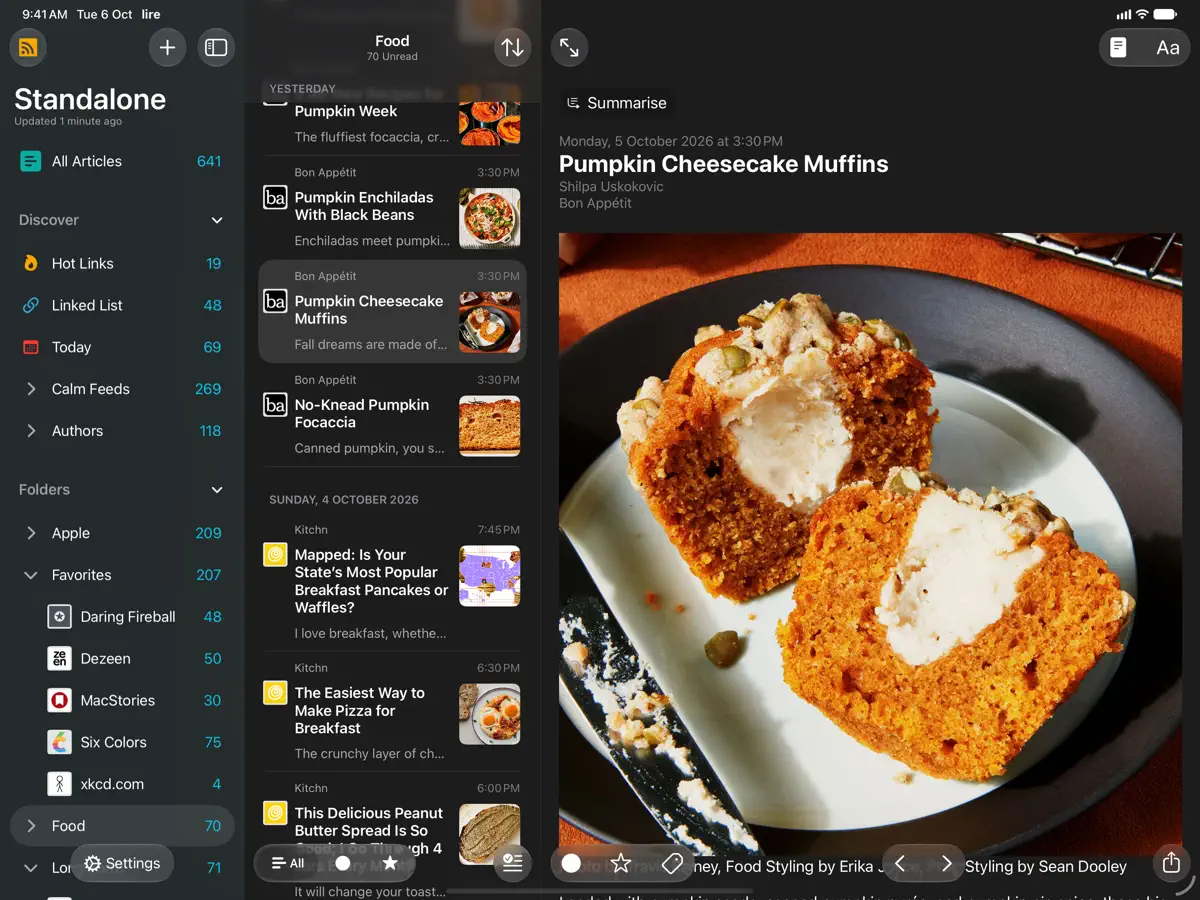
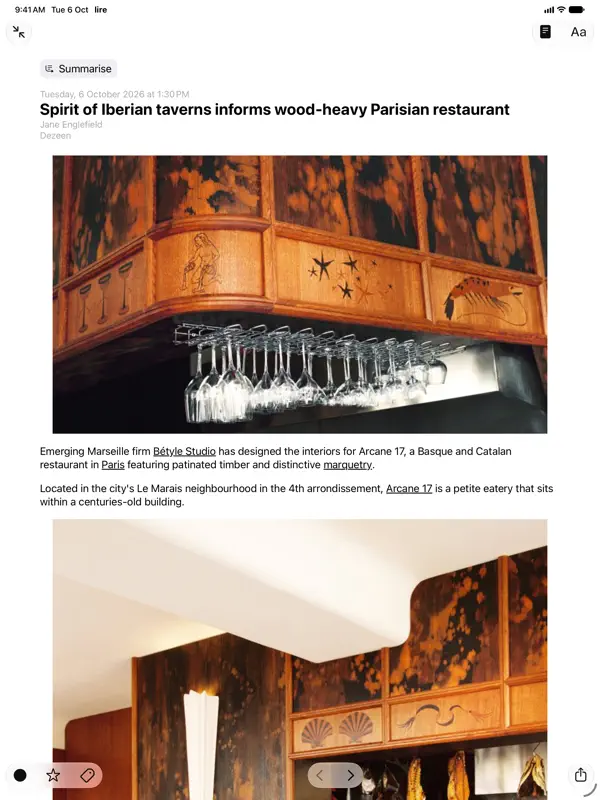
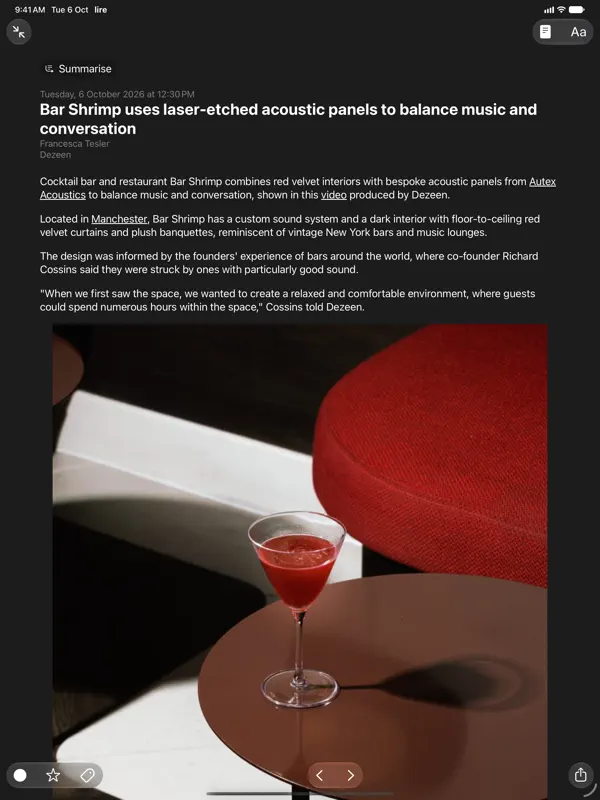
iPhone Duo 활용 방식
lire 7.1.0 릴리스 노트에는 새 기능으로 'Support for iPhone Duo'가 올라 있습니다. 다만 접은 상태나 펼친 상태에 맞춘 구체적인 레이아웃이나 동작은 설명되어 있지 않습니다. 아직 실기기에서 테스트하지 않았습니다.
새로운 기능
버전 7.1.0 ·
Version 7.1.0 NEW: - Support for iPhone Duo. - Extra Large Widgets (that occupy an entire page on the home screen) on iPhones running iOS 27 or later. - Resizing when running iPhone Mirroring on Mac, on devices running OS version 27 or later (available in supported countries and regions). - Modernised article filter control, that feels more at home with the newest version of iOS and iPadOS. - Tons of minor UI tweaks. FIXED: - A bug that could cause the app to crash during caching. - Other minor bug fixes. Previously in Version 7.0.0 NEW: - Updated for the iOS/iPadOS 27. - On iOS/iPadOS 27, Summarization of articles using Apple Intelligence now uses Private Cloud Compute if available. - On-device/Offline Translation of articles using Apple's translation models, available on iOS 18 and above. To translate an article you're reading, use the 'Aa' button on the top bar in the article reading view, and select 'Translate'. Tap & hold 'Translate' there to change the translation language. You can also change the translation language in Settings > Article > Translation Language. - Log in to walled sites to get full-text of walled articles. Log in/Manage in Settings > Caching > Manage/Log in. You can also login to walled a site from the article reading view, by using the View Mode button (i.e. the page icon in the top), and selecting 'Log in' (only available in Full Text View). - Overhauled text-extraction/caching engine. It should now work better on some sites where it previously failed. - New 'Modern' layout style for each item in article lists. Configure style in Settings > Article > Layout > Style. - Ability to disable swipe navigation in article reading view. You can set this up in Settings > Article > Navigation, there select 'Buttons only'. - 9 new modern app icons. Configure in Settings > Appearance > Icon. If you enjoy using lire, please leave a review, or tell a friend about it. That helps a lot!
개발자가 이 내용을 한국어로 제공하지 않았습니다.
앱 소개
lire는 Kunal Sood가 만든 RSS 리더입니다. 많은 피드가 글의 요약만 제공한다는 점에 착안해, 전체 본문을 가져와 저장해 두고 웹사이트로 이동하지 않고도 앱 안에서 기사를 끝까지 읽을 수 있게 합니다. 저장된 기사는 인터넷 연결 없이도 읽을 수 있습니다. iCloud 동기화를 사용하는 독립형 리더로 쓸 수도 있고, Feedly, Feedbin, Inoreader, NewsBlur, The Old Reader, BazQux Reader, FreshRSS, Miniflux, Nextcloud News, Tiny Tiny RSS 등 다양한 피드 서비스와 연동할 수도 있습니다. 7.0 버전에서는 iOS 27 대응, Apple Intelligence 기반 기사 요약, Apple 번역 모델을 이용한 기기 내 기사 번역, 유료 구독 사이트에 로그인해 전체 본문을 가져오는 기능, 새로워진 텍스트 추출 엔진, 새 목록 레이아웃 스타일이 추가되었습니다. 2026년 10월 12일 출시된 7.1.0에서는 iPhone Duo 지원과 함께 iOS 27의 초대형 홈 화면 위젯, Mac에서 iPhone 미러링을 사용할 때의 크기 조절 기능이 더해졌습니다. lire는 유료 앱이며, App Store에 표시된 추가 인앱 구입이 있습니다. 요약만 제공하는 피드를 구독하면서 브라우저에 의존하지 않는 독서 환경을 원하는 분께 어울립니다.
영어 원문을 번역한 내용입니다.
App Store 설명개발자가 작성한 내용입니다.
Love RSS feeds? So do we!! RSS feeds are a great way to follow updates on your favorite website. However, some sites set up their feeds to only show a portion of each entry, you know, to get you to click through to their actual website. We find that really annoying, and we're sure you do too. Which is why, unlike other RSS feed readers, that either push you into a browser (in-app or otherwise), or depend on third party text parsing services and require you to be online to fetch the full text of one article at a time (which makes it no different from having to click/tap through to a website), in lire, you get your favorite RSS feeds as they should've been. You don't need to click through to any website (though, you do still have the option to, if you really wanted). It takes your favorite partial feeds, does its magic, and converts them in to full feeds, so you don't have to click/tap on those annoying 'Read more' or 'Continue reading' links. Once they're cached, you don't even need to be connected to read your full-text feeds. Use as a standalone feed reader, sync with iCloud, or, sync with any of the several services: Feedly, Feedbin, FeedHQ, The Old Reader, Inoreader, BazQux Reader, Newsblur, Feed Wrangler, FreshRSS, Miniflux, Nextcloud News, Tiny Tiny RSS.
주요 기능
- 부분 피드를 전체 본문 기사로 변환
- 저장된 기사 오프라인 읽기
- iCloud 동기화 또는 12개 안팎의 피드 서비스 연동
- Apple Intelligence 기반 기사 요약
- 기기 내 기사 번역
- iOS 27 초대형 위젯
iPhone Duo에서의 lire: 자주 묻는 질문
lire은(는) iPhone Duo에 최적화되어 있나요?
아직은 아닙니다. lire은(는) 호환 실행 앱으로, 변경 없이 기존 iPhone 레이아웃으로 실행됩니다. 2026년 10월 12일 확인(개발자 발표).
iPhone Duo에서 lire은(는) 어떻게 보이나요?
lire 7.1.0 릴리스 노트에는 새 기능으로 'Support for iPhone Duo'가 올라 있습니다. 다만 접은 상태나 펼친 상태에 맞춘 구체적인 레이아웃이나 동작은 설명되어 있지 않습니다. 아직 실기기에서 테스트하지 않았습니다.
lire의 가격은 얼마인가요?
lire은(는) App Store에서 ₩17,000입니다.
다른 독서 및 뉴스 앱
모두 보기 ›
iPhone Duo를 접고 펼칠 때마다 화면이 바뀌는, 요약 기능을 갖춘 RSS 리더

접고 펼치는 데 맞춰 레이아웃이 바뀌는 RSS·뉴스 리더

구독 중인 매체의 뉴스와 이야기를 모은 나만의 맞춤형 매거진

책을 더미와 홈 화면 위젯으로 보여 주는 독서 기록 앱

세심한 타이포그래피, 제스처, 색상 테마를 갖춘 RSS 리더

피드, 동영상, 팟캐스트, 소셜 게시물을 모은 통합 타임라인