
2Camera
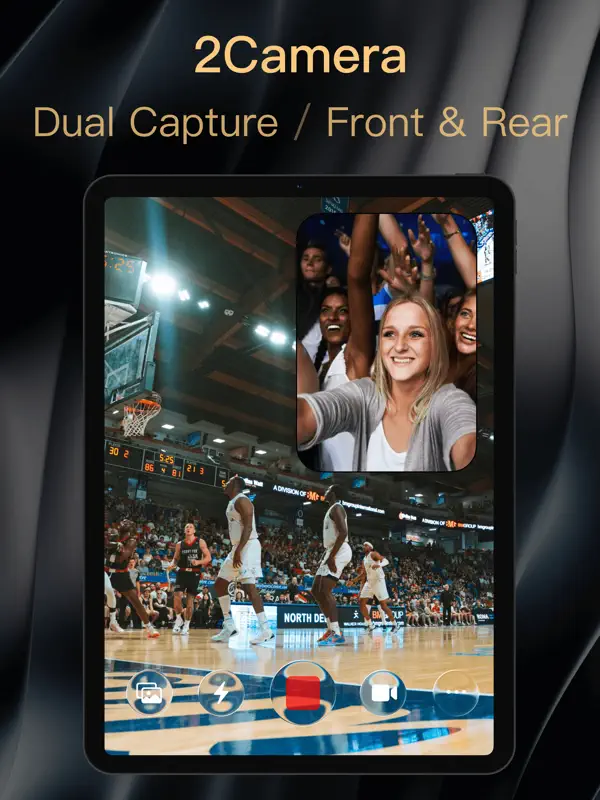
Record with the front and back cameras at the same time
6X Studio LLC · Creative · Free · in-app purchases
iPhone screenshots
iPad screenshots
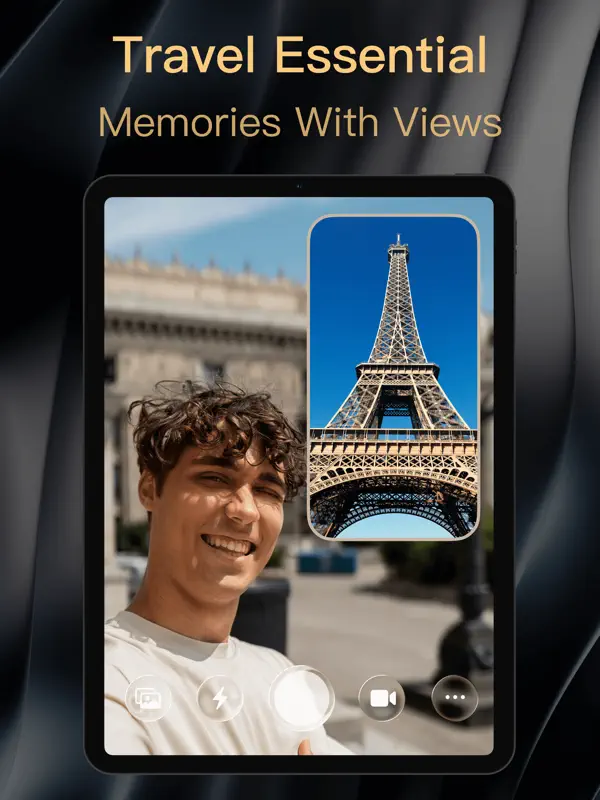
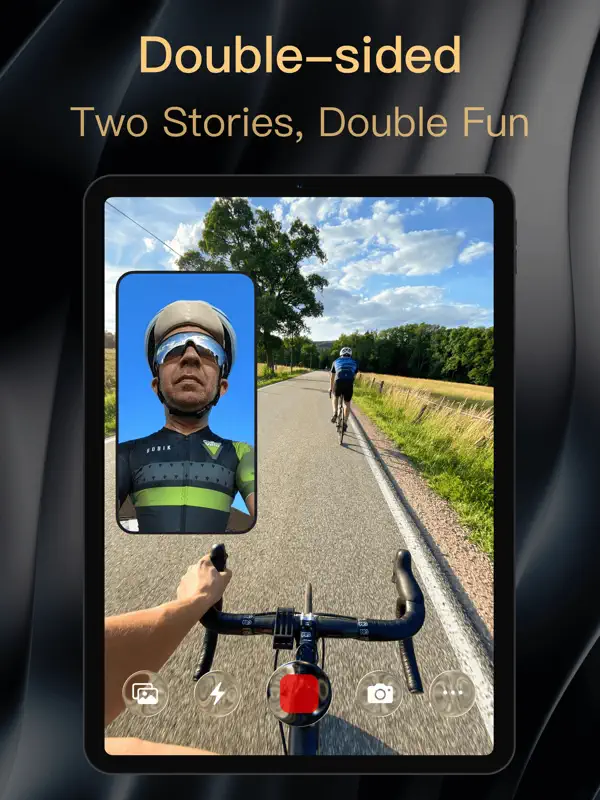
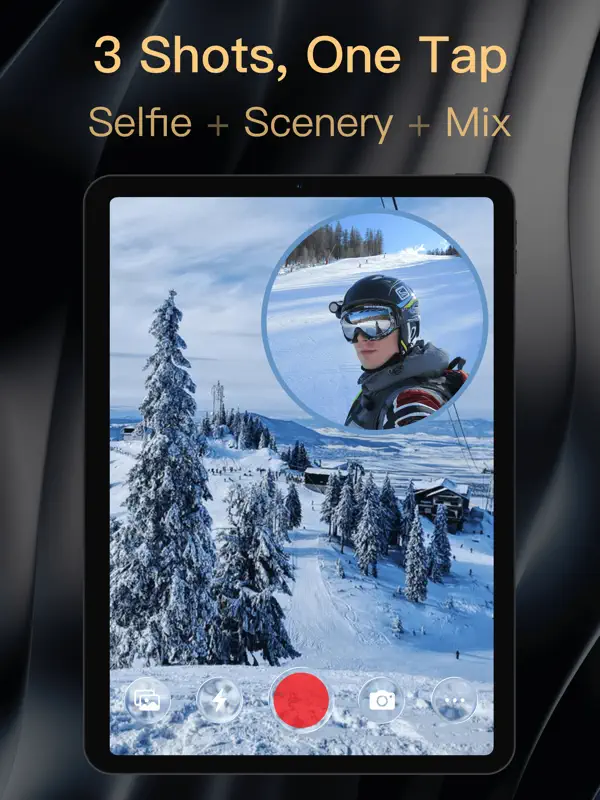
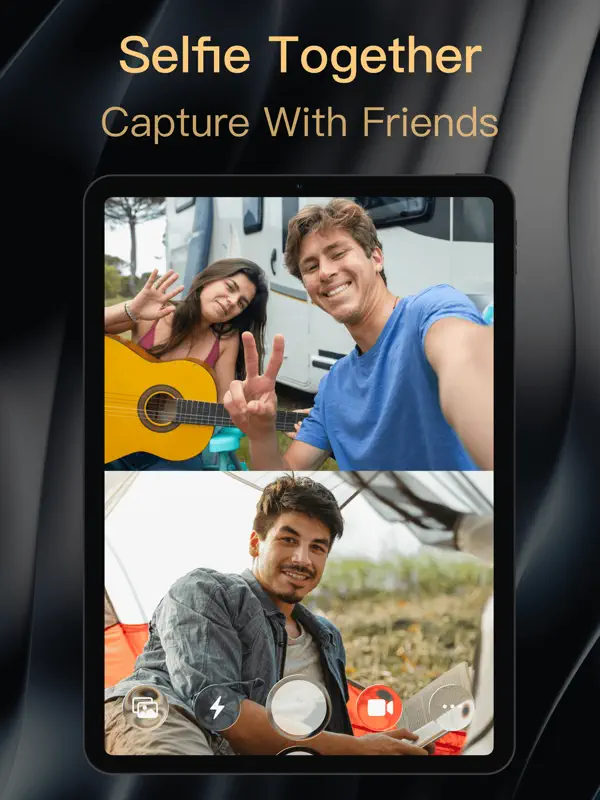
How it uses iPhone Duo
In the version 1.5.5 release notes (October 19, 2026), 6X Studio says new iPhone Duo features let you show custom photos and videos on the outer screen and move the teleprompter between screens. The same notes mention improved lens support for iPhone Duo along with better foldable layouts and transitions. The App Store description also lists the Duo among compatible devices. We have not yet tested 2Camera on an iPhone Duo.
What’s New
Version 1.5.6 ·
【iPhone Duo Highlights】 • Duo up to 6 camera positions to make every camera count • Duo Dual-Screen Preview: See your shot live on the outer screen • Custom Outer-Screen Media: Show photos or videos to catch your subject’s attention • Outer-Screen Teleprompter: Bigger prompts, clearer videos
About this app
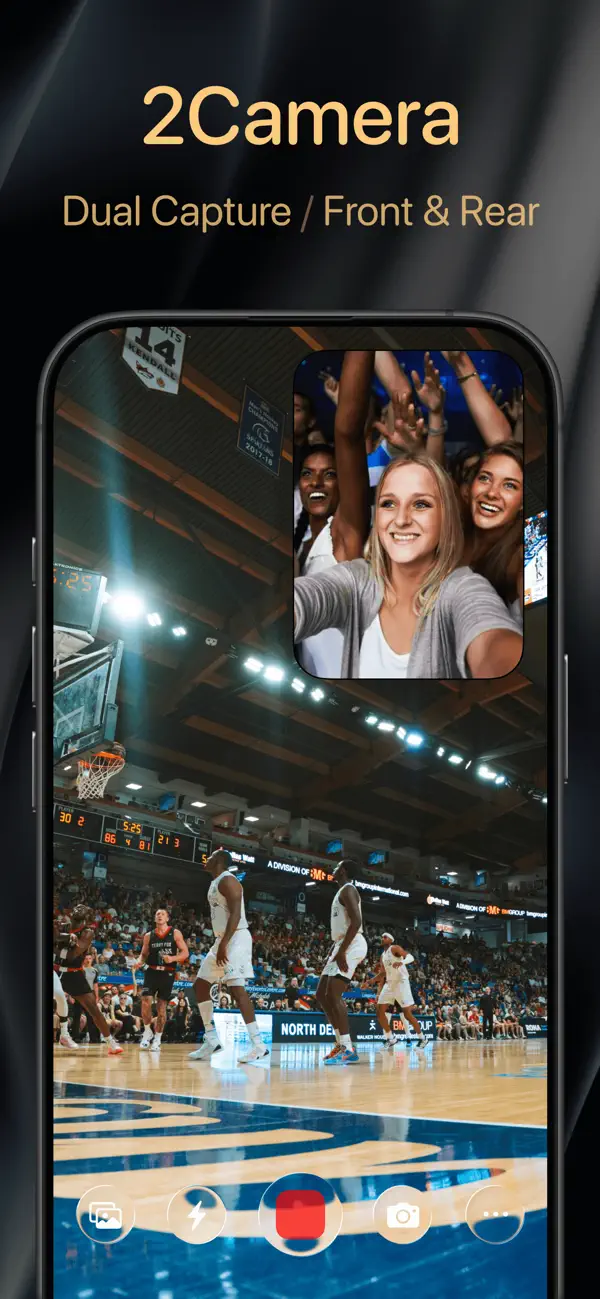
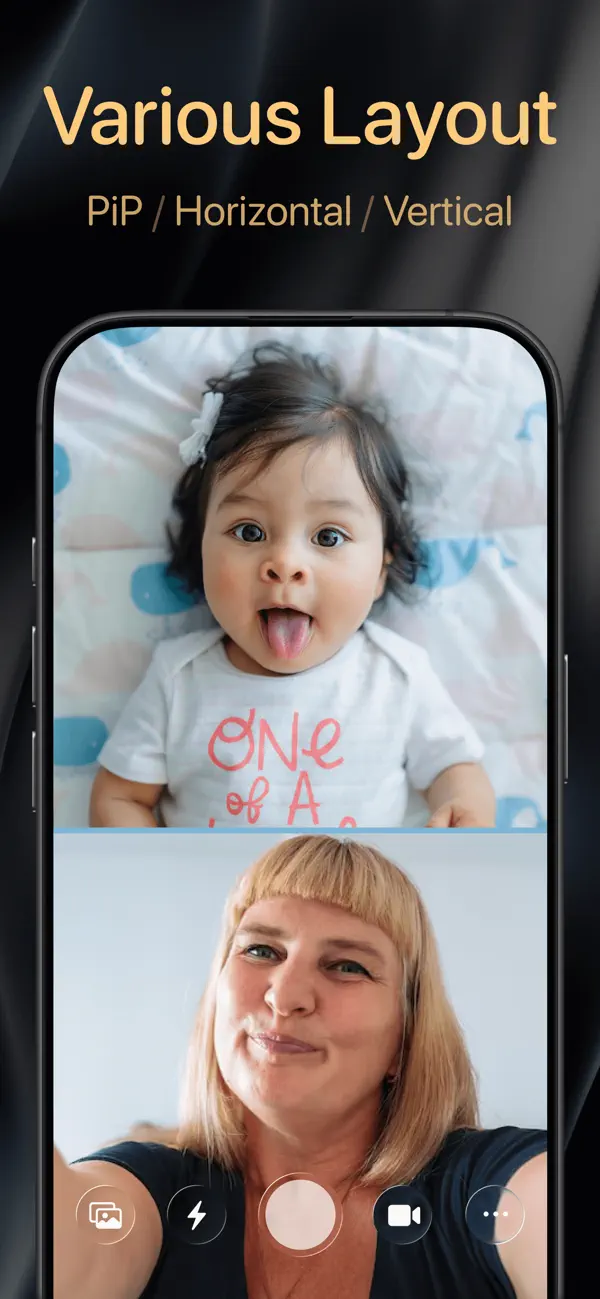
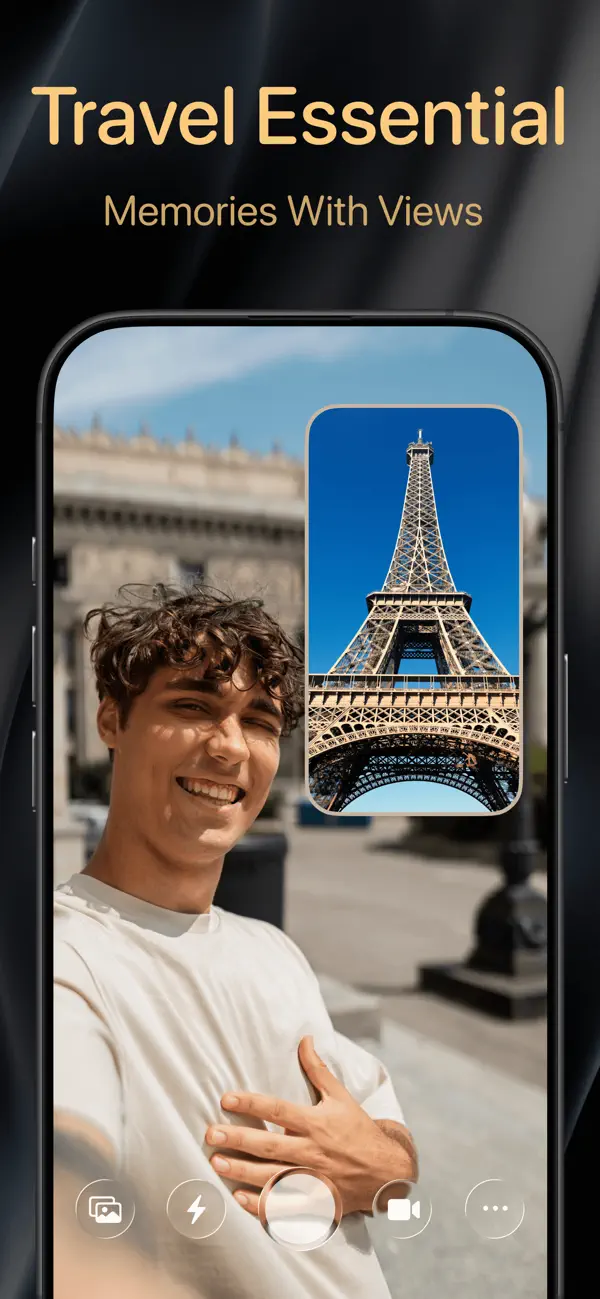
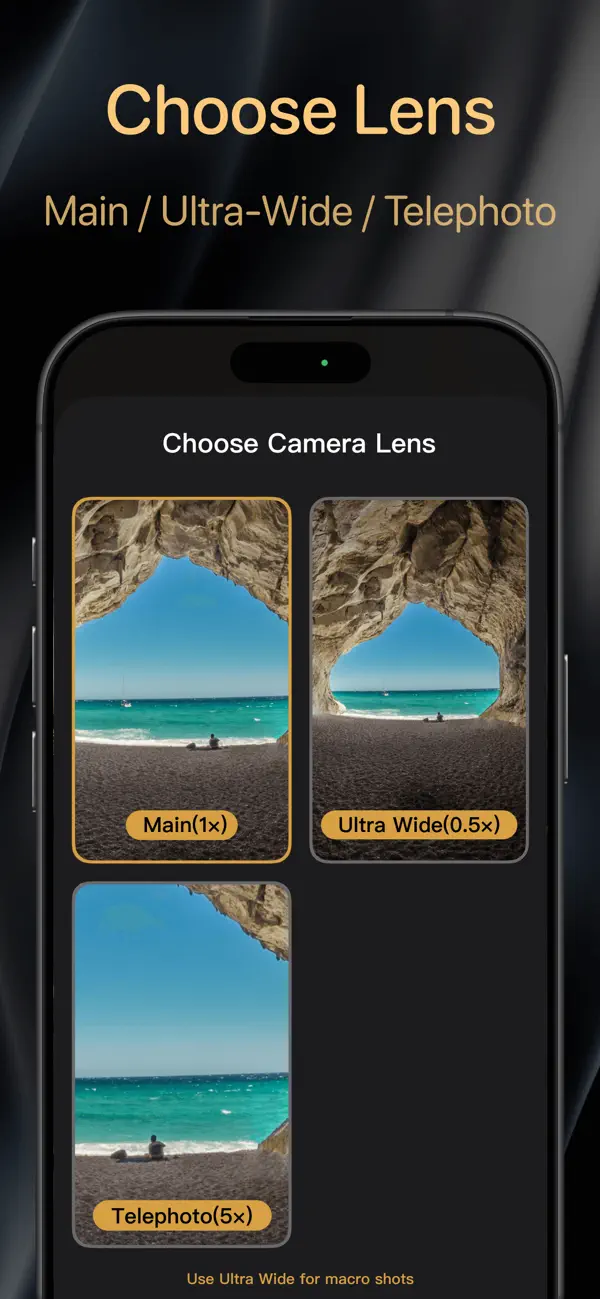
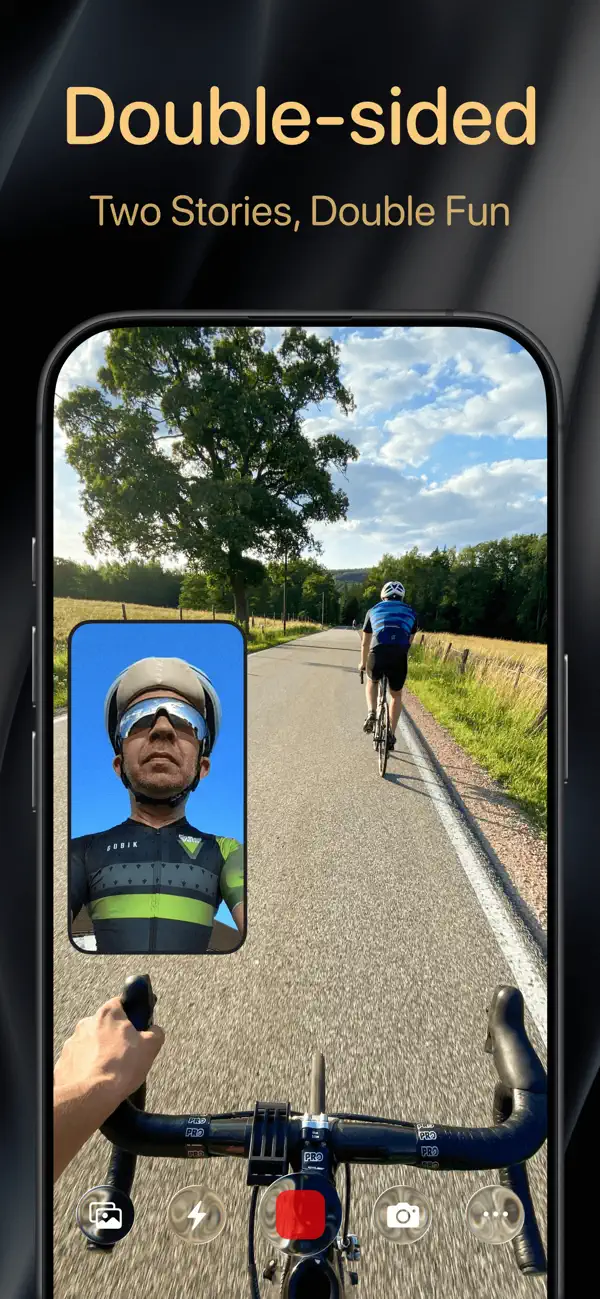
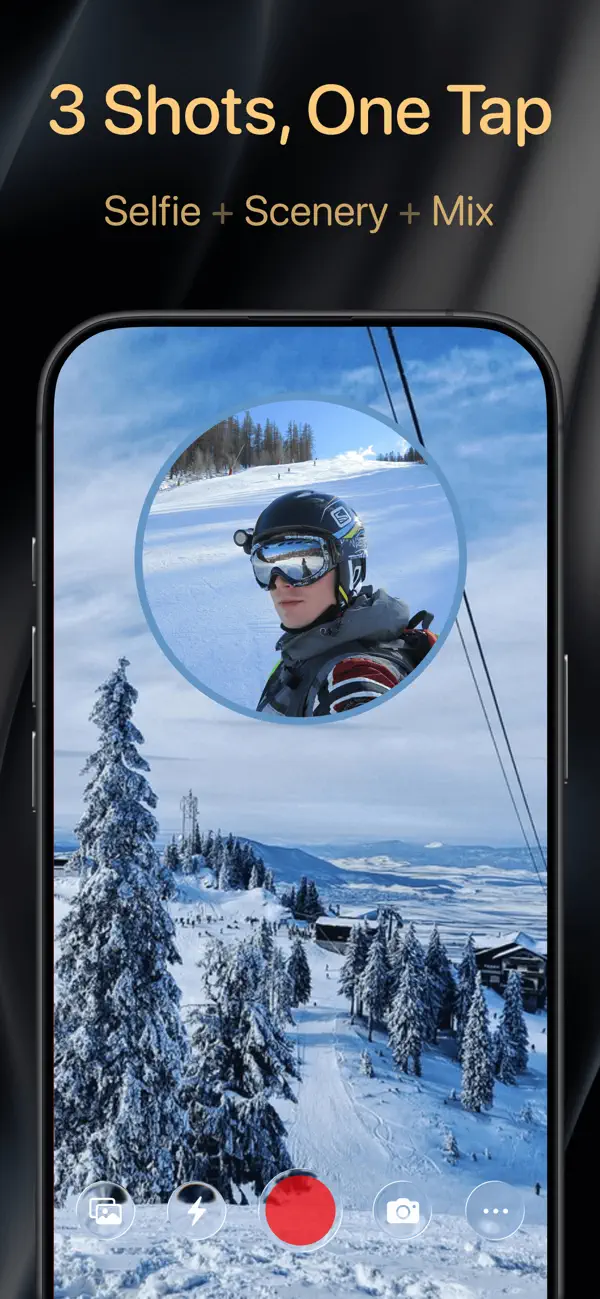
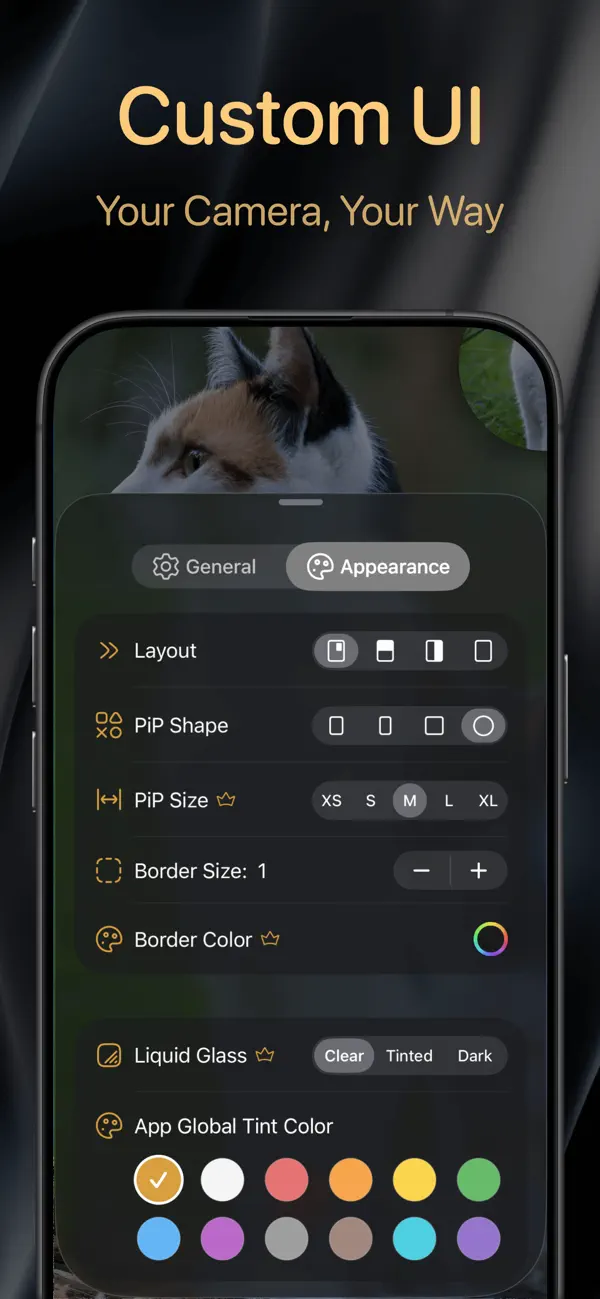
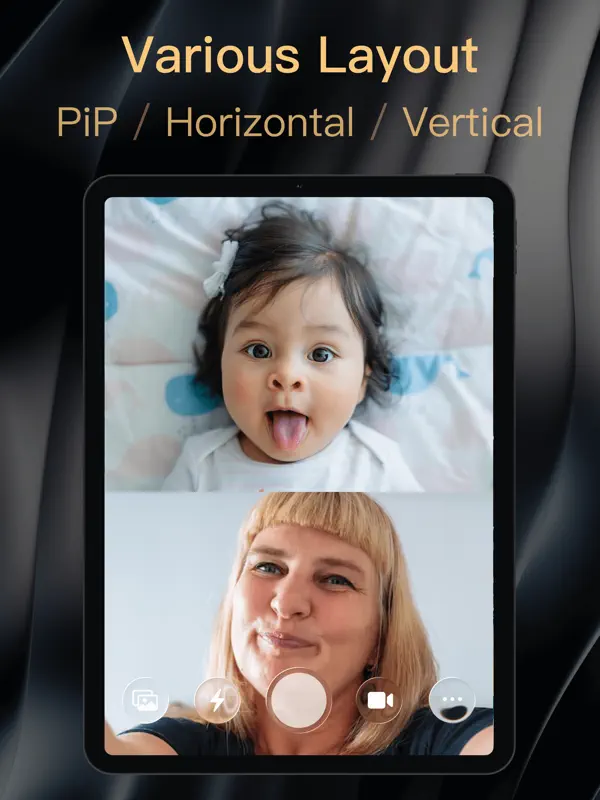
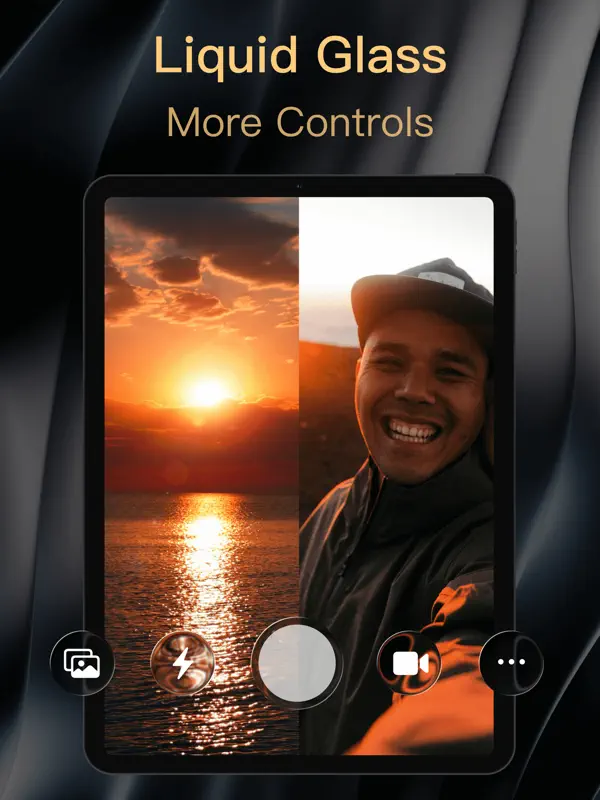
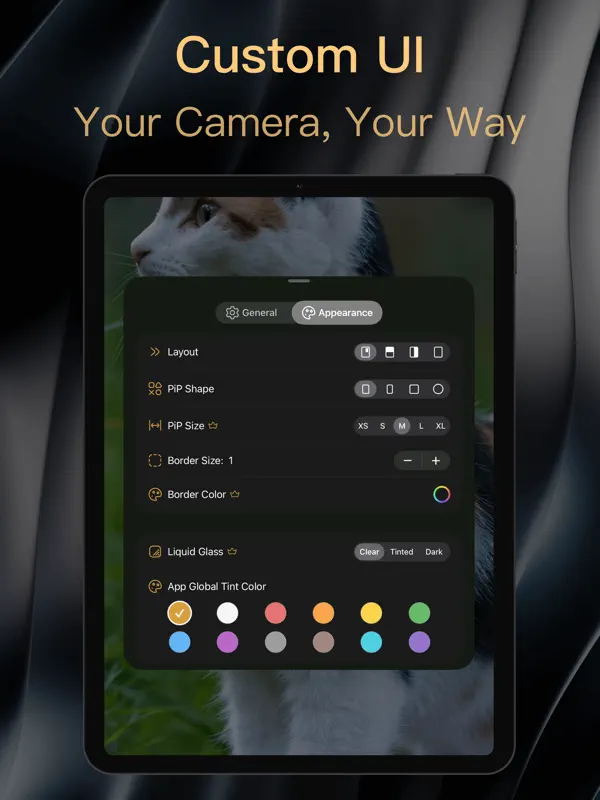
2Camera is a dual-camera recorder from 6X Studio that captures the front and rear cameras simultaneously, so a single take holds both the scene and the person filming it. It suits vloggers, reaction videos, interviews and anyone who wants both perspectives without editing two clips together later. Shots can be arranged as picture-in-picture, as a top/bottom or left/right split, or as a single camera, and the floating PiP window can be moved, resized, reshaped and flipped with a double tap. Photo mode can save the front, back and merged images from one shutter press. Recording goes up to 4K, at 24, 30 or 60 fps, with AAC or Apple Lossless audio in mono or stereo. Optional watermarks can stamp the time, location, speed or device details onto footage, and the app can be launched from Lock Screen widgets, Control Center or Camera Control. Version 1.5.5, released on October 19, 2026, added a redesigned lens picker, a burst mode, an external-microphone option and a "Most Compatible" MP4 setting. The same release introduced features specific to iPhone Duo, using the outer screen while you film. The app is free to download, with paid plans offered as in-app purchases.
App Store descriptionWritten by the developer.
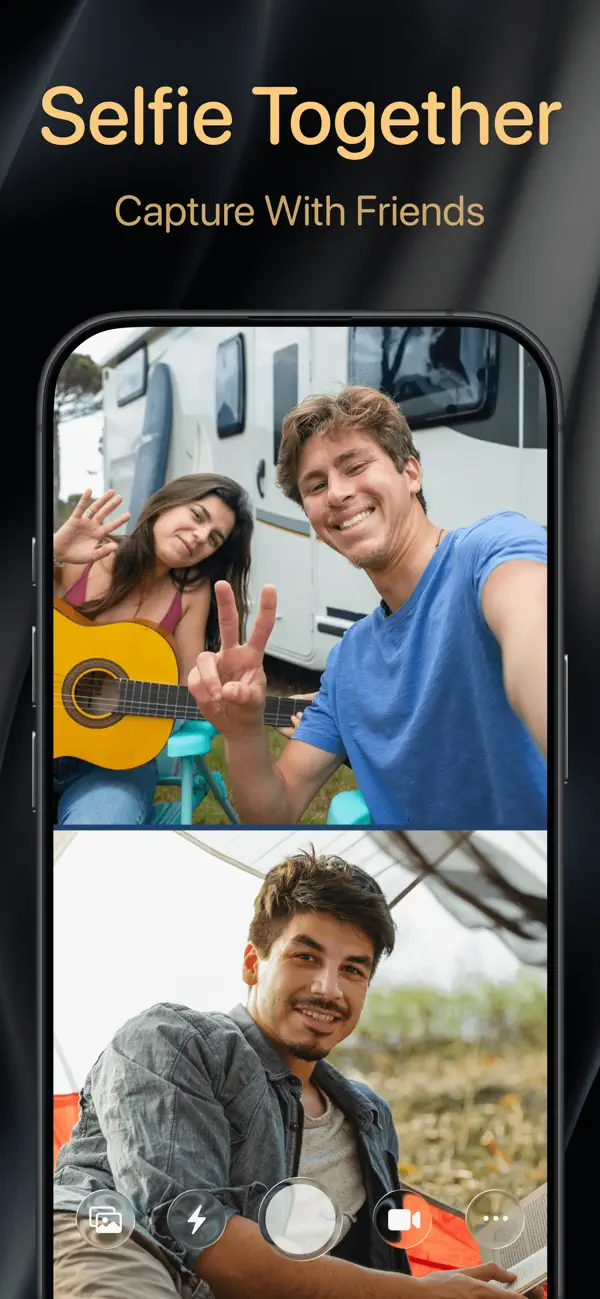
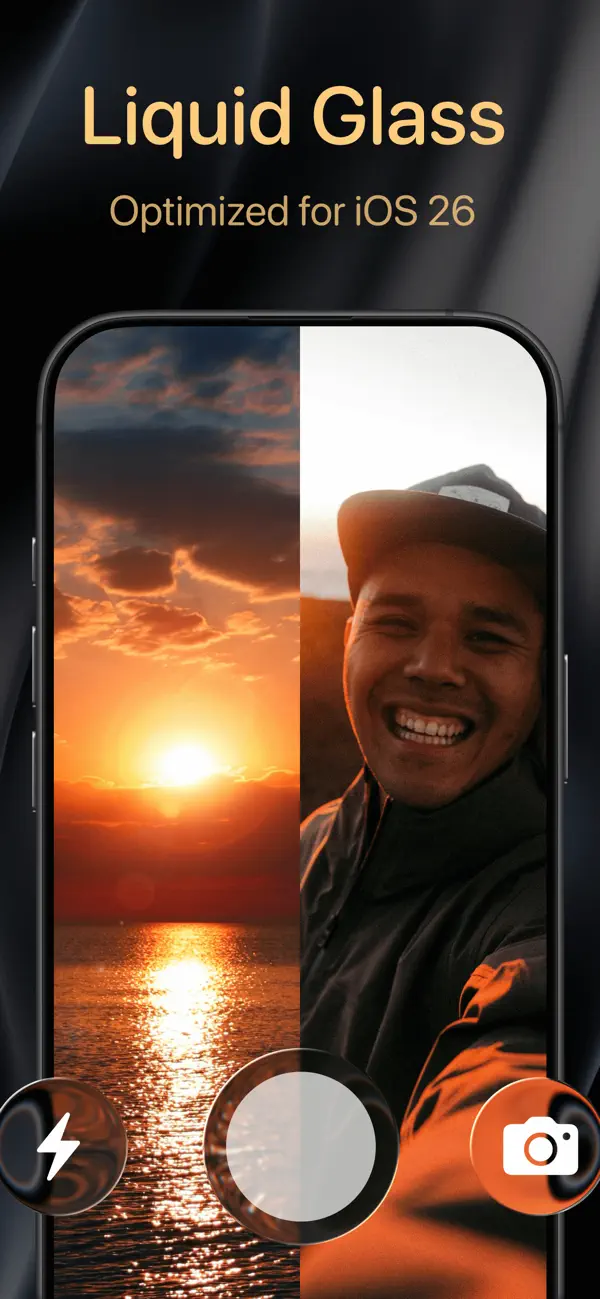
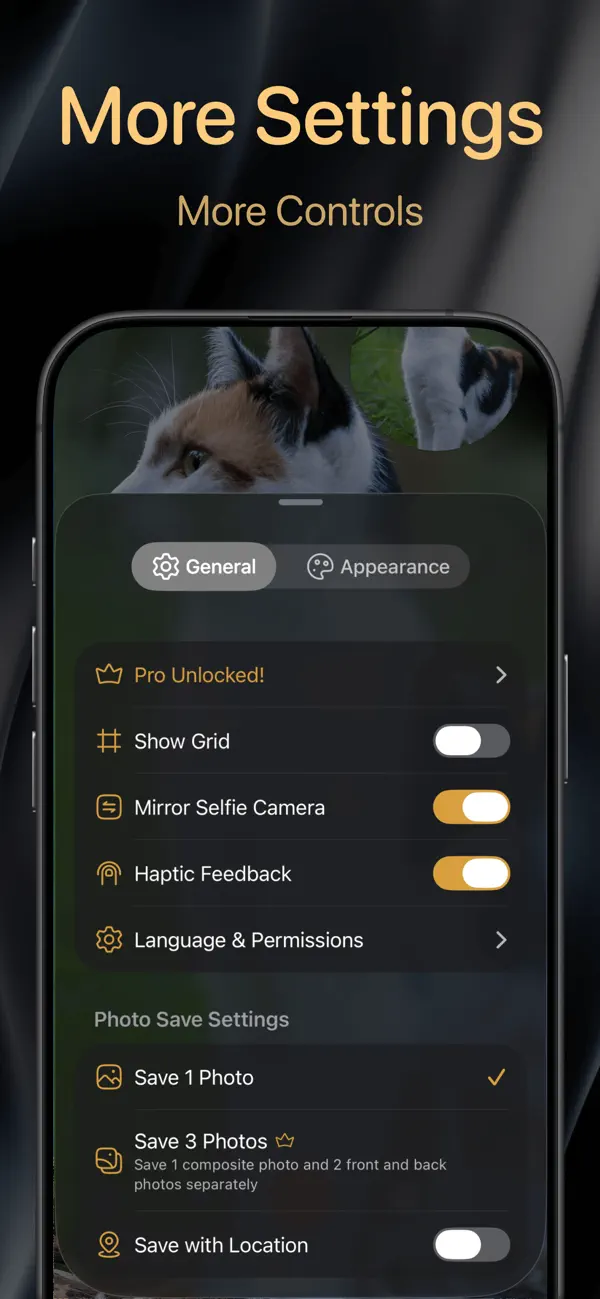
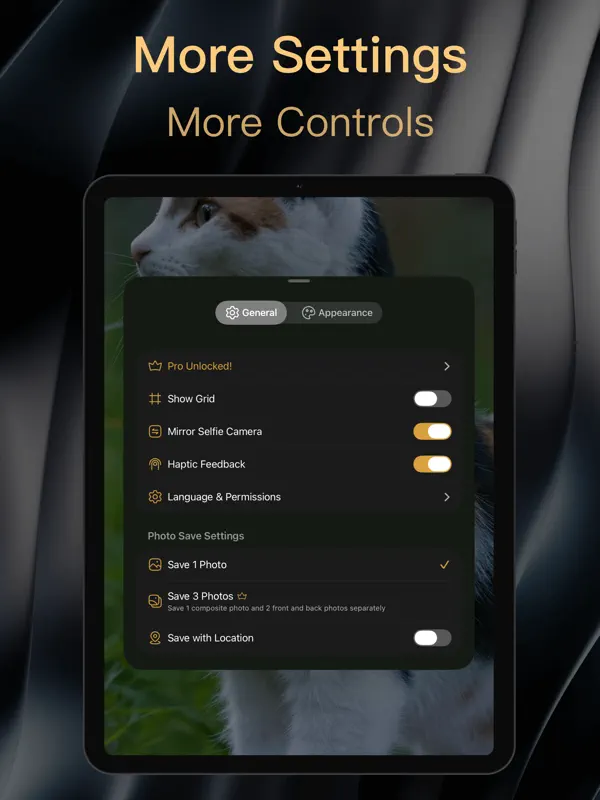
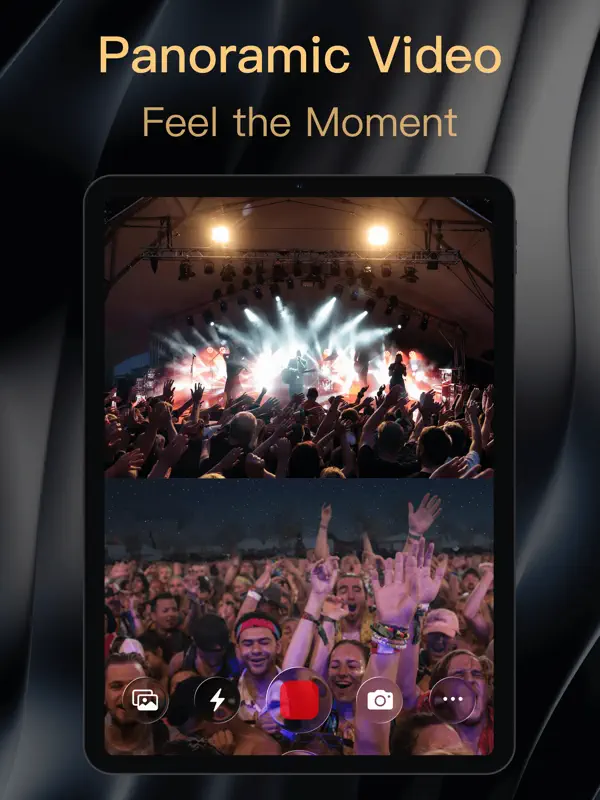
2Camera is a powerful dual shot recorder camera app that lets you shoot and record with front and back cameras at the same time. Capture both perspectives, tell the full story, and save every precious moment—twice as exciting. ※ Compatible with iPhone 11,12,13,14,15,16,17, 18, Duo series, iPad Pro, iPad Air, iPad mini, and more. ※ Fully supports iOS 17.1, iOS 18, iOS 26 and iOS 27 ◈ iPhone Duo Highlights • Duo up to 6 camera positions to make every camera count • Duo Dual-Screen Preview: See your shot live on the outer screen • Custom Outer-Screen Media: Show photos or videos to catch your subject’s attention • Outer-Screen Teleprompter: Bigger prompts, clearer videos ◈ Key Features: • Multiple layouts: PiP(Picture-in-Picture), split screen (top/bottom, left/right), or single camera • Portrait + Landscape: Dual camera both recorder and take a photo • Triple shots in one take: Save front, back, and merged photos simultaneously • Flexible PiP window: Move freely, double-tap to flip instantly • PiP styles & sizes: Portrait (9:16), Landscape (16:9), rectangle, square, circle in XS–XL sizes • Custom borders: Choose color & transparency • Custom themes: 12 vibrant app-wide color options • Frame Rate: 24 FPS / 30 FPS / 60 FPS • 4K & 1080P HD photo & video recording • High-quality Audio: AAC & Apple Lossless, Mono or Stereo channels • Automatic camera screen focus • Seamless iOS 27 Liquid Glass support • Quick launch: Lock screen widgets, home widgets, and Control Center shortcuts, Camera Control • Pro tools: Grid lines, front camera mirror, haptic feedback • Picture-in-Picture transparency control • Custom App Icons • Video watermark (time / location / latitude & longitude / altitude / speed / pace / distance / camera info / device info) • Custom text watermark • Custom camera aspect ratios 16:9 / 4:3 / 5:4 / 1:1 / Full Screen • Live Concert Mode: Blur front camera preview to protect privacy • Front HDR fill light simulation • Teleprompter: adjustable font size, scroll speed, position, rotation, and color • Countdown Recording: 3s / 5s / 10s • Motion stabilization: Standard / Cinematic / Enhanced video stabilization • Volume key control: The volume key can be used as a shutter and to control lens zoom • Pinch-to-zoom: Preview screen supports gesture zooming • GPS metadata save • More detailed watermark format • Exposure adjustment: Supported on both front and rear lenses • Quick white balance adjustment: Cool, natural, warm • Video recording supports focus lock ◈ Perfect For: • Vloggers – Capture yourself and the scenery together for immersive storytelling, Co-Camera. • Parents & Pet Lovers – Record your smile and your baby’s or pet’s cutest moments at once • Teachers & Streamers – Front camera for teaching/explaining, back camera for live demos • Cycling & Sports – Share both your journey and your surroundings • Group Shots & Gatherings – Get everyone in frame without a selfie stick, Comparable to a dual-folding phone. • Couples – Create fun interactive videos like chatting face-to-face • Multi-platform - Both vertical & horizontal footage without filming twice, Creative collage dooo0t ◈ Compatibility: • iPhone Duo/18/17/16/15/14/13/12/11/xS/SE • iPad Pro / Air / mini 2Camera – Dual Capture, Double the Moment! What Mediastorm said about the Storm camera — we’ve made it happen. Love 2Camera? Support us with a kind feedback to The6XStudio@gmail.com We’re constantly adding more features and improvements. Privacy Policy: https://6x.studio/2Camera/privacy/ Terms of Use: https://www.apple.com/legal/internet-services/itunes/dev/stdeula/ * Subscription payments will be charged to your account upon confirmation of purchase. * Subscriptions will automatically renew, and payment will be charged to your account unless auto-renewal is turned off at least 24 hours before the end of the current subscription period.
Highlights
- Simultaneous front and rear camera recording
- Picture-in-picture and split-screen layouts
- Front, back and merged photos from one shot
- Up to 4K at 24, 30 or 60 fps
- Built-in teleprompter
- Optional time, location and device watermarks
- Outer-screen photo and video display on iPhone Duo
2Camera on iPhone Duo: FAQ
Is 2Camera optimized for iPhone Duo?
Yes. 2Camera is Built for Duo: it uses the fold, Split View or the outer display. Verified on October 19, 2026 (Developer statement).
What does 2Camera look like on iPhone Duo?
In the version 1.5.5 release notes (October 19, 2026), 6X Studio says new iPhone Duo features let you show custom photos and videos on the outer screen and move the teleprompter between screens. The same notes mention improved lens support for iPhone Duo along with better foldable layouts and transitions. The App Store description also lists the Duo among compatible devices. We have not yet tested 2Camera on an iPhone Duo.
How much does 2Camera cost?
2Camera costs Free · in-app purchases on the App Store.
More Creative apps
See all ›
Drawing and painting app with custom brushes and unlimited layers

Camera app, teleprompter and AI video editor for creators in one place
Multitrack video editor for iPhone, iPad and Mac

Multi-track video and photo editor with keyframes, effects and text

Home Screen themes, wallpapers and custom widgets for iPhone

A tabbed Flickr photo browser with grid views, maps and slideshows