LumaFusion
Multitrack video editor for iPhone, iPad and Mac
Luma Touch LLC · Creative · $29.99 · in-app purchases
iPhone screenshots

iPad screenshots
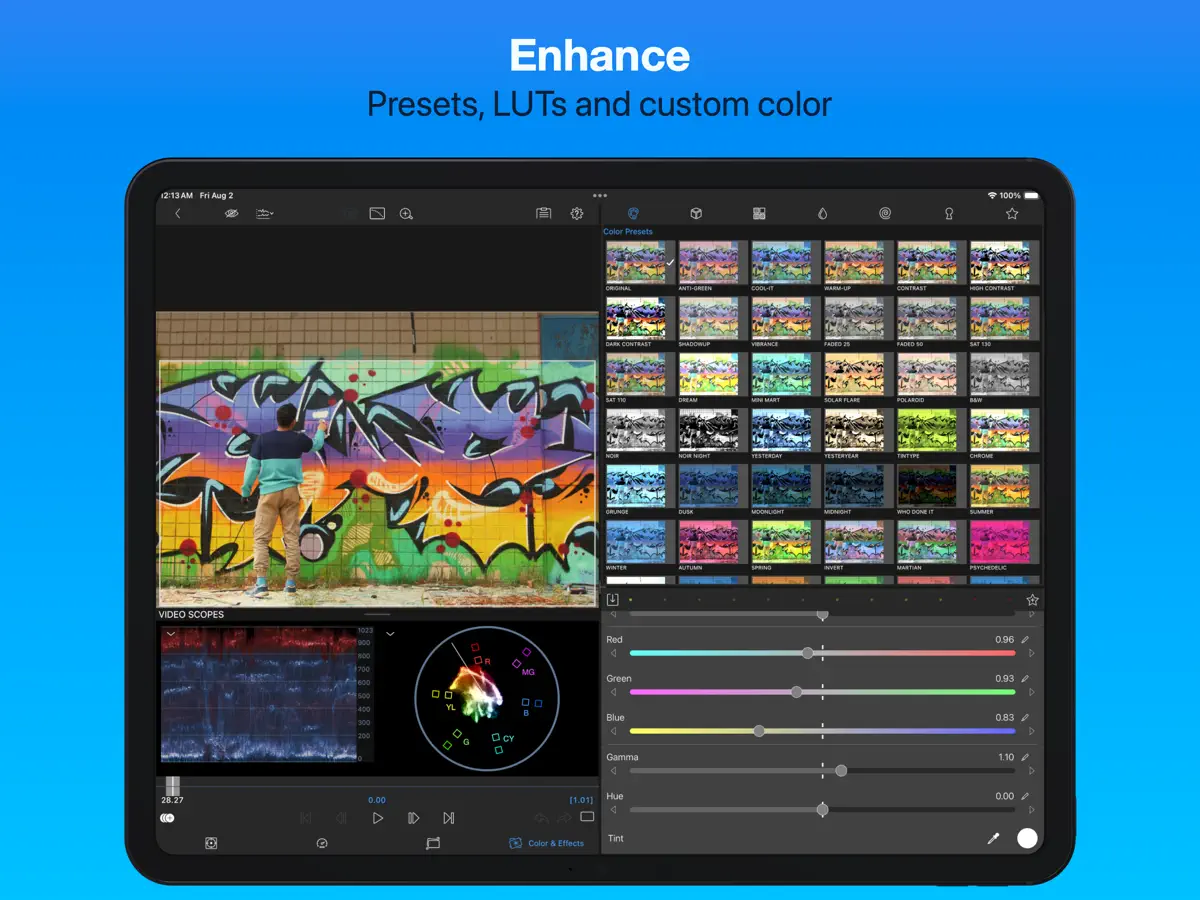
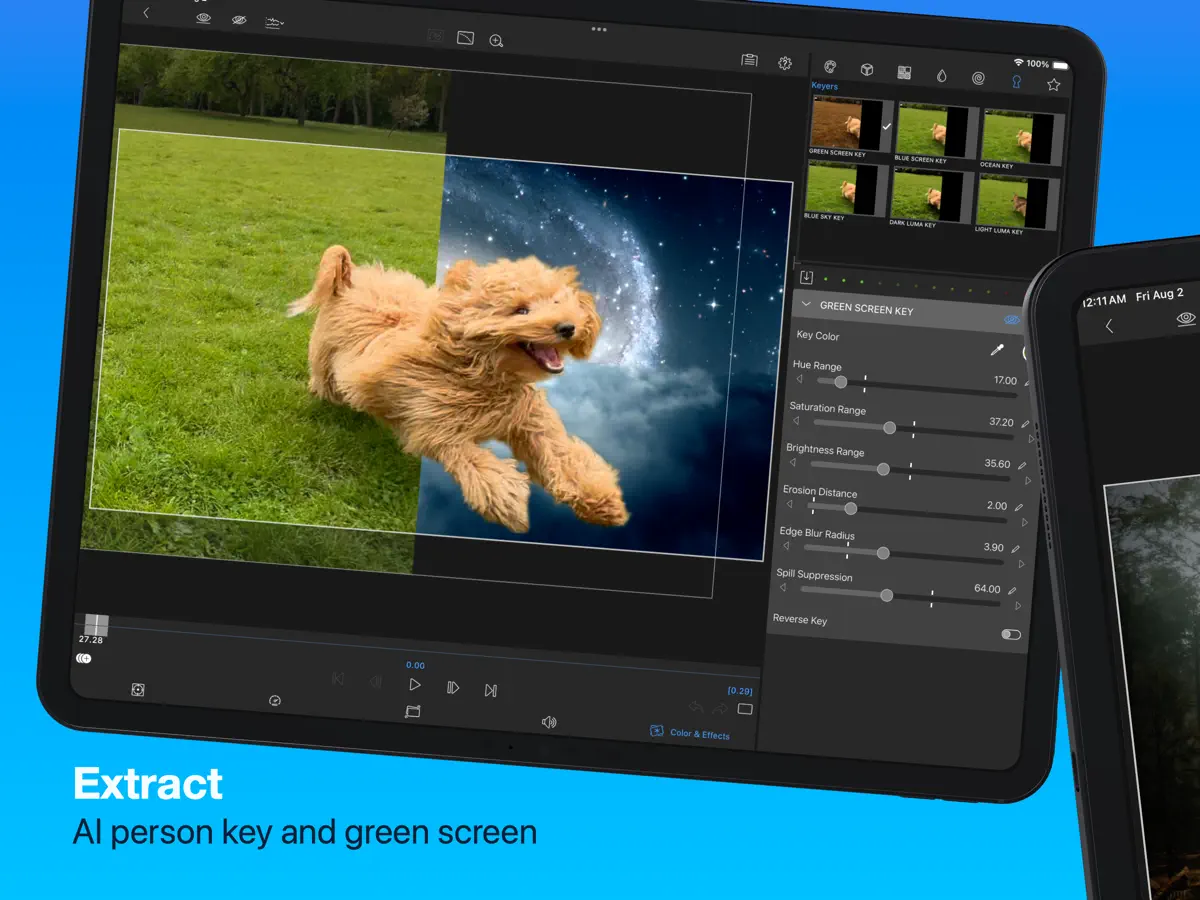
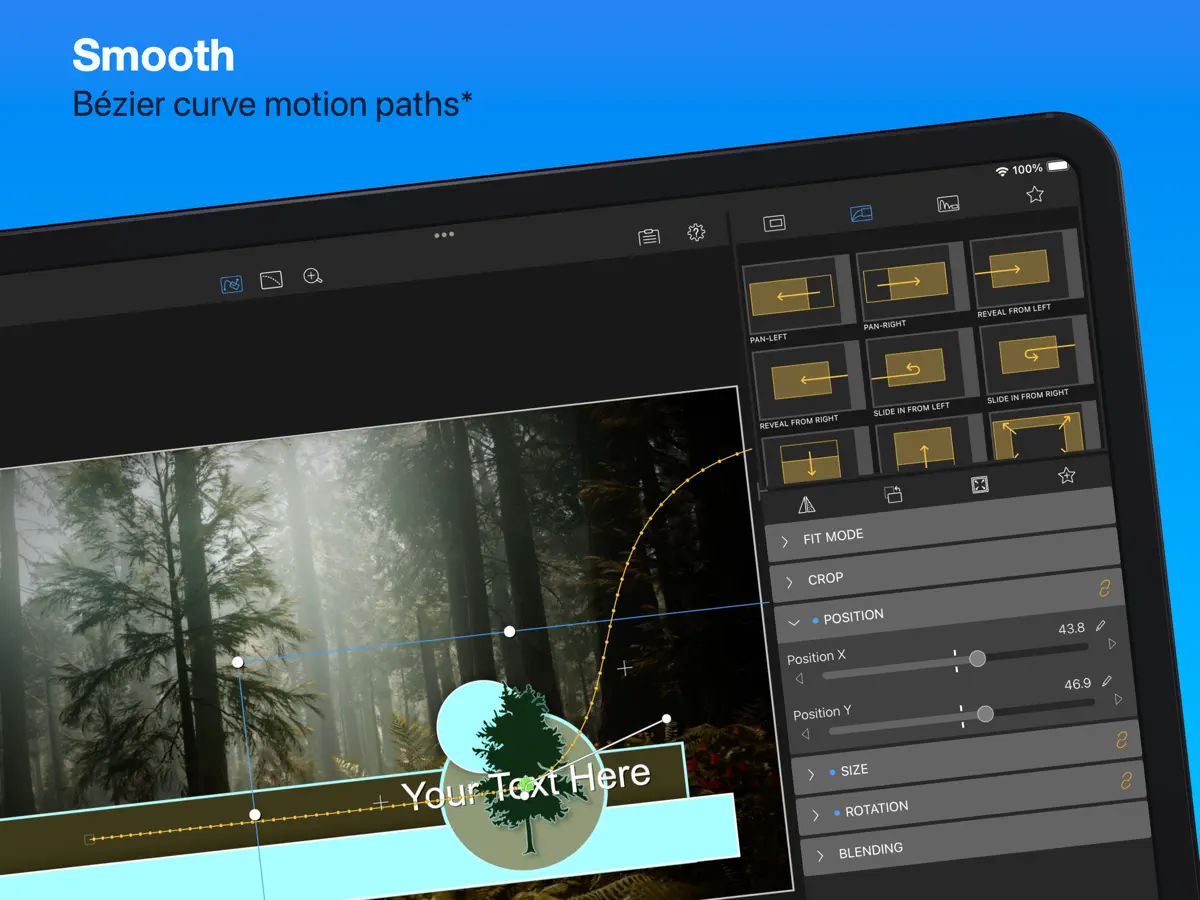
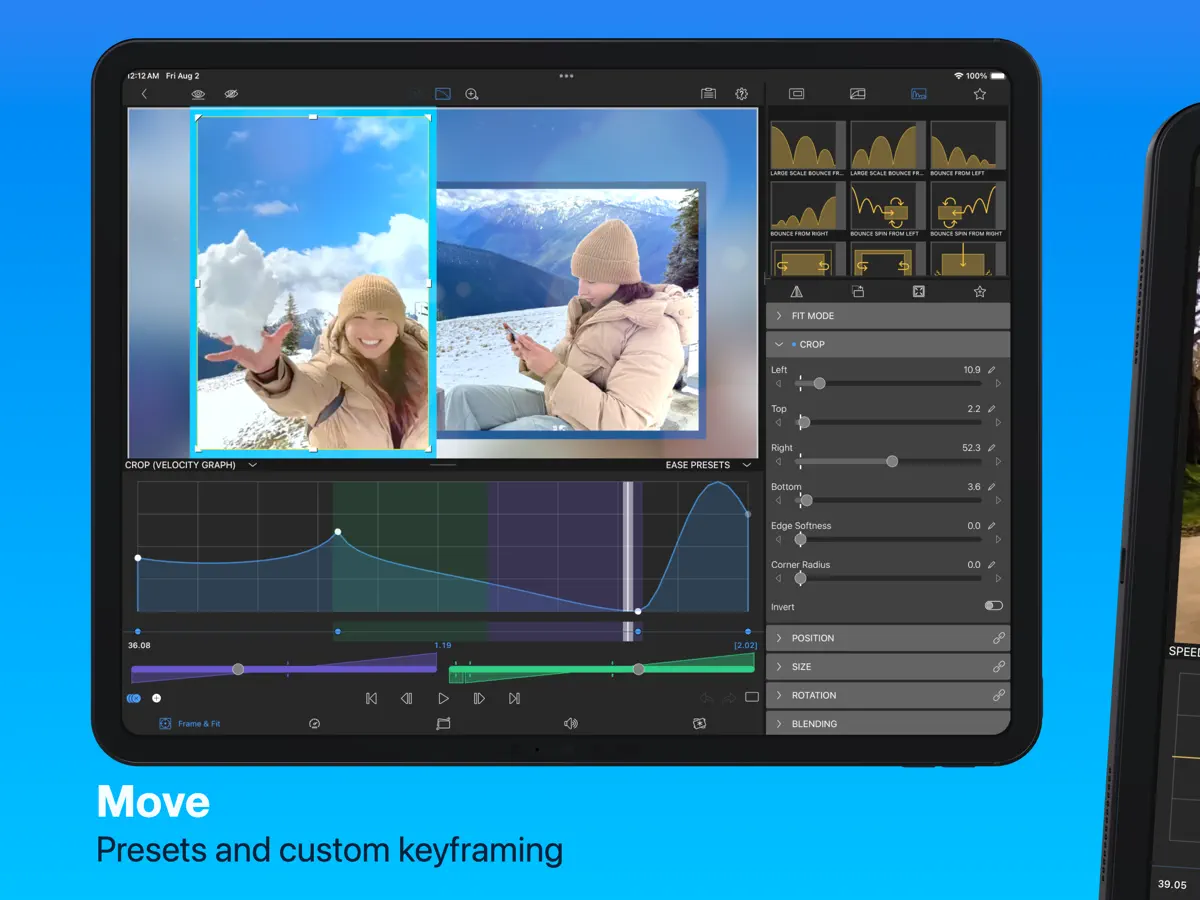
How it uses iPhone Duo
In the version 5.6.0 release notes (October 21, 2026), Luma Touch announces support for iPhone Duo, saying LumaFusion adapts to every pose and orientation and makes full use of the Duo's large inner display for multitrack editing. The notes don't describe a specific folded-only or half-open feature. We have not yet tested LumaFusion on an iPhone Duo.
What’s New
Version 5.6.0 ·
NEW: * Support for iPhone Duo. LumaFusion adapts to every pose and orientation, and takes full advantage of the largest display ever on an iPhone. It's the perfect match for LumaFusion's intuitive multitrack video editing. FIXED: * Stability and performance improvements In upcoming releases we will continue adding new features, and will continue to enhance every aspect of LumaFusion. Find tutorials, reference guide, answers to your questions, and contact us directly at lumatouch.co/support
About this app
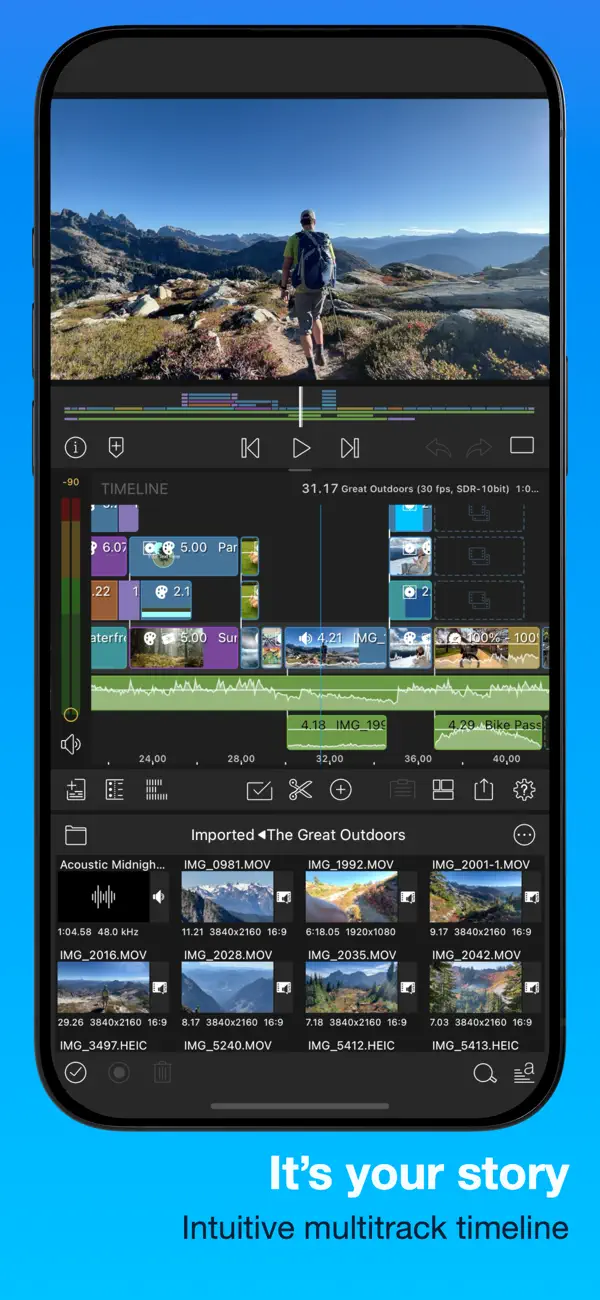
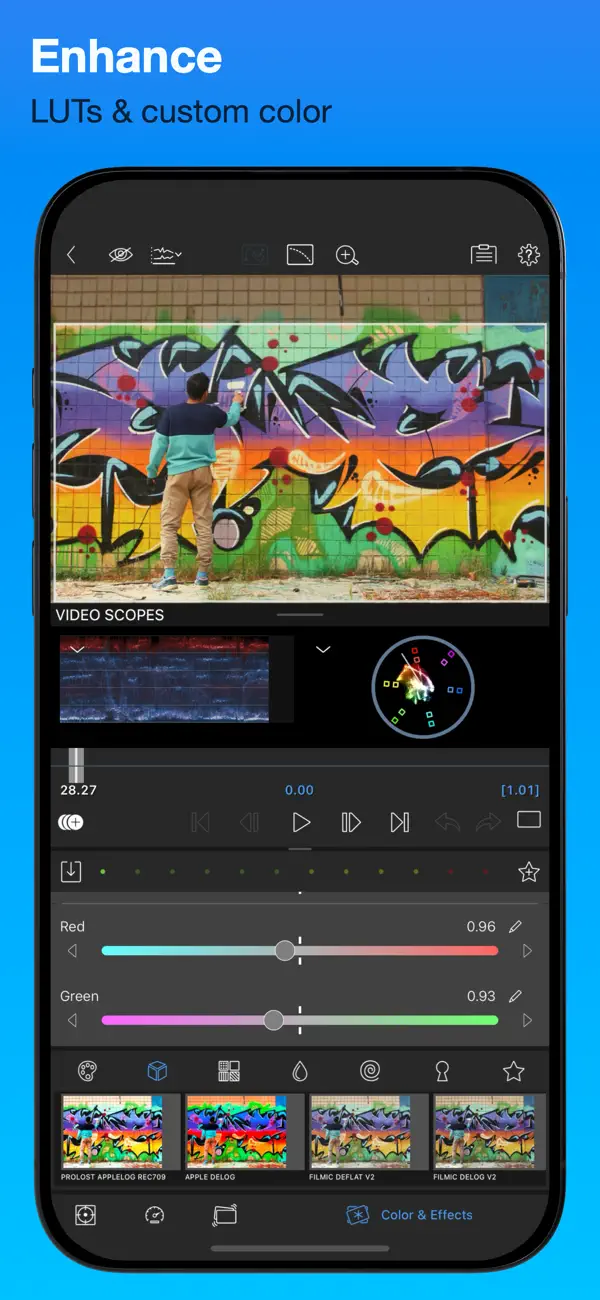
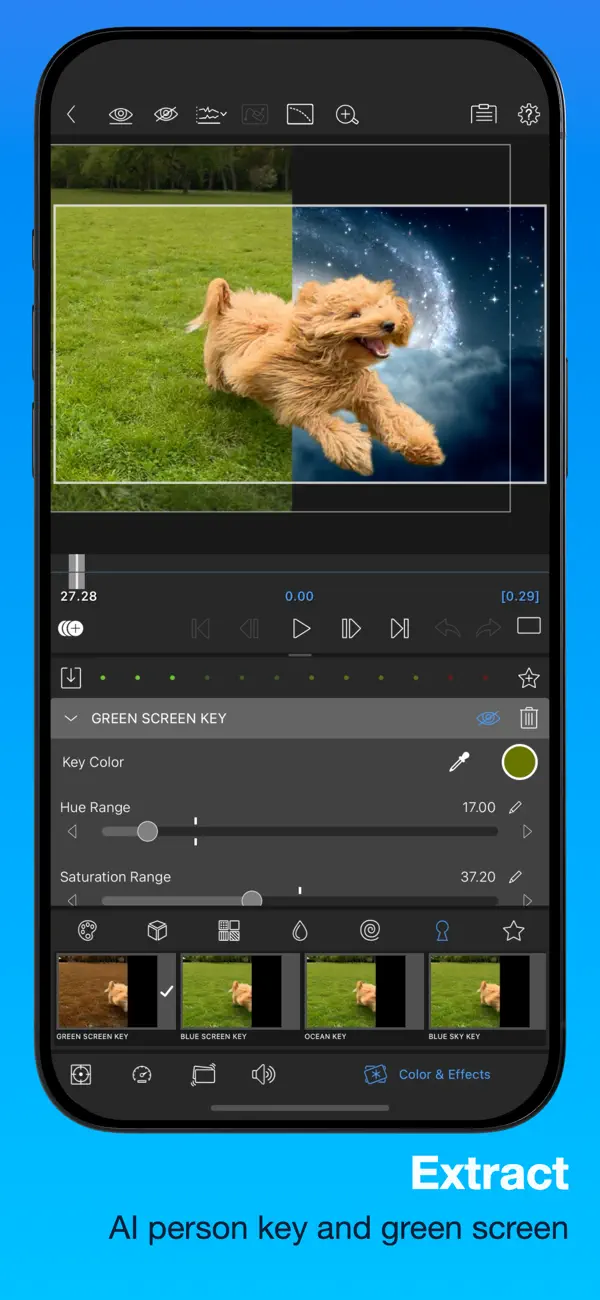
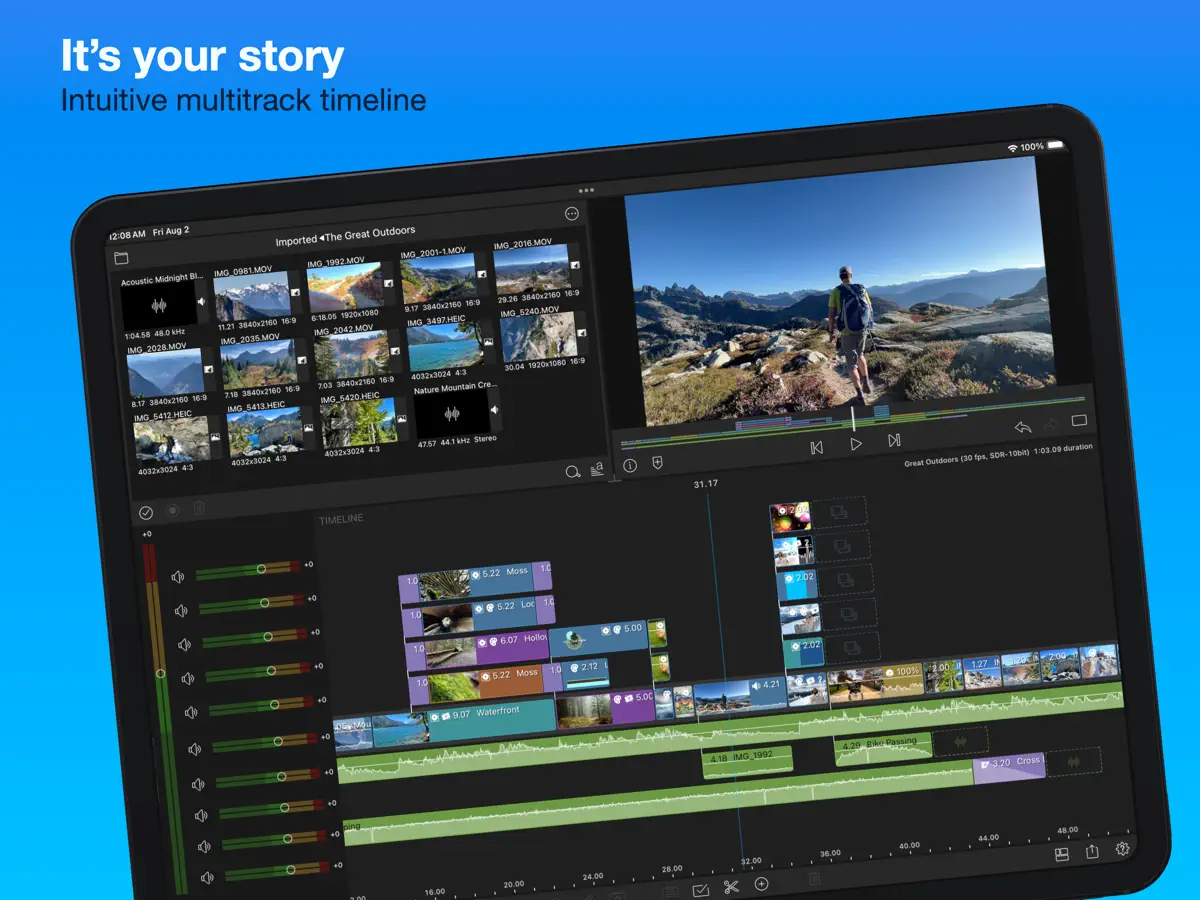
LumaFusion from Luma Touch is a multitrack video editor for touch screens, used by mobile journalists, YouTubers, filmmakers and educators who want a timeline editor that runs entirely on the device. Projects can hold six video, audio or graphics tracks plus six more audio tracks, with 4K ProRes and HDR media, and the timeline can be used track-based or magnetic. Editing tools include transitions, markers, tags and notes, and voiceover recording during playback. For effects and color, there are green-screen, luma and chroma keys, a video stabilizer, color correction, imported LUTs, unlimited keyframes, and waveform, vectorscope and histogram scopes. Audio can be shaped with graphic and parametric EQ, voice isolation, ducking and third-party audio plugins, and multilayer titles combine shapes, images and text. The app can also preview on an external monitor. LumaFusion costs $29.99 up front, with optional add-ons offered as in-app purchases. Version 5.6.0, released October 21, 2026, added support for iPhone Duo.
App Store descriptionWritten by the developer.
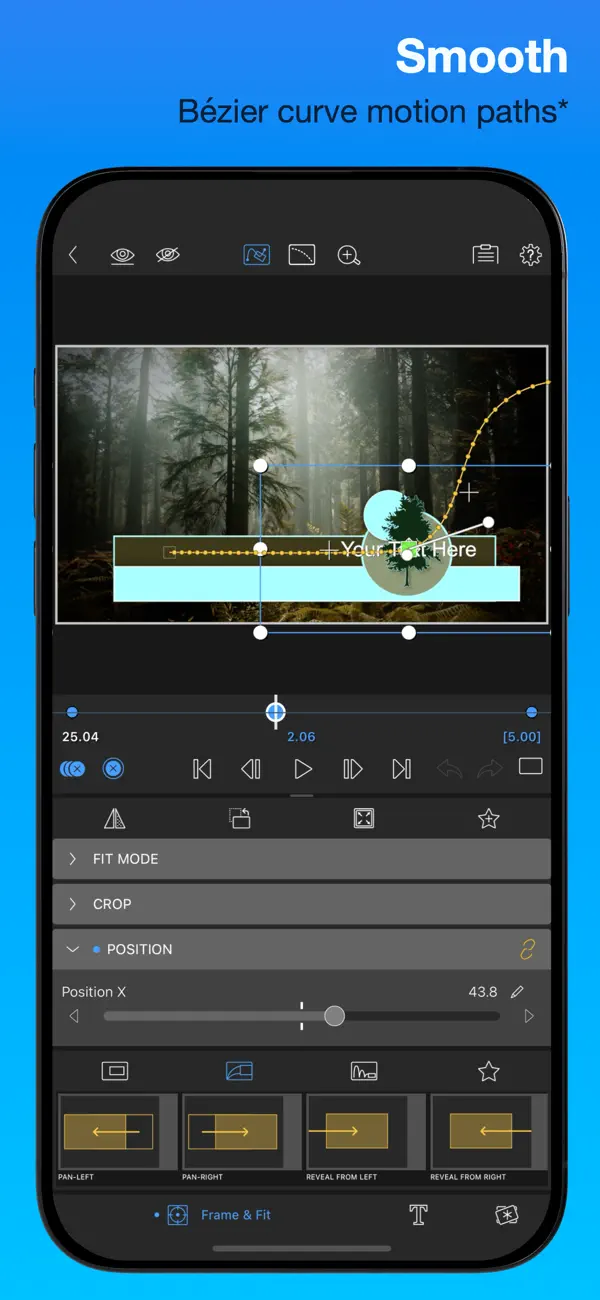
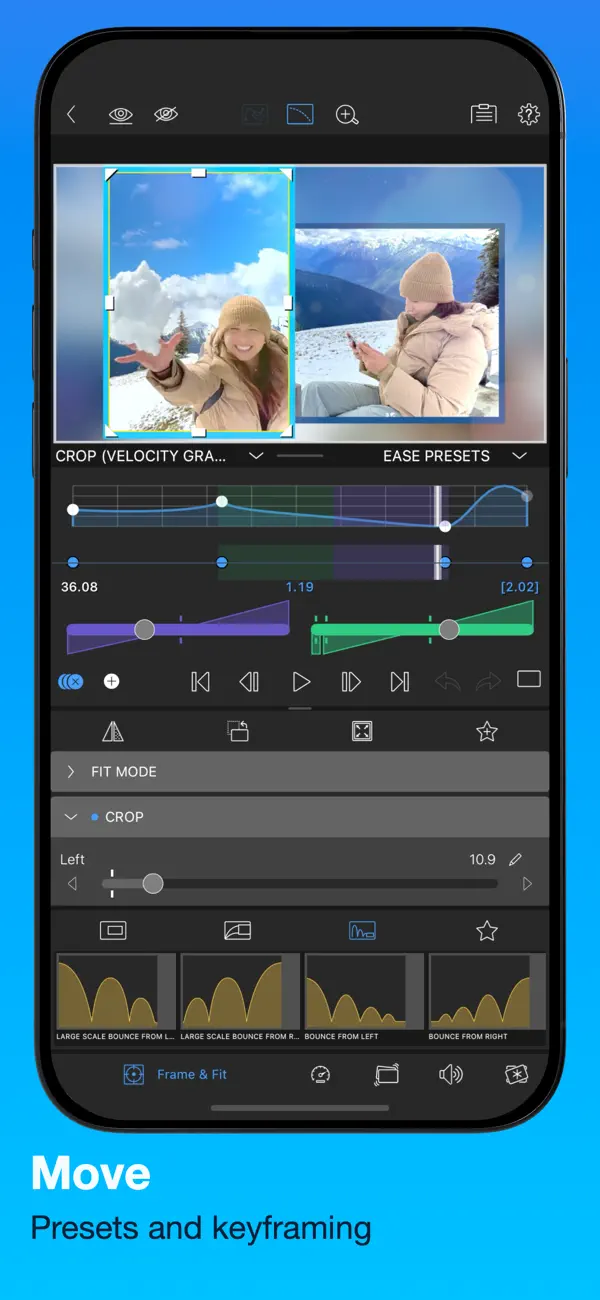
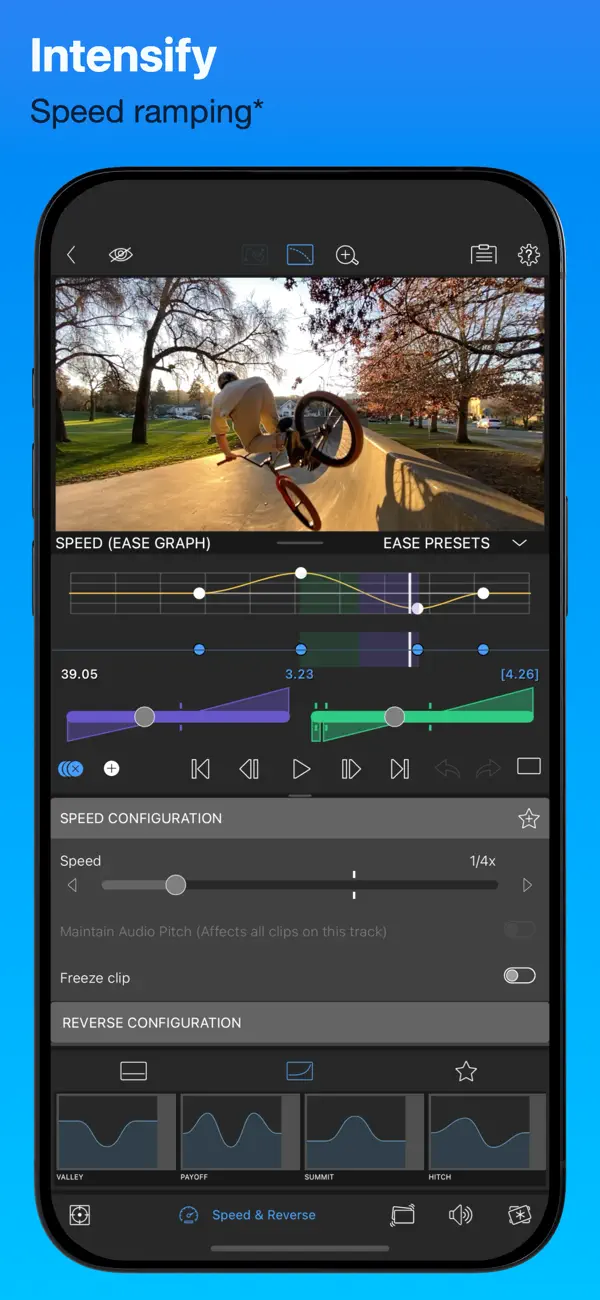
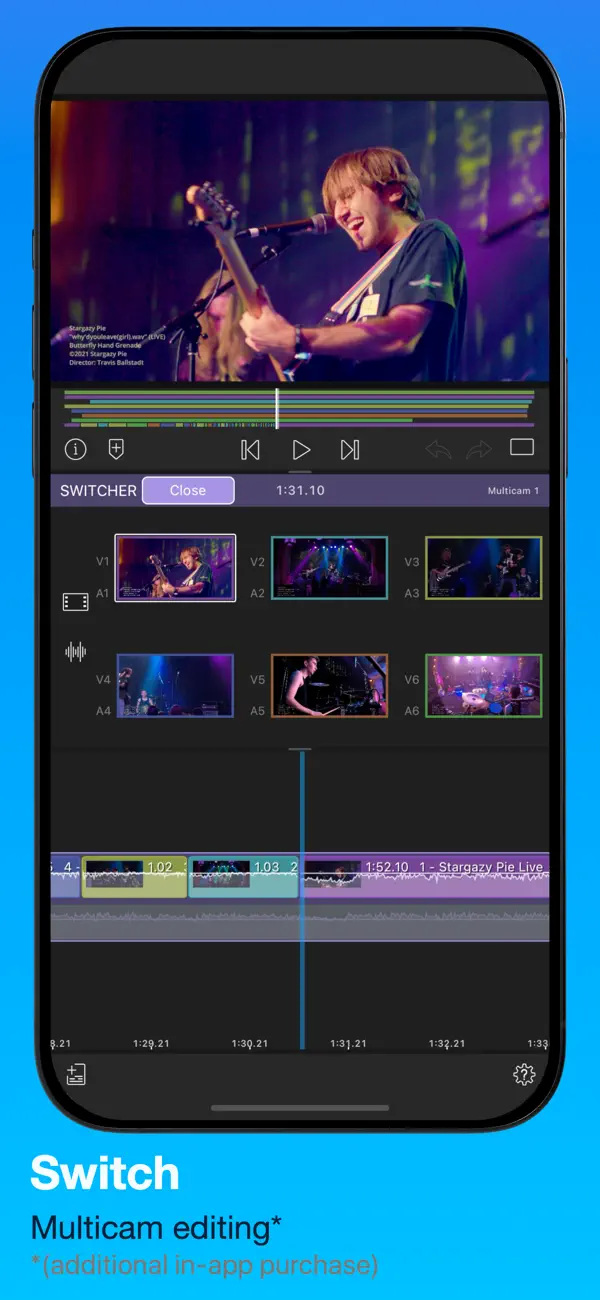
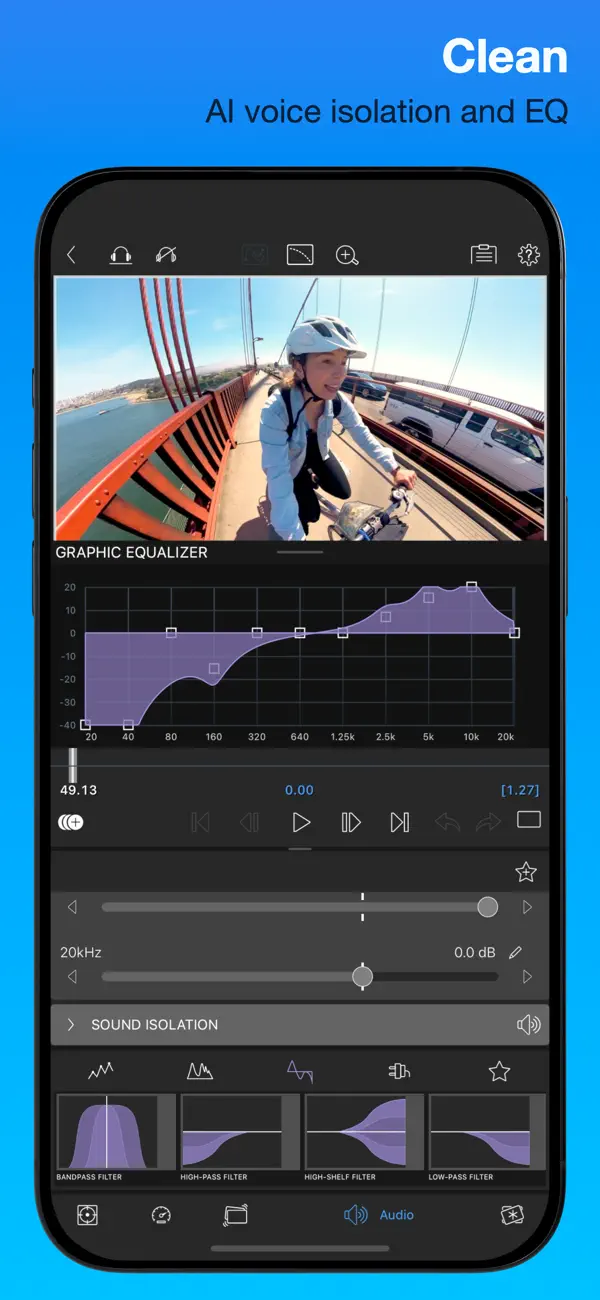
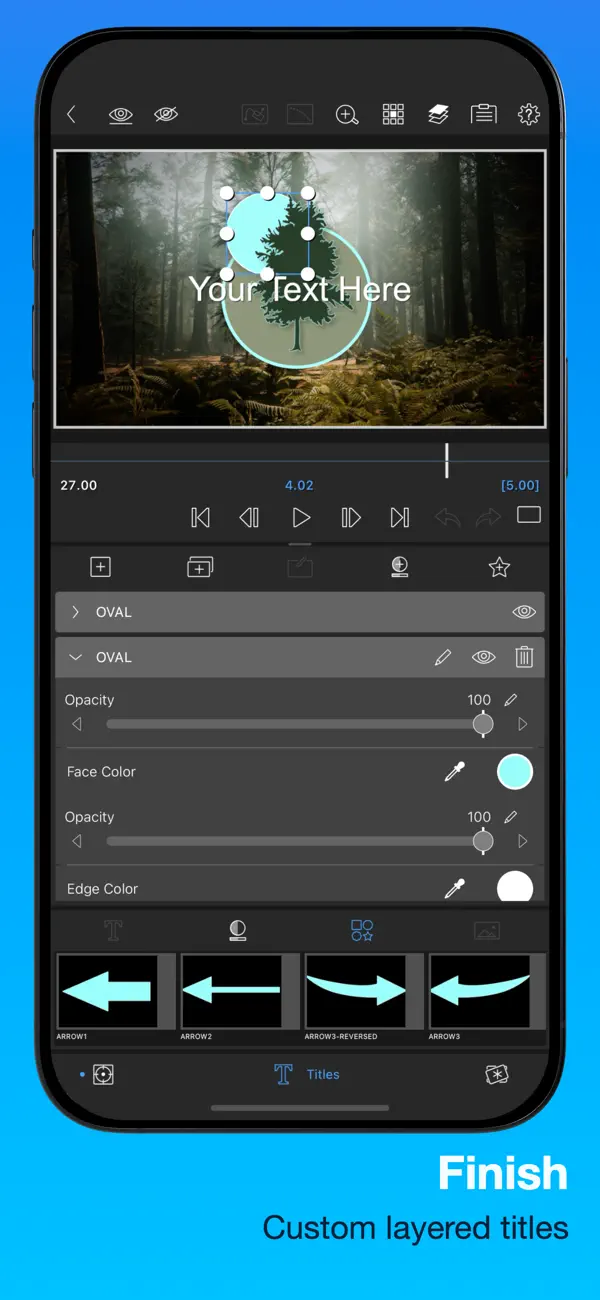
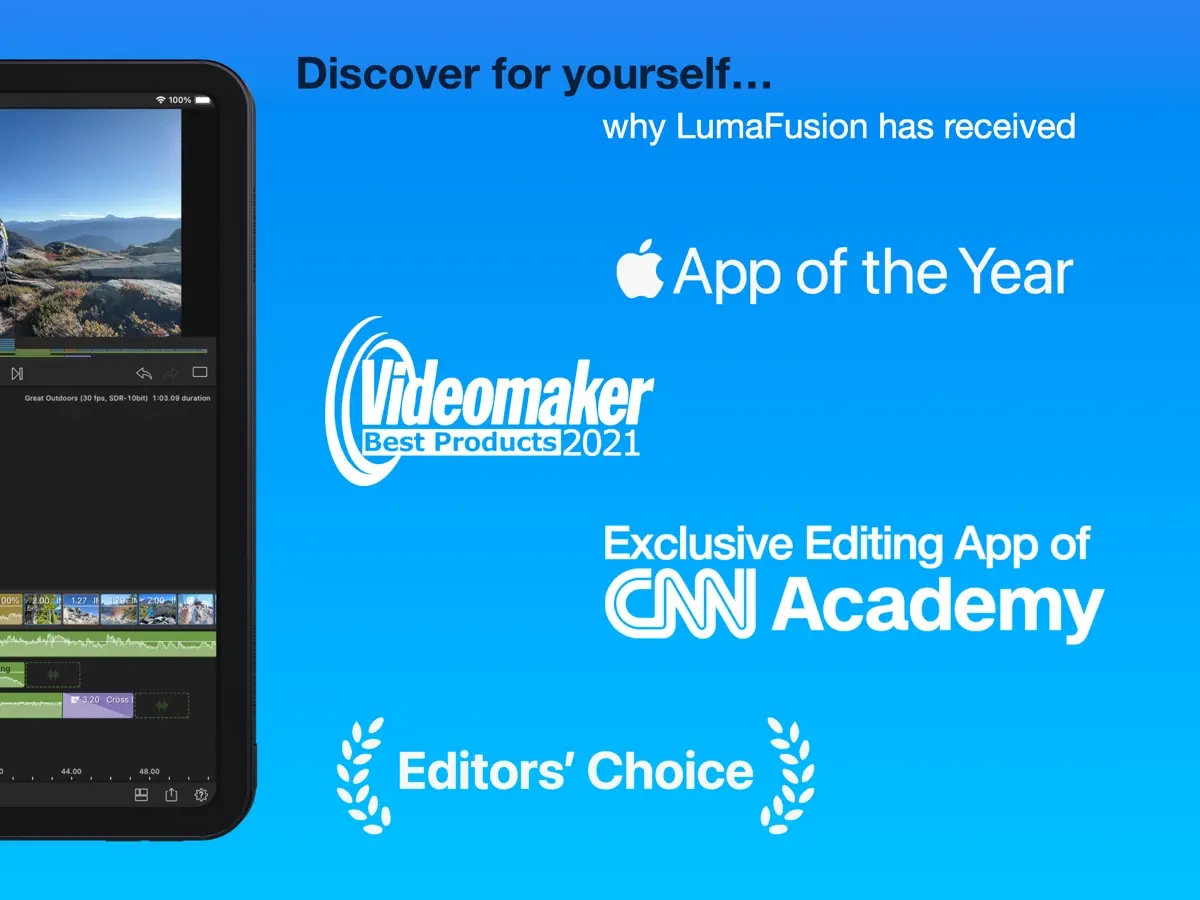
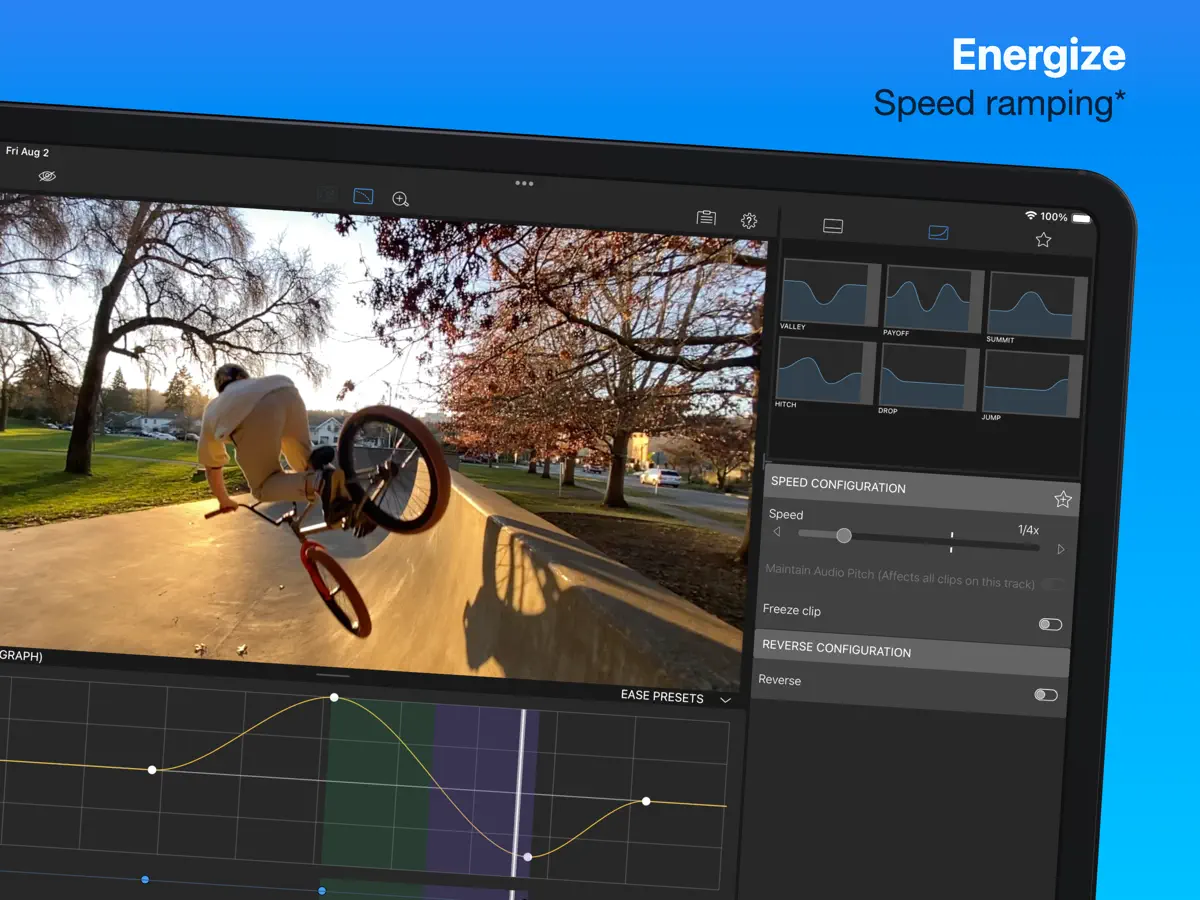
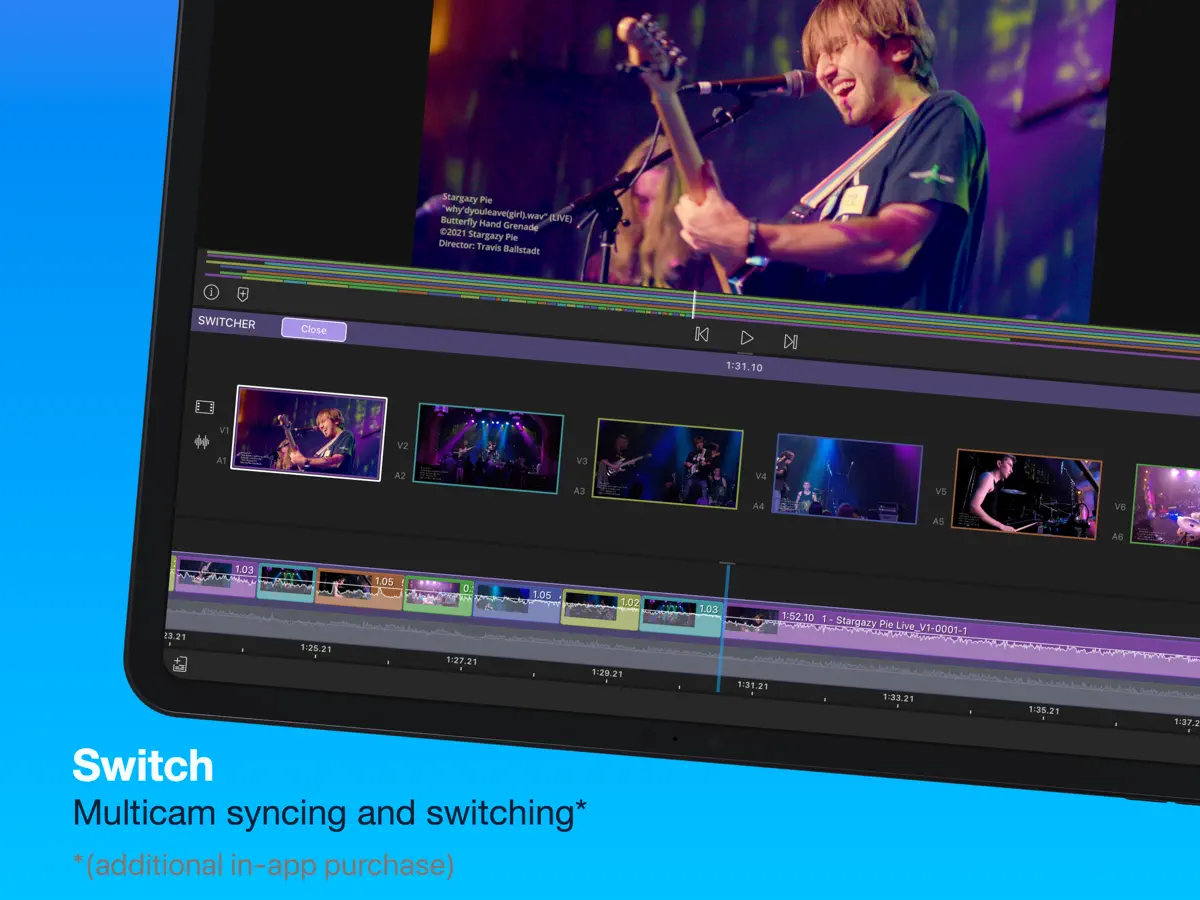
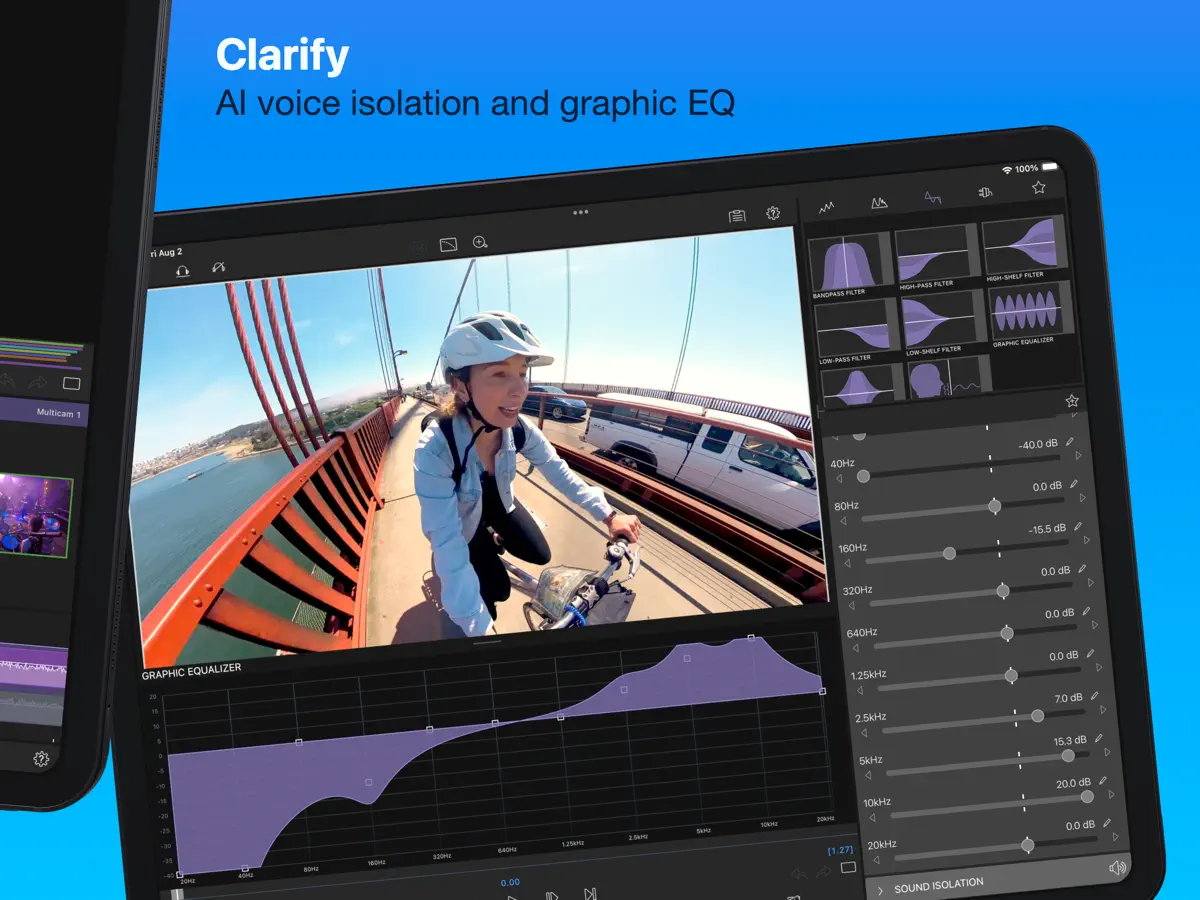
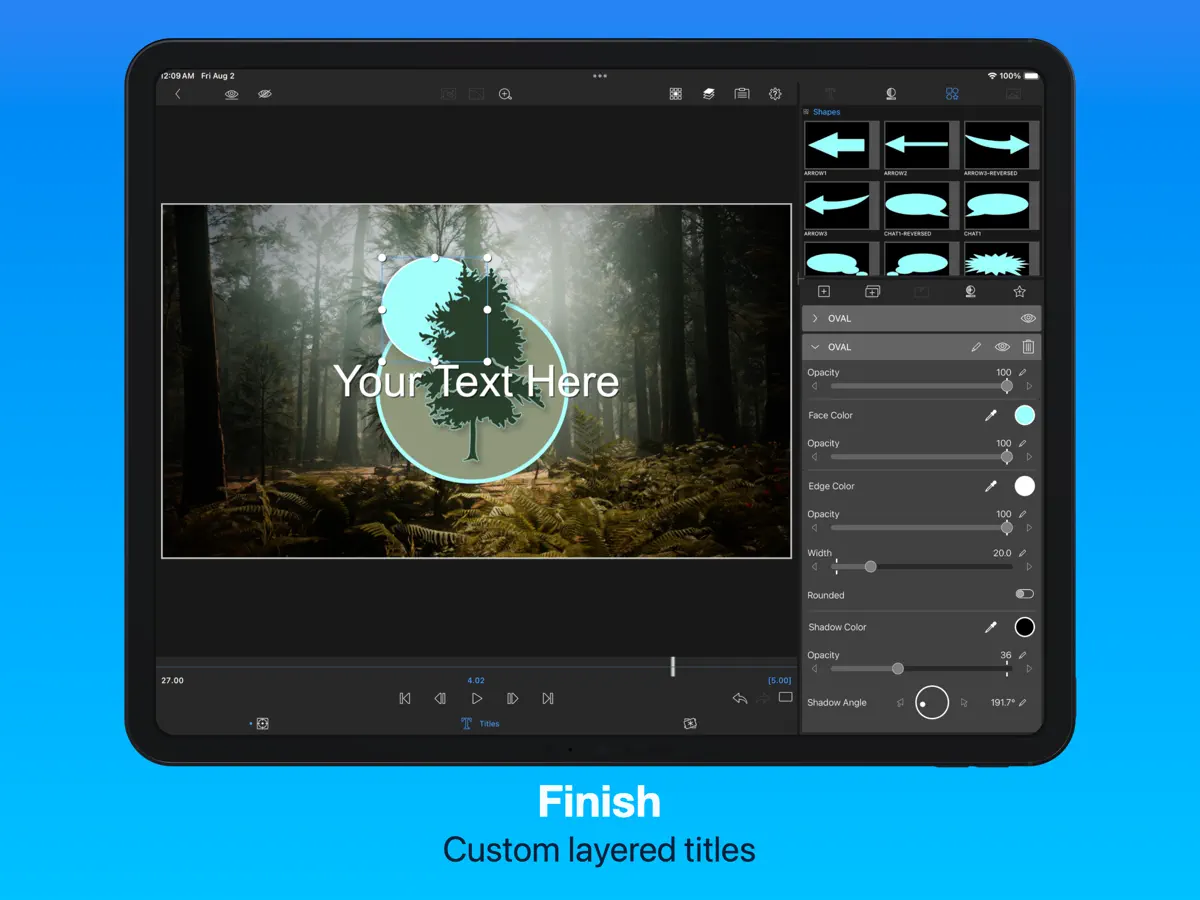
LumaFusion: The Ultimate Storytelling Experience for Video Editing Welcome to the App Store’s “App of the Year” for 2021 and the recipient of the Editors’ Choice Award! The gold standard for storytellers worldwide. Offering a fluid, intuitive, touch-screen editing experience. PROFESSIONAL EDITING MADE EASY • Six video/audio or graphic tracks: Create multiple layer edits with smooth handling of 4K ProRes and HDR media. • Six Additional audio tracks: Build your soundscape. • The ultimate Timeline: Fluent editing using the world’s most flexible track-based AND magnetic timeline. • Loads of transitions: Keep your story moving. • External Monitor Preview: View on a big screen. • Markers, tags and notes: Stay organized. • Voiceover: Record VO while playing your movie. LAYERED EFFECTS AND COLOR CORRECTION • Green screen, luma, and chroma keys: For creative compositing. • Lock & Load Video Stabilizer: Steady your footage. • Powerful color correction: Create your own look. • Video Waveform, vector and histogram scopes. • LUTs: Import and apply multiple .cube or .3dl LUTs. • Unlimited keyframes: Animate effects with precision. • Customizable text and effect presets: Save and share your favorite animations and looks. • Grids and Guides: Precisely align elements with Title-Safe, Action-Safe and horizon line. ADVANCED AUDIO CONTROL • Graphic EQ, Parametric EQ and Voice Isolation: Fine-tune audio. • Keyframe audio levels, panning, and EQ: Craft seamless mixes. • Stereo and Dual-mono audio support: For interviews with multiple mics on one clip. • Audio Ducking: Balance your music and dialogue. • Third-party audio plugins: Enhance your sound. CREATIVE TITLES AND MULTILAYER TEXT • Multilayer titles: Combine shapes, images, and text into your graphic. • Customizable fonts, colors, borders, and shadows: Design eye-catching titles. • Import custom fonts: Strengthen your brand. • Save and share title presets: Perfect for collaboration. PROJECT FLEXIBILITY AND MEDIA LIBRARY • Aspect ratios for all uses: From widescreen cinema to social media. • Frame rates from 18fps to 240fps: Flexibility for any workflow. • Edit from Photos, Frame.io, and directly from USB-C drives: Access your content anywhere. • Import media from cloud storage: Wherever you store it. SHARE YOUR MASTERPIECES • Control resolution, quality, and format: • Share movies to social media, local storage or cloud storage. • Edit on multiple devices: Seamlessly transfer projects. ENHANCED FEATURES (purchase individually, or get them ALL as part of the Creator Pass subscription - see below) • Speed Ramping and Enhanced Keyframing - Create speed ramps, Bézier curves, and easing with this one-of-a-kind, easy to use feature. • XML Export: Send your project to Final Cut Pro for Mac • Multicam Studio: Synchronize 6 cameras or audio and tap to switch angles CREATOR PASS SUBSCRIPTION • Get full access to Storyblocks for LumaFusion: Millions of High-quality royalty-free music, SFX, and videos, PLUS get ALL the Enhanced Features above. EXCEPTIONAL FREE SUPPORT • Online tutorials: www.youtube.com/@LumaTouch • Reference Guide: luma-touch.com/lumafusion-reference-guide • Support: lumatouch.co/support
Highlights
- Six video/audio tracks plus six audio tracks
- Track-based and magnetic timeline
- Green-screen, luma and chroma keys
- Color correction with LUTs and scopes
- Unlimited keyframes
- EQ, voice isolation and audio ducking
- Multilayer titles
- External monitor preview
LumaFusion on iPhone Duo: FAQ
Is LumaFusion optimized for iPhone Duo?
Partly. LumaFusion is Adapted: it fills the larger inner display, but it does not do anything special with the fold. Verified on October 21, 2026 (Developer statement).
What does LumaFusion look like on iPhone Duo?
In the version 5.6.0 release notes (October 21, 2026), Luma Touch announces support for iPhone Duo, saying LumaFusion adapts to every pose and orientation and makes full use of the Duo's large inner display for multitrack editing. The notes don't describe a specific folded-only or half-open feature. We have not yet tested LumaFusion on an iPhone Duo.
How much does LumaFusion cost?
LumaFusion costs $29.99 · in-app purchases on the App Store.
More Creative apps
See all ›
Drawing and painting app with custom brushes and unlimited layers

Record with the front and back cameras at the same time

Camera app, teleprompter and AI video editor for creators in one place

Multi-track video and photo editor with keyframes, effects and text

Home Screen themes, wallpapers and custom widgets for iPhone

A tabbed Flickr photo browser with grid views, maps and slideshows