SketchPro
Drawing and painting app with custom brushes and unlimited layers
4Axis Technologies Pte. Ltd. · Creative · Free · in-app purchases
iPhone screenshots
iPad screenshots
How it uses iPhone Duo
The version 2.1.5 release notes (October 22, 2026) announce iPhone Duo support, with more room for artwork and tools on the foldable display and a workspace that adapts as you work. The App Store description adds a "Designed for iPhone Duo" section: a larger canvas on the inner display, continuing a drawing across the outer and inner displays, and a workspace that adjusts to different orientations and folding positions. We have not yet tested SketchPro on an iPhone Duo.
What’s New
Version 2.1.5 ·
Hello, Creative Professionals! Hope you’re ready for a massive update! We’re excited to announce that SketchPro now supports iPhone Duo! Experience a whole new way to create with SketchPro on iPhone Duo’s foldable display. Enjoy more space for your artwork, explore your tools on a larger canvas, and create comfortably with a workspace that adapts to your creative flow. As always, we couldn’t thank you enough for all your love and support! We would definitely love to hear your feedback on this update! We hope you could take a minute of your precious time to drop us a quick review.
About this app
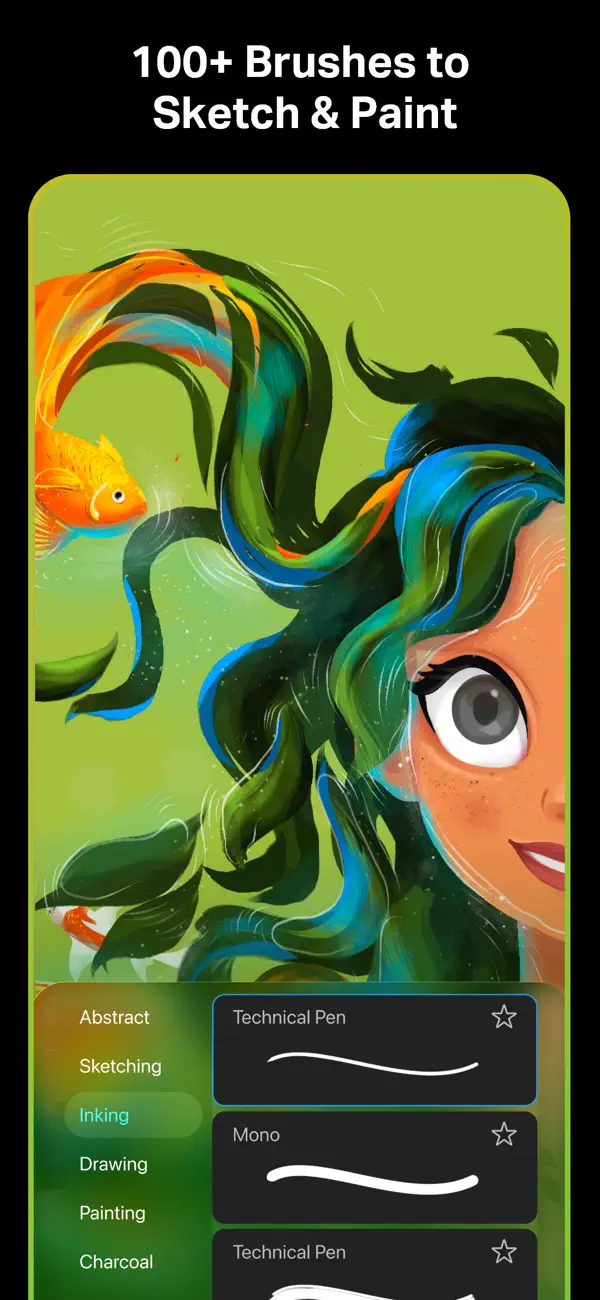
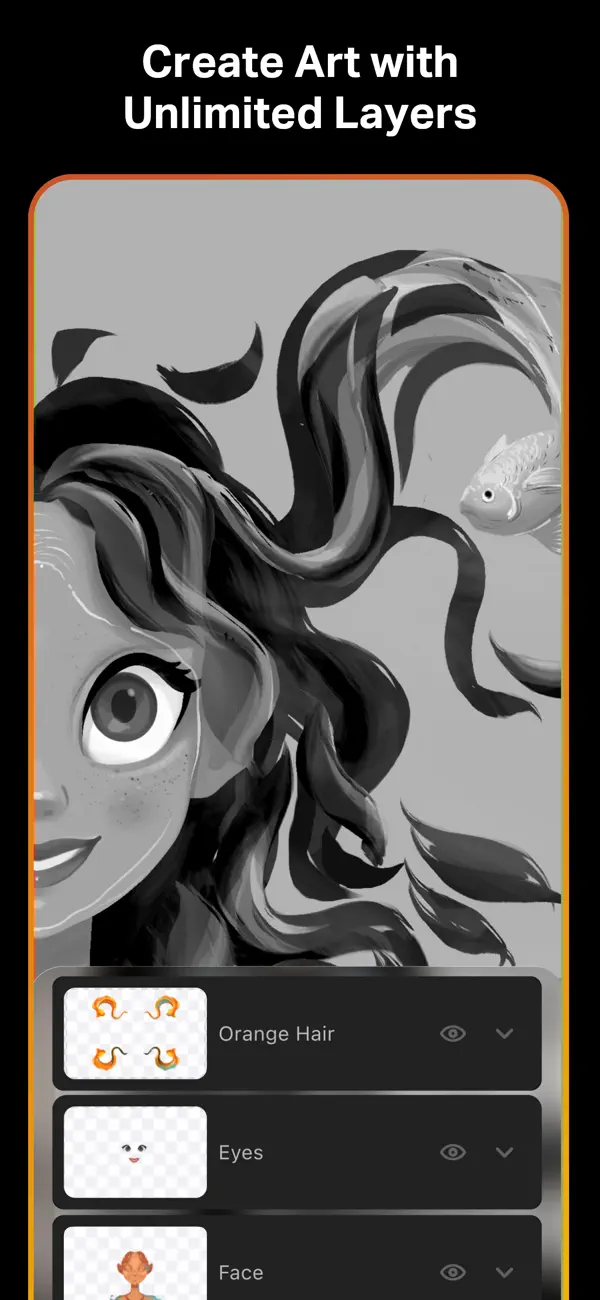
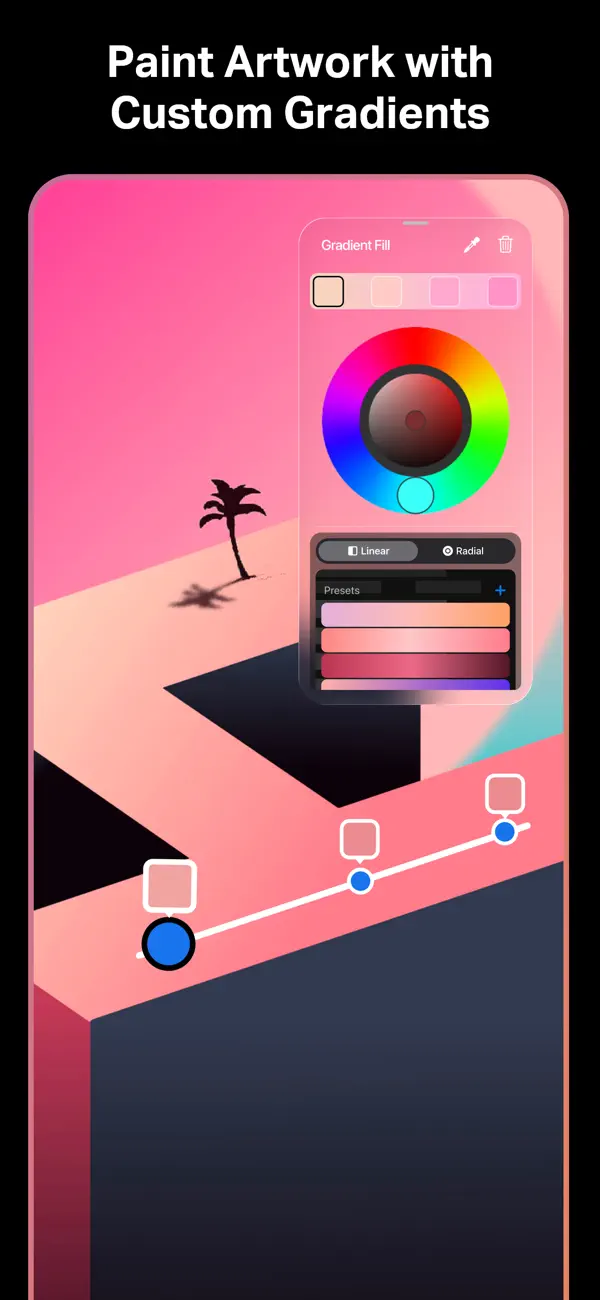
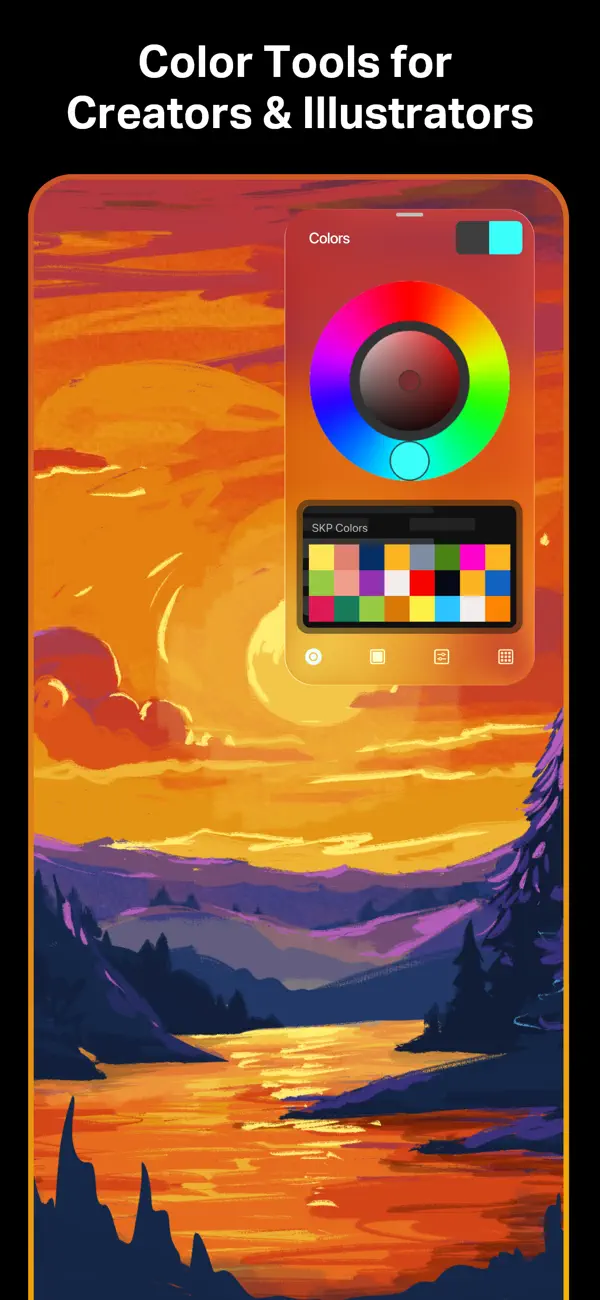
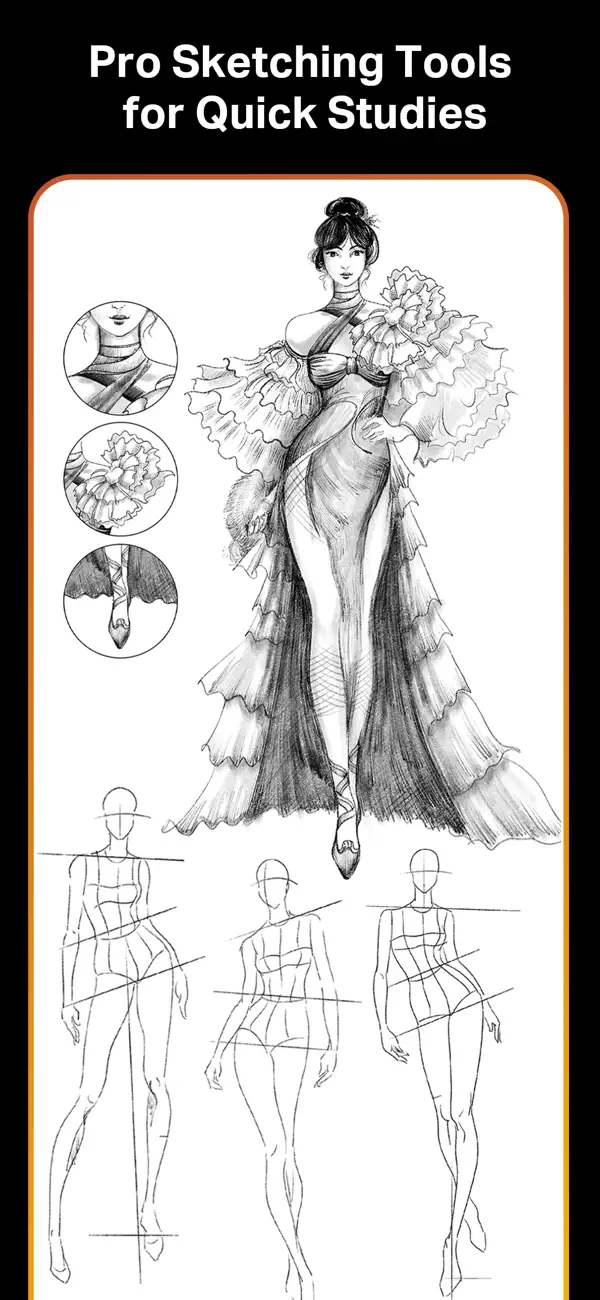
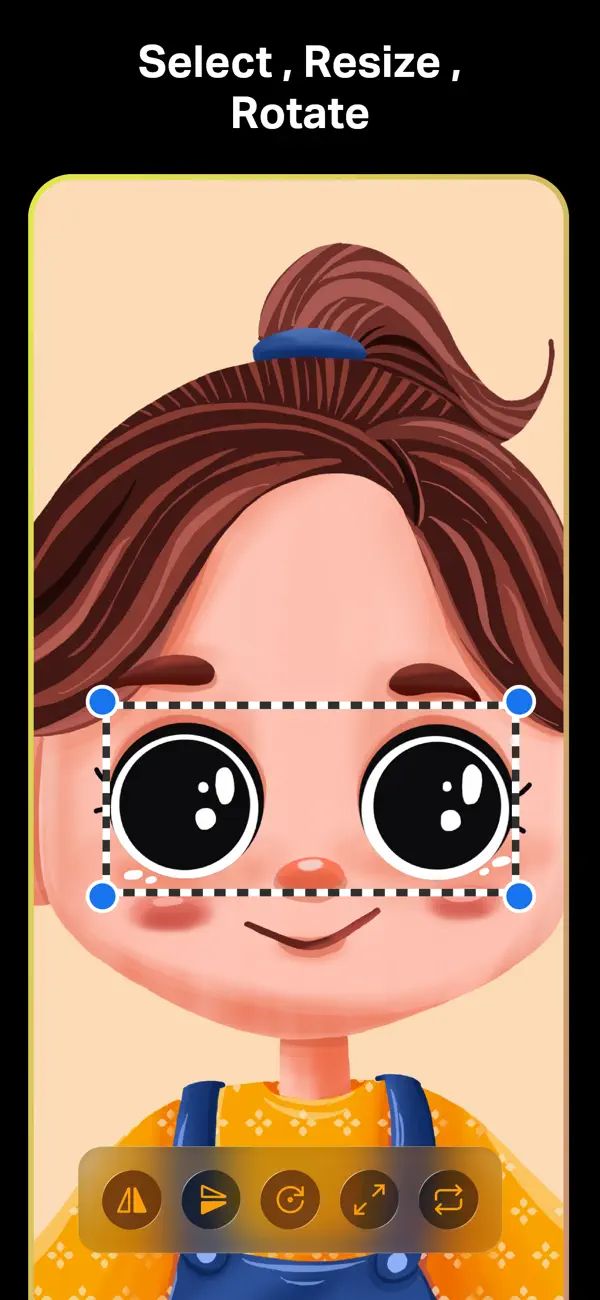
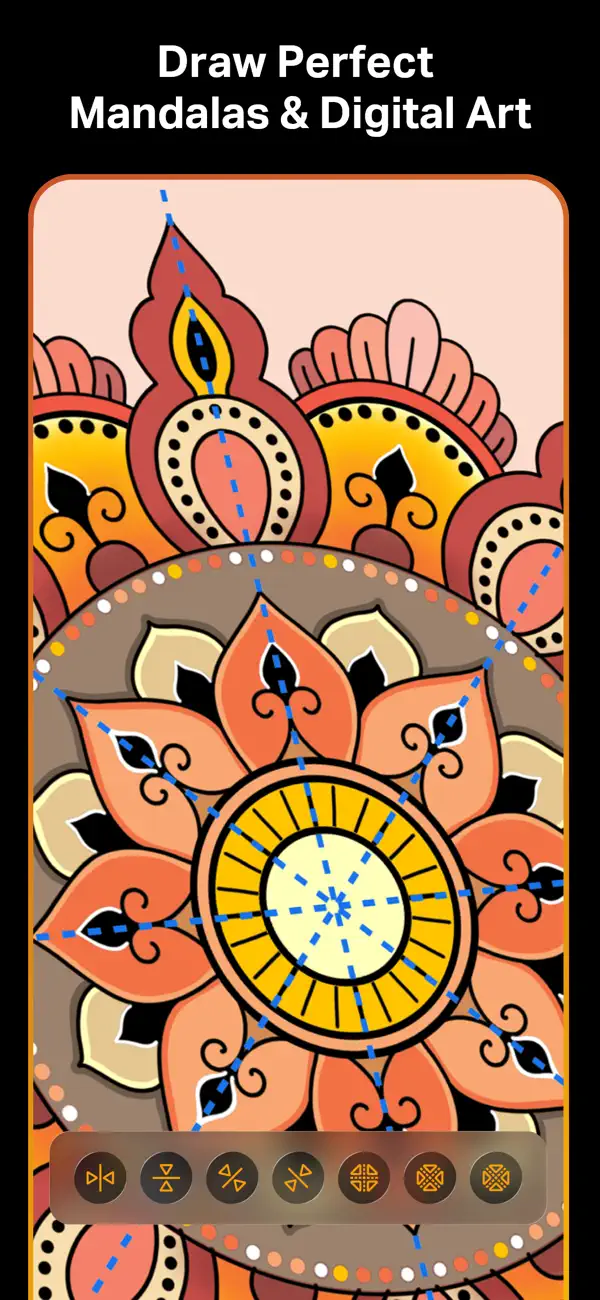
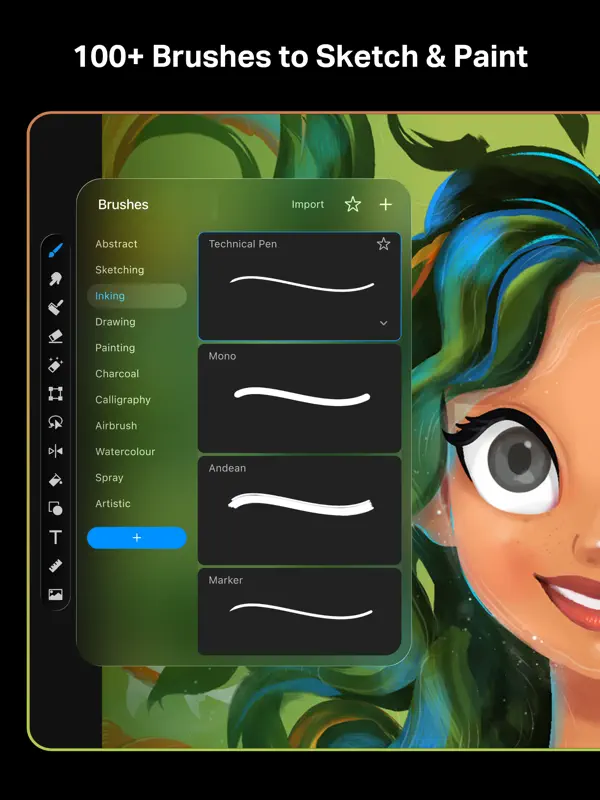
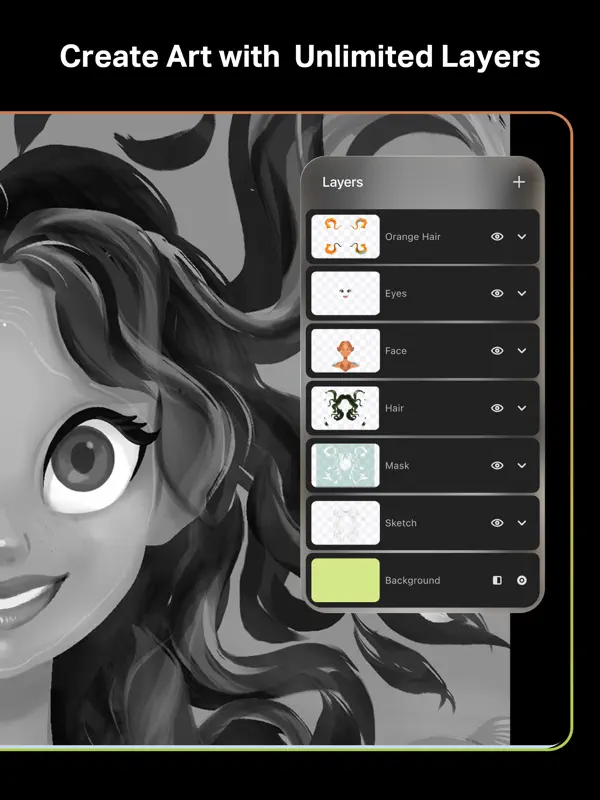
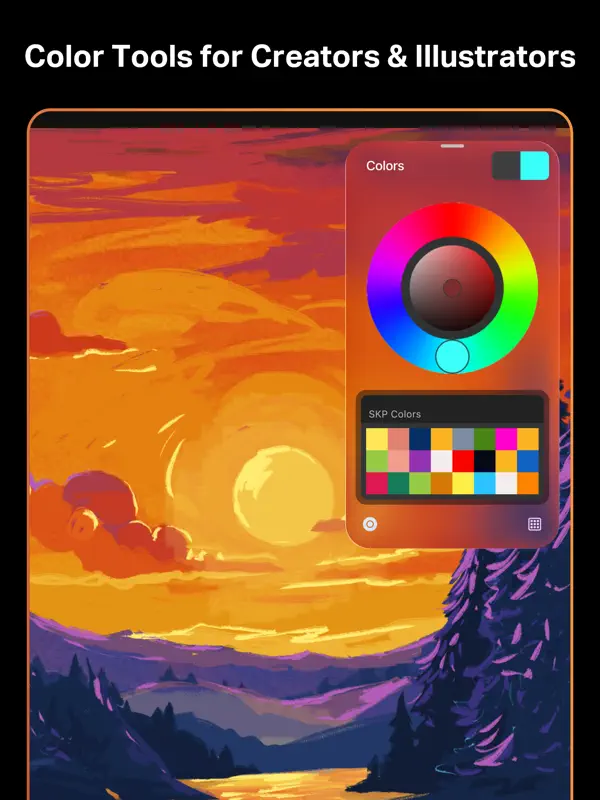
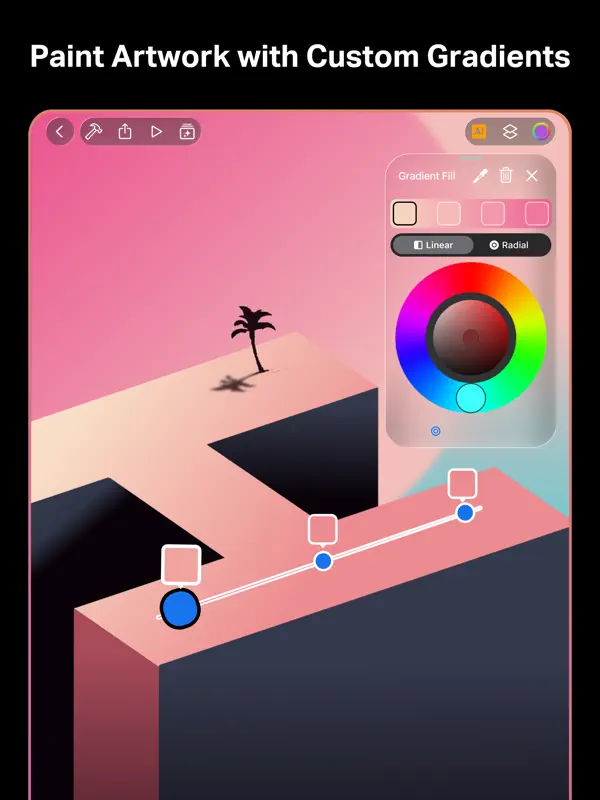
SketchPro, listed on the App Store as Sketch Pro: Draw & Create Art, is a drawing and painting app for iPhone and iPad from 4Axis Technologies, made by what the developer calls its Drawing Desk Team. It is aimed at illustrators, graphic designers and comic, anime and manga artists who want a full set of tools on a phone. Brushes can be customized by radius, opacity and texture, grouped into sets and saved as favorites, and there is a roller brush with more than 100 patterns. Layers are unlimited and can be rasterized, duplicated, merged or locked. Drawing aids include Smart Shapes, a symmetry tool, linear and radial gradients, a transform tool with distort and warp, and a text tool that accepts imported fonts. Colors can be picked from a wheel, saved into palettes or sampled from photos. Projects sync between iPad and iPhone, and a time-lapse playback records how a drawing came together. The animation tools are iPad-only. Version 2.1.5, released October 22, 2026, added iPhone Duo support. The app is free to download, with a premium subscription sold as an in-app purchase.
App Store descriptionWritten by the developer.
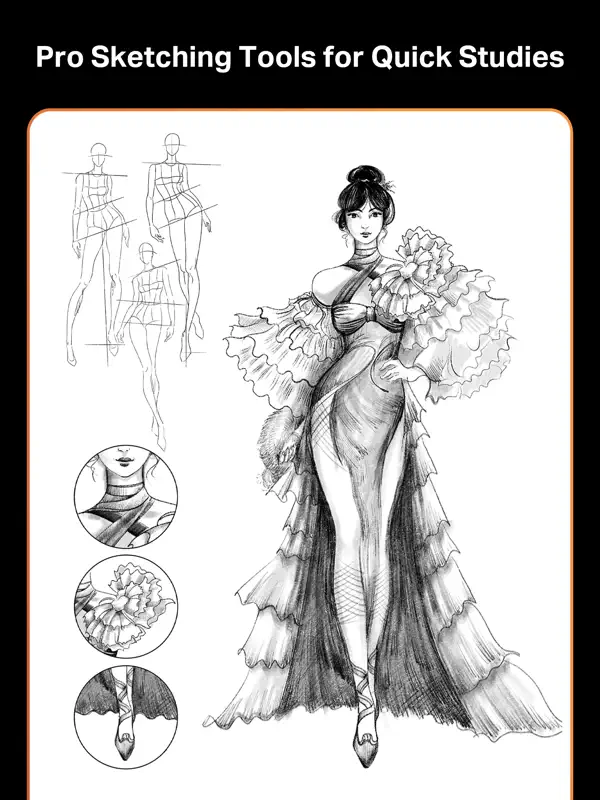
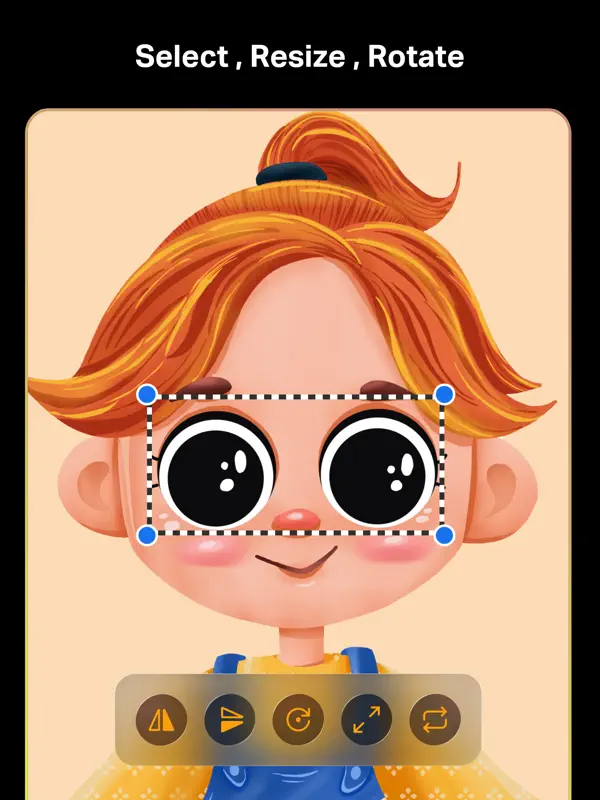
SketchPro, a professional art app available for iPads and iPhones, crafted with love by the Drawing Desk Team SketchPro is perfect for creative professional digital artists, including graphic designers, illustrators, comic, anime & manga book artists with a range of Drawing & painting tools to upgrade their creative workflow SketchPro now supports iPhone Duo, bringing your creative workflow to Apple’s foldable iPhone experience SketchPro tools and features: Powerful Custom Brushes -A range of free specialized brush sets for sketching, painting, doodling, drawing and more. -Customisable brushes with adjustable radius, opacity, texture and more -Create brush sets -Maintain a list of your favorite brushes -Free Roller Brush with 100+ patterns Animation Assist -Powerful interface and essential tools for creating impressive animations (Only for iPads). -Wide range of tools, including onion-skinning, instant playback, a visual timeline, and more. Essentials to accelerate the Creative Process -Smart Shapes feature for instant shape drawing -Free Symmetry Tool for easier drawing -Powerful Gradient tool with Linear and Radial options -Layer Transform Tool with Freeform, Uniform, Distort and Warp options -Magic Eraser -Assisted Drawing -Synchronization between iPad and iPhone Advanced Layer System -Free unlimited layers -Rasterize, Duplicate and Merge layers -Fill, Color Invert, Lock Alpha and Lock Layer options Advance Text Tool -Select from a full list of fonts or import your own -Customize fonts -Apply solid and gradient colors to text -A range colored font patterns, textures and designs Complete Color Palette -Full Color Wheel with adjustable color values and shades -Create unique themed color palettes for your drawing -Import colors from photos and images Extensive Shapes Library -15+ categories of free shapes, signs, and symbols -Favorites section for keeping track of frequently used shapes Other Essential Tools -Smudge Tool -Fill Bucket with solid colors -Filter options including Gaussian Blur, Motion Blur, Perspective Blur and more. -Convenient Cutter Tool -Import and Export functions -Custom Canvas option -AR Facepaint Organize and Save Your Work -Save every drawing automatically -Rename each saved artwork -Create folders for storing drawings methodically -Cloud syncing to secure and access artworks anywhere -Duplicate and Delete projects at any time -Time Lapse Playback -Dark Mode Designed for iPhone Duo -Enjoy a larger, more immersive canvas on iPhone Duo’s foldable display. -Seamlessly continue creating across the outer and inner displays. -Experience an adaptive workspace that adjusts to different orientations and folding positions. Unlimited access to all premium features & daily content updates during the subscription period Premium subscriptions with 1 week trial -Annual for 39.99/year You may cancel a subscription or free-trial anytime via the subscription setting through your iTunes account. This must be done 24 hours before the end of the free trial or subscription period to avoid being charged. The subscription will automatically renew unless auto-renew is turned off at least 24 hours before the end of the current period. No cancellation of the current subscription is allowed during the active subscription period. Any unused portion of a free trial period will be forfeited when the user purchases a SketchPro Unlimited subscription. Terms & Conditions : https://4axis.com/terms-of-use Privacy Policy : https://4axis.com/privacy-policy Reach us: hello@4axis
Highlights
- Customizable brushes and brush sets
- Unlimited layers with merge and lock
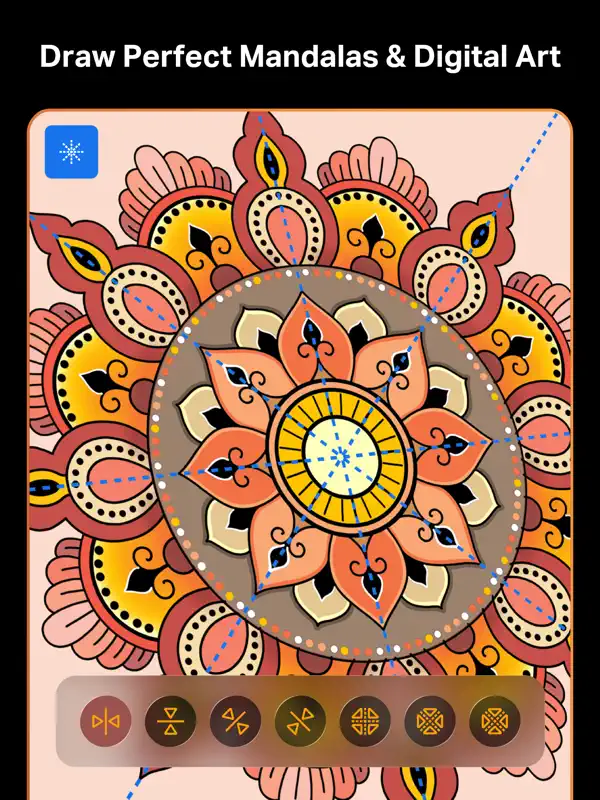
- Smart Shapes and symmetry tools
- Text tool with imported fonts
- Palettes and colors sampled from photos
- iPad and iPhone sync
- Time-lapse playback
- Continues drawings across iPhone Duo's outer and inner displays
SketchPro on iPhone Duo: FAQ
Is SketchPro optimized for iPhone Duo?
Yes. SketchPro is Built for Duo: it uses the fold, Split View or the outer display. Verified on October 22, 2026 (Developer statement).
What does SketchPro look like on iPhone Duo?
The version 2.1.5 release notes (October 22, 2026) announce iPhone Duo support, with more room for artwork and tools on the foldable display and a workspace that adapts as you work. The App Store description adds a "Designed for iPhone Duo" section: a larger canvas on the inner display, continuing a drawing across the outer and inner displays, and a workspace that adjusts to different orientations and folding positions. We have not yet tested SketchPro on an iPhone Duo.
How much does SketchPro cost?
SketchPro costs Free · in-app purchases on the App Store.
More Creative apps
See all ›
Record with the front and back cameras at the same time

Camera app, teleprompter and AI video editor for creators in one place

Multitrack video editor for iPhone, iPad and Mac

Multi-track video and photo editor with keyframes, effects and text

Home Screen themes, wallpapers and custom widgets for iPhone

A tabbed Flickr photo browser with grid views, maps and slideshows