Terminus
A calm transit-map logic puzzle that splits its stations across the fold
DIMITRIS KONTARIS CREATIVE LIMITED · Games · Free · in-app purchases
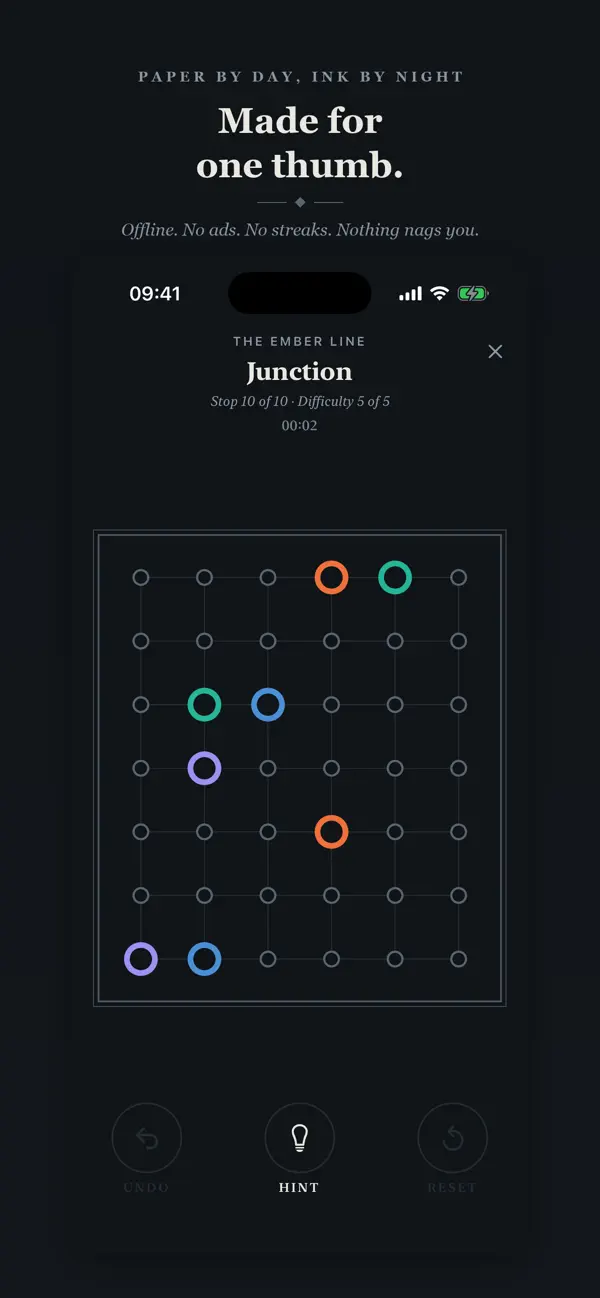
iPhone screenshots
iPad screenshots
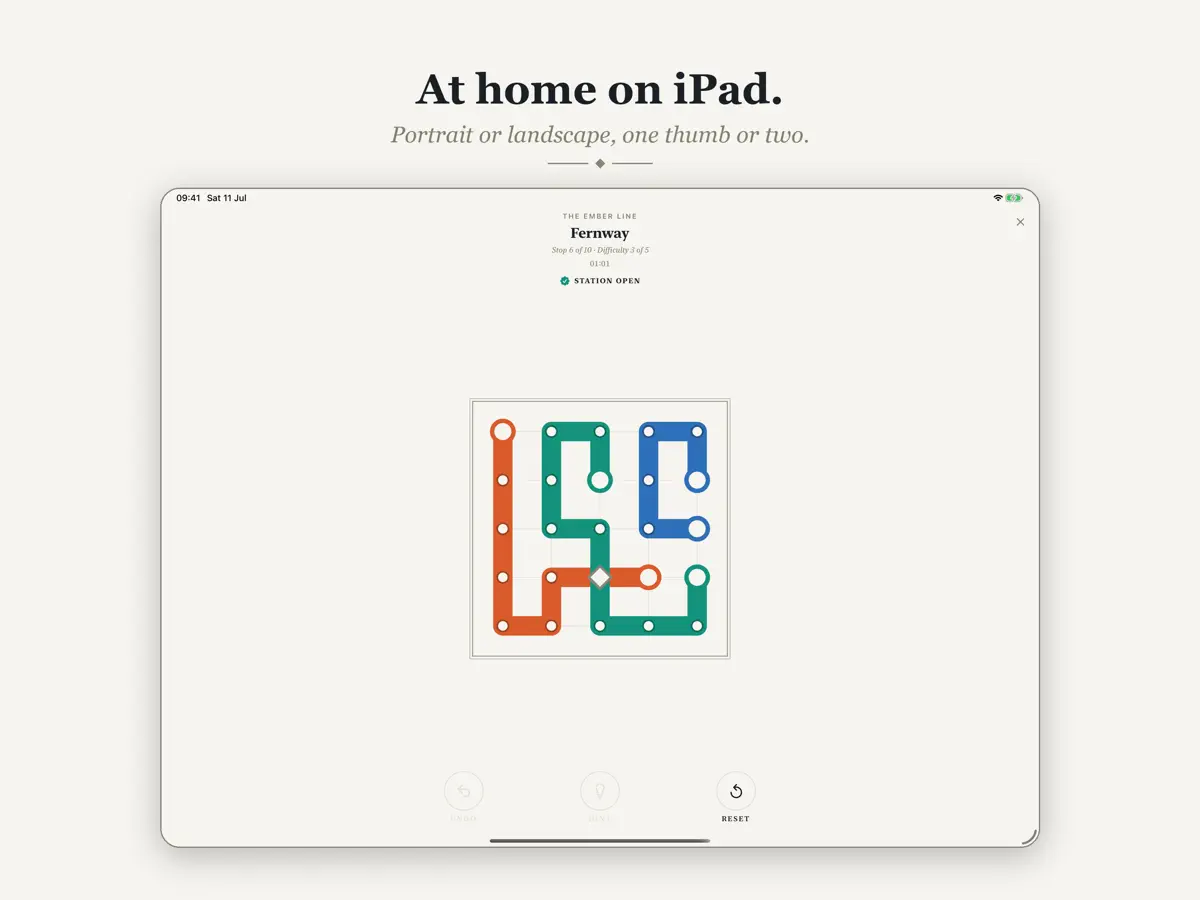
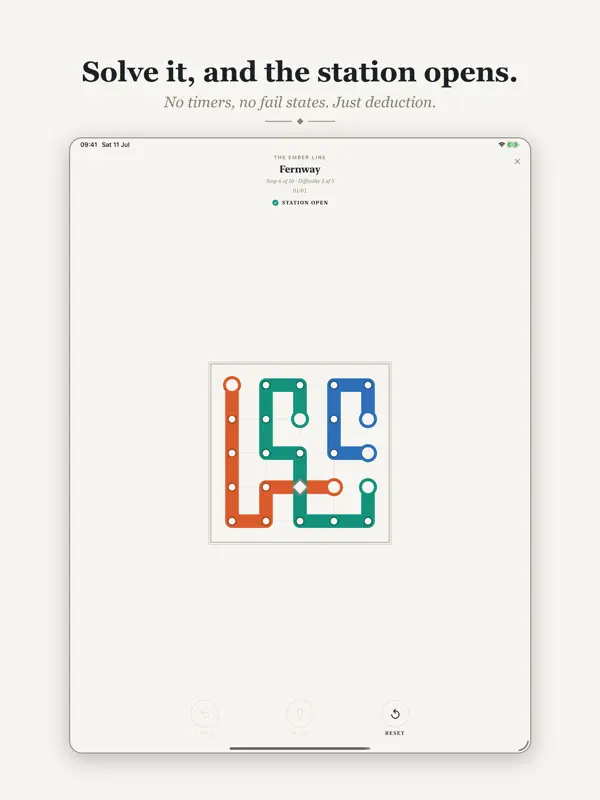
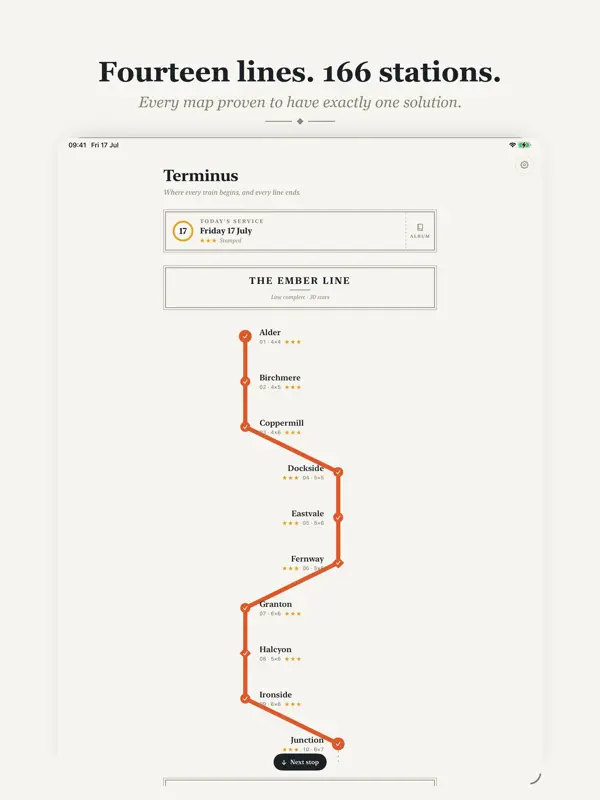
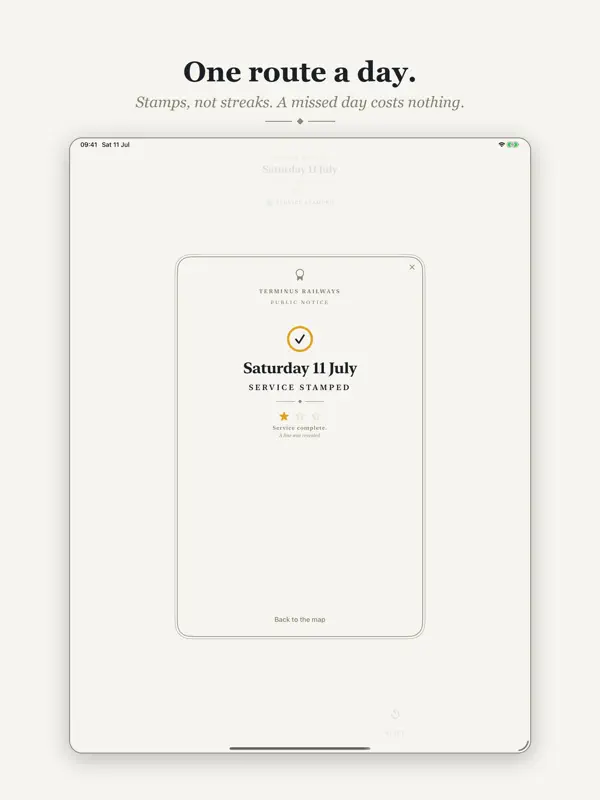
How it uses iPhone Duo
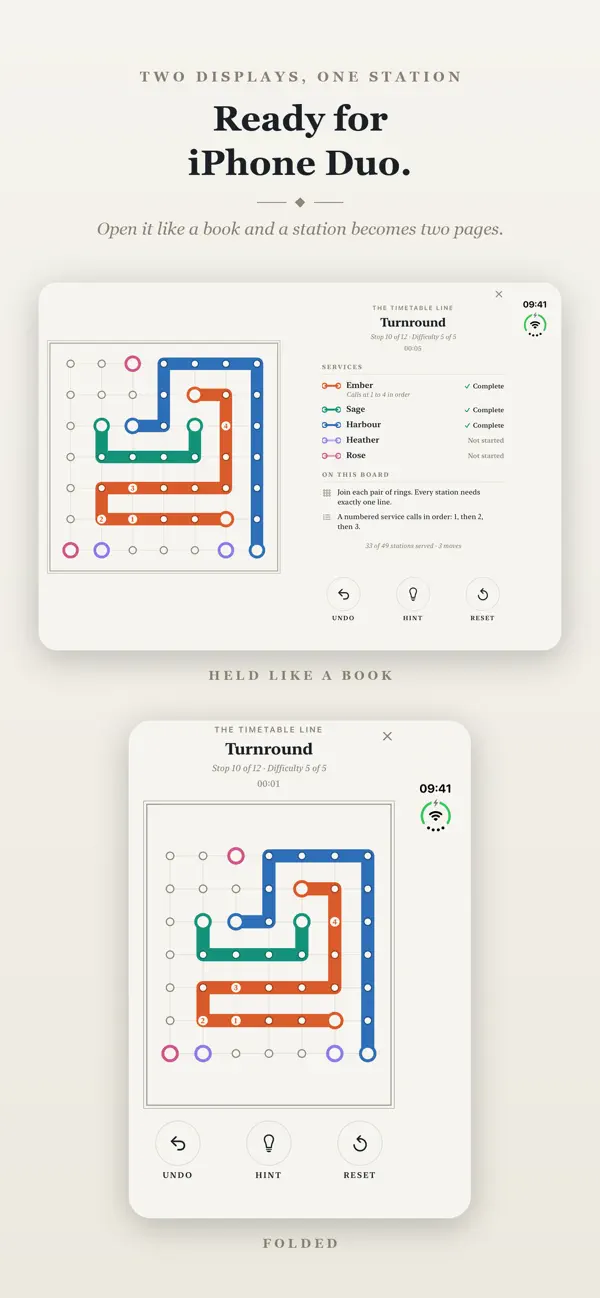
According to the developer's App Store description and the version 1.3.1 release notes (October 9, 2026), Terminus plays normally on the outer display. Opened like a book, a station becomes two pages: the board on one, and a service brief with line progress, rules and moves on the other, with the gap between them on the fold. Stood part open like a laptop, the brief sits on the upper half and the board on the lower half, with Undo, Hint and Reset beside it. The map screen splits the same way, and folding or turning mid-station keeps your place. We have not yet tested Terminus on an iPhone Duo.
What’s New
Version 1.3.1 ·
This update is mainly for iPhone Duo standing part open like a laptop, or open flat and held upright. • Stand iPhone Duo on a table, part open like a laptop, and a station splits across the fold. The service brief, with its lines and rules, sits on the upper half. The board sits on the half resting on the table, with Undo, Hint and Reset in a column beside it. • A rule you meet for the first time now reads in full on the upper half. • Open iPhone Duo flat and hold it upright and you get the same two pages, so folding it into a laptop moves nothing on the screen. • The map screen splits the same way: Today’s Service and the Ticket Office above the fold and the route map below, so no card sits across it. • The route map keeps its place as you fold, open or turn iPhone Duo. • When a station opens on the inner display, its notice now sits on solid paper, with no scraps of the brief showing at its edges. Nothing changes on other iPhones or on iPad.
About this app
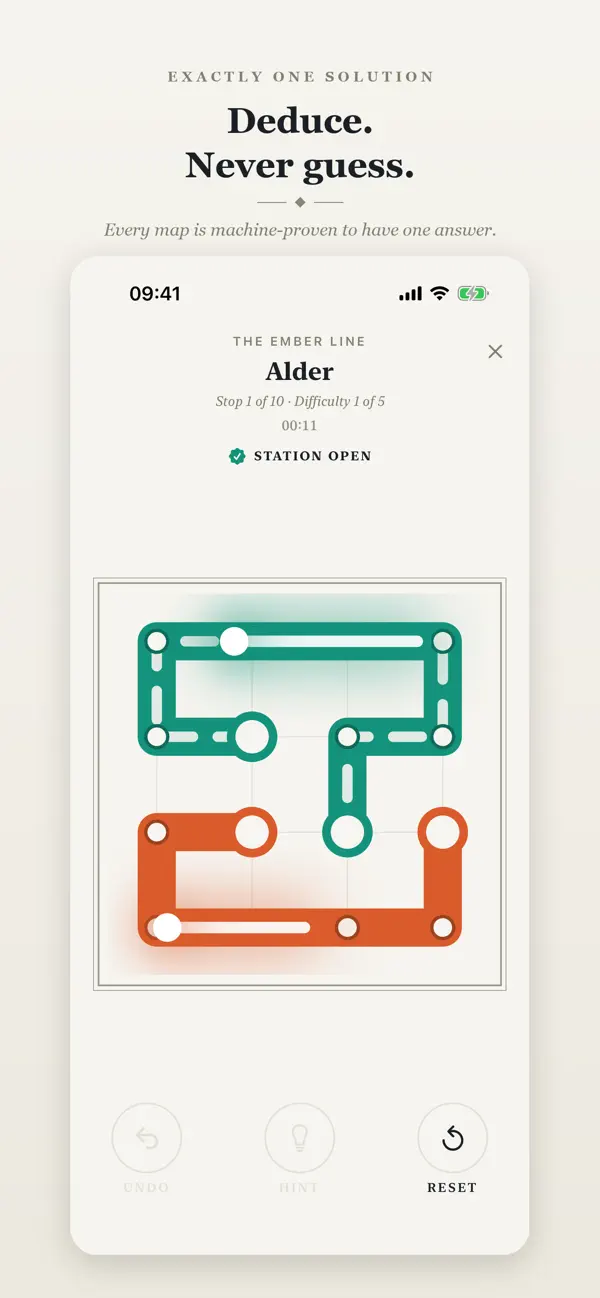
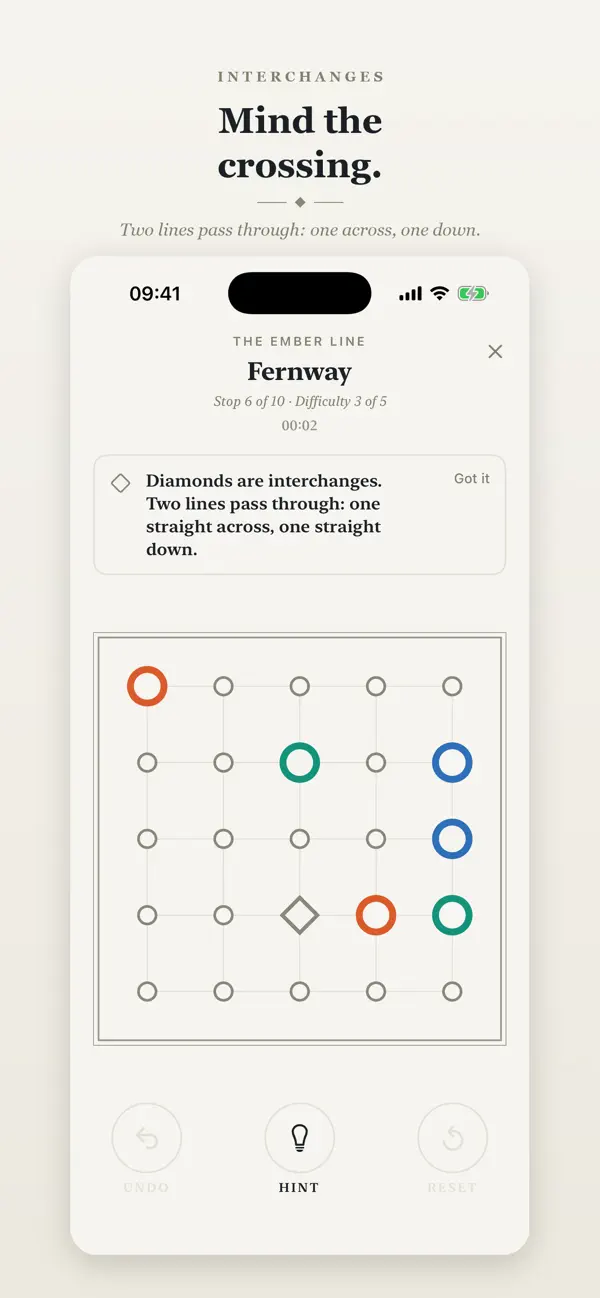
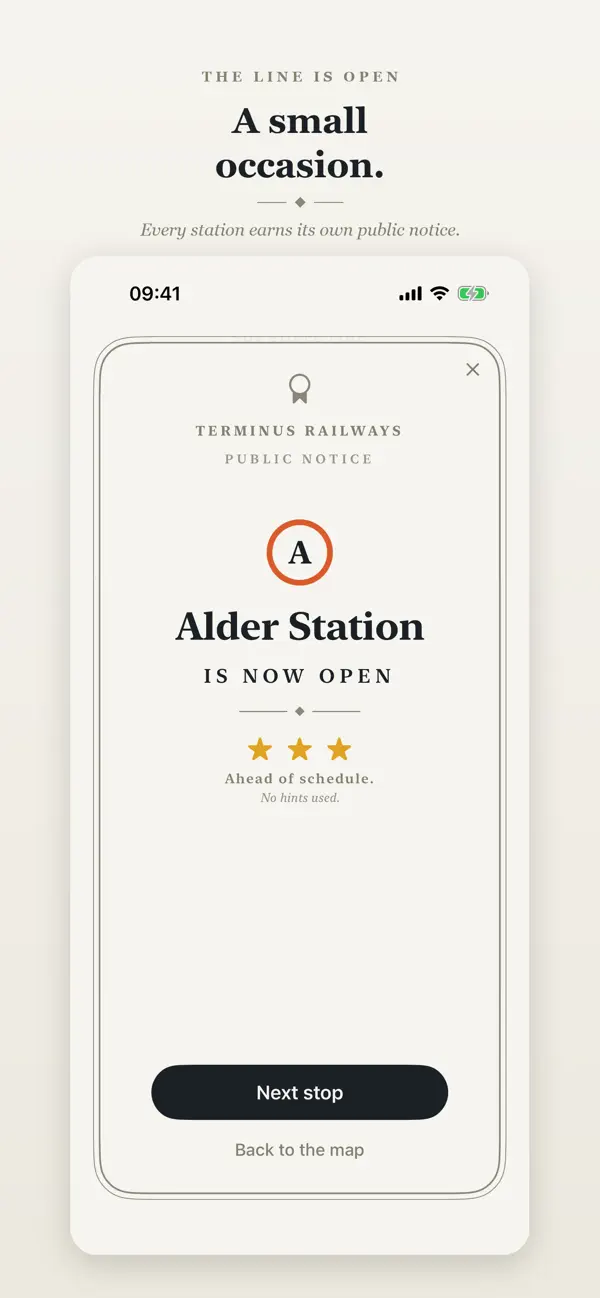
Terminus: Transit Map Puzzles is a quiet logic game about drawing transit maps, made by independent developer Dimitris Kontaris. Each level is a small city grid. You drag every coloured line from one terminus to the other, serve each station exactly once, and pass straight through diamond-shaped interchanges so that two lines cross there, one running across and one running down. When the whole network fits, the station opens. Every map is machine-checked to have exactly one solution, so the game rewards deduction rather than trial and error: if a route looks forced, it is. As you progress, new lines bring new rules, such as stations closed for engineering work, depots that serve only one line, yards where trains must turn and services of a fixed length. The pace is unhurried and there are tools to Undo, ask for a Hint or Reset a map. Terminus is free to download, with in-app purchases listed on the App Store. It will appeal to people who like Sudoku-style logic puzzles and the visual language of metro maps. On iPhone Duo, its developer has rebuilt the layout so the puzzle board and its rules sit on separate halves of the screen.
App Store descriptionWritten by the developer.
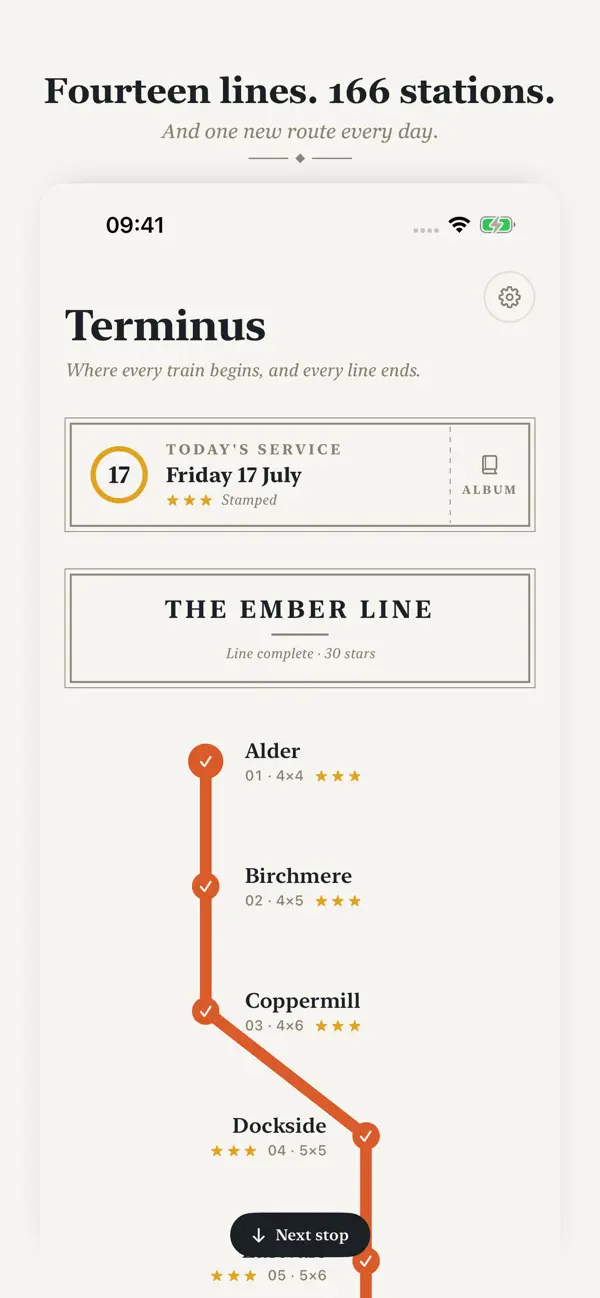
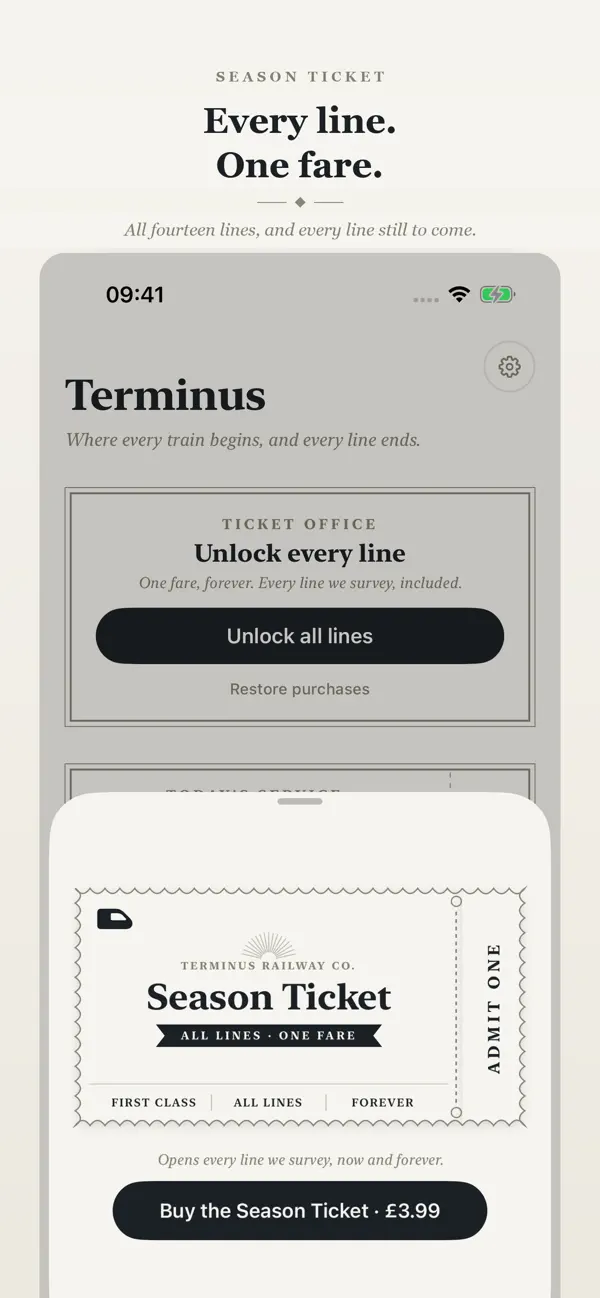
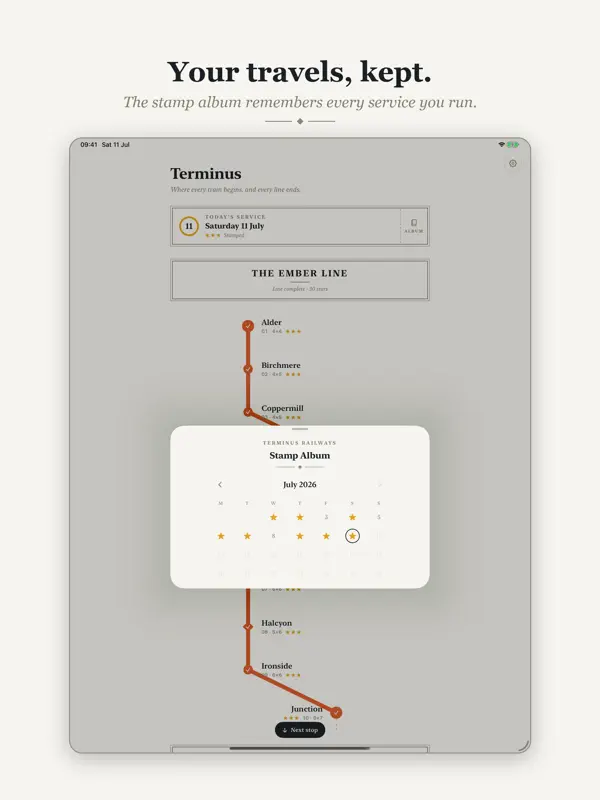
Terminus is a calm logic puzzle about drawing transit maps. On iPhone Duo, Terminus plays on the outer display as it does on any other iPhone. Open iPhone Duo like a book and a station becomes two pages: the board on one, and on the other a service brief with each line’s progress, every rule on the board and the moves you have made. The gap between the pages sits on the fold, so nothing you touch lies along the crease. The map screen opens out like a book too: Today’s Service on one page, the route map on the other. When iPhone Duo lies flat, the board is at its biggest, with the brief in a column of its own beside it. Fold it, open it or lay it flat mid-station and you carry on from the same move while the clock keeps running. Each map is a small city grid. Drag every coloured line from terminus to terminus, serve each station exactly once, and pass straight through the diamond interchanges so two lines cross, one across and one down. When the whole network clicks into place, the station opens. Every map is machine-proven to have exactly one solution. That changes how it feels: you are never guessing, only deducing. If a route seems forced, it is. Follow the logic and the city untangles. The network keeps changing the rules of the road. The early lines teach the grammar. The later lines each introduce a new working: stations closed for engineering, depots that serve one line only, yards where every train must turn, services of an exact length, tunnels that dive beneath the grid, one-way track, and timetabled stops that must be called in order. The Grand Union Line then brings several of them together on the same board. Every day the network also runs one extra route: Today’s Service. Solve it and stamp the day in your album. Miss a day and nothing is lost. There are no streaks on this railway, only stamps. Made for the commute it depicts: • One-handed, portrait play on iPhone, with the whole game within a thumb’s reach. • On iPad, a poster-sized board when held upright, and the board beside its service brief when turned on its side. • Fully offline. Quiet optional sounds; the mute switch always wins. • No ads, no accounts and no tracking, ever. • Stars reward pace; hints are there when you want a nudge, not the answer. • Progress travels with you through iCloud. • Line patterns mode tells lines apart by texture as well as colour. • Game Center achievements and leaderboards if you want them; the game never depends on them. The Ember Line rides free with ten stations, from a gentle 4×4 to a dense 6×7. The Season Ticket opens thirteen further lines, 156 more stations rising to severe 7×7 networks, and every line surveyed in the future. One fare, forever. Mind the gap between you and your station. It is exactly one line wide.
Highlights
- Transit-map logic puzzles on a city grid
- Every map has exactly one solution
- New rules introduced line by line
- Undo, Hint and Reset tools
- Two-page layout across the fold on iPhone Duo
- Laptop-style tabletop layout when part open
Terminus on iPhone Duo: FAQ
Is Terminus optimized for iPhone Duo?
Yes. Terminus is Built for Duo: it uses the fold, Split View or the outer display. Verified on October 9, 2026 (Developer statement).
What does Terminus look like on iPhone Duo?
According to the developer's App Store description and the version 1.3.1 release notes (October 9, 2026), Terminus plays normally on the outer display. Opened like a book, a station becomes two pages: the board on one, and a service brief with line progress, rules and moves on the other, with the gap between them on the fold. Stood part open like a laptop, the brief sits on the upper half and the board on the lower half, with Undo, Hint and Reset beside it. The map screen splits the same way, and folding or turning mid-station keeps your place. We have not yet tested Terminus on an iPhone Duo.
How much does Terminus cost?
Terminus costs Free · in-app purchases on the App Store.
More Games apps
See all ›
The classic card game against the AI, with a half-folded table on iPhone Duo

A grilled cheese game where folding the iPhone Duo shuts the toaster lid

A tabletop-style naval grid game split across the iPhone Duo's fold

27 card, board and tile games laid out across the iPhone Duo's fold

A puzzle platformer with separate worlds on the outer and inner screens

A paid side-scroller with a tabletop controller mode for iPhone Duo