
iPhone 스크린샷
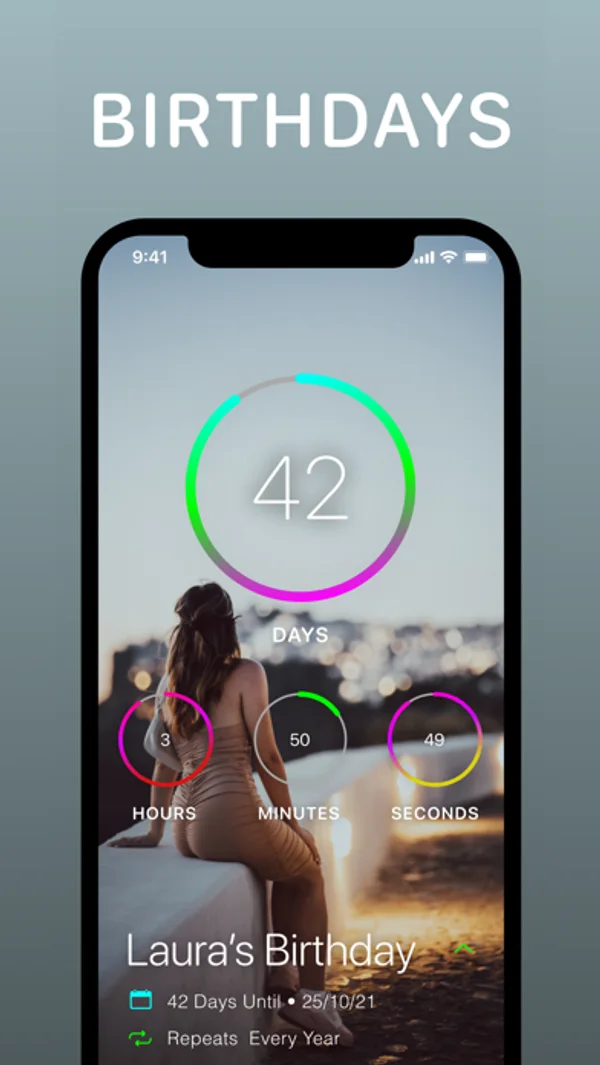
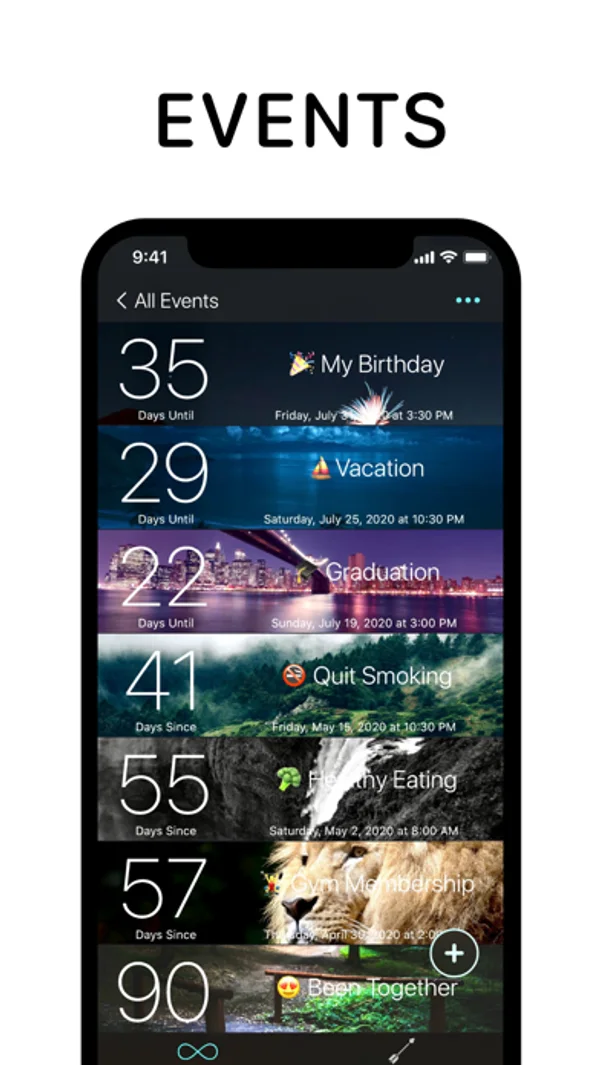
iPhone Duo 활용 방식
업데이트 설명에 따르면 Duo를 펼치거나 닫고 접을 때 배치가 바뀝니다.
새로운 기능
버전 6.2 ·
Thanks for using DayCount! This update adds support for iPhone Duo, with layouts that adapt as you open, close, and fold your device. We've also improved photo cropping, made larger text easier to use, and made several design updates along the way. Alongside these changes, we've made a range of reliability improvements throughout the app. Enjoy!
개발자가 이 내용을 한국어로 제공하지 않았습니다.
App Store 설명개발자가 작성한 내용입니다.
DayCount helps you stay aware of time and the moments that matter. You can count towards what's coming up, keep track of time since important moments, and set reminders that work around your events. Everything stays clear and easy to manage, whatever you're using it for. --- Key Features Event Counters - Countdown using event counters that track time before and after your date - Group events using custom categories - Apply images from your device or search Unsplash - Arrange events alphabetically or by date - Repeat events daily, weekly, fortnightly, monthly, yearly, or at custom intervals - Write notes in dedicated spaces for each event - Decimal counting for precise measurements Streaks and Habits - Build positive habits by tracking daily streaks - Work towards your longest run of productive days - View streaks alongside your events Widgets - Create widgets using different filters, fonts, textures, and borders - Add widgets to your Home Screen or Lock Screen Reminders - Set alerts minutes, hours, days, weeks, months, or years before or after events - Daily summary notifications showing your top 5 events or streaks Appearance and Accessibility - Event size options from regular to huge - Higher contrast options for improved text readability - Support for Dynamic Type - Light and Dark modes - Alternate app icons Sharing and Integrations - Share full-resolution screenshots of your events - Import events directly from your calendar - Save a location to an event and open directions in Apple Maps or Google Maps Privacy and Security - Backup and sync events and streaks across iPhone, iPad, iPod touch, and Mac - Lock the app using Face ID or Touch ID - Manual time zone control --- Subscription Information DayCount offers an auto-renewing yearly subscription with a free 7-day trial. After the free trial ends, payment will be charged to your iTunes account. The subscription renews automatically unless auto-renew is turned off at least 24 hours before the end of the current period. Your account will be charged for renewal within 24 hours before the end of the current period at the same price. You can manage or cancel your subscription at any time through your Account Settings. DayCount Premium is available as an annual subscription or a lifetime purchase. --- Terms of Service https://goo.gl/qKXvYk Privacy Policy https://www.daycountapp.com/privacy-policy
iPhone Duo에서의 DayCount: 자주 묻는 질문
DayCount은(는) iPhone Duo에 최적화되어 있나요?
부분적으로요. DayCount은(는) 화면 대응 앱으로, 더 넓은 내부 디스플레이를 꽉 채웁니다. 다만 폴딩 전용 기능은 없습니다. 2026년 10월 28일 확인(개발자 발표).
iPhone Duo에서 DayCount은(는) 어떻게 보이나요?
업데이트 설명에 따르면 Duo를 펼치거나 닫고 접을 때 배치가 바뀝니다.
DayCount의 가격은 얼마인가요?
DayCount은(는) App Store에서 무료로 다운로드할 수 있습니다.
다른 생산성 앱
모두 보기 ›
걸리는 시간별로 할 일을 분류하는 차분한 할 일 목록 겸 종이 스타일 플래너

타자기 키보드와 녹음된 키 소리, 캐리지 동작으로 글을 씁니다.

대화를 녹음하고 전사해 요약과 실행 항목, 후속 문안을 만듭니다.

iPhone Duo의 두 디스플레이에 맞춘 레이아웃을 갖춘 작업·프로젝트 관리 앱

펼치면 메시지와 받은 편지함을 나란히 보여 주는 Readdle의 통합 받은 편지함

Cultured Code의 작업 관리 앱, iPhone Duo의 모든 자세에 맞게 재구성