
DayCount
Count down to events, track time since important dates and maintain daily streaks.
Zaminiti Pty Ltd · Productivity · Free
iPhone screenshots
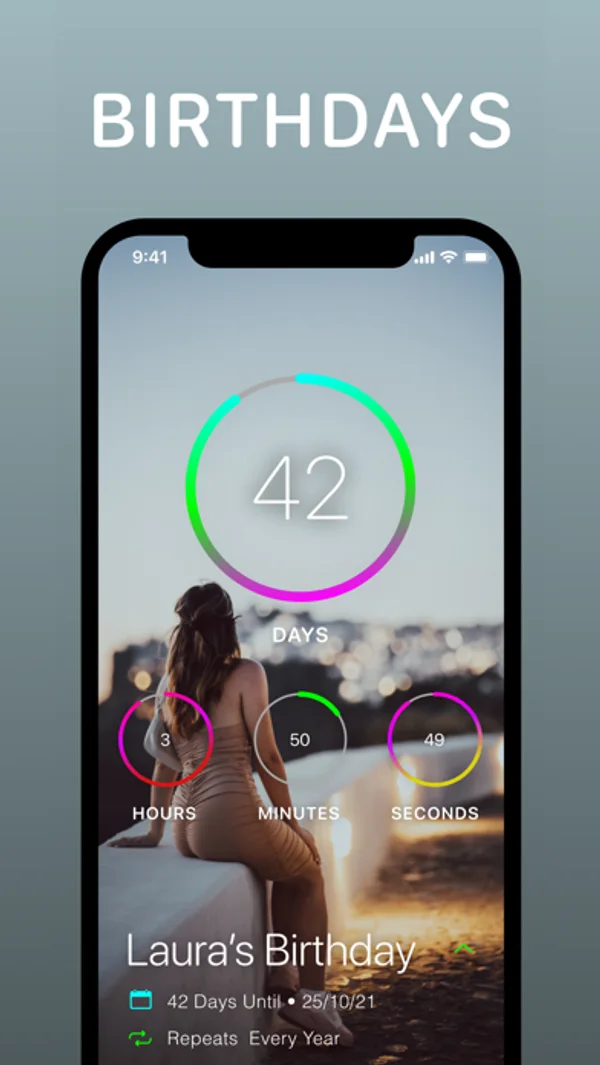
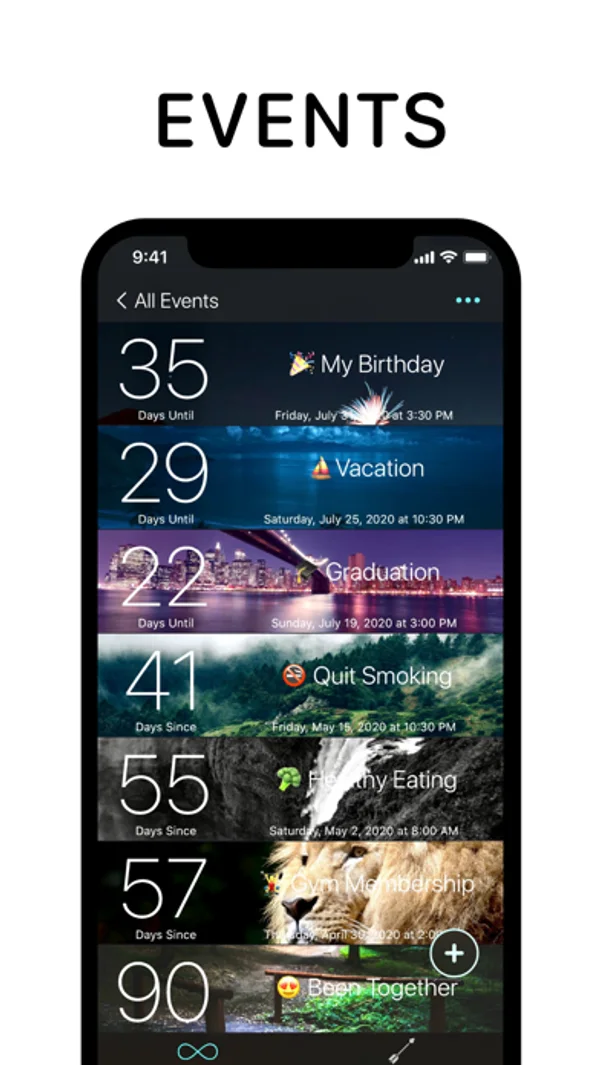
How it uses iPhone Duo
The release notes describe layouts that adapt as the Duo opens, closes and folds.
What’s New
Version 6.2 ·
Thanks for using DayCount! This update adds support for iPhone Duo, with layouts that adapt as you open, close, and fold your device. We've also improved photo cropping, made larger text easier to use, and made several design updates along the way. Alongside these changes, we've made a range of reliability improvements throughout the app. Enjoy!
App Store descriptionWritten by the developer.
DayCount helps you stay aware of time and the moments that matter. You can count towards what's coming up, keep track of time since important moments, and set reminders that work around your events. Everything stays clear and easy to manage, whatever you're using it for. --- Key Features Event Counters - Countdown using event counters that track time before and after your date - Group events using custom categories - Apply images from your device or search Unsplash - Arrange events alphabetically or by date - Repeat events daily, weekly, fortnightly, monthly, yearly, or at custom intervals - Write notes in dedicated spaces for each event - Decimal counting for precise measurements Streaks and Habits - Build positive habits by tracking daily streaks - Work towards your longest run of productive days - View streaks alongside your events Widgets - Create widgets using different filters, fonts, textures, and borders - Add widgets to your Home Screen or Lock Screen Reminders - Set alerts minutes, hours, days, weeks, months, or years before or after events - Daily summary notifications showing your top 5 events or streaks Appearance and Accessibility - Event size options from regular to huge - Higher contrast options for improved text readability - Support for Dynamic Type - Light and Dark modes - Alternate app icons Sharing and Integrations - Share full-resolution screenshots of your events - Import events directly from your calendar - Save a location to an event and open directions in Apple Maps or Google Maps Privacy and Security - Backup and sync events and streaks across iPhone, iPad, iPod touch, and Mac - Lock the app using Face ID or Touch ID - Manual time zone control --- Subscription Information DayCount offers an auto-renewing yearly subscription with a free 7-day trial. After the free trial ends, payment will be charged to your iTunes account. The subscription renews automatically unless auto-renew is turned off at least 24 hours before the end of the current period. Your account will be charged for renewal within 24 hours before the end of the current period at the same price. You can manage or cancel your subscription at any time through your Account Settings. DayCount Premium is available as an annual subscription or a lifetime purchase. --- Terms of Service https://goo.gl/qKXvYk Privacy Policy https://www.daycountapp.com/privacy-policy
DayCount on iPhone Duo: FAQ
Is DayCount optimized for iPhone Duo?
Partly. DayCount is Adapted: it fills the larger inner display, but it does not do anything special with the fold. Verified on October 28, 2026 (Developer statement).
What does DayCount look like on iPhone Duo?
The release notes describe layouts that adapt as the Duo opens, closes and folds.
How much does DayCount cost?
DayCount is free to download on the App Store.
More Productivity apps
See all ›
Calm to-do list and paper-style planner that sorts tasks by how long they take

Write with a typewriter-style keyboard, recorded key sounds and carriage-return actions.

Record conversations and turn transcripts into summaries, action items and follow-up drafts.

Task and project management with layouts for both iPhone Duo displays

Unified inbox from Readdle with message and inbox side by side when unfolded

Task manager from Cultured Code, reshaped for every iPhone Duo pose