Slow Shutter Cam
Long-exposure effects like motion blur and light trails from your iPhone camera
Cogitap Software · Creative · $2.99
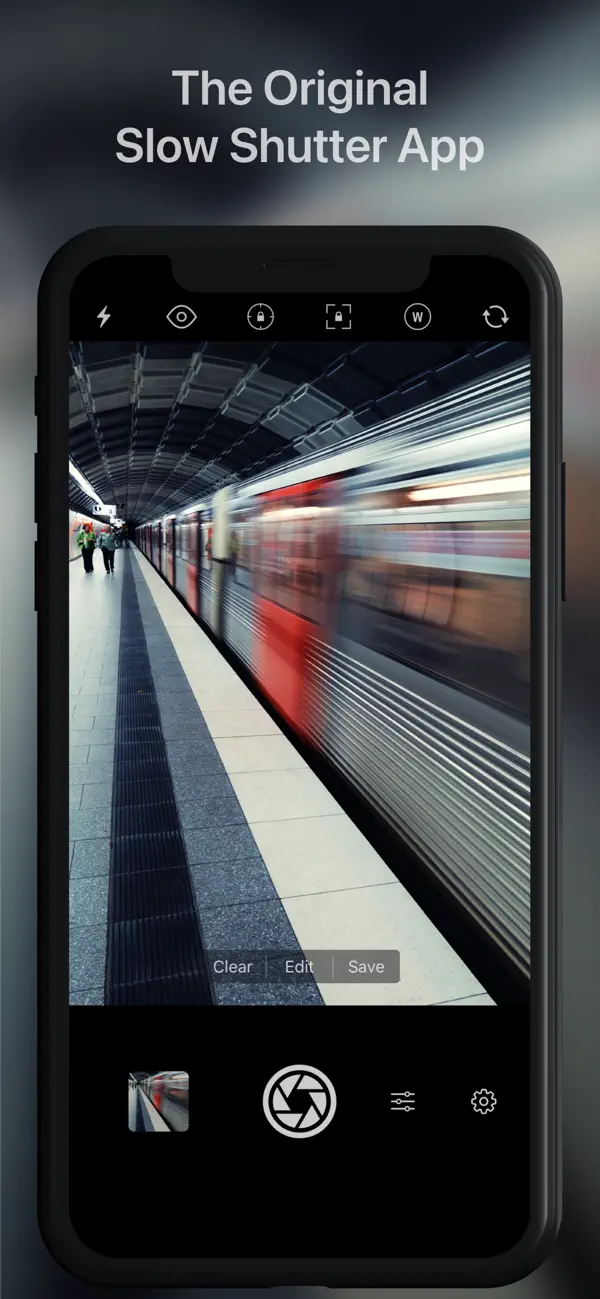
iPhone screenshots
iPad screenshots
How it uses iPhone Duo
Cogitap Software's release notes for version 6.4.1, published on the App Store on October 20, 2026, say the update adds iPhone Duo support. The notes do not describe a different folded or unfolded layout, outer-display behavior or other fold-specific features, so we list it as Compatible. We have not yet tested it on a device.
What’s New
Version 6.4.1 ·
* Add iPhone Duo support. * Fix an issue where the shutter speed reported in EXIF metadata could be incorrect.
About this app
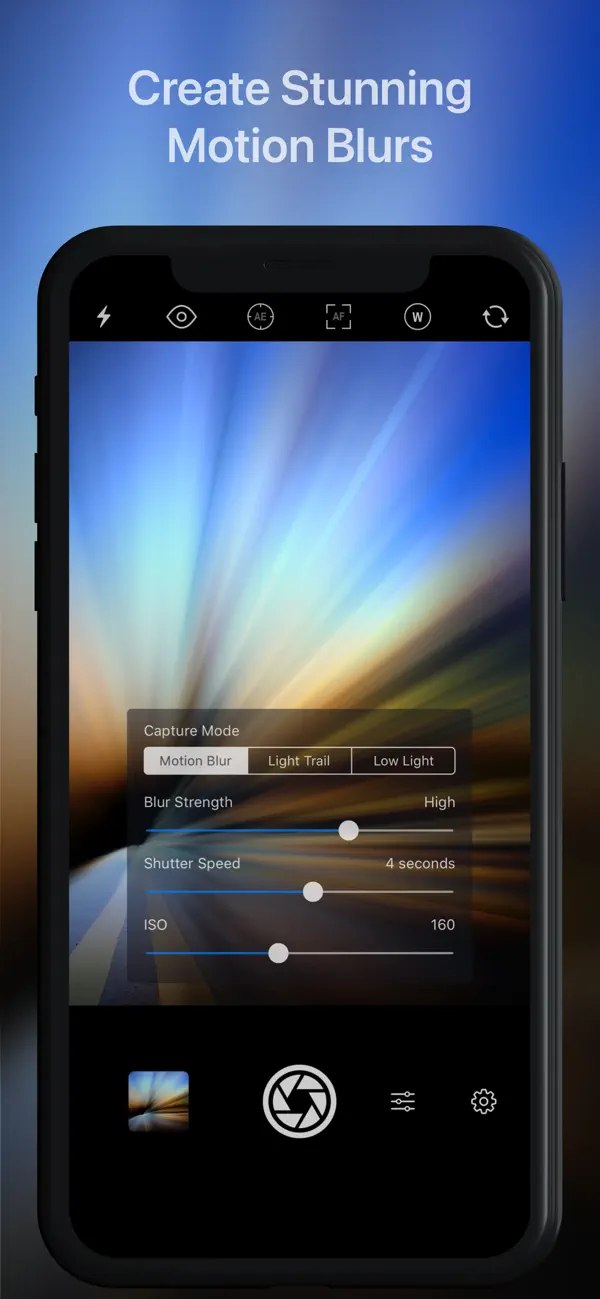
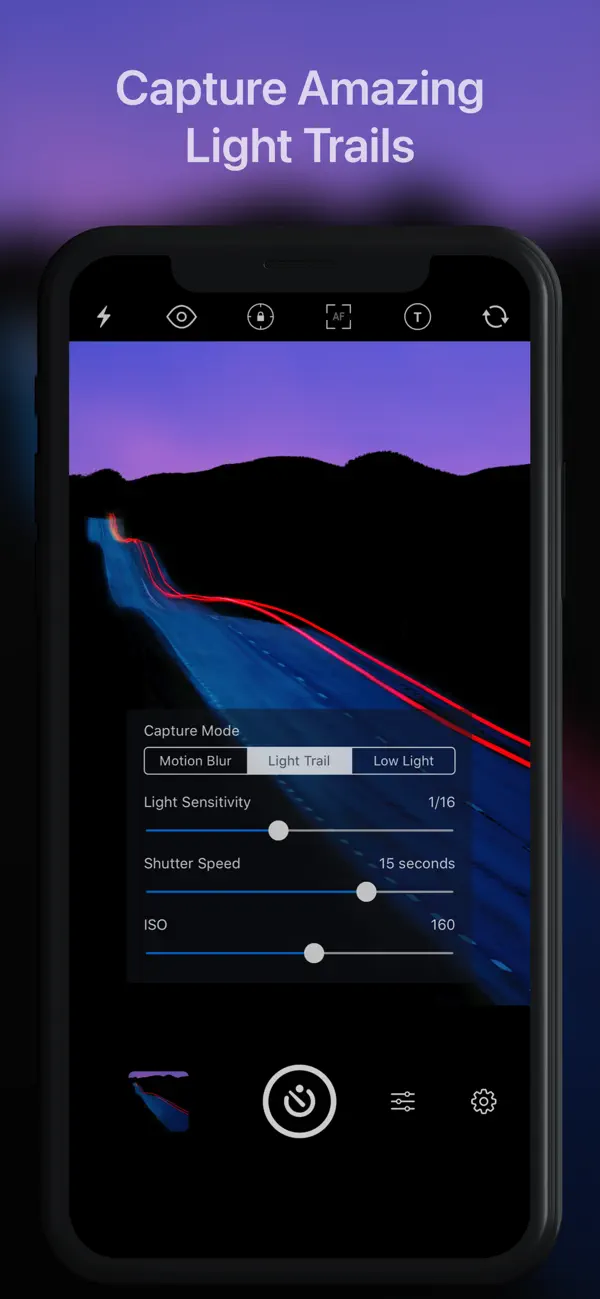
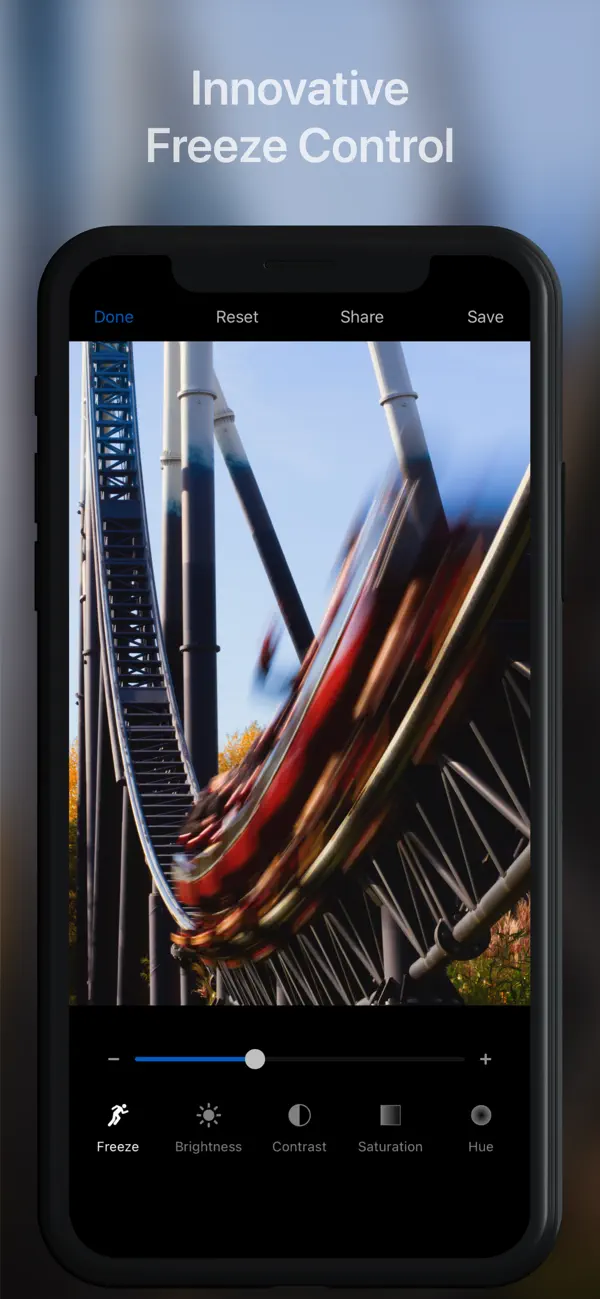
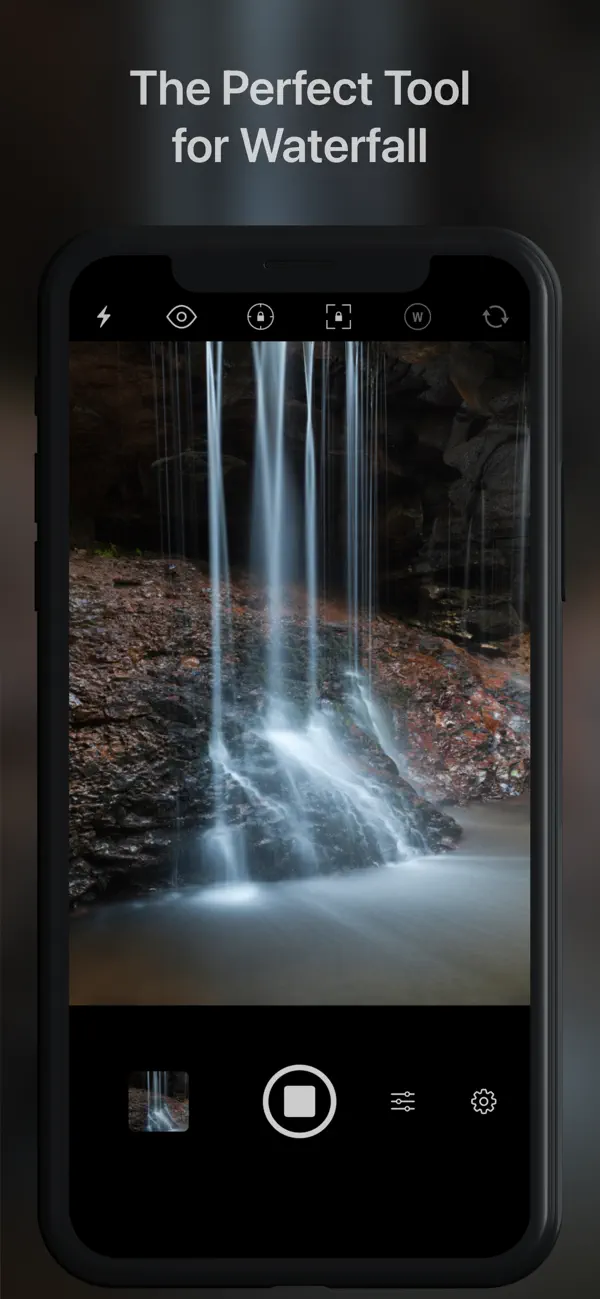
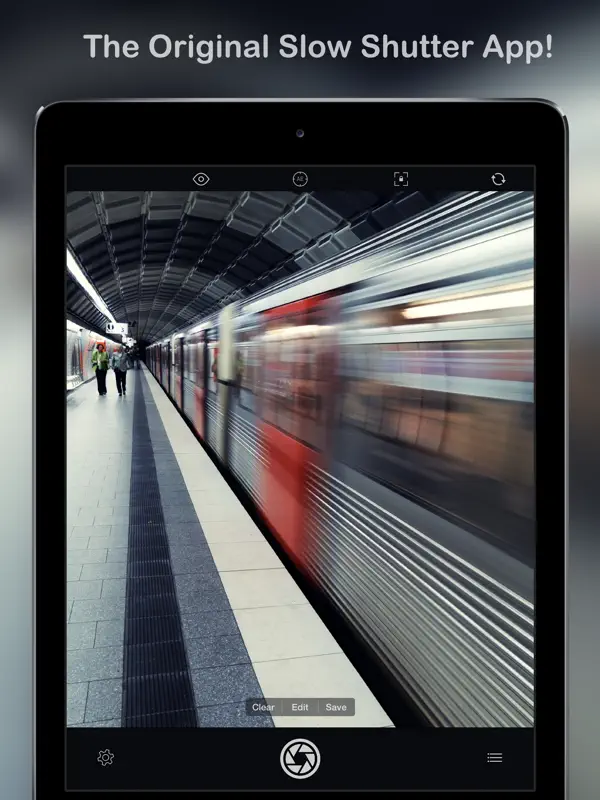
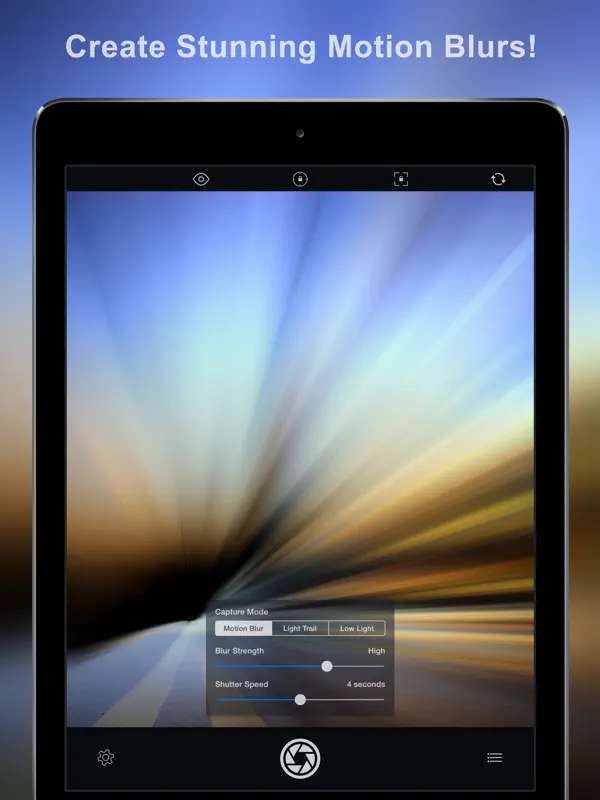
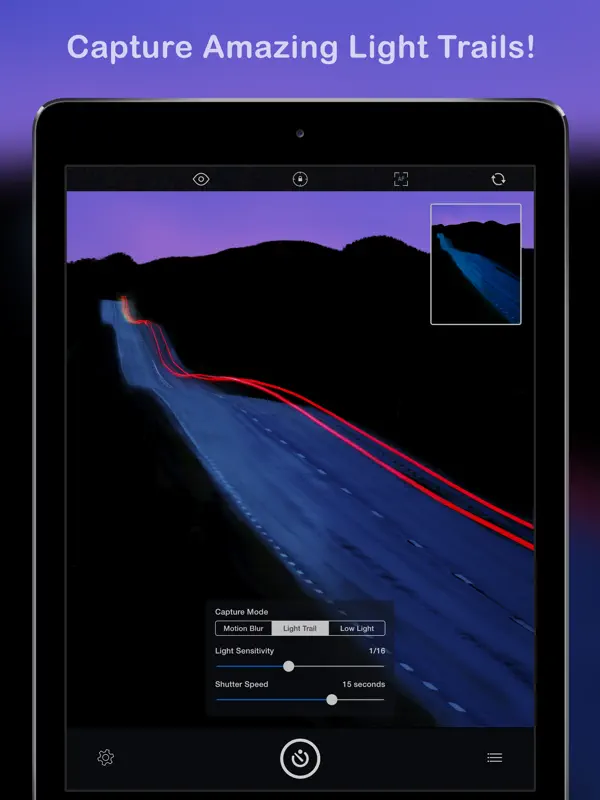
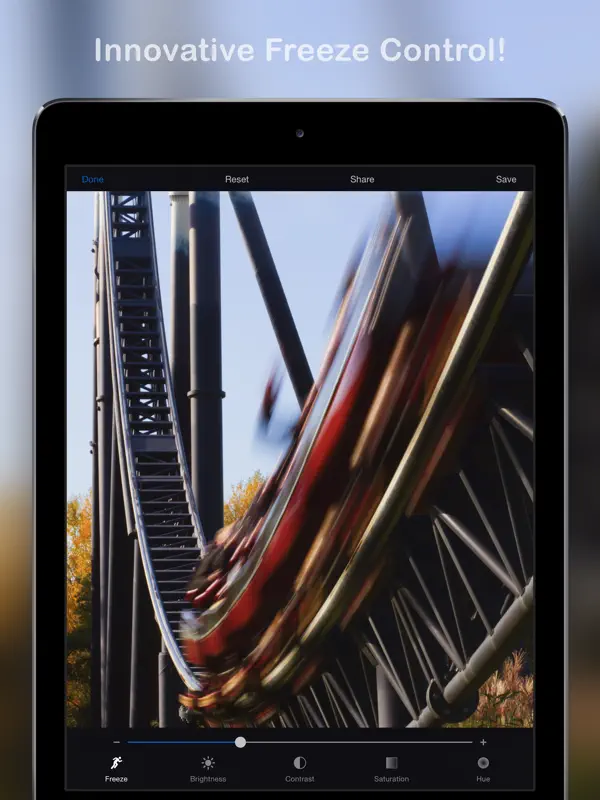
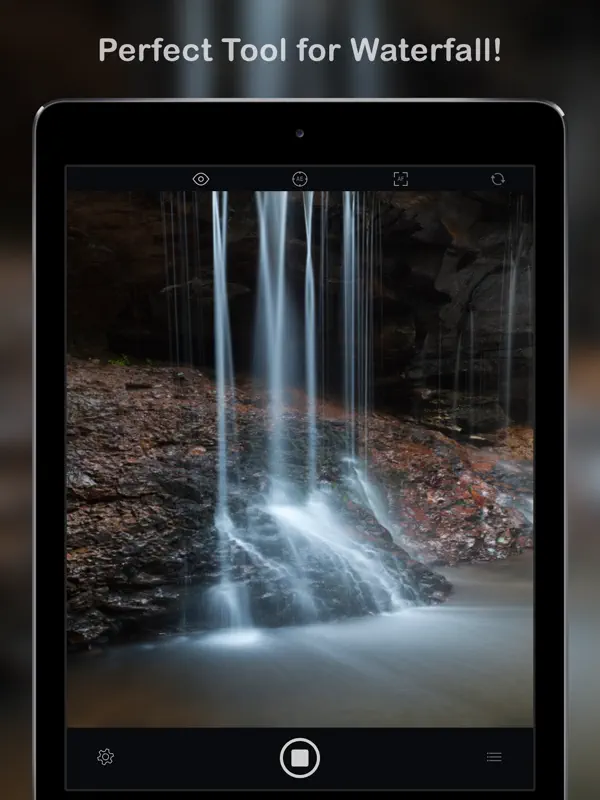
Slow Shutter Cam is a long-running camera app from Cogitap Software that simulates slow shutter speeds on iPhone, effects that normally call for a dedicated camera, a tripod and manual settings. It offers three capture modes. Motion Blur works like shutter priority and suits waterfalls, crowds or anything you want to show moving. Light Trail is built for painting with light, car headlights and fireworks. Low Light is meant for dim scenes where you want a cleaner image than a single short exposure gives. You can set an unlimited shutter speed and manual ISO, watch the effect build in a live preview, and fine-tune it with Freeze and Blur Strength controls; there is also a self-timer and a time-lapse intervalometer. It is a one-time purchase rather than a subscription, and it has been on the App Store for many years, with Apple featuring it in several photography collections. It suits anyone who wants long-exposure looks without carrying extra gear: travel photographers, people shooting city lights at night, or anyone curious about slow shutter techniques. On iPhone Duo, version 6.4.1 (released October 20, 2026) lists iPhone Duo support in its release notes. The developer has not described any layout or feature that is specific to the folding design.
App Store descriptionWritten by the developer.
Slow Shutter Cam brings new life into your device's photo toolbox by letting you capture a variety of amazing slow shutter speed effects that you only thought you could get with a DSLR. Continue reading to learn more about this unique app! ----------------------- • Featured numerous times by Apple: - App Store Essentials: Camera & Photography - Photography for Professionals - Total Control - Extraordinary Photo Apps - Best New App ----------------------- "It’s one of those rare photography apps that creates effects that few others are capable of, and it does it easily and with better results." — Marty Yawnick, Life In LoFi ----------------------- How many times have you tried to capture artful images with your iPhone camera but were left wishing you had more features to work with? Slow Shutter Cam puts an end to mere snapshots and gives you some of the most powerful features of a DSLR camera. All this, in a package that fits in your pocket. Slow Shutter Cam offers three capture modes to capture unique images: MOTION BLUR: Equivalent to the shutter priority mode on a DSLR, the Motion Blur mode is perfect for creating ghost images, waterfall effects or suggesting movement in your photographs by adding a blur. LIGHT TRAIL: The Light Trail mode allows you to 'paint' with light, show car light trails and fireworks or capture any other moving light in a unique way. Unlike shooting with a DSLR and being tied to specific rigid settings to obtain good results, the Light Trail mode takes care of the essentials, letting your creativity soar! LOW LIGHT: In low light conditions, this capture mode allows the camera to accumulate every photon of light hitting the sensor. The longer the shutter speed, the more light it will accumulate. You can even fine-tune the result using the exposure compensation slider to achieve the exact effect you want! Highlights: • Unlimited Shutter Speed and manual ISO • Option to resume capture and create multiple exposure photos • Real time live preview - See the result in real time • Innovative 'Freeze' and ‘Blur Strength’ controls • Tap to adjust focus/exposure • Time-lapse Intervalometer • Apple Watch support and handy Self-Timer • Full resolution support on every devices • Camera Control support (iPhone 16) With Slow Shutter Cam on your iPhone you get the features of a DSLR camera with the convenience of a device that you can drop in your pocket and take with you wherever you go. Download it now and put an end to mere snapshots! Search #slowshuttercam on Instagram or visit the "Slow Shutter Cam - iPhone" group on flickr for amazing samples!
Highlights
- Motion Blur, Light Trail and Low Light modes
- Unlimited shutter speed and manual ISO
- Real-time live preview
- Freeze and Blur Strength controls
- Time-lapse intervalometer and self-timer
- One-time purchase
Slow Shutter Cam on iPhone Duo: FAQ
Is Slow Shutter Cam optimized for iPhone Duo?
Not yet. Slow Shutter Cam is Compatible: it runs unchanged with its phone layout. Verified on October 20, 2026 (Developer statement).
What does Slow Shutter Cam look like on iPhone Duo?
Cogitap Software's release notes for version 6.4.1, published on the App Store on October 20, 2026, say the update adds iPhone Duo support. The notes do not describe a different folded or unfolded layout, outer-display behavior or other fold-specific features, so we list it as Compatible. We have not yet tested it on a device.
How much does Slow Shutter Cam cost?
Slow Shutter Cam costs $2.99 on the App Store.
More Creative apps
See all ›
Drawing and painting app with custom brushes and unlimited layers
Record with the front and back cameras at the same time

Camera app, teleprompter and AI video editor for creators in one place
Multitrack video editor for iPhone, iPad and Mac

Multi-track video and photo editor with keyframes, effects and text
Home Screen themes, wallpapers and custom widgets for iPhone