Agenda
Date-focused notes app that splits sidebar and notes across the Duo's fold
Momenta BV · Productivity · Free · in-app purchases
iPhone screenshots
iPad screenshots
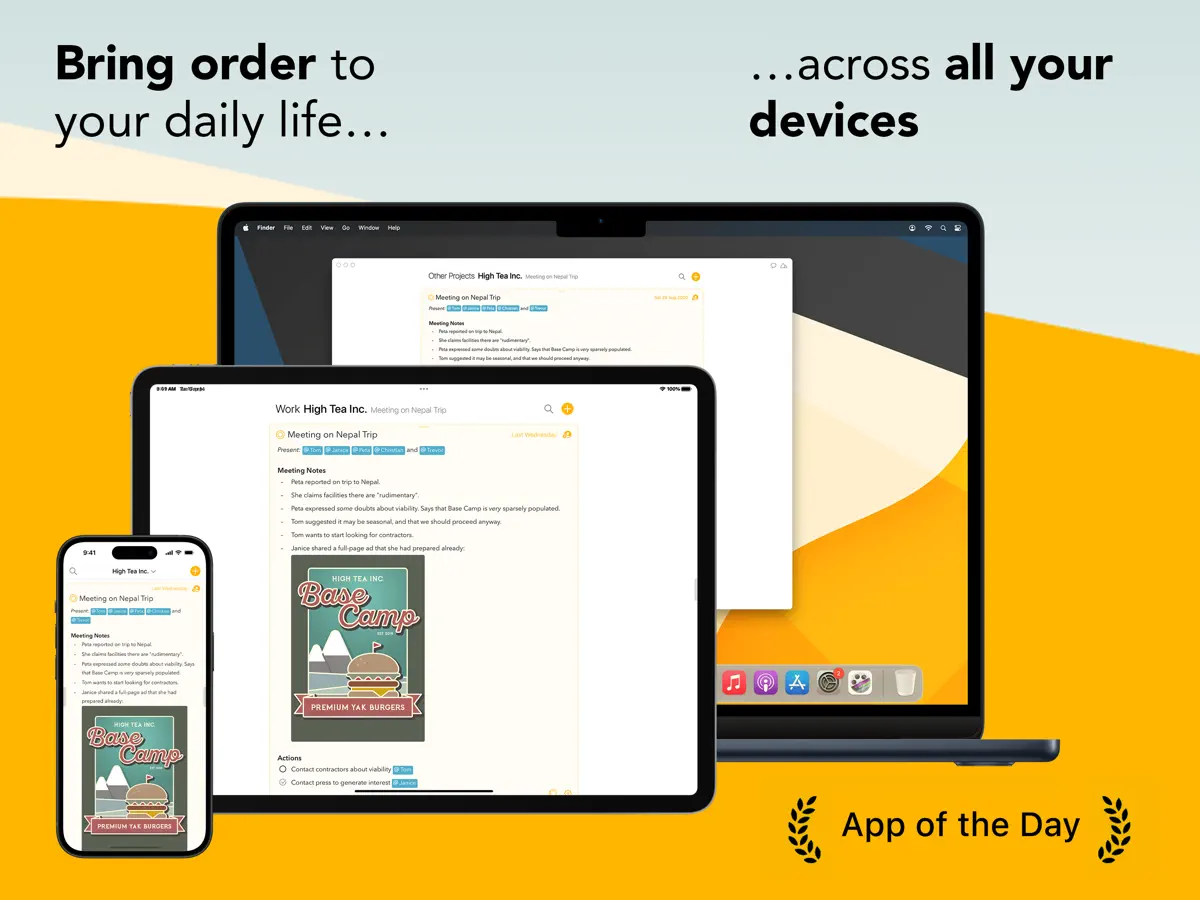
How it uses iPhone Duo
Momenta's release notes for Agenda 23.4.1 say the app is ready for iPhone Duo. With the phone closed, the buttons move into a side column next to the status bar on the outer display. With the phone half open, the sidebar and the notes sit on opposite sides of the fold. We have not yet tested it on an iPhone Duo.
What’s New
Version 23.4.2 ·
FIXED - A saved overview's "…" menu no longer offers to make a new note that would not show in that overview.
About this app
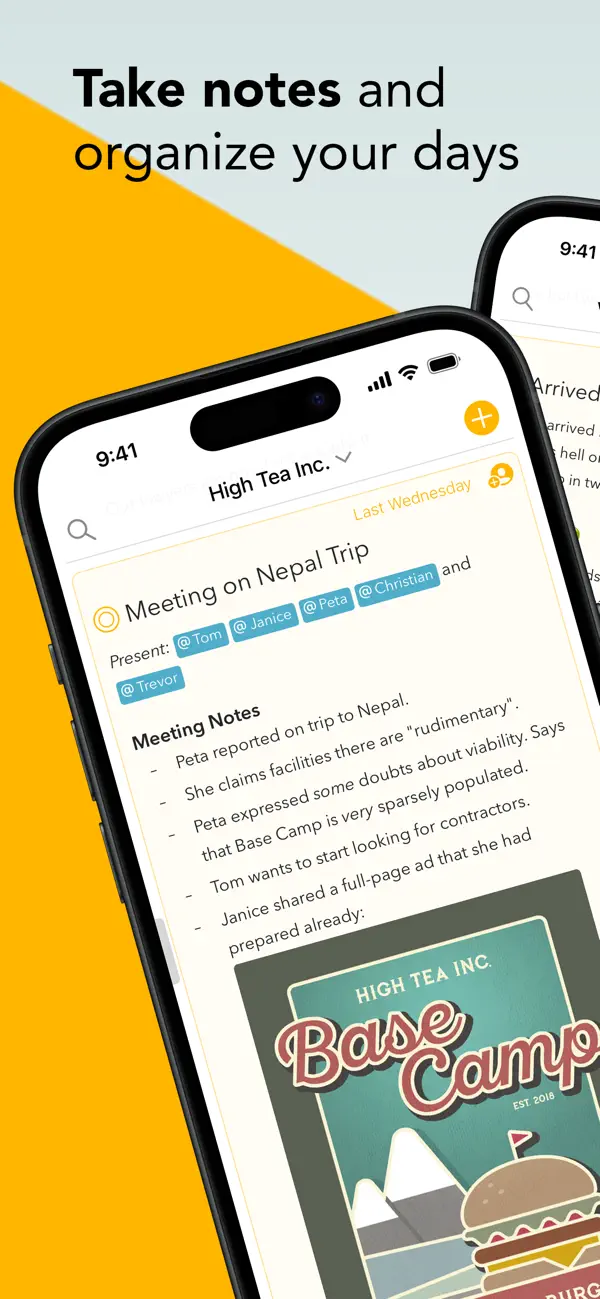
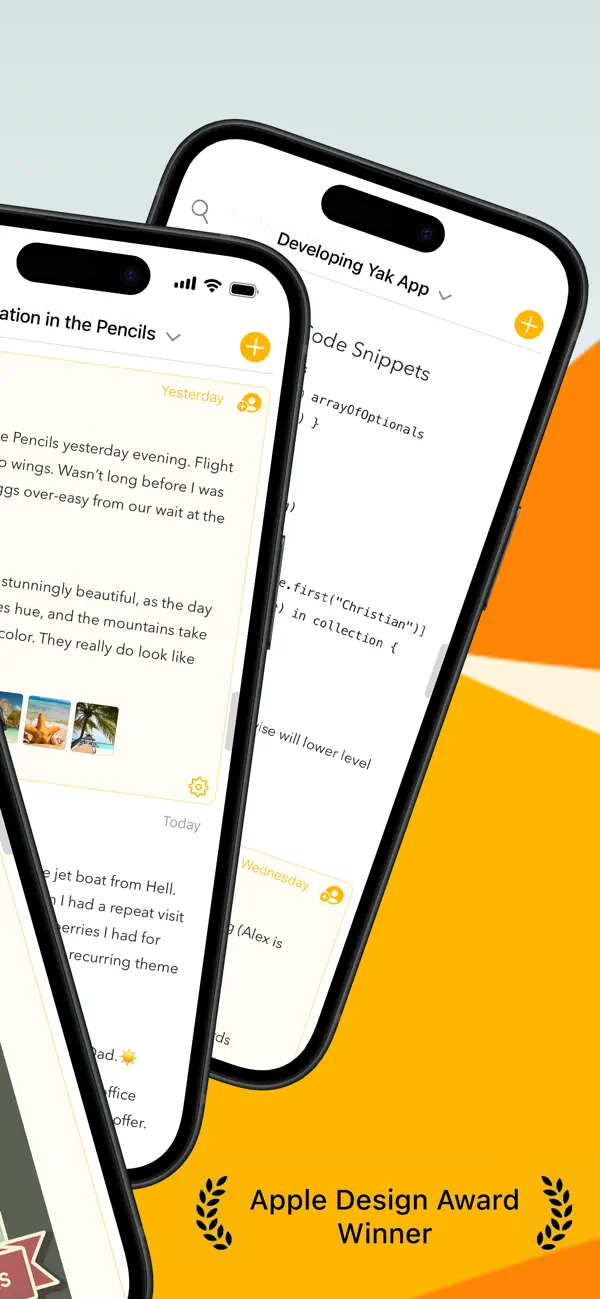
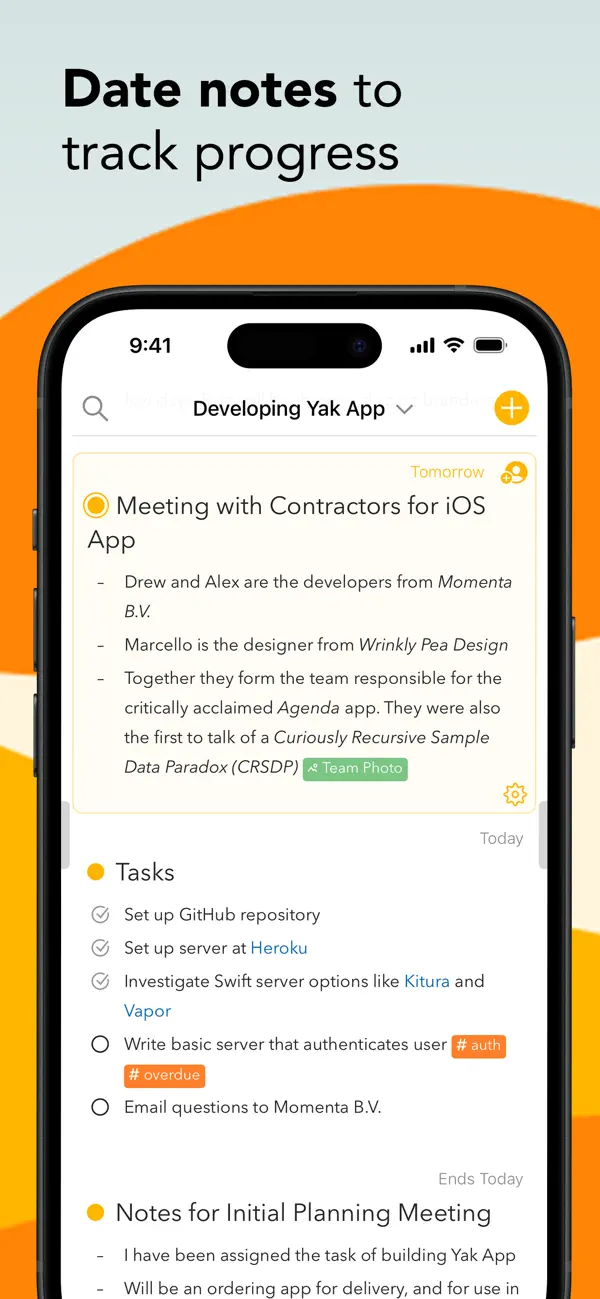
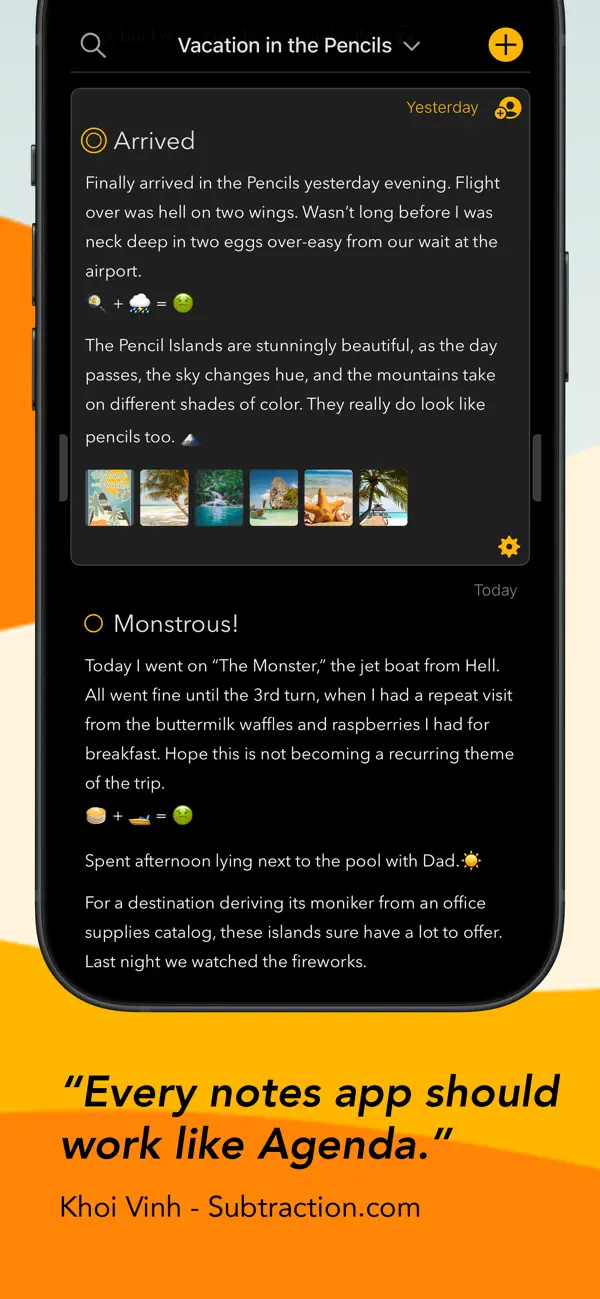
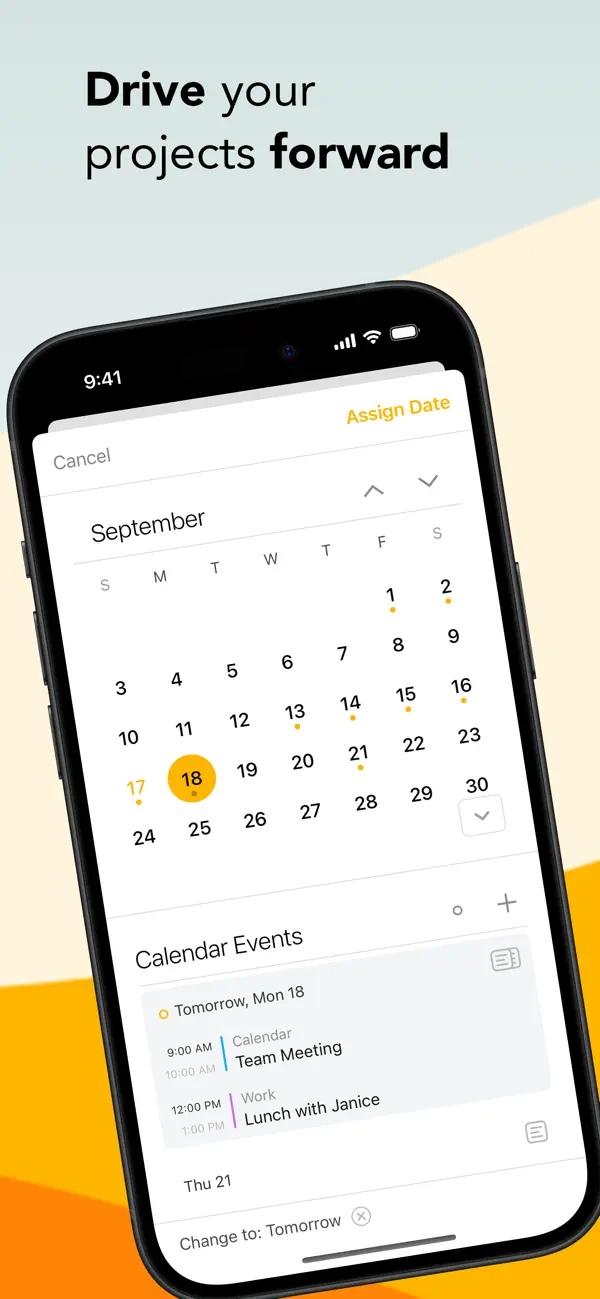
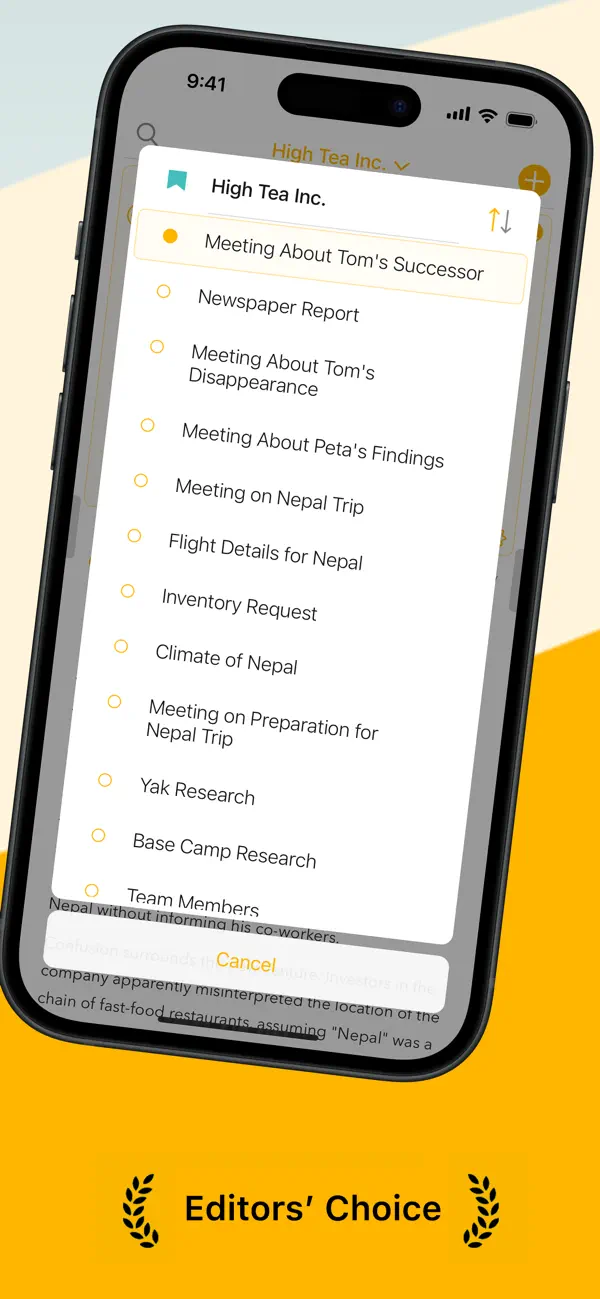
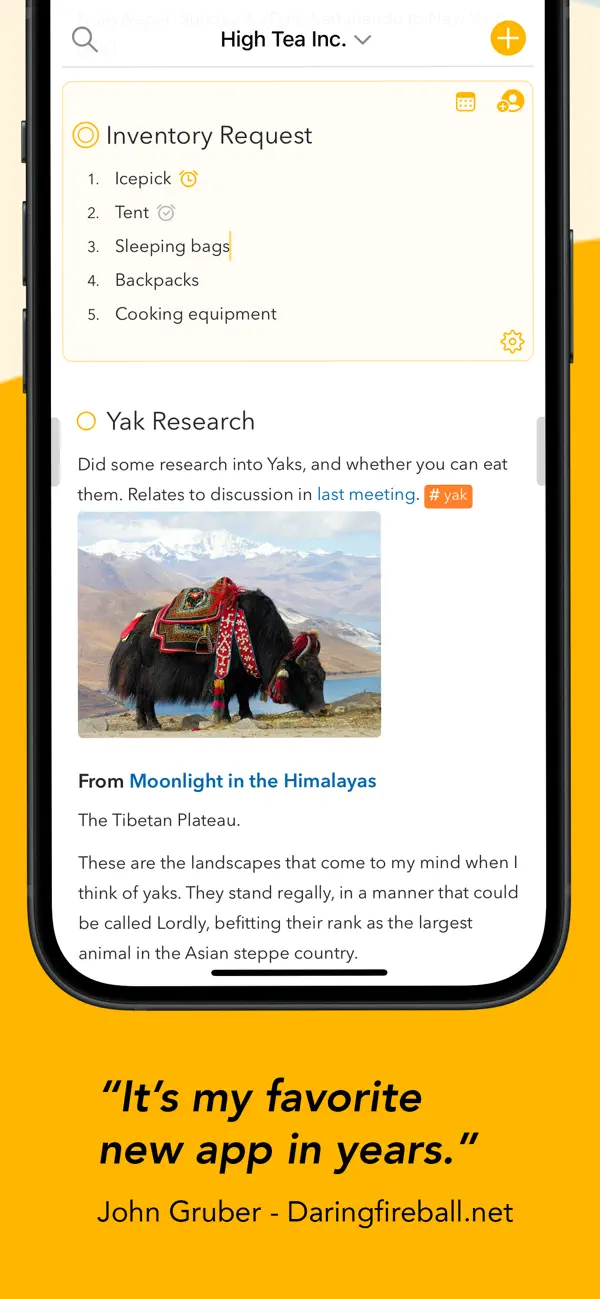
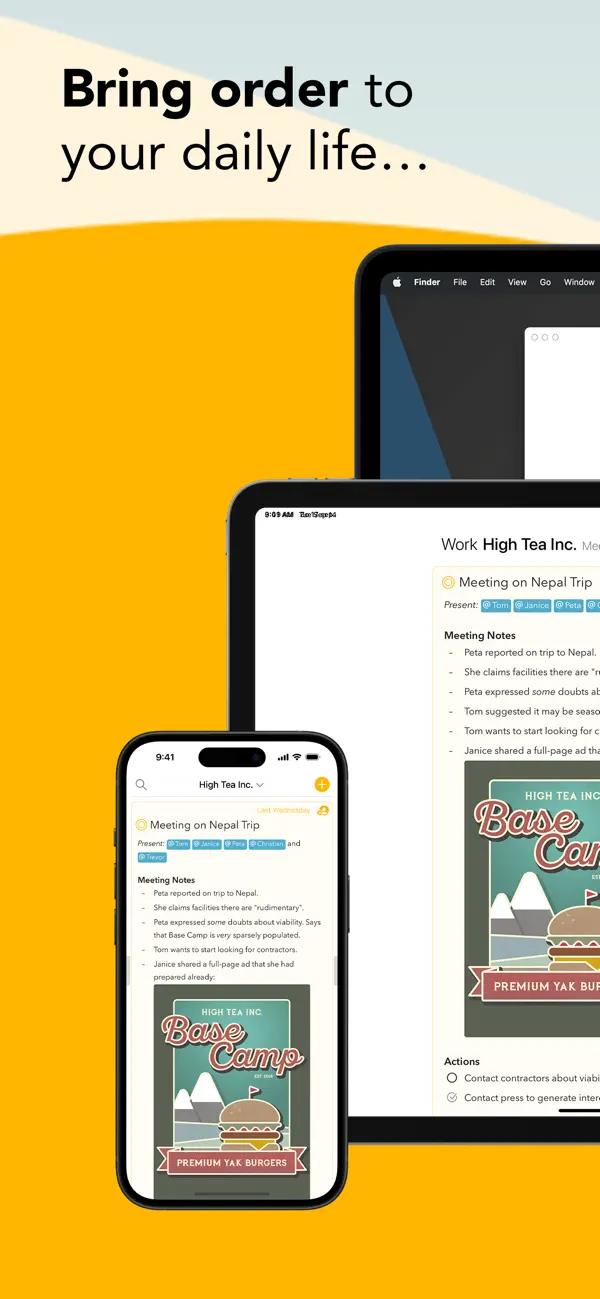
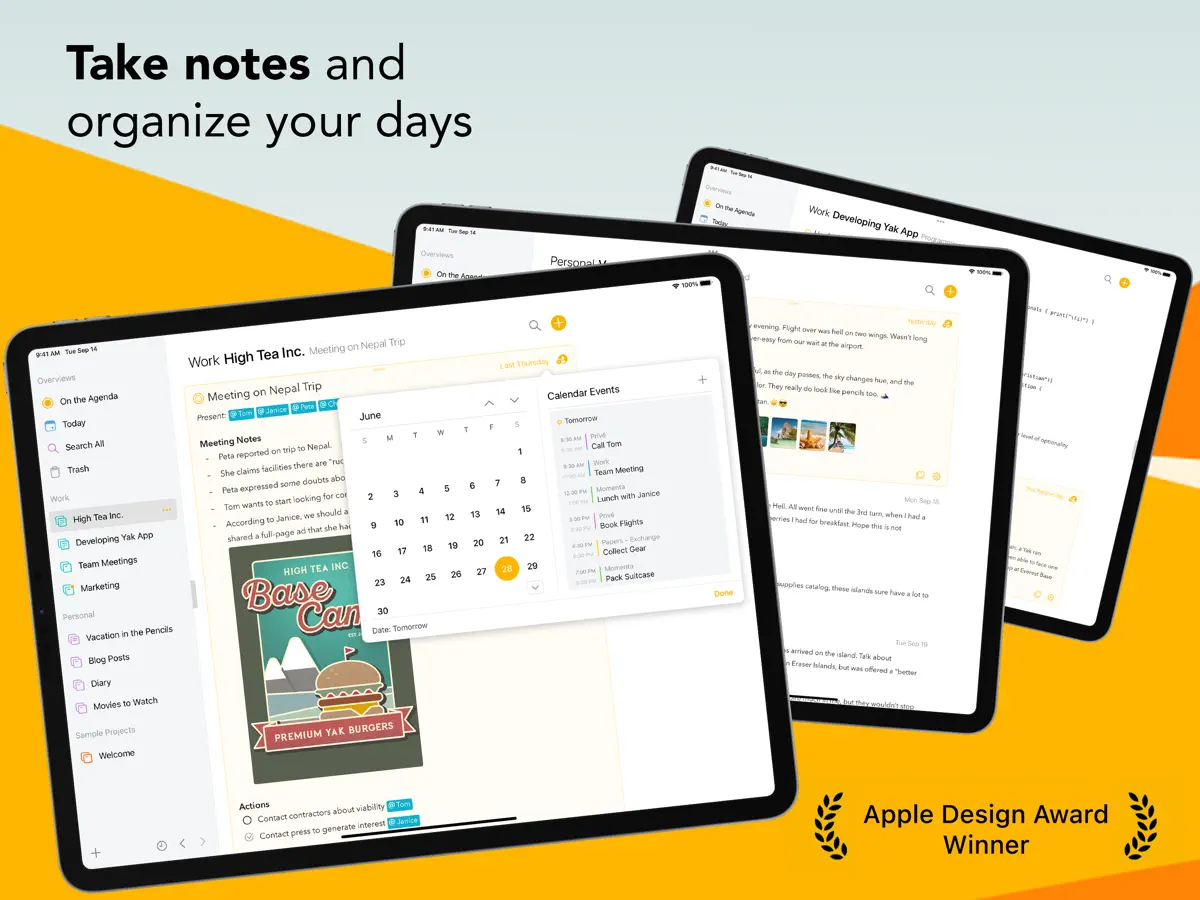
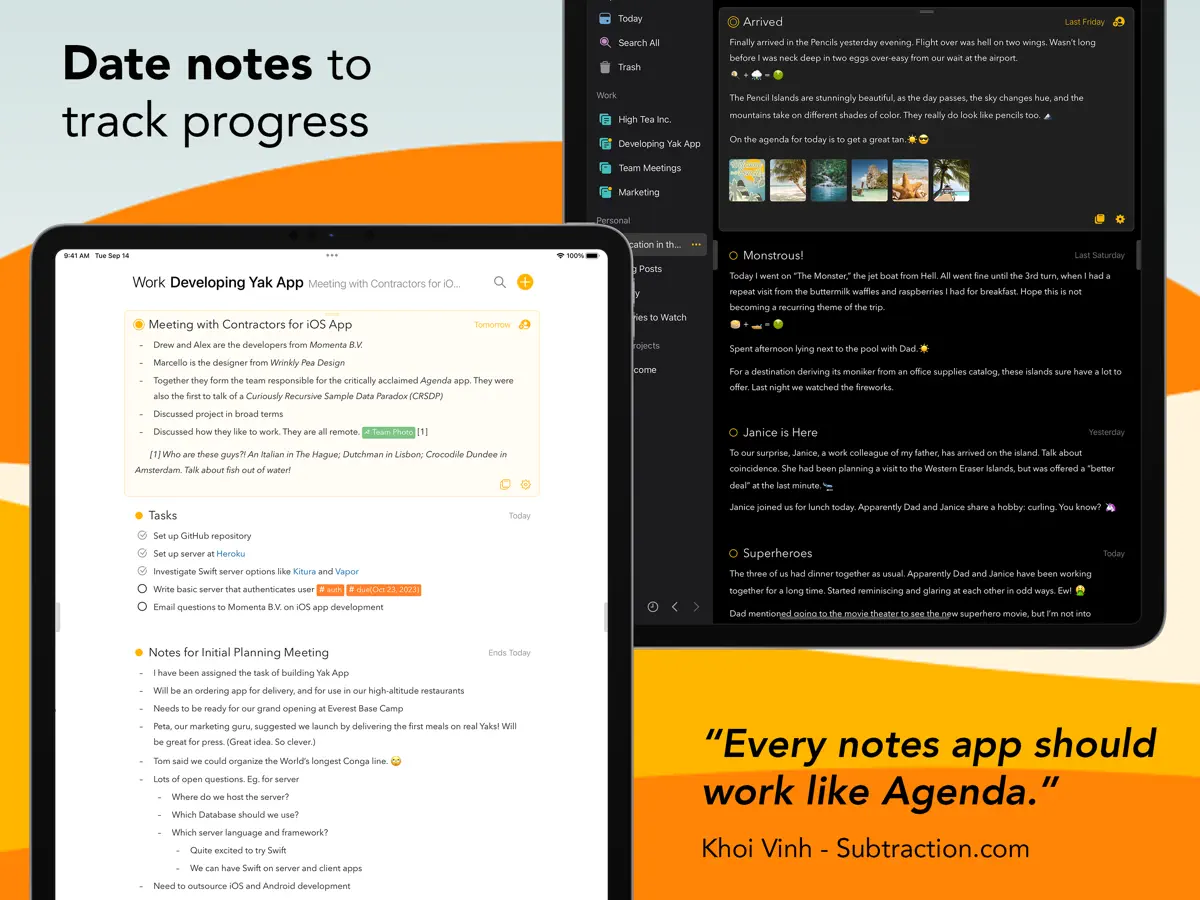
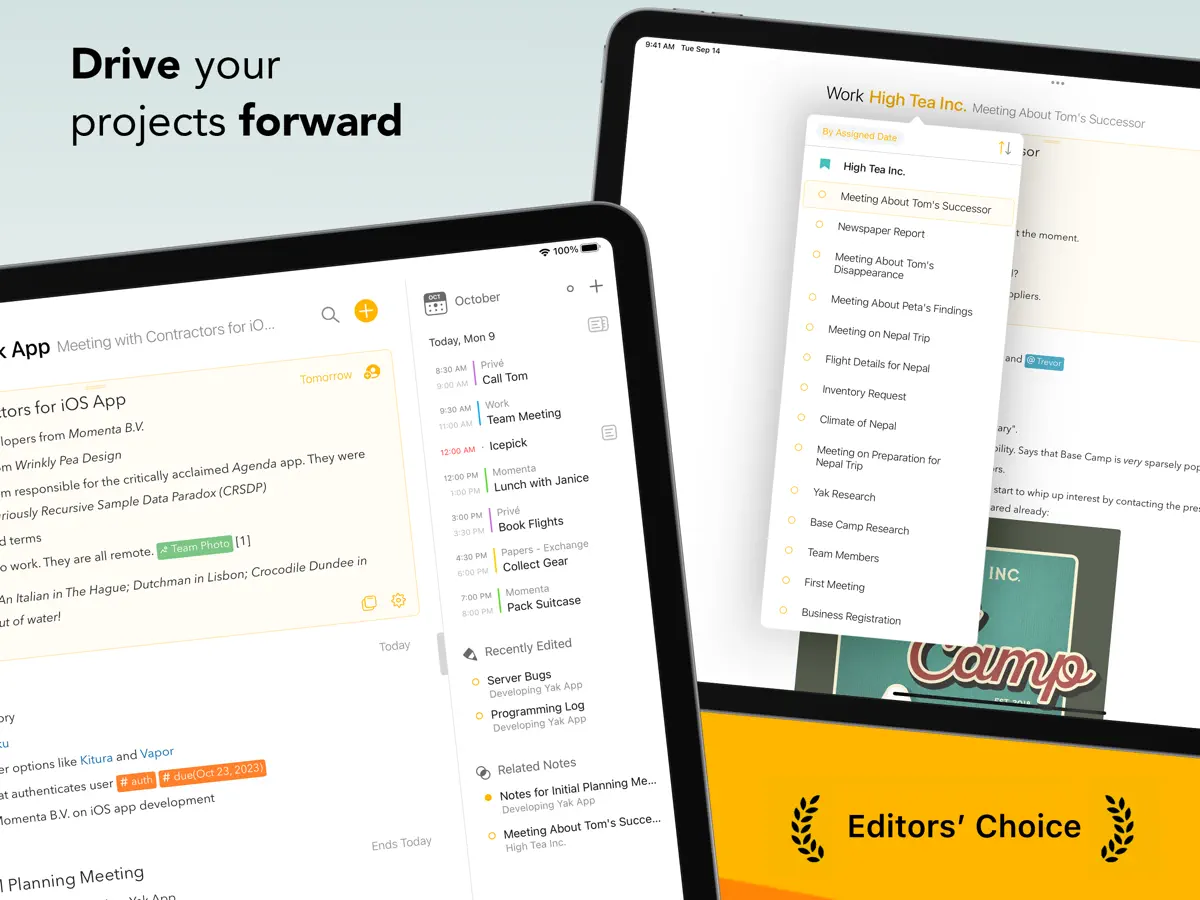
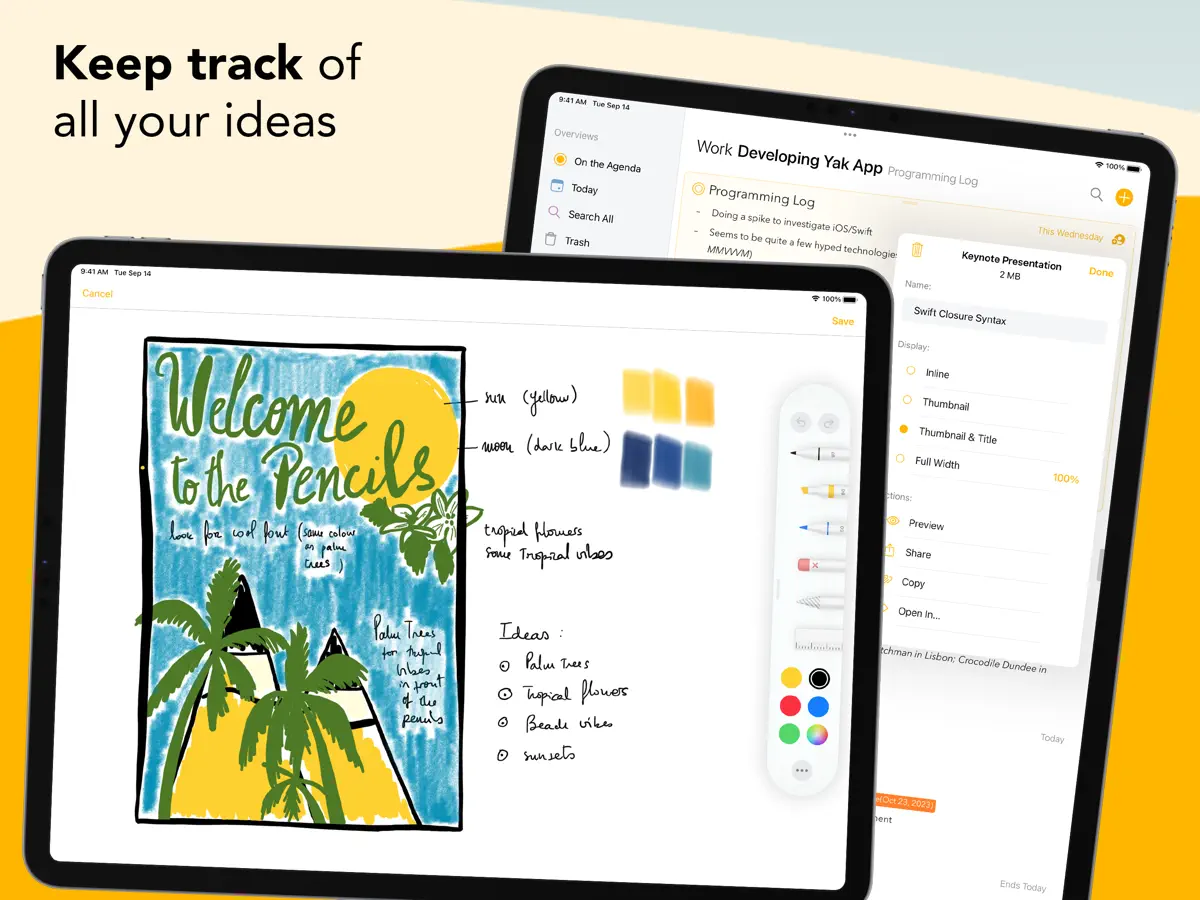
Agenda is a notes app from Momenta, a Dutch developer, that places every note on a timeline linked to the calendar instead of filing it away in a folder. A note can be attached to a date or tied to a specific calendar event, which makes it suited to meeting preparation, project logs and keeping a record of decisions over time. Notes marked On the Agenda gather in a dedicated overview of current priorities. The editor supports headings, lists, tables, checklists, indented blocks and preformatted text while keeping plain text input. Files and images can be attached and previewed inline, notes are grouped into projects and projects into categories, and everything syncs between Mac, iPad and iPhone through iCloud or Dropbox. Agenda is free to download, with premium features offered as an in-app purchase. Version 23.4.1, released on October 13, 2026, adds iPhone Duo support. According to the developer, when the phone is closed the buttons move into a side column next to the status bar, and when it is half open the sidebar and the notes sit on either side of the fold. Agenda fits people whose notes are tied to meetings, deadlines and projects over time.
App Store descriptionWritten by the developer.
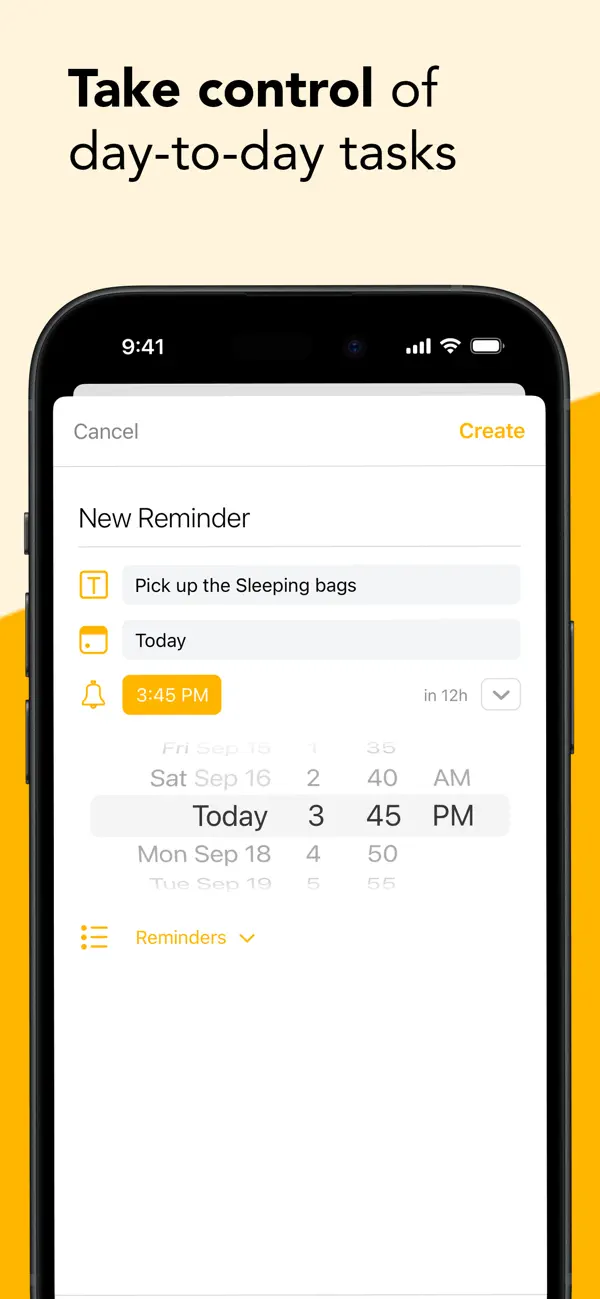
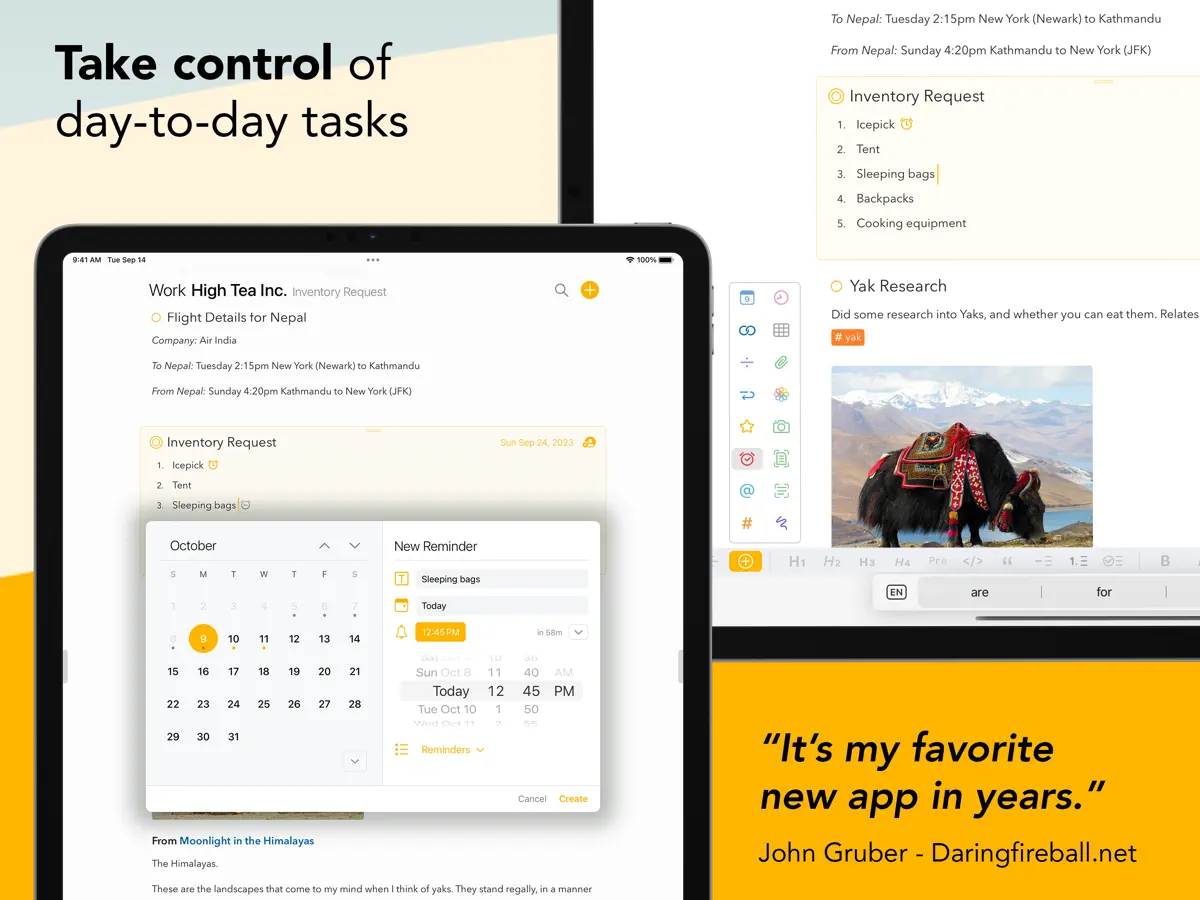
Most notes apps lose track of time. You write something, it disappears into a folder, and a week later you can't remember why you made that decision or what you prepared for that meeting. Agenda fixes this. Every note lives on a timeline alongside your calendar. Prepare for next week's client meeting, capture decisions as they happen, and look back at exactly what led you here — all in one view. "It's my favorite new app in years." — John Gruber, daringfireball.net "Every notes app should work like Agenda." — Khoi Vinh, subtraction.com "One of the most interesting note-taking apps I've used." — John Voorhees, MacStories YOUR NOTES, CONNECTED TO YOUR CALENDAR Attach any note to a date or link it directly to a calendar event. Mark notes as "On the Agenda" to surface them in a dedicated overview — your shortlist of what matters right now. A REAL TEXT EDITOR Headings, lists, tables, checklists, indented blocks, and preformatted text — with the simplicity of plain text input. Focus on what you're writing; Agenda handles how it looks. FILES, PHOTOS, AND LINKS Attach files and images to any note. Everything syncs across your devices and can be previewed inline. PROJECTS AND CATEGORIES Group notes into projects, group projects into categories. Drag to reorder, collapse to focus, or let the timeline do the organizing for you. MAC, IPAD, AND IPHONE Agenda syncs across all your devices via iCloud or Dropbox. Share individual notes for real-time collaboration — useful for team meetings or shared lists. FREE TO USE, FOREVER Agenda is free with no time limits. Premium features are available through a yearly subscription — and you keep every feature you unlock, even if you cancel. A one-time lifetime purchase is also available.
Highlights
- Notes on a timeline linked to dates and calendar events
- On the Agenda overview of current notes
- Editor with headings, lists, tables and checklists
- Inline file and image attachments
- Projects and categories
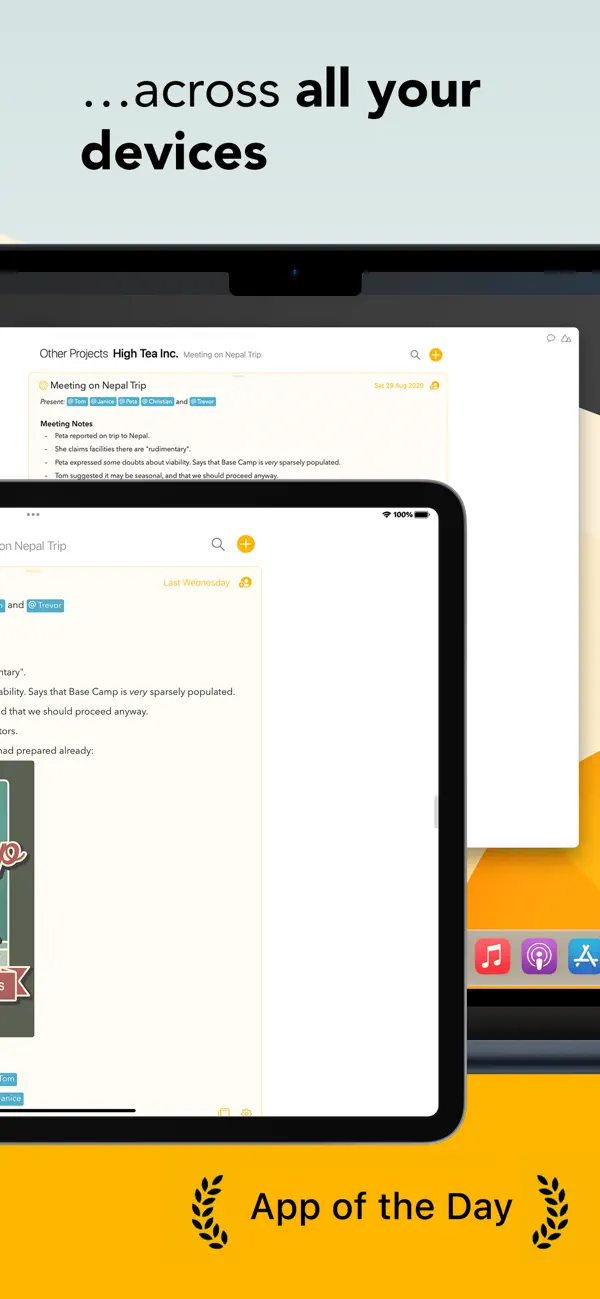
- Sync via iCloud or Dropbox across Mac, iPad and iPhone
- Sidebar and notes on either side of the fold when half open
Agenda on iPhone Duo: FAQ
Is Agenda optimized for iPhone Duo?
Yes. Agenda is Built for Duo: it uses the fold, Split View or the outer display. Verified on October 13, 2026 (Developer statement).
What does Agenda look like on iPhone Duo?
Momenta's release notes for Agenda 23.4.1 say the app is ready for iPhone Duo. With the phone closed, the buttons move into a side column next to the status bar on the outer display. With the phone half open, the sidebar and the notes sit on opposite sides of the fold. We have not yet tested it on an iPhone Duo.
How much does Agenda cost?
Agenda costs Free · in-app purchases on the App Store.
More Productivity apps
See all ›
Calm to-do list and paper-style planner that sorts tasks by how long they take
Task and project management with layouts for both iPhone Duo displays
Unified inbox from Readdle with message and inbox side by side when unfolded
Task manager from Cultured Code, reshaped for every iPhone Duo pose
A private handwriting-style notebook that opens when you unfold iPhone Duo
Visual timeline day planner with a Focus Timer for book and tabletop poses