
AutoClose Tabs – Auto Cleanup
Automatically close idle and duplicate Safari tabs while keeping chosen sites and pinned tabs.
Seiya.k · Productivity · $0.99
iPhone screenshots
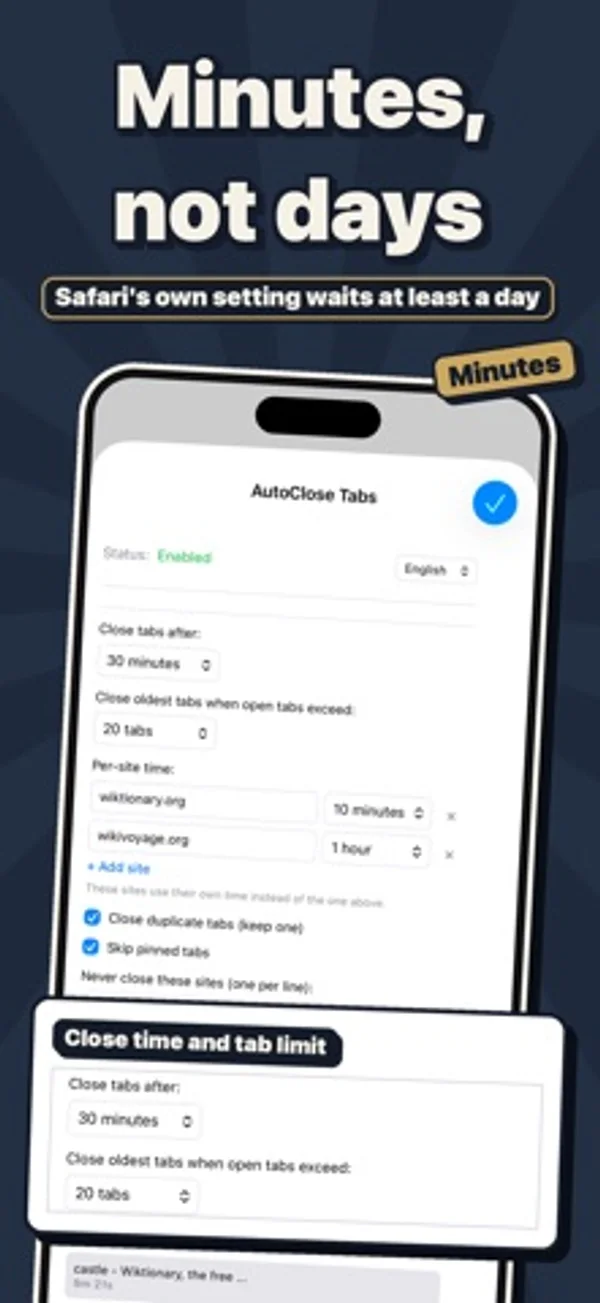
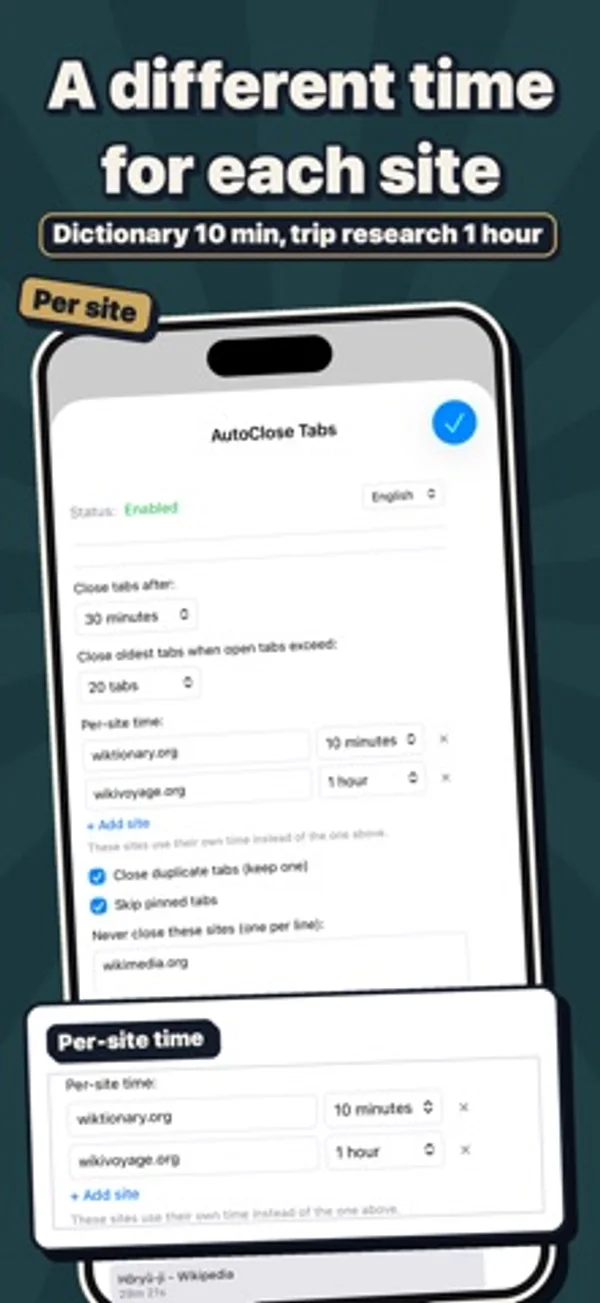
How it uses iPhone Duo
The update expands the settings panel to the full available width, including Duo’s outer display.
What’s New
Version 1.2.1 ·
• Now optimized for iPhone Duo. The settings panel uses the full width, even on the outer screen. • The Disable and Clean tabs now buttons are now above the settings, so you can tap them as soon as the panel opens. • Fixed the panel sometimes appearing in English instead of your device language the first time you opened it.
App Store descriptionWritten by the developer.
AutoClose Tabs automatically closes Safari tabs you haven't used for a while, so Safari stays light and tidy. Safari's built-in setting closes tabs after one day at the earliest — AutoClose Tabs works in minutes and keeps the sites you want to keep. ■ Key Features • Close idle tabs after 1 minute to 7 days (12 presets, or any number of minutes) • Per-site time: for example, video sites after 10 minutes and news after 1 hour • Recently closed: closed tabs stay in a list — tap one to reopen it • Close duplicate tabs and keep just one • Tab limit: when you open too many tabs, the oldest close first • Never-close sites and pinned tabs are always kept • See the time left for each tab, or clean up everything with one tap ■ Privacy First All data stored locally only. Zero external data transmission. Your privacy is fully protected.
AutoClose Tabs – Auto Cleanup on iPhone Duo: FAQ
Is AutoClose Tabs – Auto Cleanup optimized for iPhone Duo?
Partly. AutoClose Tabs – Auto Cleanup is Adapted: it fills the larger inner display, but it does not do anything special with the fold. Verified on October 29, 2026 (Developer statement).
What does AutoClose Tabs – Auto Cleanup look like on iPhone Duo?
The update expands the settings panel to the full available width, including Duo’s outer display.
How much does AutoClose Tabs – Auto Cleanup cost?
AutoClose Tabs – Auto Cleanup costs $0.99 on the App Store.
More Productivity apps
See all ›
Calm to-do list and paper-style planner that sorts tasks by how long they take

Plan appointments and keep a diary with month, list and split calendar views.

Write with a typewriter-style keyboard, recorded key sounds and carriage-return actions.

Record conversations and turn transcripts into summaries, action items and follow-up drafts.

Task and project management with layouts for both iPhone Duo displays

Unified inbox from Readdle with message and inbox side by side when unfolded