
Bear
A Markdown note-taking and writing app, updated for iPhone Duo
Shiny Frog Ltd. · Productivity · Free · in-app purchases
iPhone screenshots
iPad screenshots
How it uses iPhone Duo
Bear's version 3.0.2 release notes on the App Store (October 12, 2026) state that the app is now ready for iPhone Duo. The same update mentions a new panel design and better automatic table sizing, but the developer has not described any behavior specific to folding, the outer display or Split View. We have not yet tested Bear on an iPhone Duo.
What’s New
Version 3.0.3 ·
New: A new toolbar now appears when you’re entering tags or wikilinks, or searching for notes. It makes it easier to move the cursor and type special characters. Bug fixes and stability improvements.
About this app
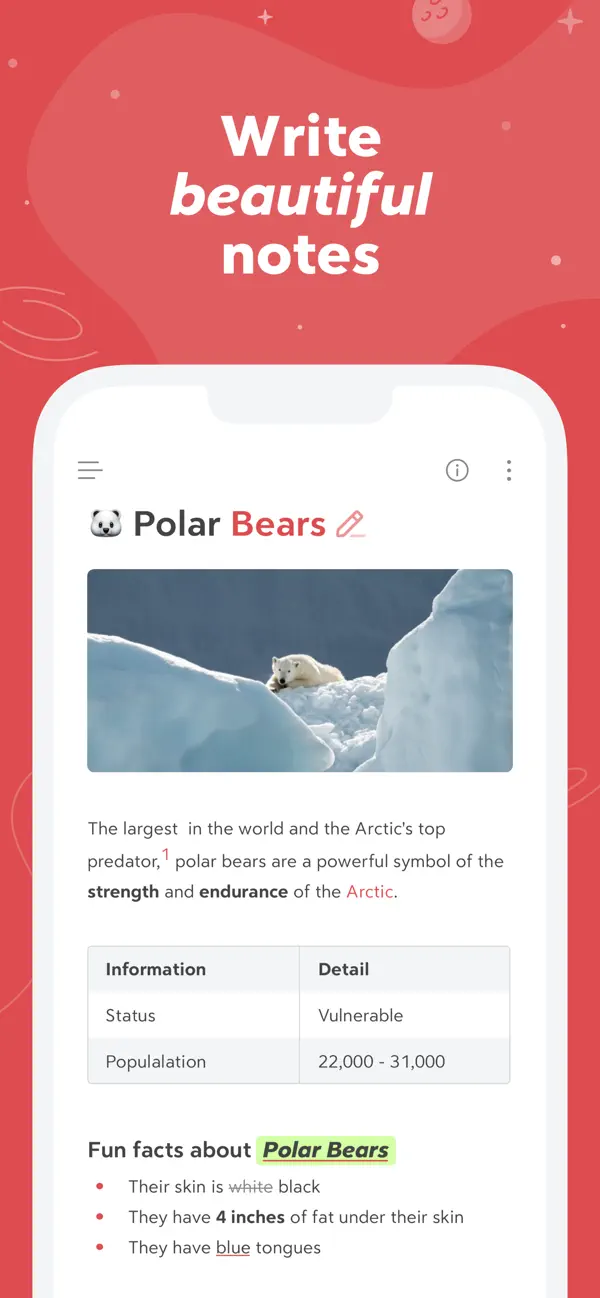
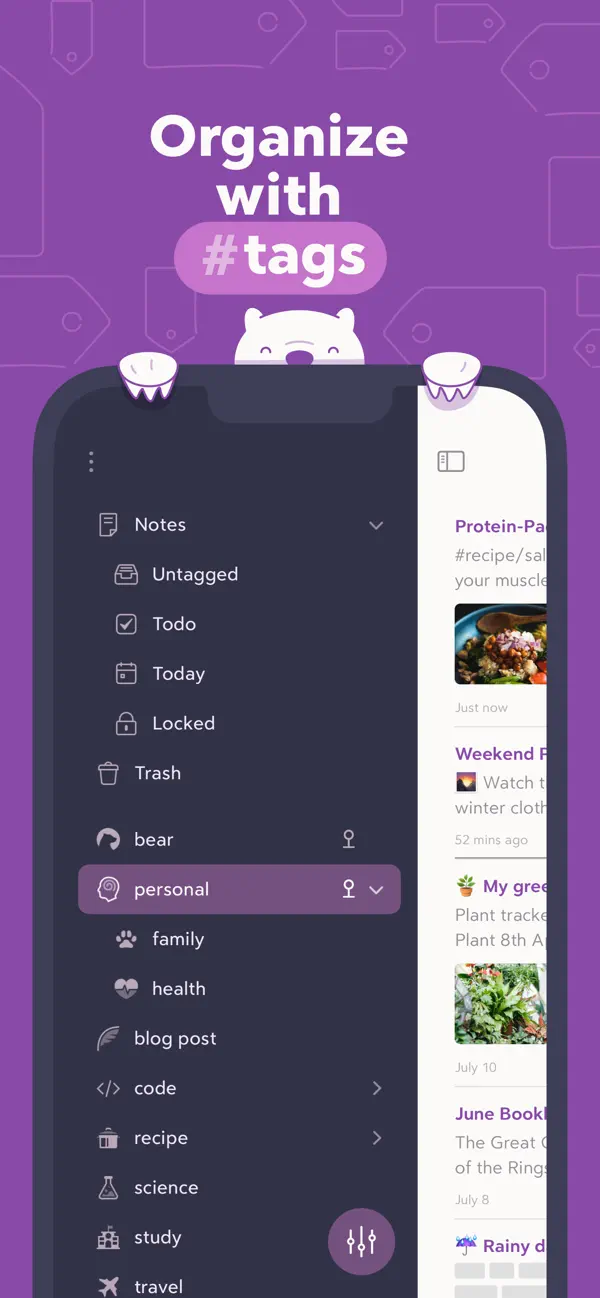
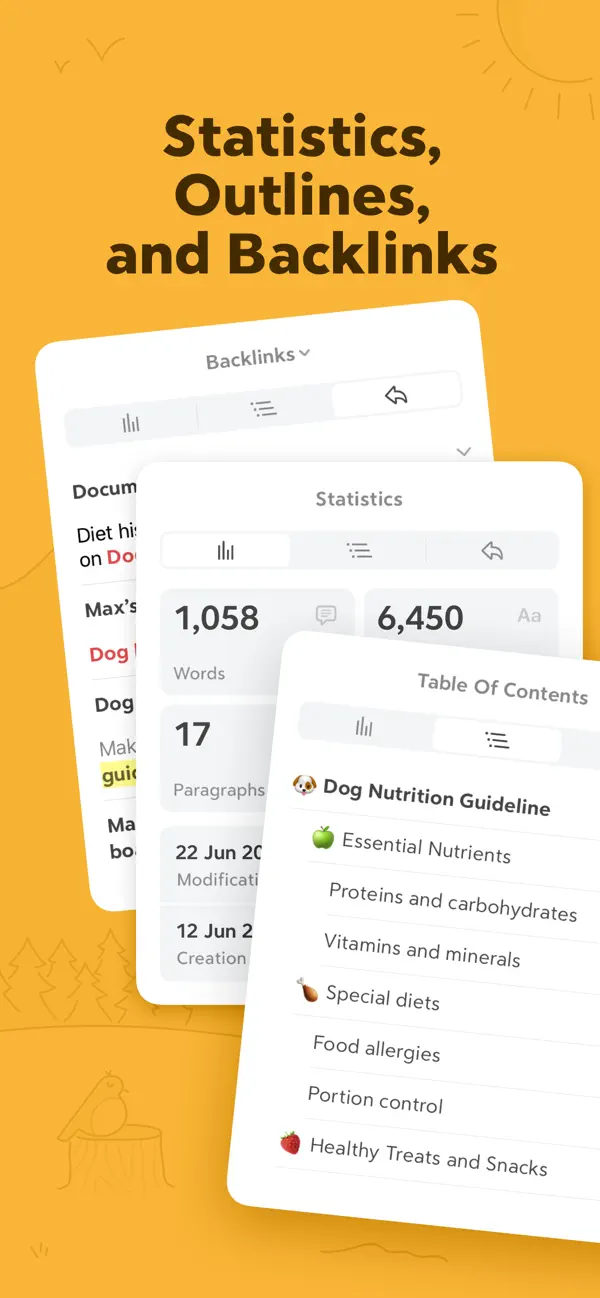
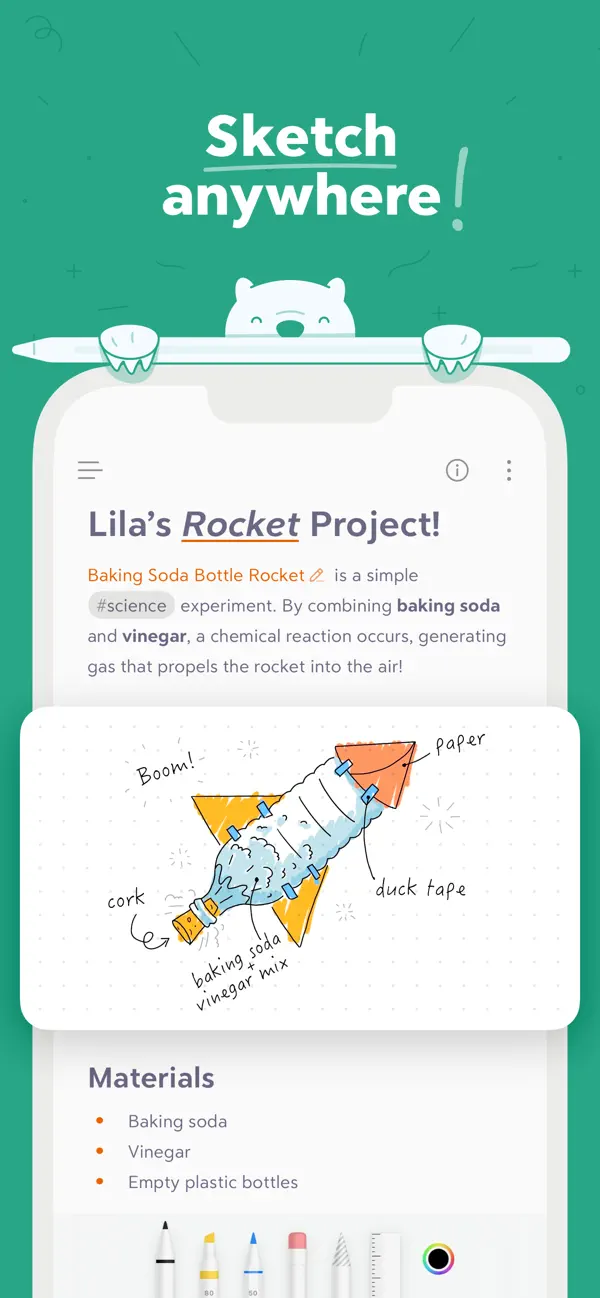
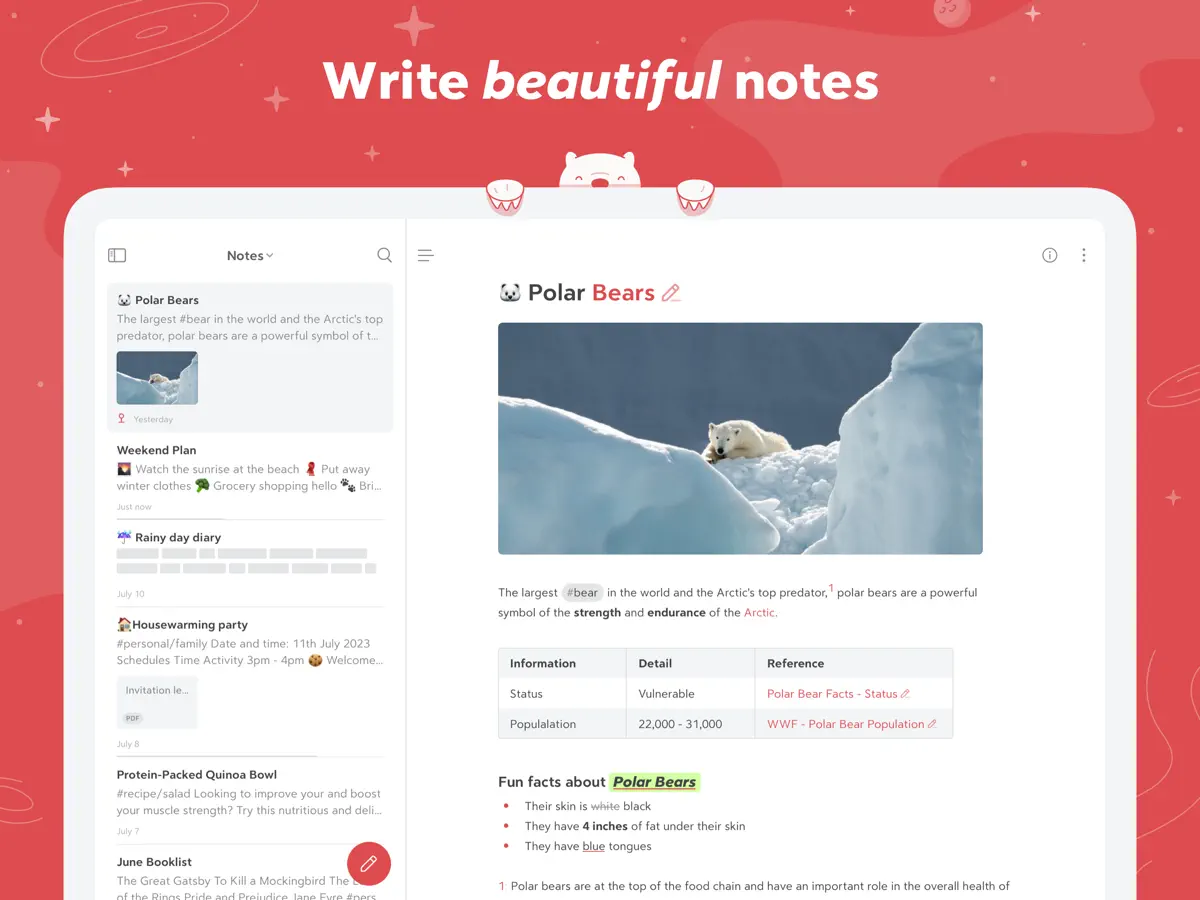
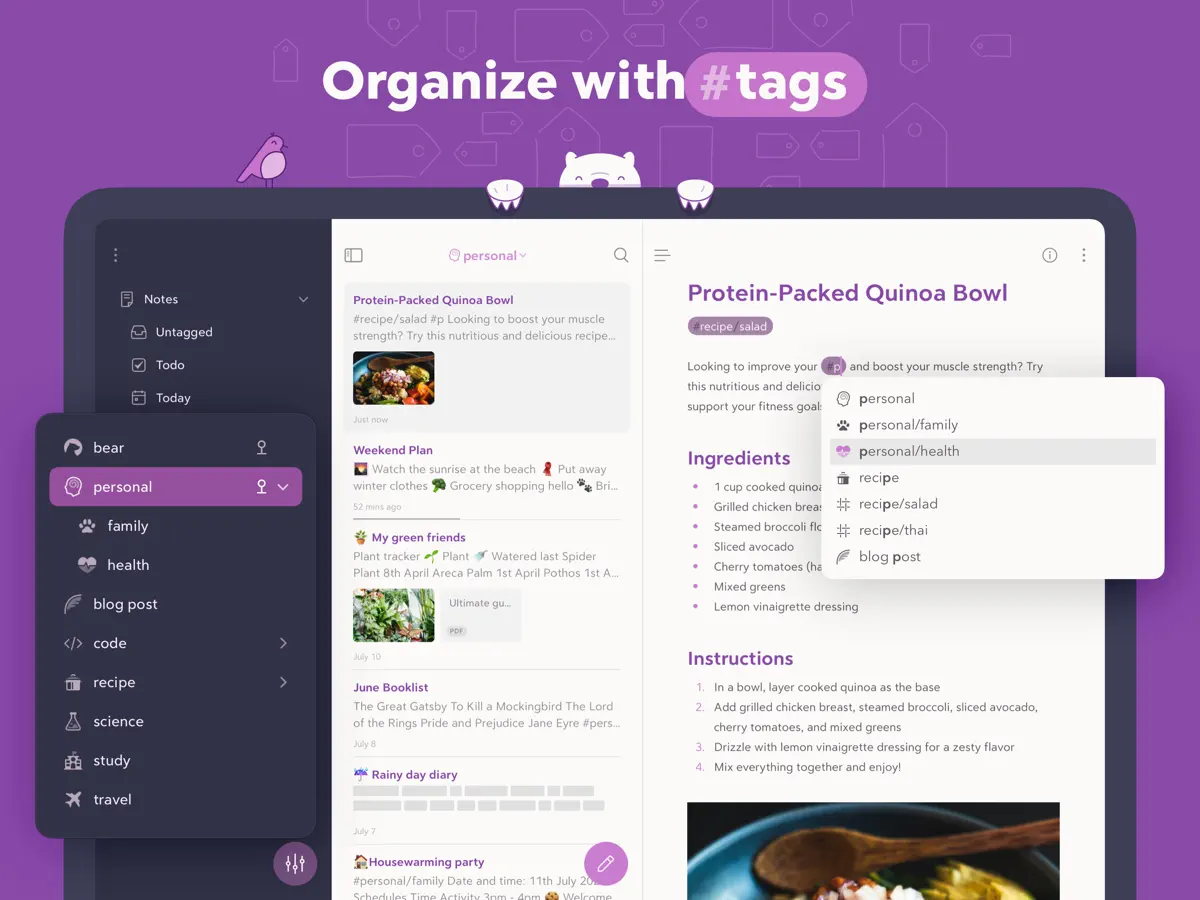
Bear is a note-taking and writing app from Shiny Frog that stores notes as Markdown-based plain text while still showing formatting such as bold, italics, headings, links and tables as you type. It is aimed at anyone who writes regularly, from people keeping quick lists and journals to those drafting long documents. Notes are organized with nested tags rather than folders, and notes can link to one another, with backlinks and a table of contents shown in an info panel. There is no sign-up or account required to start writing. On iPad, Bear also supports sketching with Apple Pencil. Other features include an app extension for clipping web pages, Siri and Shortcuts support for creating notes, dictation from Apple Watch, and support for right-to-left scripts such as Arabic and Hebrew. The app is free to download, with a Pro subscription available as an in-app purchase. For iPhone Duo, Shiny Frog's release notes for version 3.0.2, published on the App Store on October 12, 2026, say the app is now ready for the new device. The same update lists a refreshed design for panels and improved automatic sizing for tables. The developer has not published details of any fold-specific behavior, so we list it as adapted rather than built for the fold.
App Store descriptionWritten by the developer.
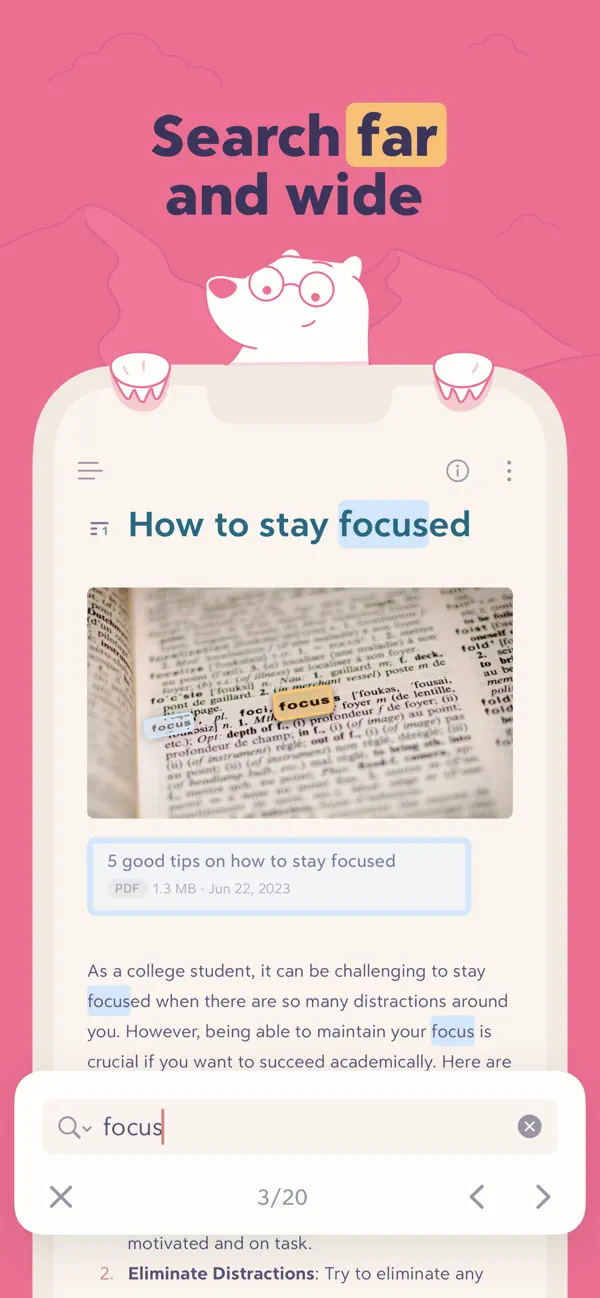
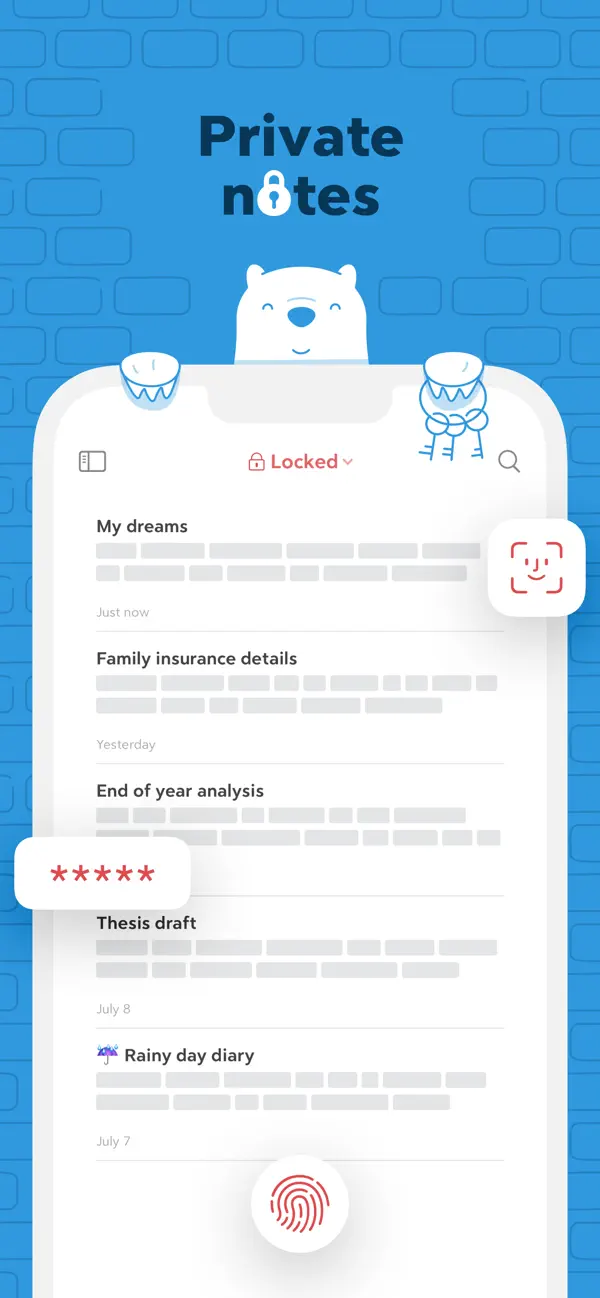
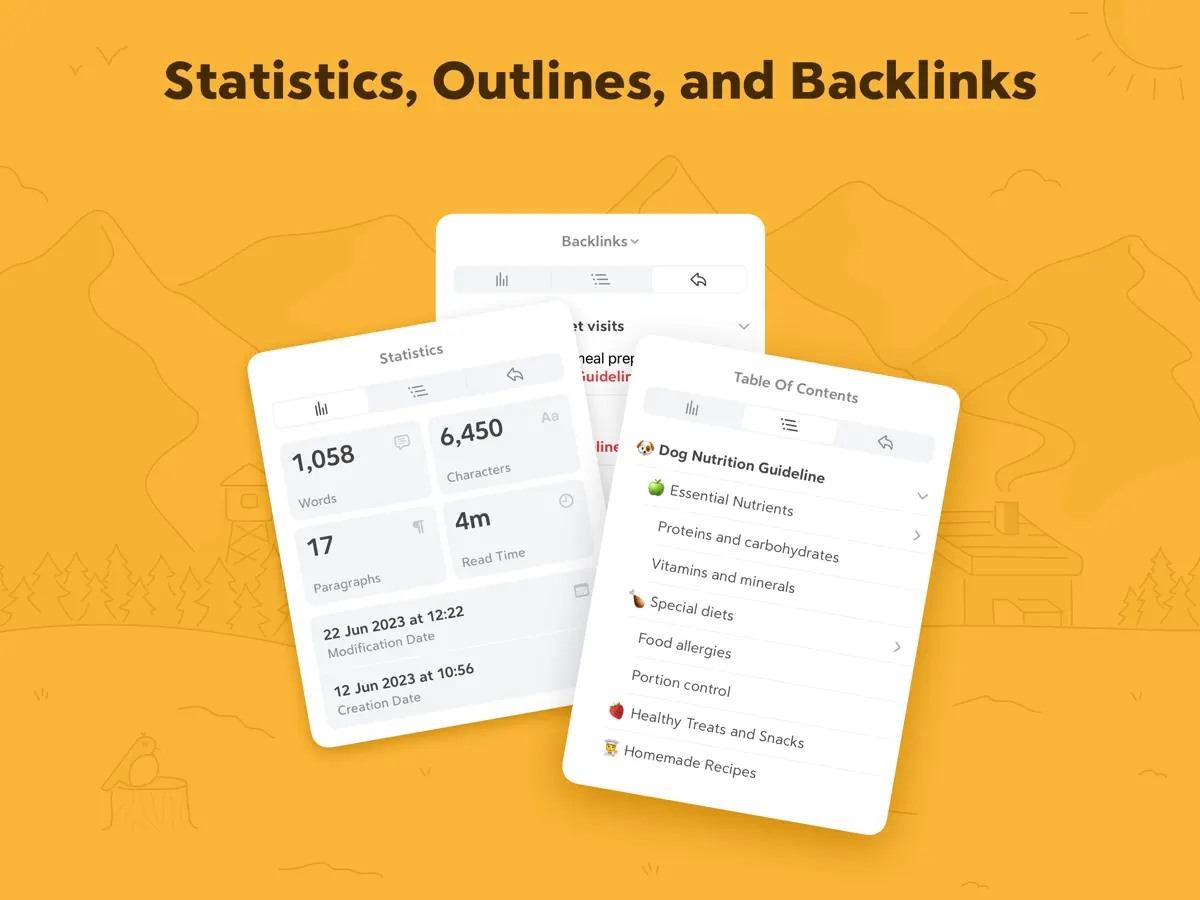
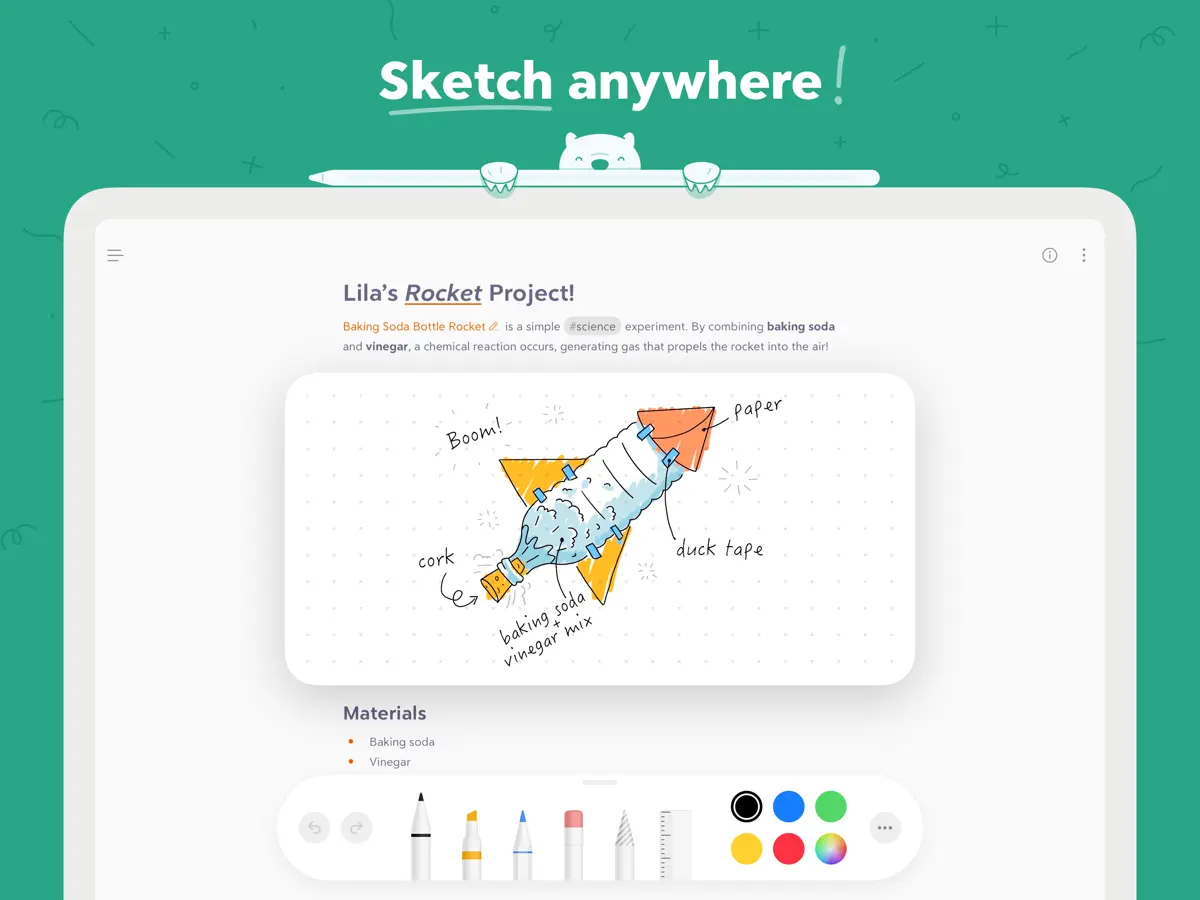
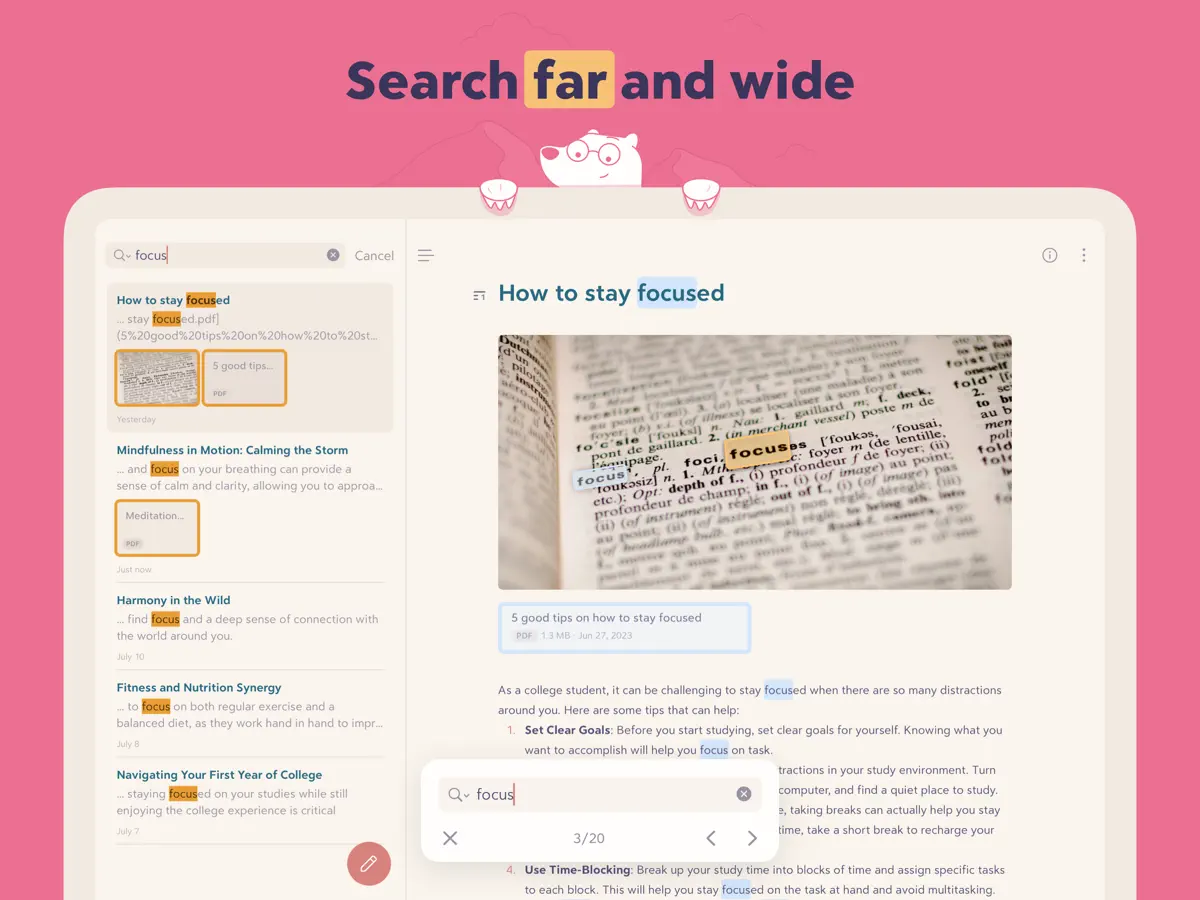
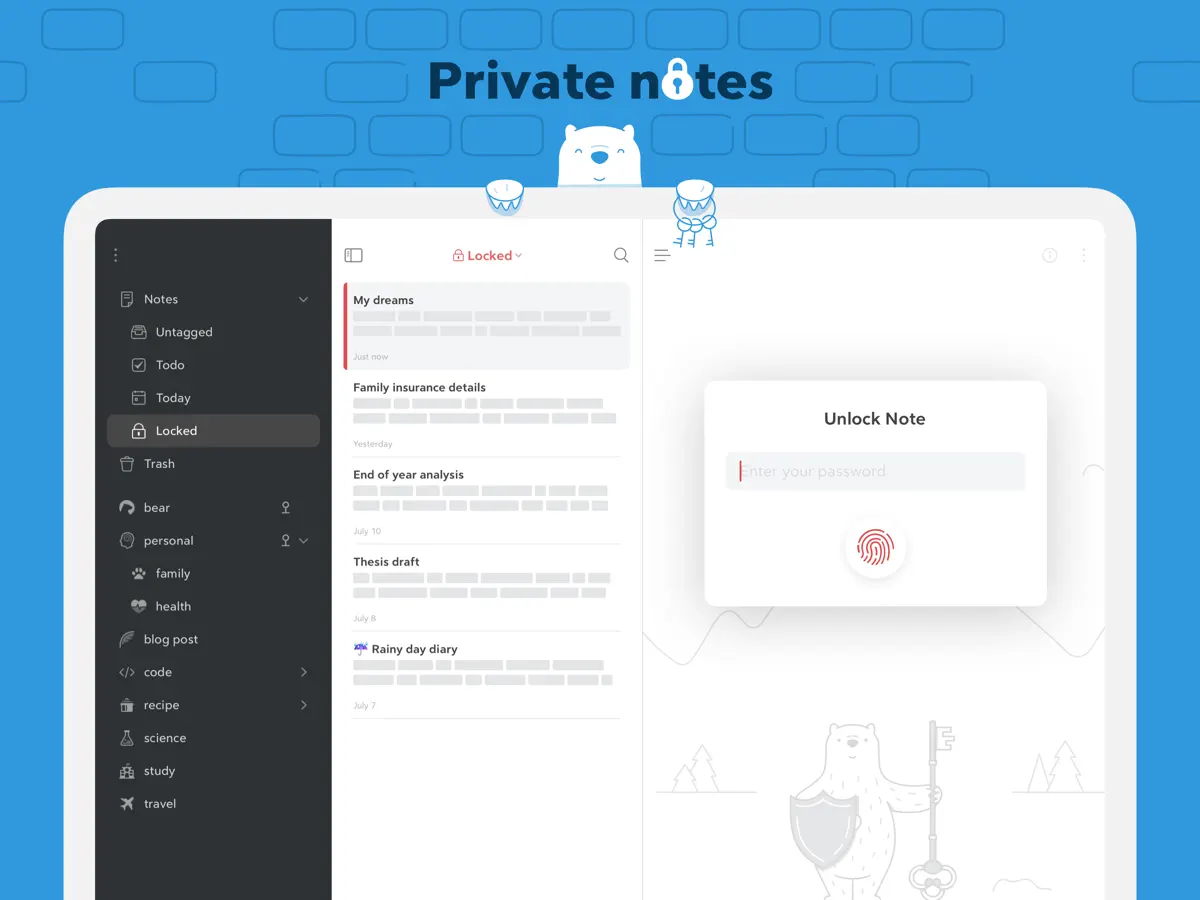
Bear is a beautiful, powerfully simple Markdown app to capture, write, and organize your life. Take notes, plan your day, journal thoughts, organize tables, create lists and tasks, sketch ideas, link notes together, write a book, and much more. Bear is used by writers, lawyers, chefs, CEOs, teachers, doctors, engineers, students, parents.. you get the picture. Getting started couldn’t be faster—no signup and no account. Just open a note and write naturally. "My journaling app of choice is Bear" - Kit Eaton, New York Times * 2017 Apple Design Award * 2016 App Store App of the Year * Editors' choice for 7 consecutive years * Most of our parents love it ## BEAUTIFUL. SIMPLE. POWERFUL. PRIVATE - Tools stay out of your way so you can just write - Sketch ideas on iPad with an extendable canvas and Apple Pencil (and other styli) - Clip web pages and other content with Bear’s app extension - The redesigned Info Panel now with Table of Contents and Backlinks - Use Apple Watch to dictate and append to recent notes - Support for all the scripts including RTL languages like Arabic, Hebrew, and Persian - Easily create notes with Siri and Shortcuts - Your notes, not ours - Bear is private at its core: We cannot see your notes, tags, or anything else ## FLEXIBLE MARKDOWN - Work in plain text - easy to move between apps - Still use formatting like bold, italics, strikethrough, links, tables, and more with Markdown - Combine text styles like bold and underline, even in headings - Markdown hides for a clean reading experience - Use WikiLinks to connect notes and build a personal wiki or knowledge management tool ## GET ORGANIZED with #tags, tasks, and more - Add #tags, #multi-word tags# and even #multiple/nested/tags anywhere in a note for quick organization - Pin important tags to the top of the Sidebar - Make important tags stand out in the Sidebar with TagCons - Add tasks to notes and easily view all notes that include tasks - Fold sections to get them out of the way ## SHARING MADE EASY - Export notes to plain text, Markdown, TextBundle, Bear note, and rich text - Export notes to HTML, DocX, PDF, JPG, and ePub (Bear Pro required) - Easily share your notes to any third-party app with the Share Sheet ## SEARCH FAR AND WIDE - Use Spotlight to search your notes from anywhere - Search for text inside photos and PDFs (Bear Pro required) - Focus on specific types of notes with powerful Special Searches like @todo, @images, and @yesterday ## CREATE YOUR COZY SPACE * Pick from nearly 30 themes for the perfect writing space in both Light and Dark Mode (Bear Pro required) * Choose an app icon that speaks to your personality (Bear Pro required) * Set your own fonts for plain text, headings, and code * Set line height and width, paragraph spacing, and more ## GET MORE WITH BEAR PRO One subscription enables a variety of features on all your devices and keeps the Bear hugs coming. - Sync notes between your iPhone, iPad, and Mac via iCloud - Encrypt individual notes with a password that is entirely private to you - Lock Bear with Face/Touch ID - Export to more formats including HTML, DocX, PDF, JPG, and ePub - Search for text inside images and PDFs in Bear notes - Over 30 beautiful app themes & app icons $2.99 monthly $29.99 yearly 14-day free trial ----- Price may vary by location. Subscriptions will be charged to your credit card through your App Store account. Your subscription will automatically renew unless canceled at least 24 hours before the end of the current period. You will not be able to cancel the subscription once activated. After purchase, manage your subscriptions in App Store Account Settings. Any unused portion of a free trial period will be forfeited when the user purchases a subscription. ----- bear@shinyfrog.net Twitter: BearNotesApp Reddit: reddit.com/r/BearApp Facebook: BearNotes Instagram: BearNotesApp Privacy Policy: http://www.bear.app/privacy/ Terms of Service: http://www.bear.app/terms/
Highlights
- Markdown-based notes with inline formatting
- Nested tags for organization
- Linked notes with backlinks and table of contents
- No account needed to start writing
- Siri and Shortcuts support
- Web clipping via app extension
Bear on iPhone Duo: FAQ
Is Bear optimized for iPhone Duo?
Partly. Bear is Adapted: it fills the larger inner display, but it does not do anything special with the fold. Verified on October 12, 2026 (Developer statement).
What does Bear look like on iPhone Duo?
Bear's version 3.0.2 release notes on the App Store (October 12, 2026) state that the app is now ready for iPhone Duo. The same update mentions a new panel design and better automatic table sizing, but the developer has not described any behavior specific to folding, the outer display or Split View. We have not yet tested Bear on an iPhone Duo.
How much does Bear cost?
Bear costs Free · in-app purchases on the App Store.
More Productivity apps
See all ›
Calm to-do list and paper-style planner that sorts tasks by how long they take

Task and project management with layouts for both iPhone Duo displays

Unified inbox from Readdle with message and inbox side by side when unfolded

Task manager from Cultured Code, reshaped for every iPhone Duo pose

A private handwriting-style notebook that opens when you unfold iPhone Duo

Visual timeline day planner with a Focus Timer for book and tabletop poses