CalCal
A scrolling calendar where weeks open up inside the month view
Teruto Yamasaki · Productivity · Free · in-app purchases
iPhone screenshots
iPad screenshots
How it uses iPhone Duo
The 3.1 release notes (October 19, 2026) say CalCal now supports iPhone Duo and is optimised for iPad screens. The App Store description adds that on iPhone Duo it fits each pose: closed, open, or partly folded. The developer does not describe what changes in each pose. We have not yet tested it on a device.
What’s New
Version 3.1.0 ·
(๑・◡・๑) Thank you for using CalCal. Following the big 3.0 update, CalCal now supports iPhone Duo and is optimized for iPad screens. - Faster performance - Many other bug fixes If you have any suggestions, please feel free to contact us from "Settings > Contact Us" in the app. If you like the app, it would be greatly appreciated if you could send us a rating and a message. (๑・◡・๑)
About this app
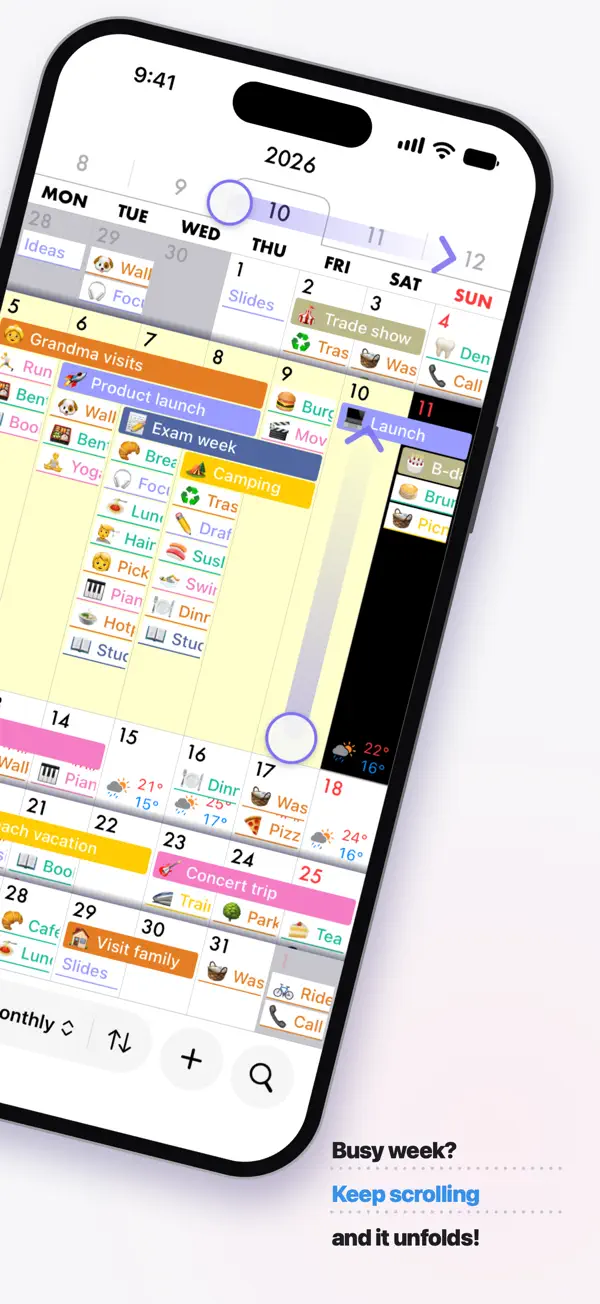
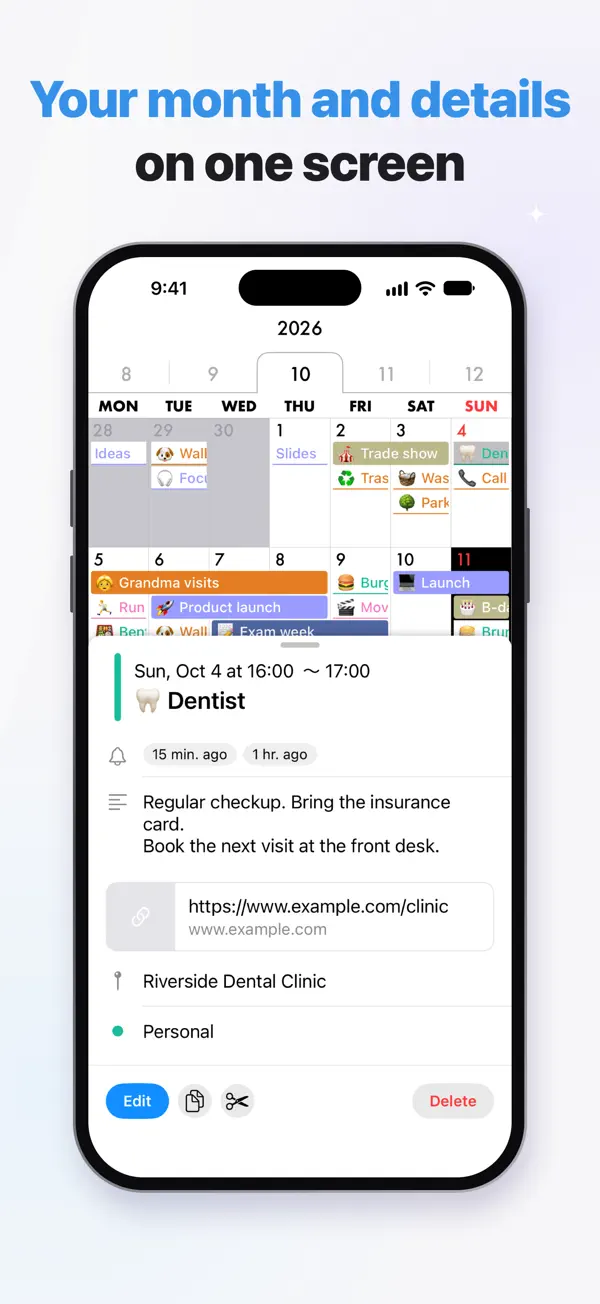
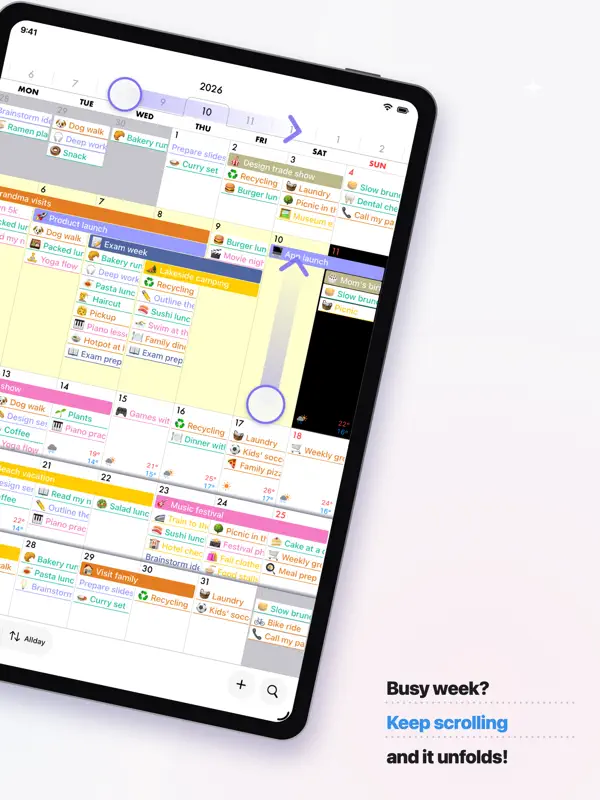
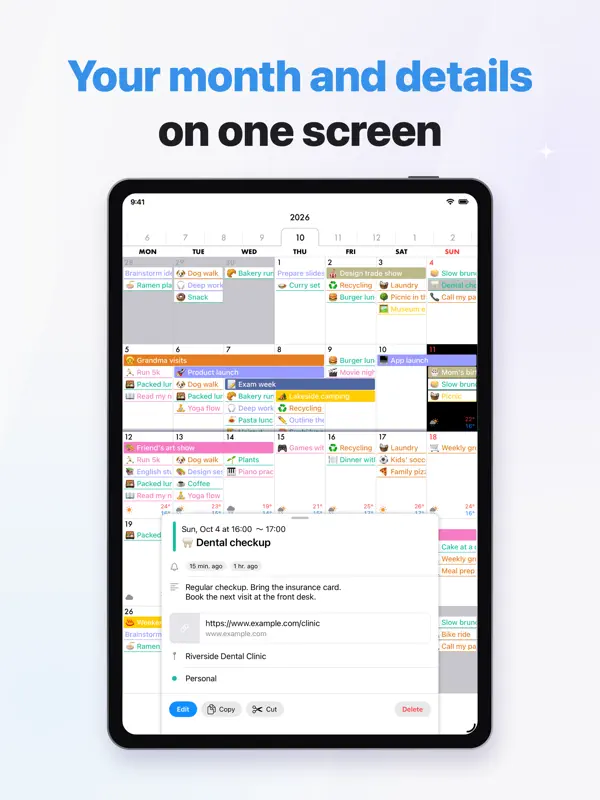
CalCal is a calendar app by independent developer Teruto Yamasaki, built around scrolling rather than tapping between screens. You scroll between months and through each week in the month view; keep scrolling past the last event of a week and that week expands in place so you can see all of it, then scroll the other way to close it. Tapping a date shows its events under a large date header, and tapping an event bar opens its details. It reads the calendars already on your iPhone, so there is no separate account and your events stay in the system calendar if you remove the app. Drag and drop and copy and paste work in the month view, and events can be moved between days and times in the week, three-day and day views, all in the free version. Event entry offers readable start and end times, quick durations and typing suggestions, and basic repeats are free. You can change event text size, weight and alignment and the colours of weekends and holidays, and choose which holiday calendar to show. A one-time CalCal PRO purchase adds features such as custom repeat rules, a 10-day weather forecast next to events, pinch to switch between month, week and day, additional event bar styles and Japanese rokuyo, plus PRO features added later. Version 3.1 added iPhone Duo support.
App Store descriptionWritten by the developer.
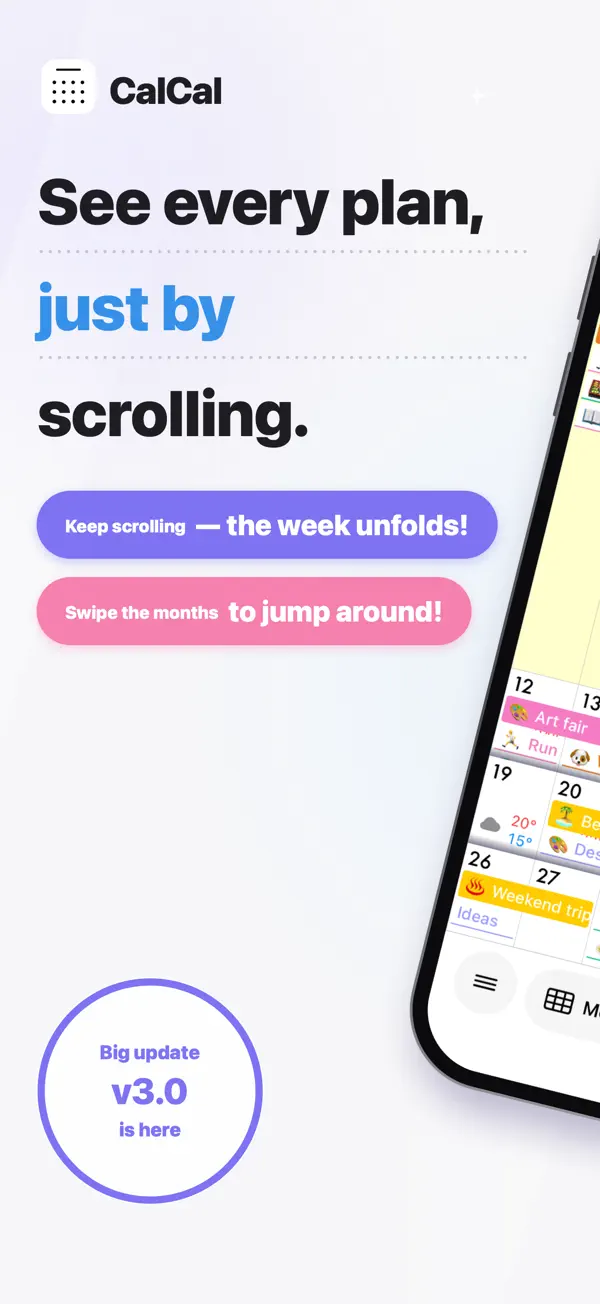
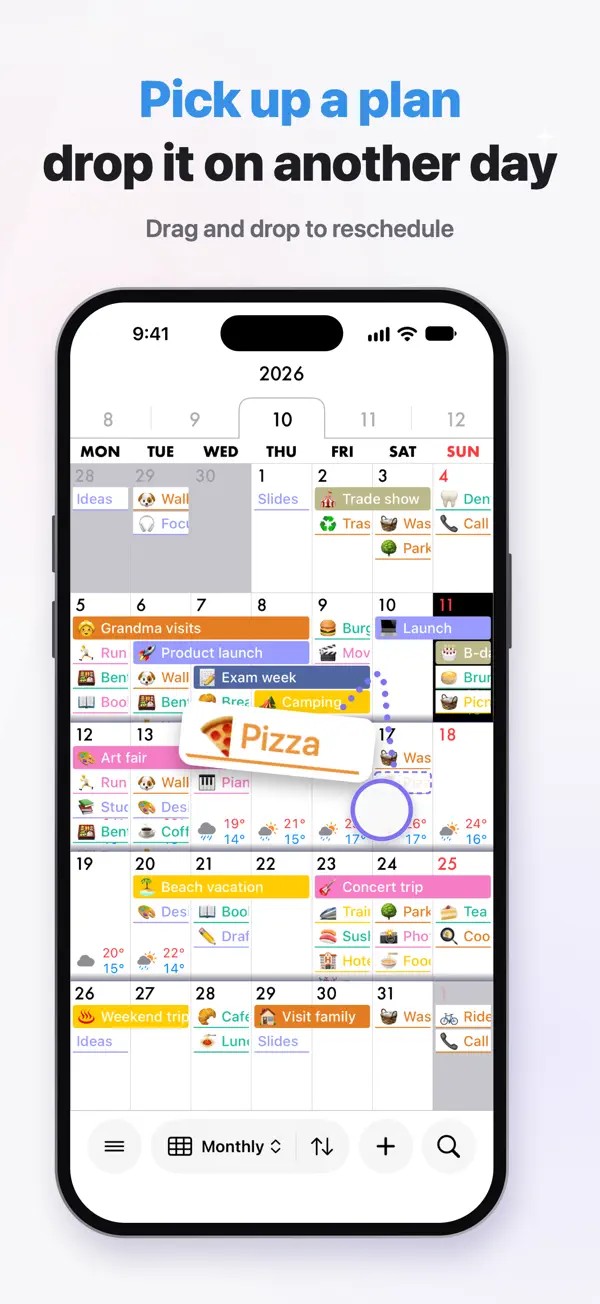
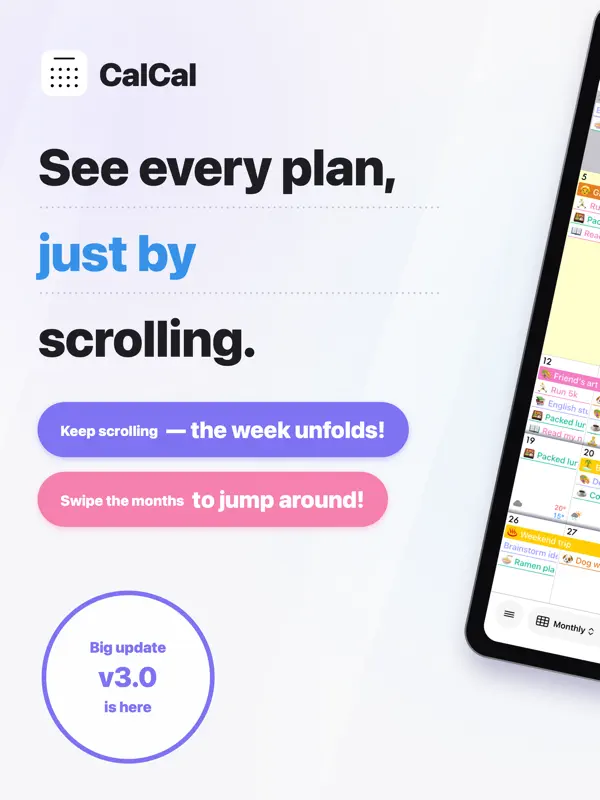
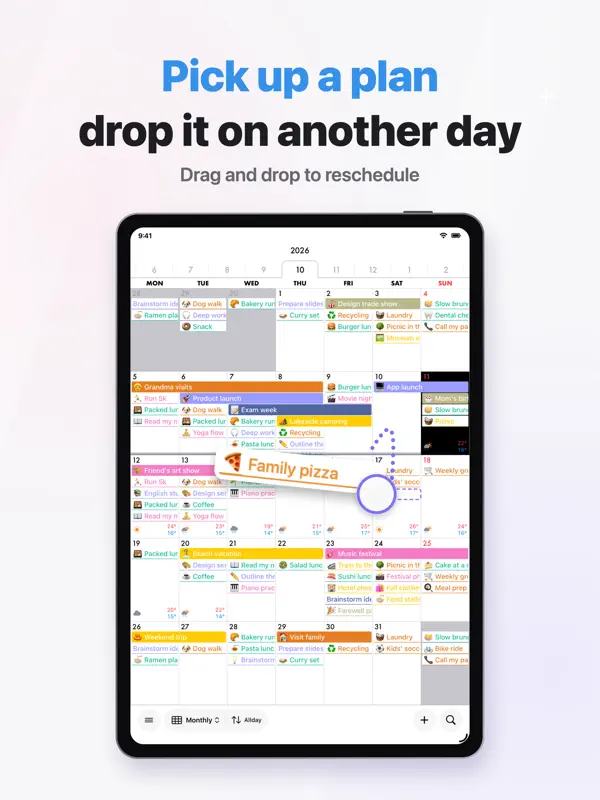
Tapping through a busy week one day at a time? In CalCal, keep scrolling a week and it expands right inside the month view. ■ A calendar built around scrolling Scroll the tabs at the top, scroll between months, and scroll each week in the month view. You can see all your plans just by scrolling, without jumping between screens. ■ Pop-open UI Reach the last event in a week and just keep scrolling. That week opens right up inside the month calendar, so you can see the whole week at once. Scroll the same way to close it. ■ Works with your iPhone calendar CalCal uses the calendars already on your iPhone, so you can start right away. If you ever delete CalCal, your events stay in your calendar and open in other apps. ■ Drag & drop (free) In the month view, use drag & drop or copy & paste. In the week, 3-day, and day views, pick up an event and move it to another day or time. All free. ■ See the day at a glance Tap a date to see its events under a large date header. Tap any event bar to see the details right away. ■ Quick entry Start and end times are easy to read, and you can pick a duration quickly. Suggestions as you type are available too. ■ Repeating events Daily, weekly and other basic repeats are free. Custom repeat rules come with PRO. ■ Weather forecast (PRO) See the weather and temperature next to your events, up to 10 days ahead, so you can plan around it. Also shows when rain is expected, plus sunrise and sunset. You can choose the location for the forecast. ■ Make it yours Change the event text size, weight, and alignment, and the weekend and holiday colors, while watching a live preview. Event bar styles (fill, left bar, outline, or underline) and text colors come with PRO. ■ Holidays Choose which holiday calendar to show. ■ Event order (PRO) Some days, timed events matter more than all-day ones. Switch the order with a single tap. ■ Pinch between month, week & day (PRO) Pinch out or in with two fingers to move between the month, week, and day views. ■ Rokuyo (PRO) Shows Rokuyo, the traditional Japanese six-day cycle of lucky and unlucky days (such as Taian). ■ Notifications Get a daily summary of your events at a time you choose, plus alerts for each event, all set up in detail. ■ Search Find any event among many and jump straight to it. You can also find events from iPhone search (Spotlight). ■ Siri and Shortcuts Open today's events, search, or a new event right from Siri and Shortcuts. ■ iPad and iPhone Duo CalCal also works on iPad. On iPhone Duo, it fits each pose: closed, open, or partly folded. ■ Dark mode A calm look that's easy on the eyes at night. ■ Widgets Check today's events right from your Home Screen. ■ CalCal PRO (one-time purchase) One purchase unlocks these features for good: ・Weather forecast, sunrise and sunset on the calendar ・Custom repeat rules ・Event bar styles and text colors ・Event order ・Pinch between month, week & day ・Rokuyo ・No ads ・PRO features added in future updates The calendar that shows your plans. Make your days lighter with CalCal. 【Blog】: https://calcal-app.blogspot.com 【X】: https://twitter.com/calcal_app
Highlights
- Weeks expand inside the month view as you scroll
- Uses the calendars already on your iPhone
- Free drag and drop and copy and paste of events
- Week, three-day and day views
- Customisable event text and holiday colours
- One-time PRO purchase with weather and custom repeats
CalCal on iPhone Duo: FAQ
Is CalCal optimized for iPhone Duo?
Partly. CalCal is Adapted: it fills the larger inner display, but it does not do anything special with the fold. Verified on October 19, 2026 (Developer statement).
What does CalCal look like on iPhone Duo?
The 3.1 release notes (October 19, 2026) say CalCal now supports iPhone Duo and is optimised for iPad screens. The App Store description adds that on iPhone Duo it fits each pose: closed, open, or partly folded. The developer does not describe what changes in each pose. We have not yet tested it on a device.
How much does CalCal cost?
CalCal costs Free · in-app purchases on the App Store.
More Productivity apps
See all ›
Calm to-do list and paper-style planner that sorts tasks by how long they take

Task and project management with layouts for both iPhone Duo displays

Unified inbox from Readdle with message and inbox side by side when unfolded

Task manager from Cultured Code, reshaped for every iPhone Duo pose

A private handwriting-style notebook that opens when you unfold iPhone Duo

Visual timeline day planner with a Focus Timer for book and tabletop poses