Craft
Notes, documents, tasks and Daily Notes on both iPhone Duo screens
Craft Docs Limited · Productivity · Free · in-app purchases
iPhone screenshots
iPad screenshots
How it uses iPhone Duo
Craft's App Store in-app event "Notes & Docs for iPhone Duo" (starting October 15, 2026) says the app is fully optimized for iPhone Duo on day one, with documents, tasks and Daily Notes available on both the inner and outer screens. The event's subtitle frames it as planning on the large screen and jotting notes while the phone is closed. We have not yet tested Craft on an iPhone Duo.
What’s New
Version 3.7 ·
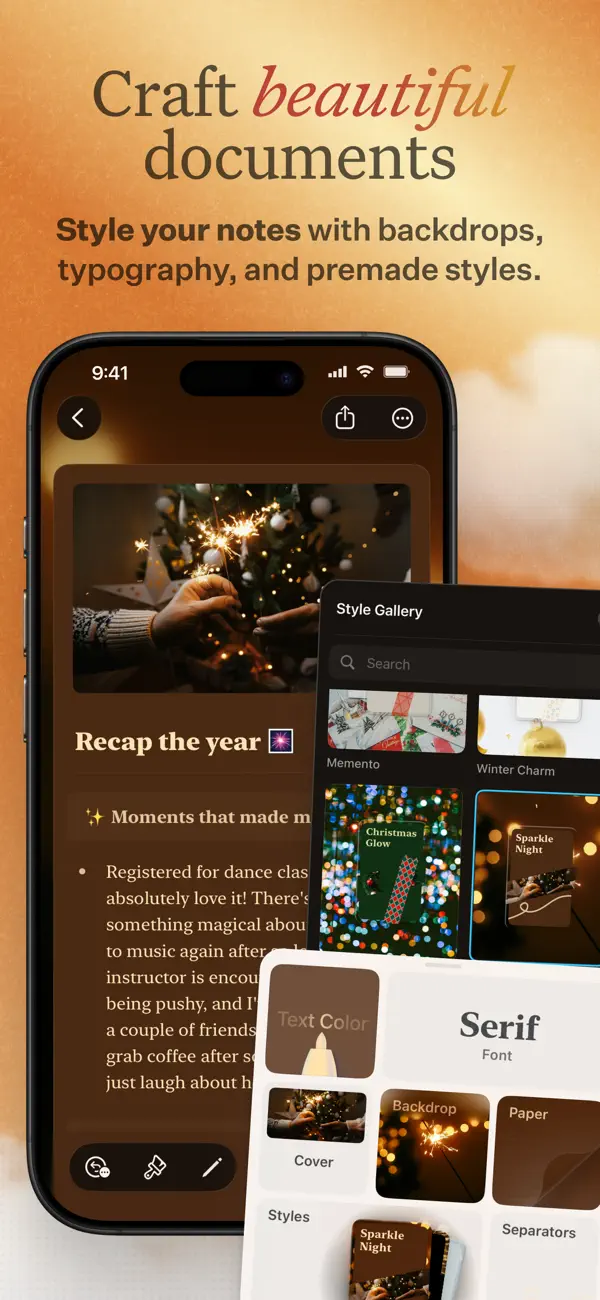
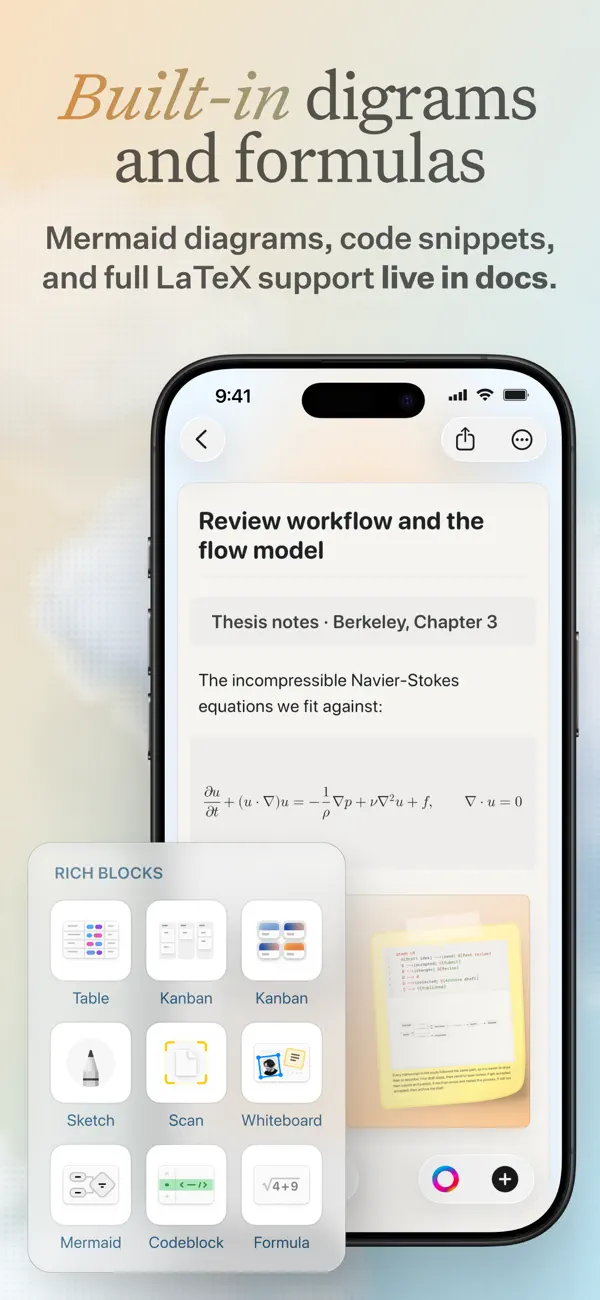
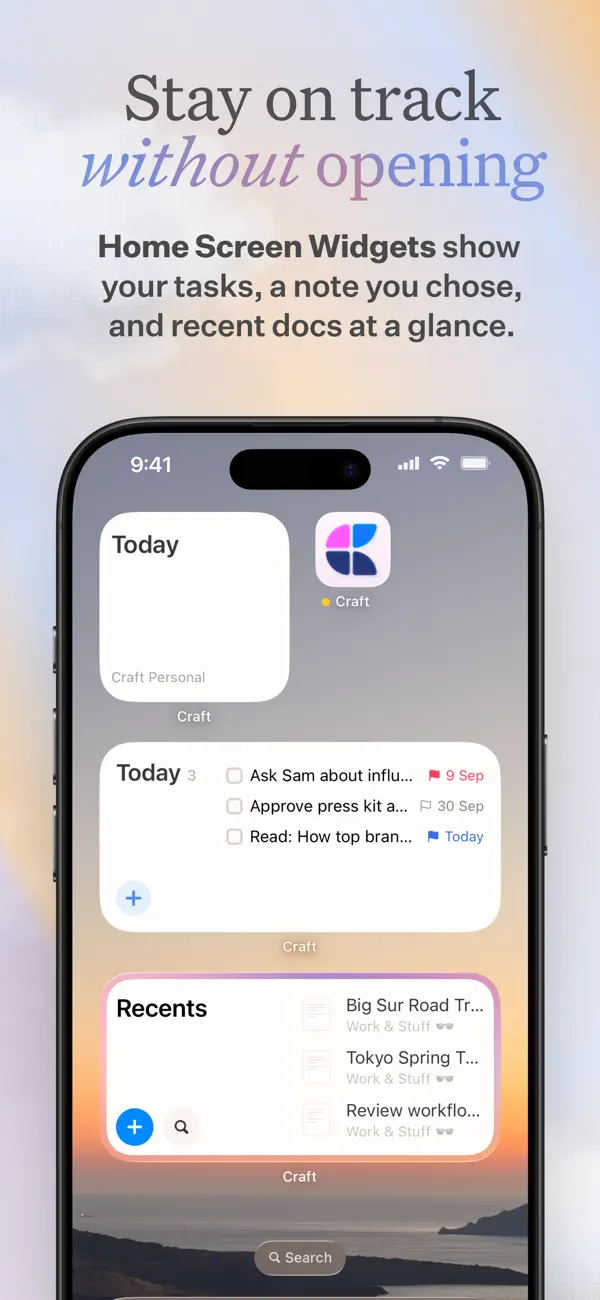
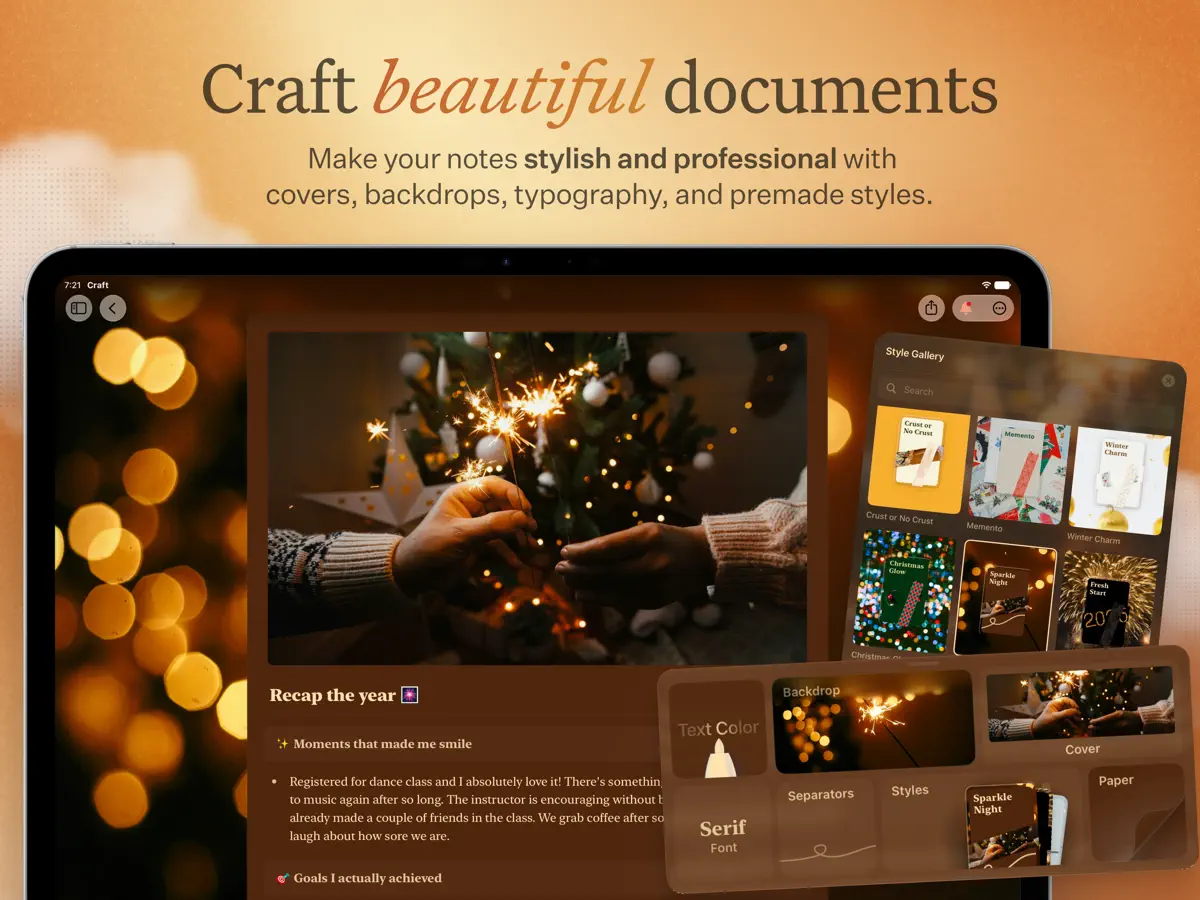
Craft 3.7 is all about embedding Craft deeper into the native ecosystem, reach your notes and tasks from Shortcuts, Siri, widgets, the Lock Screen, and Control Center. SHORTCUTS, REBUILT We rebuilt our Shortcuts support from the ground up. Actions are more granular, support background execution, and cover far more of Craft: create, find, move, rename, and delete documents and folders, create tasks and reminders, set task status, append to documents, open Quick Entry, and much more. Every action has configurable parameters. WIDGETS, WIDGETS EVERYWHERE Home Screen widgets got a polish, and we added a whole set of configurable Lock Screen widgets and brand-new Control Center controls. Jump straight to a document, folder, tag, or task list, open today's Daily Note, or launch Quick Entry right from your Lock Screen. IMPROVED CJK TYPOGRAPHY Writing in Japanese, Korean, Simplified or Traditional Chinese just got better: all four of Craft's font styles now support CJK writing systems, in multiple weights, italics included. Select your language under Settings → Language & Spelling and Craft will download the matching fonts. QUICK ENTRY ON IPHONE AND IPAD Quick Entry on iPhone now supports the Add to Document mode, just like on Mac. On iPad, summon Quick Entry from anywhere in the app with ⌥⌘Space. AND MORE - Pasting without formatting now keeps URLs as plain text - Redesigned inline link and formula editors on iPhone and iPad - A new slash menu in the iPhone multiselect toolbar for faster formatting - An Open action when selecting a single task on iPhone and iPad - Dozens of fixes across search, scrolling, toolbars, and more Thank you for using Craft, and keep the feedback coming!
About this app
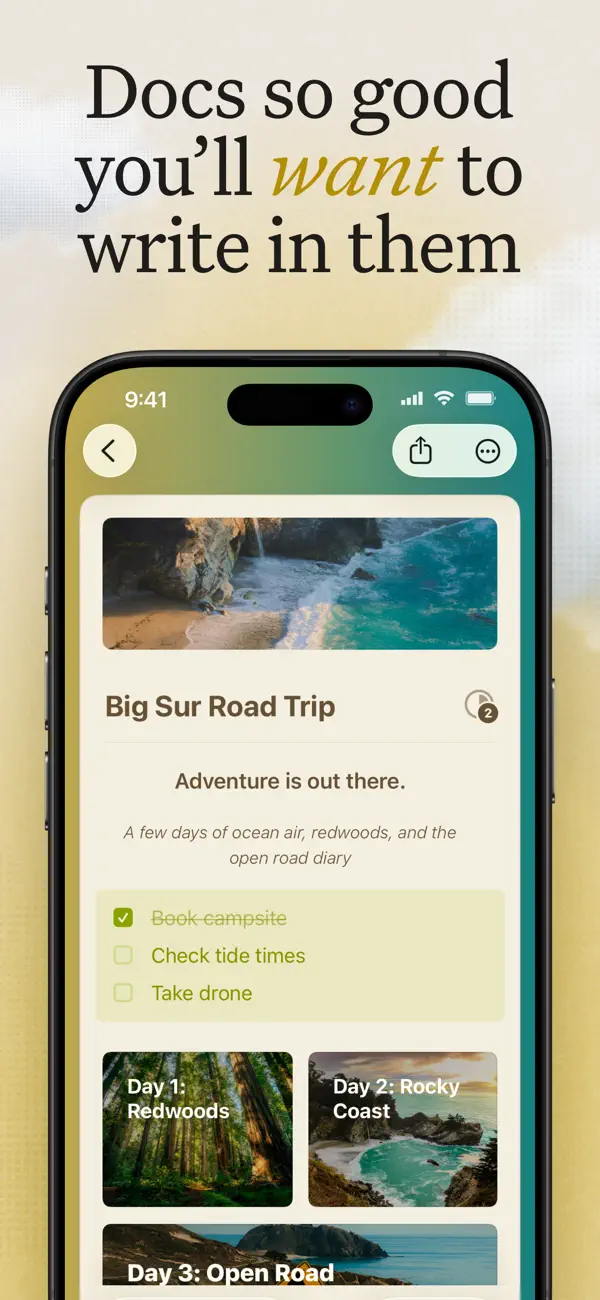
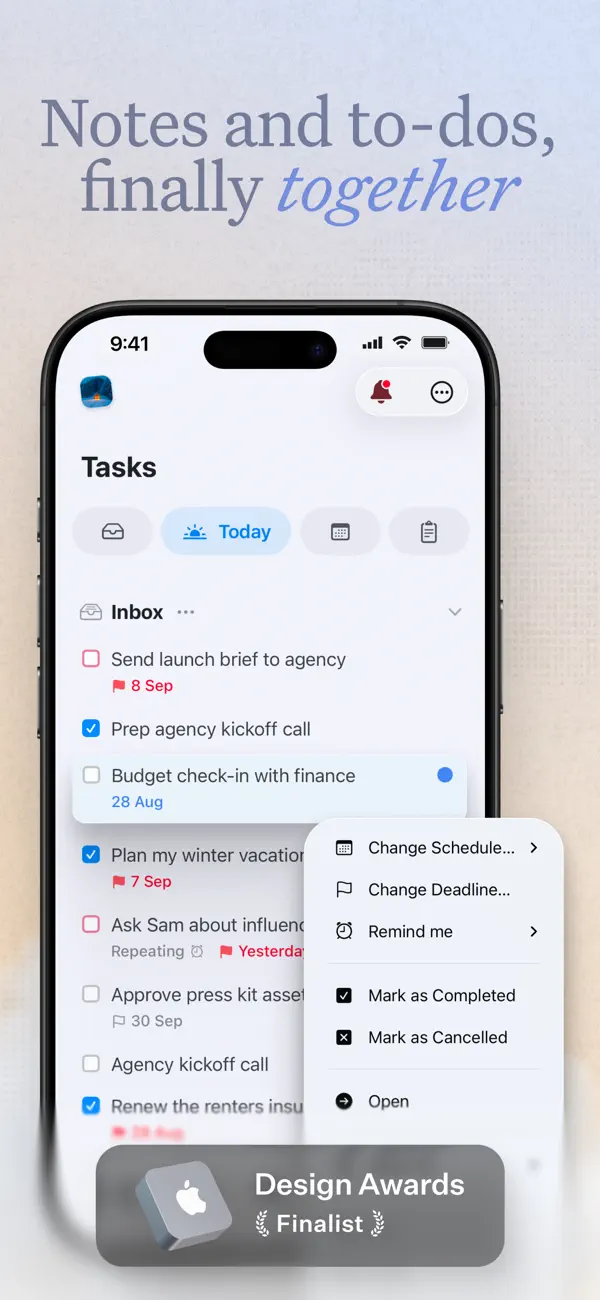
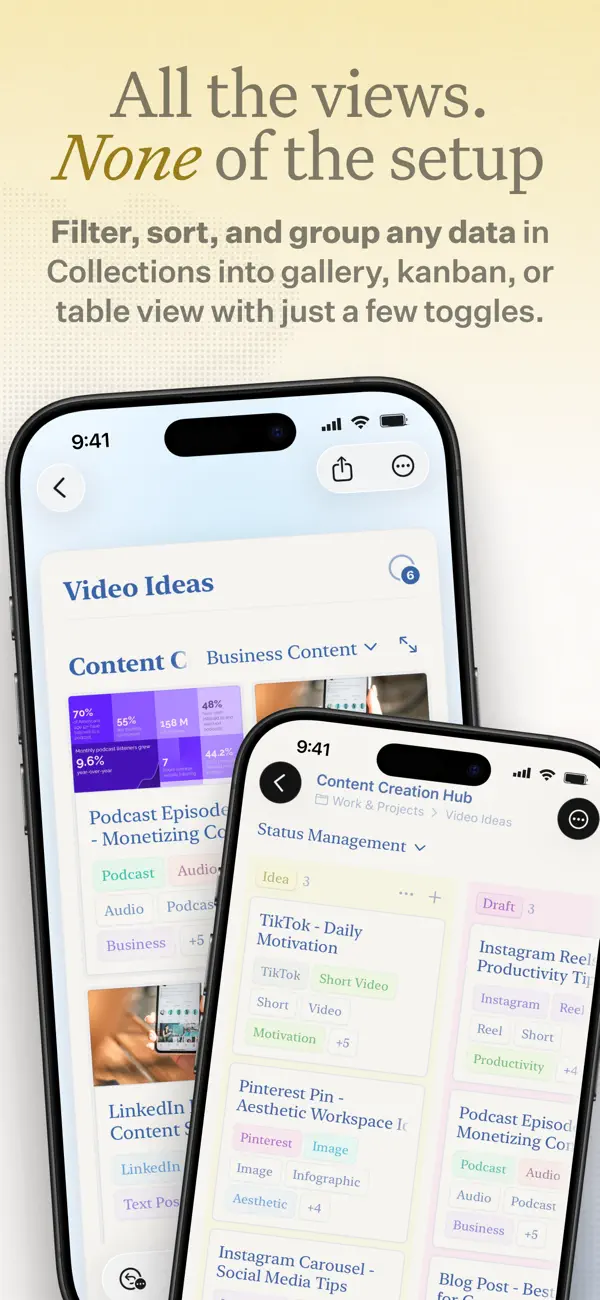
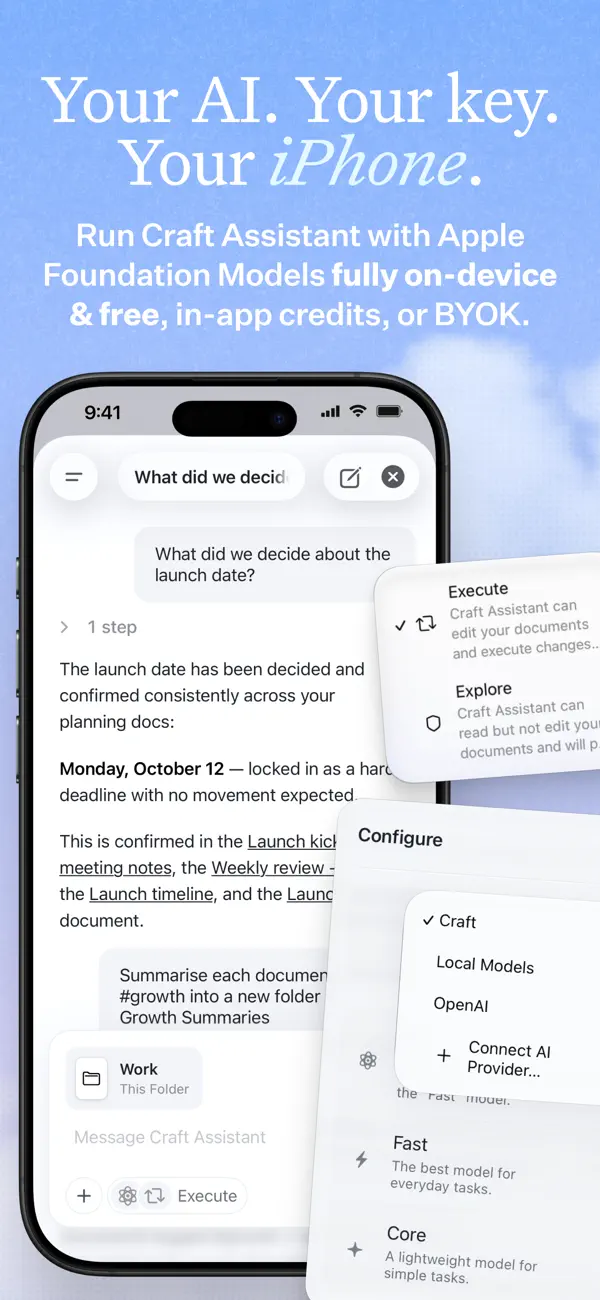
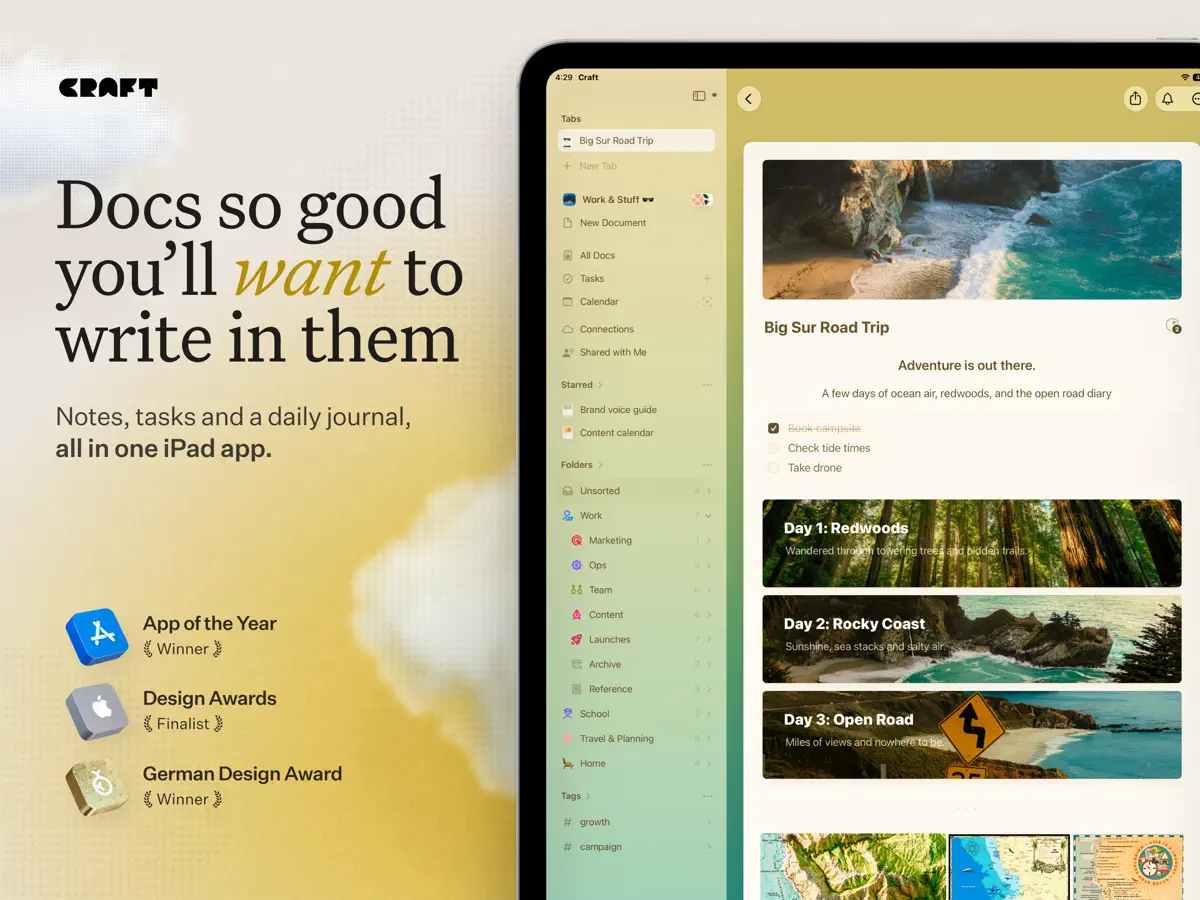
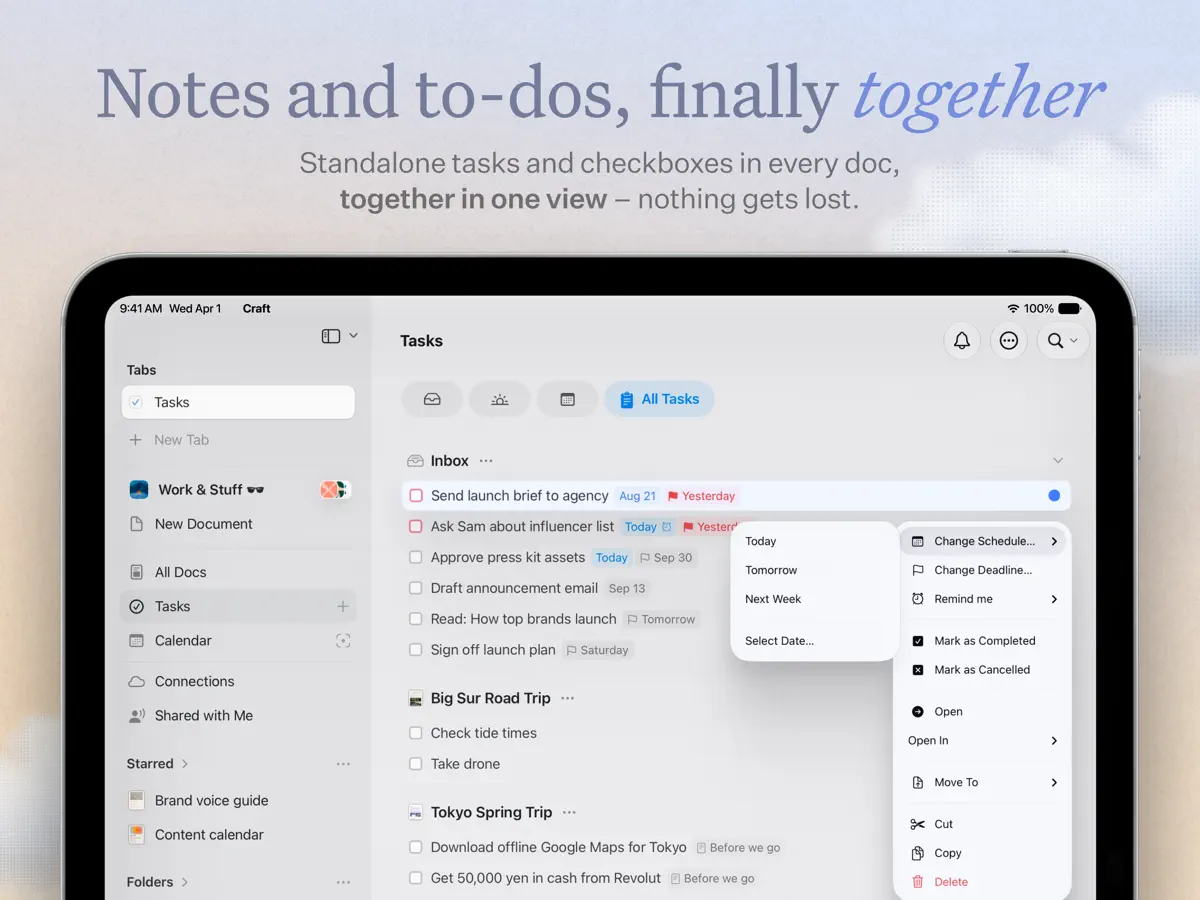
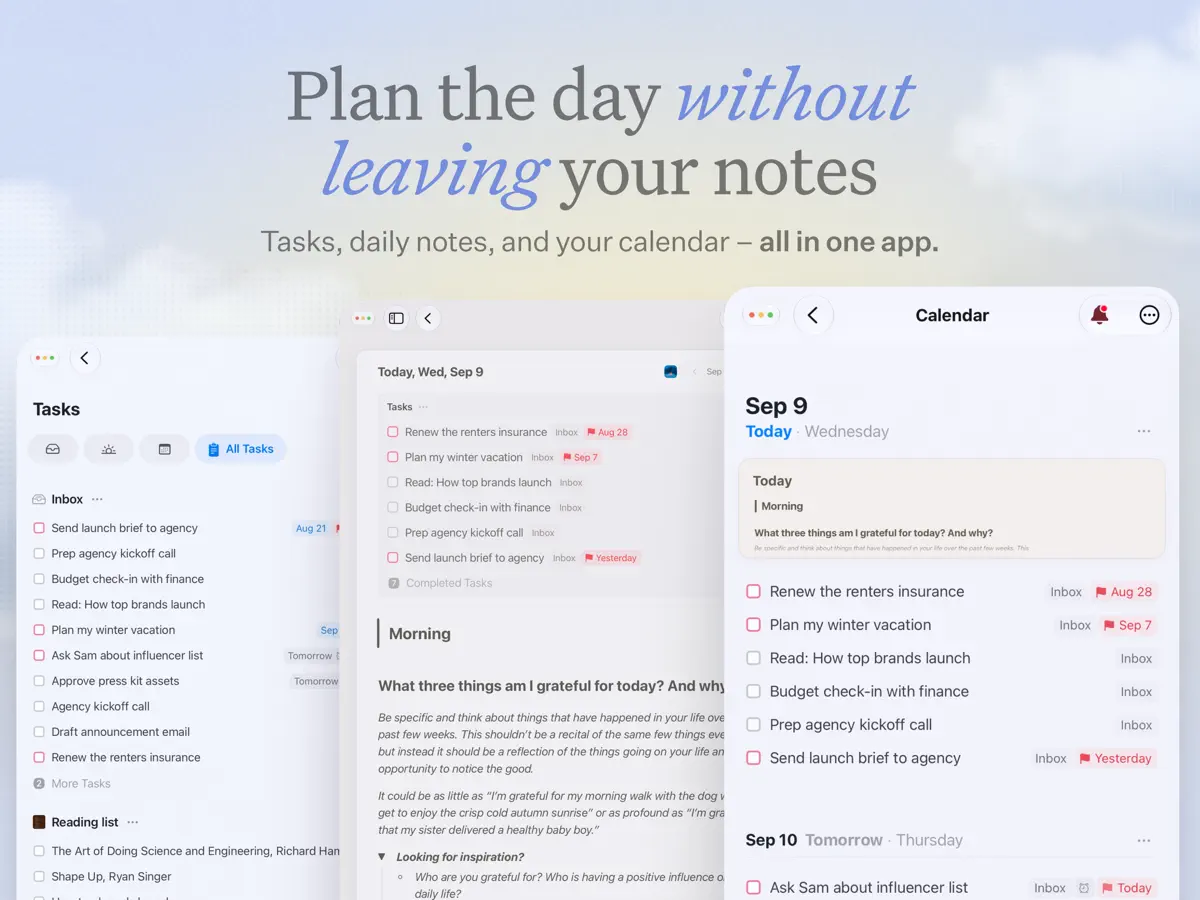
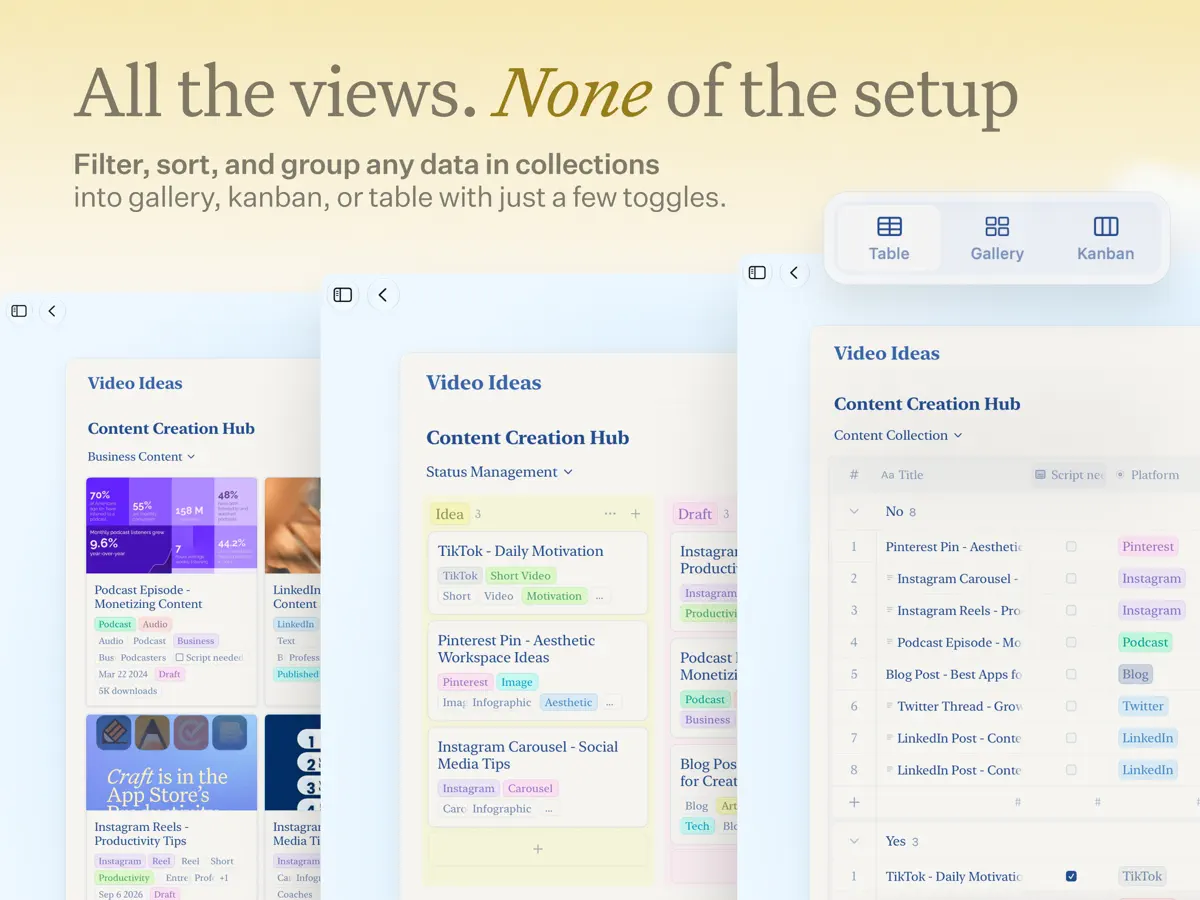
Craft is a notes and documents app from Craft Docs that combines structured writing, task management and an AI assistant in one workspace. Documents can be organised into folders and Collections, and everything syncs across iPhone, iPad, Mac and the web while remaining fully usable offline. A built-in Tasks system lets you capture to-dos inside notes, collect them in an Inbox and give them target dates, due dates and reminders. Daily Notes offers a dedicated page for each day, with a calendar view for looking back over past entries, which makes the app suitable for planning and journaling as well as long-form writing. The AI Assistant can search your notes, answer questions about your content and help edit text. Version 3.7, released in October 2026, rebuilt Shortcuts support with more granular actions, added Lock Screen widgets and Control Center controls, and improved typography for Japanese, Korean and Chinese. Craft can be used for free, with an optional subscription. For the iPhone Duo launch, the developer says the app was optimized for the device from day one, with docs, tasks and Daily Notes available on both the inner and outer screens.
App Store descriptionWritten by the developer.
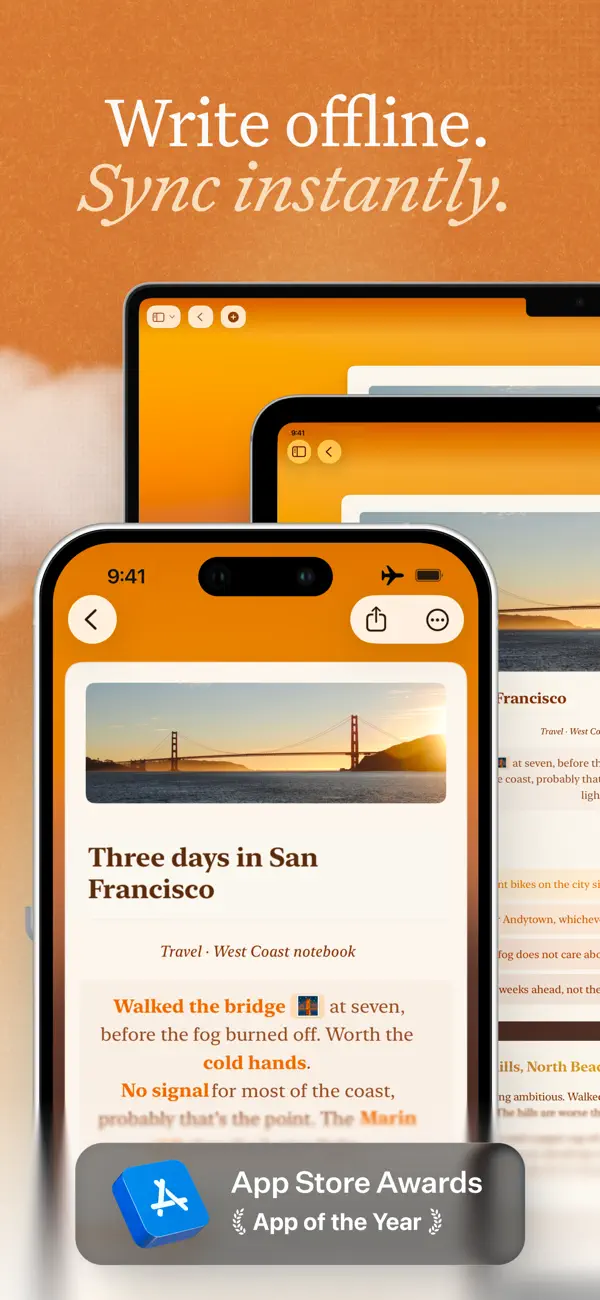
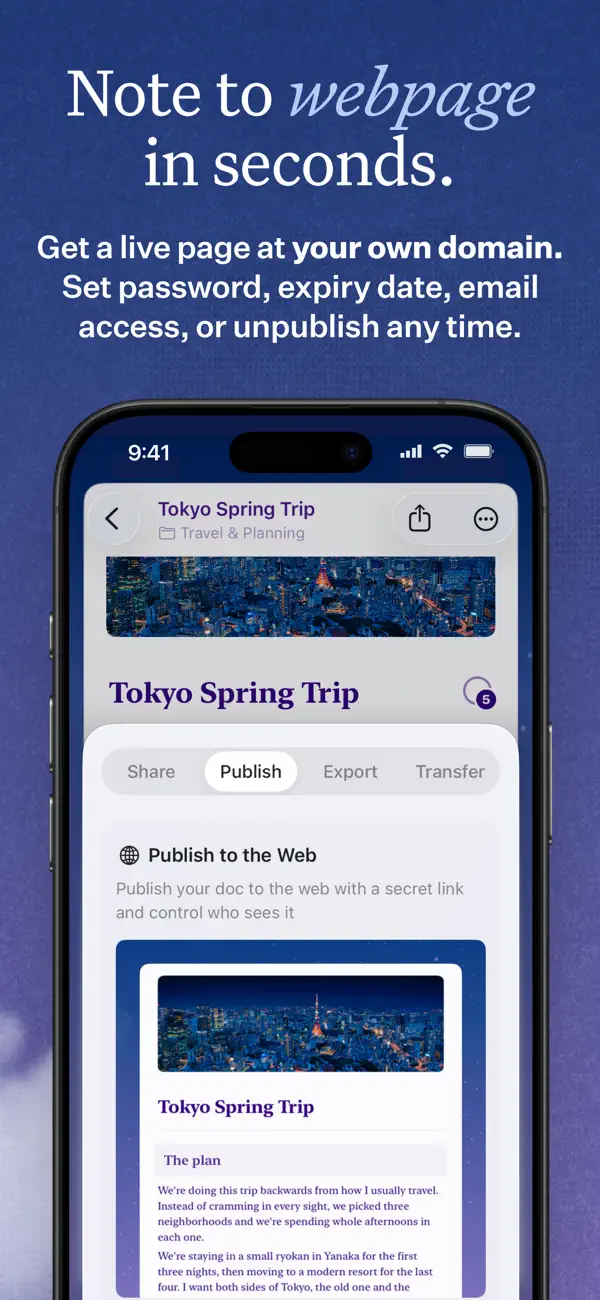
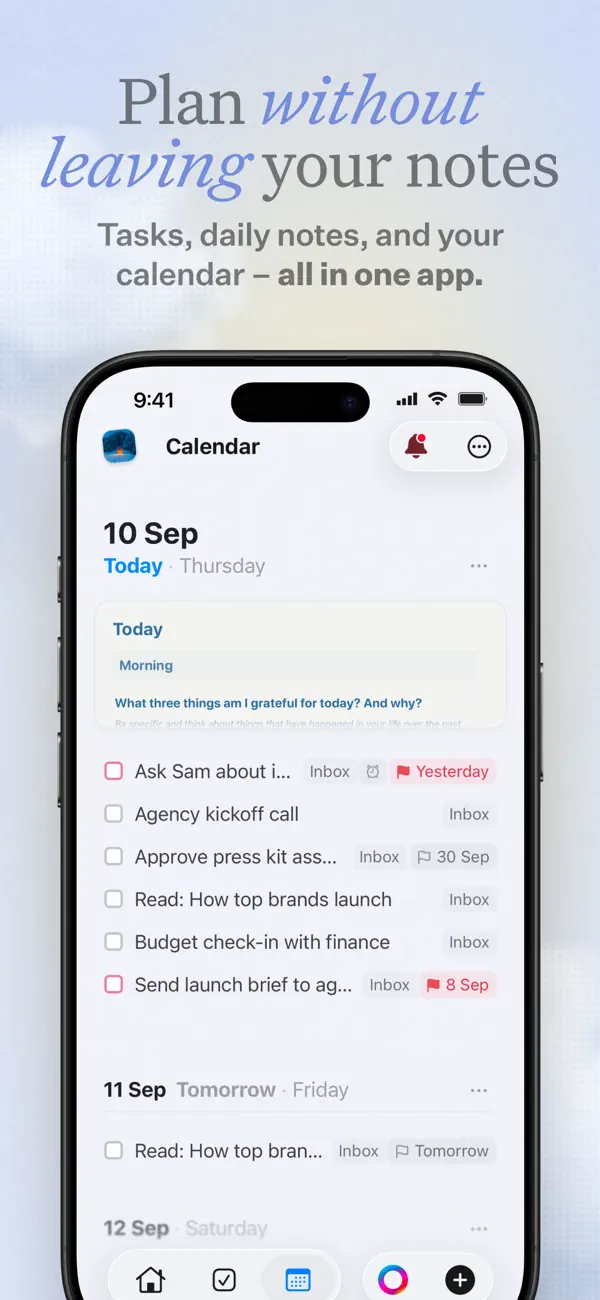
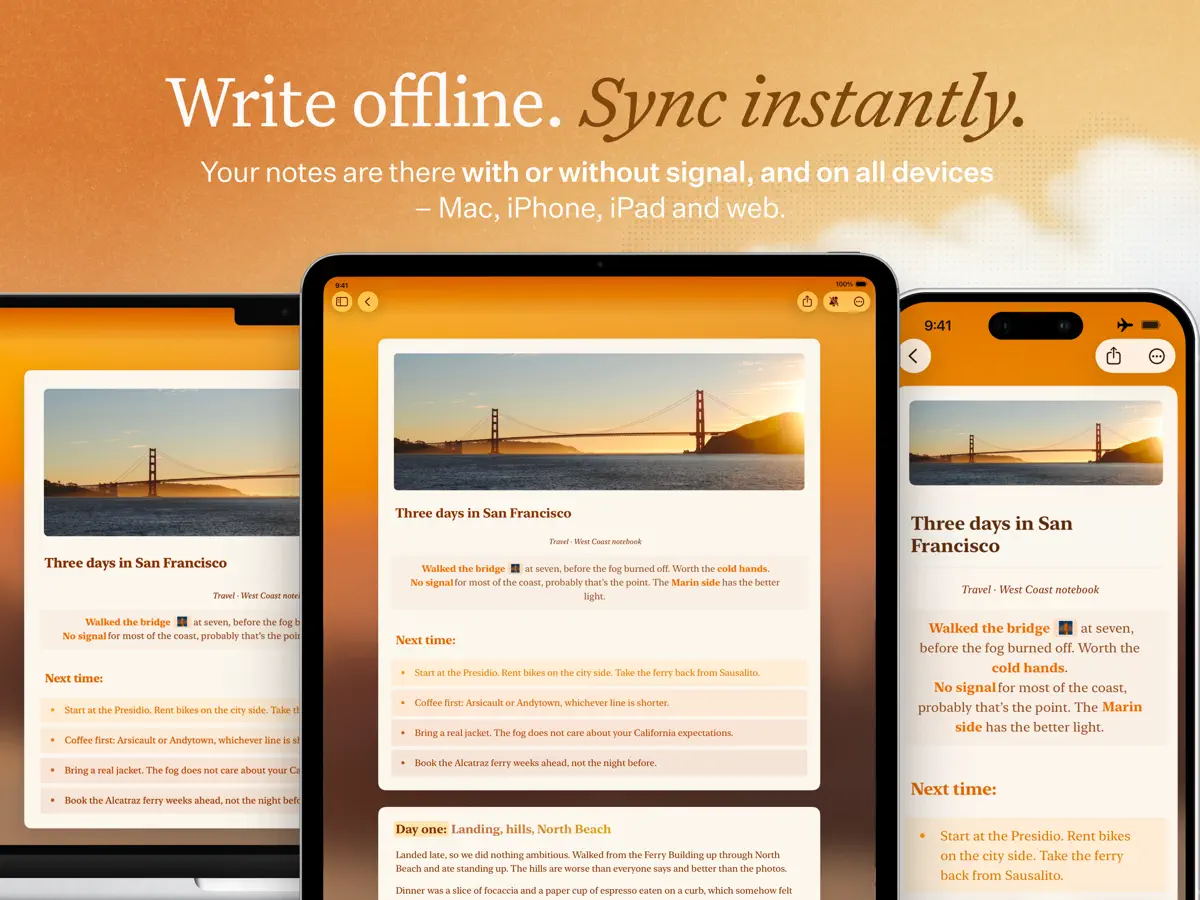
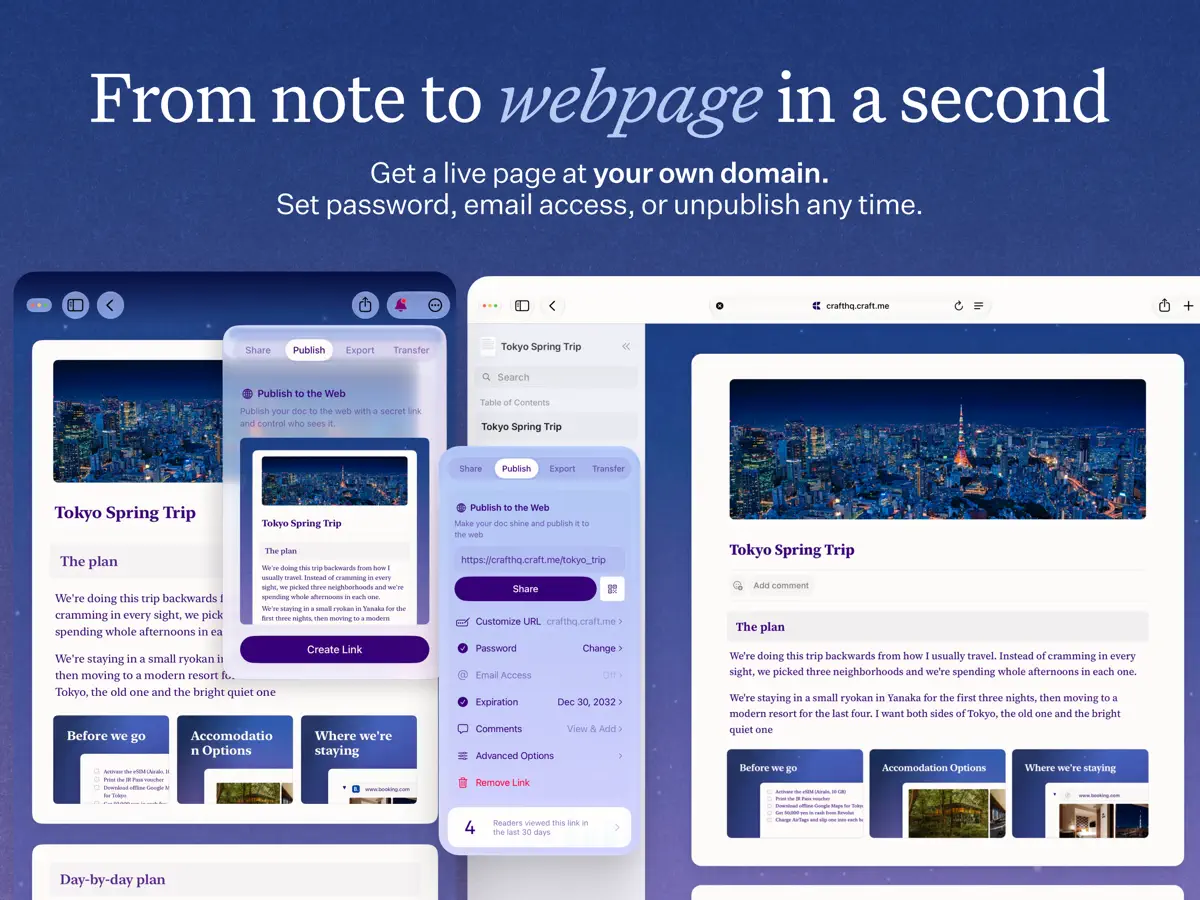
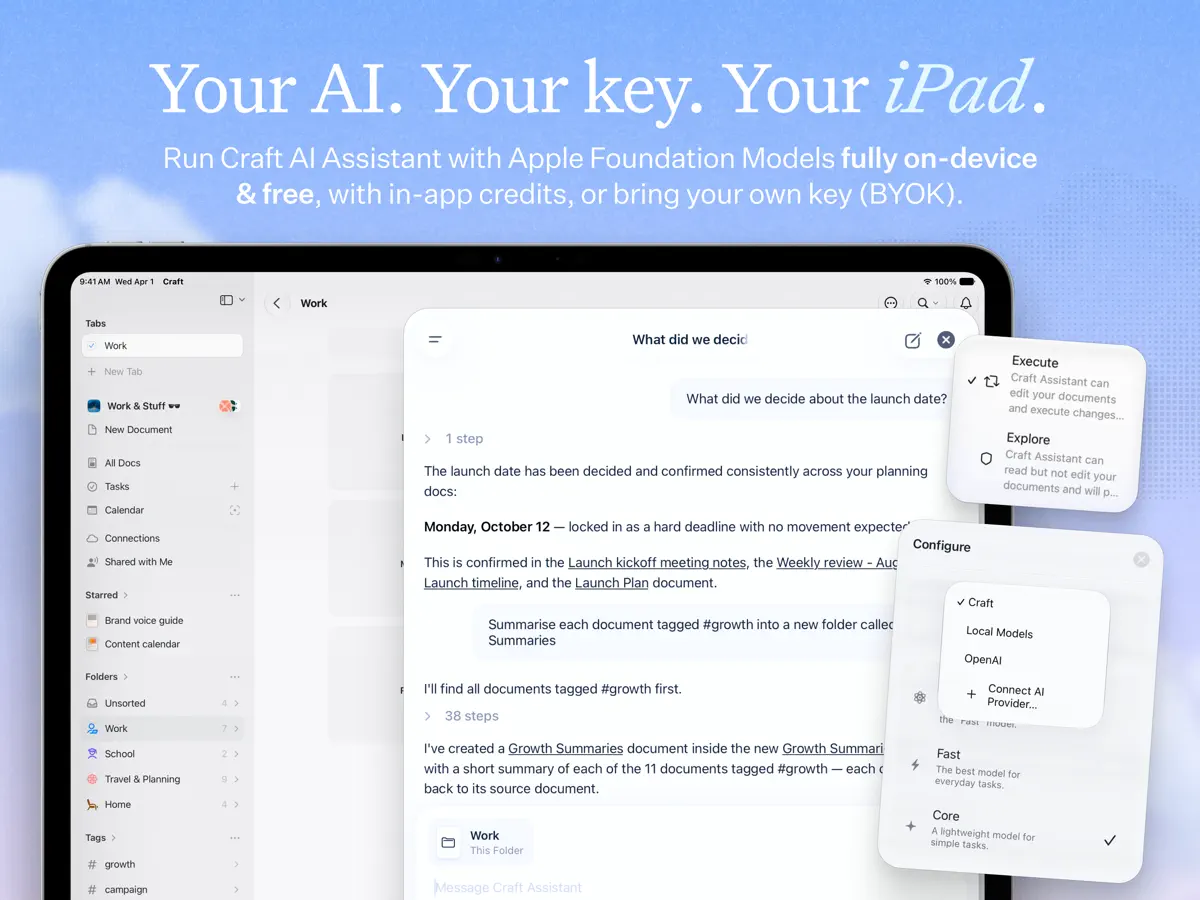
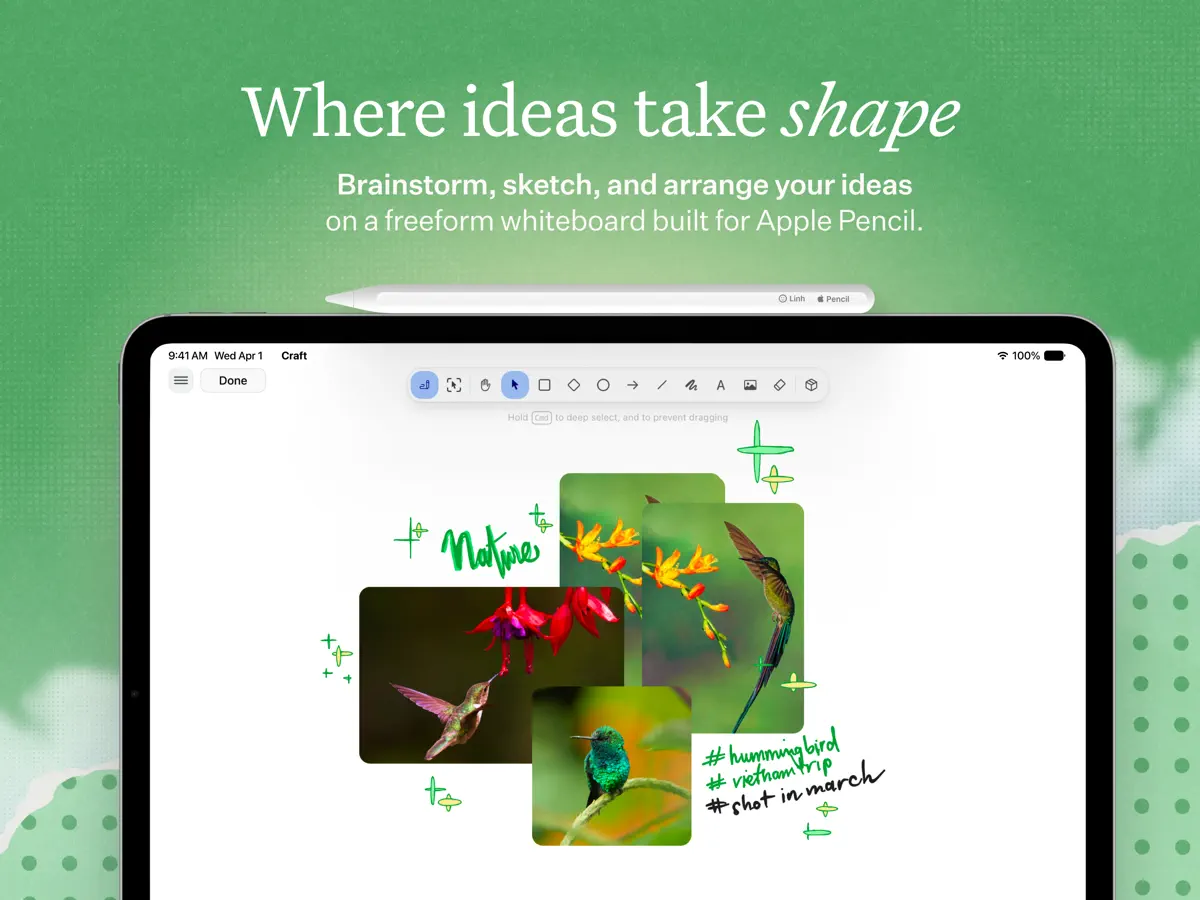
Unleash your creativity and take control of your plans with Craft, a productivity app that transforms how you write, organize, and get things done. Create structured documents, manage tasks, organize your knowledge with Collections, and chat about it all with the AI Assistant. With seamless sync across iPhone, iPad, Mac, and the web, your workspace is always ready, online or offline. WRITE ANYWHERE, ANYTIME Your best ideas don’t wait for an internet connection. Work seamlessly offline with full access to all features, then let your changes sync automatically when you reconnect. Whether you’re on iPhone, iPad, or Mac, Craft keeps your writing experience consistent and powerful. AI ASSISTANT IS THERE TO HELP For seamless research, text editing, or searching across your entire knowledge base, Craft’s AI Assistant keeps you in flow on every device you use Craft on. Powered by advanced large language models, it finds any note, answers questions based on your content, and helps you stay on top of your knowledge without making you maintain a strict organizational system. BUILT-IN TASK MANAGEMENT Turn your ideas into action with our native Tasks system. Capture tasks as they emerge in your notes, manage them in a dedicated Inbox, and access them from any page with the Assistant’s help. Set target dates, due dates, and reminders to stay on track. With a unified tasks view, it’s the perfect balance between AI-powered fluidity and a dedicated, always-available space. STAY ON TOP OF YOUR DAY Make daily planning effortless with Daily Notes. Capture quick thoughts, plan your schedule, track tasks, or maintain your personal journal, all in one dedicated space. Switch to the calendar view to visualize your progress, reflect on your week, and understand how your days are shaping up. CONNECT YOUR DOCS TO OTHER TOOLS Turn Craft into the home for your whole workflow. Connect your documents to popular AI chat tools and productivity apps using deep integrations and APIs. Save conversations into Craft, pull in tasks, events, or other content from your existing tools, or even use your Craft documents as a CMS for powering a blog or website. EVERYTHING YOU NEED - Available on iPhone, iPad, Mac, and the web - Markdown and keyboard shortcuts - Link sharing and web publishing - Version history - Fast, reliable sync - Advanced integrations and API support - AI-powered Assistant - Incredible customer support WHAT’S NEW Craft Assistant: your smart partner to brainstorm, research, and write. It can help you find your notes across your space, rewrite and summarize documents, all while keeping you in the flow. MCP & API: connect Craft to AI models and other tools in your productivity stack, turning it into an organizational layer and live memory. Whiteboards: turn thoughts into visuals with a spacious canvas for sketching ideas, mapping projects, and collaborating creatively. QUESTIONS? Contact us on X at @craftdocs or email feedback@craft.do SUBSCRIPTION DETAILS If you purchase a Craft subscription, you’ll be charged via the payment method associated with your Apple ID. Your account will be charged for renewal within 24 hours of the end of the current period. You can turn off auto-renewal at any time in your account settings on the App Store. Craft subscriptions are available as one-month and 12-month packages. Prices may vary depending on country and are subject to change without notice. Current subscriptions cannot be canceled during the active subscription period. If you don’t choose to purchase a Craft subscription, you can continue using Craft for free. Terms of service: https://www.craft.do/terms Privacy policy: https://www.craft.do/privacy
Highlights
- Structured documents with folders and Collections
- Built-in tasks with due dates and reminders
- Daily Notes with a calendar view
- AI Assistant that searches and answers from your notes
- Full offline use with sync across iPhone, iPad, Mac and web
- Shortcuts actions, Lock Screen widgets and Control Center controls
- Docs, tasks and Daily Notes on both iPhone Duo screens
Craft on iPhone Duo: FAQ
Is Craft optimized for iPhone Duo?
Yes. Craft is Built for Duo: it uses the fold, Split View or the outer display. Verified on October 15, 2026 (Developer statement).
What does Craft look like on iPhone Duo?
Craft's App Store in-app event "Notes & Docs for iPhone Duo" (starting October 15, 2026) says the app is fully optimized for iPhone Duo on day one, with documents, tasks and Daily Notes available on both the inner and outer screens. The event's subtitle frames it as planning on the large screen and jotting notes while the phone is closed. We have not yet tested Craft on an iPhone Duo.
How much does Craft cost?
Craft costs Free · in-app purchases on the App Store.
More Productivity apps
See all ›
Calm to-do list and paper-style planner that sorts tasks by how long they take

Task and project management with layouts for both iPhone Duo displays

Unified inbox from Readdle with message and inbox side by side when unfolded

Task manager from Cultured Code, reshaped for every iPhone Duo pose

A private handwriting-style notebook that opens when you unfold iPhone Duo

Visual timeline day planner with a Focus Timer for book and tabletop poses