
Journey
Private journal with mood tracking and a chat companion, updated for iPhone Duo
Two App Studio Pte. Ltd. · Productivity · Free · in-app purchases
iPhone screenshots

iPad screenshots

How it uses iPhone Duo
The release notes for Journey 6.0.1 list support for iPhone Duo, with layouts that adapt as the phone is folded and unfolded. The developer does not describe any feature tied specifically to the fold, the outer display or Split View. We have not yet tested it on an iPhone Duo.
What’s New
Version 6.0.1 ·
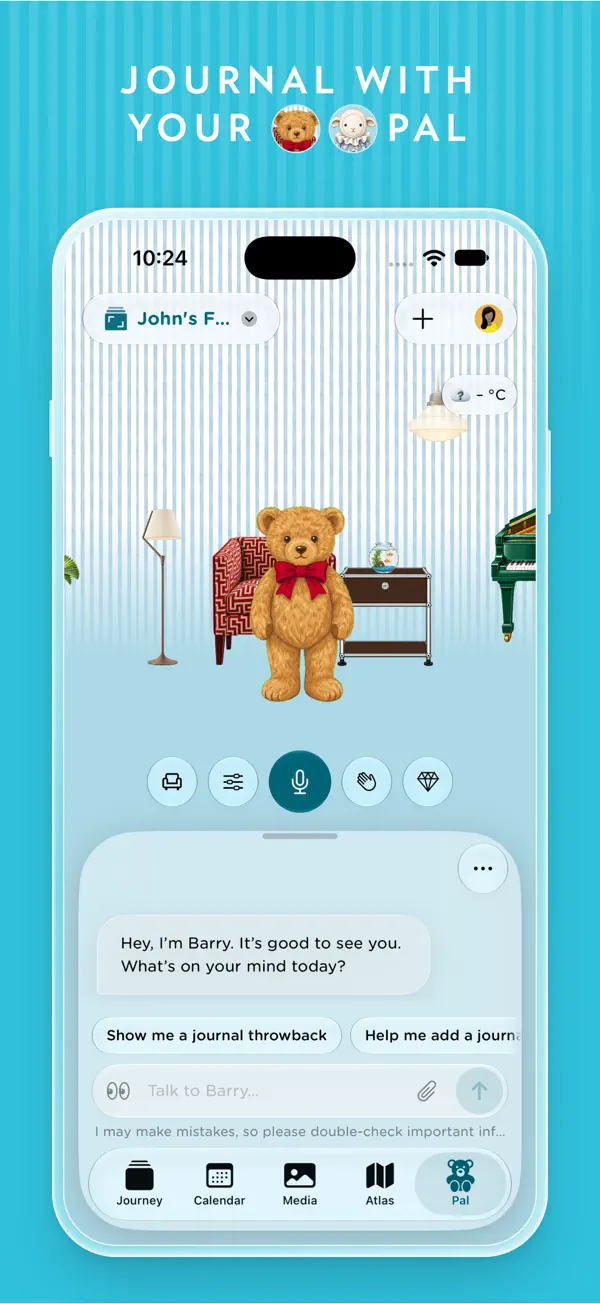
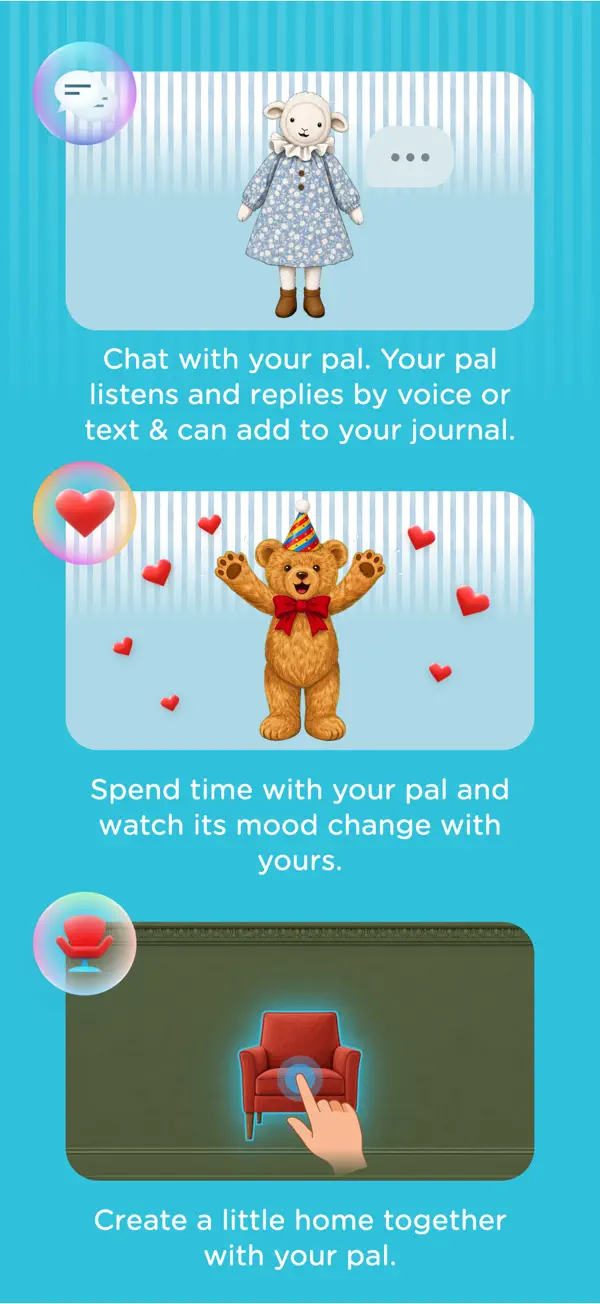
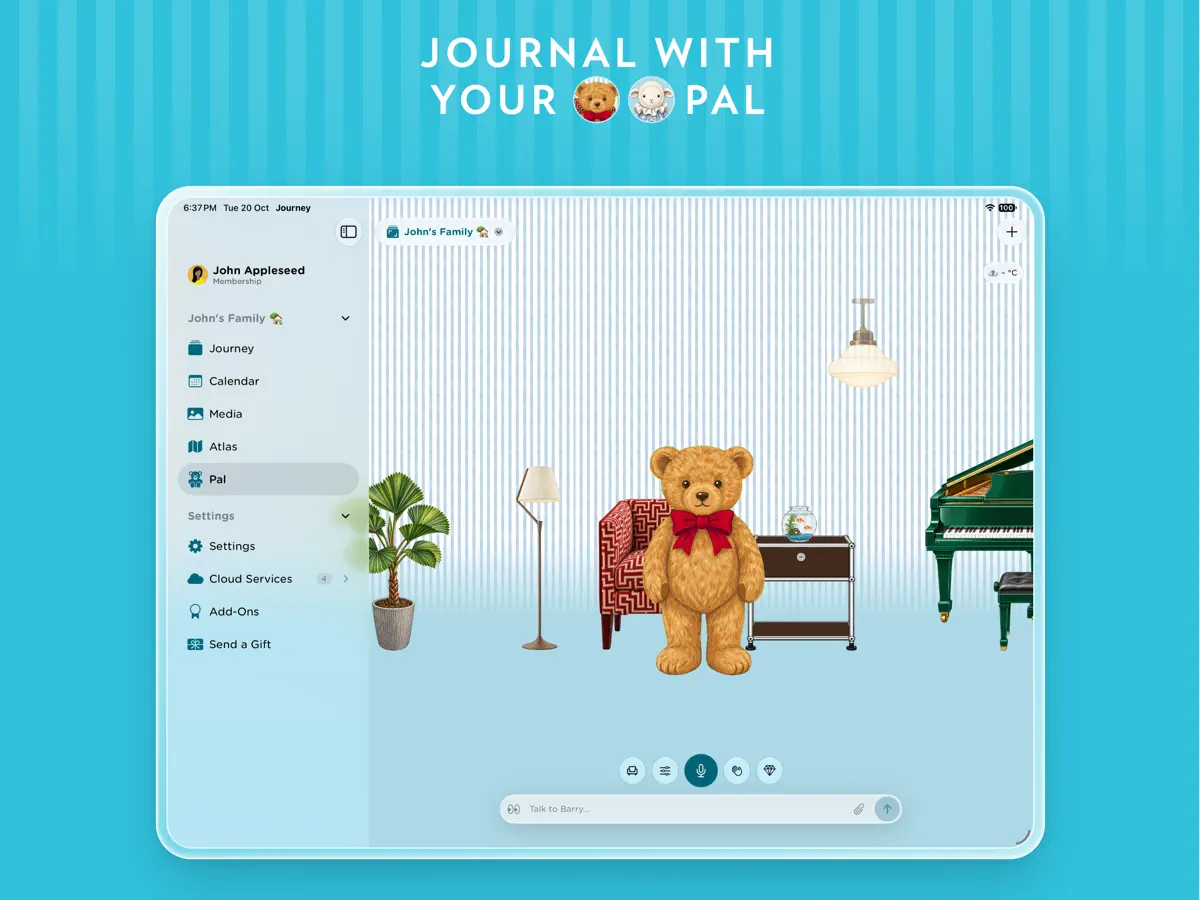
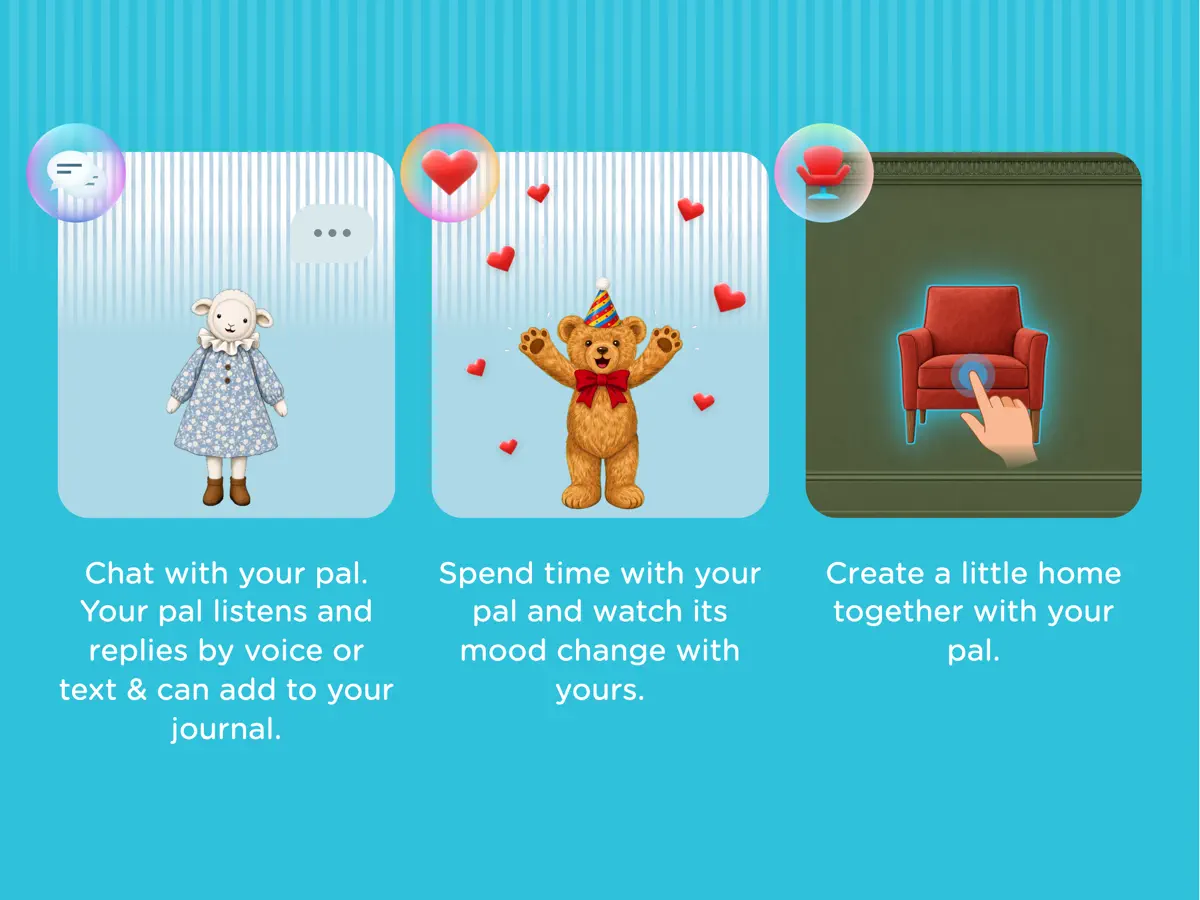
Thank you for using Journey! Meet Pal, your new journaling companion. Chat by text or voice, get ideas for what to write, and revisit memories from your journal. Choose your companion and decorate their space to make it your own. There’s more to explore: - Make Pal your own: choose your companion and books, decorate with Totems and your own photos, and claim gem rewards. - Share photos and files in Pal chats, and open journal entries and media from Pal’s replies. - Change your display name and profile photo, with cropping to get your picture just right. - Clear what Pal remembers about you in Settings while keeping your journal entries and conversations. - Support for iPhone Duo, with layouts that adapt as you fold and unfold. - Refreshed welcome screens and improved calendar, media, timeline, and passcode layouts. We’ve also fixed a few small issues to make your time with Pal smoother. For any feedback or assistance with this update, go to https://support.journey.cloud to chat with our agents.
About this app
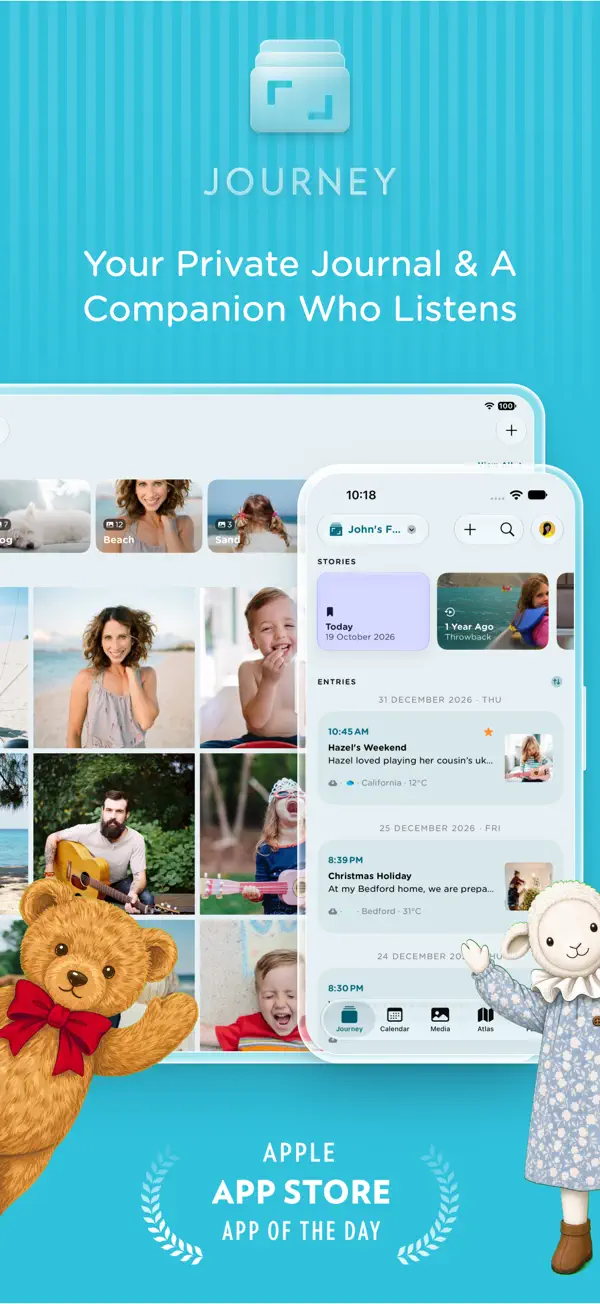
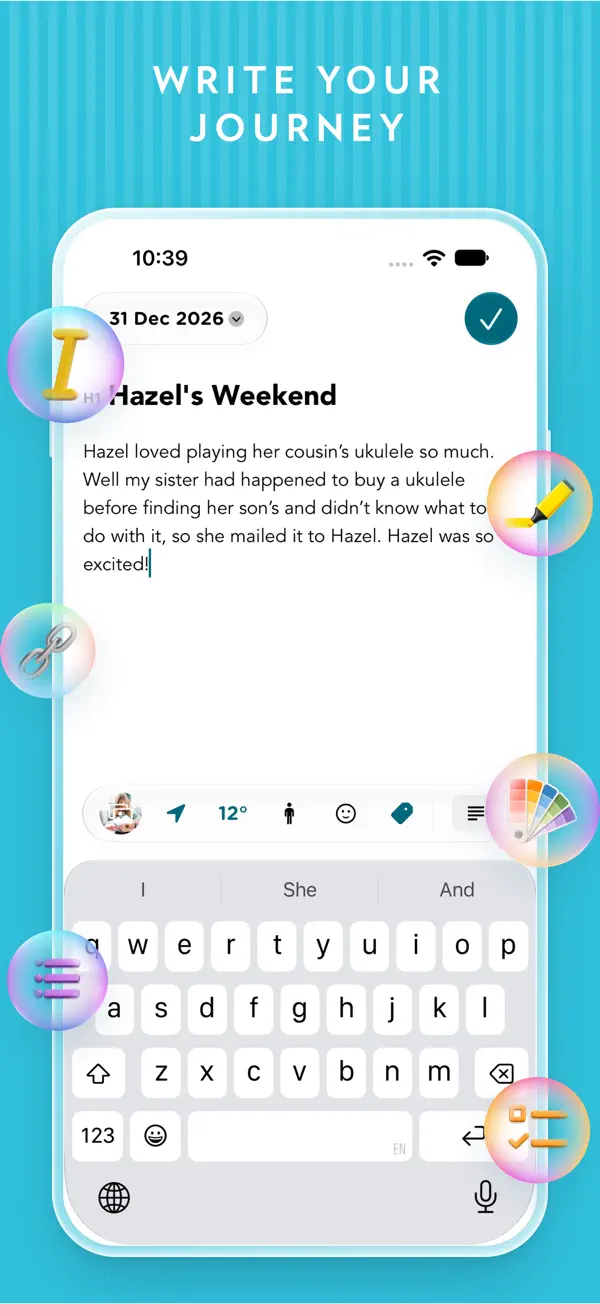
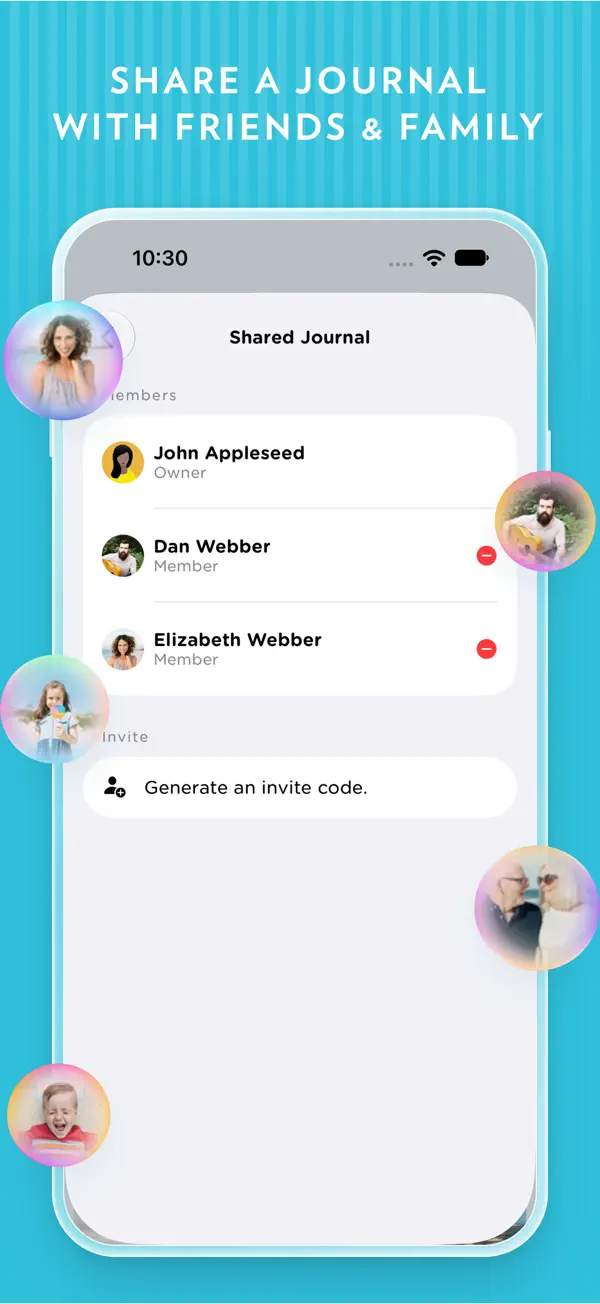
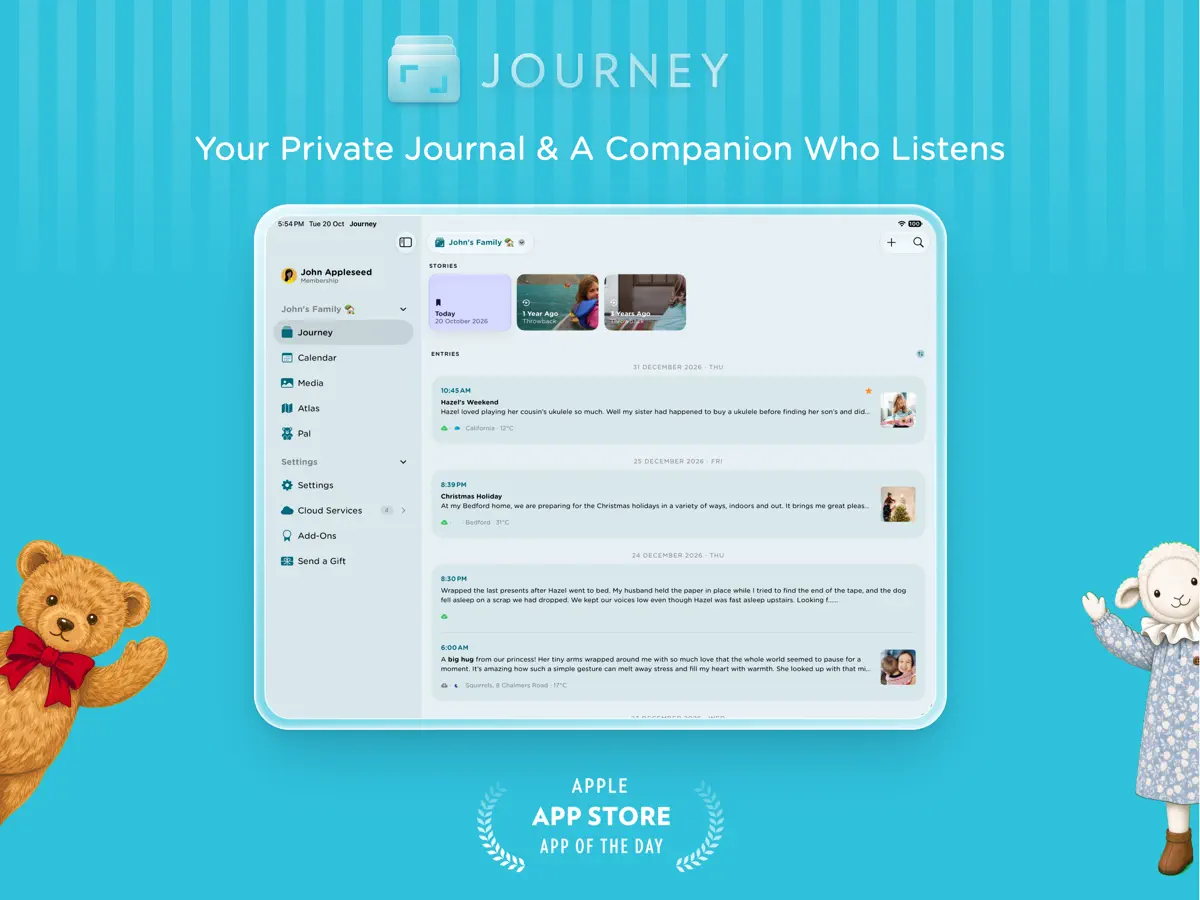
Journey is a journaling app from Two App Studio, a Singapore-based developer, available on iPhone and other platforms with cloud sync. Entries can combine formatted text with photos, video and audio, and the editor supports paragraph styles, bold, italics, strikethrough, bullet lists, tables, checklists and text color. Journey can resurface older entries from a week, a month or years ago, and it records mood alongside entries so changes can be viewed over 30 days. Shared journals let family or friends write together, and the developer offers end-to-end encryption for synced entries, plus passcode and Face ID or Touch ID locks; some of these features are part of a paid membership. Version 6.0.1, released on October 21, 2026, introduces Pal, a journaling companion that can be chatted with by text or voice, suggest writing ideas and bring up past memories. The same update adds iPhone Duo support with layouts that adapt as the device folds and unfolds, along with refreshed welcome screens and reworked calendar, media, timeline and passcode layouts. Journey is a fit for people who want a private, media-rich diary rather than a plain notes app.
App Store descriptionWritten by the developer.
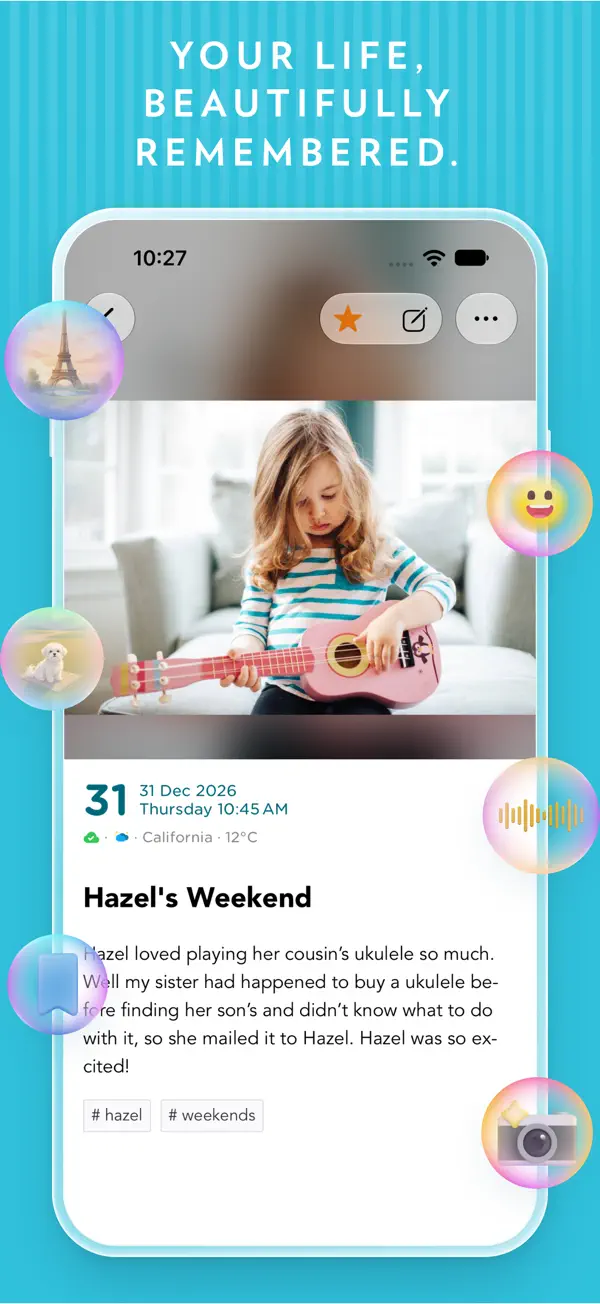
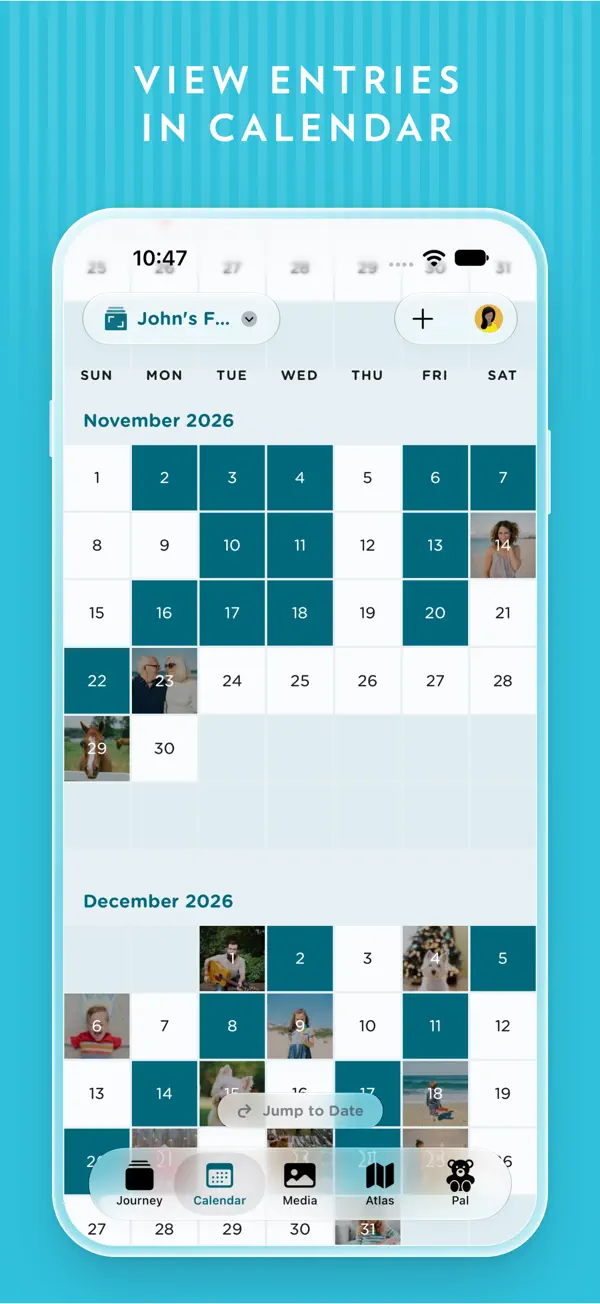
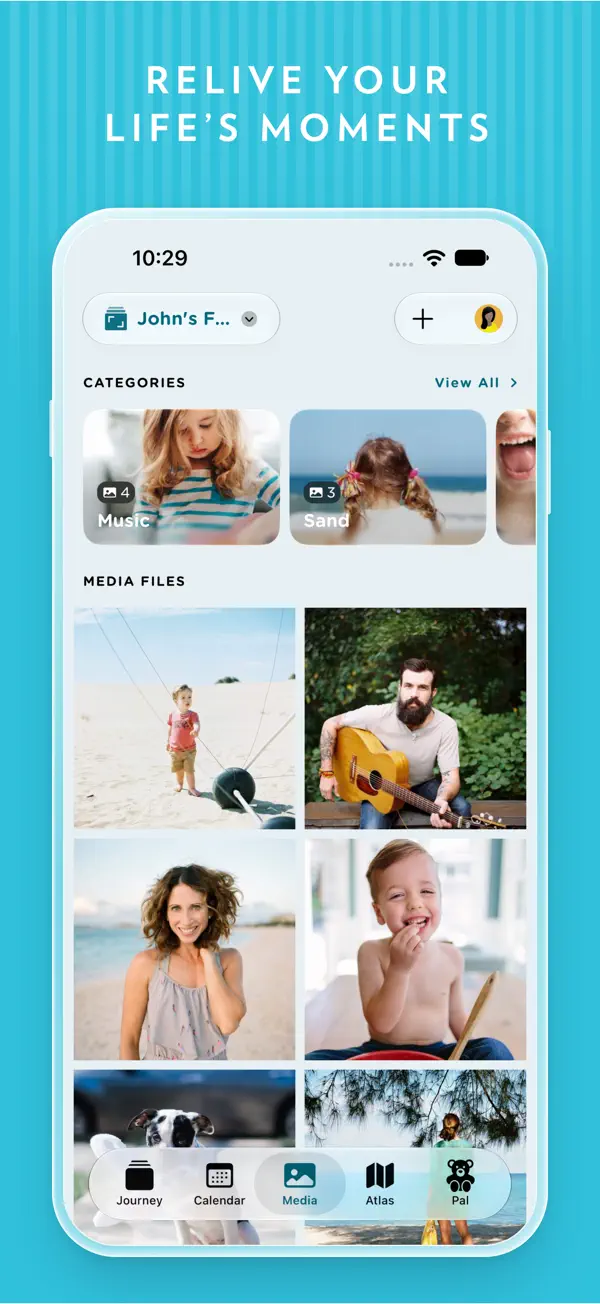
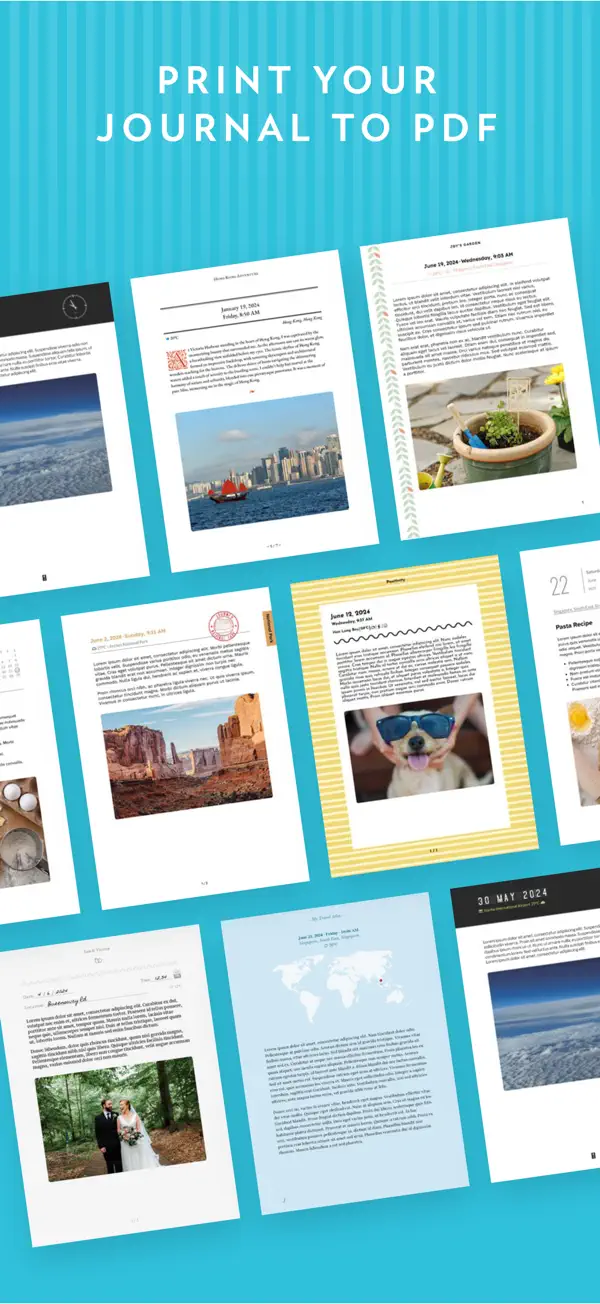
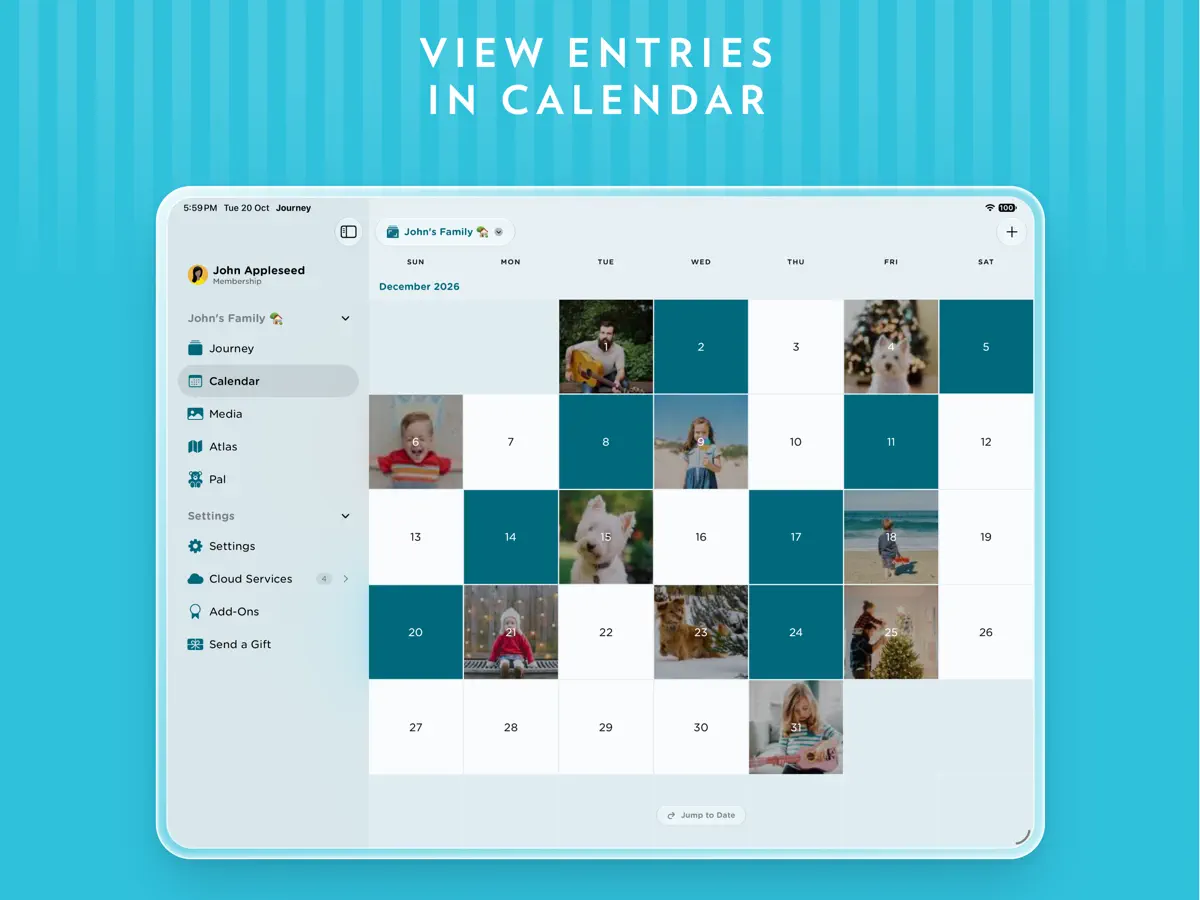
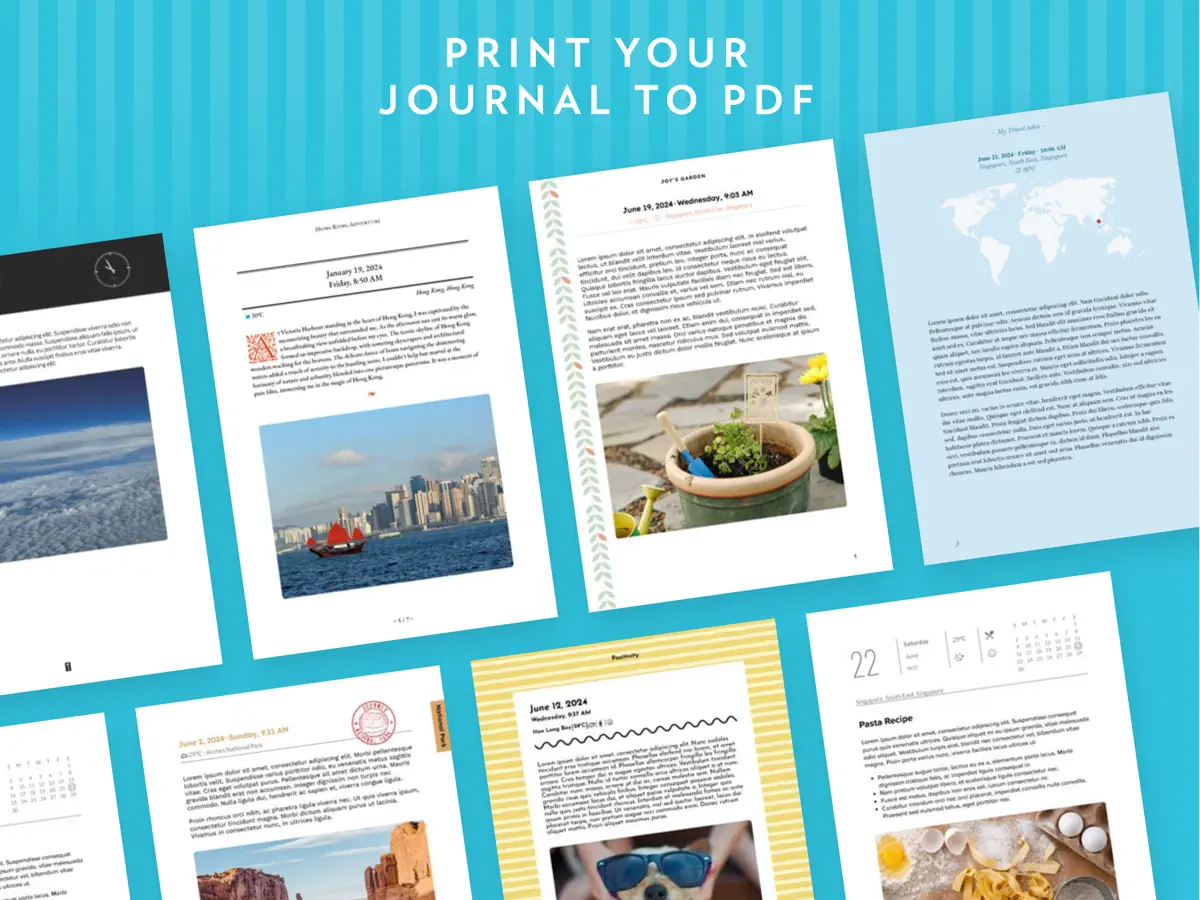
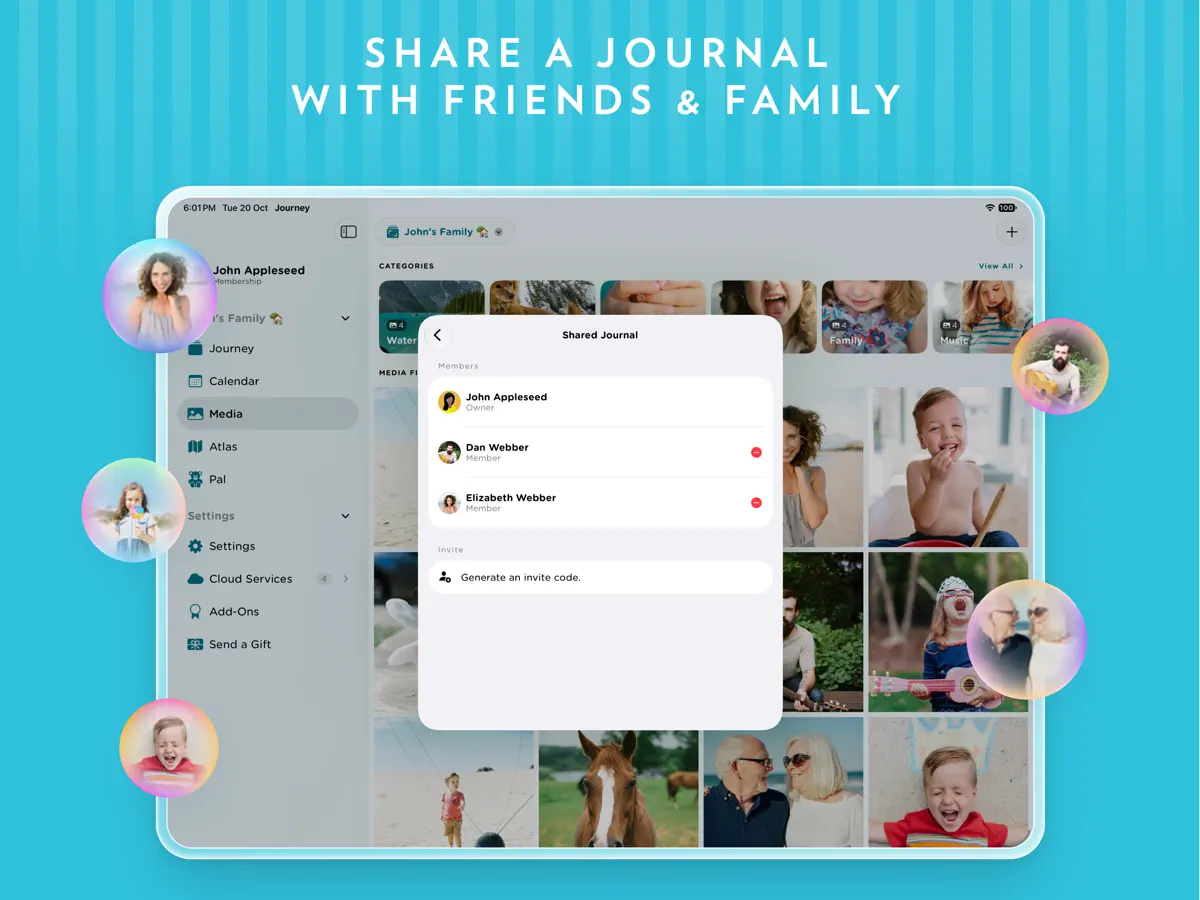
Your private journal, with a companion who listens. Write about your day, capture meaningful moments, or talk to Barry or Sherry, your journaling Pal. Make space to reflect, find calm, and appreciate the little things in life. # Meet Your Journaling Pal Meet Barry or Sherry, your companion who listens and remembers things about you. Chat by text or voice, reflect on your day, and find ideas when you’re not sure what to write. Your Pal can help you add to your journal and revisit memories. # Capture Beautiful Memories Capture both moments & memories with photos, videos or audios that you can look back on in the future and remember the events that happened that day. # Create Stunning Journal Entries Explore a variety of journaling & note-taking tools in Journey's editor. Change the paragraph style, stylize your text with bold, italics and strikethrough, organize your writing with bullets, tables, and checklists, and play around with text color. # Throwback to Your Happiest Moments Get notified and look back at your best memories and your journal entries from a week, a month, or even a year or two ago. # Tend To Your Emotions With Mood-Tracking Take note of your feelings while journaling, and keep track of how your mood fluctuates across your journal entries. View how your mood shifts across 30 days in your stories. # Shared Journal^ Collaborate and create cherished memories with your loved ones, family members, or even friends on an unforgettable journey together. # End-to-End Encryption^ Enjoy unparalleled peace of mind with end-to-end encryption†. Safeguard your personal moments & memories and ensure your privacy remains intact throughout its journey to the cloud. # Private & Secure Space Set up a passcode and Touch ID/Face ID to keep your journaling notes private and secure. # Power Up Your Journal With Plugins Power up your journaling routine with an extensive range of journal plugins. Explore functions such as exporting to DOCX & PDF, adding images & media, and blog publishing on Journey. # Create Custom Templates Take charge of your journaling by creating custom templates that suit your needs. Create, duplicate, and delete custom templates at your convenience. # Other Features: - Cloud sync - View entries in the calendar, photos, videos, and on a map - Passcode & biometric lock - Available on mobile, desktop, and web - 14 Color themes - Add weather & location to entry - View entries in timeline, calendar, or map - Advanced search: Activity, mood, favorites - Compose entries via email - Zapier integration - Publish to blogs - Daily journal reminder - Siri shortcuts - Healthkit (Steps count & distance) ^ Only available in Journey Cloud Sync. # Journey.Cloud Membership Journey.Cloud membership is an auto-renewing subscription. Pricing: US$6.99/monthly or US$49.99/year. Price may vary by location. - Daily reminder and inspiration into your email inbox - Write and attach photos from email - Unlock paid features on any Mac or other desktop devices - Unlock paid features on any iPhone or iPads devices - Unlock paid features on any other phones and tablets. Payment will be charged to the credit card connected to your iTunes Account when you confirm the initial subscription purchase. Subscriptions automatically renew unless auto-renew is turned off at least 24-hours before the end of the current subscription period. Your account will be charged for renewal within 24-hours prior to the end of the current period, and the cost of the renewal will be identified. You may manage your subscription and auto-renewal may be turned off by going to your Account Settings after the purchase. Any unused portion of a free trial period, if offered, will be forfeited when you purchase a subscription, where applicable. Privacy Policy: https://journey.cloud/policy/ Terms of Use (EULA): https://journey.cloud/terms/ ------ For technical assistance or other inquiries, talk to us at https://help.journey.cloud.
Highlights
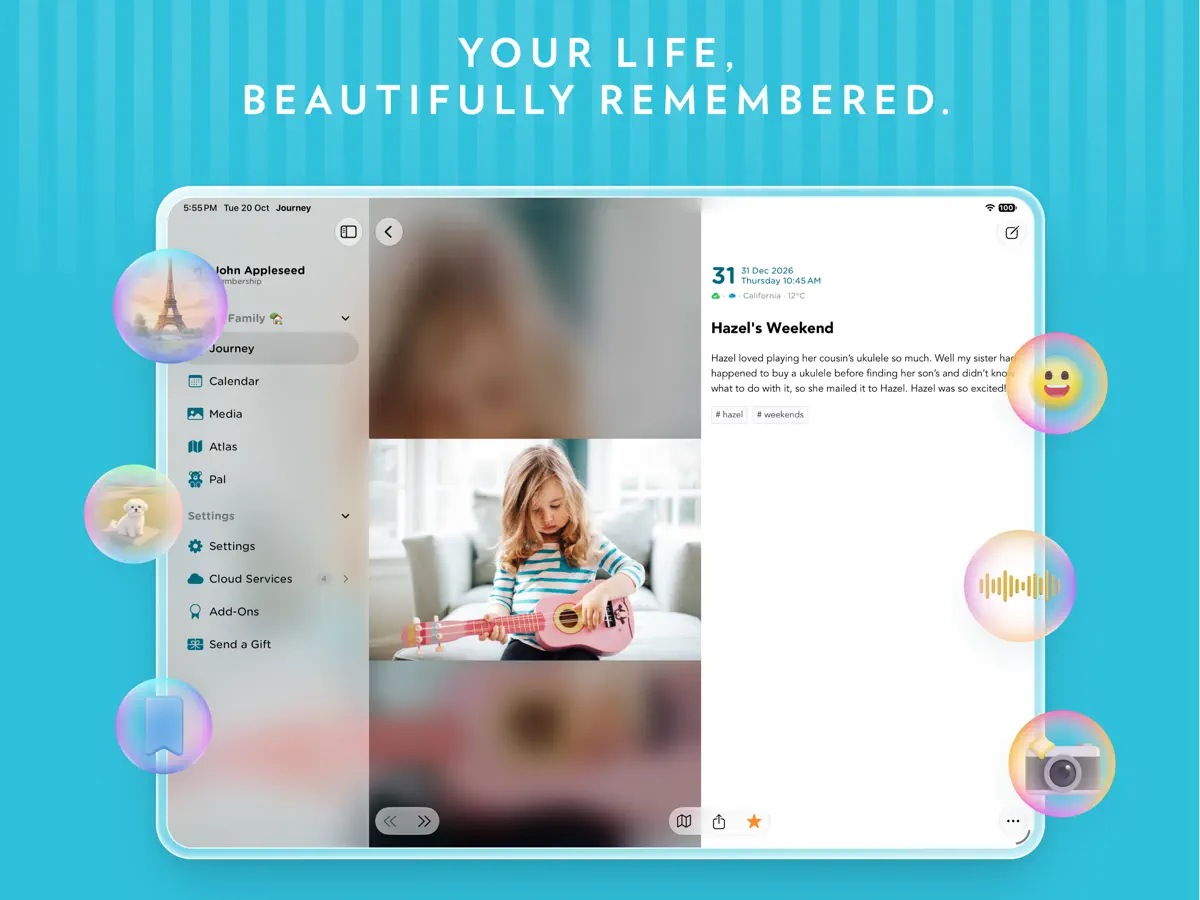
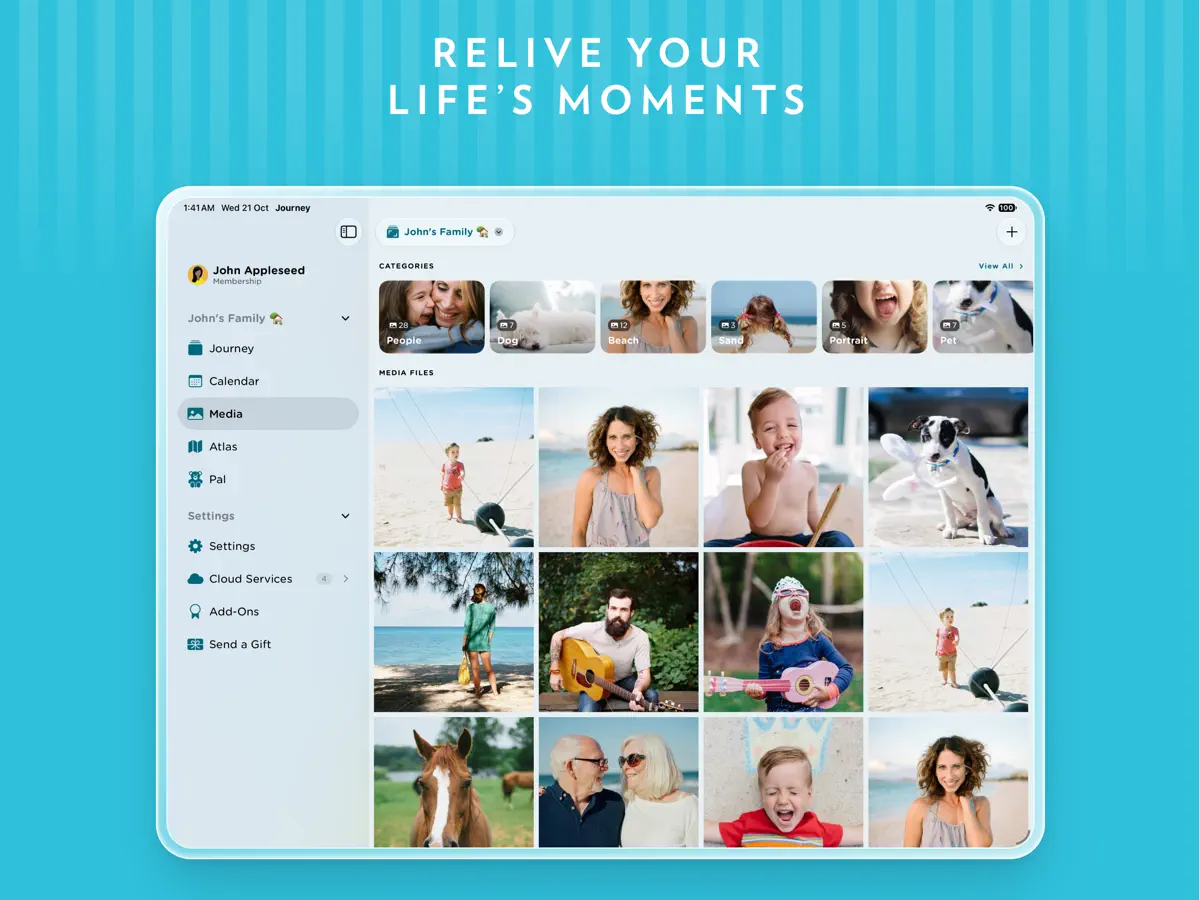
- Journal entries with photos, video and audio
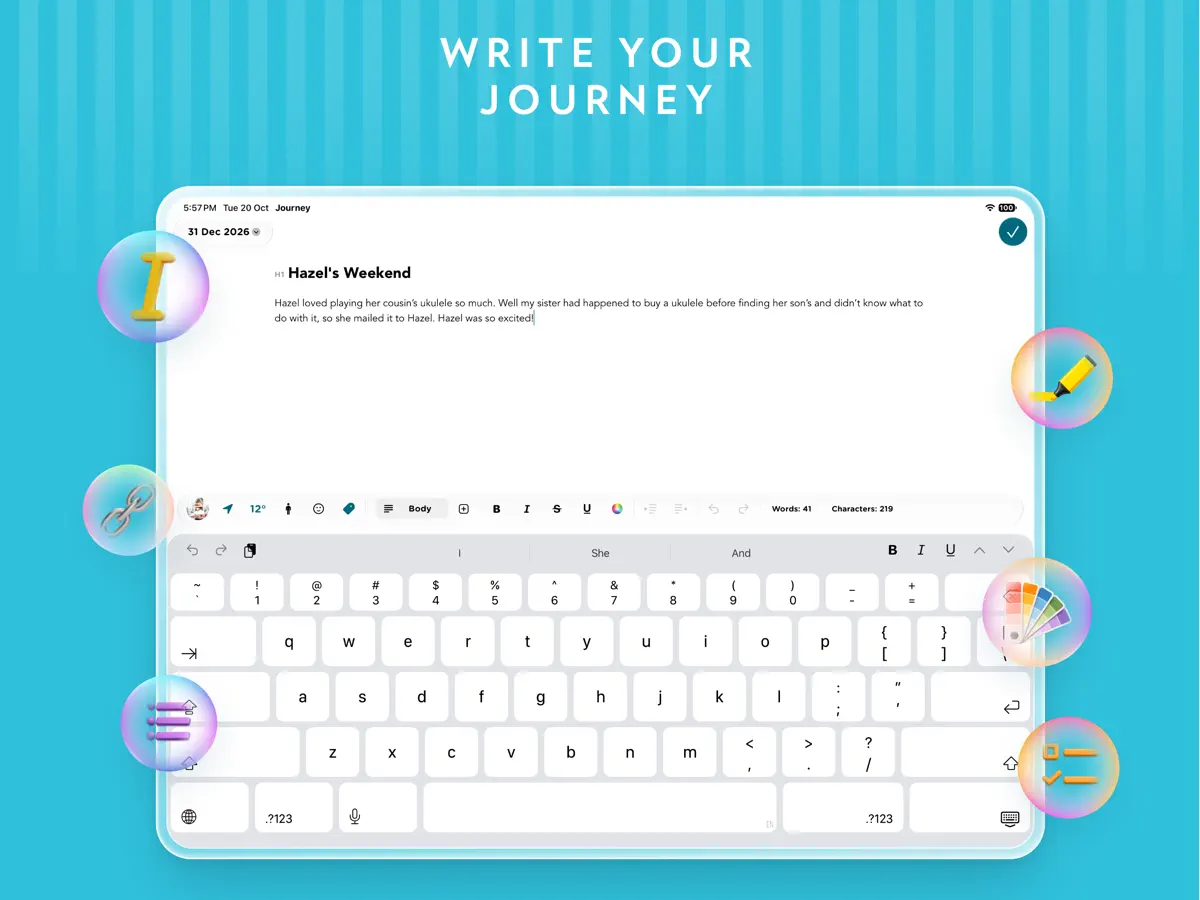
- Rich text editor with tables and checklists
- Mood tracking across entries
- Throwback reminders of past entries
- Shared journals
- End-to-end encryption and passcode or Face ID lock
- Pal companion for text or voice chat
Journey on iPhone Duo: FAQ
Is Journey optimized for iPhone Duo?
Partly. Journey is Adapted: it fills the larger inner display, but it does not do anything special with the fold. Verified on October 21, 2026 (Developer statement).
What does Journey look like on iPhone Duo?
The release notes for Journey 6.0.1 list support for iPhone Duo, with layouts that adapt as the phone is folded and unfolded. The developer does not describe any feature tied specifically to the fold, the outer display or Split View. We have not yet tested it on an iPhone Duo.
How much does Journey cost?
Journey costs Free · in-app purchases on the App Store.
More Productivity apps
See all ›
Calm to-do list and paper-style planner that sorts tasks by how long they take

Task and project management with layouts for both iPhone Duo displays

Unified inbox from Readdle with message and inbox side by side when unfolded

Task manager from Cultured Code, reshaped for every iPhone Duo pose

A private handwriting-style notebook that opens when you unfold iPhone Duo

Visual timeline day planner with a Focus Timer for book and tabletop poses