Notion
Notes, docs, tasks and databases in one shared workspace
Notion Labs, Incorporated · Productivity · Free · in-app purchases
iPhone screenshots
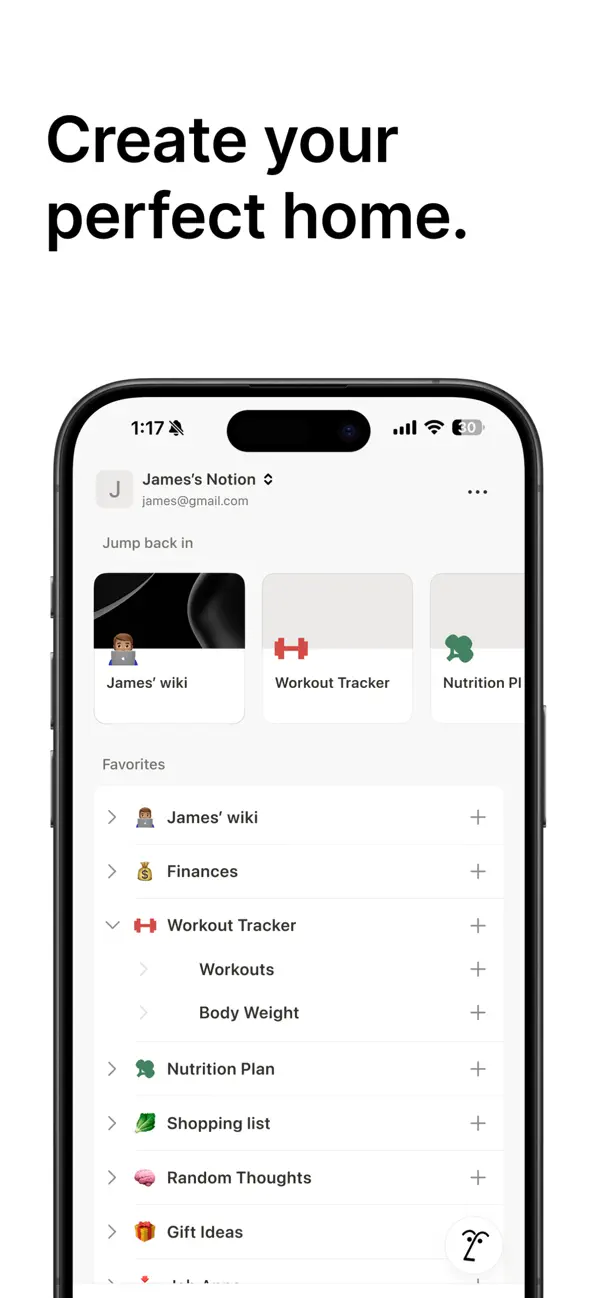
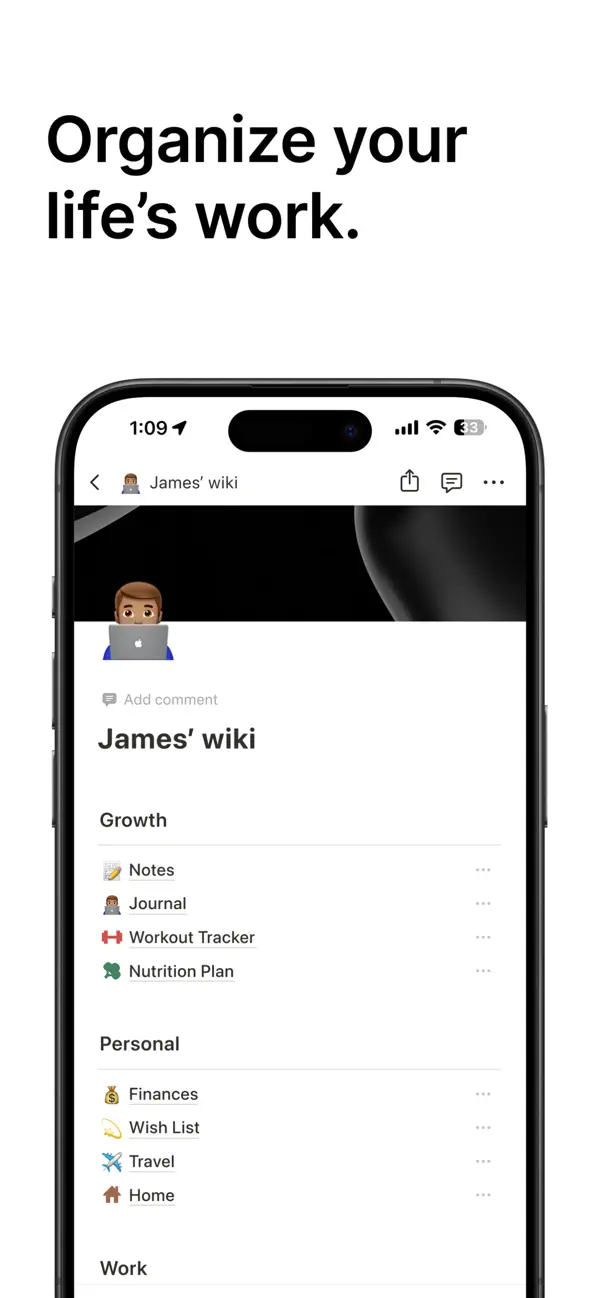
iPad screenshots
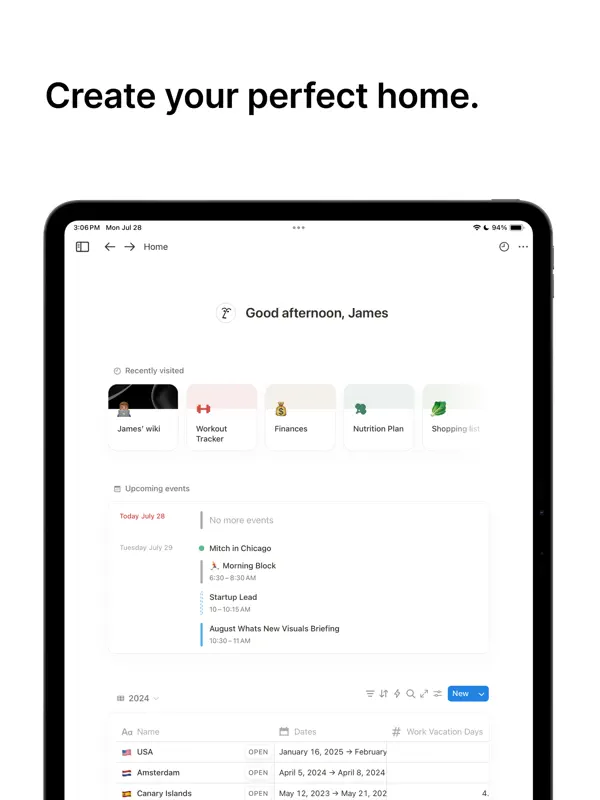
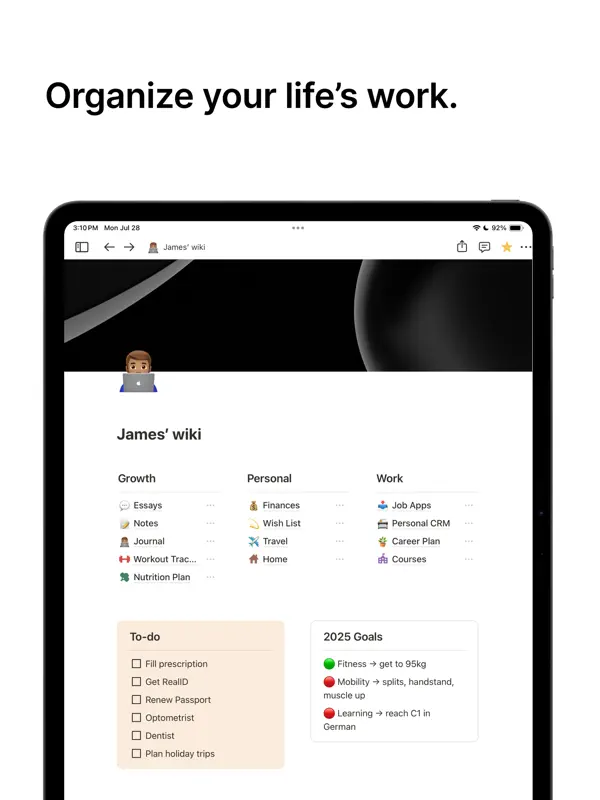
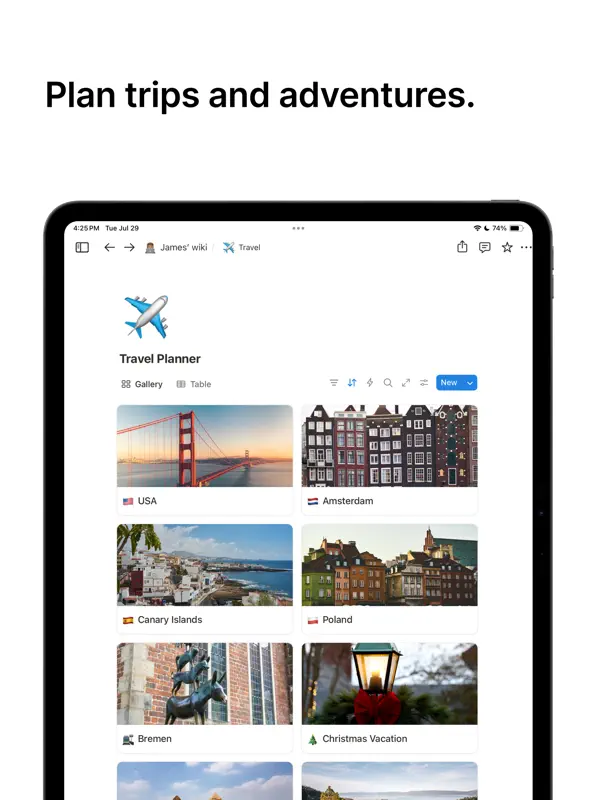
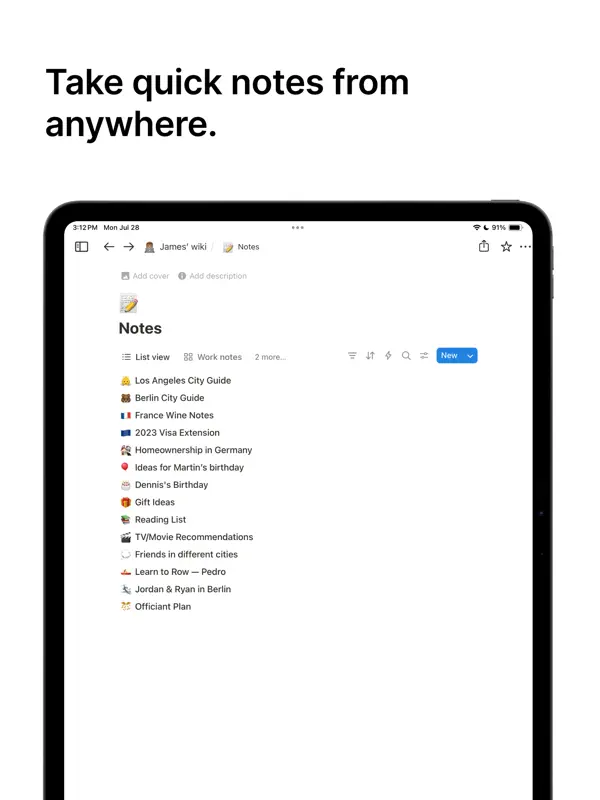
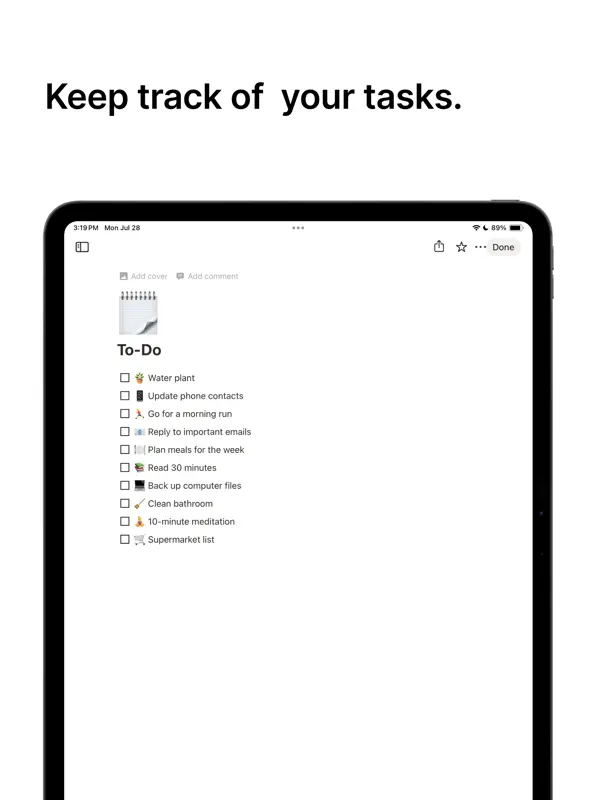
How it uses iPhone Duo
Notion's App Store release notes for version 1.7.348 (October 21, 2026) read "iPhone Duo support, bug fixes, and performance improvements." No Duo-specific layout or feature has been described by Notion. We have not yet tested it on an iPhone Duo.
What’s New
Version 1.7.349 ·
iPhone Duo support, bug fixes, and performance improvements.
About this app
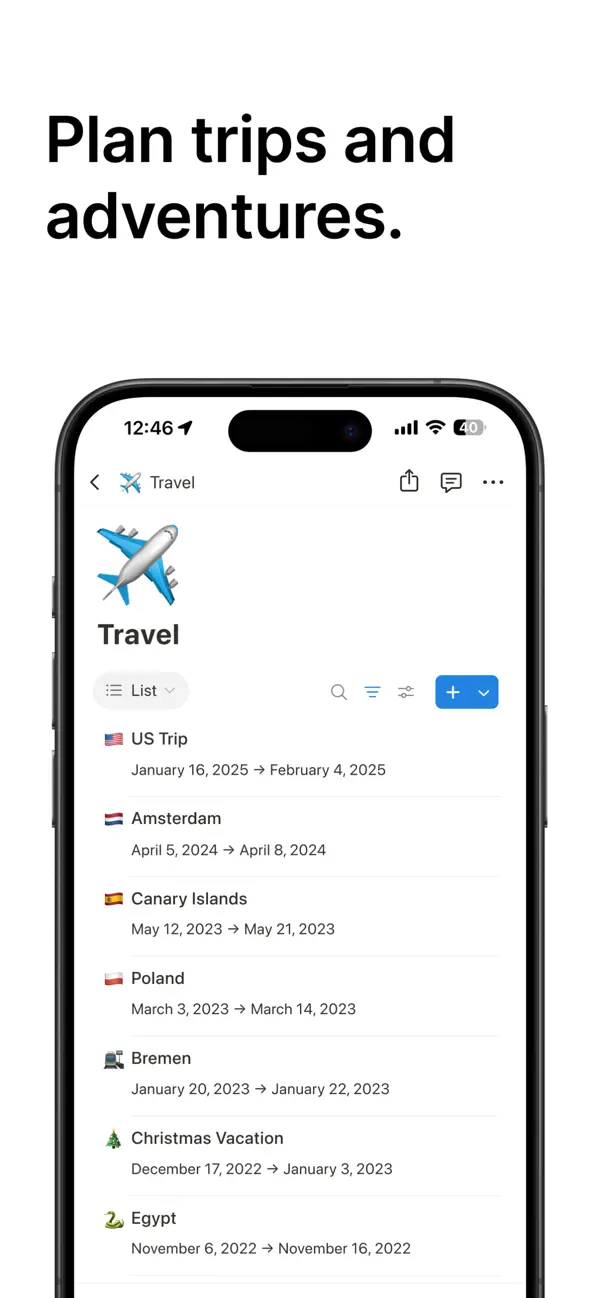
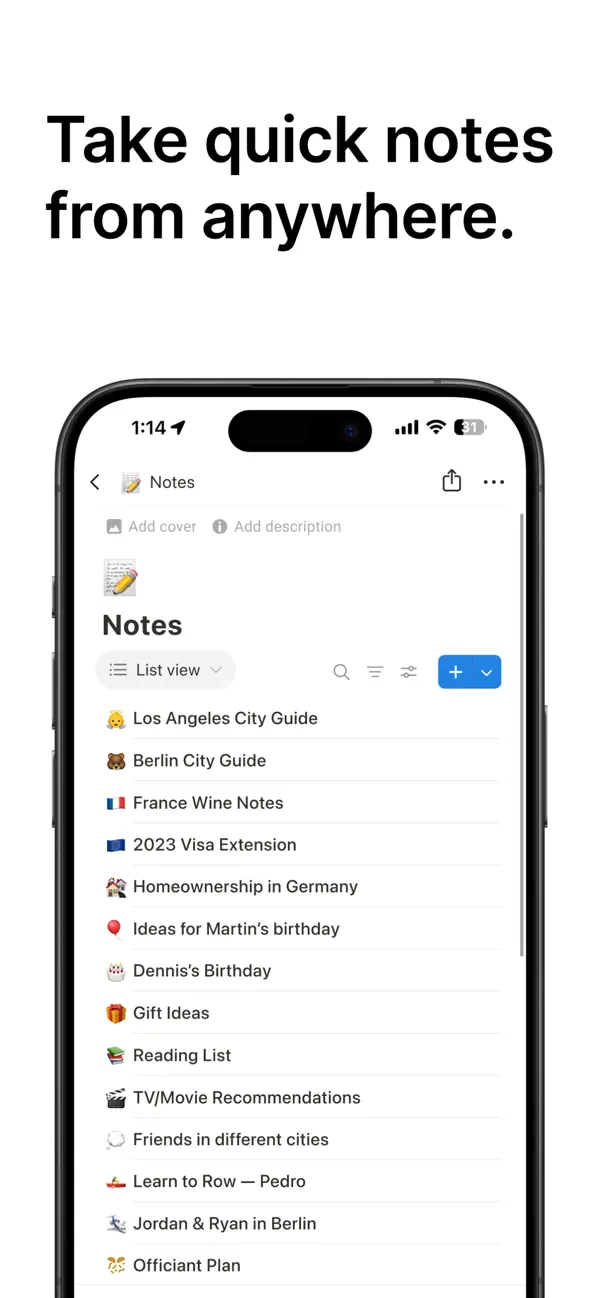
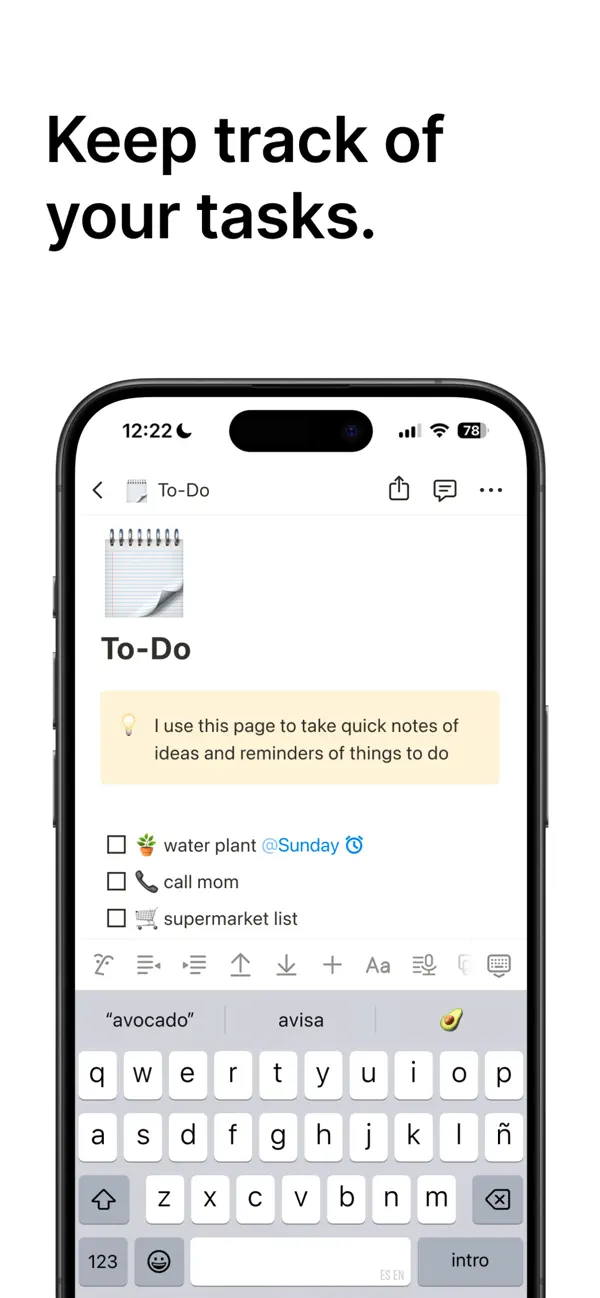
Notion is a workspace app for notes, documents, task lists and databases, used both by individuals and by teams. Pages can hold text, checklists, embeds and linked databases, and databases can be shown as tables, boards, calendars and other views, including a map view that uses a Place property to pin locations. Notion AI can answer questions about your workspace, summarize content and help draft text, and AI Meeting Notes can record and summarize meetings inside the page where you work. Teams share pages, comment and edit together, while individuals can use it for personal planning, class notes or reading lists. The app syncs with Notion on the web, Mac and Windows. Notion is free for personal use, with paid plans for teams and additional AI features sold through in-app purchase. On iPhone Duo, Notion's App Store release notes for version 1.7.348, published October 21, 2026, list iPhone Duo support alongside bug fixes and performance improvements. Notion has not described what changes on the Duo, such as a different layout on the inner display, so We list it as compatible until more detail is available.
App Store descriptionWritten by the developer.
Notion is an AI-powered all-in-one workspace that helps individuals and teams write notes, manage tasks, organize projects, and collaborate in one place. Whether you’re tracking personal to-do lists, writing and organizing class notes, or managing projects with a team, Notion helps users plan work, stay organized, and achieve goals. "AI's everything app" — Forbes Notion is a productivity app where you can write, plan, and organize your notes, projects, tasks and more. Ask Notion AI about project updates, upcoming tasks, and suggestions for a more streamlined workflow. Simplify writing notes, project and task management, and collaboration. Whether for personal, student or professional use, Notion scales to meet your individual needs with customization tools for everyone. NEW features: • AI Meeting Notes: Perfect meeting memory. Your notetaker catches every detail and delivers actionable summaries, right where you work. • Maps View: Turn databases into interactive maps. Use the new Place property to pin restaurants, trips, offices, clients, and more. FREE FOR PERSONAL USE Individuals manage day-to-day tasks, notes, and personal organization. • Create as many notes, docs, and content as you want. • Use one of thousands of templates to get started. FREE TO TRY WITH YOUR TEAM Teams run on Notion every day, from next-generation startups to established enterprises. • Import Google Docs, PDFs, and other content types easily to get started • Write and organize meeting notes, or transcribe with AI. • Collaboration and team work at your fingertips, in one connected workspace. • Connect tools like Figma, Slack, and GitHub to Notion. FREE FOR STUDENTS Students organize notes, assignments, and study plans in one place. • Your study planner, class notes, to do lists and more, your way. Loved by millions of students worldwide. • Get organized for your best school year yet with beautiful, customizable templates created by students, for students. NOTES & DOCS Communication is made efficient with Notion's flexible building blocks. • Create docs with beautiful templates, images, to-dos, and 50+ more content types. • Meeting notes, projects, design systems, pitch decks, and more. • Find exactly what you need using Search with powerful filters to find content across your workspace. TASKS & PROJECTS Catch all details big and small in any workflow. • Workflow manager: Create your own priority labels, status tags, and automations to choose the exact info you want to track. • Capture every detail in a table. Break projects into manageable tasks to get the work done. AI One tool that does it all - search, generate, analyze, and chat - right inside Notion. • Create notes. Transcribe meeting notes with AI. • Turn databases into interactive maps. Use the new Place property to pin restaurants, trips, offices, clients, and more. • Write better. Use Notion AI to help write and brainstorm. • Get answers. Ask Notion AI questions about all your content and get answers in seconds. • Autofill tables. Notion AI turns overwhelming data into clear, actionable information — automatically. SYNCS WITH BROWSER, MAC, AND WINDOWS APPS. • Pick up on mobile where you left off on desktop. MORE PRODUCTIVITY. FEWER TOOLS. • Track to-dos, write notes, create docs, and manage projects in one connected workspace. THINK IT. MAKE IT.
Highlights
- Notes, docs and task lists
- Databases with table, board, calendar and map views
- Notion AI questions and drafting
- AI Meeting Notes
- Real-time collaboration and comments
- Syncs with web, Mac and Windows
Notion on iPhone Duo: FAQ
Is Notion optimized for iPhone Duo?
Not yet. Notion is Compatible: it runs unchanged with its phone layout. Verified on October 21, 2026 (Developer statement).
What does Notion look like on iPhone Duo?
Notion's App Store release notes for version 1.7.348 (October 21, 2026) read "iPhone Duo support, bug fixes, and performance improvements." No Duo-specific layout or feature has been described by Notion. We have not yet tested it on an iPhone Duo.
How much does Notion cost?
Notion costs Free · in-app purchases on the App Store.
More Productivity apps
See all ›
Calm to-do list and paper-style planner that sorts tasks by how long they take

Task and project management with layouts for both iPhone Duo displays

Unified inbox from Readdle with message and inbox side by side when unfolded

Task manager from Cultured Code, reshaped for every iPhone Duo pose

A private handwriting-style notebook that opens when you unfold iPhone Duo

Visual timeline day planner with a Focus Timer for book and tabletop poses