Slack
Team messaging with channels, video calls, AI search and workflow automation
SLACK TECHNOLOGIES L.L.C. · Productivity · Free
iPhone screenshots
iPad screenshots

How it uses iPhone Duo
Apple's iPhone Duo announcement (September 9, 2026) lists Slack, with Netflix and Zoom, among third-party apps it says are already taking advantage of the folding design to make the most of the larger display, and states that on iPhone Duo the Slack app brings a user's whole workspace into view. Apple's press materials include an image of the Slack interface on the device. No source we found describes a specific outer-display, half-open or Split View feature for Slack, and Slack's own release notes do not yet mention iPhone Duo. We have not yet tested Slack on an iPhone Duo.
What’s New
Version 26.10.30 ·
Bug Fixes • Nothing to report this time. Well, nothing that you can see, but plenty going on under the surface. We’re working hard to make Slack better; this time it’s not so visible.
About this app
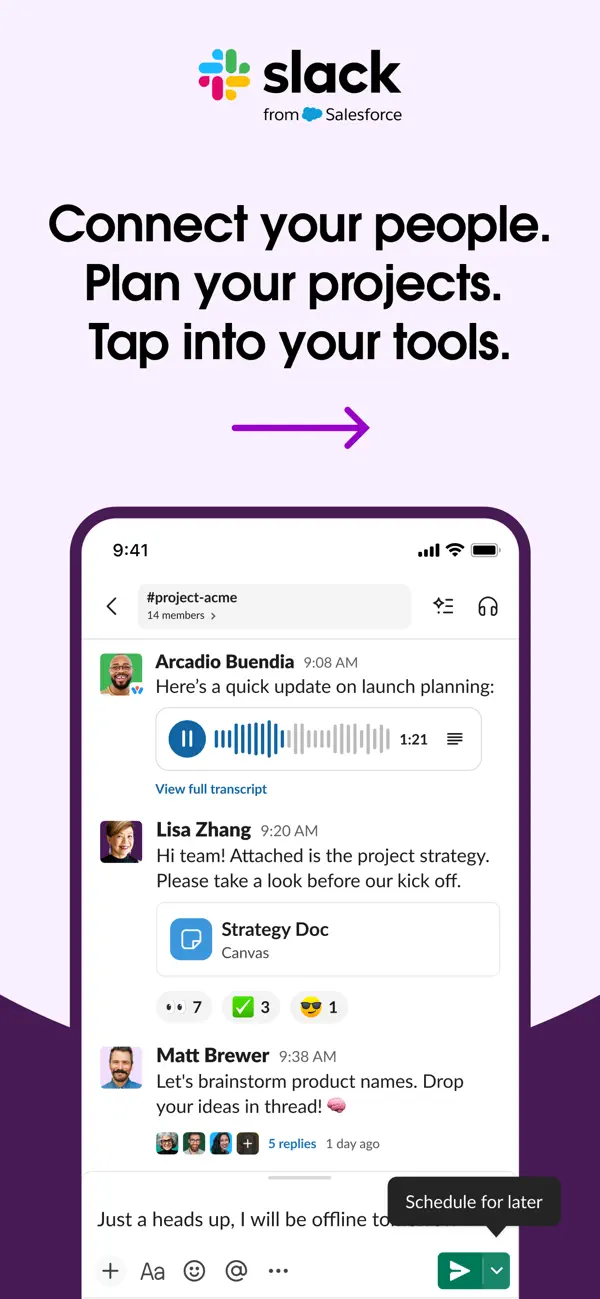
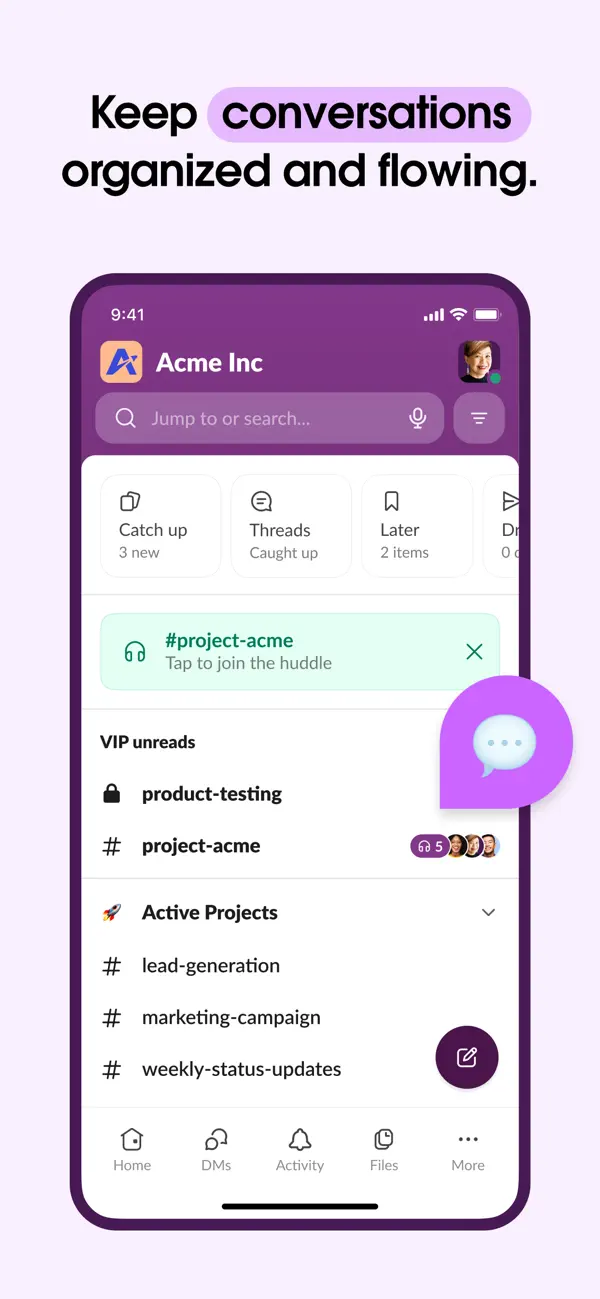
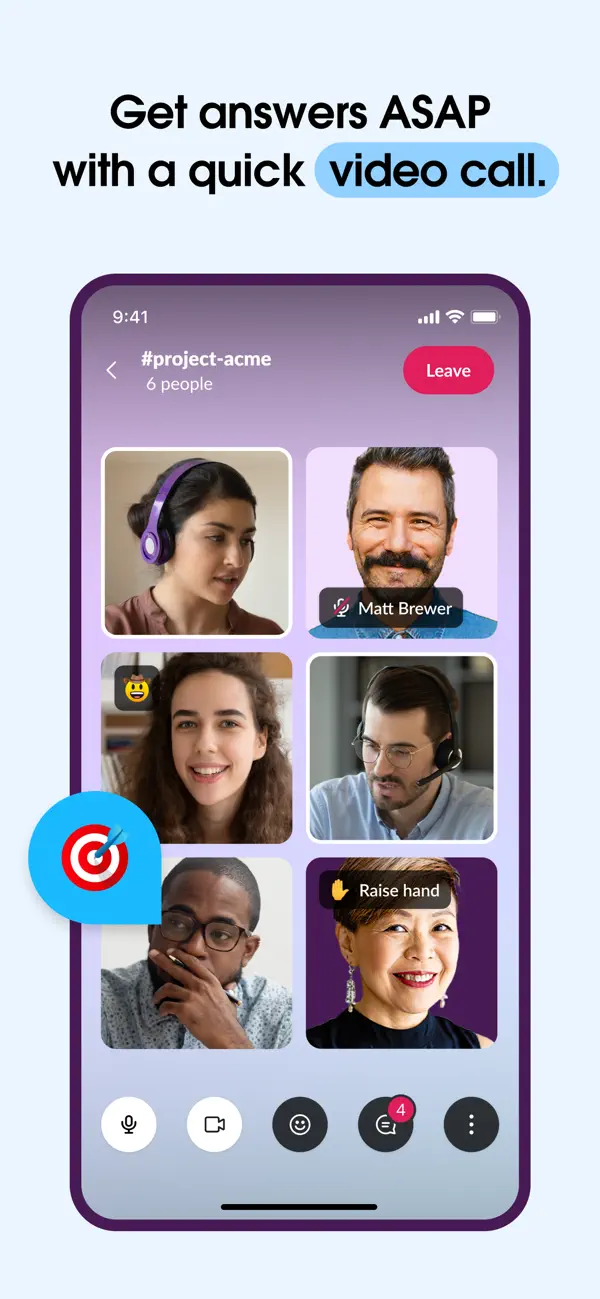
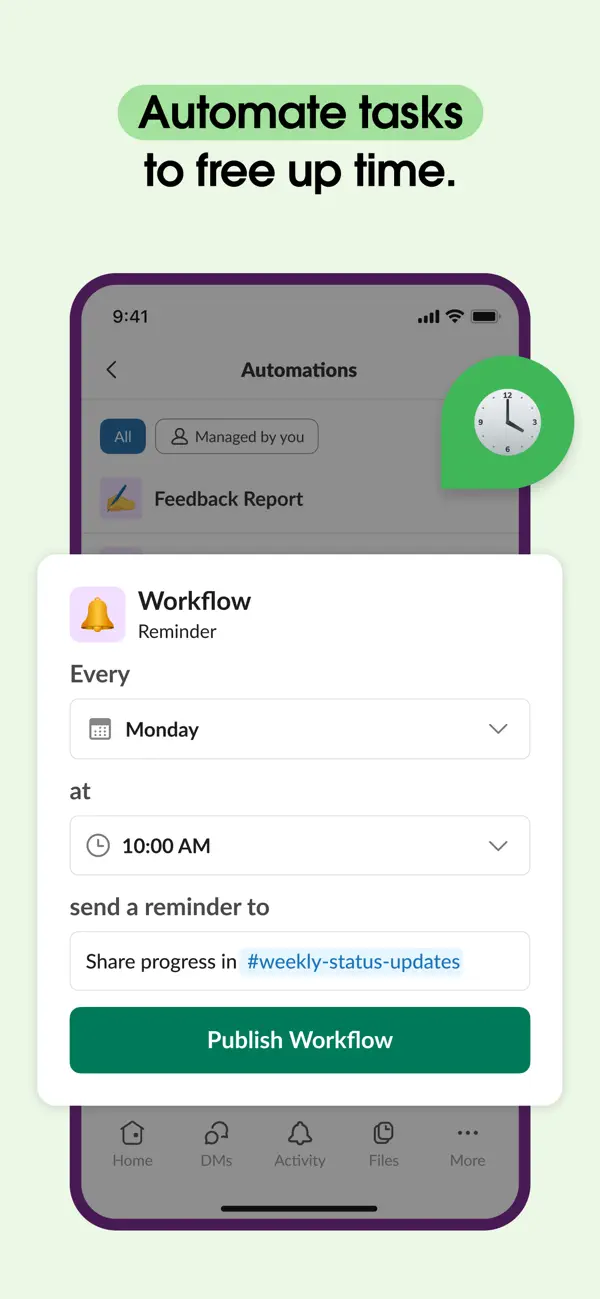
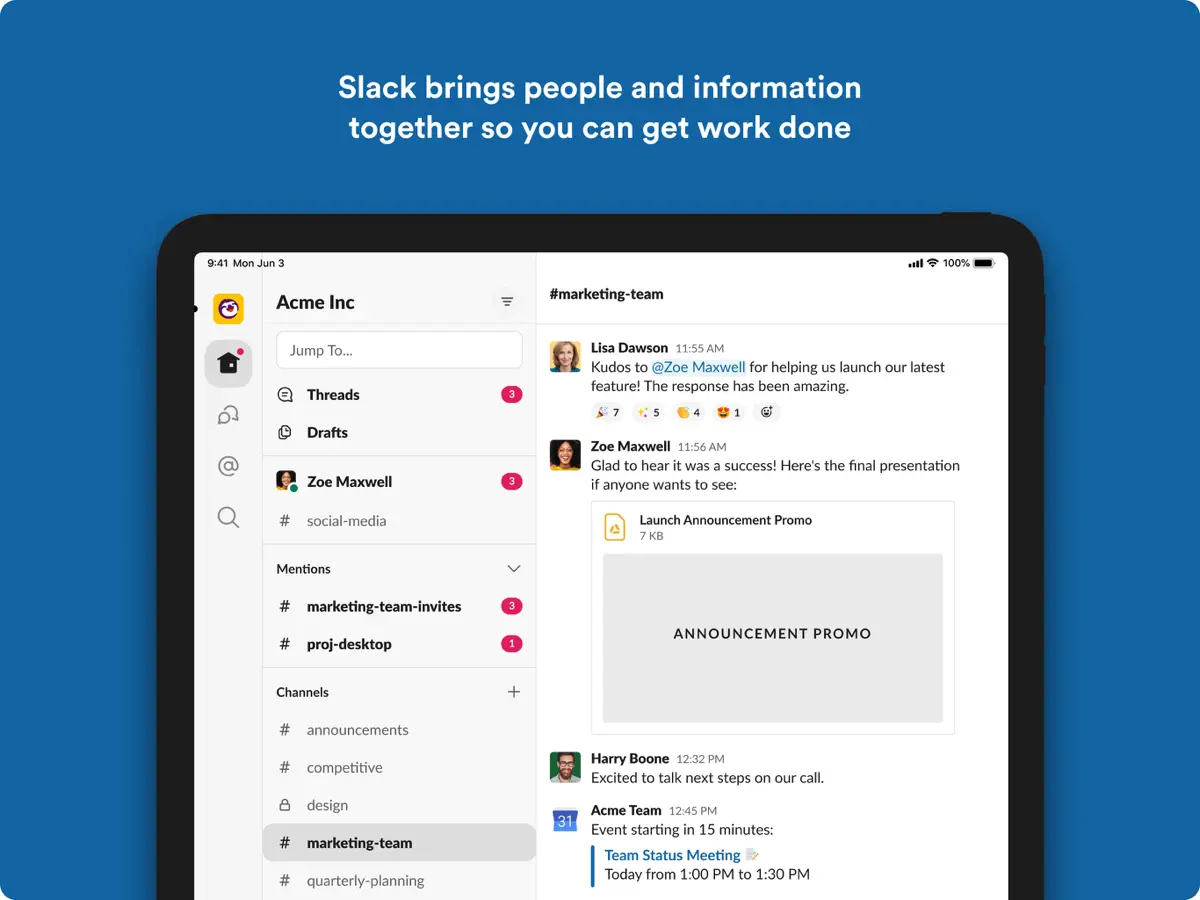
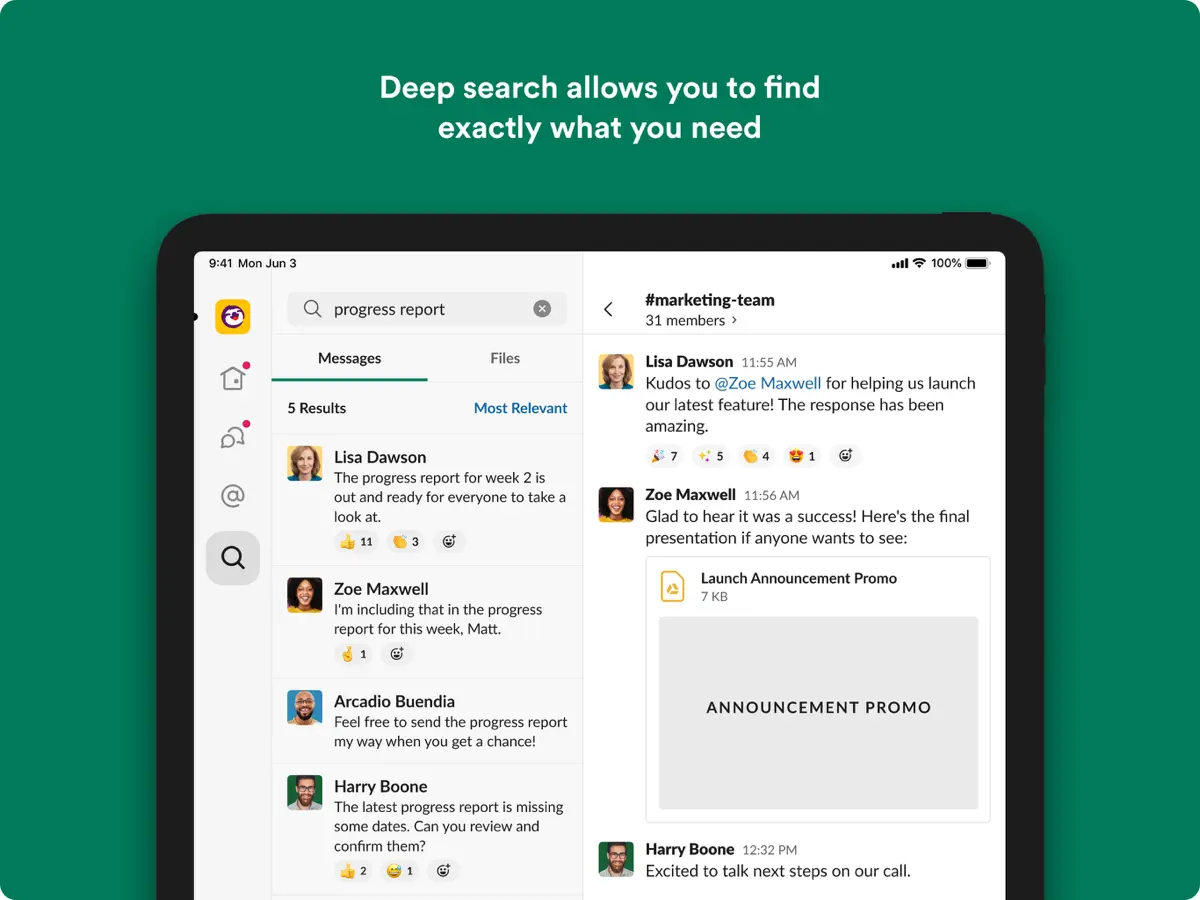
Slack is a messaging and collaboration app for teams. Conversations are organised into channels for projects, customers or topics, alongside direct messages, so a company can keep discussion out of email threads and in one searchable place. It is used by organisations of every size, and Slack Connect lets people work with external partners such as vendors, customers and contractors in shared channels. Beyond text, the iPhone app supports voice notes, video calls with screen sharing, file sharing and collaborative documents. Search covers messages and files, and Slack's AI features can find information and summarise conversations to help someone catch up after time away. Teams can also build automations for routine tasks without writing code. The app itself is free to download; what you can do depends on the plan your workspace is on. On iPhone Duo, Slack was one of three third-party apps Apple named in its September 9, 2026 launch announcement as already taking advantage of the folding design, with Apple saying the app brings a user's whole workspace into view. Neither Apple nor Slack has yet published details of specific folded, half-open or Split View behaviour, and Slack's iOS release notes up to version 26.10.20 (October 14, 2026) do not mention iPhone Duo.
App Store descriptionWritten by the developer.
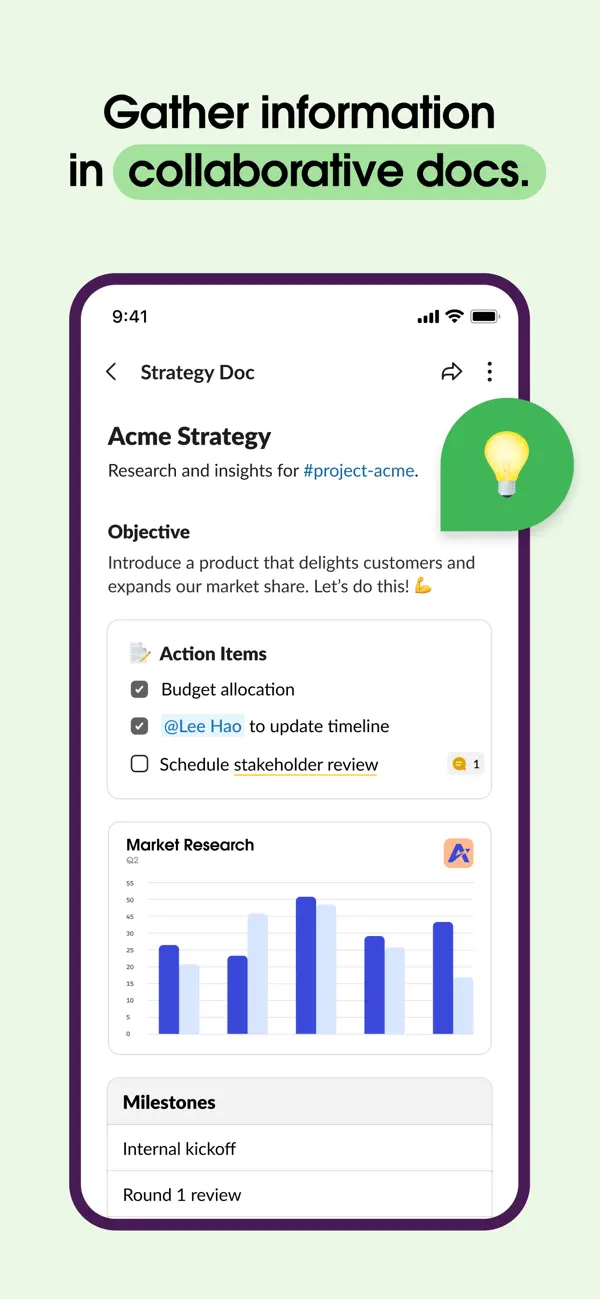
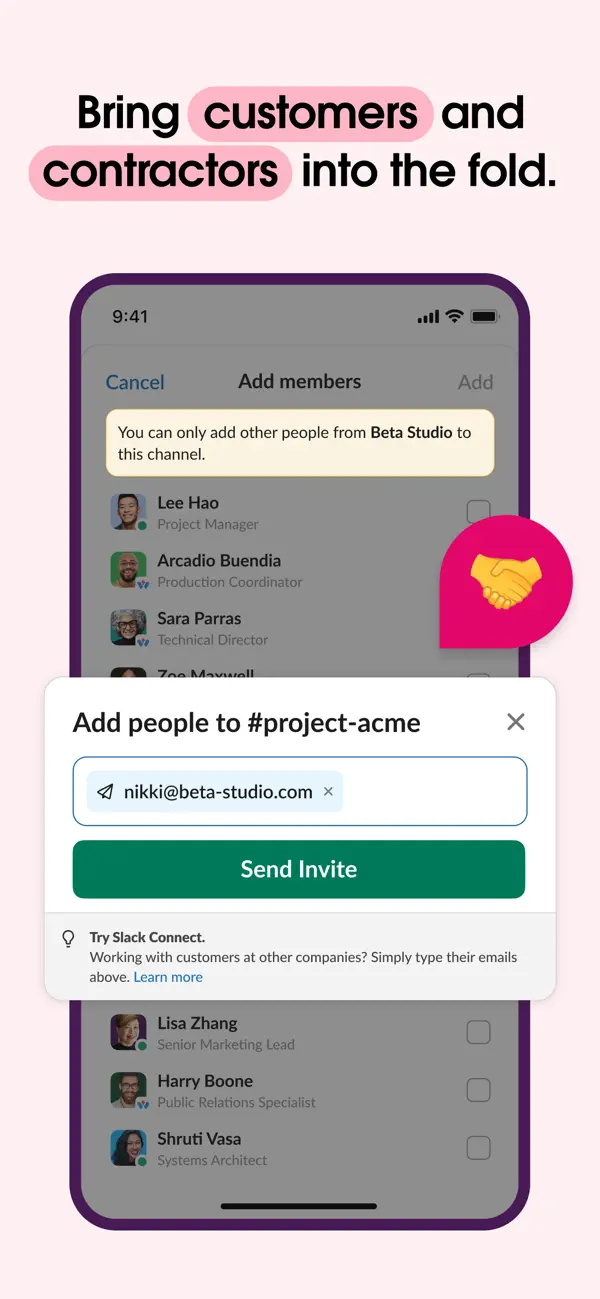
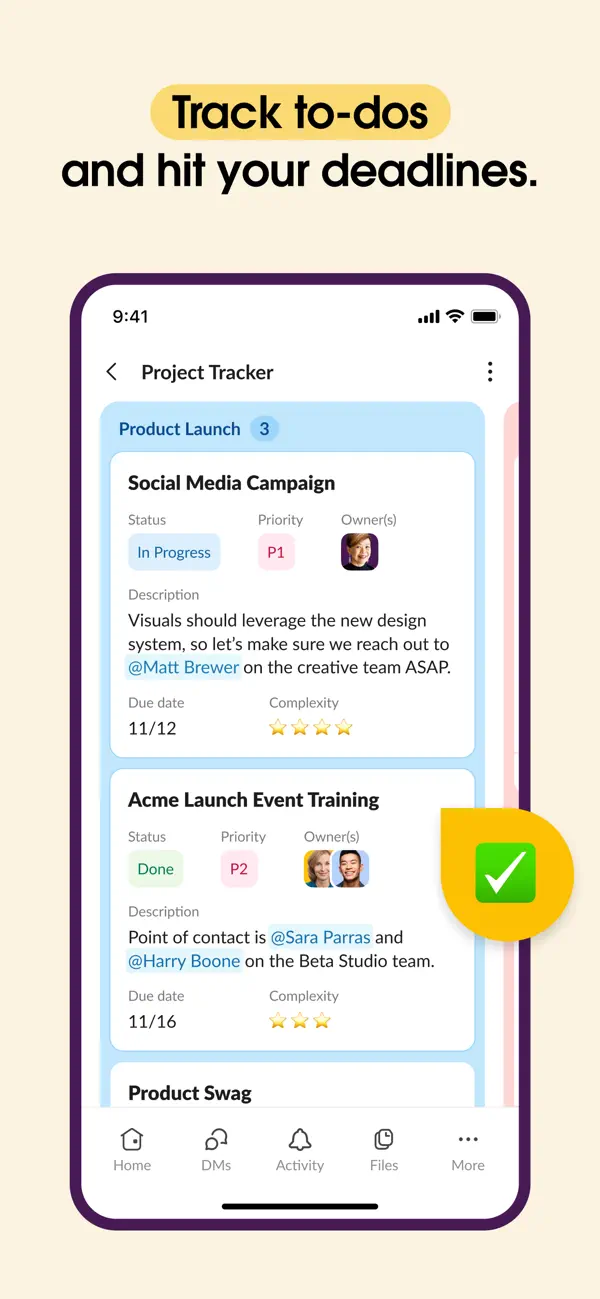
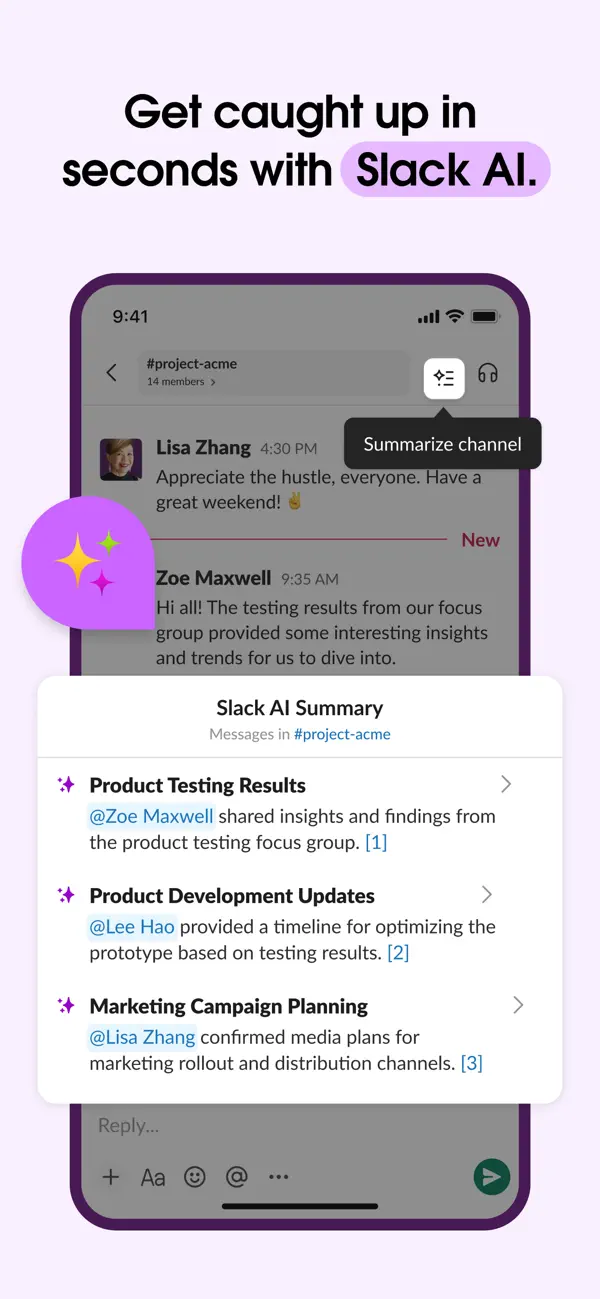
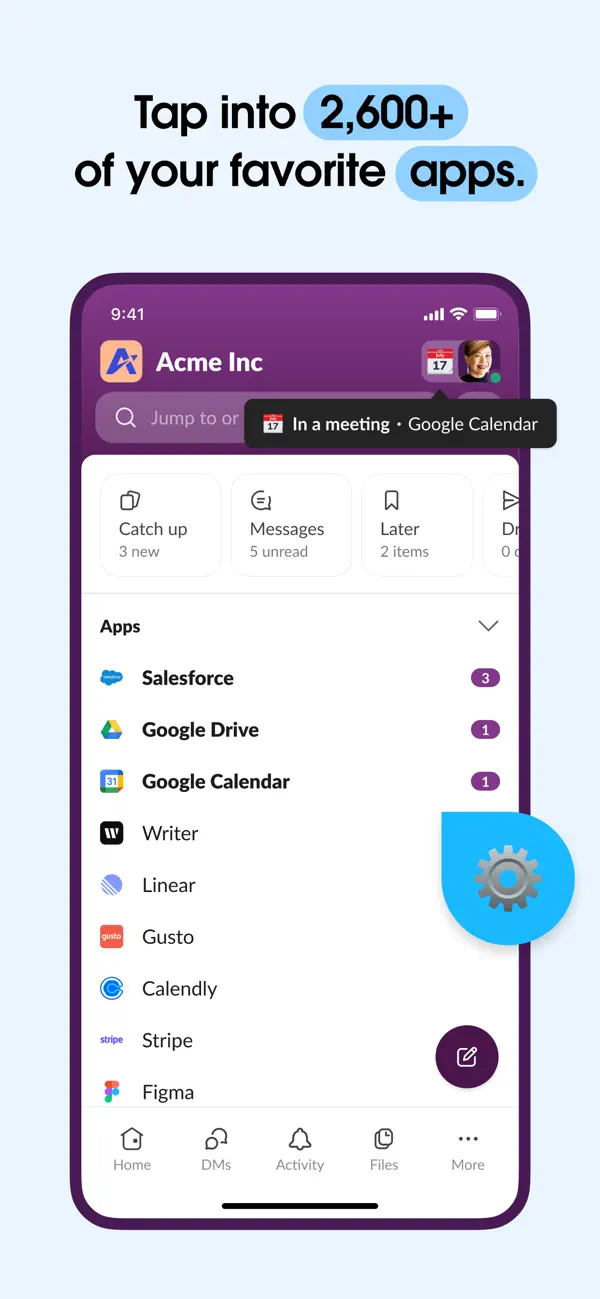
Companies in every industry around the world grow their business in Slack because it gets busywork off their plates and wasteful meetings off their calendars. Slack brings everyone from coworkers, customers, and contractors into one secure place, so you don’t have to chase approvals or wait around on emails. Slack even has AI that can search to find the information you need instantly and summarize conversations to catch you up with a click. Better yet, Slack makes it easy for anyone on your team to automate the small stuff, giving everyone more time to focus on the big picture. AKA, growing your business. COLLABORATE QUICKER. Work alongside teammates and external partners securely in Slack. • Connect with everyone: Invite vendors, customers, and contractors to work with you and your coworkers — all in one place. • Video chat face-to-face, from anywhere: Meet with teammates instantly through video conferencing, and discuss work live with screen sharing. • Crystal-clear communication: Use voice notes when text alone doesn’t cut it, ensuring complicated messages are better understood. • Stay organized: Keep project, customer, and product conversations in dedicated channels and documents. ACCESS YOUR KNOWLEDGE. Slack is where you can find every file, message, and decision. • Find anything, instantly: Our intelligent, AI-powered search understands context and saves you from digging around to find the answers you need to do your job.** • Collaborate on deliverables: Co-create marketing plans, product specs, and more in shared documents that live right next to your team’s conversations. • Streamline project execution: Track tasks, owners, and priorities with project management tools and lists that connect seamlessly to the rest of your work.* • Create consistent processes: Make sure every new project is set up to succeed with Slack-generated or custom-created* templates. • Capture meeting notes automatically: Let AI transcribe and summarize meeting notes for you in Slack, so you can focus on the conversation.** PERFECT EVERY PROCESS. Let Slack automations do your busywork for you. • Centralize your work: Connect to 2,600+ apps and focus just on Slack, including Google Drive, Dropbox, Asana, Zapier, Figma, Zendesk, and more. • Manage routine tasks: Approve PTO requests, manage your calendar, or update file permissions — all in one place (talk about convenient). • Stay on top of your to-dos: Manage your to-do list from your notepad to where you’re getting the rest of your work done. • Bring the power of Agentforce to your team: Access AI agents to respond to HR tickets, set team reminders, resolve IT issues, and much more.*** *Requires an upgrade to Slack Pro, Business+, or Enterprise. **Requires Slack AI add-on ***Requires Agentforce license from Salesforce
Highlights
- Channels and direct messages for team and project conversations
- Shared channels with external partners via Slack Connect
- Video calls with screen sharing, plus voice notes
- AI-powered search and conversation summaries
- No-code automation of routine tasks
- Named by Apple as using the iPhone Duo inner display to show the whole workspace
Slack on iPhone Duo: FAQ
Is Slack optimized for iPhone Duo?
Partly. Slack is Adapted: it fills the larger inner display, but it does not do anything special with the fold. Verified on September 9, 2026 (Apple announcement).
What does Slack look like on iPhone Duo?
Apple's iPhone Duo announcement (September 9, 2026) lists Slack, with Netflix and Zoom, among third-party apps it says are already taking advantage of the folding design to make the most of the larger display, and states that on iPhone Duo the Slack app brings a user's whole workspace into view. Apple's press materials include an image of the Slack interface on the device. No source we found describes a specific outer-display, half-open or Split View feature for Slack, and Slack's own release notes do not yet mention iPhone Duo. We have not yet tested Slack on an iPhone Duo.
How much does Slack cost?
Slack is free to download on the App Store.
More Productivity apps
See all ›
Calm to-do list and paper-style planner that sorts tasks by how long they take

Task and project management with layouts for both iPhone Duo displays

Unified inbox from Readdle with message and inbox side by side when unfolded

Task manager from Cultured Code, reshaped for every iPhone Duo pose

A private handwriting-style notebook that opens when you unfold iPhone Duo

Visual timeline day planner with a Focus Timer for book and tabletop poses