
Superhuman Mail
A fast email client for Gmail and Outlook with AI drafting and triage
SUPERHUMAN LABS INC. · Productivity · Free · in-app purchases
iPhone screenshots
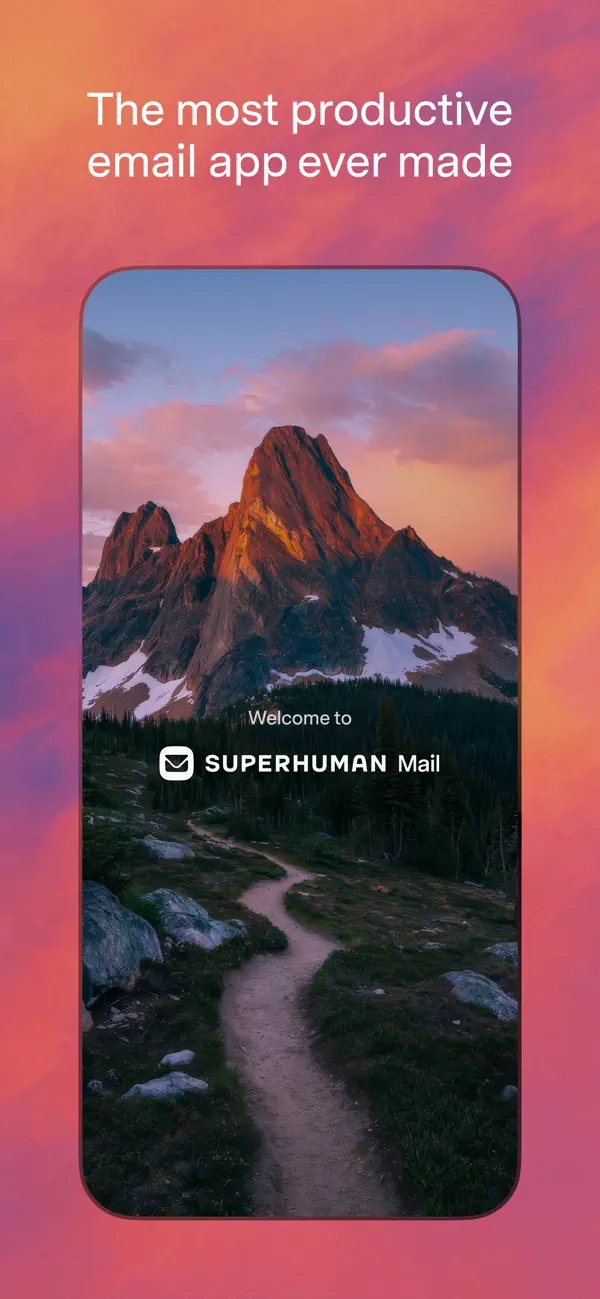

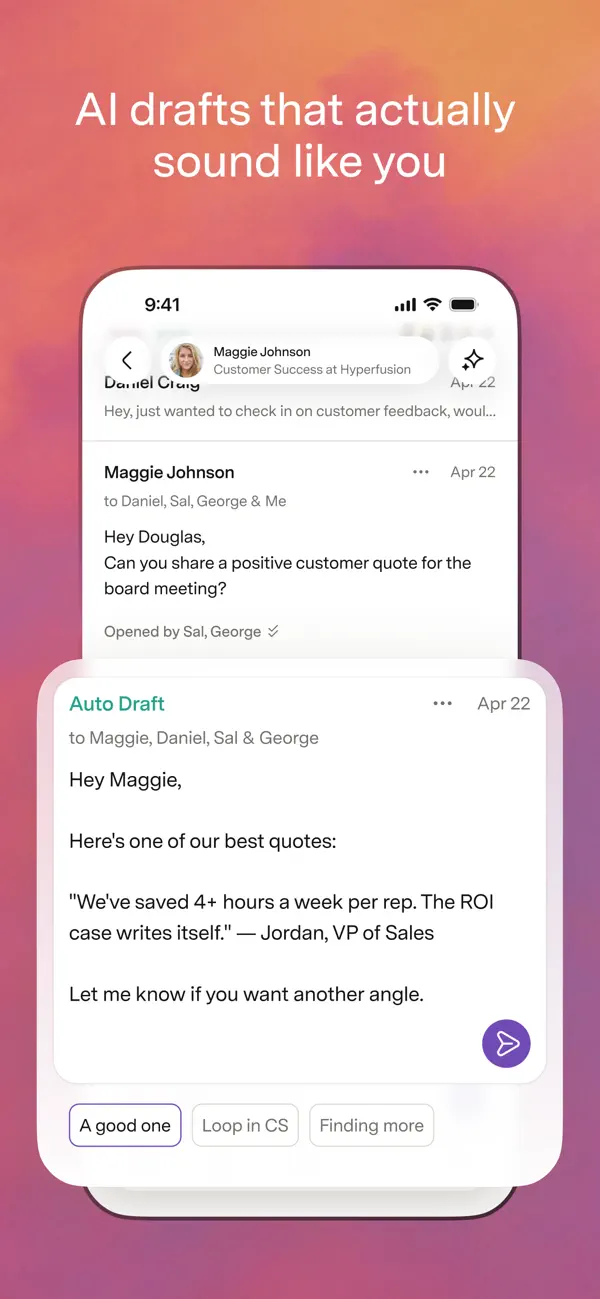
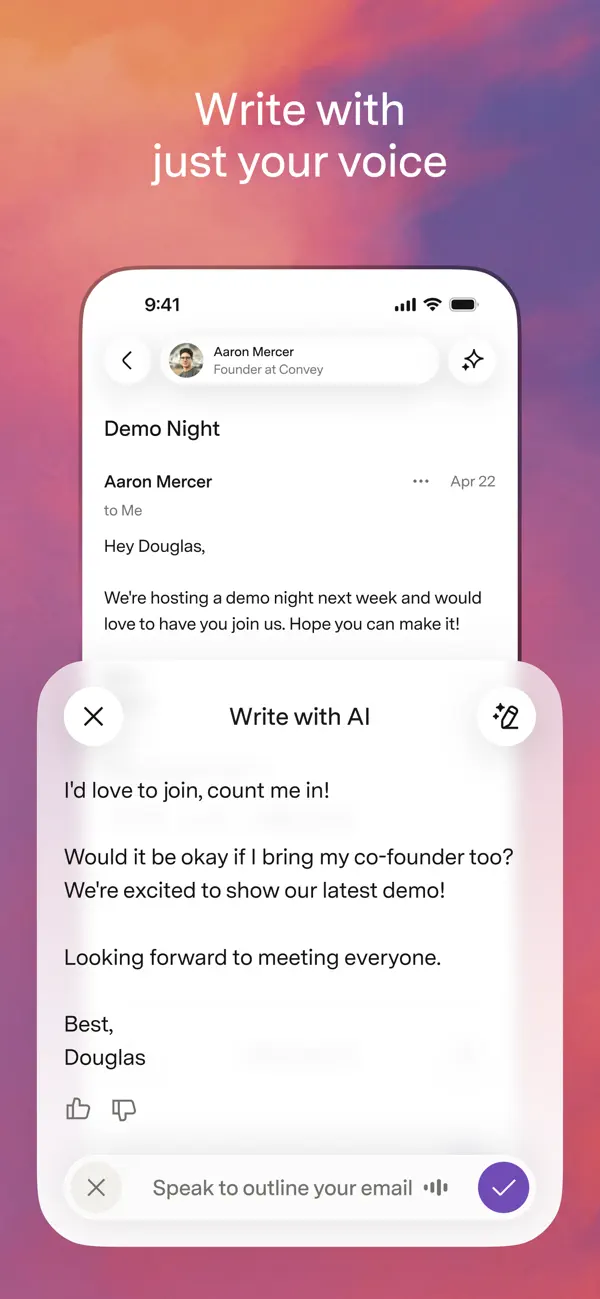
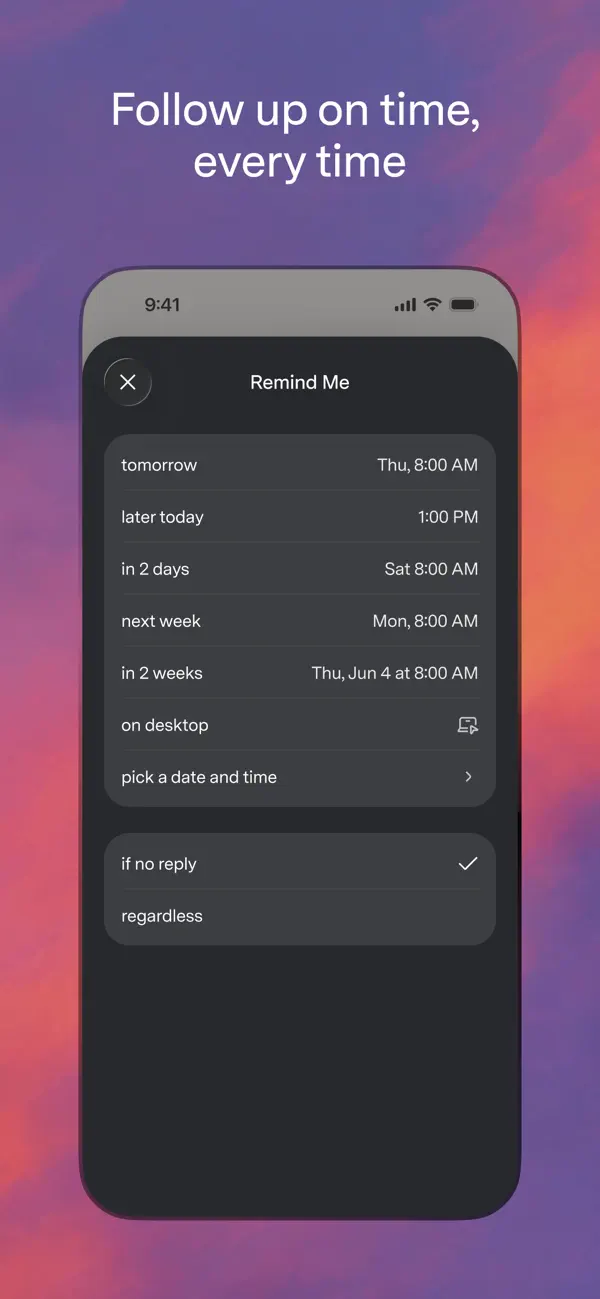
iPad screenshots
How it uses iPhone Duo
Superhuman's App Store release notes for version 5.7.0 (October 19, 2026) say Superhuman Mail is now on iPhone Duo, optimized for the Duo's larger display and updated for iOS 27 with an adaptive layout that works across screen sizes. The notes do not describe a distinct outer-display or half-open mode. We have not yet tested it on an iPhone Duo.
What’s New
Version 5.7.0 ·
Superhuman Mail is now on iPhone Duo! We’ve optimized Mail for Duo’s larger, dual display and updated it for iOS 27, with an adaptive layout that works beautifully across screen sizes. So you can fly through your inbox, wherever you work. Plus, switching between accounts is now faster.
About this app
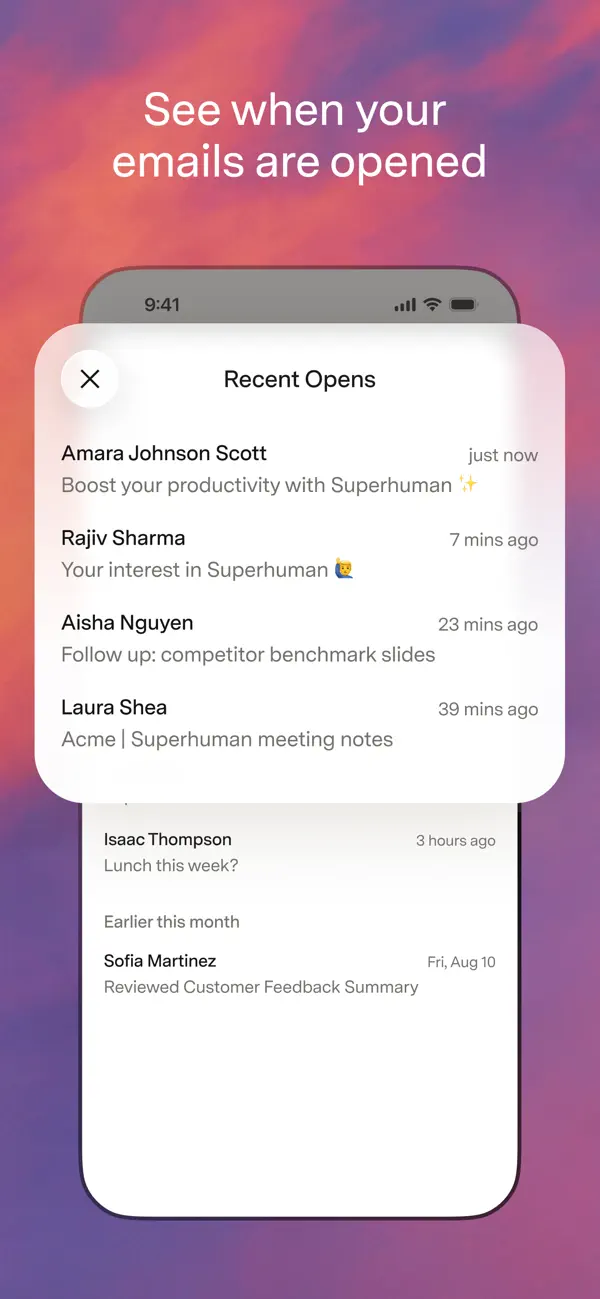
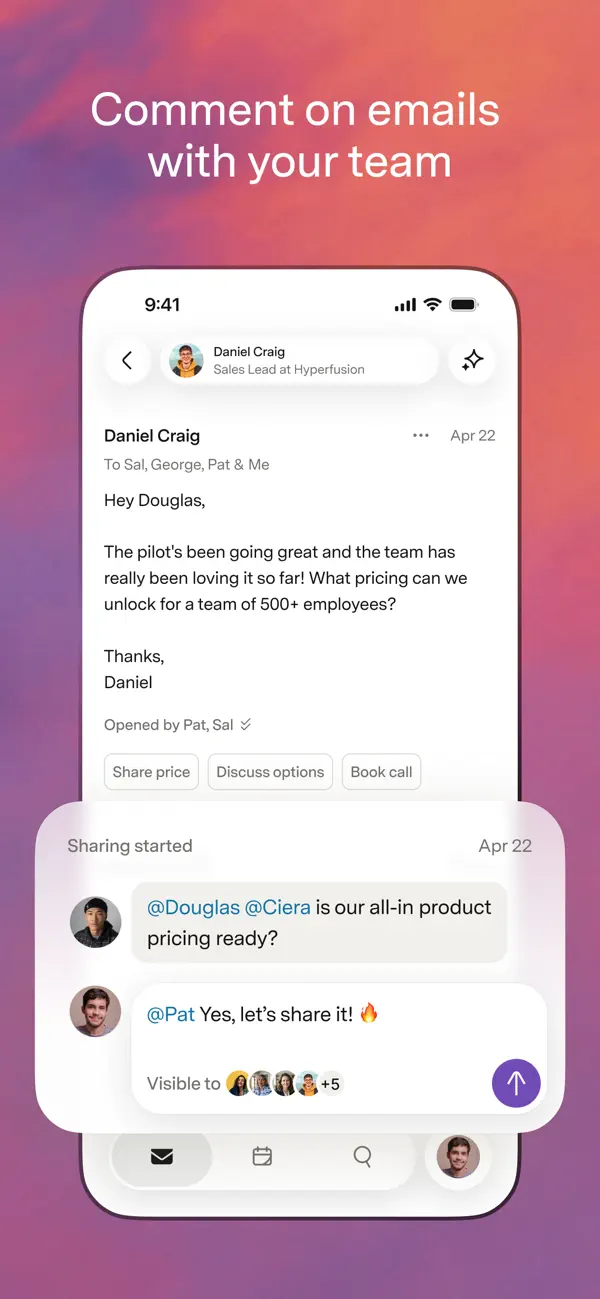
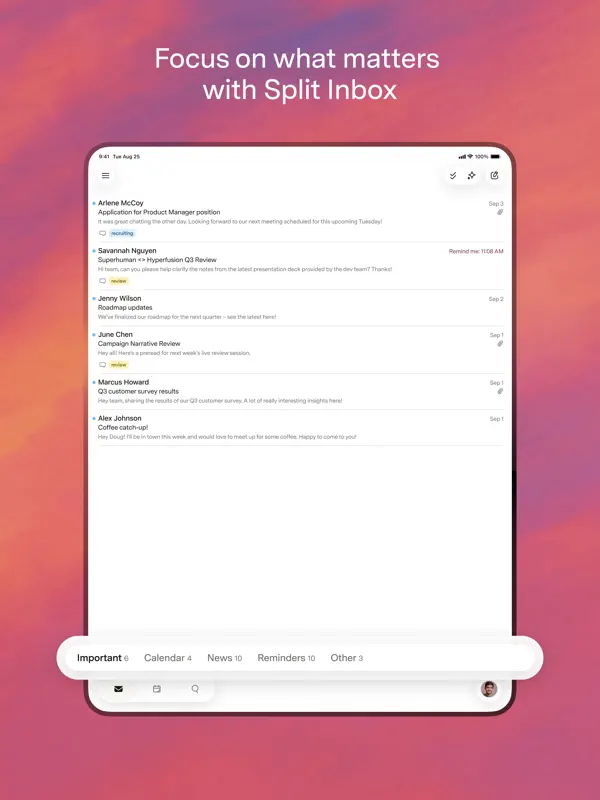
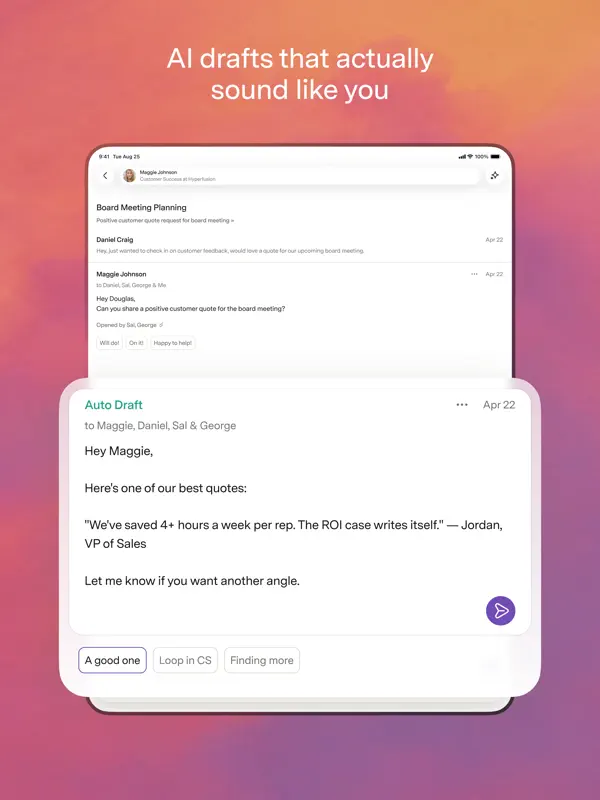
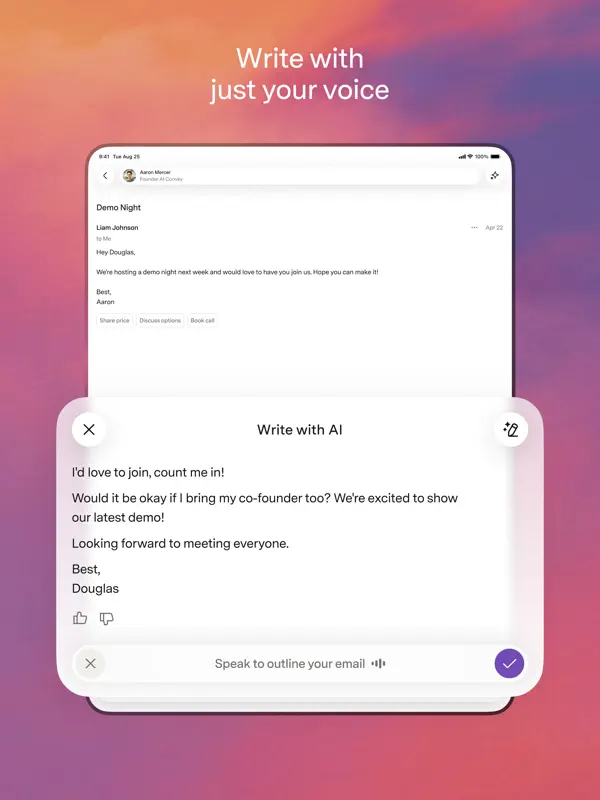
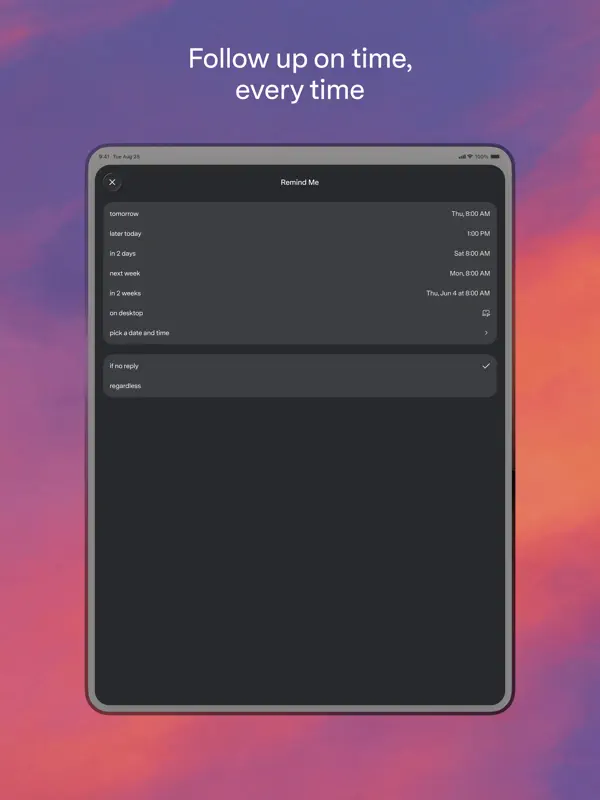
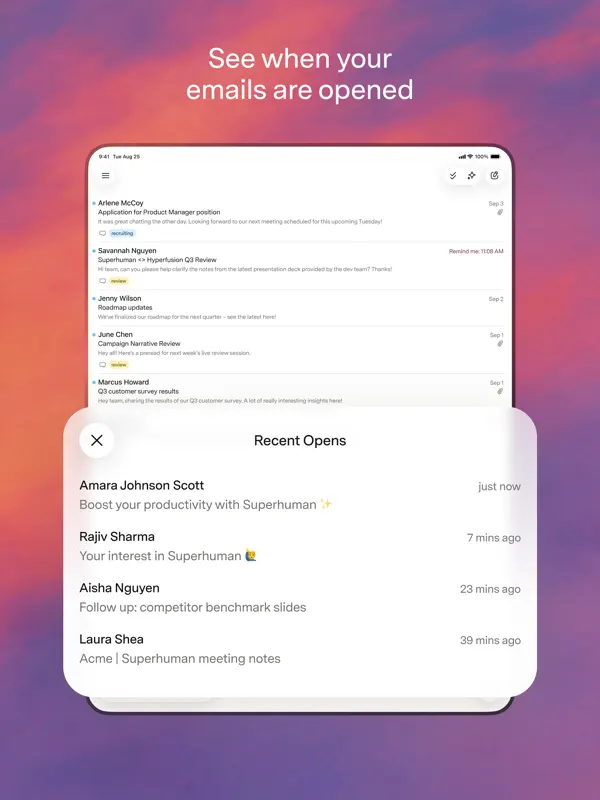
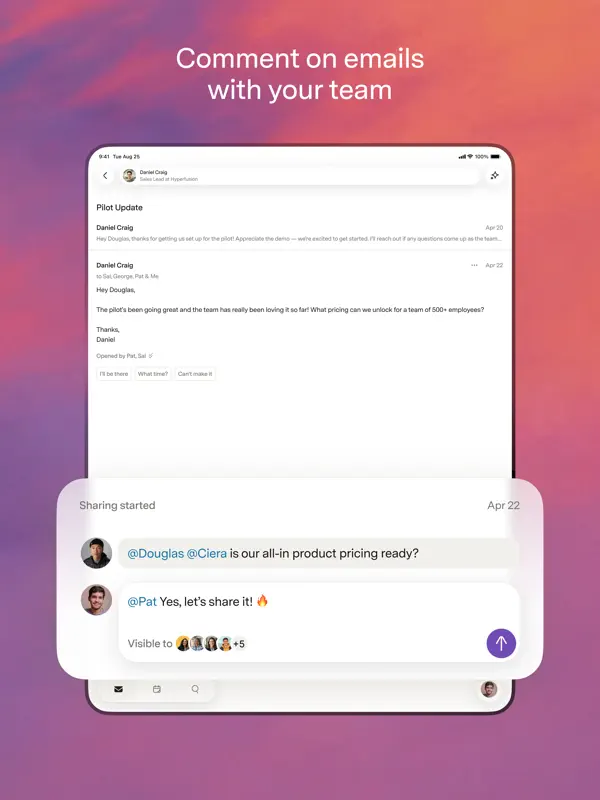
Superhuman Mail is an email client for Gmail and Outlook accounts, built around keyboard-speed workflows and inbox triage. On iPhone it offers AI-drafted replies that you can edit before sending, voice-to-email writing, one-line conversation summaries, and Snippets for reusing phrases or whole messages. Split inboxes sort incoming mail into customizable groups, Auto Archive clears out low-priority messages, reminders flag conversations that still need a reply, and send-later scheduling lets you time messages. Teams can share a live view of an email thread and comment on it instead of forwarding. It is aimed at people who handle a large volume of email, particularly in work settings. The app is free to download and requires a Superhuman subscription, sold through in-app purchase, for full use. Version 5.7.0, released on October 19, 2026, announces that Superhuman Mail is now on iPhone Duo, optimized for the device's larger display and updated for iOS 27 with an adaptive layout across screen sizes. The update also makes switching between accounts faster. No fold-specific feature is described, so we list it as adapted.
App Store descriptionWritten by the developer.
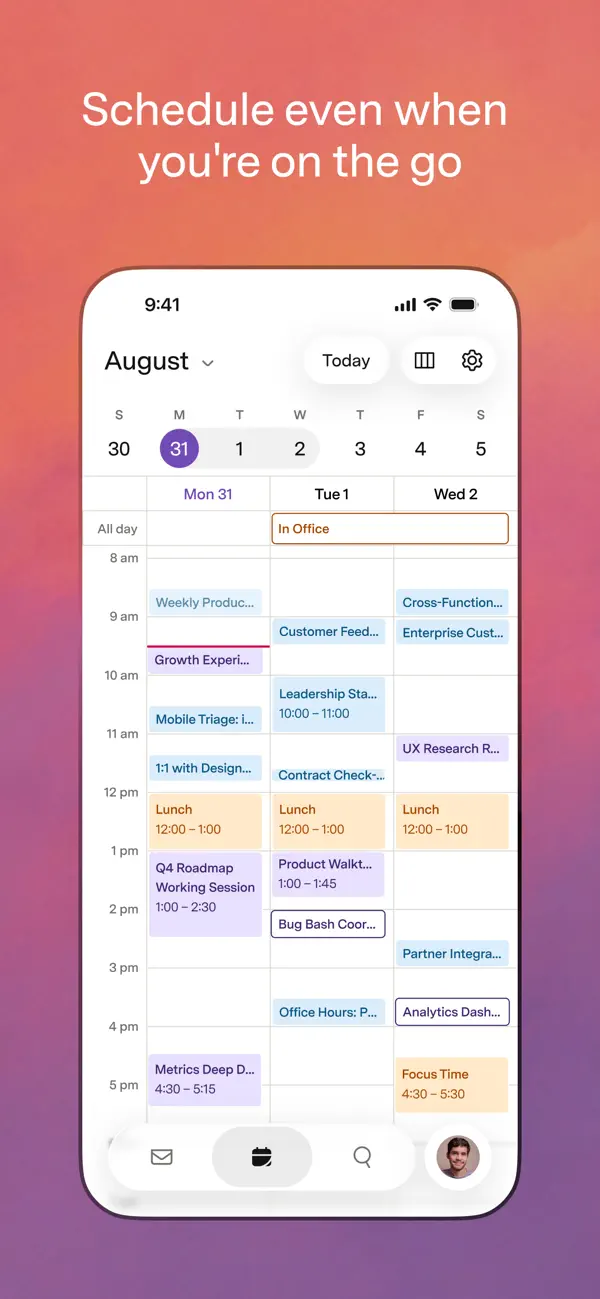
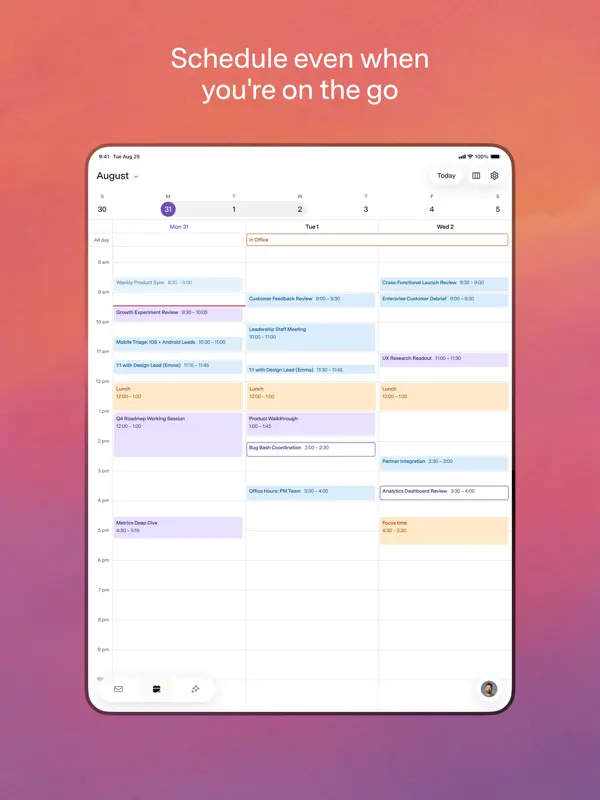
Superhuman Mail is the most productive email app ever made. Designed to help you fly through your inbox, be more responsive to what matters most, and collaborate faster than ever before, Superhuman Mail helps teams on Gmail and Outlook save 4+ hours per person each week. FLY THROUGH YOUR INBOX 2X FASTER Write better and faster with AI that matches your unique style for each person. Get draft replies on every email that needs a response, ready to edit and send. Turn your thoughts into polished emails in seconds with Write with Voice. Stay a step ahead with an automatic 1-line summary above every conversation. Automate phrases and entire emails with Snippets. BE MORE RESPONSIVE TO WHAT MATTERS MOST Automatically triage incoming email with customizable inbox splits, so you can always focus on what matters most. Avoid the clutter for good with Auto Archive. Never let a follow-up slip, with automatic reminders to reply. Send emails when they're most likely to be opened, so you land at the top of your recipient's inbox at just the right time. COLLABORATE FASTER THAN EVER BEFORE Share a live view of any email, and add comments for your team—no need to repeatedly screenshot, forward, or bcc. See your calendar without leaving your inbox. Get full context on your customers and deals with HubSpot and Salesforce directly integrated. Connect all your Gmail and Outlook accounts to AI tools like Claude and ChatGPT via the Superhuman Mail MCP. Teams save 20 million hours every single year with Superhuman Mail. https://superhuman.com/terms
Highlights
- Works with Gmail and Outlook
- AI-drafted replies and voice writing
- One-line conversation summaries
- Split inboxes and Auto Archive
- Reply reminders and send later
- Adaptive layout on iPhone Duo
Superhuman Mail on iPhone Duo: FAQ
Is Superhuman Mail optimized for iPhone Duo?
Partly. Superhuman Mail is Adapted: it fills the larger inner display, but it does not do anything special with the fold. Verified on October 19, 2026 (Developer statement).
What does Superhuman Mail look like on iPhone Duo?
Superhuman's App Store release notes for version 5.7.0 (October 19, 2026) say Superhuman Mail is now on iPhone Duo, optimized for the Duo's larger display and updated for iOS 27 with an adaptive layout that works across screen sizes. The notes do not describe a distinct outer-display or half-open mode. We have not yet tested it on an iPhone Duo.
How much does Superhuman Mail cost?
Superhuman Mail costs Free · in-app purchases on the App Store.
More Productivity apps
See all ›
Calm to-do list and paper-style planner that sorts tasks by how long they take

Task and project management with layouts for both iPhone Duo displays

Unified inbox from Readdle with message and inbox side by side when unfolded

Task manager from Cultured Code, reshaped for every iPhone Duo pose

A private handwriting-style notebook that opens when you unfold iPhone Duo

Visual timeline day planner with a Focus Timer for book and tabletop poses