TickTick
To-do lists, calendar, habits and a focus timer, updated for iPhone Duo
Appest Limited · Productivity · Free · in-app purchases
iPhone screenshots
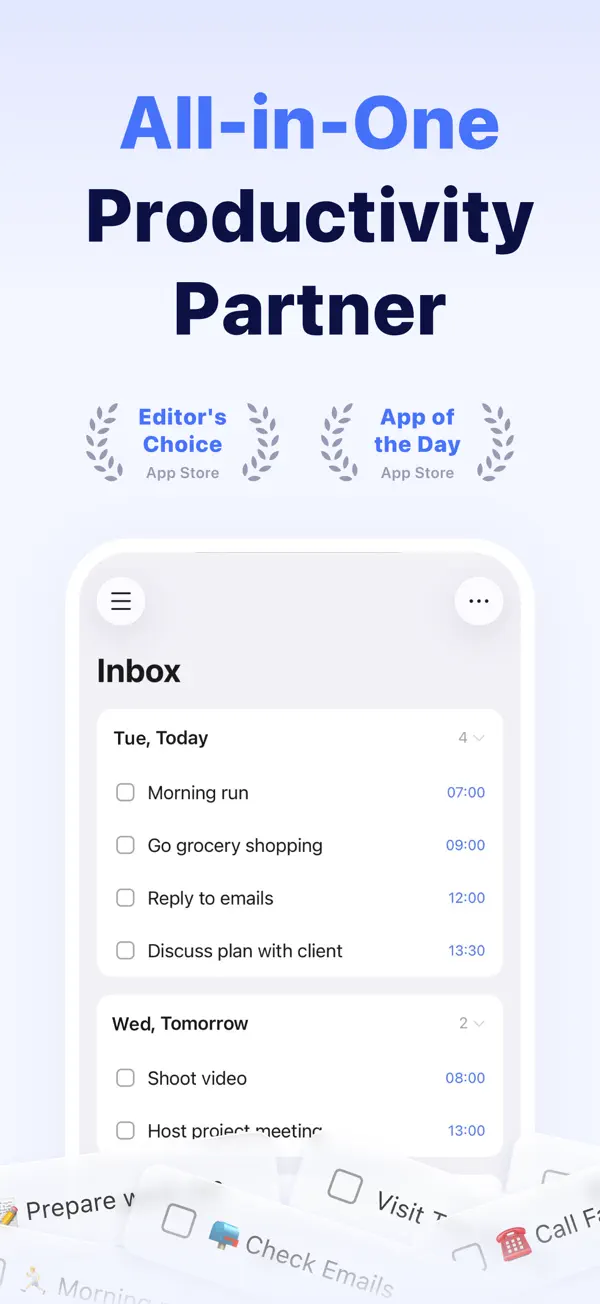
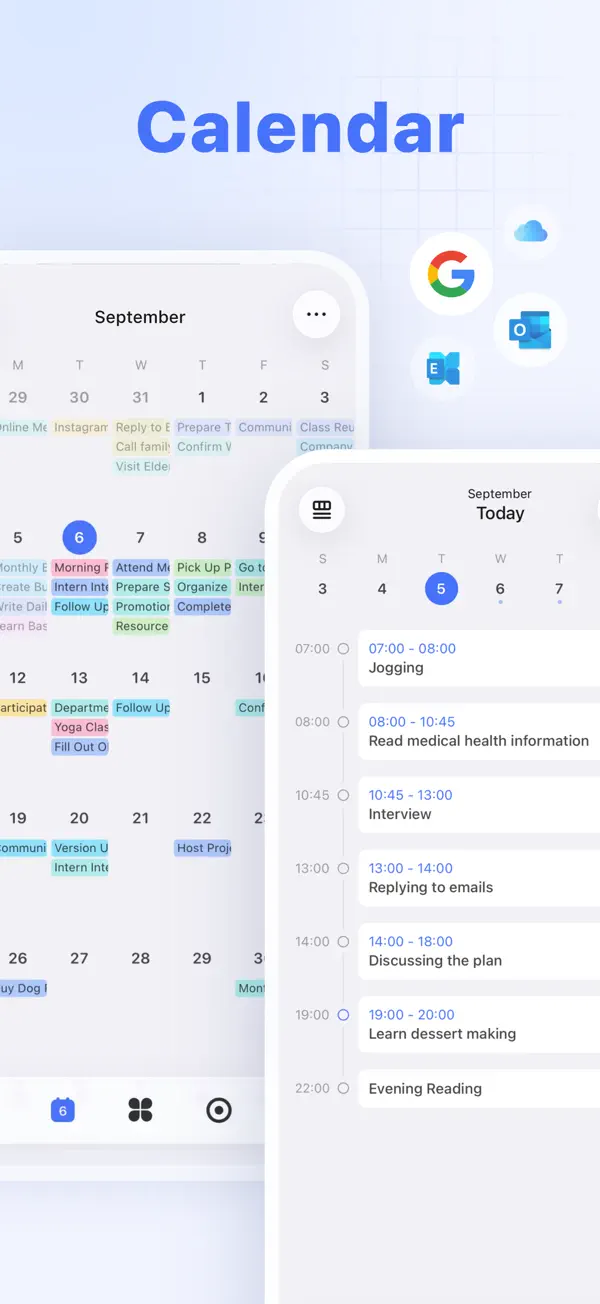
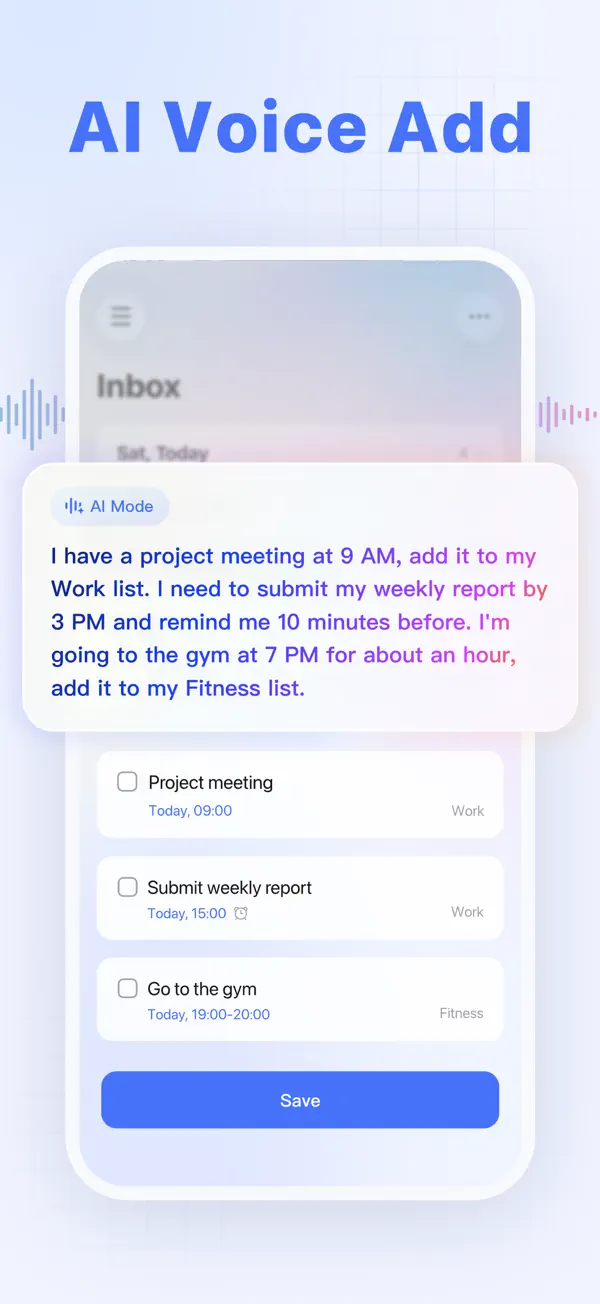
iPad screenshots
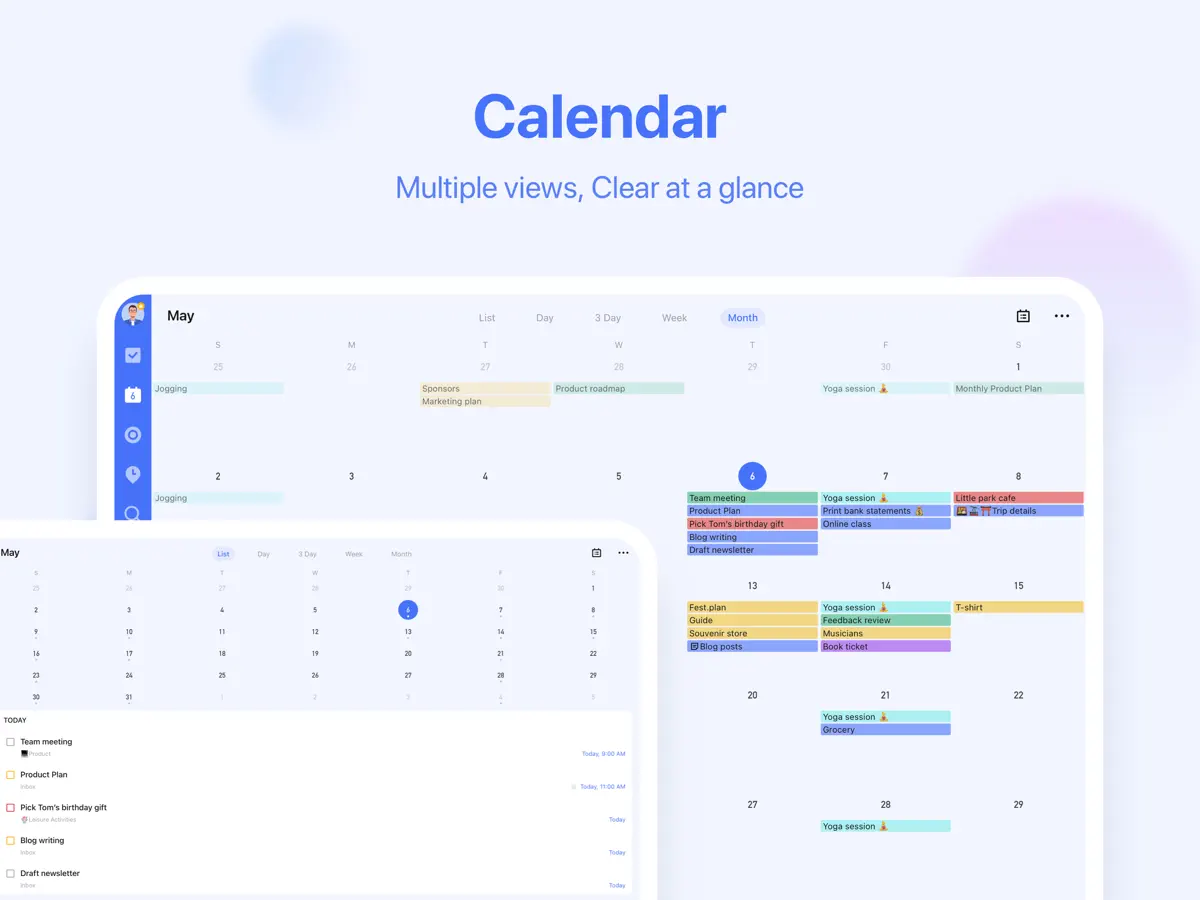
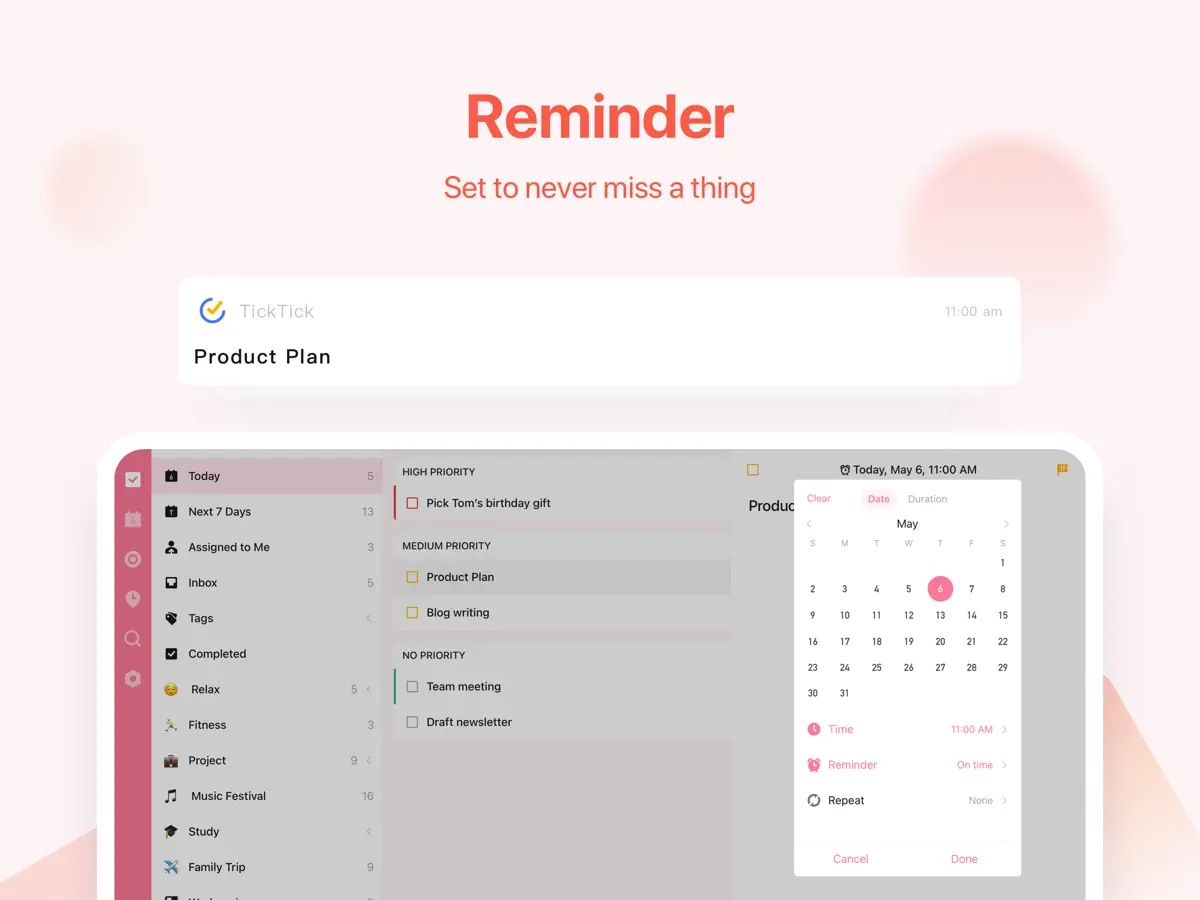
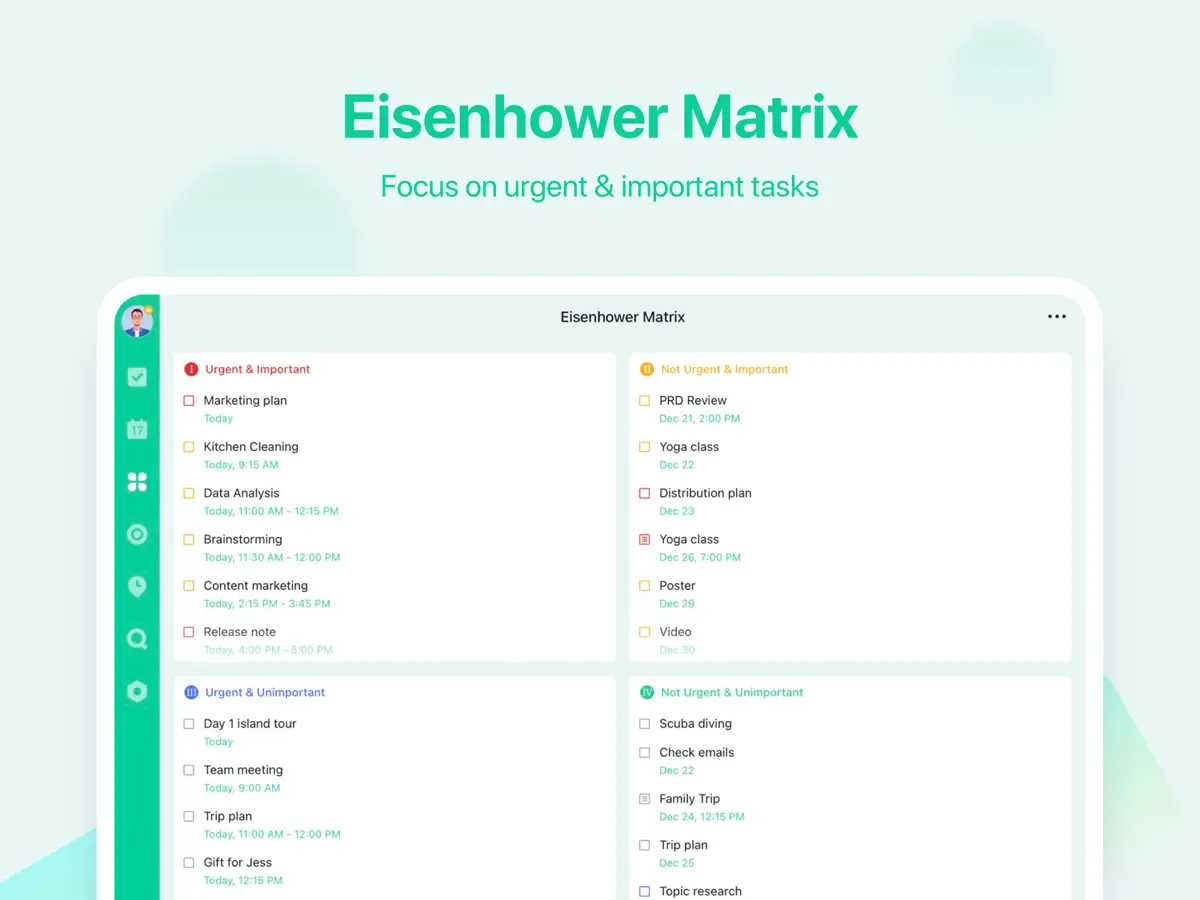
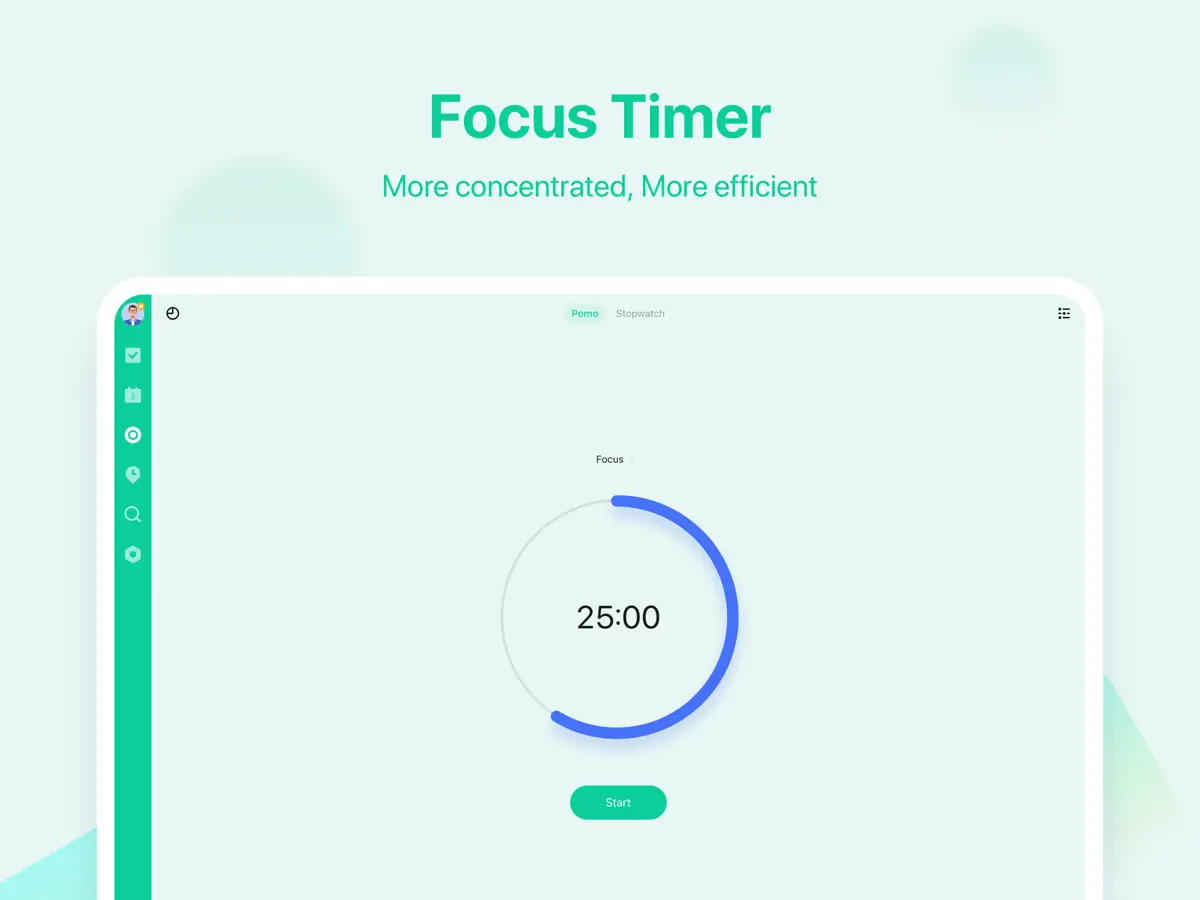
How it uses iPhone Duo
TickTick's App Store in-app event "TickTick for iPhone Duo" (starting October 21, 2026) says the app is ready for iPhone Duo and gives users more room to view tasks, plan their schedule and stay organised on the foldable screen. The developer has not described an outer-display mode, Split View feature or other fold-specific behaviour, so it is listed as Adapted. We have not yet tested TickTick on an iPhone Duo.
What’s New
Version 8.2.30 ·
General fixes and improvements to let you enjoy more of your favorite task manager. Regular updates will be made to offer you an ever more smooth and stable journey at TickTick. To follow what’s new, discover tips, or leave us a feedback, let’s chat on Facebook & Instagram @TickTickApp, Twitter @TickTick, or Reddit r/ticktick.
About this app
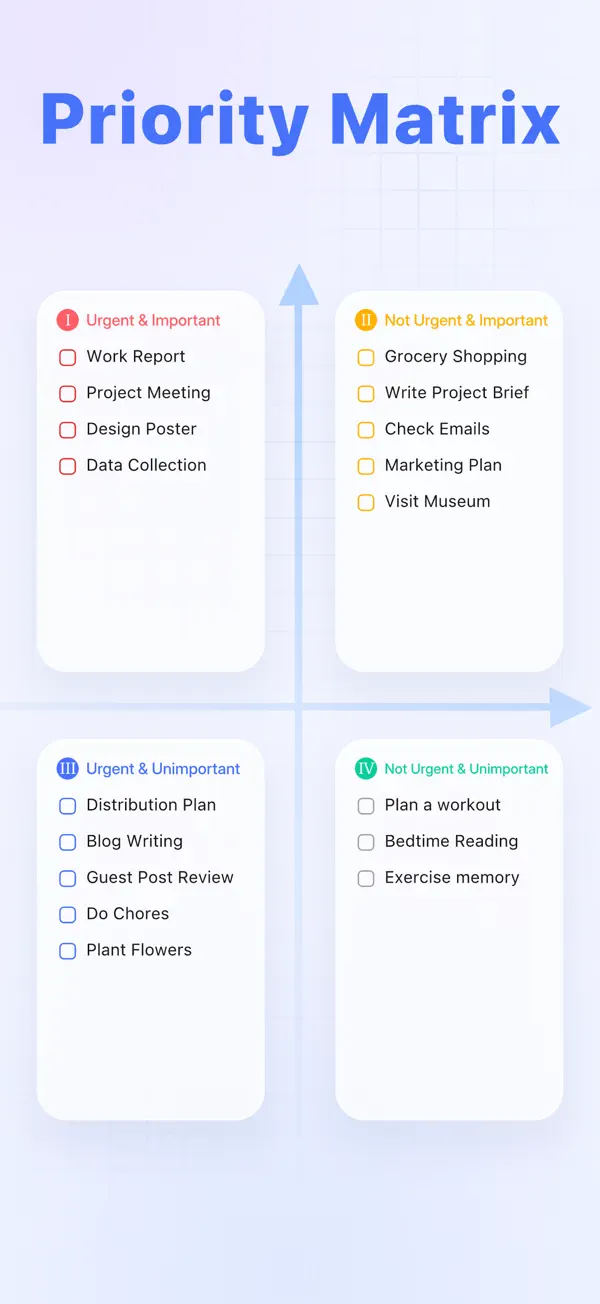
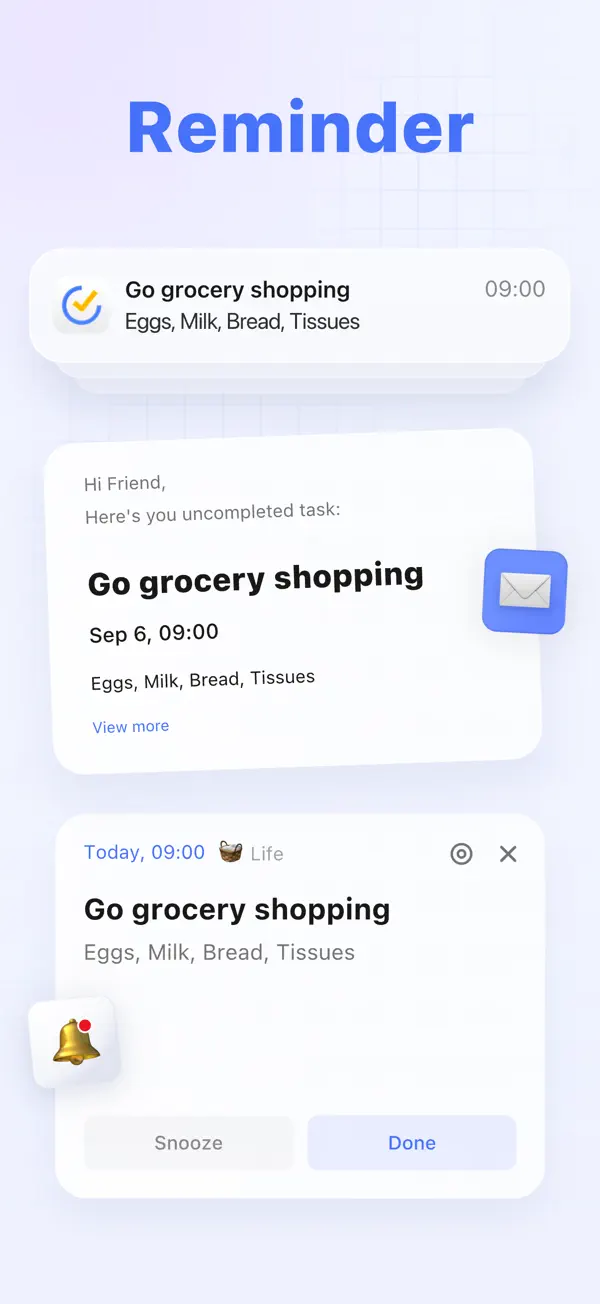
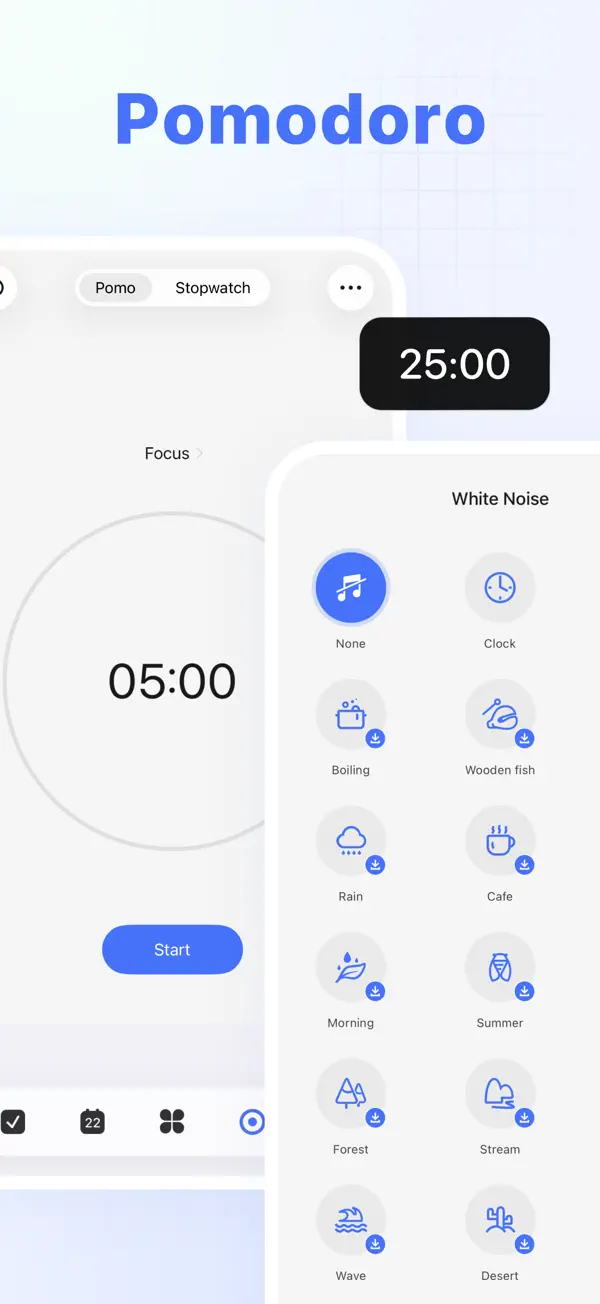
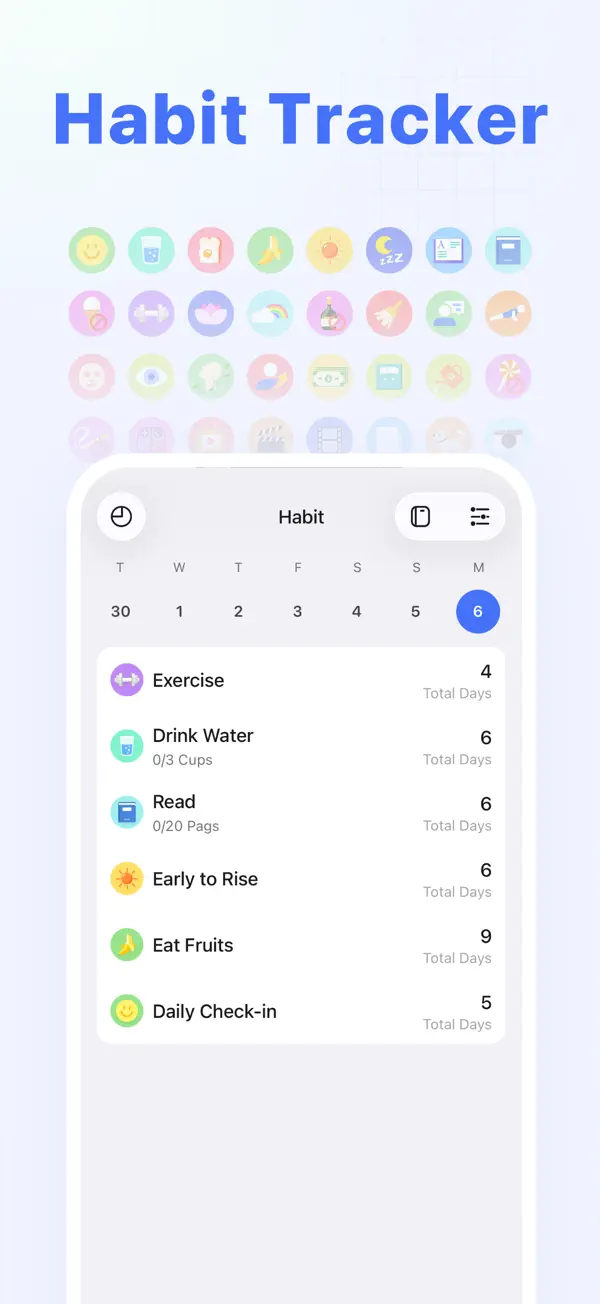
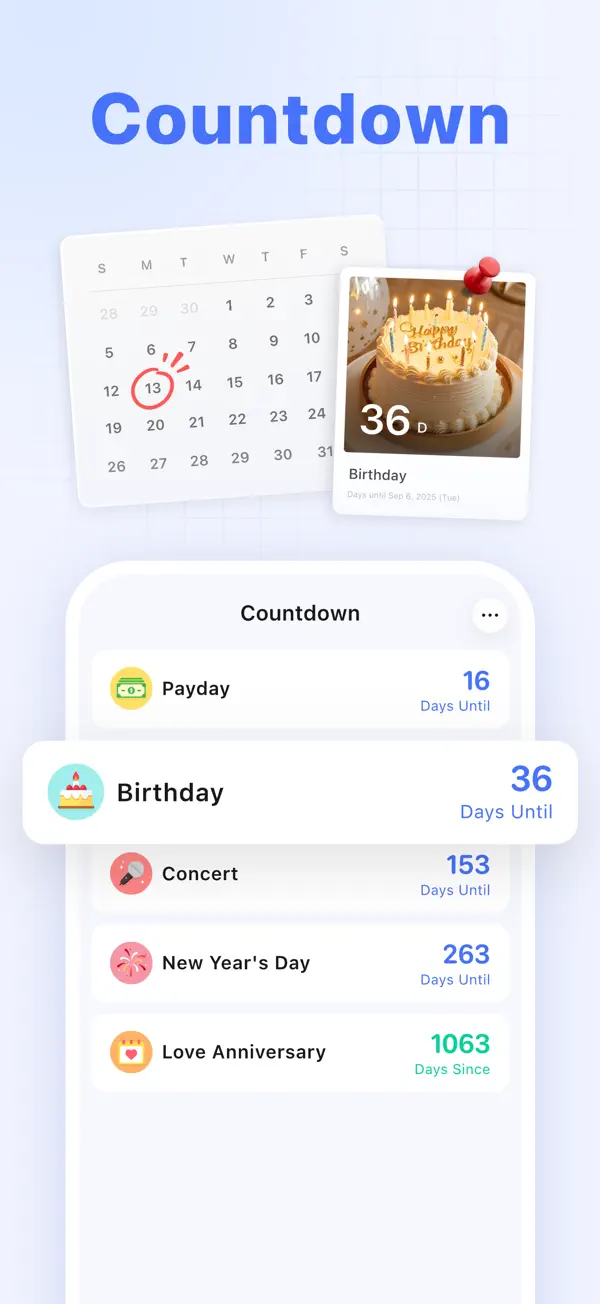
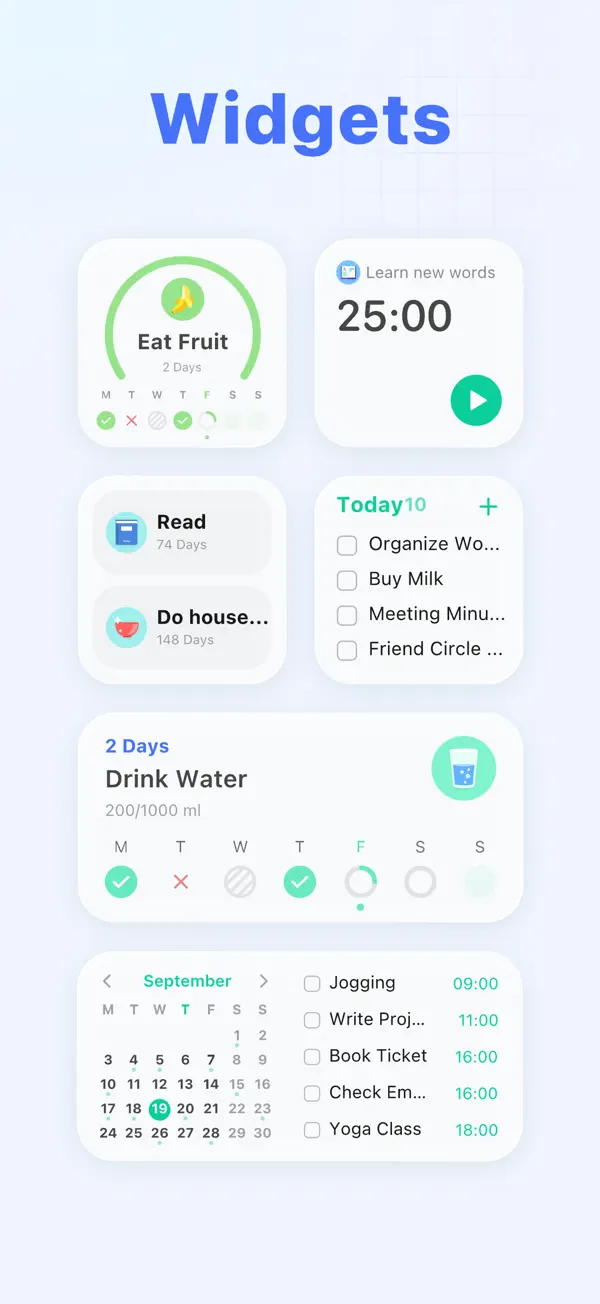
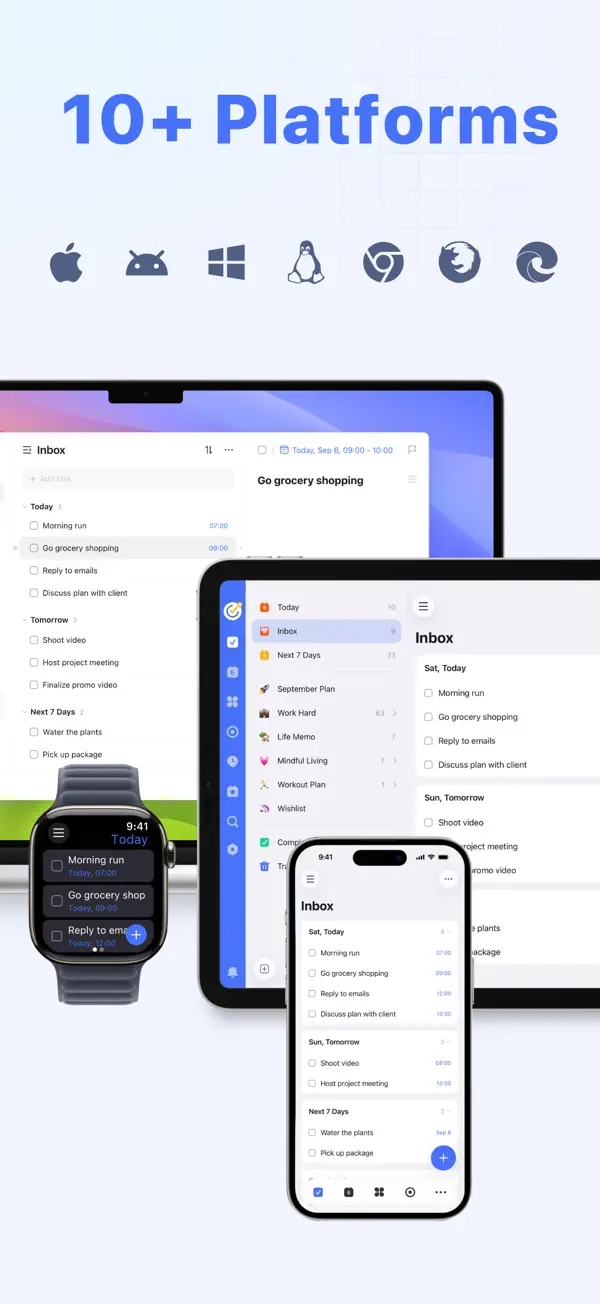
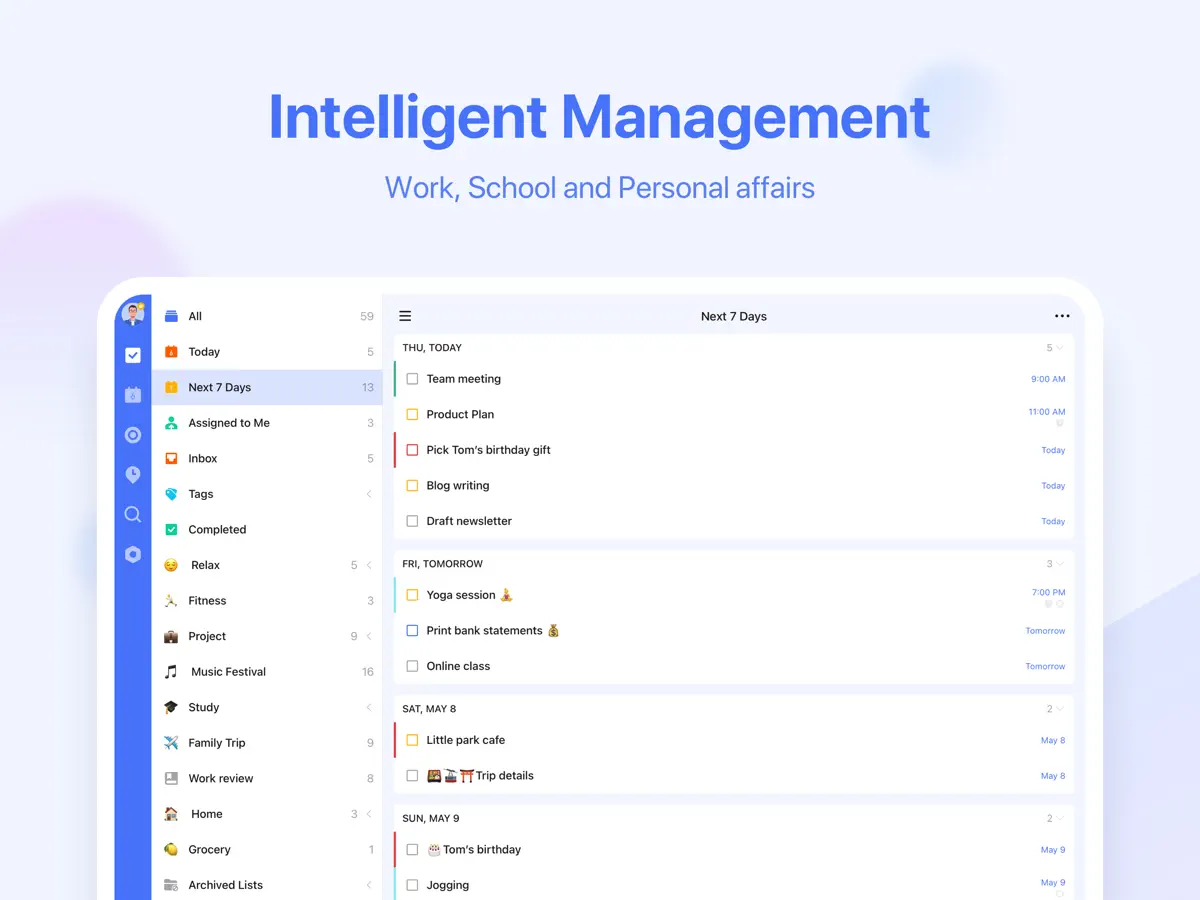
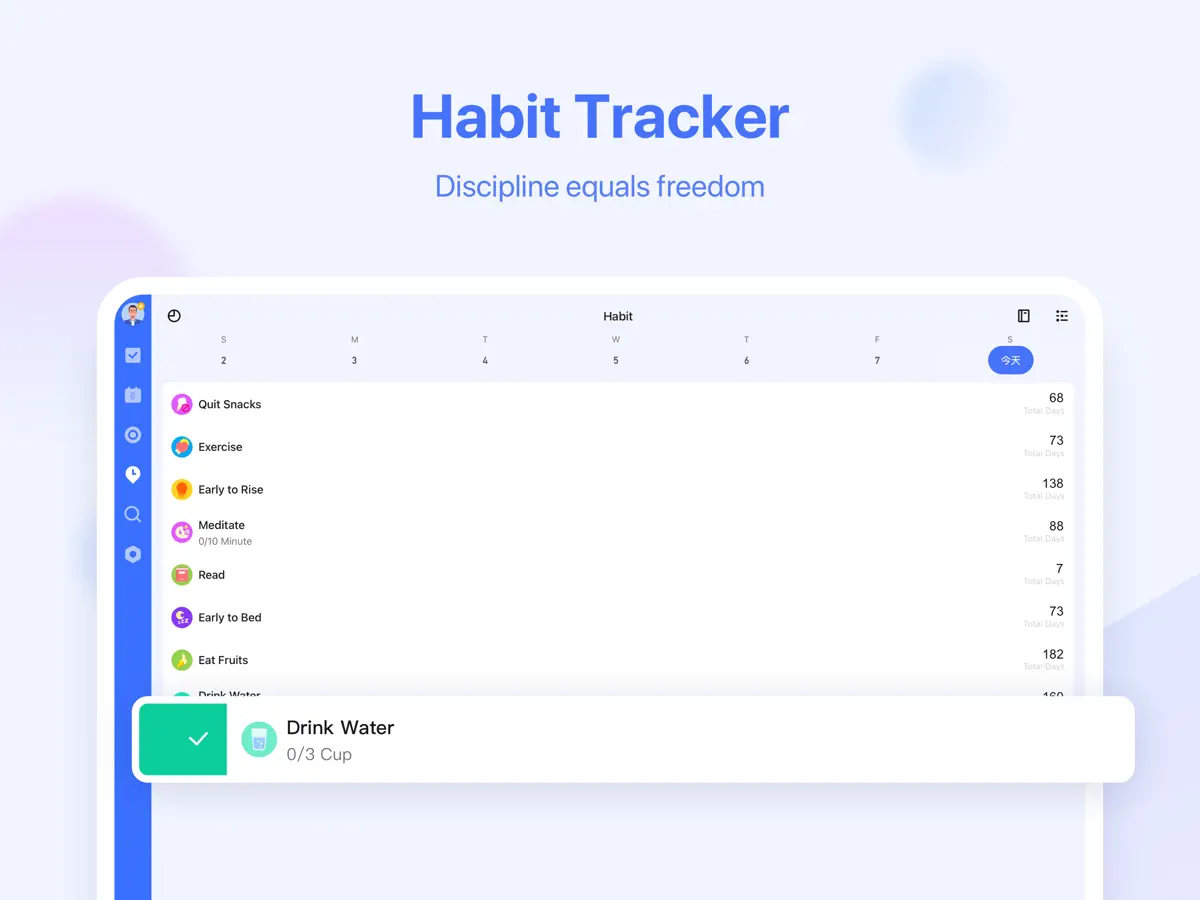
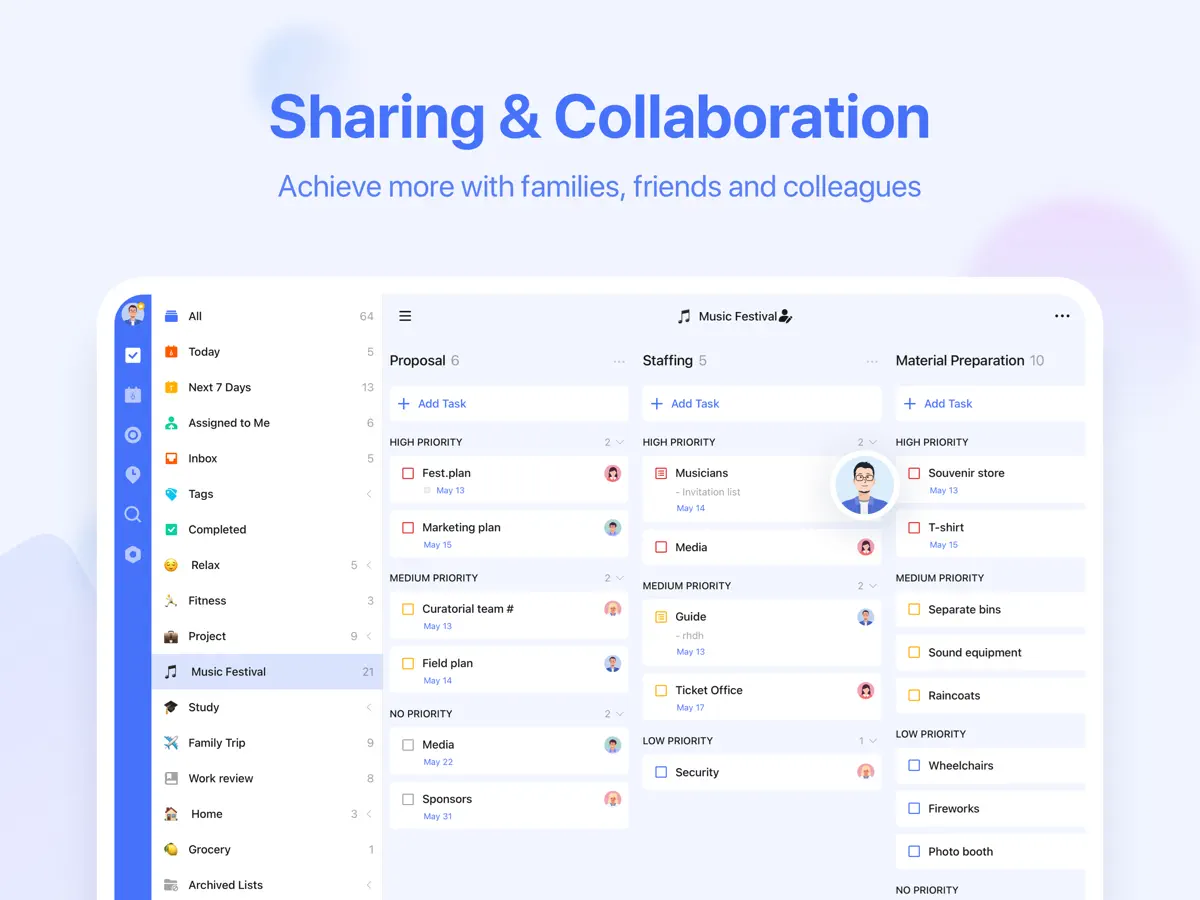
TickTick is a cross-platform to-do list and task manager from Appest Limited that syncs your tasks through the cloud across phone, tablet, computer and web. Beyond basic lists, it handles recurring tasks, checklists, multiple reminders per task, time- and location-based reminders, four priority levels and tags. Several calendar views let you see tasks alongside your schedule, and the app can connect with your existing calendar. TickTick also bundles tools that many people otherwise keep in separate apps: a Pomodoro-style focus timer, a habit tracker, and countdowns for birthdays and anniversaries. Lists can be shared with other people for collaboration, tasks can be added by email or with Siri, and attachments, descriptions and comments can be added to tasks. The core app is free, and a Premium subscription raises limits on lists, tasks, reminders, shared members and attachments while unlocking extras such as calendar subscriptions, a grid calendar view and custom smart lists. It suits anyone who wants planning, scheduling and habits in one place. For the iPhone Duo launch, the developer is running an App Store event announcing that TickTick is ready for the device's foldable screen.
App Store descriptionWritten by the developer.
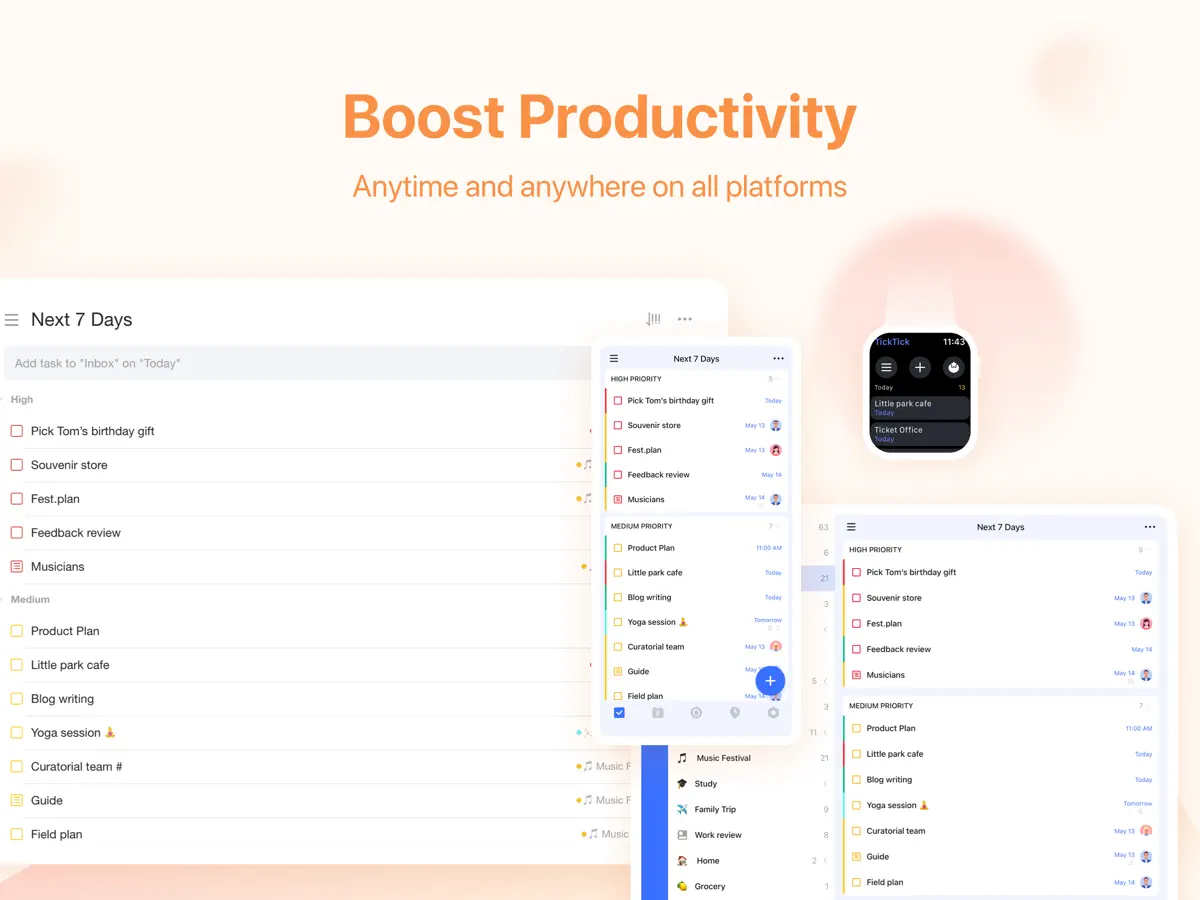
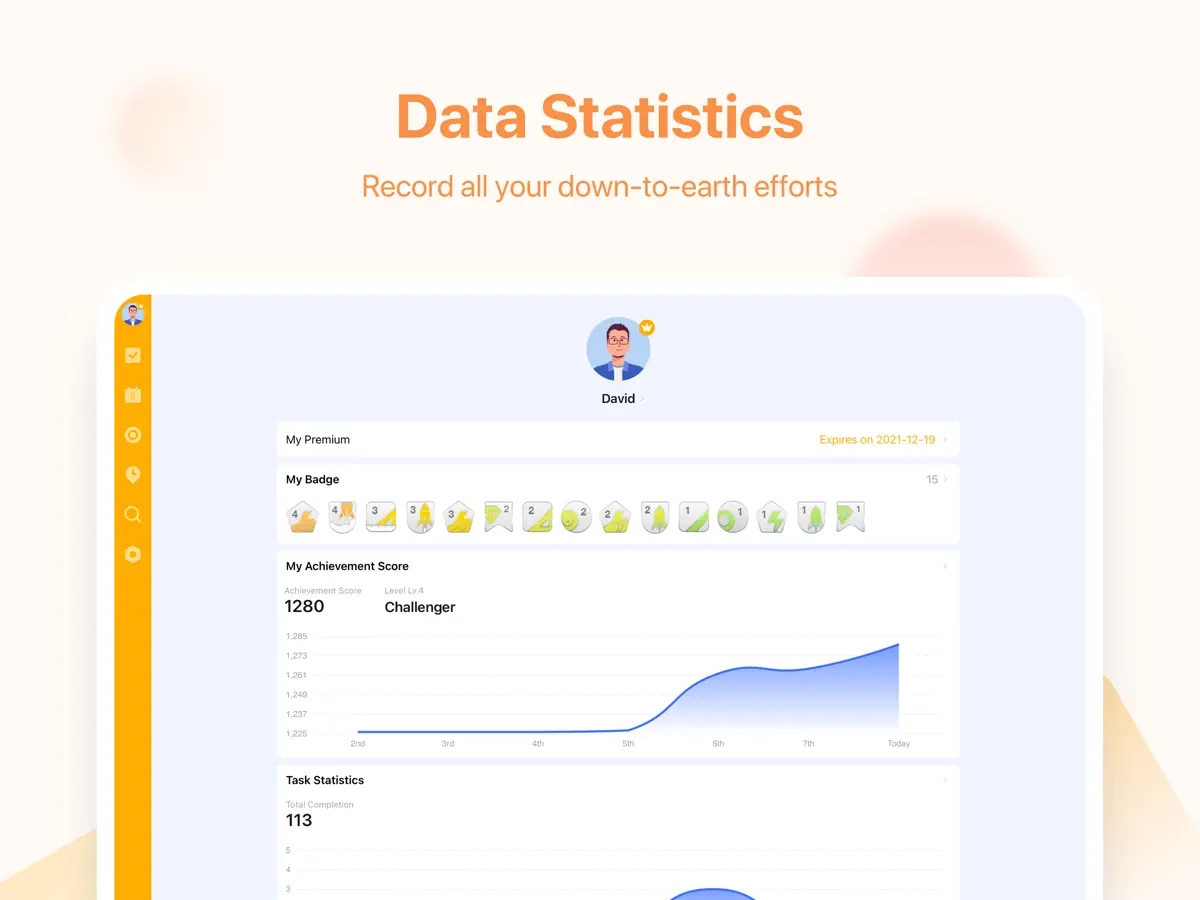
TickTick is a powerful to-do & task management app with seamless cloud synchronization across all your devices. Whether you need to schedule an agenda, make memos, share shopping lists, collaborate in a team, or even develop a new habit, set countdown for birthdays, TickTick is always here to help you get stuff done and keep life on track. Key features of TickTick: • Sync tasks across all devices • Multiple reminders • Flexible calendar views • Integrate with calendar application • Set flexible recurring tasks • Create checklists • Share task lists for collaboration • Add task via email • Upload attachments to tasks • Classify tasks with tags • Keep track of birthdays, anniversaries with countdown More functions to help you get focused and boost productivity: • Use Siri to create tasks faster and easier • Enable Pomo Timer to stay concentrated • Set a Goal to develop a Habit • Instant time & location reminder • Four priority levels • Different sort options (by order/date/name/priority) • Add description/comments to tasks • Batch edit tasks • Quick search tasks TickTick is always free, while you could also upgrade to Premium account to enjoy full access to the most advanced features. • More lists and tasks: 299 lists, 999 tasks in each list, 199 subtasks in each task • Add up to 5 reminders to each task • Share a task list to up to 29 members for better collaboration • Upload up to 99 attachments every day • Subscribe calendars in TickTick • Grid view of calendar • Custom Smart List • Add more than 5 habits • Add more than 5 countdowns How TickTick makes you more productive? • Get all things done • Never miss a schedule • Collaborate more efficiently • Sync across multiple platforms • Save efforts for stuff that really matters About billing of Premium: Auto-Renewable subscription payment will be charged to your iTunes account as soon as purchase is confirmed. Any unused portion of Premium period you upgraded via other platforms will be forfeited at the same time. Your subscription will get auto renewed unless cancelled at least 24 hours before the end of the current period. Please feel free to manage or cancel the auto-renew subscription at any time from the account settings on iTunes after purchase. TickTick has integrated HealthKit, you can sync your focus time data to Apple Health. Our Privacy Policy: https://www.ticktick.com/about/privacy Our Terms of Use: https://www.ticktick.com/about/tos For questions, feedback, or tips, we're happy to help you at support@ticktick.com Connect with us: Twitter: @ticktick Instagram: @ticktickapp Facebook: @TickTickApp Reddit: r/ticktick
Highlights
- Tasks with recurring rules, checklists and four priority levels
- Time and location reminders
- Multiple calendar views and calendar integration
- Built-in Pomodoro focus timer
- Habit tracker and countdowns
- Shared lists for collaboration
- Cloud sync across devices
TickTick on iPhone Duo: FAQ
Is TickTick optimized for iPhone Duo?
Partly. TickTick is Adapted: it fills the larger inner display, but it does not do anything special with the fold. Verified on October 21, 2026 (Developer statement).
What does TickTick look like on iPhone Duo?
TickTick's App Store in-app event "TickTick for iPhone Duo" (starting October 21, 2026) says the app is ready for iPhone Duo and gives users more room to view tasks, plan their schedule and stay organised on the foldable screen. The developer has not described an outer-display mode, Split View feature or other fold-specific behaviour, so it is listed as Adapted. We have not yet tested TickTick on an iPhone Duo.
How much does TickTick cost?
TickTick costs Free · in-app purchases on the App Store.
More Productivity apps
See all ›
Calm to-do list and paper-style planner that sorts tasks by how long they take
Task and project management with layouts for both iPhone Duo displays

Unified inbox from Readdle with message and inbox side by side when unfolded
Task manager from Cultured Code, reshaped for every iPhone Duo pose
A private handwriting-style notebook that opens when you unfold iPhone Duo

Visual timeline day planner with a Focus Timer for book and tabletop poses