
DualMac: VNC Remote Desktop
View and control your own Mac remotely through Screen Sharing, with optional Companion features.
MARIUS LABS · Productivity · Free
iPhone screenshots
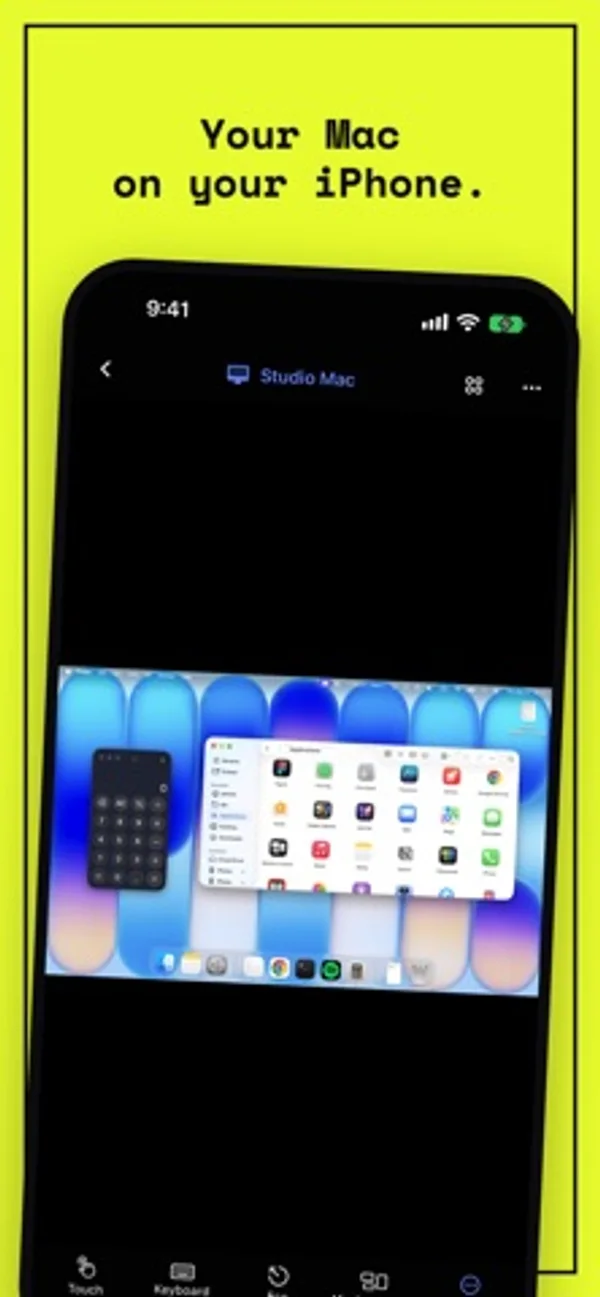
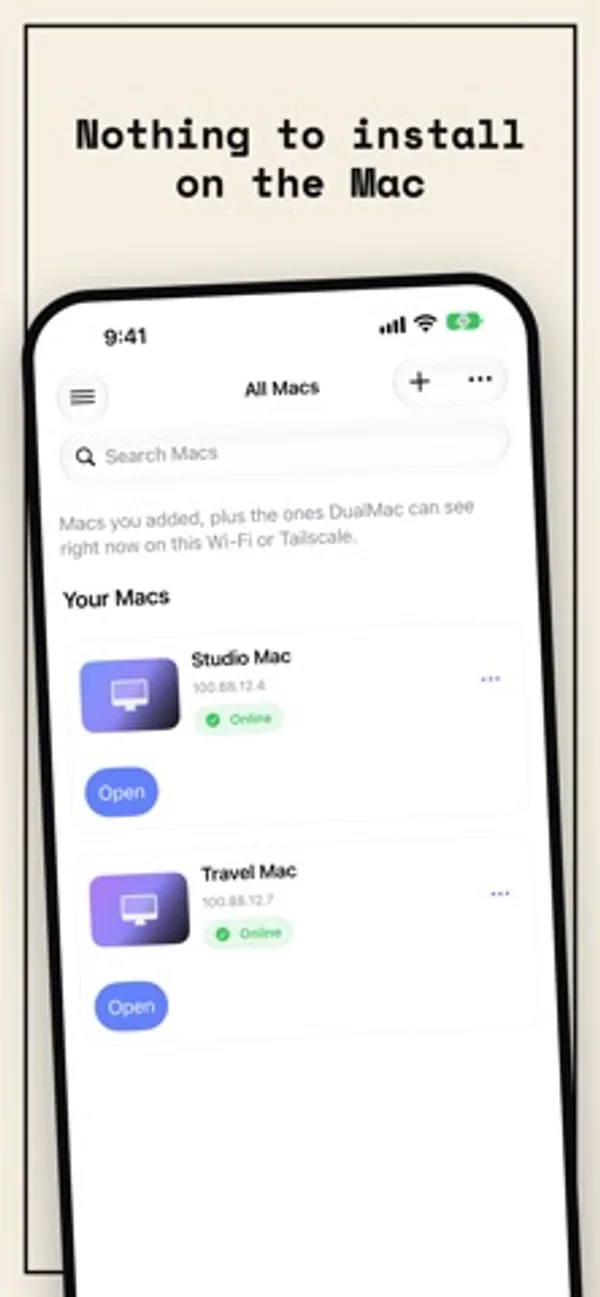
How it uses iPhone Duo
Opening Duo switches to the iPad-style layout with the Mac on the inner display; closing returns to the iPhone layout on the cover display.
What’s New
Version 1.3.2 ·
• New Mac cards in your library, with each Mac’s model and status. Tap anywhere on a card to open the Mac. DualMac recognizes the model on your local network, and you can also choose it when you edit the Mac. • Redesigned session controls: they float over your Mac’s screen, hide on their own and make room when the Mac’s screen fills the display. • A Mac paired with DualMac Companion now opens with the Companion directly. If it doesn’t answer, the session switches to Screen Sharing (VNC) by itself and tells you. • Faster connection over Screen Sharing (VNC), and your session reconnects right away when you come back to DualMac. • If a Mac on your local network is off or out of reach, tapping its card now tells you in about 5 seconds instead of 30. • More precise touch gestures: double-taps are recognized reliably and scrolling stays on one axis. In Enhanced mode, scrolling now follows your fingers, as in Screen Sharing (VNC). • Changing the image quality now takes effect without reconnecting. • Clearer messages when a Mac closes the connection, and automatic reconnection after a brief network drop. • Fixes the display of MacBook Air and other Macs at their default resolution, and a crash on iPadOS 27 when closing a form with the keyboard open.
App Store descriptionWritten by the developer.
DualMac is a VNC remote desktop for iPad and iPhone that shows and controls the Mac you own. No subscription, no in-app purchases, no account. Nothing to install on the Mac • Connects straight to macOS Screen Sharing, the remote desktop built into every Mac. Standard VNC (RFB) with Mac authentication. No Companion needed for VNC. • Works on your local network, through your own Tailscale network when away, or over an SSH tunnel with keys. DualMac never exposes VNC to the public Internet and never routes your screen through a relay. • Ideal for a headless Mac mini, a studio Mac or a build machine you check from the couch. All your Macs, one library • Save every Mac you own and open any of them in one tap. • Touch and hold the app icon for your recent Macs, or open any Mac by name with Siri or Spotlight. • Observe or control, per session. Built for iPad • Direct touch, pointer, hardware keyboard, trackpad and Apple Pencil. • Mac shortcuts and Mission Control in one tap, configurable toolbar. • Multi-display switching, adaptive quality, on-device dictation. • Clipboard sharing, Face ID lock, hidden previews in the App Switcher. • Shortcuts, URL schemes, Stage Manager windows, optional iCloud sync of your library (off by default). On iPhone Duo • Open iPhone Duo and DualMac switches to its iPad layout, with your Mac on the inner display. • With iPhone Duo closed, DualMac keeps the iPhone layout on the outer display. Companion for more Install DualMac Companion on the Mac, available from dualmac.app, to add: • Enhanced H.264 streaming • File transfer with pause and resume, rich clipboard • Wake the Mac through your other Mac, privacy curtain, lock and sleep • Remote display selection Enhanced requires DualMac Companion plus Tailscale on both devices. Privacy DualMac has no account, no advertising and no developer-operated cloud backend. Your Macs' names and addresses, screens, files and clipboard never reach the developer. Credentials stay in Keychain. Screen, clipboard and file traffic goes directly between your devices. DualMac is not affiliated with or endorsed by Apple or Tailscale. Requirements • iPad with iPadOS 17.6 or later, or iPhone with iOS 17.6 or later, including iPhone Duo • A Mac you own or are authorized to control, with Screen Sharing enabled • For Enhanced: DualMac Companion, Tailscale on both devices, and the required macOS privacy permissions
DualMac: VNC Remote Desktop on iPhone Duo: FAQ
Is DualMac: VNC Remote Desktop optimized for iPhone Duo?
Partly. DualMac: VNC Remote Desktop is Adapted: it fills the larger inner display, but it does not do anything special with the fold. Verified on November 1, 2026 (Developer statement).
What does DualMac: VNC Remote Desktop look like on iPhone Duo?
Opening Duo switches to the iPad-style layout with the Mac on the inner display; closing returns to the iPhone layout on the cover display.
How much does DualMac: VNC Remote Desktop cost?
DualMac: VNC Remote Desktop is free to download on the App Store.
More Productivity apps
See all ›
Calm to-do list and paper-style planner that sorts tasks by how long they take

Plan appointments and keep a diary with month, list and split calendar views.

Write with a typewriter-style keyboard, recorded key sounds and carriage-return actions.

Record conversations and turn transcripts into summaries, action items and follow-up drafts.

Task and project management with layouts for both iPhone Duo displays

Unified inbox from Readdle with message and inbox side by side when unfolded